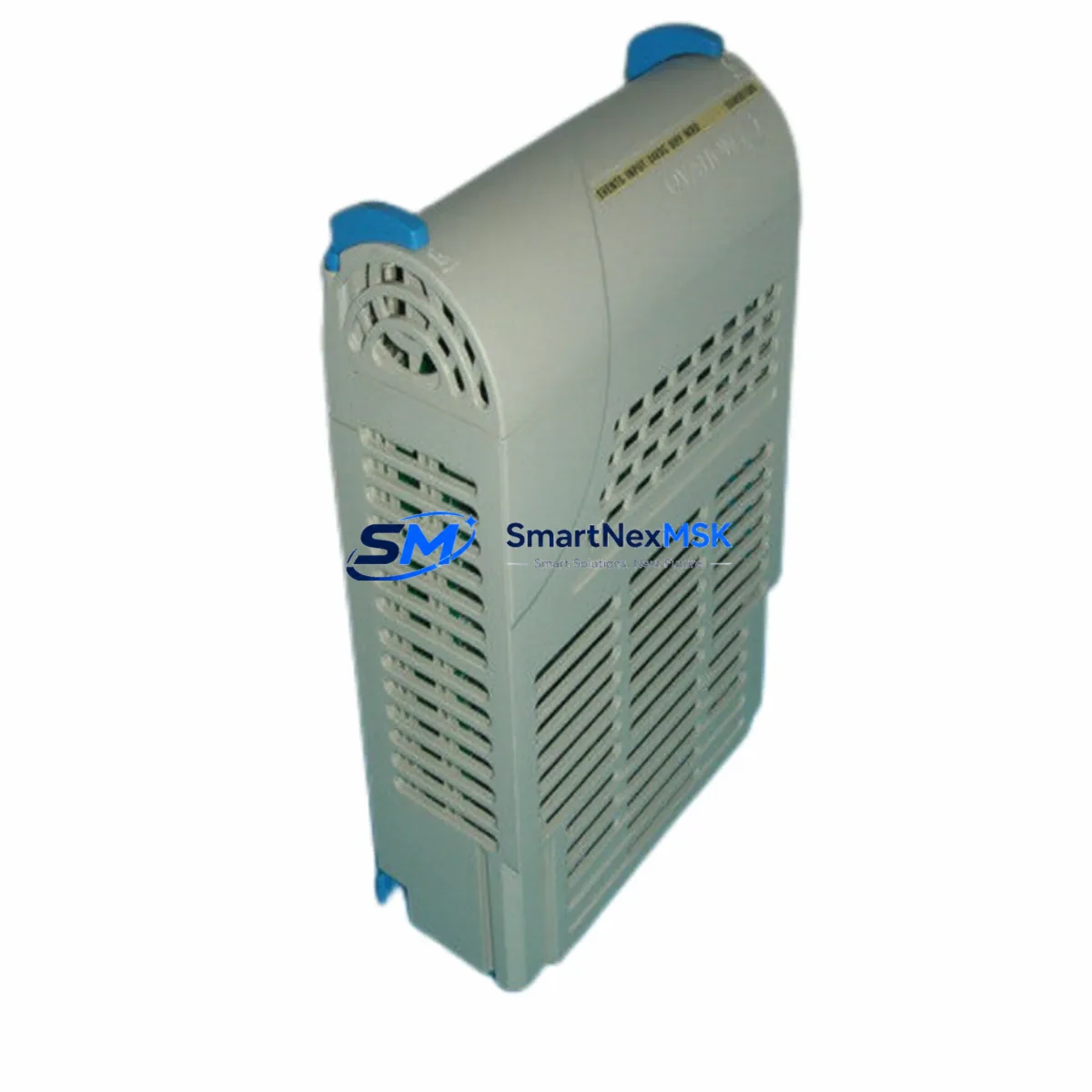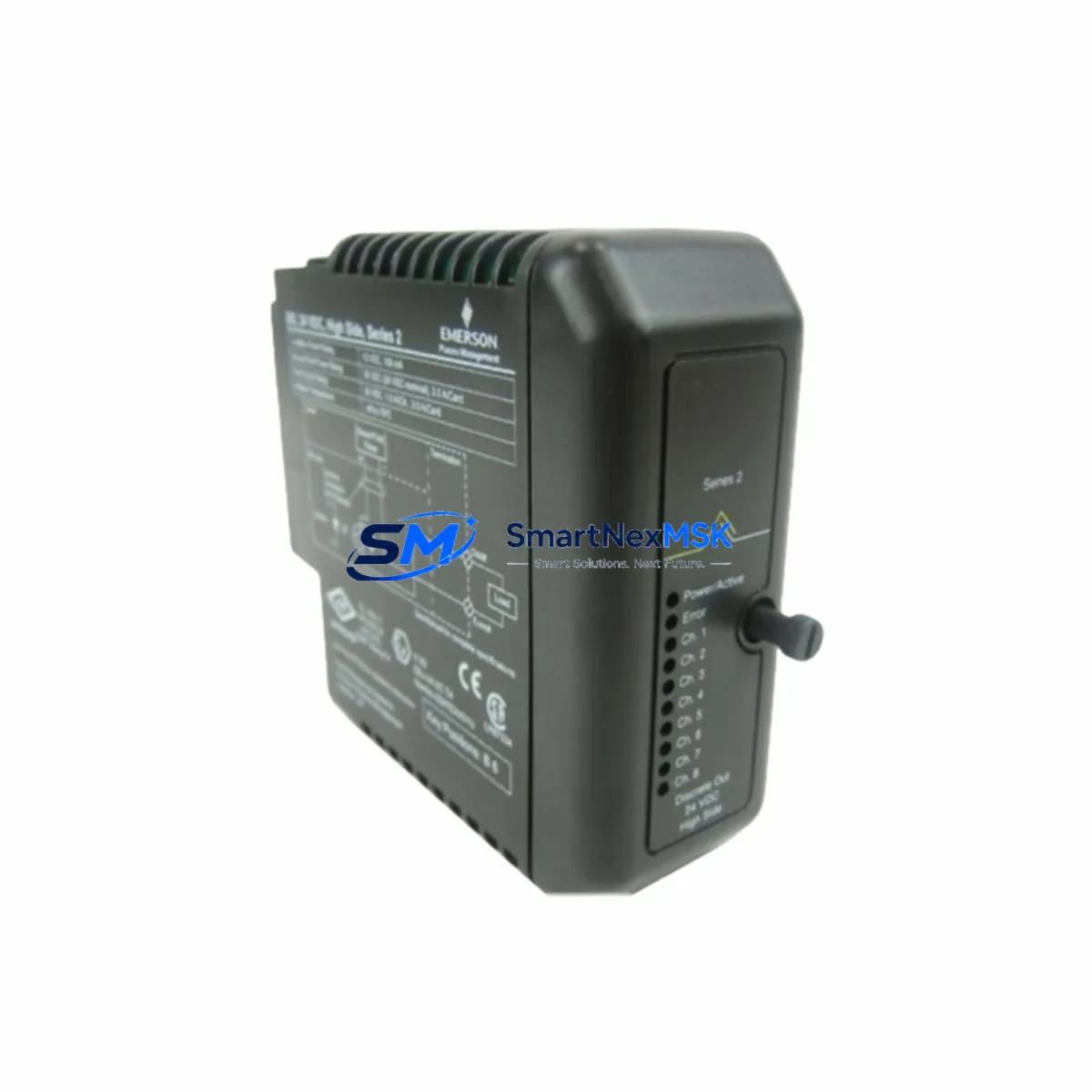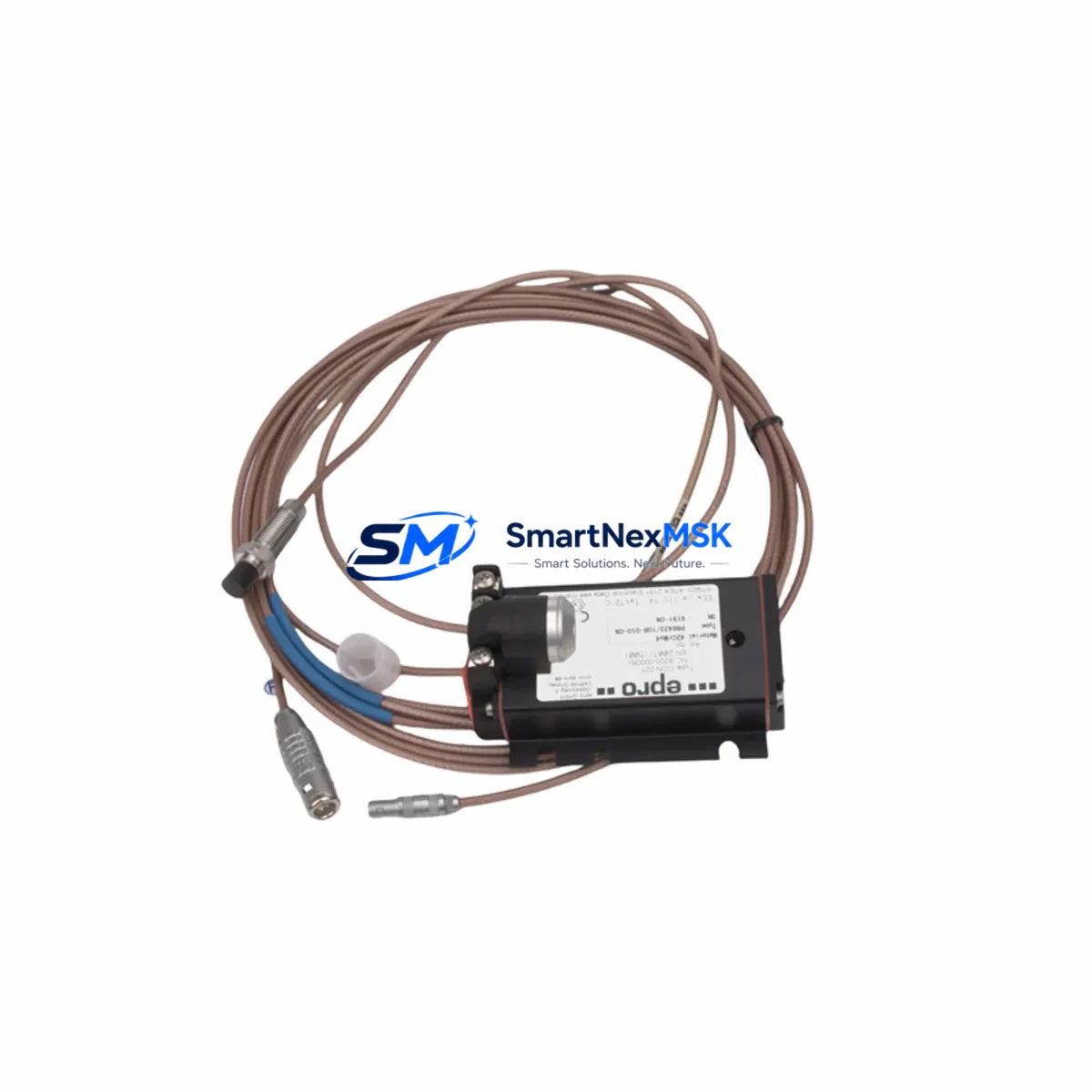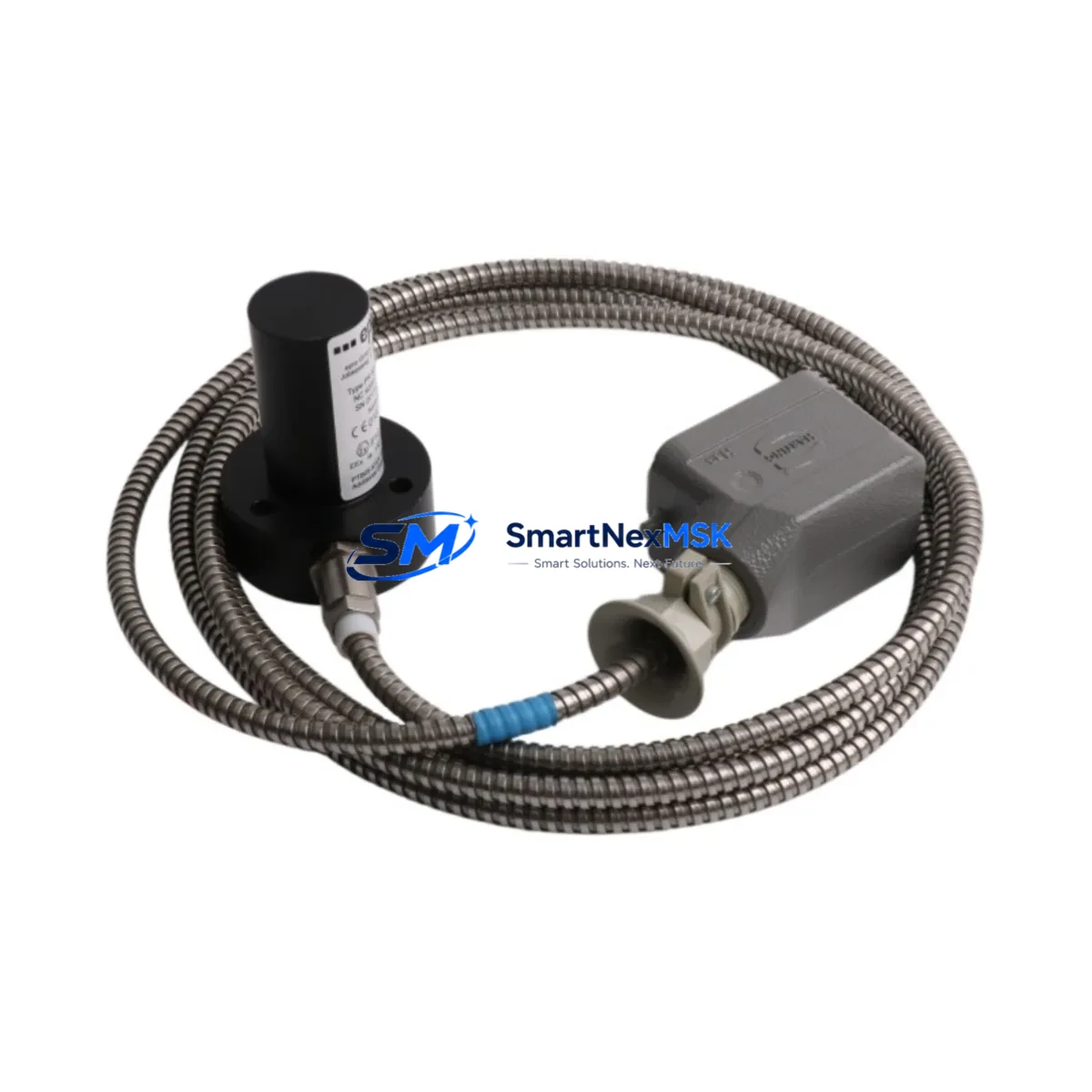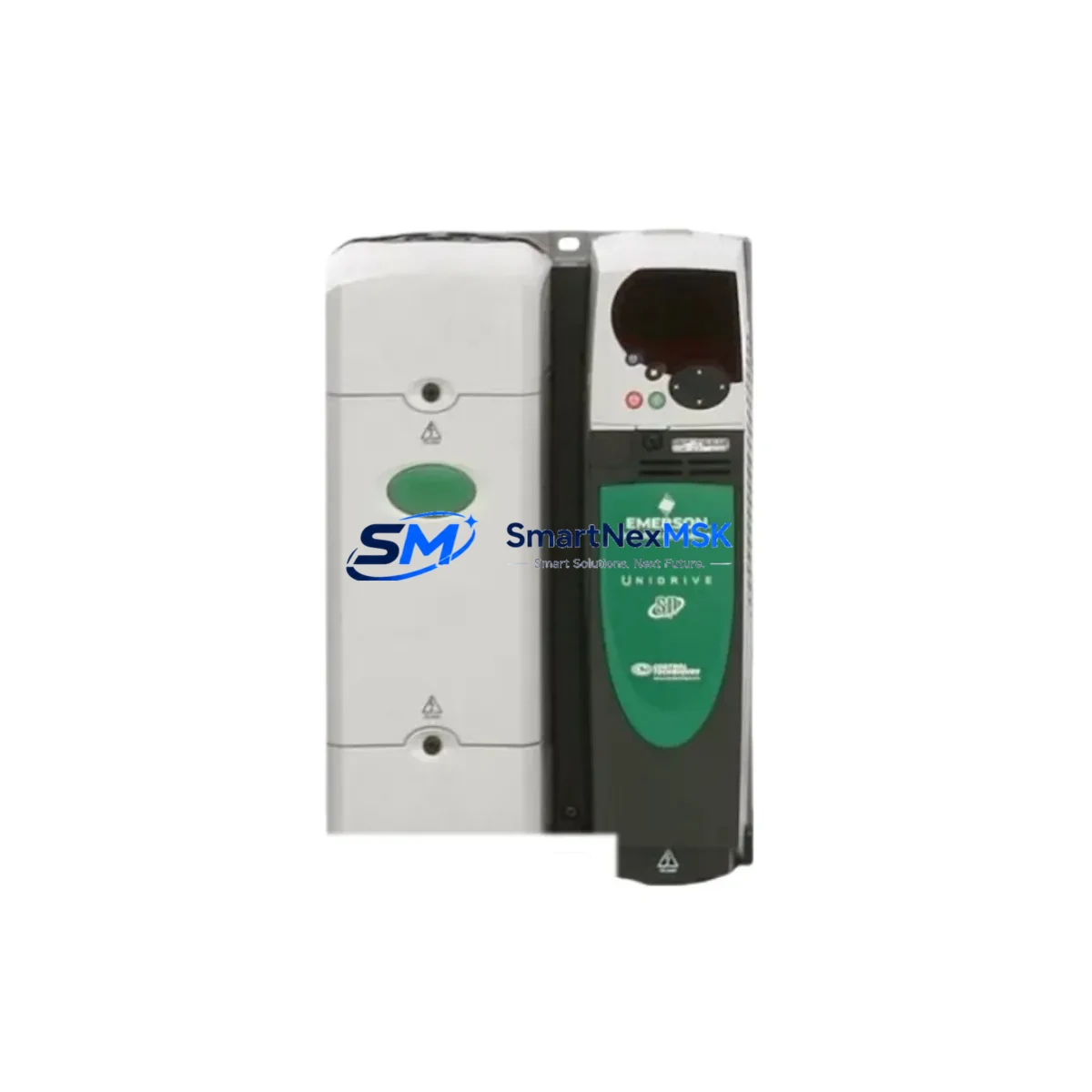
Emerson SP2404 Retrofit-Ready I/O Module for DeltaV Control Systems
The Emerson SP2404 Universal I/O Module is a proven solution for engineers and maintenance teams undertaking legacy DeltaV system modernization, aging control cabinet upgrades, and discontinued module replacement projects. Designed for seamless integration into Emerson DeltaV S-series distributed control architectures, the SP2404 supports both greenfield installations and brownfield retrofit scenarios where minimizing engineering rework and downtime is critical.
When replacing an end-of-life or discontinued I/O module in an existing DeltaV system, the SP2404 offers a compatible footprint that reduces the need for extensive rewiring or backplane modifications. Its universal channel configuration allows field engineers to reassign signal types—analog input, analog output, discrete input, or discrete output—directly through DeltaV Explorer or DeltaV Operate without physical jumper changes, significantly accelerating commissioning during a planned or emergency replacement.
For sites running older DeltaV MD or DeltaV S-series controllers, the SP2404 integrates directly into existing CIOC (Characterization I/O Card) backplane slots. Engineers should verify backplane revision compatibility and confirm that the DeltaV software version supports the SP2404 module descriptor file (MDD). In most cases, importing the updated MDD into the DeltaV database and performing a download to the controller is sufficient to bring the replacement module online without modifying existing control module logic.
Upgrade Compatibility Table
| Parameter | Details |
|---|---|
| Compatible Series | Emerson DeltaV S-series, DeltaV MD Controllers |
| Backplane Interface | CIOC-compatible backplane slot; verify revision level |
| Channel Configuration | Universal (AI / AO / DI / DO), software-configurable |
| Communication Protocol | DeltaV proprietary I/O bus; FOUNDATION Fieldbus optional |
| Installation Requirement | DIN rail or backplane mount; standard DeltaV carrier |
| Replacement Guidance | Direct slot replacement for compatible legacy I/O modules |
| Commissioning | MDD import via DeltaV Explorer; controller download required |
| Power Supply Compatibility | Verify PS2 or PS6 power supply capacity before installation |
| Warranty | 12-Month Warranty — tested and verified before shipment |
Retrofit Planning for Existing Automation Systems
A successful SP2404 retrofit begins with a thorough audit of the existing control cabinet. Before removing the legacy module, document all terminal wiring assignments, confirm the field signal types connected to each channel, and photograph the existing terminal block layout. If the site uses a DeltaV CHARM I/O architecture alongside traditional I/O, ensure that the SP2404 is being installed in the correct carrier type and that the associated DeltaV CIOC controller has sufficient I/O capacity.
Power budget verification is a critical pre-installation step. The DeltaV PS2 or PS6 power supply feeding the I/O subsystem must have sufficient headroom to support the SP2404 alongside other modules in the same carrier. Overloaded power supplies are a common cause of intermittent faults during post-retrofit commissioning. Similarly, confirm that the DeltaV MD Plus or DeltaV S-series controller firmware is at a revision level that supports the SP2404 module descriptor.
For sites migrating from older PROVOX or RS3 legacy systems to DeltaV, the SP2404 is frequently specified as part of a phased migration plan. In these projects, the SP2404 works alongside DeltaV ELEC (Electronic Marshalling) components, DeltaV SIS logic solvers, and Emerson AMS Device Manager for intelligent field device integration. Engineers should also account for the DeltaV Bulk Power Supply and DeltaV Redundant Power Supply configurations when planning cabinet layouts for expanded I/O.
Terminal wiring adaptation is often required when replacing older modules with different terminal pitch or connector styles. In these cases, a DeltaV terminal block adapter or a custom marshalling panel may be needed to maintain signal integrity. Confirm that all shielding and grounding practices comply with Emerson DeltaV installation guidelines to prevent noise-induced faults on analog channels.
For FOUNDATION Fieldbus or HART-enabled installations, verify that the SP2404 channel configuration matches the field device communication requirements. If the existing system uses a DeltaV Fieldbus Interface Module (FIM) or a DeltaV HART Multiplexer, confirm that the SP2404 replacement does not disrupt the existing device tag assignments in AMS Device Manager. In multi-drop HART loops, re-address field devices only if the primary variable mapping has changed.
Downtime Control During System Migration
Minimizing production downtime during an SP2404 replacement requires careful pre-staging and a structured cutover plan. Begin by pre-configuring the replacement module in DeltaV Explorer offline, importing the MDD, and assigning all channel parameters before the physical swap. This allows the controller download to proceed immediately after installation, reducing the live cutover window to the time required for physical module exchange and terminal reconnection.
Where process conditions permit, schedule the module replacement during a planned maintenance window. Use DeltaV’s module-level bypass and out-of-service features to place affected control modules in manual mode before removing the legacy I/O module. This preserves the last known output state on final control elements and prevents uncontrolled process upsets during the swap.
After installing the SP2404 and completing the controller download, perform a channel-by-channel signal verification using DeltaV Diagnostics or a calibrated loop tester before returning control modules to automatic mode. Confirm that all HART device descriptors are recognized and that AMS Device Manager shows correct device status for all field instruments connected to the new module. Document the as-built wiring and updated module configuration in the site’s control system record drawings before closing the work order.
For critical loops where continuous control is required, consider a parallel wiring strategy: pre-wire the SP2404 in a temporary carrier alongside the existing module, verify signal integrity, then perform a hot-cutover by transferring the DeltaV controller assignment from the old module to the new one. This approach is particularly effective in refinery, chemical, and power generation applications where even brief process interruptions carry significant safety or production cost implications.
Retrofit Support FAQ
Q: Is the SP2404 a direct drop-in replacement for my existing DeltaV I/O module?
A: The SP2404 is compatible with DeltaV S-series and MD controller backplane slots that accept CIOC-type I/O modules. Confirm the backplane revision and carrier type before ordering. In most cases, the physical installation is a direct slot swap, but a DeltaV database update and controller download are required to activate the new module.
Q: What commissioning steps are required after installing the SP2404?
A: Import the SP2404 MDD into DeltaV Explorer, assign channel parameters, perform a controller download, and verify each channel signal using DeltaV Diagnostics. For HART-enabled channels, confirm device recognition in AMS Device Manager. Return control modules to automatic mode only after all channels are verified.
Q: How do I confirm wiring compatibility before installation?
A: Compare the SP2404 terminal block pinout with the existing module’s wiring diagram. If the terminal pitch or connector style differs, a DeltaV terminal block adapter may be required. Verify field signal types (AI/AO/DI/DO) match the SP2404 channel configuration settings in DeltaV Explorer.
Q: What does the 12-month warranty cover, and how is the module tested before shipment?
A: Every SP2404 unit is functionally tested prior to shipment, including channel signal verification and communication bus integrity checks. The 12-month warranty covers manufacturing defects and functional failures under normal operating conditions. Units are shipped with test documentation. Contact [email protected] for warranty claims or pre-shipment test reports.
© 2026 SMARTNEXMSK. All rights reserved.
Original Source: https://smartnexmsk.com
Contact: [email protected] | +86 18259474341