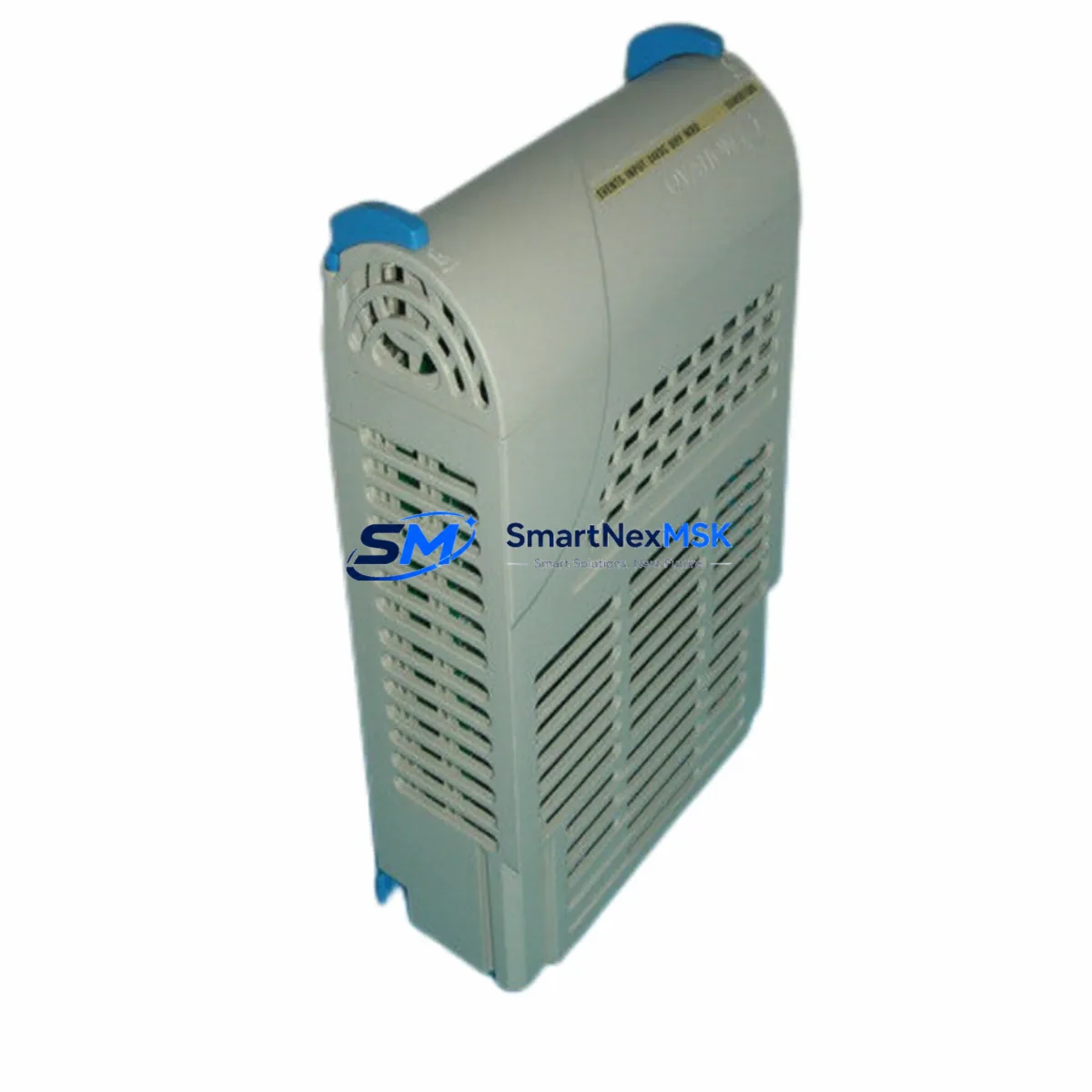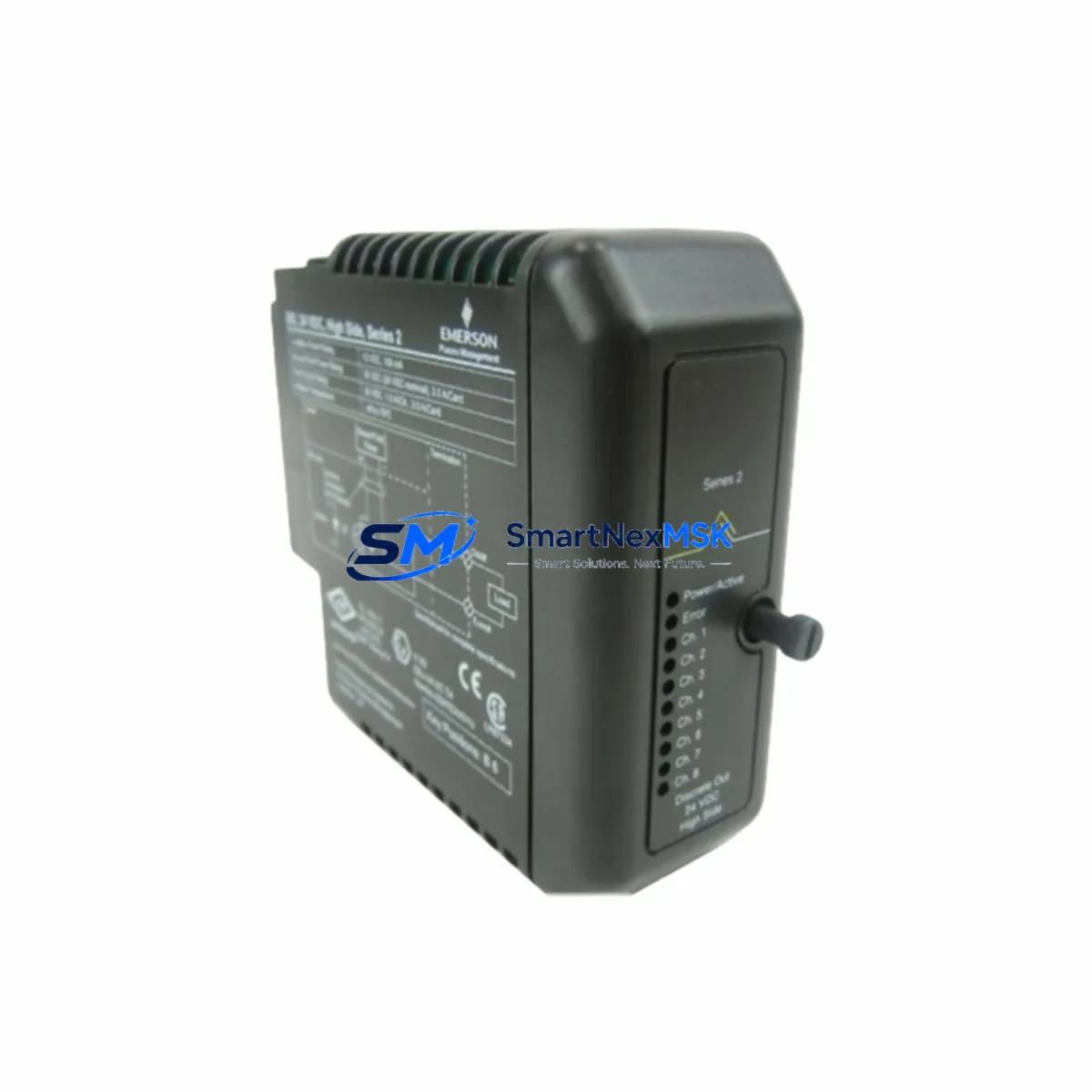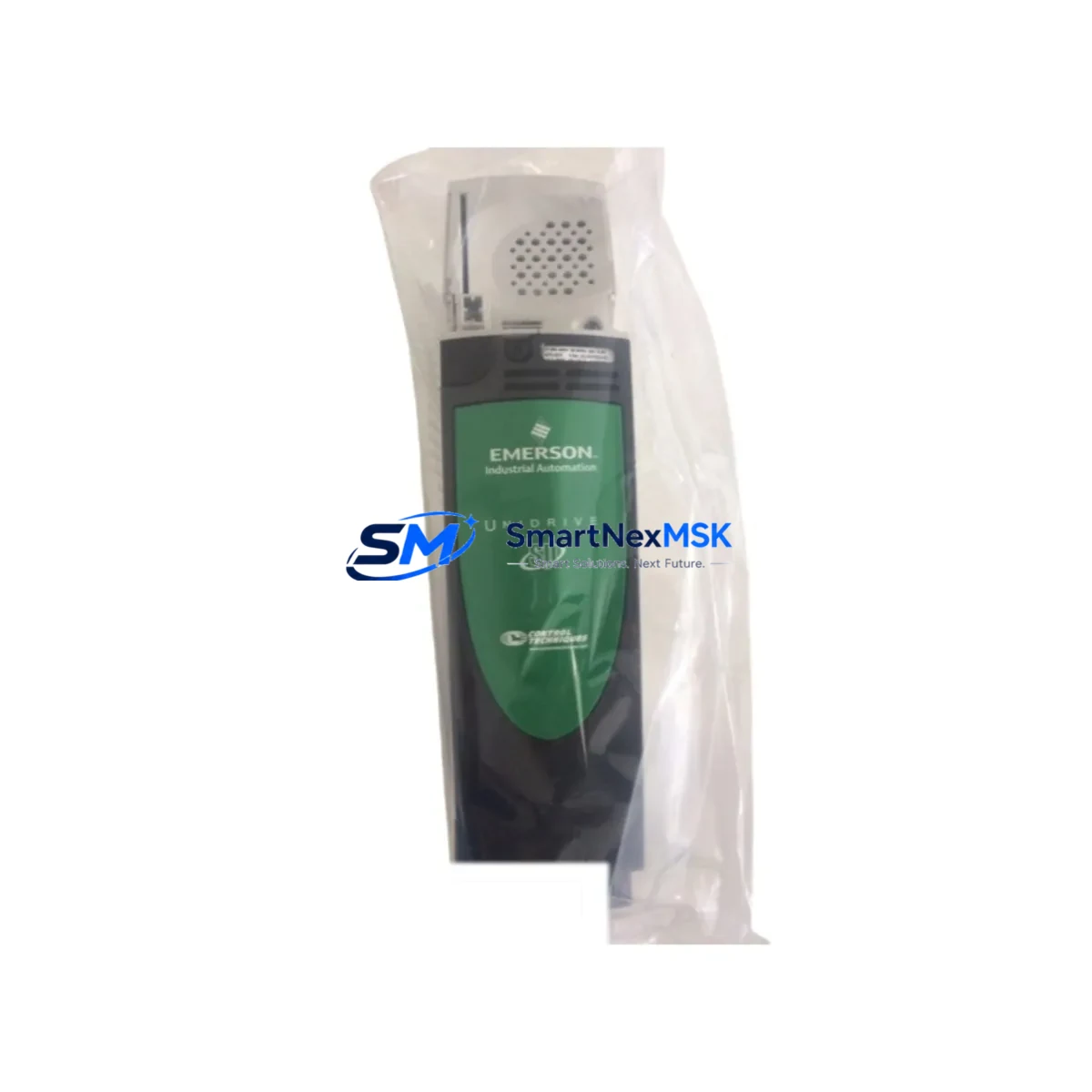
Emerson SPMD1402 Retrofit-Ready Digital I/O for DeltaV Systems: Compatible Modernization & Smooth Legacy Upgrade
The Emerson SPMD1402 is a 16-channel Universal Digital I/O Module engineered for the DeltaV distributed control system platform. As legacy automation infrastructure ages and original spare parts become increasingly difficult to source, the SPMD1402 has emerged as a critical retrofit component for facilities managing aging DeltaV S-series and M-series control architectures. Whether you are replacing a failed module in an active production line, upgrading a control cabinet to extend system life, or migrating from an end-of-life I/O subsystem, the SPMD1402 delivers the channel density, backplane compatibility, and firmware alignment required for a reliable, low-risk transition.
Each SPMD1402 unit supplied by SMARTNEXMSK is sourced from verified industrial channels, subjected to pre-shipment functional testing, and backed by a 12-month warranty covering manufacturing defects and operational failures under normal service conditions. Our inventory is maintained to support urgent replacement scenarios, with same-week dispatch available for in-stock units.
Upgrade Compatibility Table
| Parameter | SPMD1402 Specification | Retrofit Notes |
|---|---|---|
| Module Type | 16-Ch Universal Digital I/O | Direct replacement for same-slot DeltaV digital I/O modules |
| Backplane Interface | DeltaV S-series / M-series carrier | Verify carrier model (VE4001S2T1B2 or equivalent) before installation |
| Power Consumption | Supplied via backplane bus | Confirm carrier power budget; no external 24 VDC feed required |
| Communication Protocol | DeltaV internal bus (proprietary) | No protocol migration required; plug-and-play within DeltaV environment |
| Channel Configuration | Configurable per channel via DeltaV Explorer | Re-download module configuration after replacement; verify I/O assignments |
| Terminal Wiring | Compatible with standard DeltaV marshalling terminals | Check field wiring polarity and signal type (DI/DO) per channel before power-up |
| Firmware Compatibility | DeltaV v11.x – v14.x and above | Confirm controller firmware version; update if below minimum supported release |
| Installation Requirement | Hot-swap capable (controller-dependent) | Verify hot-swap support on host controller (MD or MD Plus) before live swap |
| Commissioning Tool | DeltaV Explorer / Diagnostics | Run module diagnostics post-installation; confirm all 16 channels report healthy |
| Warranty | 12 Months | Covers manufacturing defects; excludes physical damage from incorrect installation |
Retrofit Planning for Existing Automation Systems
Successful integration of the SPMD1402 into an existing DeltaV environment requires a structured pre-installation review. Begin by auditing the target control cabinet to confirm the host carrier — typically a VE4001S2T1B2 8-slot carrier or a VE4002S2T1B2 2-slot carrier — has an available slot with sufficient power headroom. The SPMD1402 draws power from the backplane bus, so the total module load across the carrier must remain within the rated capacity of the installed power supply, such as the PS0810 or PS1220 DeltaV power supply modules.
Before removing the failed or obsolete module, export the current module configuration from DeltaV Explorer and document all channel assignments, including signal type (digital input or digital output), active/passive field device wiring, and any interlock logic tied to specific channel addresses. This documentation is essential for restoring the control strategy after the SPMD1402 is seated and recognized by the DeltaV controller.
Field wiring connected to the marshalling cabinet should be verified against the original loop drawings. The SPMD1402 uses standard DeltaV terminal block assignments, so existing field cables can typically be reconnected without modification. However, if the previous module used a different channel-to-terminal mapping — common when replacing older SPMD1401 or SPMD1400 variants — a terminal-by-terminal verification against the as-built drawings is mandatory before energizing the field circuits.
For facilities also upgrading their controller hardware, the SPMD1402 is fully compatible with the DeltaV MD Controller and MD Plus Controller. If the migration path includes moving from an older PK Controller to an MD-series controller, the I/O subsystem can be retained and the SPMD1402 modules re-used, significantly reducing the scope and cost of the upgrade. In multi-drop configurations, the SPMD1402 can coexist on the same carrier with other module types, including the SPAI410 analog input module and the SPAO410 analog output module, allowing mixed I/O architectures to be maintained without full cabinet redesign.
Communication infrastructure supporting the DeltaV network — including the DeltaV workstation, application station, and the redundant DeltaV network switches — does not require reconfiguration when replacing a digital I/O module. The SPMD1402 is transparent to the network layer and is managed entirely through the DeltaV controller’s internal bus. If the retrofit is part of a broader migration that includes adding FOUNDATION Fieldbus or HART-enabled I/O, the SPMD1402 can continue to serve hardwired discrete signals while new CIOC or EIOC cards handle the fieldbus segments.
For HMI continuity, confirm that all DeltaV Operate graphics referencing the replaced module’s channel parameters are updated to reflect the new module address if the slot position has changed. In most like-for-like replacements, the module address is preserved and no HMI rework is required. However, if the SPMD1402 is being installed in a new slot as part of an I/O expansion, the associated DeltaV Operate faceplates and alarm configurations must be updated accordingly.
Downtime Control During System Migration
Minimizing production downtime during a DeltaV I/O module replacement requires careful sequencing of the migration steps. Where the host controller supports hot-swap operation — available on MD and MD Plus controllers with the appropriate firmware — the SPMD1402 can be inserted into a powered carrier without shutting down the controller or interrupting other modules on the same carrier. This is the preferred approach for critical process applications where continuous control is required.
For systems that do not support hot-swap, or where the replacement is being performed during a planned maintenance window, the recommended sequence is: (1) place the affected control loops in manual mode at the DeltaV Operate station, (2) de-energize the field circuits connected to the module being replaced, (3) remove the failed module and seat the SPMD1402, (4) restore power and allow the controller to recognize and download the module configuration, (5) verify all 16 channels in DeltaV Diagnostics, and (6) return the loops to automatic mode after confirming correct signal states.
The original control strategy — including PID tuning parameters, interlock logic, and sequence steps — is stored in the DeltaV controller and is not affected by the module replacement. No program re-download is required unless the module address has changed. This architecture ensures that the intellectual property embedded in the control strategy is protected throughout the hardware replacement process, and that the plant can return to normal operation within the shortest possible timeframe after the SPMD1402 is commissioned.
For facilities managing multiple simultaneous replacements across a large DeltaV system, a staged approach is recommended: replace and verify one module at a time, confirm stable operation before proceeding to the next, and maintain a rollback plan that includes the original module (if still functional) or a pre-tested spare. SMARTNEXMSK maintains buffer stock of the SPMD1402 to support multi-unit replacement projects with consistent lead times.
Retrofit Support FAQ
Q1: Is the SPMD1402 a direct drop-in replacement for the SPMD1401 and SPMD1400?
A: The SPMD1402 is mechanically and electrically compatible with the same DeltaV carrier slots used by the SPMD1401 and SPMD1400. Channel count and terminal assignments are consistent across the series. However, firmware differences between module generations may require a configuration re-download via DeltaV Explorer after installation. Always verify the module firmware version is supported by your controller’s DeltaV software release before proceeding.
Q2: What pre-shipment testing is performed on each SPMD1402 unit?
A: Every SPMD1402 dispatched by SMARTNEXMSK undergoes a functional verification test that confirms backplane communication, channel I/O response, and LED status indicators. Units that fail any test parameter are quarantined and not shipped. A test report is available upon request for critical replacement applications.
Q3: Can the SPMD1402 be used in a DeltaV system running version 11 or earlier?
A: The SPMD1402 is designed for DeltaV v11.x and above. For systems running earlier versions, a firmware compatibility review is recommended before ordering. Contact our technical team with your controller model and current DeltaV software version for a compatibility confirmation prior to purchase.
Q4: What does the 12-month warranty cover, and how is a warranty claim processed?
A: The 12-month warranty covers manufacturing defects and functional failures under normal operating conditions. It does not cover damage resulting from incorrect installation, overvoltage, or physical mishandling. To initiate a warranty claim, contact [email protected] with the order reference, a description of the failure, and photographic evidence of the unit condition. Replacement or repair will be arranged within 5 business days of claim approval.
© 2026 SMARTNEXMSK. All rights reserved.
Original Source: https://smartnexmsk.com
Contact: [email protected] | +86 18259474341