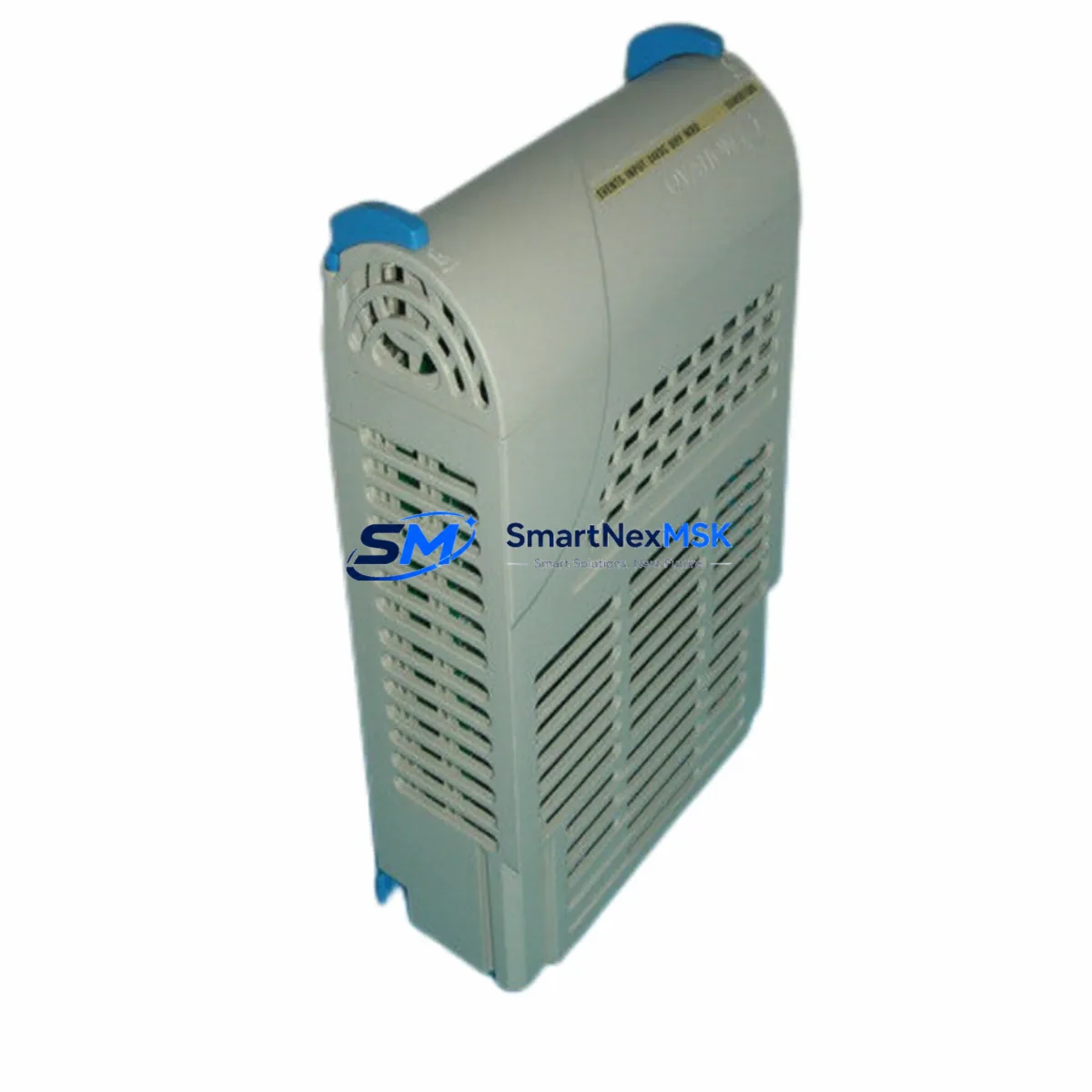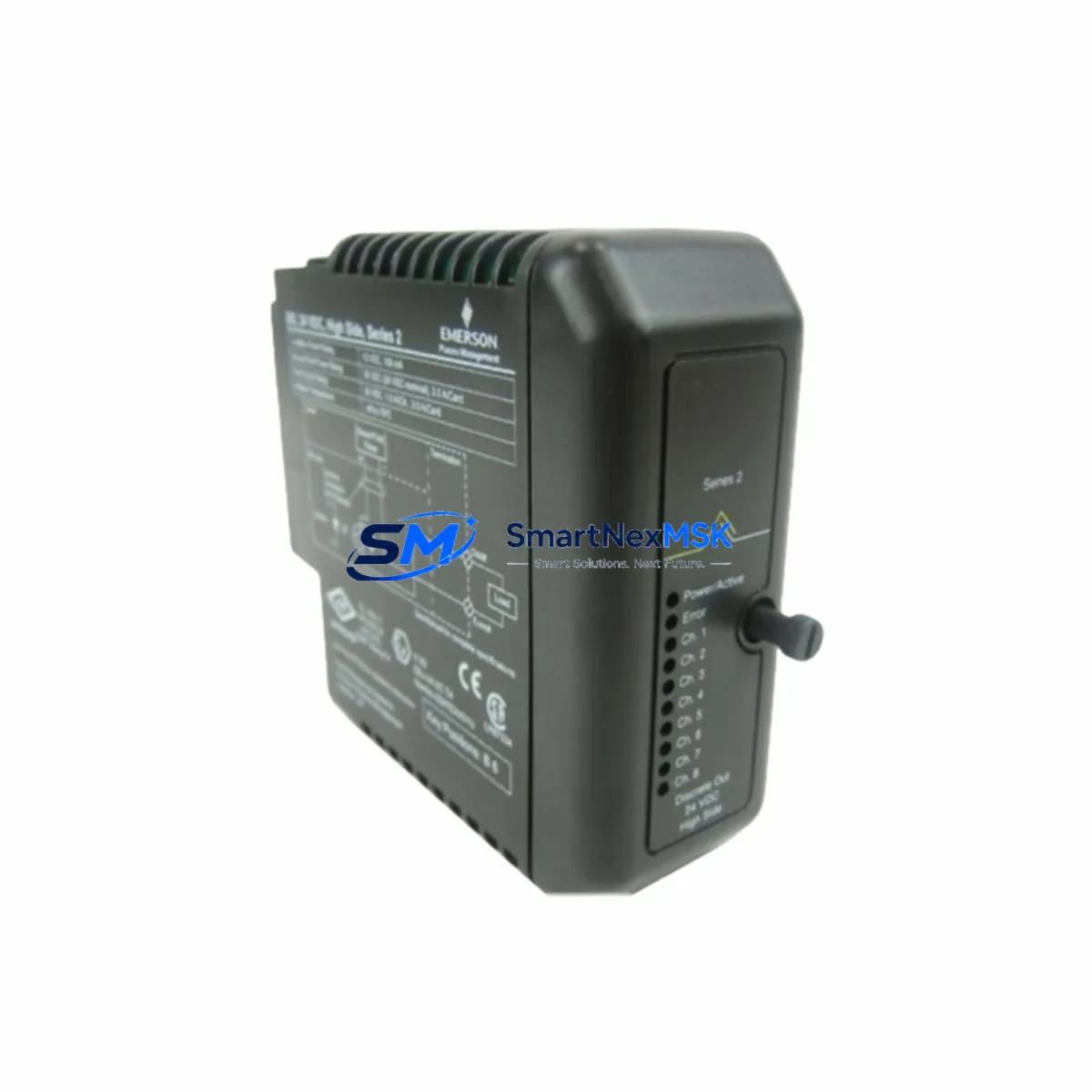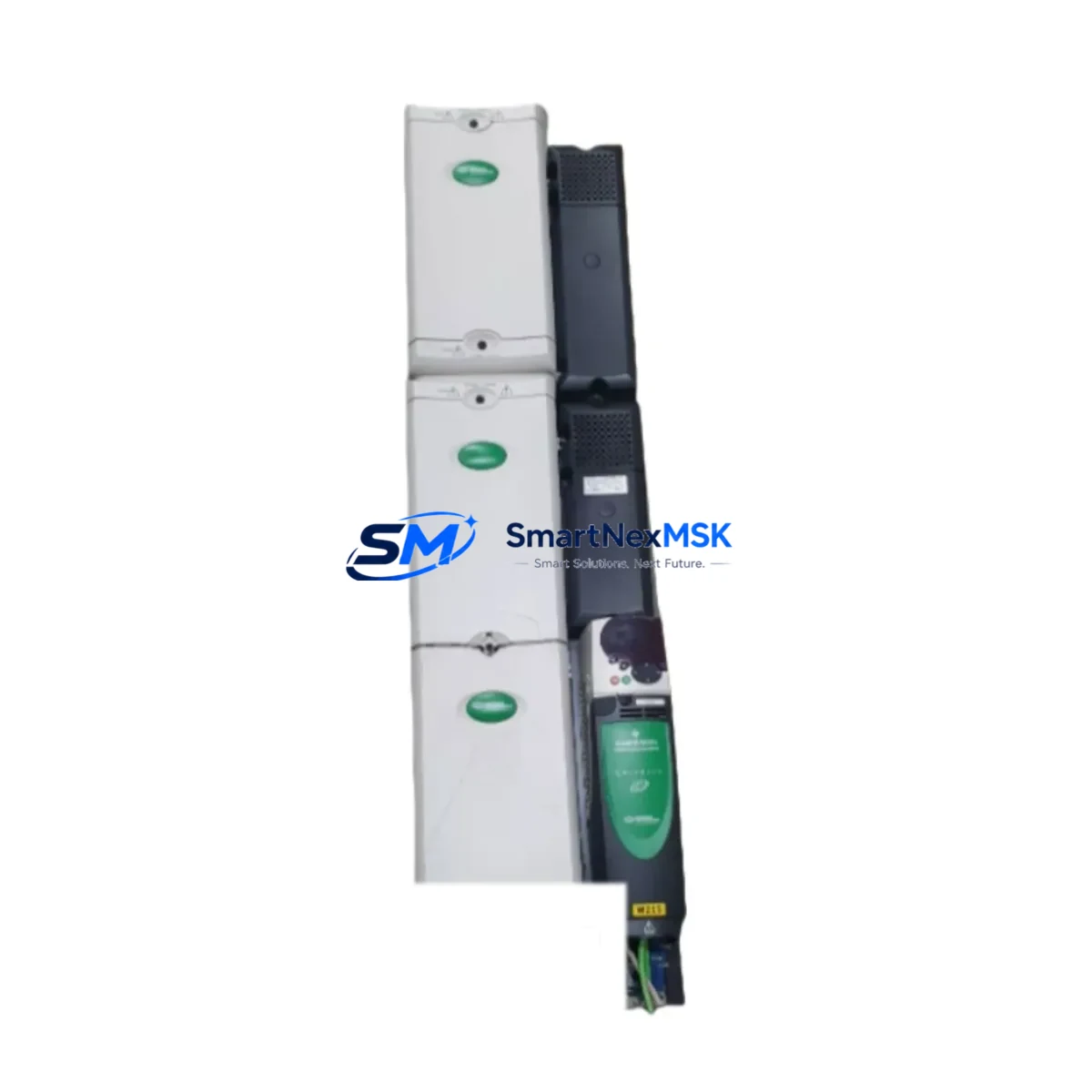
Emerson SPMD1403 Maintenance-Ready Spare for DeltaV Automation
The Emerson SPMD1403 is a Universal Digital I/O Module designed for the Emerson DeltaV distributed control system (DCS). As a critical field interface component, the SPMD1403 handles discrete input and output signals between the process field devices and the DeltaV controller network. When this module fails or degrades, the consequences extend beyond a single I/O channel — entire process loops, safety interlocks, and alarm circuits can be compromised, leading to unplanned shutdowns and extended recovery windows.
At SMARTNEXMSK, we supply the SPMD1403 as a tested, original spare part with full functional verification prior to shipment. Each unit is backed by a 12-month warranty and is available for fast global dispatch to support emergency replacement and planned maintenance programs alike.
Spare Maintenance Table
| Parameter | Specification / Detail |
|---|---|
| Part Number | SPMD1403 |
| Manufacturer | Emerson Electric / Emerson Automation Solutions |
| Series / Platform | DeltaV DCS — S-Series I/O |
| Module Type | Universal Digital I/O Module |
| Product Type | DCS I/O Module |
| Channel Configuration | Multi-channel discrete I/O (digital input / digital output) |
| Signal Compatibility | 24 VDC discrete field signals; NAMUR-compatible inputs (inferred) |
| Communication Interface | DeltaV S-series backplane bus |
| Mounting | DeltaV S-series carrier / I/O subsystem backplane |
| Operating Temperature | 0°C to 60°C (standard industrial enclosure) |
| Origin | USA |
| Condition | Original, tested, functional verified |
| Compatibility | Emerson DeltaV S-series I/O subsystems; replaces legacy SPMD-series modules |
| Application Environment | Oil & gas, chemical, power generation, pharmaceutical, pulp & paper |
| Maintenance Recommendation | Inspect carrier contacts and backplane connectors during replacement; verify channel diagnostics in DeltaV Explorer post-installation |
| Warranty | 12 Months — covers functional failure under normal operating conditions |
| Lead Time | In-stock units ship within 1–3 business days |
Maintenance Planning for Continuous Operation
Replacing the SPMD1403 in a live DeltaV system is rarely an isolated task. Experienced maintenance engineers know that a failing digital I/O module is often a symptom of broader electrical stress in the control cabinet. Before returning the system to service, a thorough inspection of the surrounding components is essential to prevent repeat failures and ensure long-term reliability.
Start with the DeltaV S-series I/O carrier (such as the VE4001S2T2B4 or equivalent) — worn backplane contacts are a common cause of intermittent module faults that are misdiagnosed as module failure. Inspect the DeltaV controller card (MD Plus or MD Controller) for firmware currency and communication health, as I/O module errors can cascade from controller-level issues. Check the DeltaV power supply module (PS1 or PS2 series) output voltage under load; an under-voltage condition will cause digital I/O modules to report spurious faults or fail to initialize.
On the field wiring side, inspect the terminal blocks and marshalling panels connected to the SPMD1403 channels. Loose terminations, corroded lugs, or overloaded commons are frequent contributors to channel-level faults. If the module interfaces with field instruments through signal isolators or signal conditioners, verify that these devices are within their rated operating range — a degraded isolator can inject noise that triggers false digital transitions.
For systems with safety-critical interlocks, review the associated relay output modules and solenoid valve drivers on the same I/O subsystem. A digital output channel failure on the SPMD1403 may have masked a relay coil fault or a valve actuator issue that will surface immediately after module replacement. Additionally, inspect the DeltaV CHARM I/O cards or CIOC (CHARM I/O Controller) if the system has been partially migrated to CHARMs architecture — mixed I/O subsystem environments require careful compatibility verification.
Finally, review the DeltaV Operate HMI alarm history and the DeltaV Diagnostics log for the 30-day period preceding the failure. Recurring channel alarms, module health warnings, or power supply events recorded in the historian provide critical context for root-cause analysis and help justify spare parts stocking decisions to procurement management.
Site Replacement Workflow
Step 1 — Pre-replacement verification: Confirm the replacement SPMD1403 part number matches the installed module exactly. Cross-reference the DeltaV hardware catalog to verify that the SPMD1403 revision is compatible with your carrier and controller firmware version. Document the current channel assignments and I/O configuration in DeltaV Explorer before removal.
Step 2 — Safe isolation: Place the affected I/O subsystem in maintenance mode via DeltaV Explorer to suppress nuisance alarms during the swap. For safety-instrumented loops, coordinate with the process safety team and follow your site’s Management of Change (MOC) procedure before isolating any SIS-connected channel.
Step 3 — Module removal and installation: Power down the carrier if required by your site procedure, or perform a hot-swap if the DeltaV system configuration supports it. Remove the SPMD1403 by releasing the module latch and sliding it clear of the backplane. Inspect the carrier slot contacts for contamination or mechanical damage before inserting the replacement unit. Seat the new module firmly until the latch engages.
Step 4 — Post-installation commissioning: Restore the subsystem from maintenance mode and monitor DeltaV Diagnostics for module initialization confirmation. Perform a channel-by-channel I/O checkout using the DeltaV I/O Test function to verify that all digital inputs and outputs are responding correctly to field signals. Document the replacement in your CMMS and update the spare parts inventory record.
Step 5 — System return to service: Confirm with the control room operator that all process values are reading correctly and that no residual alarms are active. Archive the replaced module for failure analysis if root cause investigation is required.
Spare Parts Support FAQ
Q1: Is the SPMD1403 supplied by SMARTNEXMSK an original Emerson part?
Yes. All SPMD1403 units we supply are original Emerson manufactured components sourced through verified industrial supply channels. Each module undergoes functional testing prior to shipment. We do not supply counterfeit, refurbished-without-disclosure, or third-party compatible substitutes.
Q2: What is covered under the 12-month warranty?
The 12-month warranty covers functional failure of the module under normal operating conditions consistent with Emerson’s published environmental and electrical specifications. It does not cover damage resulting from incorrect installation, overvoltage events, physical impact, or use outside the rated operating envelope. Warranty claims are processed through our technical support team at [email protected].
Q3: How do I confirm compatibility before ordering?
Provide your DeltaV system version, controller type, carrier part number, and current SPMD1403 revision (visible on the module label) when contacting us. Our technical team will cross-reference the Emerson hardware compatibility matrix and confirm fit before the order is processed. We can also advise on firmware requirements if your DeltaV system has been upgraded.
Q4: Can SMARTNEXMSK support long-term spare parts stocking for aging DeltaV systems?
Yes. We specialize in supporting legacy and end-of-life DeltaV hardware for facilities that are extending system life beyond Emerson’s standard support window. We can establish a dedicated spare parts holding arrangement for the SPMD1403 and related S-series I/O modules, with agreed lead times and pricing to support your annual maintenance budget planning.
© 2026 SMARTNEXMSK. All rights reserved.
Original Source: https://smartnexmsk.com
Contact: [email protected] | +86 18259474341