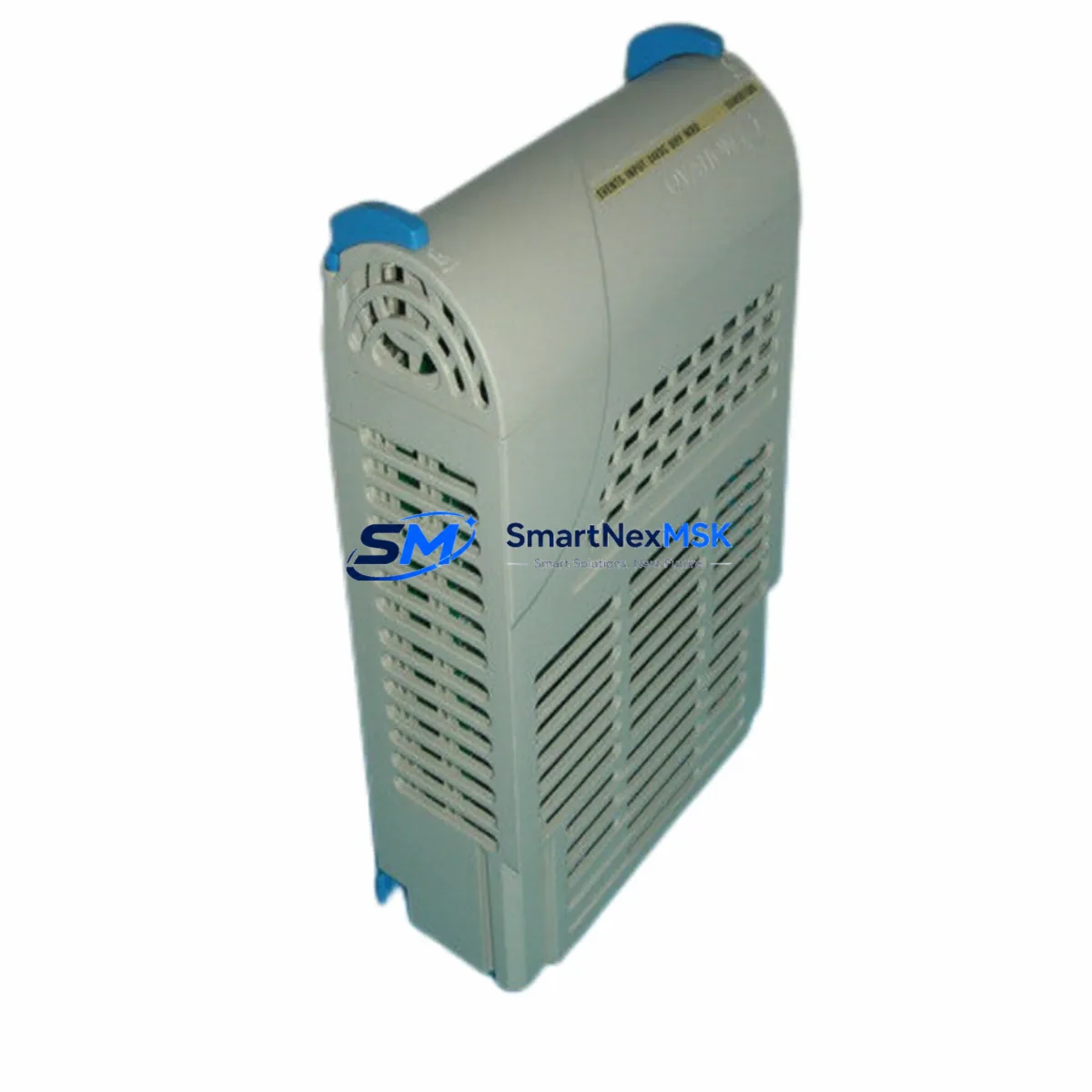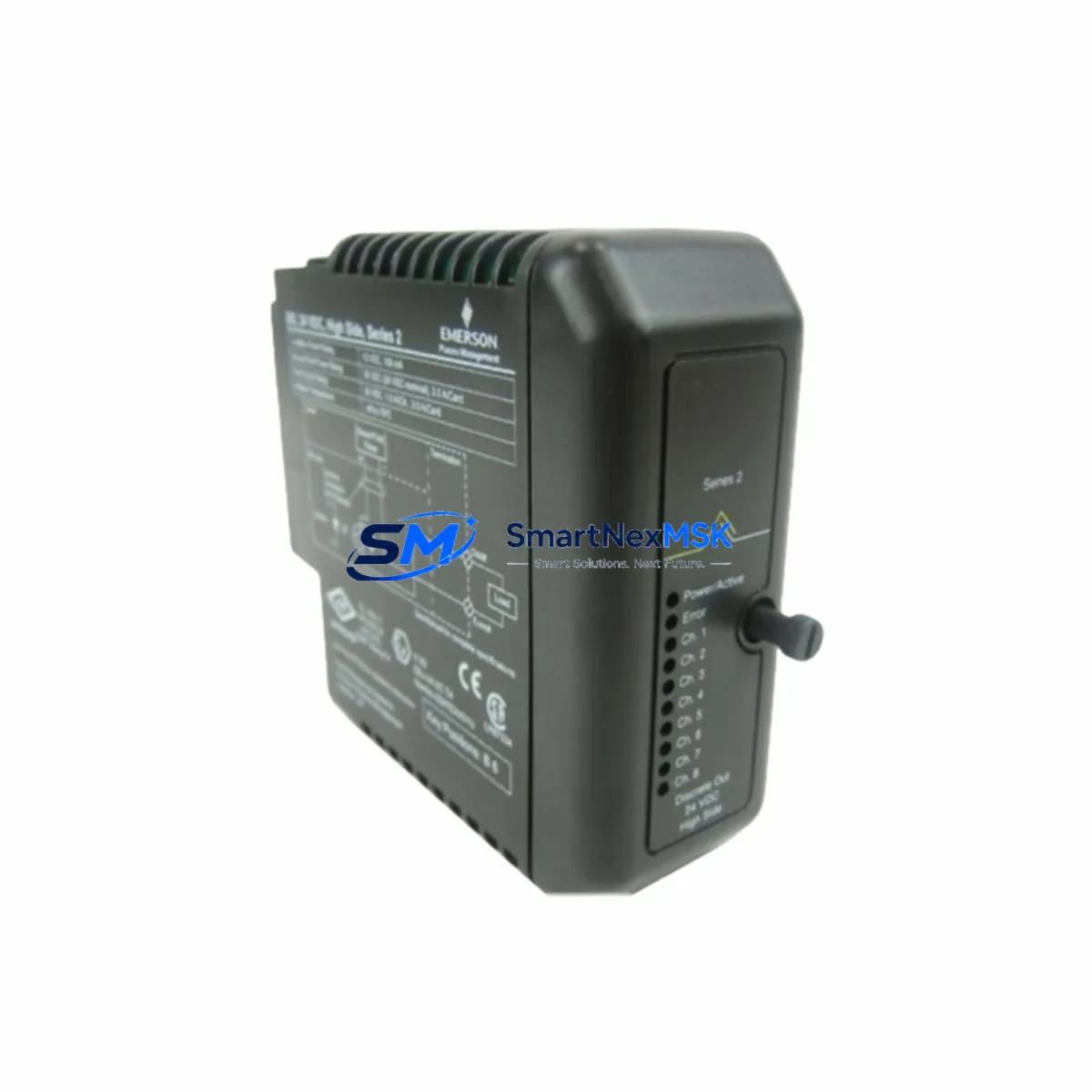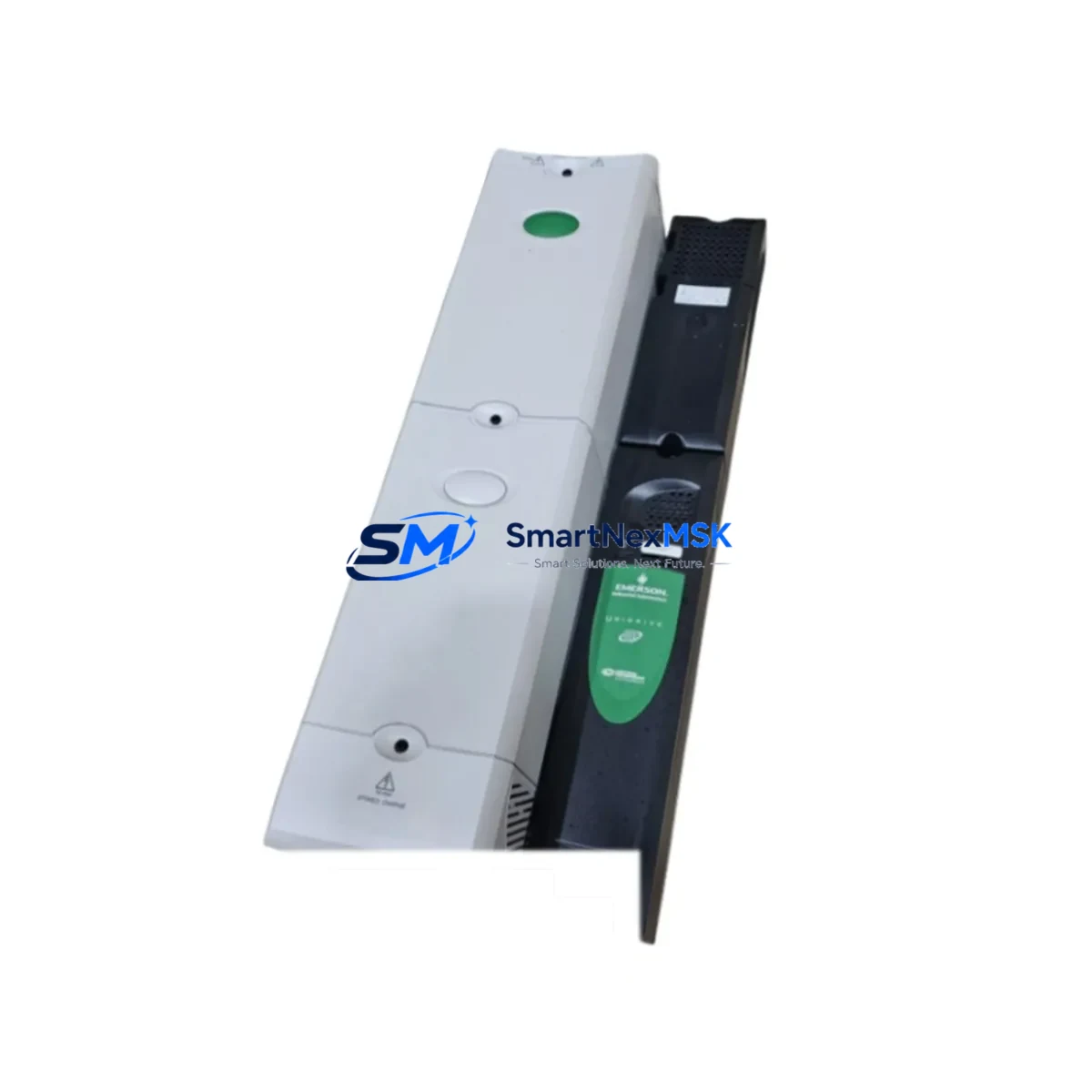
Emerson SPMD1601 Retrofit-Ready Digital I/O for DeltaV S-Series Control Systems
The Emerson SPMD1601 is a 16-channel digital input/output module engineered for the DeltaV S-Series distributed control system platform. As legacy DeltaV MD-series and SD-series controllers reach end-of-life, plant engineers and system integrators increasingly rely on the SPMD1601 as a direct, wiring-compatible replacement that preserves existing field termination assemblies, backplane slot assignments, and controller program logic without requiring a full system overhaul. Whether you are modernizing a refinery DCS cabinet, upgrading a pharmaceutical batch control system, or restoring a decommissioned power plant automation network, the SPMD1601 delivers the channel density, diagnostic depth, and protocol compatibility required for a smooth, low-risk migration.
Upgrade Compatibility Table
| Parameter | Detail |
|---|---|
| Compatible Series | DeltaV S-Series (S-class controllers: MD Plus, MD, SD, SD Plus) |
| Channel Count | 16 Digital I/O (configurable input or output per channel) |
| Backplane Interface | DeltaV S-Series carrier / 8-slot and 4-slot I/O carriers |
| Field Termination | Compatible with existing FTA wiring; no re-termination required in most retrofit scenarios |
| Communication Protocol | DeltaV internal bus; FOUNDATION Fieldbus and HART pass-through via controller |
| Power Consumption | Verify carrier power budget before installation; consult DeltaV Power Calculator |
| Replacement Candidates | SPMD1601 replaces discontinued MD-series digital I/O modules in same carrier slot |
| Firmware Compatibility | DeltaV v11.3 and above; verify controller firmware revision before commissioning |
| Commissioning Note | Module address auto-assigned by carrier slot; confirm in DeltaV Explorer after insertion |
| Warranty | 12 Months — covers manufacturing defects, functional failure, and DOA replacement |
Retrofit Planning for Existing Automation Systems
A successful SPMD1601 retrofit begins well before the module arrives on site. The first step is a thorough audit of the existing DeltaV S-Series carrier configuration. Identify which slots are occupied by legacy digital I/O modules, confirm the carrier model (8-slot CIOC or 4-slot CIOC), and verify that the DeltaV MD Plus or SD Plus controller firmware is at a revision level that supports the SPMD1601 module descriptor file. If the controller is running an older DeltaV v10.x release, a firmware upgrade path should be planned in parallel with the hardware swap.
Power budget verification is critical. Each I/O carrier draws from the DeltaV CIOC power supply, and adding or replacing modules can shift the total load. Use the DeltaV Power Calculator to confirm that the existing PS-series power supply — such as the PSDO1 or PSDH1 — can support the new module complement without triggering an over-current fault. If the power margin is tight, a supplemental power supply module may need to be added to the cabinet before the SPMD1601 is installed.
Field termination assembly (FTA) compatibility is one of the most time-sensitive items to verify. The SPMD1601 is designed to mate with standard DeltaV digital I/O FTAs, meaning that in most cases the existing 24 VDC or 120 VAC field wiring can remain connected throughout the swap. However, if the legacy module used a non-standard marshalling panel or a third-party terminal block adapter, the wiring interface must be confirmed against the SPMD1601 terminal assignment diagram before the outage window begins.
During the retrofit, the DeltaV controller — whether an MD Plus, SD, or SD Plus — will automatically detect the new SPMD1601 in its carrier slot and assign a module address based on slot position. This address must match the I/O tag assignments in the DeltaV control database. Open DeltaV Explorer and verify that the module descriptor (DST file) for the SPMD1601 is loaded and that all channel tags are correctly mapped before downloading the configuration to the controller. If the plant uses a DeltaV SIS safety controller alongside the process controller, ensure that the SIS logic is not dependent on any of the digital channels being migrated.
For sites that also operate a DeltaV CHARM I/O architecture or are in the process of migrating from traditional I/O carriers to CHARMs, the SPMD1601 can serve as an interim solution on legacy carriers while the CHARM migration proceeds in parallel on other cabinet sections. This phased approach allows production to continue on unaffected loops while the retrofit is staged across planned maintenance windows. Communication links to the DeltaV Application Station and Operator Station — including the DeltaV OPC server and any third-party SCADA connections via Modbus TCP or OPC DA — should be verified after each phase to confirm that historian tags, alarm setpoints, and HMI faceplates on the DeltaV Operate runtime are displaying correctly.
Before closing the cabinet, perform a full channel-by-channel I/O checkout. Force each digital input and output through the DeltaV Diagnostics tool, confirm field device response, and document the as-found versus as-left state for each channel. This record supports both the site MOC (Management of Change) package and the 12-month warranty claim process if any channel anomaly is detected post-commissioning.
Downtime Control During System Migration
Minimizing unplanned downtime during a DeltaV S-Series digital I/O retrofit requires a structured hot-swap or cold-swap strategy depending on the controller redundancy configuration. For sites running redundant MD Plus or SD Plus controllers, the SPMD1601 can often be inserted into a powered carrier while the redundant controller maintains process control — provided the carrier supports live insertion and the module is pre-configured in the DeltaV database before physical installation. Always confirm live-insertion support with the carrier model documentation before attempting this procedure.
For non-redundant controller configurations, the outage window must be carefully planned. Export the current DeltaV control module assignments and I/O channel configurations to a backup file before beginning. This backup allows rapid restoration if the new module fails to commission within the planned window. Keep the legacy module available on the bench — do not return it to stock until the SPMD1601 has completed a full 24-hour operational soak test under live process conditions.
HMI continuity is equally important. Verify that DeltaV Operate faceplates for all affected loops display correct I/O status after the module swap. If any faceplate shows a bad I/O quality indicator, trace the issue to the DeltaV controller download sequence rather than assuming a hardware fault. A partial download or a missed module descriptor update is the most common cause of post-swap HMI anomalies and can be resolved without additional hardware intervention.
For sites with a DCS historian — such as the DeltaV Continuous Historian or a third-party OSIsoft PI integration — confirm that all affected tags resume data collection within the expected scan cycle after the controller download is complete. Tag gaps during the outage window should be documented and, where required by site procedures, filled using manual entry or interpolation before the MOC package is closed.
Retrofit Support FAQ
Q1: Is the SPMD1601 a direct drop-in replacement for legacy DeltaV MD-series digital I/O modules?
In most S-Series carrier configurations, yes. The SPMD1601 occupies the same carrier slot, uses the same backplane connector, and is compatible with existing FTA wiring. However, you must verify that the DeltaV controller firmware supports the SPMD1601 module descriptor and that the I/O tag assignments in the control database are updated to reflect the new module before downloading.
Q2: What wiring changes are required during the retrofit?
In standard retrofit scenarios, no field wiring changes are required. The SPMD1601 is designed to interface with existing DeltaV digital I/O FTAs. If your site uses a custom marshalling arrangement or a non-standard terminal adapter, compare the SPMD1601 terminal assignment diagram against your existing wiring schedule before the outage begins to identify any adaptation requirements.
Q3: How is the module address assigned, and do I need to reconfigure the DeltaV database?
The SPMD1601 receives its module address automatically from the carrier slot position. If you are replacing a module in the same slot, the address will match the existing database entry and no address reconfiguration is needed. If the slot position changes, update the I/O tag assignments in DeltaV Explorer and perform a full controller download before returning the loop to automatic control.
Q4: What does the 12-month warranty cover, and how is a claim initiated?
The 12-month warranty covers manufacturing defects, functional failure under normal operating conditions, and dead-on-arrival (DOA) units. To initiate a claim, contact [email protected] with the module serial number, purchase order reference, and a description of the fault. Replacement units are dispatched from stock upon claim verification, and failed modules are returned for root-cause analysis. Warranty does not cover damage resulting from incorrect installation, over-voltage conditions, or unauthorized modification.
© 2026 SMARTNEXMSK. All rights reserved.
Original Source: https://smartnexmsk.com
Contact: [email protected] | +86 18259474341