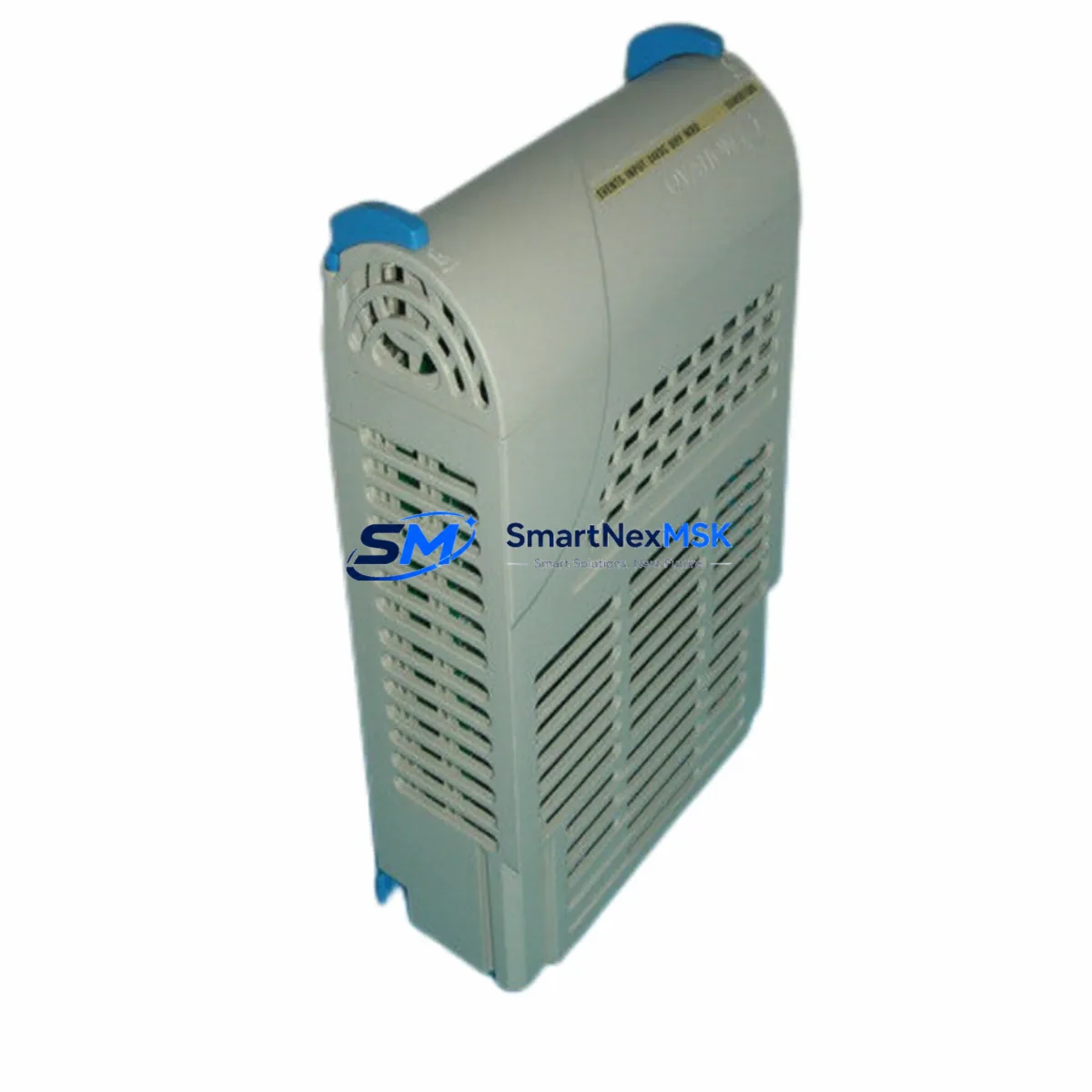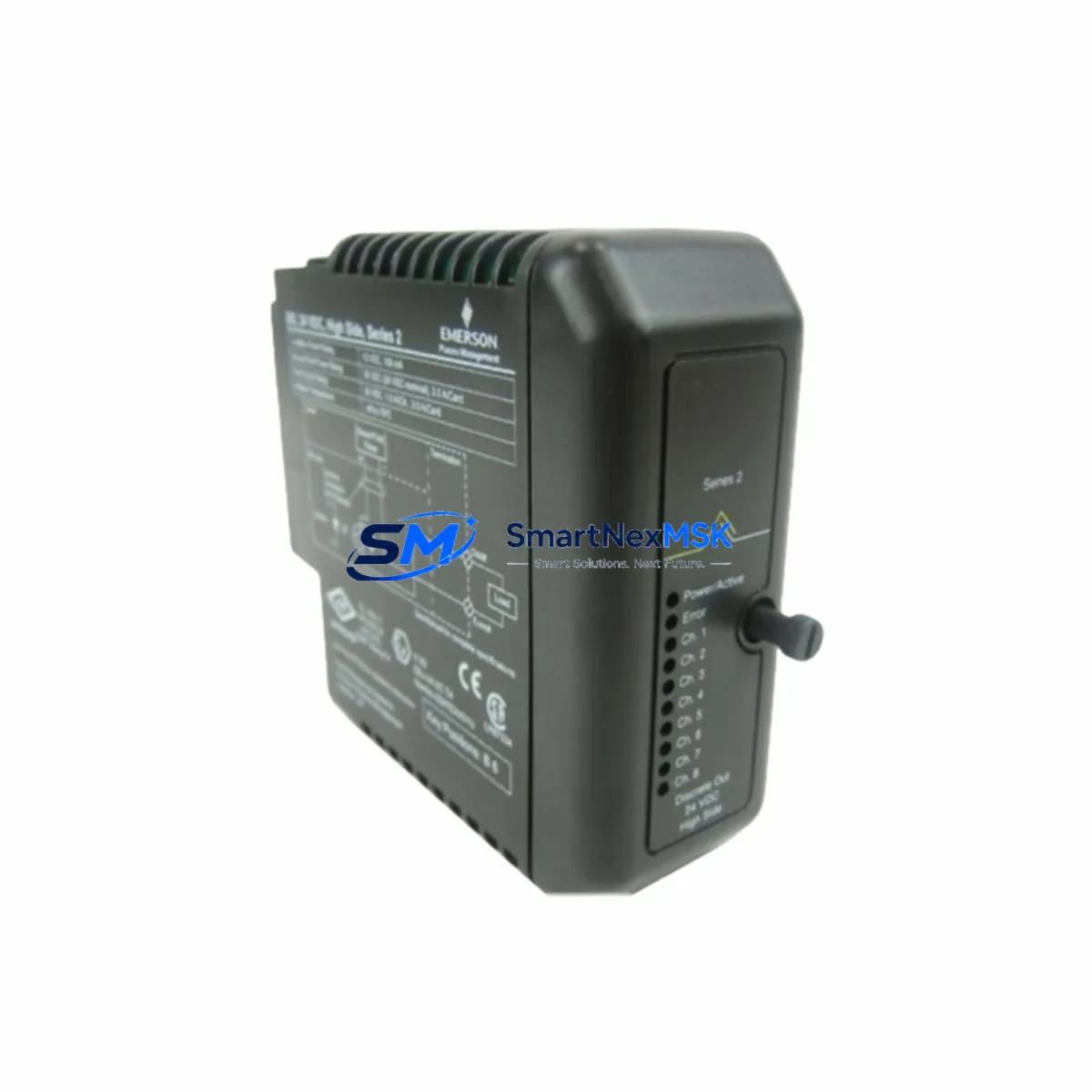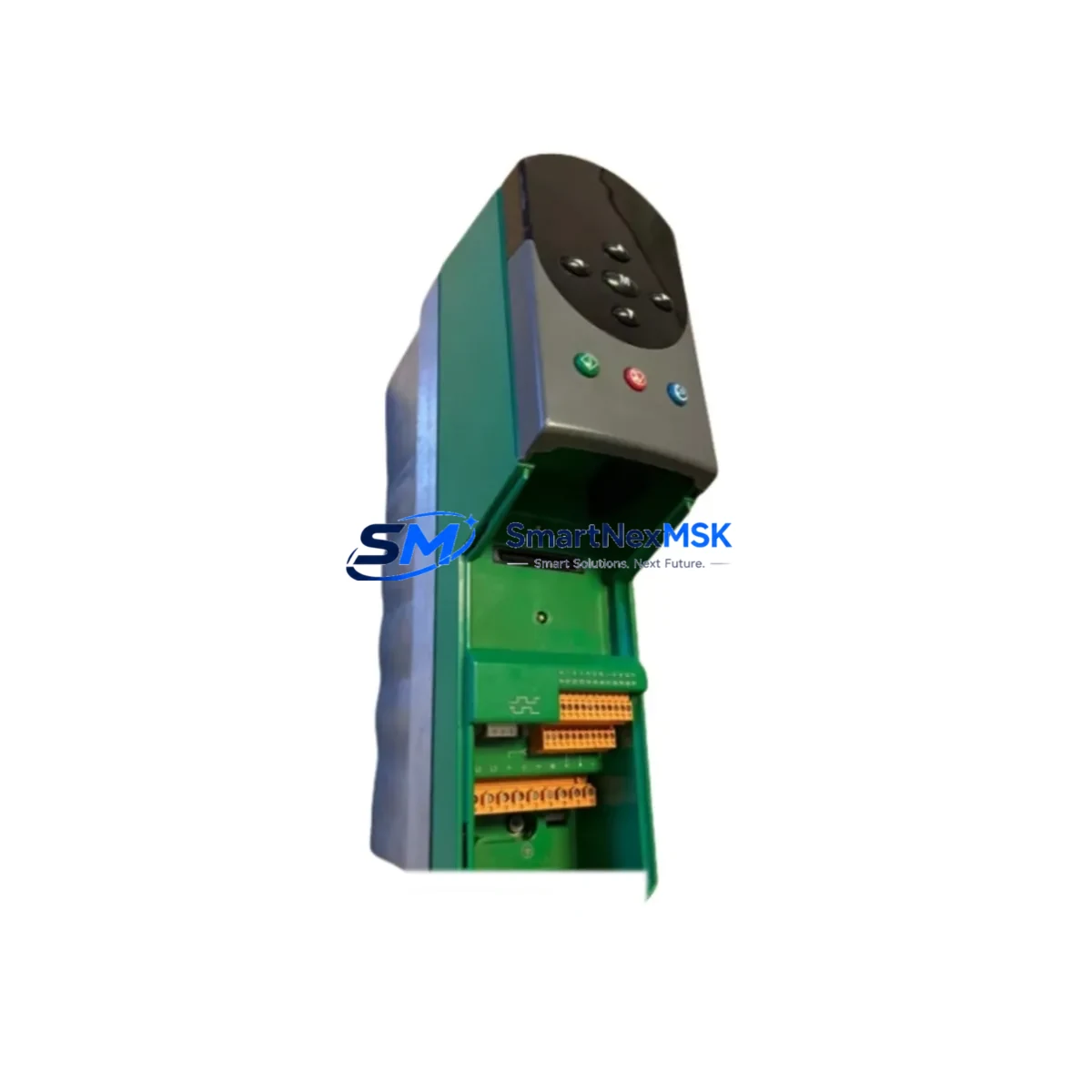
Emerson UNI1402 Retrofit-Ready Analog Input for DeltaV Control Systems
The Emerson UNI1402 Universal Analog Input Module is a proven retrofit solution for aging DeltaV distributed control system installations. Designed to replace discontinued or end-of-life analog input cards in existing DeltaV I/O subsystems, the UNI1402 delivers seamless compatibility with legacy control architectures while meeting the demands of modern industrial automation environments. Whether you are upgrading a brownfield refinery, modernizing a chemical plant’s control cabinet, or restoring a critical process line after an unplanned failure, the UNI1402 provides a reliable, cost-effective path forward without requiring a full system overhaul.
The module supports universal analog input signal types including 4–20 mA, 0–10 V, thermocouple, and RTD inputs, making it adaptable across a wide range of field instrumentation. Its backplane interface is fully compatible with the standard DeltaV S-series and M-series I/O carriers, allowing direct installation into existing racks without mechanical modification. Engineers replacing an older Emerson KJ3002X1-BA1 or KJ3221X1-BA1 analog input card will find the UNI1402 a functionally equivalent substitute with enhanced signal conditioning and improved noise rejection.
Upgrade Compatibility Table
| Parameter | Details |
|---|---|
| Compatible Series | Emerson DeltaV S-Series, M-Series I/O |
| Replaces | KJ3002X1-BA1, KJ3221X1-BA1, and equivalent legacy analog input cards |
| Backplane Interface | Standard DeltaV I/O carrier — no mechanical modification required |
| Signal Types Supported | 4–20 mA, 0–10 V, Thermocouple (J/K/T/E/R/S/B), RTD (Pt100/Pt1000) |
| Communication Protocol | DeltaV internal I/O bus; HART pass-through supported |
| Module Address | Configured via DeltaV Explorer — no hardware DIP switch required |
| Power Consumption | Verify carrier power budget before installation; typical draw ≤ 1.2 W |
| Installation Requirement | Hot-swap capable on supported DeltaV controllers; verify controller firmware version |
| Commissioning Tool | DeltaV Diagnostics, AMS Device Manager |
| Warranty | 12 Months — covers manufacturing defects, functional failure, and DOA replacement |
Retrofit Planning for Existing Automation Systems
A successful UNI1402 retrofit begins well before the module arrives on site. The first step is a thorough audit of the existing DeltaV I/O carrier and backplane assembly. Confirm that the carrier — typically an Emerson VE4001S2T2B4 or equivalent eight-slot I/O carrier — has sufficient available slots and that the power supply module, such as the PS0810 or PS0820, can support the additional load introduced by the replacement card. Power budget miscalculation is one of the most common causes of post-retrofit instability, particularly in densely populated control cabinets.
Next, review the terminal block wiring. The UNI1402 uses the same standard DeltaV marshalling terminal block layout, so existing field wiring connected to a CSLS or CHARMS-style terminal assembly can typically be reused without re-termination. However, always verify wire gauge, shielding continuity, and ground loop integrity before energizing the new module. In installations where the original wiring was routed through a Pepperl+Fuchs or MTL intrinsic safety barrier, confirm that the barrier’s input impedance remains within the UNI1402’s specified source resistance range.
Module address assignment is handled entirely in software through DeltaV Explorer. Unlike older systems that relied on physical DIP switches or jumper settings, the UNI1402 is auto-discovered by the DeltaV controller — typically an MD Plus or MD Controller — once seated in the carrier. The controller will prompt for tag assignment and channel configuration. Ensure that the existing control module logic referencing the old card’s I/O tags is updated to reflect the new module’s physical address before downloading the configuration.
For sites running HART-enabled field devices such as Rosemount 3051 pressure transmitters or Rosemount 644 temperature transmitters, the UNI1402’s HART pass-through capability allows continued communication with AMS Device Manager without additional hardware. This is a significant advantage during phased upgrades where HART diagnostics must remain active throughout the migration window.
If the retrofit involves migrating from an older DeltaV version — for example, moving from DeltaV v11 to v14 — coordinate the module firmware update with the controller upgrade schedule. Running mismatched firmware between the UNI1402 and the host controller can cause I/O communication faults that are difficult to diagnose without access to DeltaV Diagnostics logs. Always perform a pre-migration backup of the DeltaV database and export all module configurations before beginning physical replacement work.
Downtime Control During System Migration
Minimizing process downtime during a UNI1402 retrofit requires a structured hot-swap or planned-outage strategy. For DeltaV installations with redundant I/O enabled, the UNI1402 supports online replacement — the failed or obsolete module can be removed and the new card inserted while the controller continues to execute the control strategy using the redundant channel. This eliminates the need for a full process shutdown in most cases.
Where redundancy is not available, plan the replacement during a scheduled maintenance window. Before pulling the old module, place all affected control loops in manual mode at the DeltaV operator workstation or the associated DeltaV HMI display. Document the current process variable readings, output values, and alarm states so that operators can restore normal operation quickly after the new module is commissioned. Avoid relying solely on the HMI historian for this — take a manual snapshot of critical loop parameters.
After seating the UNI1402, allow the DeltaV controller to complete its auto-discovery cycle before downloading the updated configuration. Verify each channel’s engineering unit conversion, input range, and alarm limits against the original design documentation. Run a loop check on each field device connected to the new module before returning loops to automatic control. For thermocouple or RTD inputs, perform a cold junction compensation verification using a calibrated signal source such as a Fluke 725 or equivalent process calibrator.
Maintain a rollback plan: keep the original module on the bench, powered off but intact, until the replacement has been running stably for at least one full process cycle. This ensures that if an unexpected compatibility issue surfaces — such as a firmware mismatch or a wiring error that was not caught during pre-commissioning — the original card can be reinstalled quickly to restore process control while the root cause is investigated.
Retrofit Support FAQ
Q1: Is the UNI1402 a direct drop-in replacement for the KJ3002X1-BA1?
In most DeltaV S-series and M-series installations, yes. The UNI1402 uses the same backplane connector and I/O carrier slot format. However, verify your DeltaV controller firmware version and carrier hardware revision before installation, as very early carrier revisions may require a firmware update to recognize the UNI1402’s device descriptor.
Q2: Can I replace the module without shutting down the entire DeltaV system?
Yes, if your installation has redundant I/O configured. For non-redundant systems, place affected loops in manual mode, perform the swap during a planned outage window, and complete a full loop check before returning to automatic control. The UNI1402 is hot-swap capable on supported controller versions.
Q3: What wiring changes are needed when replacing an older analog input card?
In most cases, no re-termination is required. The UNI1402 is compatible with standard DeltaV marshalling terminal blocks. Verify field wiring polarity, shielding, and ground connections. If intrinsic safety barriers are in the loop, confirm input impedance compatibility with the UNI1402 datasheet specifications.
Q4: What does the 12-month warranty cover?
The 12-month warranty covers manufacturing defects, functional failure under normal operating conditions, and dead-on-arrival (DOA) replacement. Each unit undergoes pre-shipment functional testing including channel-by-channel signal verification. Warranty claims are processed within 5 business days. Contact [email protected] for RMA initiation.
© 2026 SMARTNEXMSK. All rights reserved.
Original Source: https://smartnexmsk.com
Contact: [email protected] | +86 18259474341