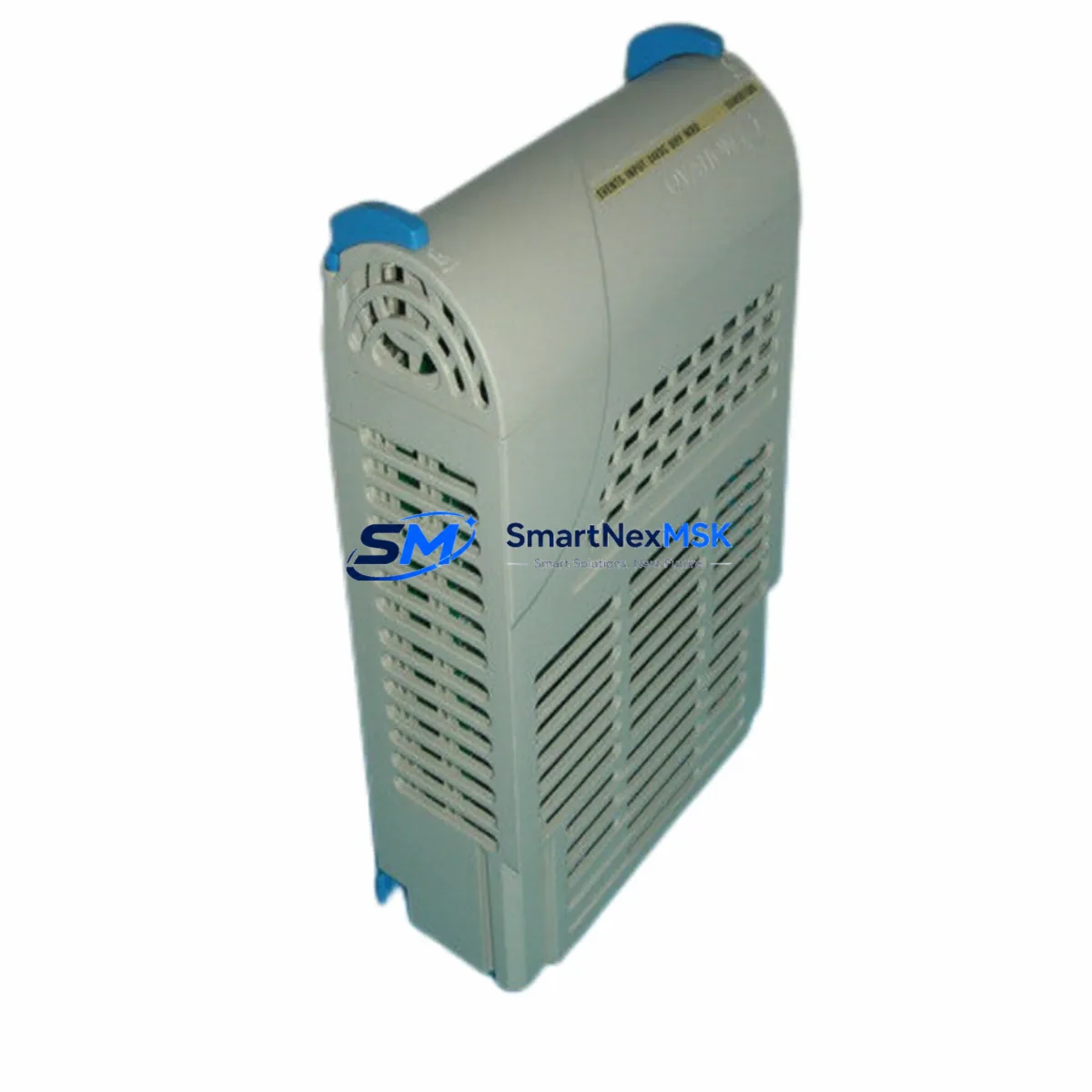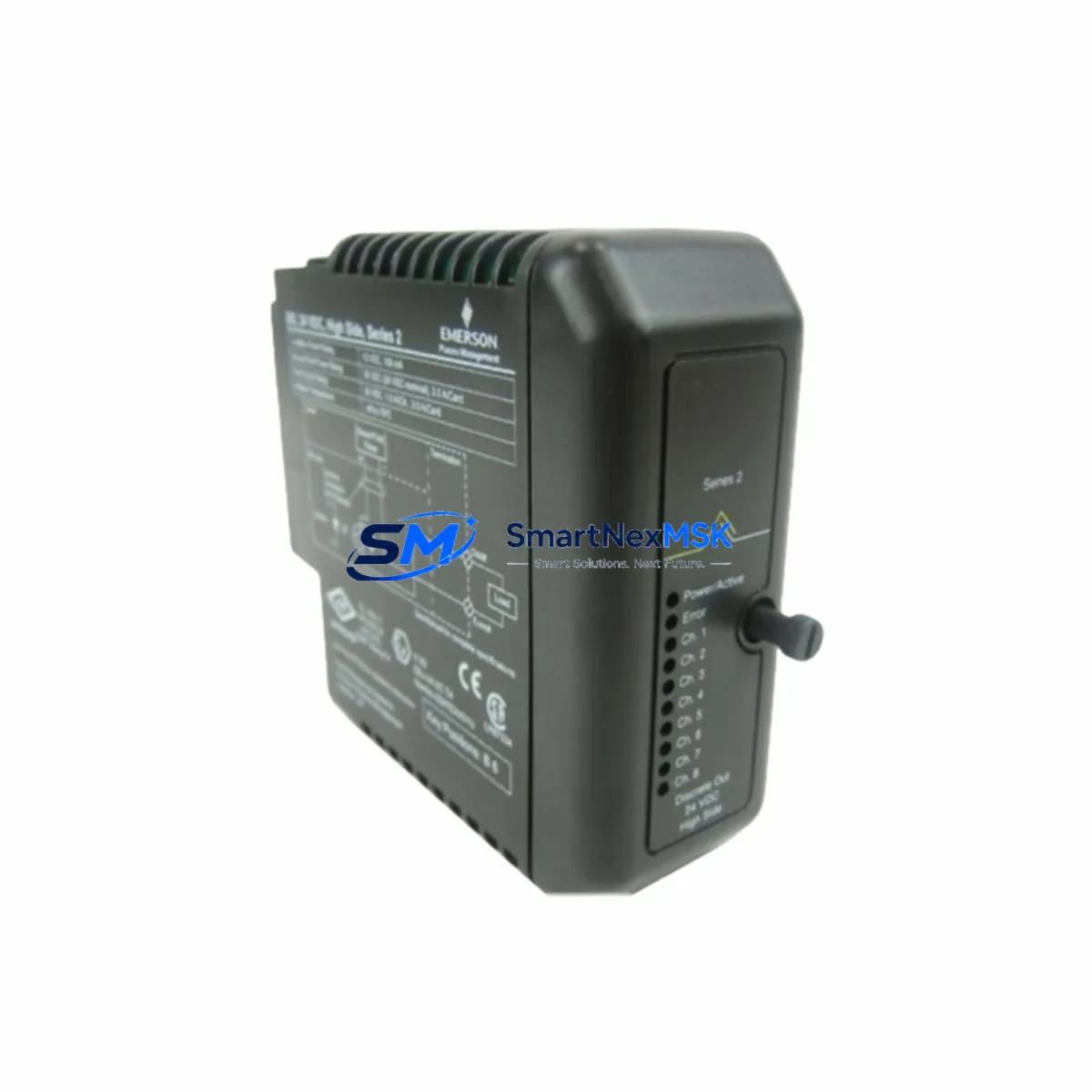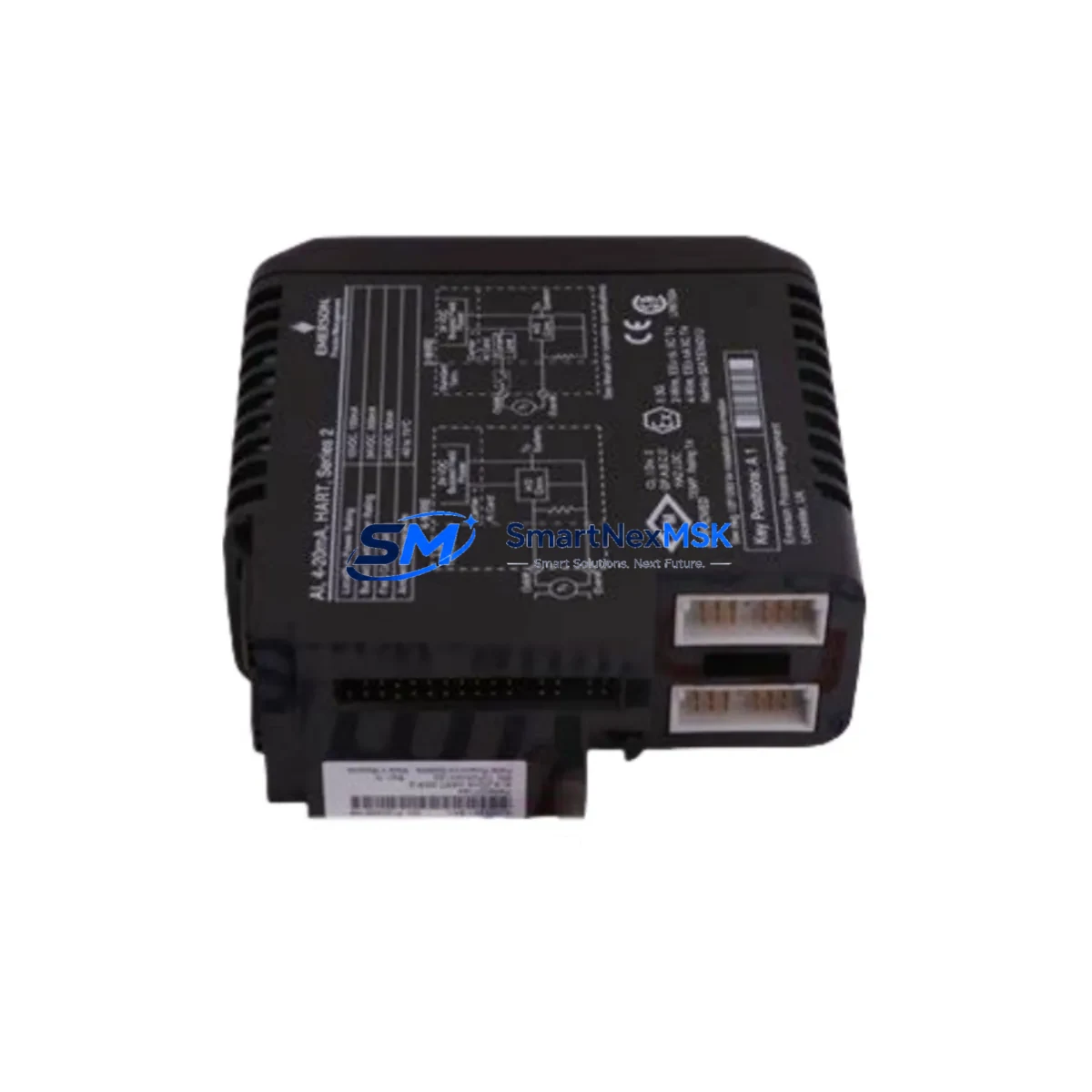
EMERSON VE4037P0 Maintenance-Ready Spare for DeltaV Automation
The EMERSON VE4037P0 is an original 8-channel analog input module designed for the DeltaV distributed control system (DCS) platform. As a critical field I/O component in process automation environments — including oil & gas, chemical, power generation, and pharmaceutical plants — the VE4037P0 is a high-priority spare that maintenance and procurement engineers must keep on hand to minimize unplanned downtime. This listing provides a genuine, tested, and warranty-backed replacement unit ready for immediate site deployment.
Whether you are executing a planned turnaround, responding to an emergency fault, or building out your critical spare parts inventory, the VE4037P0 offers a direct drop-in replacement for aging or failed analog input cards in your DeltaV S-series controller cabinet. Each unit is inspected, function-tested, and shipped with full documentation to support your site acceptance procedure.
Spare Maintenance Table
| Parameter | Specification |
|---|---|
| SKU / Part Number | VE4037P0 |
| Brand | EMERSON (Fisher-Rosemount / DeltaV) |
| Module Type | 8-Channel Analog Input (AI) |
| Compatible Platform | DeltaV S-series DCS (MD, MD Plus, SD, SD Plus Controllers) |
| Signal Types Supported | 4–20 mA HART, 1–5 V DC |
| HART Communication | Supported (per-channel, simultaneous) |
| Input Isolation | Channel-to-channel and channel-to-bus isolation |
| Power Supply | Supplied via DeltaV I/O bus backplane |
| Operating Temperature | 0°C to 60°C (32°F to 140°F) |
| Mounting | DeltaV I/O carrier / backplane slot |
| Certifications | CE, UL, FM (Class I Div 2 rated) |
| Condition | Original, tested before shipment |
| Warranty | 12 Months from date of shipment |
| Lead Time | In stock — ships within 1–3 business days |
| Application Environment | Process plant DCS, continuous manufacturing, utilities |
Maintenance Planning for Continuous Operation
When a VE4037P0 analog input card fails or is flagged during a routine control cabinet inspection, the fault typically manifests as channel-level diagnostic alarms in the DeltaV operator workstation — loss of HART communication, out-of-range signal readings, or complete channel dropout. Before replacing the VE4037P0, a thorough maintenance engineer will also inspect the surrounding components to rule out upstream or downstream causes and prevent repeat failures.
Start by verifying the DeltaV I/O backplane and carrier assembly (such as the VE4001S2T1B1 or VE4002S2T1B1 carrier) for bent pins, corrosion, or mechanical damage — a faulty carrier can cause intermittent module faults that mimic card failure. Check the DeltaV power supply module (e.g., VE4030 or PS1 series) output voltage under load; an under-voltage condition will cause multiple I/O modules to report faults simultaneously. Inspect the field terminal block wiring for loose connections, moisture ingress, or shielding breaks on the 4–20 mA signal cables feeding the analog inputs.
For HART-enabled loops, confirm that the HART multiplexer or HART pass-through configuration in DeltaV is correctly assigned to the replacement module after swap-out, as HART device tags may need to be re-commissioned. If the plant uses signal isolators or signal conditioners (such as MTL or P+F series) between field transmitters and the VE4037P0 inputs, verify isolator output levels and loop power before declaring the module at fault.
During planned maintenance windows, it is best practice to simultaneously inspect the DeltaV MD or SD controller module paired with this I/O card, as controller firmware mismatches after a module replacement can cause configuration download errors. Check the redundant controller switchover behavior if your system uses controller redundancy — a new I/O card must be recognized by both primary and secondary controllers before the redundancy pair is restored to normal operation.
For cabinet-level inspections, also review the DeltaV system power distribution bus, 24 VDC field power fuses (typically 1A or 2A per loop group), and the intrinsic safety barriers or Zener barriers if the analog inputs are connected to hazardous area instruments. A blown fuse or degraded barrier is a common root cause of single-channel analog input failures that are incorrectly attributed to the I/O module itself.
Procurement engineers building a critical spare parts list around the VE4037P0 should also stock the VE4036 (4-channel AI) and VE4038 (16-channel AI) modules for coverage across different I/O density configurations in the same DeltaV cabinet. Including a spare DeltaV I/O carrier and at least one DeltaV controller module in the site spare kit ensures that a single cabinet fault can be fully resolved without waiting for multiple part deliveries.
Site Replacement Workflow
Step 1 — Isolate and document: Before removing the VE4037P0, record all channel assignments, HART device tags, and engineering unit configurations from the DeltaV Explorer. Export the module configuration as a backup. Notify the control room operator and place the affected loops in manual mode.
Step 2 — Safe removal: The VE4037P0 supports hot-swap on DeltaV S-series systems when the carrier remains powered. Confirm hot-swap capability with your site DCS engineer before proceeding. If hot-swap is not permitted, follow your site’s lockout/tagout (LOTO) procedure for the affected I/O carrier.
Step 3 — Install replacement unit: Seat the new VE4037P0 firmly into the carrier slot. The DeltaV system will automatically detect the new module and begin downloading the stored configuration. Verify that the module status LED transitions from red/amber to solid green within 60–90 seconds.
Step 4 — Verify and recommission: Confirm all 8 channels are reading correctly in the DeltaV operator display. Re-enable HART communication per channel and verify device tag assignments. Return all loops to automatic mode and document the replacement in the site maintenance log.
Step 5 — Update spare parts inventory: Replenish the consumed spare immediately to maintain site readiness. This replacement workflow typically achieves full loop restoration in under 30 minutes, significantly reducing process downtime compared to waiting for emergency procurement.
Spare Parts Support FAQ
Q1: Is this VE4037P0 a genuine EMERSON original part or a third-party compatible?
This is an original EMERSON VE4037P0 module sourced from authorized industrial channels. Each unit carries a 12-month warranty from the date of shipment and is function-tested prior to dispatch. We do not supply counterfeit or reverse-engineered substitutes.
Q2: What DeltaV system versions and controller types is the VE4037P0 compatible with?
The VE4037P0 is compatible with DeltaV S-series I/O subsystems, including MD, MD Plus, SD, and SD Plus controllers. It is not compatible with DeltaV M-series (legacy) or DeltaV SIS logic solvers. If you are unsure of your system version, provide your controller part number and we will confirm compatibility before shipment.
Q3: How is the module tested before shipment, and what documentation is included?
Each VE4037P0 undergoes power-on functional testing to verify all 8 analog input channels, HART communication pass-through, and module self-diagnostics. A test report is available upon request. The unit ships with its original module label and, where available, the original EMERSON packaging.
Q4: What is your long-term supply commitment for this part, and can we place a blanket order for site stock?
We maintain ongoing stock of the VE4037P0 and can support blanket purchase orders for site critical spare programs. Long-term supply agreements with scheduled delivery windows are available for maintenance contracts requiring 5+ units annually. Contact our sales team to discuss volume pricing and consignment stock options.
© 2026 SMARTNEXMSK. All rights reserved.
Original Source: https://smartnexmsk.com
Contact: [email protected] | +86 18259474341