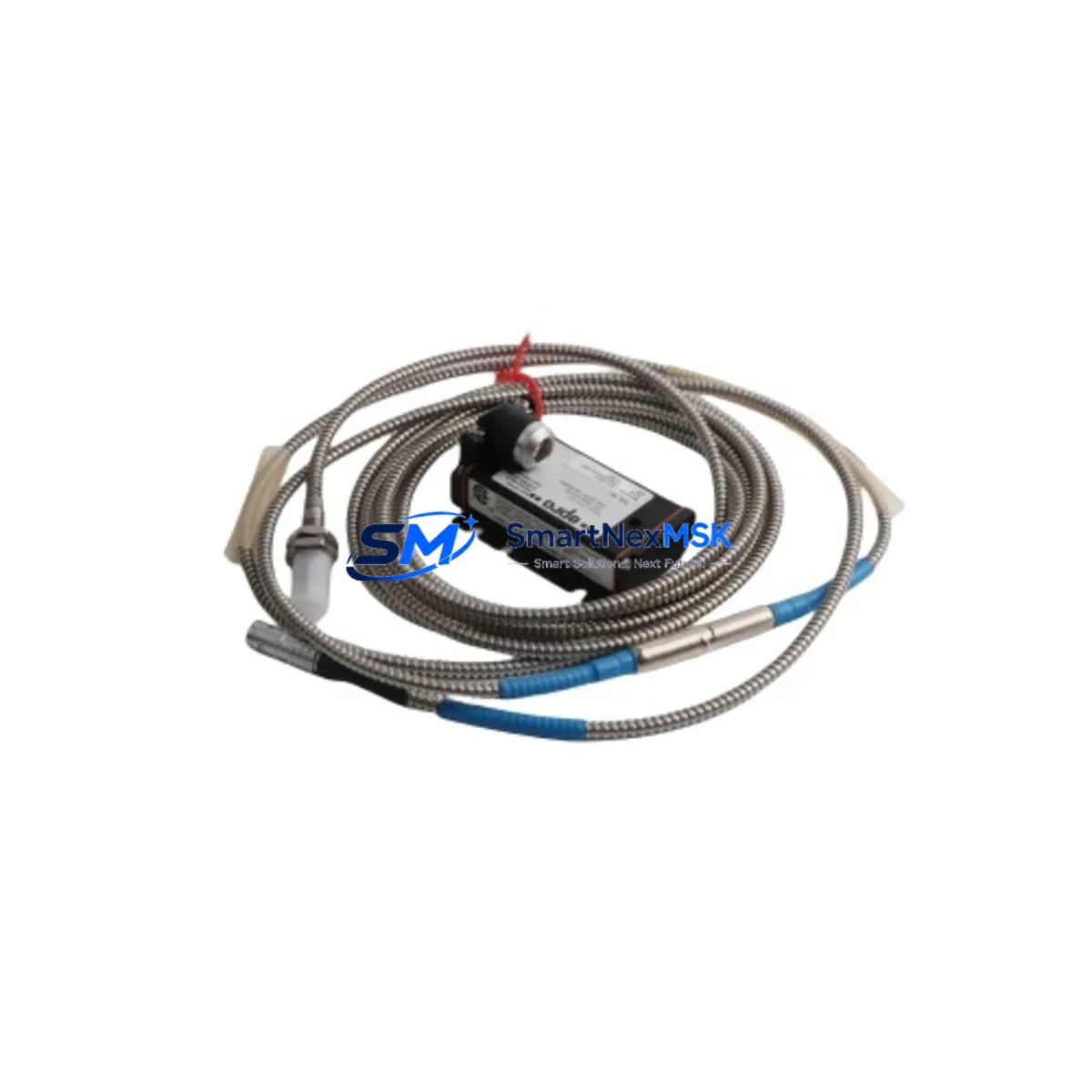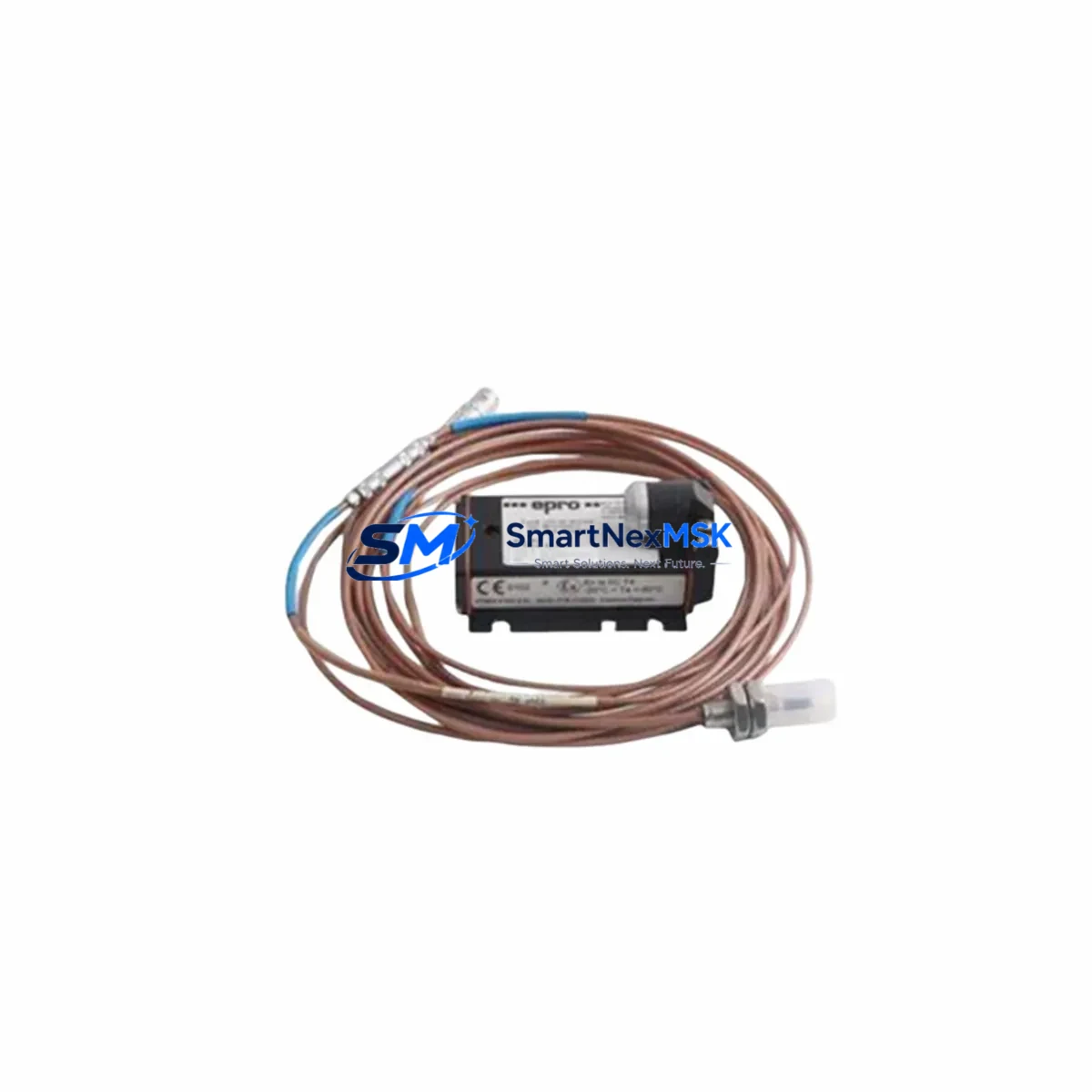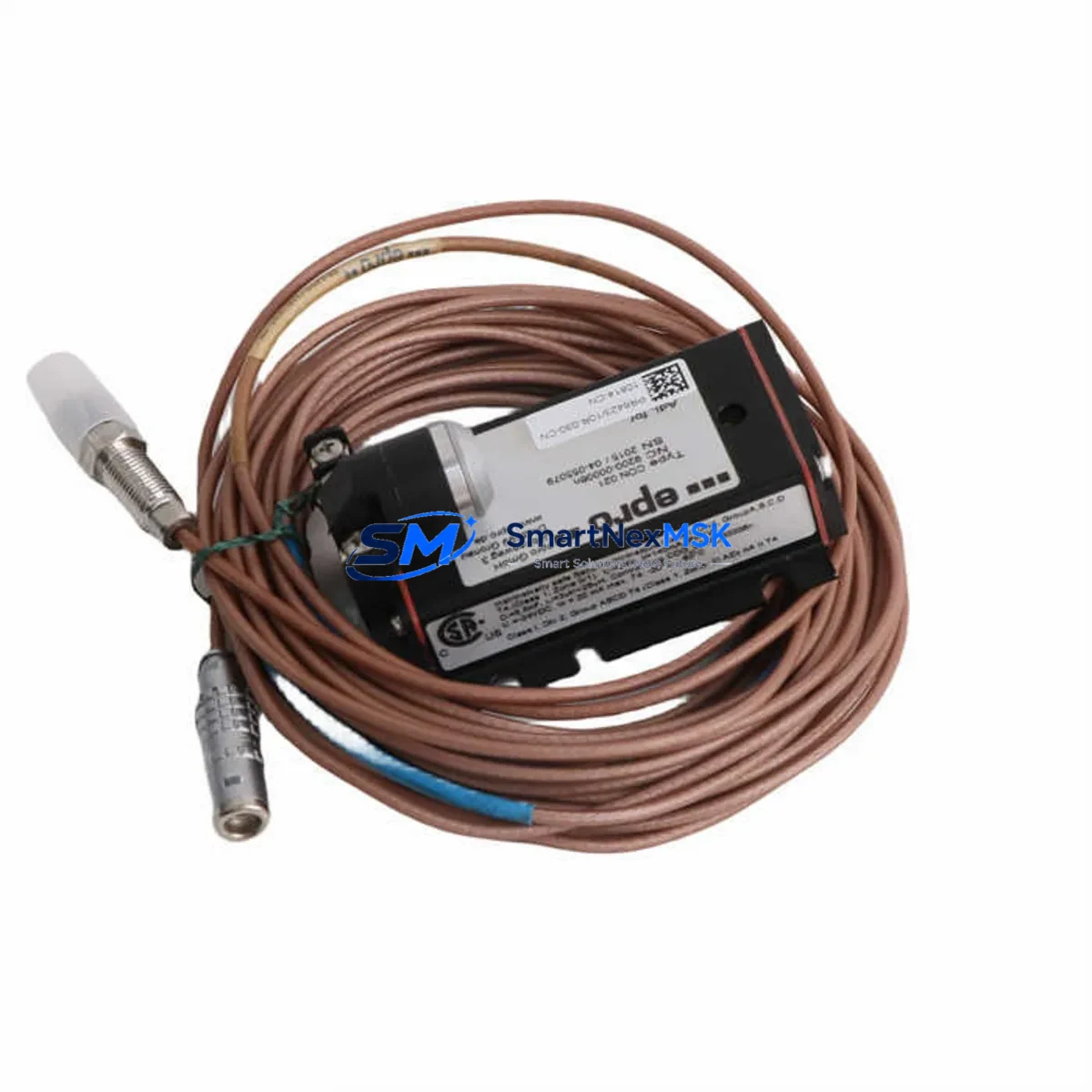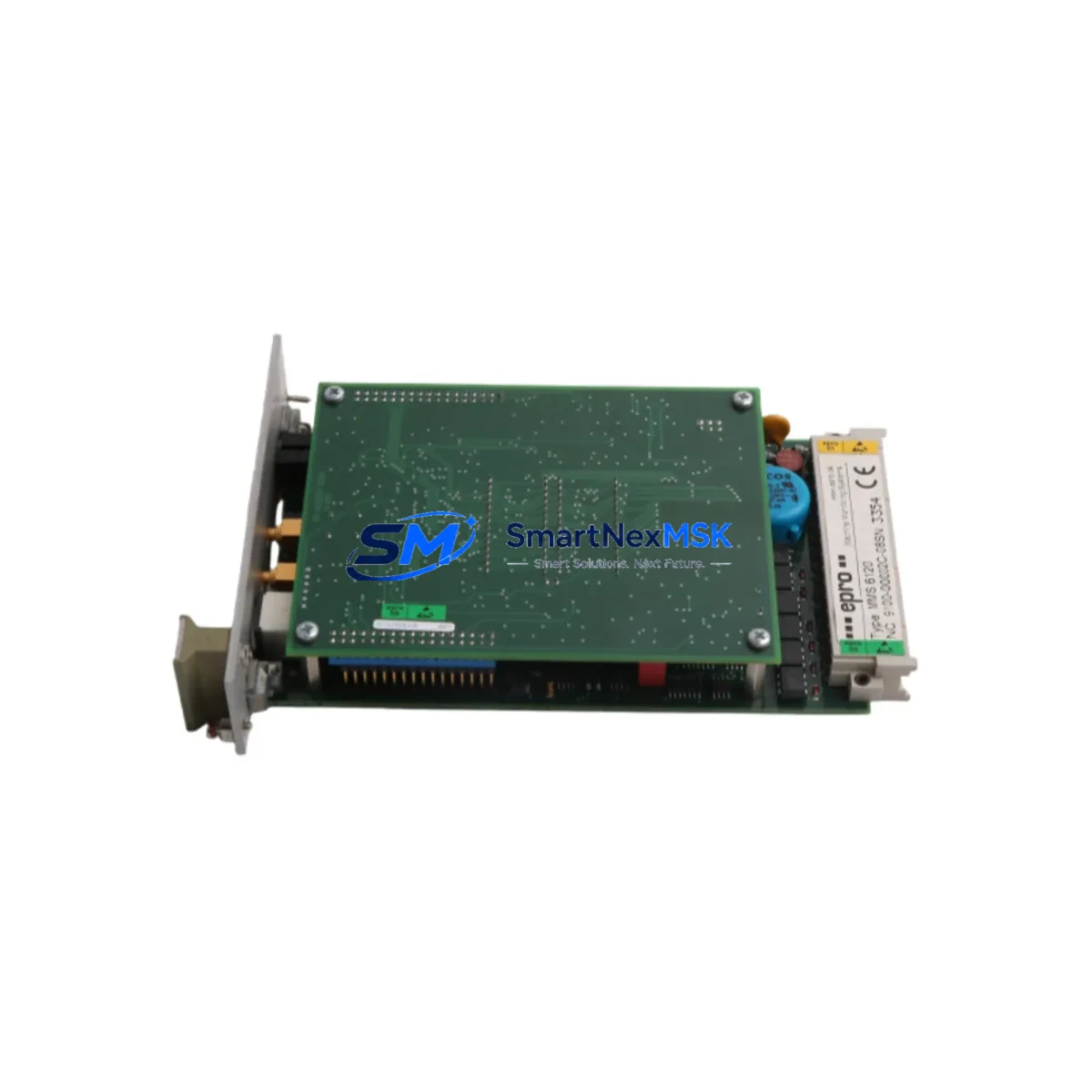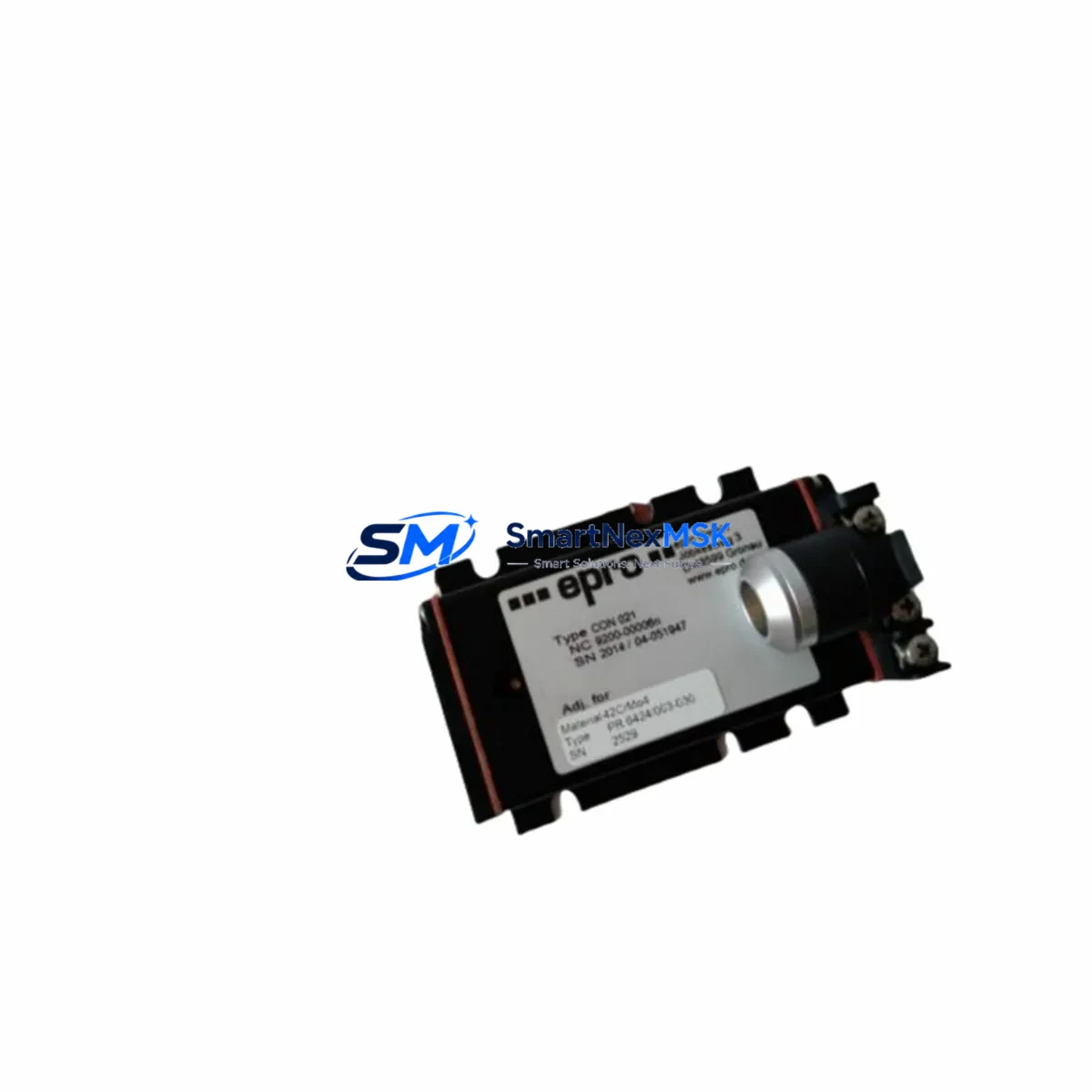
EPRO PR6424/000-030-CN Retrofit-Ready Vibration Monitor: Compatible Upgrade for MMS 6000 Control Systems
The EPRO PR6424/000-030-CN CON021 is a dual-channel eddy current vibration monitor engineered for direct integration into Bently Nevada MMS 6000 and legacy EPRO monitoring racks. Designed to meet the demands of industrial retrofit projects, this module delivers reliable shaft vibration and position measurement in rotating machinery protection systems — including turbines, compressors, pumps, and generators — where continuity of protection logic and minimal downtime are non-negotiable.
For facilities managing aging condition monitoring infrastructure, the PR6424/000-030-CN CON021 represents a proven, specification-matched replacement path. Whether you are decommissioning obsolete MMS 6000 rack assemblies, migrating to a consolidated monitoring architecture, or simply restocking critical spare inventory, this module ships tested and ready for installation.
Upgrade Compatibility Table
| Parameter | Details |
|---|---|
| SKU / Part Number | PR6424/000-030-CN CON021 |
| Brand / Manufacturer | EPRO (Germany) |
| Series Compatibility | MMS 6000 monitoring system; compatible with standard EPRO rack backplanes |
| Measurement Channels | Dual-channel eddy current (radial vibration / axial position) |
| Replaces / Upgrades | Discontinued MMS 6000 vibration monitor modules; direct slot-compatible replacement |
| Backplane Interface | Standard MMS 6000 rack connector; verify slot address assignment before installation |
| Power Supply Requirement | Supplied via rack backplane; confirm rack PSU capacity before adding modules |
| Communication Protocol | Analog output + relay; confirm HMI tag mapping and DCS analog input card compatibility |
| Installation Requirement | Slot-in replacement; verify terminal wiring, sensor cable type (PR6424 series probes), and extension cable length |
| Commissioning Notes | Reconfigure gap voltage, alert/danger setpoints, and channel enable via front-panel or configuration software |
| Warranty | 12 months from date of shipment |
| Origin | Germany (EPRO GmbH) |
| Condition | New / Surplus New — factory tested prior to shipment |
Retrofit Planning for Existing Automation Systems
Replacing a vibration monitor in an operating plant is rarely a simple swap. A successful retrofit of the PR6424/000-030-CN CON021 into an existing MMS 6000 rack requires a structured pre-installation review covering multiple system layers.
Power and Rack Capacity: Before inserting the replacement module, verify that the rack’s power supply module — typically an MMS 6000 PSU or equivalent EPRO power supply card — has sufficient headroom to support the additional load. Overloaded rack power supplies are a common cause of intermittent faults after module replacement.
Sensor and Cable Compatibility: The PR6424/000-030-CN is designed to work with PR6424 series eddy current probes and their associated PR6426 extension cables. Confirm probe tip diameter, gap range, and cable length match the existing installation. Mismatched probe-driver combinations will produce incorrect gap voltage readings and may trigger false alarms or fail to detect real shaft events.
Terminal Wiring and Backplane Connections: Review the existing terminal block wiring diagram before removal of the old module. The CON021 connector interface must be correctly seated on the MMS 6000 rack backplane. Label all field wiring before disconnection and verify continuity after reconnection. Pay particular attention to shield grounding practices to avoid introducing noise into the vibration signal chain.
Module Address and Channel Configuration: In multi-rack MMS 6000 systems, each monitor module is assigned a unique channel address that maps to the plant’s condition monitoring software — such as EPRO MMS 6000 System Manager or a third-party SCADA/DCS integration. After installing the replacement PR6424/000-030-CN CON021, confirm that the module address, channel enable settings, and measurement range parameters are correctly restored. Failure to do so will result in the new module appearing as an unrecognized device or reporting to the wrong tag in the control system.
DCS and HMI Integration: If the MMS 6000 rack feeds analog signals to a DCS analog input module — for example, a Siemens S7-300 SM331 or an ABB AC800M AI810 — verify that the 4–20 mA output scaling from the new monitor matches the engineering unit configuration in the DCS. Similarly, update any HMI screen tag bindings that reference the replaced channel to ensure operators see accurate real-time vibration data. Where the system uses a Modbus RTU or PROFIBUS DP communication module to relay vibration data upstream, confirm that the register map and device address remain consistent after the swap.
Relay Output and Trip Logic: The PR6424/000-030-CN CON021 provides relay outputs for alert and danger conditions. After installation, verify that relay wiring to the safety relay module or emergency shutdown (ESD) system is intact and that trip setpoints are correctly programmed. A bench test of the relay outputs prior to live commissioning is strongly recommended.
Commissioning and Calibration: Once installed, perform a full static calibration using a calibrated gap simulator or the original probe at a known gap distance. Record the gap voltage, sensitivity (mV/mm), and zero-peak vibration reading. Compare against the previous module’s baseline data to confirm the replacement is performing within specification before returning the machine to service.
Downtime Control During System Migration
Minimizing production downtime during a vibration monitor replacement is a primary concern for maintenance teams operating continuous processes. The following approach is recommended when replacing the PR6424/000-030-CN CON021 in a live MMS 6000 system:
Pre-Shutdown Preparation: Before the maintenance window, photograph all terminal wiring, record all current setpoint values, and export the channel configuration from the MMS 6000 system software. If the rack supports hot-swap operation, confirm this capability before attempting live replacement — not all MMS 6000 rack configurations support it.
Parallel Verification: Where a spare slot is available in the rack, consider installing and configuring the new PR6424/000-030-CN CON021 in the spare slot first, connecting a test probe, and verifying correct operation before swapping out the failed or obsolete module. This approach allows the replacement to be validated without interrupting the active monitoring channel.
Program Logic Preservation: If the vibration monitor feeds a trip signal into a PLC-based safety interlock — for example, a Siemens S7-400 CPU or a Rockwell ControlLogix controller — ensure that the PLC program logic referencing the vibration channel is placed in bypass mode during the swap, and that the bypass is properly authorized and time-limited per your site’s management of change (MOC) procedure. Restore the interlock immediately after commissioning is complete and the new module is confirmed operational.
Post-Installation Verification: After the replacement is live, monitor the vibration trend data for a minimum of one full machine operating cycle before closing the work order. Compare the new module’s readings against any redundant vibration channels or portable vibration analyzers to confirm measurement accuracy. Document the as-found and as-left conditions for your maintenance records.
Retrofit Support FAQ
Q1: Is the PR6424/000-030-CN CON021 a direct drop-in replacement for my existing MMS 6000 vibration monitor?
In most cases, yes — the PR6424/000-030-CN CON021 is designed for slot-compatible installation in standard MMS 6000 racks using the CON021 backplane connector. However, you should verify the rack slot type, backplane connector version, and power supply capacity before installation. If your existing rack uses a different connector variant, contact us with your rack model number for compatibility confirmation.
Q2: What wiring changes are required when replacing an older EPRO vibration monitor with the PR6424/000-030-CN CON021?
In a like-for-like replacement within the same rack, field wiring to the terminal block typically does not require modification. You should, however, verify probe cable type (PR6424 series), extension cable length, and shield grounding continuity. If you are migrating from a different EPRO module family or a Bently Nevada 3300 series monitor, terminal mapping differences will apply and a wiring adaptation may be required.
Q3: How do I verify that the replacement module is functioning correctly before returning the machine to service?
All PR6424/000-030-CN CON021 units supplied by SMARTNEXMSK are factory tested prior to shipment. On-site, perform a static gap calibration using a calibrated gap tool or the installed probe at a known distance. Confirm gap voltage, sensitivity, and relay output operation against the module’s specification sheet. Compare readings against adjacent channels or portable instruments before releasing the machine.
Q4: What warranty coverage is provided, and what does it include?
Every PR6424/000-030-CN CON021 supplied by SMARTNEXMSK carries a 12-month warranty from the date of shipment. The warranty covers manufacturing defects and functional failures under normal operating conditions. It does not cover damage resulting from incorrect installation, overvoltage, or physical mishandling. Our technical team is available to support installation and commissioning queries throughout the warranty period.
© 2026 SMARTNEXMSK. All rights reserved.
Original Source: https://smartnexmsk.com
Contact: [email protected] | +86 18259474341