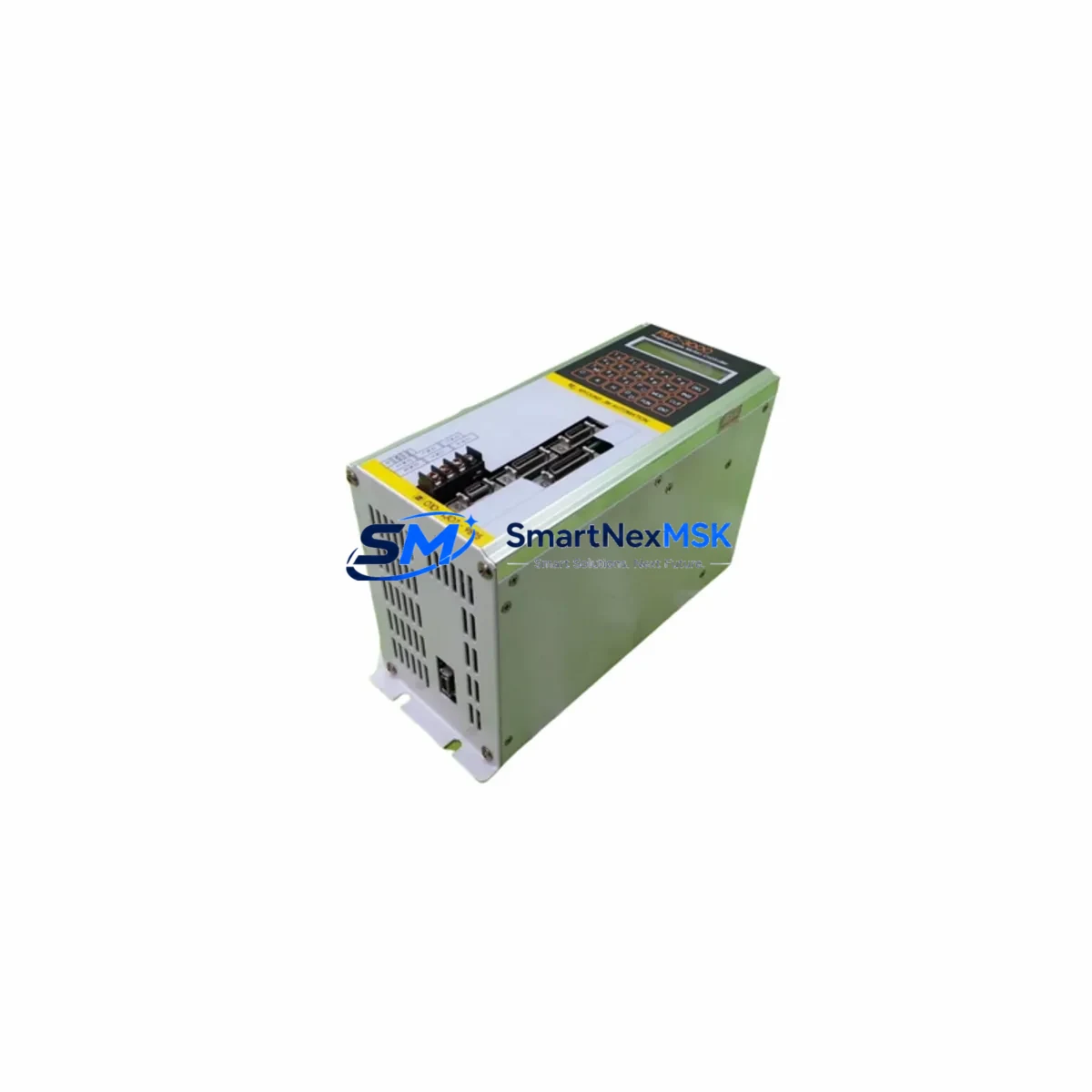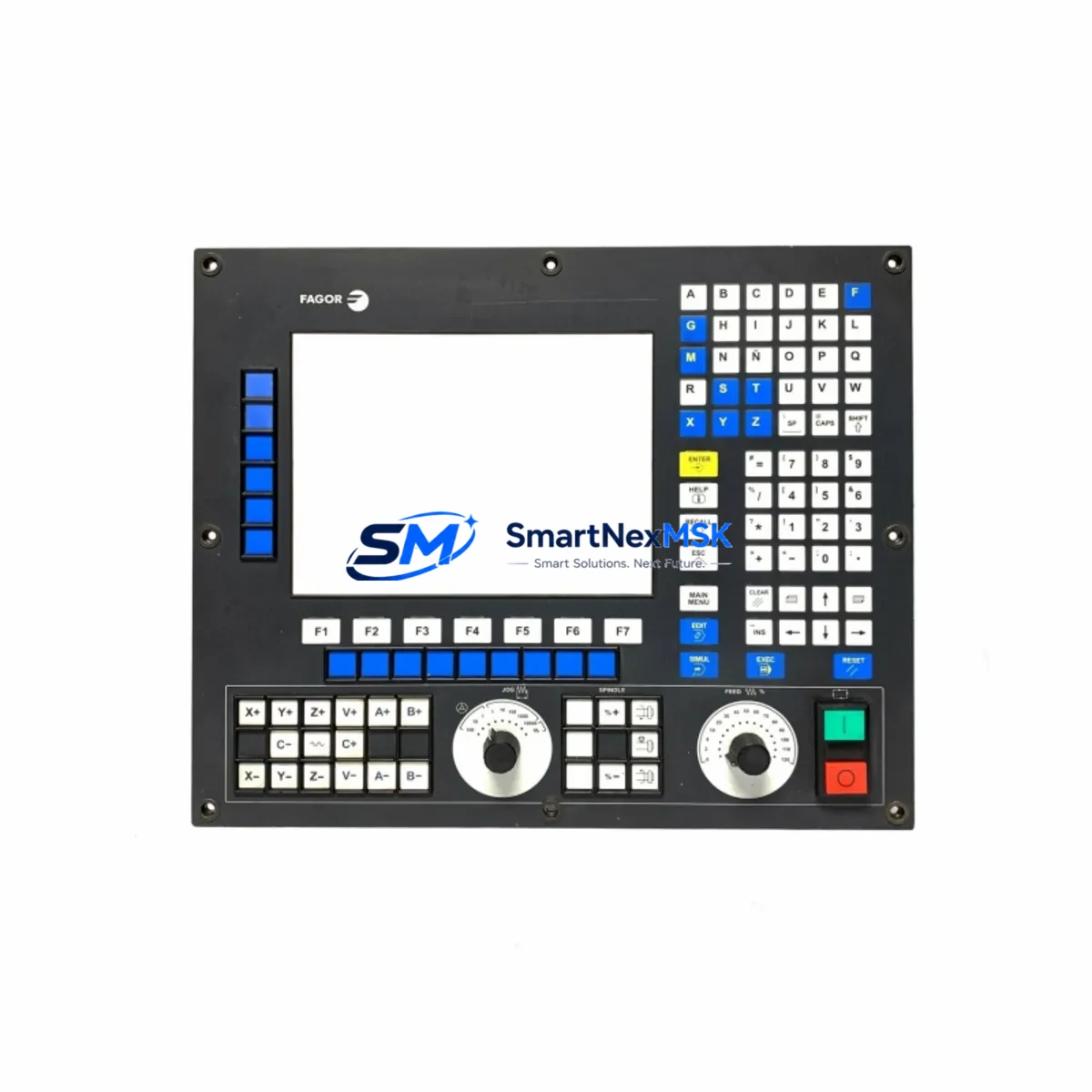
Fagor 8055i/A-M-COL-K Retrofit-Ready CNC Color Operator Panel: Compatible Upgrade for Legacy Milling Control Systems
The Fagor 8055i/A-M-COL-K is a color operator panel designed for the Fagor 8055i CNC series, widely deployed in milling machine control applications across precision manufacturing, tooling, and general machining environments. As Fagor Automation entered insolvency and ceased production, thousands of 8055i-based control systems worldwide now face the critical challenge of sourcing genuine or compatible replacement units. This listing addresses that need directly — offering a retrofit-ready, fully tested 8055i/A-M-COL-K operator panel with 12-month warranty coverage and verified compatibility for drop-in integration into existing 8055i control architectures.
Whether your facility is managing an aging milling line, recovering from an unexpected panel failure, or executing a planned control cabinet upgrade, the 8055i/A-M-COL-K provides a reliable path forward without requiring a full CNC platform migration. The panel interfaces directly with the 8055i central unit via the established Fagor backplane and communication architecture, preserving your existing part programs, tool offsets, and machine parameters.
Upgrade Compatibility Table
| Parameter | Details |
|---|---|
| Compatible CNC Series | Fagor 8055i (Milling / M variant) |
| Panel Type | Color Operator Panel (COL-K) |
| Display Interface | Integrated color LCD, backplane-connected to 8055i central unit |
| Mounting / Installation | Direct panel cutout replacement; matches OEM footprint for 8055i control cabinets |
| Communication Compatibility | Fagor proprietary bus; compatible with 8055i central unit communication protocol |
| Replacement Recommendation | Suitable for direct swap of failed or end-of-life 8055i/A-M-COL-K units |
| Commissioning Notes | Verify machine parameters (P600–P699 range), axis configuration, and PLC program version before power-on |
| Warranty | 12 Months — covers manufacturing defects and functional failure under normal operating conditions |
Retrofit Planning for Existing Automation Systems
Integrating the 8055i/A-M-COL-K into an existing control cabinet requires a structured approach to avoid commissioning delays and protect the integrity of the machine’s control logic. Before beginning the physical swap, engineers should document the current machine parameter set using the Fagor 8055i parameter backup utility or a direct RS-232 serial transfer via the programming cable (typically a Fagor-compatible DB9 serial cable). This backup is essential — it captures axis parameters, spindle configuration, PLC I/O assignments, and compensation tables that define the machine’s behavior.
On the hardware side, the 8055i/A-M-COL-K connects to the 8055i central unit through the operator panel cable harness. Technicians should inspect the ribbon cable and connector pins for wear before reinstallation, as degraded connectors are a common cause of display faults in aging systems. The central unit itself — often mounted on a DIN rail or backplane within the control cabinet — should be checked for capacitor aging and power supply rail stability. If the existing Fagor power supply module (such as the Fagor PS-25A or equivalent) shows voltage drift, it is advisable to replace it concurrently to avoid repeat failures.
For systems that also include Fagor I/O expansion modules — such as the Fagor RIO5 remote I/O units or local I/O boards connected via the Fagor SERCOS or CAN bus — the module addresses must be verified against the PLC program’s I/O map. Address conflicts introduced during a panel swap can cause unexpected PLC faults at startup. Similarly, if the machine uses a Fagor 8055i with an integrated spindle drive or axis servo drives (such as Fagor AXD or SPD series drives), the drive parameter sets should be confirmed unchanged after the panel replacement, as some parameter displays are panel-dependent.
Control cabinets running the 8055i in multi-axis milling configurations may also include a Fagor keyboard unit (the alphanumeric jog panel) and a machine operator panel (MOP) connected in parallel with the color operator panel. These peripheral panels communicate through the same operator panel bus and should be tested for correct key response and E-stop chain continuity after the 8055i/A-M-COL-K is installed. If the machine’s HMI screens were customized using Fagor’s symbol editor or custom page definitions, verify that the new panel’s firmware version supports the same screen definition format — firmware mismatches can cause blank or corrupted HMI pages at startup.
Downtime Control During System Migration
Minimizing production downtime during a CNC panel replacement is a primary concern for any maintenance team. For the 8055i/A-M-COL-K swap, the most effective strategy is to complete all pre-replacement preparation — parameter backup, wiring documentation, spare parts staging, and firmware version confirmation — before the machine is taken offline. With preparation complete, the physical panel exchange and initial power-on sequence can typically be completed within two to four hours for an experienced CNC technician.
Before powering down the machine, capture a full screenshot or printed record of the active tool table, work coordinate offsets (G54–G59), and any active macro variable values. These are not always included in a standard parameter backup and must be re-entered manually if lost. The PLC ladder program stored in the 8055i central unit is retained in non-volatile memory and is not affected by the operator panel replacement — however, a PLC program printout or backup to a PC via the Fagor WinDNC software is strongly recommended as a precaution.
After installation, perform a controlled power-on sequence: apply control power first without enabling the servo drives, confirm the color display initializes correctly and the CNC reaches the ready state, then enable drives one axis at a time while monitoring for alarms. Run a dry-cycle test of the most recent part program before returning the machine to production. This structured commissioning sequence protects both the machine and the operator, and ensures that the 8055i/A-M-COL-K is fully functional before production resumes.
Retrofit Support FAQ
Q1: Is the 8055i/A-M-COL-K a direct drop-in replacement for my existing Fagor color operator panel?
A: Yes. The 8055i/A-M-COL-K is designed as a direct replacement for the same model in 8055i milling control systems. The panel connector, mounting dimensions, and communication interface are identical to the original OEM unit. No hardware modification to the control cabinet is required for a standard swap.
Q2: Will my existing machine parameters and PLC program be preserved after the panel replacement?
A: Machine parameters and the PLC program are stored in the 8055i central unit, not in the operator panel. They are not affected by the panel replacement. However, we strongly recommend performing a full parameter backup before beginning any hardware work as a standard precaution.
Q3: How do I verify wiring and terminal connections before powering on the new panel?
A: Refer to the Fagor 8055i installation manual for the operator panel cable pinout. Confirm that the panel cable harness is fully seated at both the panel connector and the central unit connector. Check for bent pins, damaged insulation, or loose locking clips. Verify that the E-stop circuit is intact and that all cabinet door interlocks are closed before applying control power.
Q4: What does the 12-month warranty cover, and what is the shipping and testing process?
A: Every 8055i/A-M-COL-K unit is function-tested prior to shipment, including display initialization, keypad response, and communication interface verification. The 12-month warranty covers manufacturing defects and functional failures under normal operating conditions. Units are shipped with protective packaging suitable for international freight. For warranty claims, contact our technical support team with the unit serial number and a description of the fault.
—
© 2026 SMARTNEXMSK. All rights reserved.
Original Source: https://smartnexmsk.com
Contact: [email protected] | +86 18259474341