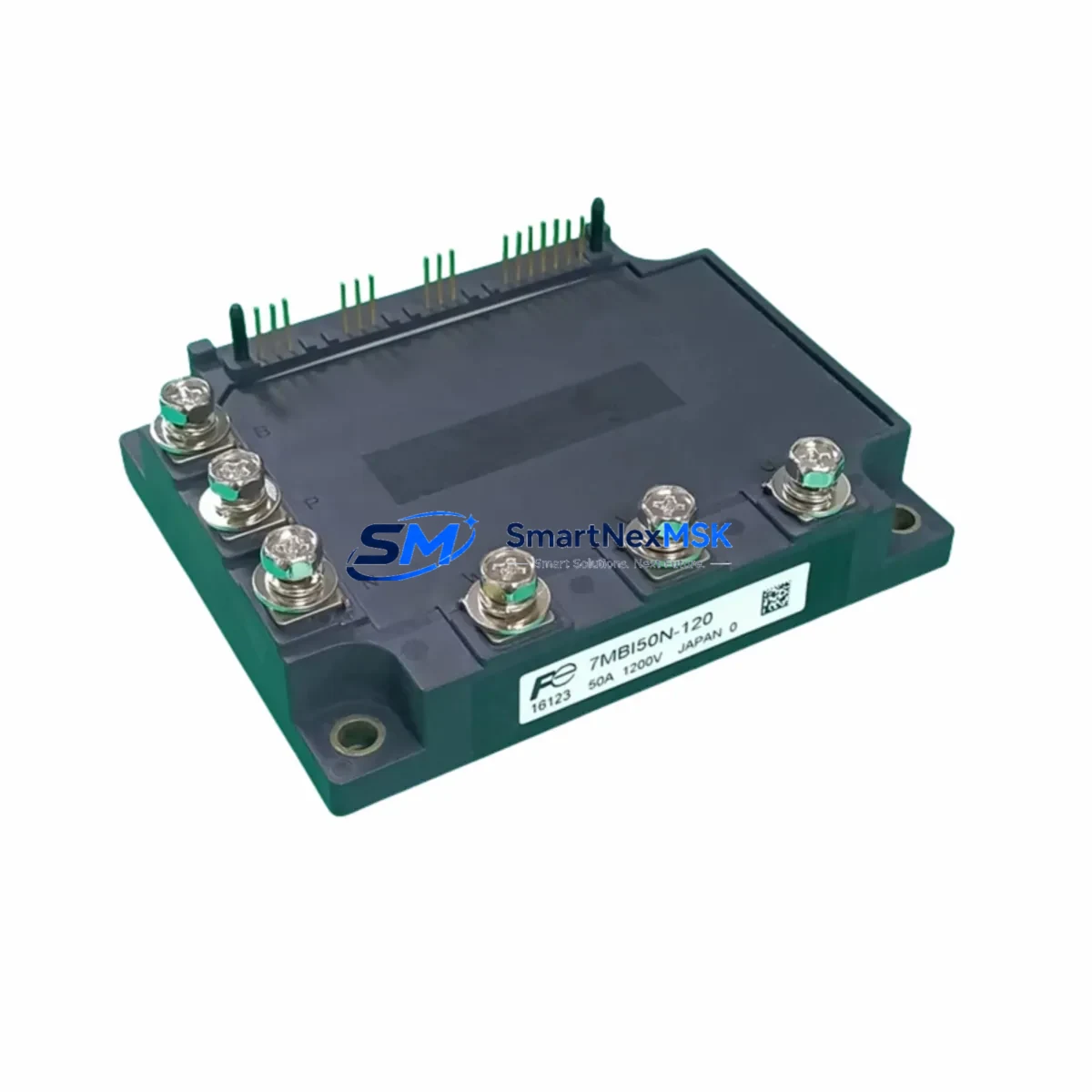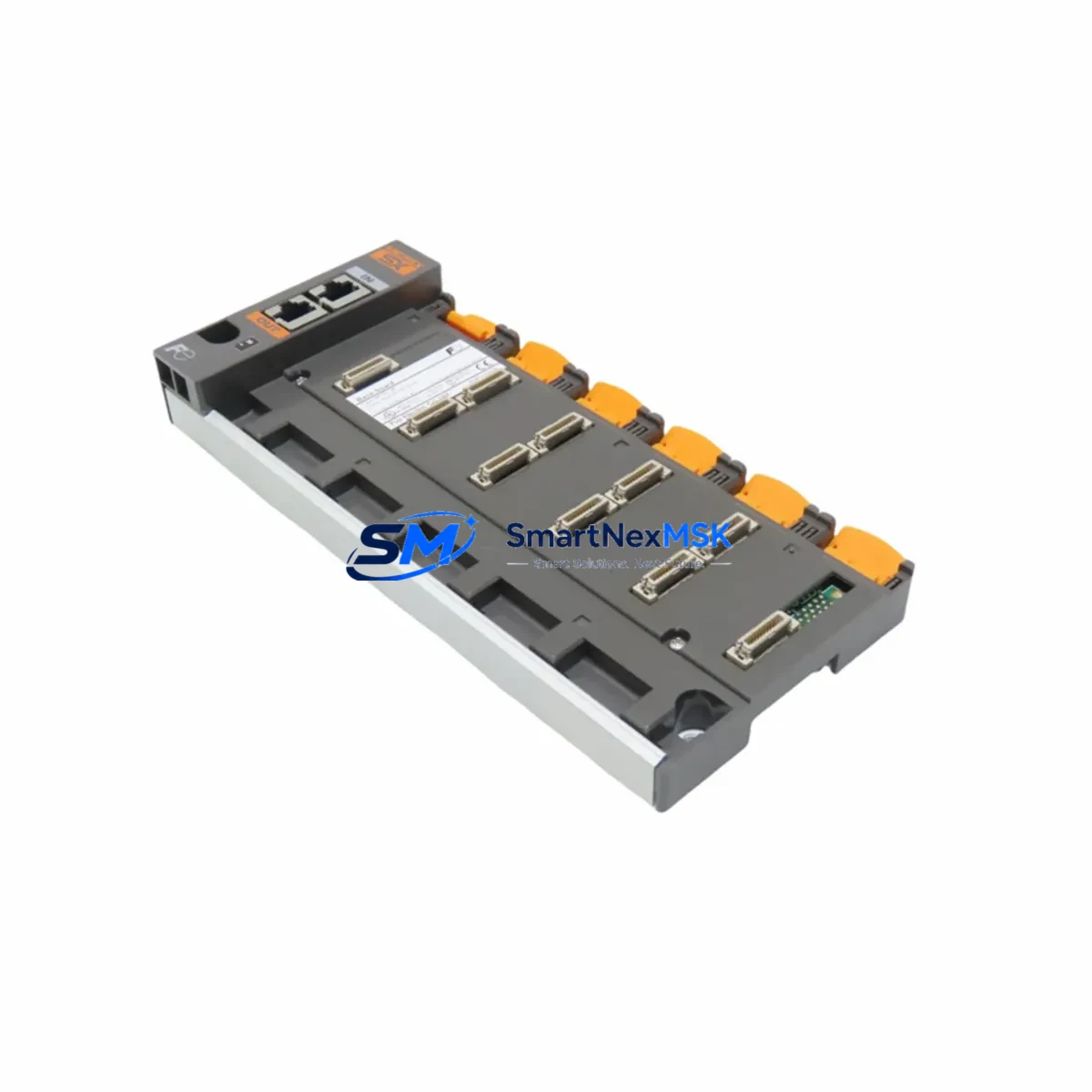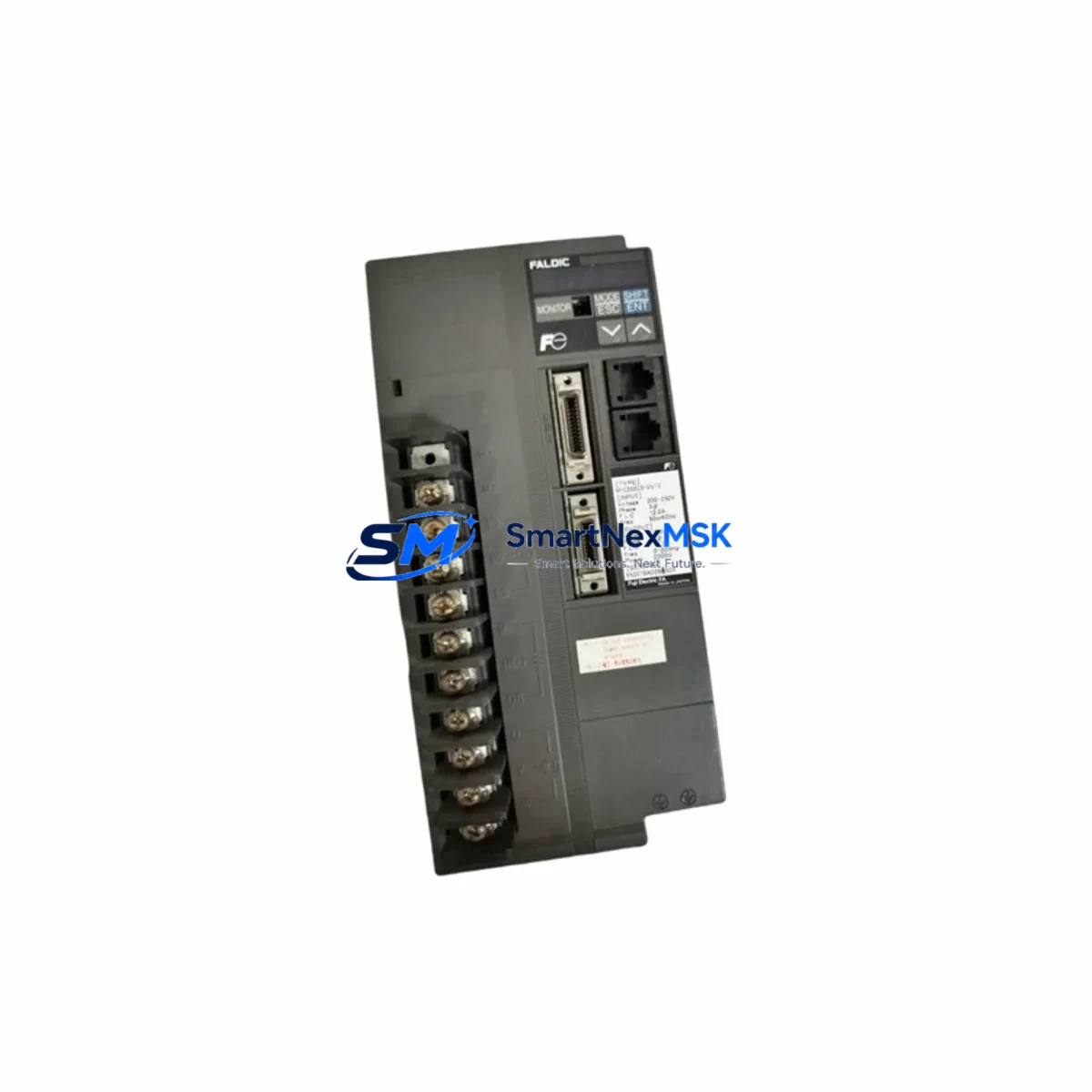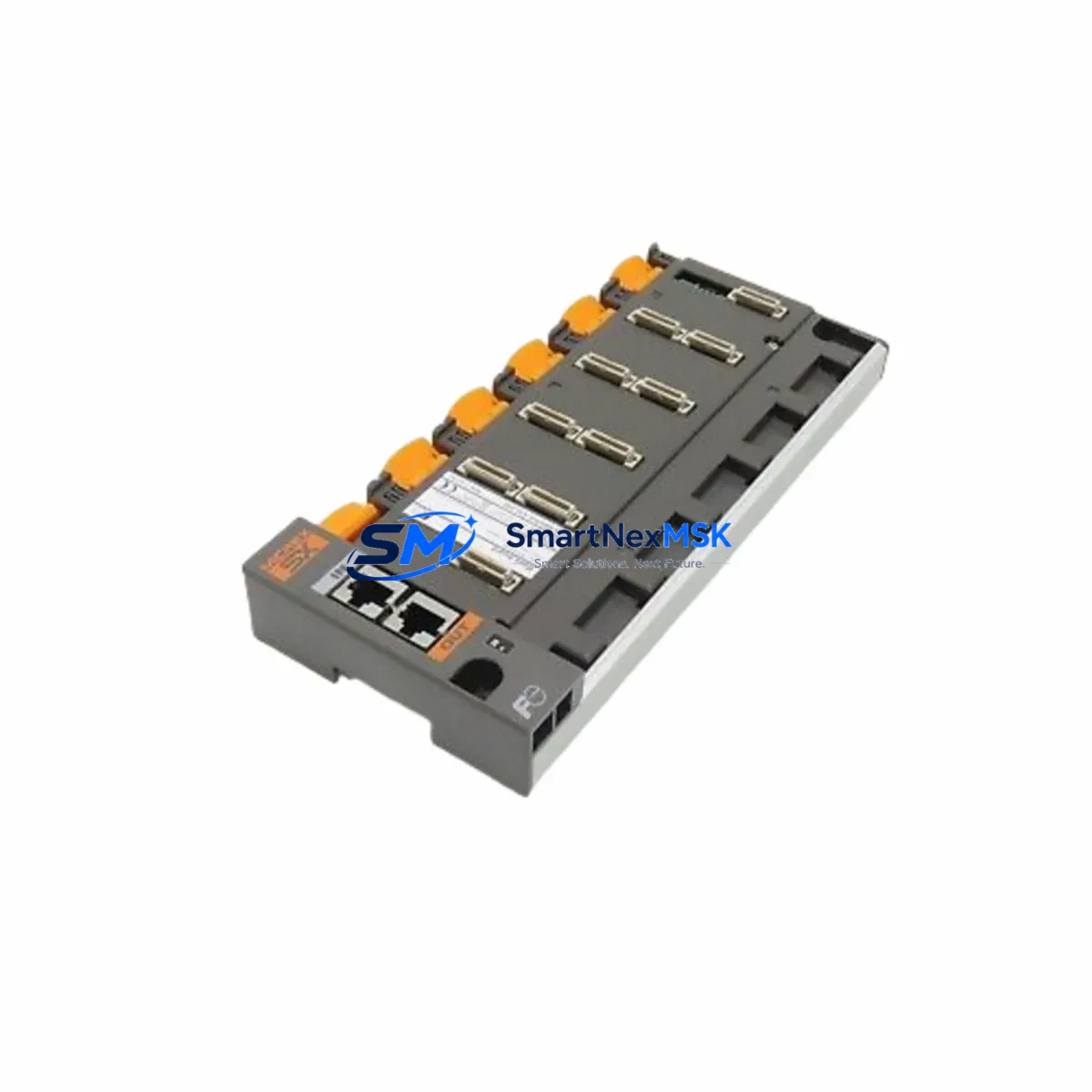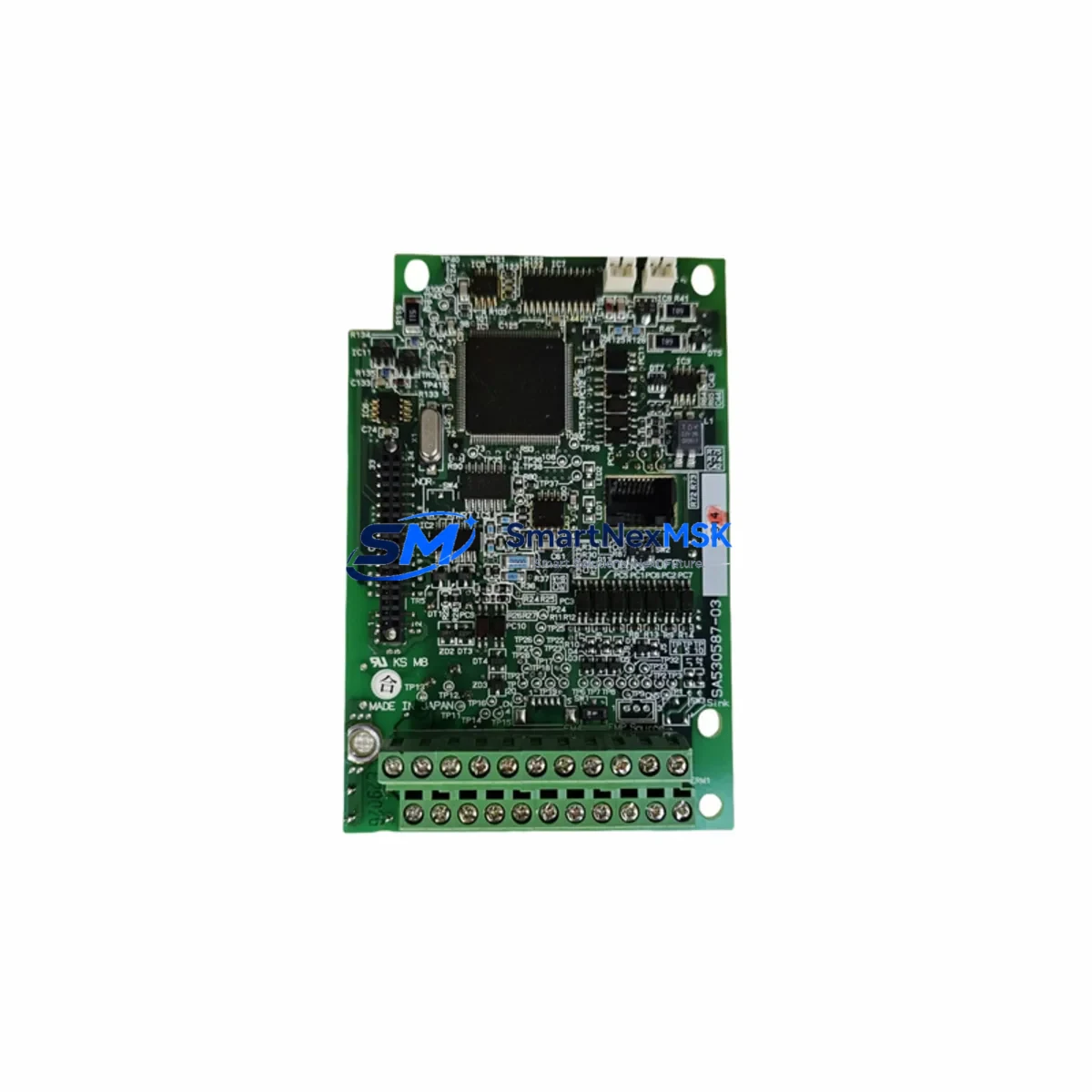
FUJI SA531121-03 E11-C4PCB Maintenance-Ready Spare for FALDIC-W Automation
The FUJI SA531121-03 E11-C4PCB is an original servo drive control board designed for the FUJI FALDIC-W series servo drive system — one of the most widely deployed motion control platforms in precision manufacturing, packaging, and process automation. When this board fails, the entire servo axis goes offline, triggering unplanned downtime that can cascade across production lines. Sourcing a verified, tested replacement from stock is the fastest path to restoring operation and protecting your maintenance KPIs.
This unit ships from pre-inspected inventory, undergoes functional verification prior to dispatch, and is backed by a 12-month warranty. Whether you are executing an emergency swap, building a critical spare buffer, or retiring an aging FALDIC-W drive, the SA531121-03 E11-C4PCB is a direct, drop-in replacement that requires no firmware re-flashing or parameter migration when installed in the correct drive chassis.
Spare Maintenance Table
| Parameter | Specification / Detail |
|---|---|
| Part Number | SA531121-03 E11-C4PCB |
| Brand | FUJI Electric |
| Compatible Series | FALDIC-W Servo Drive |
| Component Type | Servo Drive Control Board (PCB Assembly) |
| Origin | Japan |
| Condition | Original / Genuine — Pre-inspected |
| Voltage Range | Per FALDIC-W drive specification (200V / 400V class) |
| Communication Interface | Compatible with FALDIC-W internal bus architecture |
| Installation | Direct board replacement within FALDIC-W drive chassis |
| Application Environment | Industrial automation, CNC, packaging, conveyor, press lines |
| Maintenance Recommendation | Replace at first sign of fault codes E.OC, E.OS, E.LU, or control loss |
| Warranty | 12 Months from date of shipment |
| Lead Time | Ships from stock — typically within 1–3 business days |
Maintenance Planning for Continuous Operation
A servo drive control board failure rarely occurs in isolation. When the SA531121-03 E11-C4PCB is flagged for replacement during a fault investigation or scheduled overhaul, a thorough maintenance engineer will simultaneously audit the surrounding electrical environment to prevent repeat failures and confirm system integrity before restart.
Begin with the FUJI FALDIC-W power supply module — verify input voltage stability and check for ripple or transient spikes that may have contributed to the board fault. Inspect the regenerative braking resistor and its wiring for signs of thermal stress. Review the encoder feedback cable (typically a shielded multi-core cable between the servo motor and drive) for insulation damage, connector corrosion, or intermittent contact — a degraded encoder signal is a leading cause of control board stress.
On the I/O side, check the FUJI FALDIC-W I/O terminal board for loose wiring, oxidized terminals, and correct 24VDC logic supply. If the drive communicates with a host PLC — such as a FUJI MICREX-SX series PLC or a third-party controller via pulse/direction or analog reference — verify the communication cable integrity and signal levels. For systems using FUJI DeviceNet or PROFIBUS communication cards, confirm that the network address and baud rate settings are preserved after the board swap.
Inspect the control cabinet terminal blocks (e.g., FUJI or Phoenix Contact DIN-rail terminal strips) for tightness and correct labeling. Check the 24VDC control power fuse and any surge protection devices on the input side. If the system includes a FUJI HMI panel (such as the V9 or V10 series) connected to the drive, verify that the HMI communication parameters are intact and that no alarm history requires clearing. For multi-axis systems, also inspect the FUJI servo motor power cable and the motor thermal overload relay in the main circuit — these components share the same fault exposure window as the control board.
Proactive spare stocking of the SA531121-03 E11-C4PCB alongside the FALDIC-W gate drive board and main control CPU board is recommended for facilities running FALDIC-W drives in critical production roles. A two-board spare kit covering the control and gate drive layers eliminates the most common failure modes and reduces mean time to repair (MTTR) to under one shift.
Site Replacement Workflow
Step 1 — Fault Confirmation: Record all active fault codes from the FALDIC-W drive display or HMI. Common codes indicating control board failure include E.OC (overcurrent), E.OS (overspeed), E.LU (undervoltage on control supply), and persistent communication errors. Document the drive’s parameter settings using the FUJI servo parameter copy function or a handheld loader before powering down.
Step 2 — Safe Isolation: Isolate the drive from mains power and wait for the DC bus capacitors to discharge fully (minimum 5 minutes, or until the charge indicator LED extinguishes). Disconnect the encoder cable, motor power cable, and all I/O wiring from the drive terminals, labeling each connection for accurate reinstallation.
Step 3 — Board Removal and Inspection: Remove the FALDIC-W drive cover and carefully extract the SA531121-03 E11-C4PCB. Inspect the board for visible burn marks, swollen capacitors, cracked solder joints, or damaged connectors. Retain the faulty board for root-cause analysis if required by your maintenance management system.
Step 4 — Replacement Installation: Install the new SA531121-03 E11-C4PCB, ensuring all board connectors are fully seated and locking tabs are engaged. Reconnect all wiring per the original labeling. Restore the drive’s parameter settings from the saved backup.
Step 5 — Commissioning and Verification: Power up the drive and confirm no fault codes are present. Run the servo axis through a low-speed jog cycle to verify encoder feedback, torque response, and communication with the host controller. Log the replacement in your CMMS and update the spare parts inventory record.
Spare Parts Support FAQ
Q1: Is the SA531121-03 E11-C4PCB compatible with all FALDIC-W drive models?
The SA531121-03 E11-C4PCB is designed for specific FALDIC-W drive variants. Please confirm your drive’s full model number and existing board revision before ordering. Our technical team can cross-reference your drive model to confirm compatibility prior to shipment.
Q2: How is the board tested before shipment?
Each unit undergoes visual inspection and functional verification against FUJI FALDIC-W drive specifications. Units that do not pass inspection are not shipped. A test report is available upon request for critical applications.
Q3: What does the 12-month warranty cover?
The 12-month warranty covers manufacturing defects and functional failures under normal operating conditions from the date of shipment. It does not cover damage caused by incorrect installation, overvoltage events, or physical mishandling. Warranty claims are processed with priority to minimize your downtime.
Q4: Can you support long-term or repeat supply of this part?
Yes. We maintain ongoing inventory of FUJI FALDIC-W spare boards and can support blanket orders, scheduled releases, and emergency replenishment. Contact our team to discuss a supply agreement tailored to your maintenance cycle and spare buffer requirements.
© 2026 SMARTNEXMSK. All rights reserved.
Original Source: https://smartnexmsk.com
Contact: [email protected] | +86 18259474341