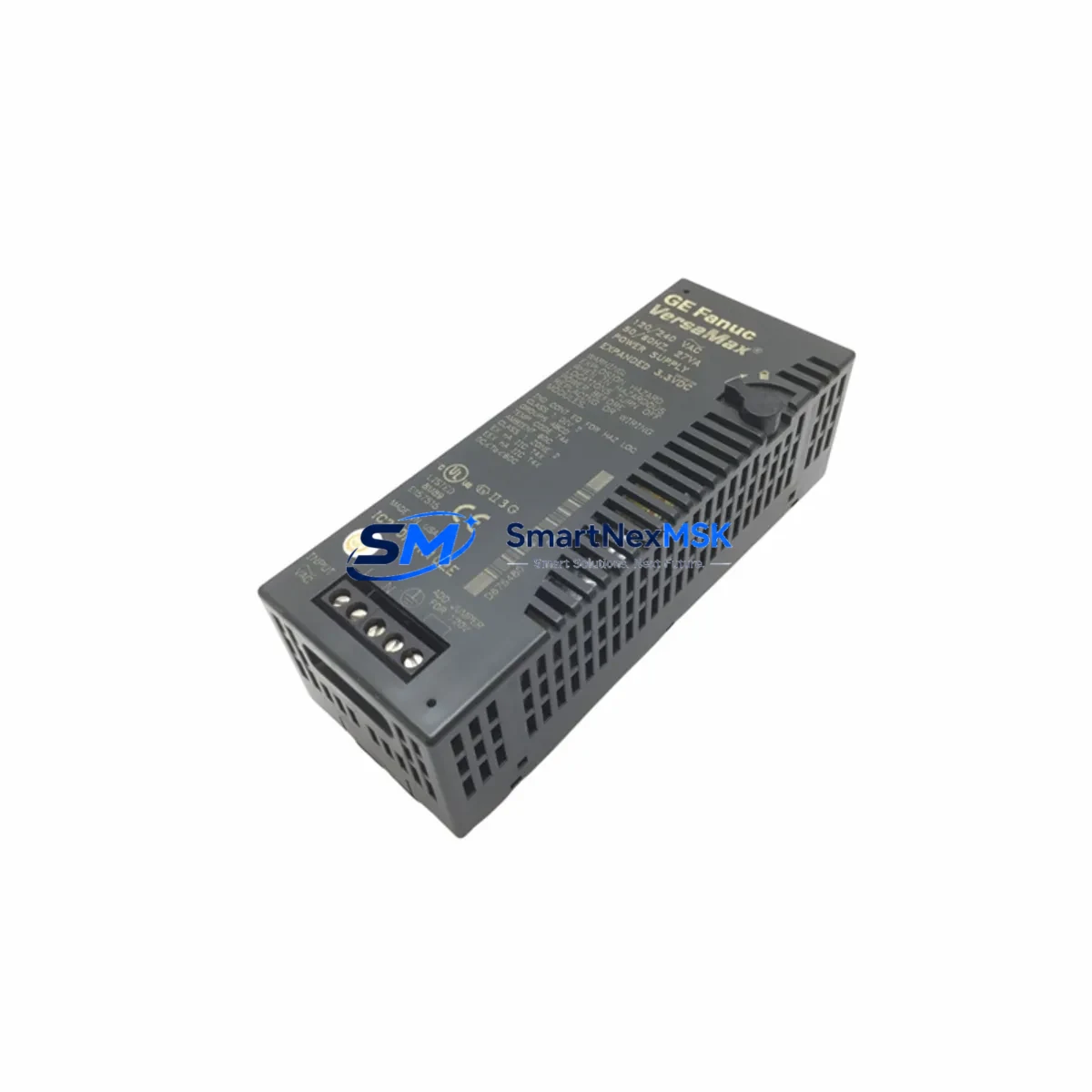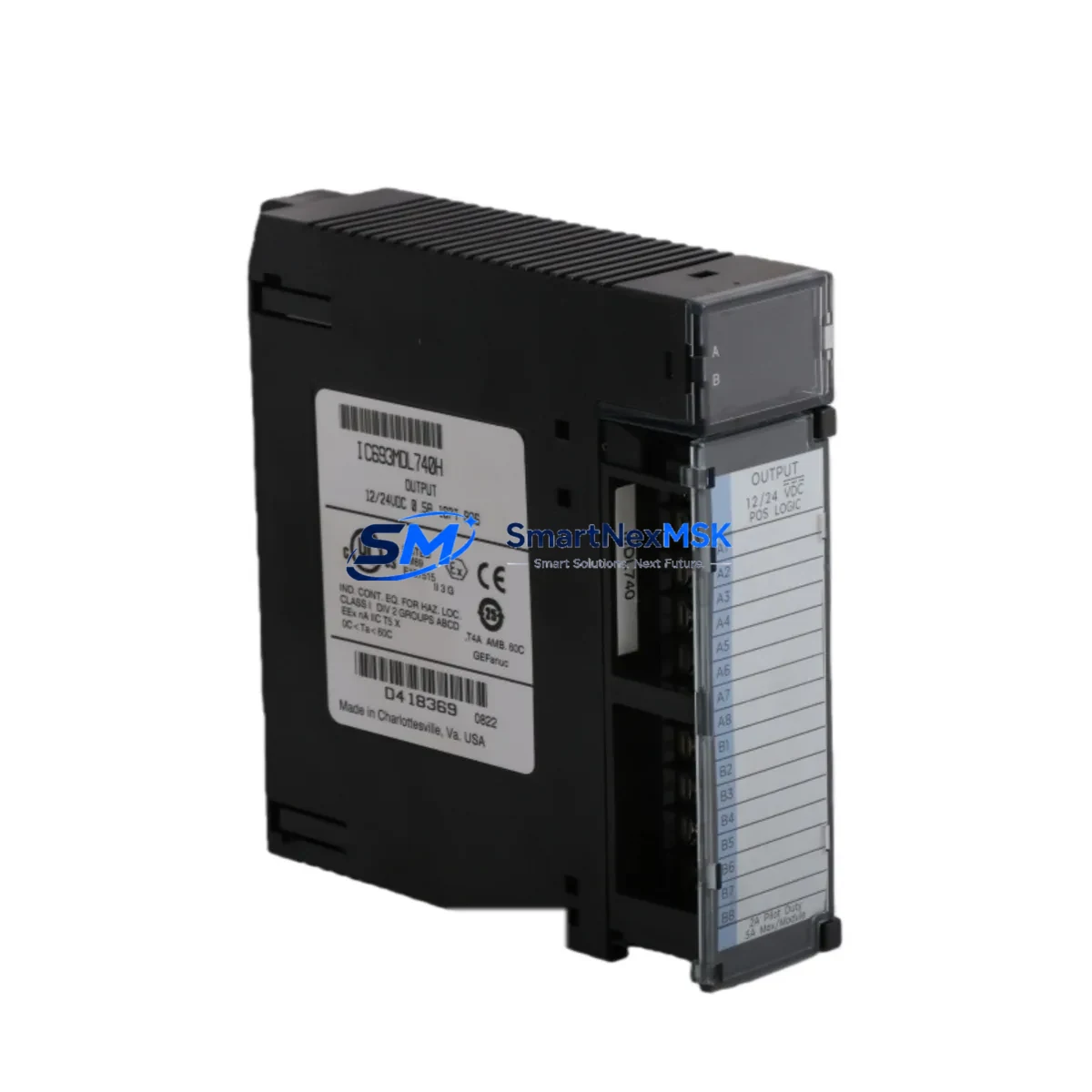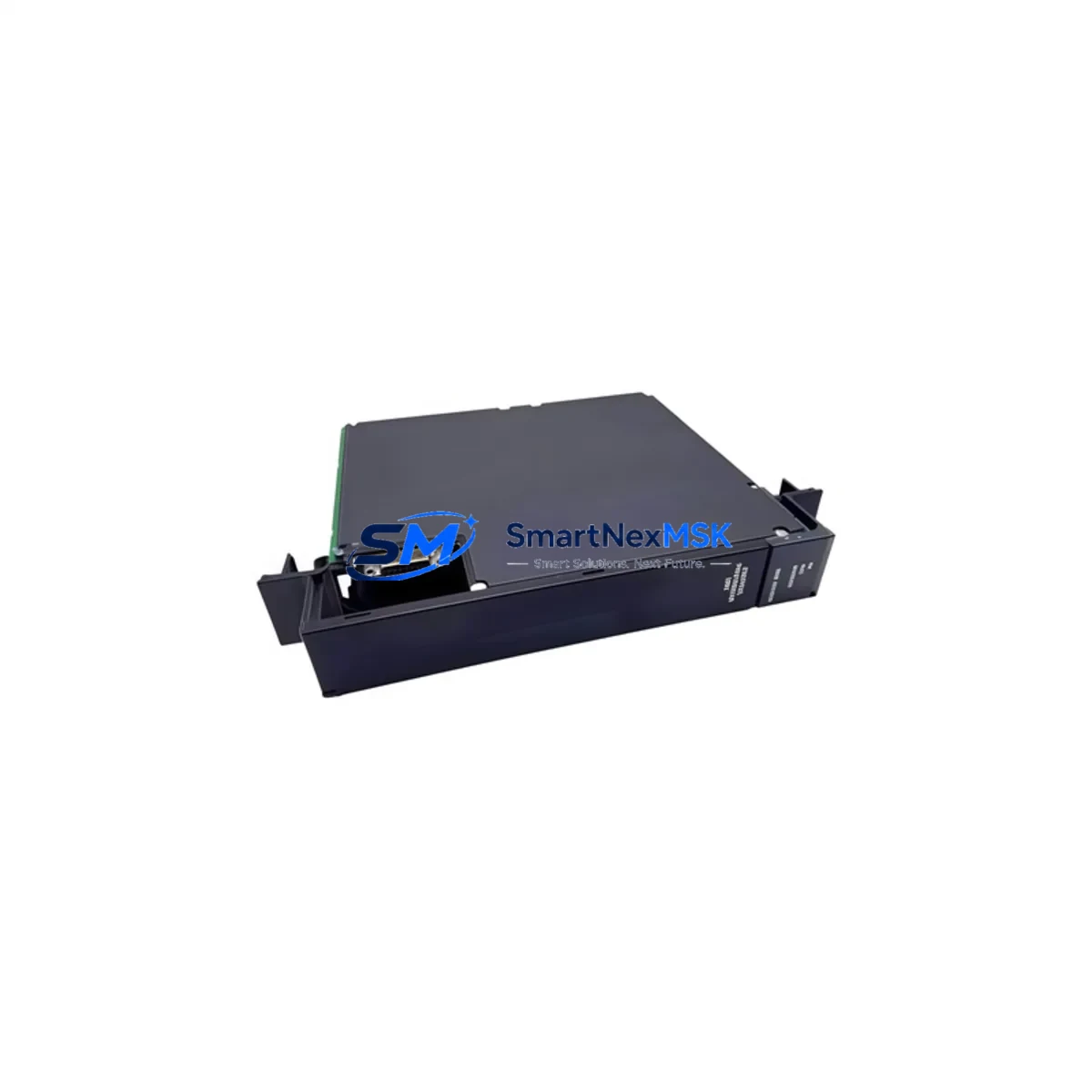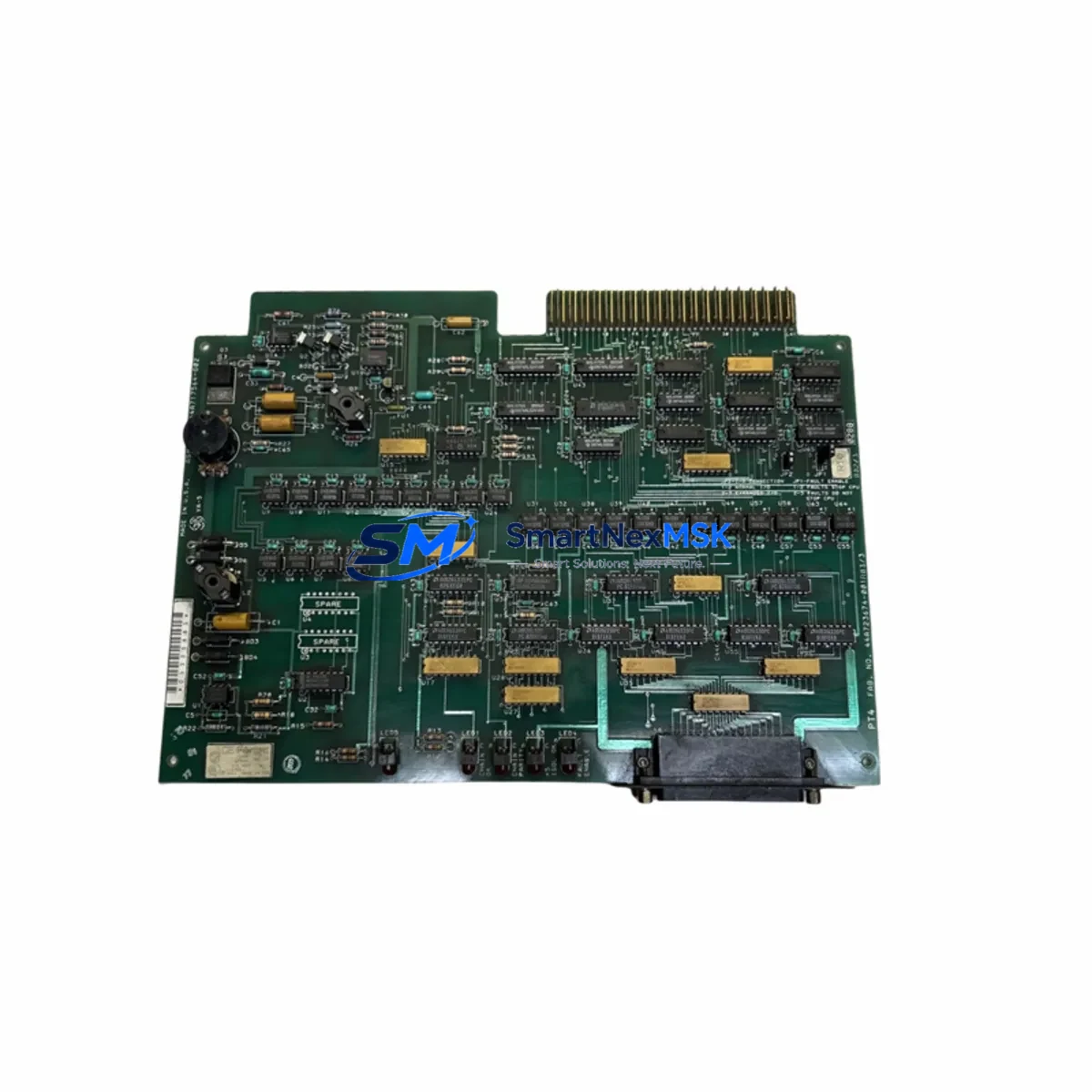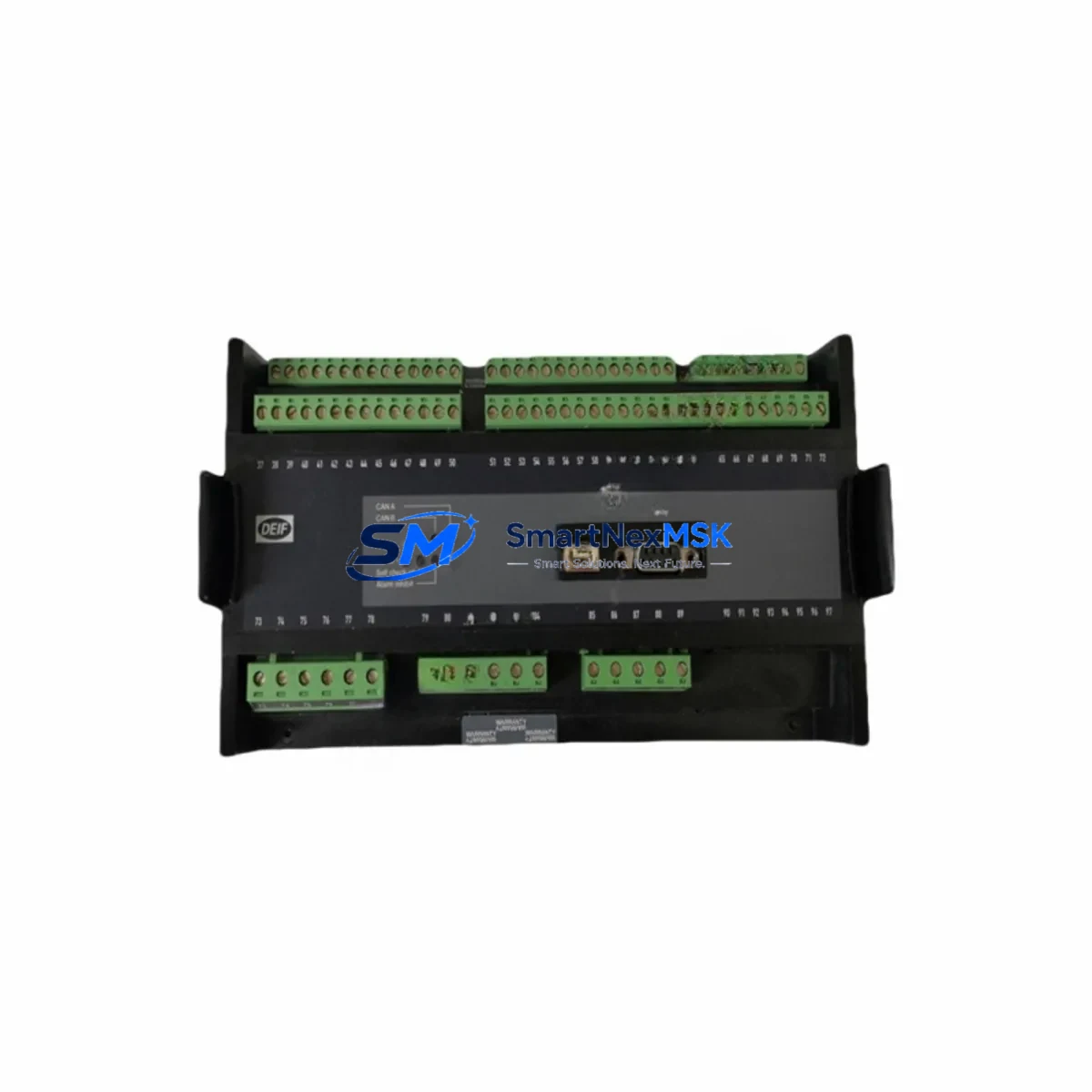
GE Fanuc GPM5.1 Retrofit-Ready CPU for Series 90 Control Systems
The GE Fanuc GPM5.1 is a retrofit-ready CPU module engineered for seamless integration into legacy GE Fanuc Series 90 programmable logic controller architectures. As production lines age and original equipment manufacturers discontinue support for older control platforms, the GPM5.1 provides a validated, drop-in compatible upgrade path that preserves existing ladder logic, I/O mapping, and field wiring — dramatically reducing the engineering effort and downtime risk associated with full system replacement.
Whether you are managing a planned modernization project or responding to an unplanned failure of a discontinued CPU, the GPM5.1 is stocked and ready to ship. Each unit undergoes pre-shipment functional testing and is backed by a 12-month warranty, giving procurement and maintenance teams the confidence to move forward without extended lead times from the OEM.
Upgrade Compatibility Table
| Parameter | Details |
|---|---|
| SKU / Part Number | GPM5.1 |
| Brand | GE Fanuc |
| Compatible Platform | GE Fanuc Series 90 PLC (90-30, 90-70) |
| Backplane Interface | Series 90 standard backplane bus; compatible with IC693CHS391, IC693CHS392, IC693CHS393 racks |
| Communication Protocols | SNP, SNP-X, Genius Bus; compatible with IC693CMM301, IC693CMM302 communication modules |
| Power Requirements | Supplied via backplane from Series 90 power supply (e.g., IC693PWR321, IC693PWR330); verify total rack power budget before installation |
| I/O Compatibility | Compatible with existing discrete and analog I/O modules on Series 90 racks; no re-addressing required for same-slot replacement |
| Programming Software | Logicmaster 90 (LM90), Proficy Machine Edition (ME) |
| Replacement Recommendation | Direct replacement for discontinued Series 90 CPU variants; verify firmware revision compatibility with existing program |
| Commissioning Notes | Restore program from backup; verify I/O table, reference table, and SNP address settings post-swap |
| Warranty | 12 Months — covers manufacturing defects and functional failures under normal operating conditions |
Retrofit Planning for Existing Automation Systems
A successful Series 90 retrofit begins well before the replacement module arrives on site. Engineers should start by auditing the existing control cabinet: confirm the rack model (commonly the IC693CHS391 5-slot or IC693CHS392 10-slot chassis), document the slot assignments for all installed modules, and photograph the terminal wiring on every I/O module. This baseline documentation is critical when the replacement CPU — the GPM5.1 — is installed, as it allows technicians to verify that the I/O configuration table in the restored program matches the physical hardware exactly.
Power budget verification is a frequently overlooked step. The IC693PWR321 or IC693PWR330 power supply must have sufficient capacity to support the GPM5.1 alongside all co-installed modules, including analog input modules such as the IC693ALG221 and high-density discrete output modules like the IC693MDL940. Exceeding the rack power budget will cause intermittent faults that are difficult to diagnose in the field.
Communication continuity is equally important. If the existing system uses a Genius Bus network managed through an IC693CMM301 or IC693CMM302 communications module, the GPM5.1 must be configured with the same SNP address and baud rate as the outgoing CPU. SCADA systems and HMI panels — including those running on GE Fanuc QuickPanel or third-party HMI platforms connected via RS-232 or RS-485 — will re-establish communication automatically once the address settings are confirmed. No HMI screen modifications are required for a same-model CPU swap.
For sites migrating from an older CPU variant to the GPM5.1 as part of a broader upgrade, engineers should also review the reference memory configuration. The GPM5.1 supports the full Series 90 reference table structure (%I, %Q, %M, %R, %AI, %AQ), so existing ladder logic programs compiled under Logicmaster 90 or Proficy Machine Edition can be restored without modification. If the site uses a IC693CBL316 or IC693CBL301 programming cable for serial connection, these remain compatible with the GPM5.1 for on-site program upload and verification.
Where I/O expansion is part of the modernization scope, the GPM5.1 supports additional racks connected via the IC693CHS398 expansion chassis and IC693CBL302 expansion cable. This allows the existing control system footprint to grow without replacing the CPU or the primary rack, protecting the investment in field wiring and existing I/O modules.
Downtime Control During System Migration
Minimizing production downtime during a CPU swap requires a structured, time-boxed approach. Before the maintenance window opens, the outgoing CPU’s program should be uploaded and saved to at least two independent storage locations — a local engineering workstation and a removable drive stored off-site. The reference table snapshot, including all %M and %R register values that represent process state, should also be captured if the application requires warm-restart continuity.
During the swap itself, the GPM5.1 should be installed in the same rack slot as the outgoing CPU. The backplane connector is keyed to the Series 90 standard, so physical installation takes under five minutes. After power-up, the CPU will enter STOP mode, allowing the technician to download the saved program before enabling outputs. This sequence ensures that no field device receives an unintended command during the transition.
Once the program is loaded and the I/O table is verified, a controlled RUN mode transition should be performed with a technician physically present at the control panel. Monitor the first scan for any I/O fault indicators, confirm that all Genius Bus devices report healthy status on the IC693CMM301, and verify that the HMI communication link is active before releasing the system to production. In most Series 90 retrofit scenarios, total controlled downtime from power-off to verified RUN mode is achievable within 30 to 90 minutes when the pre-work documentation is complete.
For critical processes where even brief interruptions are unacceptable, a parallel commissioning approach can be used: install and configure the GPM5.1 in a bench rack alongside the live system, verify program execution and communication behavior offline, then perform the physical swap during a scheduled micro-shutdown. This approach is particularly effective when the site also plans to upgrade associated components such as the power supply or communication modules during the same maintenance event.
Retrofit Support FAQ
Q: Is the GPM5.1 a direct drop-in replacement for my existing Series 90 CPU?
A: In most cases, yes. The GPM5.1 is designed to occupy the same CPU slot in standard Series 90 racks and is compatible with the Series 90 backplane bus. You should verify the firmware revision of your existing program against the GPM5.1 firmware version before installation. Our technical team can assist with compatibility confirmation prior to shipment.
Q: What pre-shipment testing does the GPM5.1 undergo?
A: Every GPM5.1 unit is functionally tested before dispatch. Testing includes power-up verification, communication port functionality (SNP/SNP-X), and I/O bus integrity checks. A test report is available upon request. All units are covered by a 12-month warranty from the date of shipment.
Q: Will I need to re-wire my terminal blocks or modify my HMI screens after installing the GPM5.1?
A: No field wiring changes are required for a same-slot CPU replacement. Terminal wiring on I/O modules remains unchanged. HMI screens do not require modification provided the SNP address and communication parameters are configured identically to the outgoing CPU.
Q: What if my original program backup is unavailable or corrupted?
A: If the outgoing CPU is still partially functional, our team can advise on recovery procedures to upload the resident program before the swap. If the program is unrecoverable, we can assist with sourcing original program documentation or reconstructing logic from I/O schematics and functional specifications. Contact our engineering support team at [email protected] for case-specific guidance.
© 2026 SMARTNEXMSK. All rights reserved.
Original Source: https://smartnexmsk.com
Contact: [email protected] | +86 18259474341