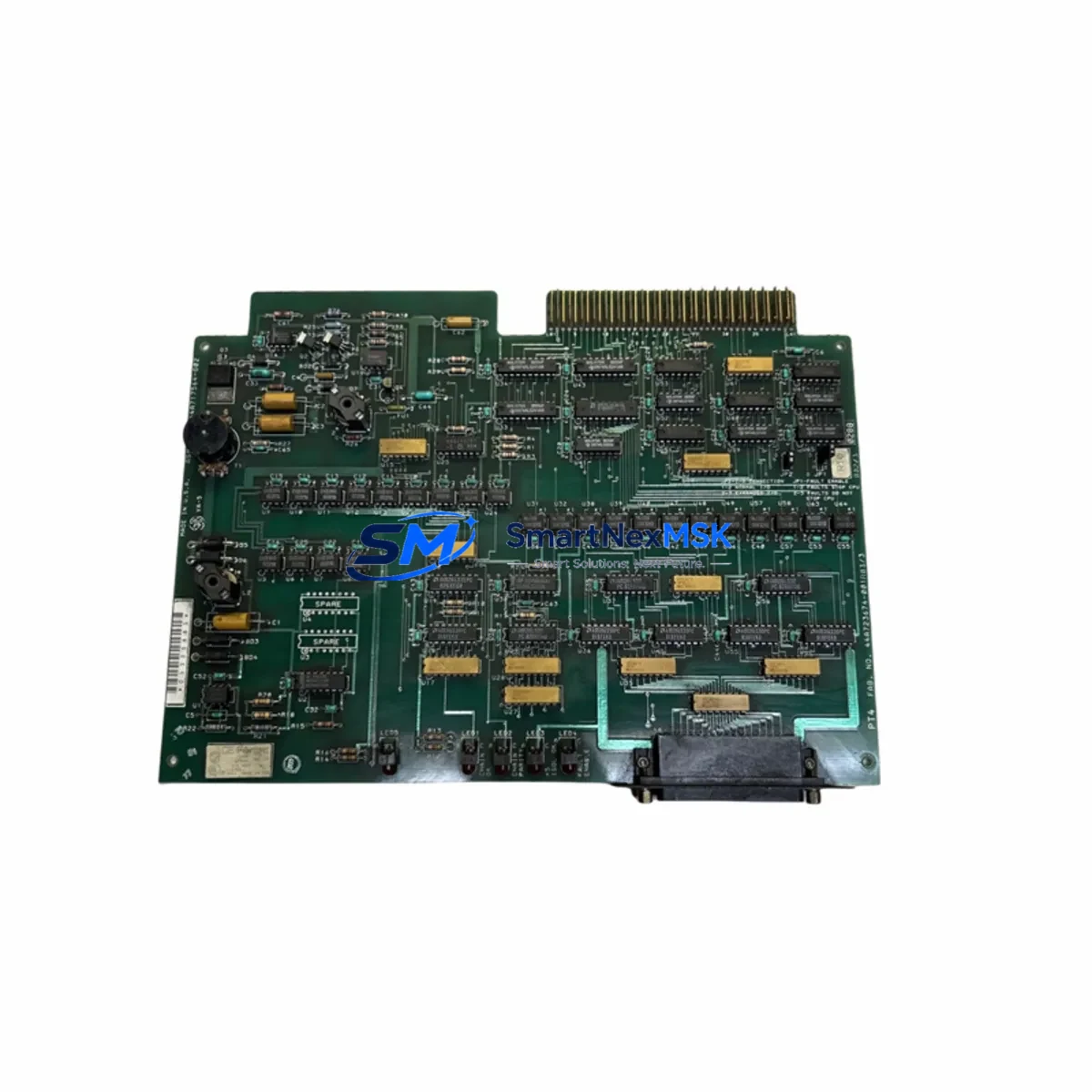
GE Fanuc IC600BF900L Spare for Series Six Automation: Spare Replacement & Industrial Downtime Risk Control
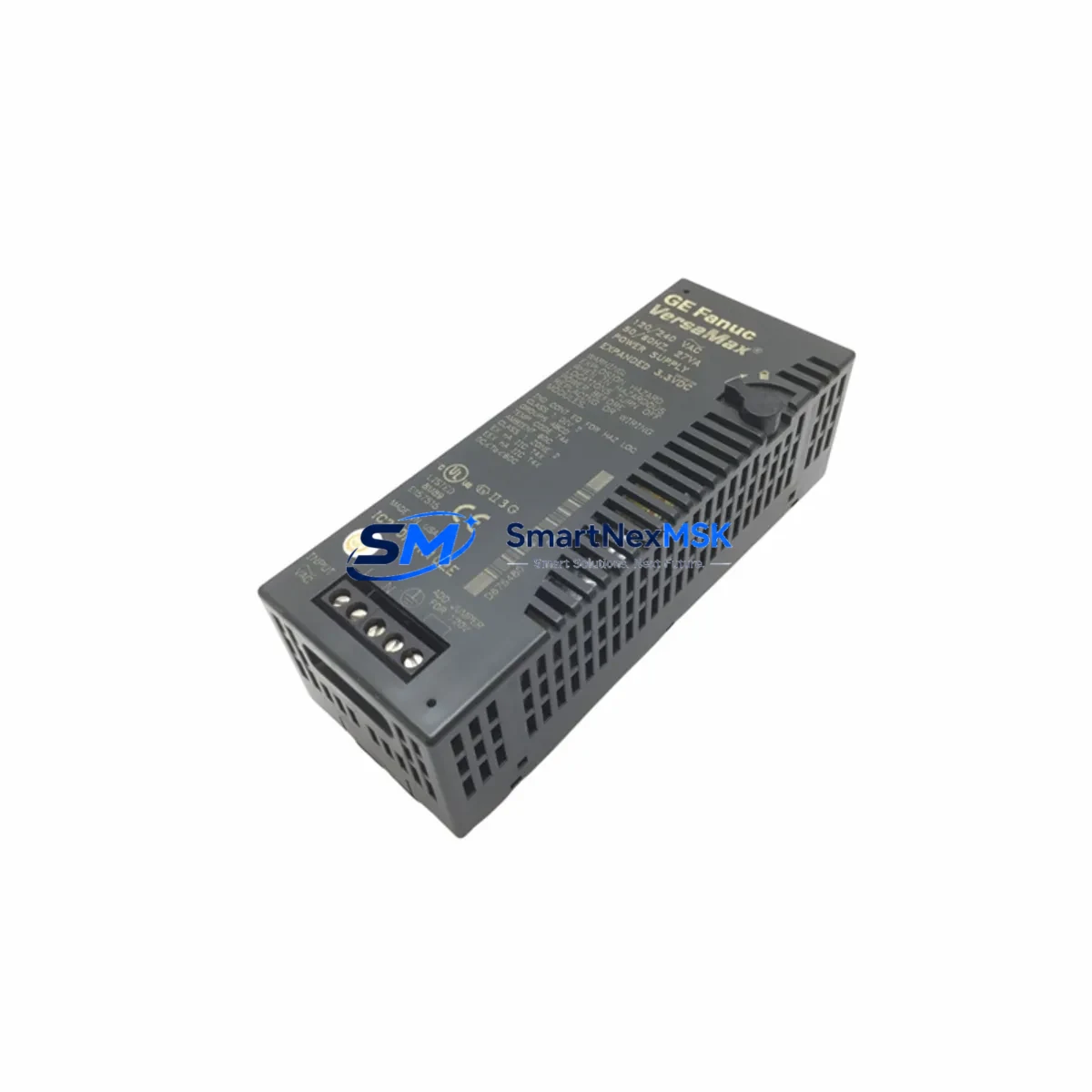
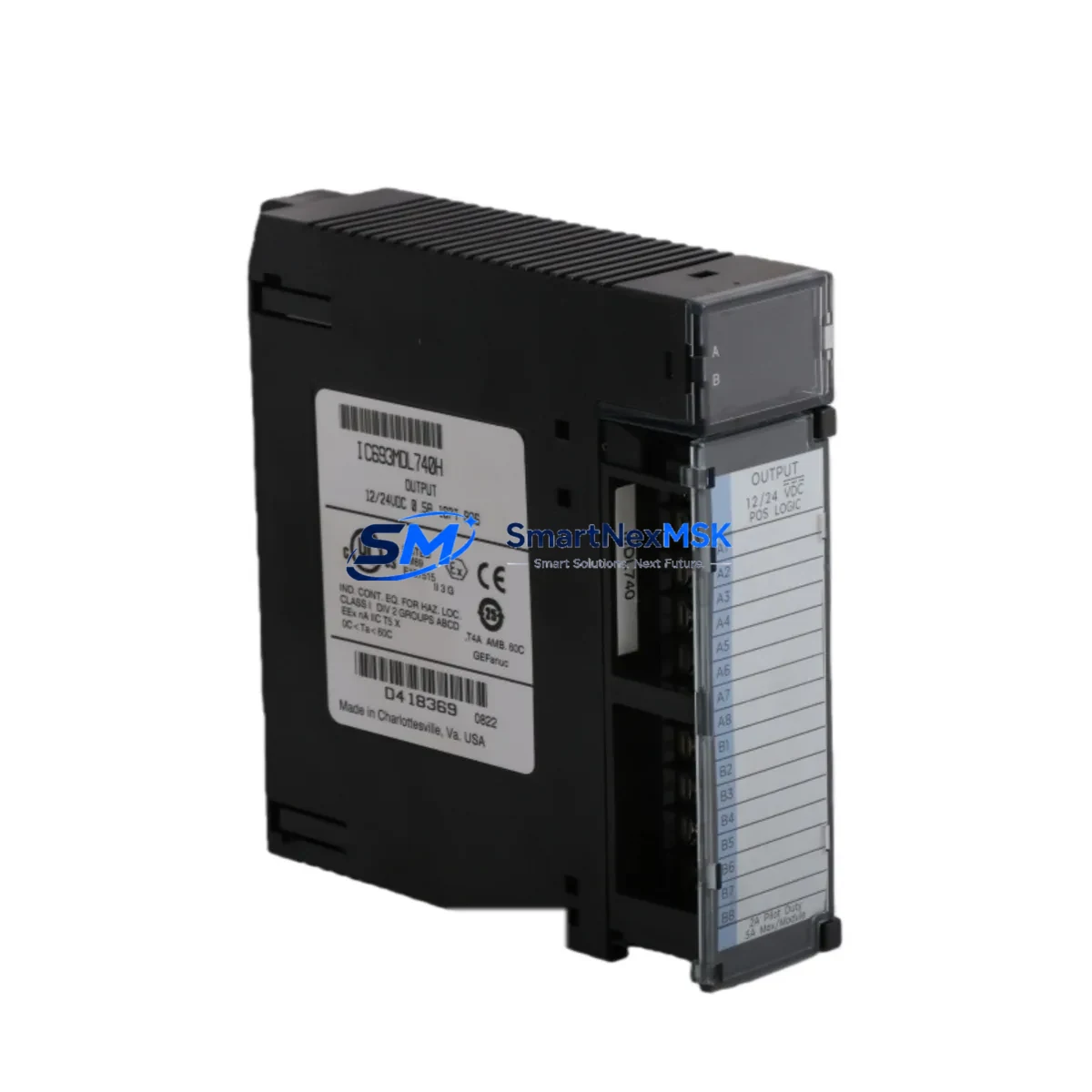
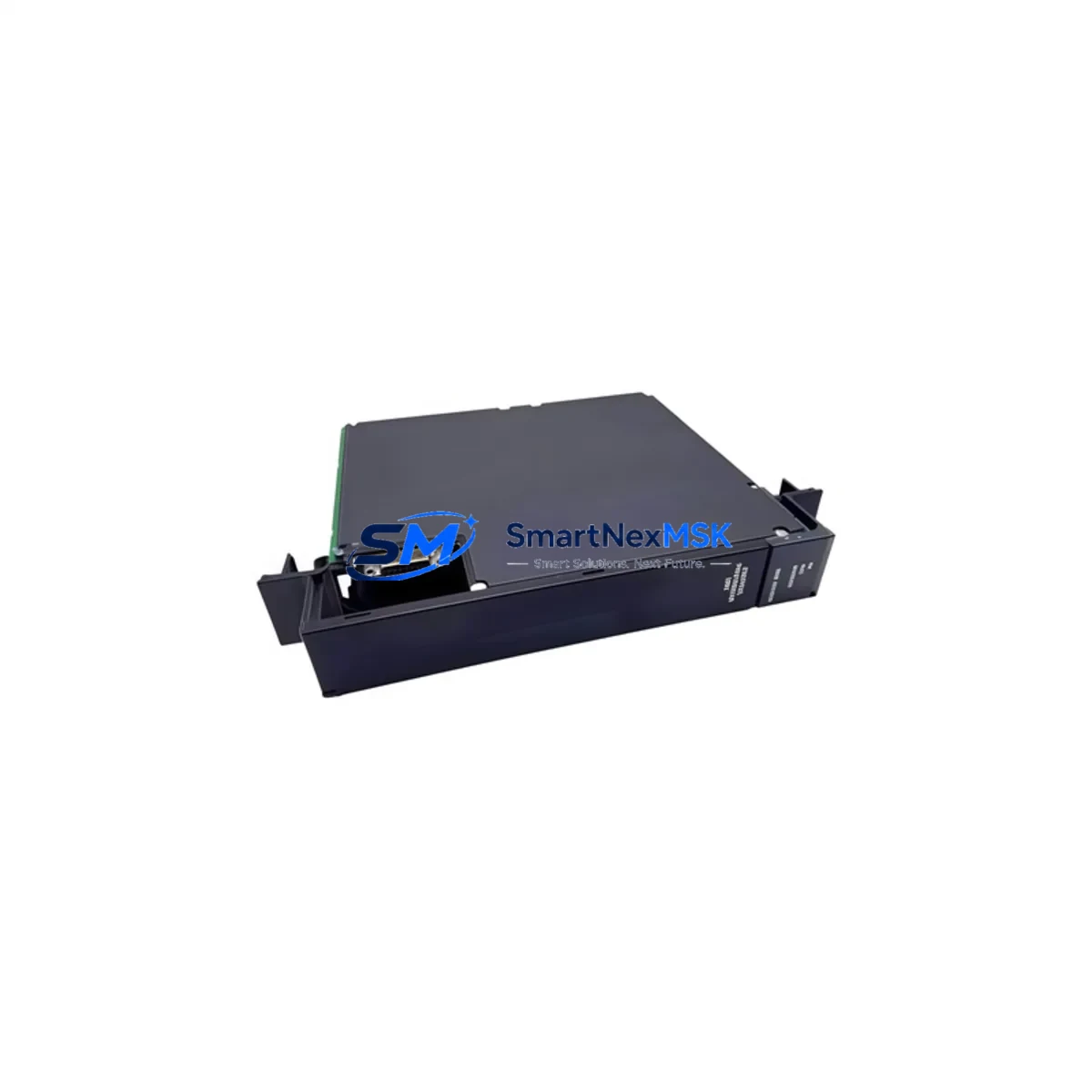
The GE Fanuc IC600BF900L is a critical PCB board module within the Series Six programmable logic controller platform — one of GE Fanuc’s most widely deployed automation architectures in heavy industry, power generation, petrochemical processing, and discrete manufacturing. When this board fails or degrades, the consequences extend beyond a single I/O channel: the entire control loop dependent on it is at risk, and unplanned downtime can cascade across production lines. Sourcing a verified, maintenance-ready spare is the first line of defense for any reliability engineer managing aging Series Six infrastructure.
At SMARTNEXMSK, every IC600BF900L unit is sourced from original manufacturing channels, subjected to functional bench testing prior to dispatch, and shipped with a 12-month warranty. Our inventory is maintained specifically to support fast replacement cycles — whether you are executing a planned turnaround, responding to an emergency fault, or building out your critical spare parts buffer.
Spare Maintenance Table
| Parameter | Specification / Detail |
|---|---|
| Part Number | IC600BF900L |
| Brand / Manufacturer | GE Fanuc |
| Series | Series Six PLC |
| Module Type | PCB Board / Functional Module |
| Origin | United States (Original OEM) |
| Compatibility | GE Fanuc Series Six PLC racks and control cabinets; direct drop-in replacement for IC600BF900L installations |
| Installation | Rack-mount; observe ESD precautions; verify backplane slot assignment before insertion |
| Operating Environment | Industrial control cabinet; standard IEC 61131-2 environmental ratings apply |
| Pre-shipment Testing | Functional bench test performed on every unit |
| Warranty | 12 Months from date of shipment |
| Lead Time | In-stock units ship within 1–3 business days |
| Condition | Original spare — new or fully refurbished to OEM specification |
| Weight | 470 g (approx.) |
Maintenance Planning for Continuous Operation
Replacing the IC600BF900L in a live Series Six system is rarely an isolated task. Experienced maintenance engineers know that a board-level fault often signals stress across adjacent components in the same control cabinet or electrical loop. Before returning the system to service, a structured inspection of the surrounding hardware is strongly recommended.
Begin with the Series Six power supply module (such as the IC600PS501 or IC600PS502 family): verify output voltage rails are within tolerance, as an under-voltage condition is a common root cause of PCB board degradation. Next, inspect the IC600BF831 or IC600BF832 I/O modules sharing the same rack — connector pins, field wiring terminations, and terminal blocks should be checked for oxidation or loose connections that may have contributed to the original fault.
If the IC600BF900L is part of a communications-intensive application, audit the Series Six communications module (e.g., IC600CM552 or equivalent) for firmware integrity and cable continuity. Coax or twisted-pair signal cables connecting the PLC to remote I/O drops or HMI panels should be inspected for insulation damage, especially in high-vibration environments.
For systems with analog signal conditioning, verify that any signal isolators or signal conditioners in the 4–20 mA loops connected to this board are functioning correctly — a failed isolator can introduce ground loops that damage replacement boards prematurely. Similarly, check relay output modules (such as IC600BF940 or IC600BF941) in adjacent slots for contact wear or coil resistance drift.
Fuse integrity across the 24 VDC field power distribution rail and any miniature circuit breakers (MCBs) protecting I/O circuits should be verified before energizing the replacement board. If the control cabinet includes an HMI panel (such as a GE QuickPanel or equivalent operator interface), confirm that the communication link to the PLC CPU is re-established after the board swap and that alarm histories are reviewed for any pre-fault indicators.
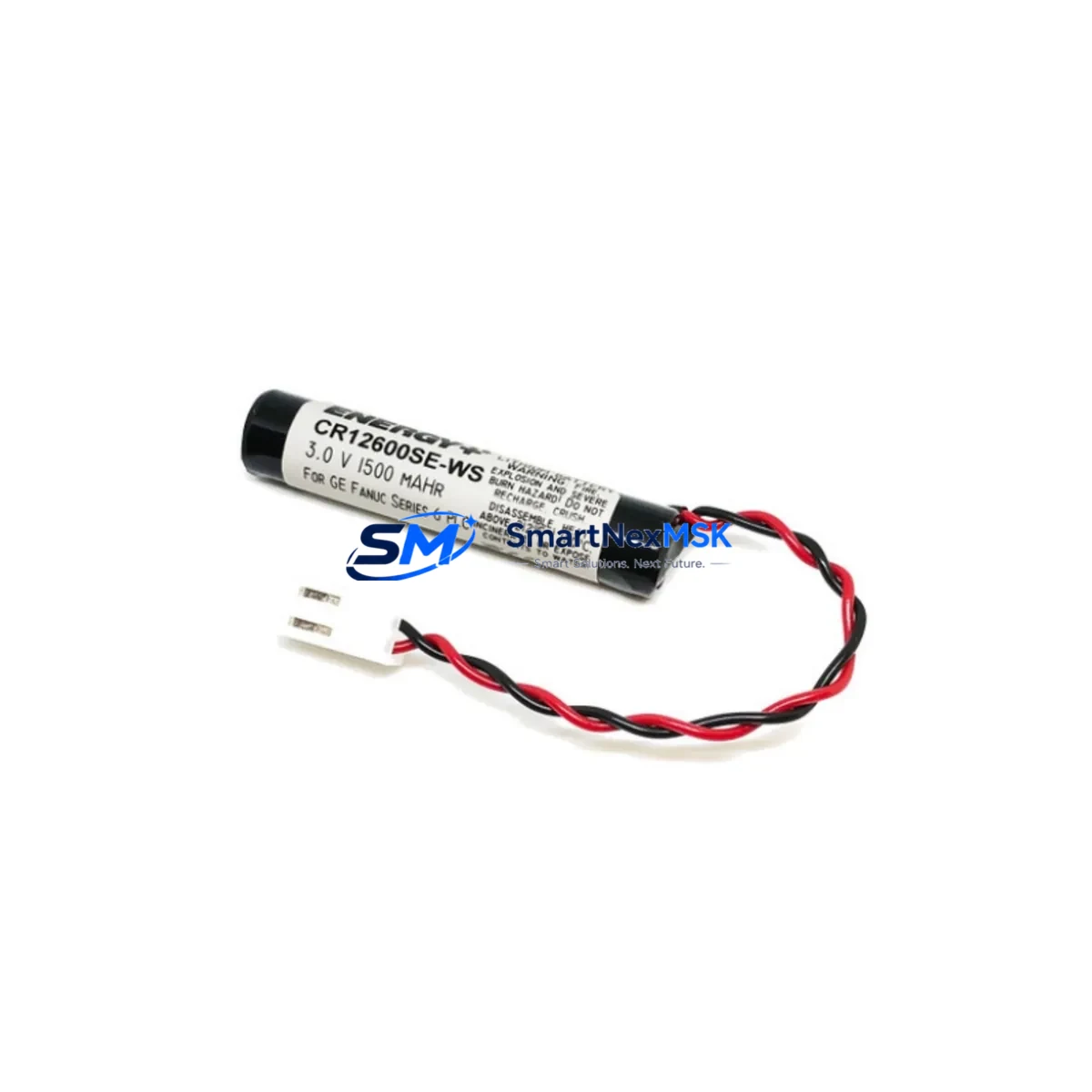
Finally, for older Series Six installations approaching end-of-support lifecycle, consider stocking companion spares: the IC600BF900L alongside a Series Six CPU module (IC600CPU522 or IC600CPU524 class) and a memory backup battery module forms a minimum viable spare kit that can restore a failed controller to operation within a single maintenance window.
Site Replacement Workflow
Step 1 — Fault Isolation: Use the Series Six programmer or HMI diagnostic screen to confirm the IC600BF900L slot is the source of the fault code. Document the fault log before powering down.
Step 2 — Safe Isolation: Follow your site LOTO (Lockout/Tagout) procedure. De-energize the rack section containing the faulty board. Discharge any residual capacitive energy per GE Fanuc Series Six maintenance guidelines.
Step 3 — Board Removal: Wearing ESD wrist strap, carefully extract the IC600BF900L from its backplane slot. Inspect the backplane connector for bent pins or carbon tracking before inserting the replacement.
Step 4 — Replacement Insertion: Seat the new IC600BF900L firmly into the slot. Verify DIP switch or jumper settings match the original board configuration (refer to the Series Six hardware reference manual for slot-specific addressing).
Step 5 — Power-Up & Verification: Re-energize the rack. Confirm the board’s status LED sequence matches normal initialization. Use the programmer to verify I/O point mapping and run a forced I/O test on critical channels before returning the system to automatic mode.
Step 6 — Documentation: Update your CMMS (Computerized Maintenance Management System) with the replacement date, new board serial number, and any configuration notes. Replenish your spare parts inventory to maintain buffer stock.
This workflow minimizes mean time to repair (MTTR) and ensures the replacement board is correctly commissioned — reducing the risk of a repeat fault caused by installation error rather than component failure.
Spare Parts Support FAQ
Q1: Is the IC600BF900L you supply a new or refurbished unit?
We supply original spare units — either new old stock (NOS) from authorized channels or fully refurbished boards restored to OEM electrical specification. Every unit undergoes functional bench testing before shipment. The condition is clearly stated on your order confirmation, and all units carry a 12-month warranty regardless of condition grade.
Q2: How do I verify compatibility with my existing Series Six rack before ordering?
The IC600BF900L is designed for the GE Fanuc Series Six PLC platform. Confirm your rack model and slot assignment from your existing system documentation or the label on the installed board. If you are uncertain, share your rack model number and current board label with our technical team at [email protected] — we will confirm compatibility before you commit to the order.
Q3: What is your lead time and how is the board packaged for shipment?
In-stock units are dispatched within 1–3 business days. Each IC600BF900L is packed in anti-static ESD shielding bag, placed in foam-lined protective carton, and shipped with a tracking number. Express courier options are available for emergency downtime situations. We ship globally with full export documentation.
Q4: What does the 12-month warranty cover, and what is the claims process?
The 12-month warranty covers functional failure under normal operating conditions — excluding physical damage caused by incorrect installation, overvoltage events, or environmental contamination beyond the board’s rated specification. To initiate a warranty claim, contact [email protected] with your order number, a description of the fault, and any available diagnostic data. We will arrange return shipping and provide a replacement or full refund within the warranty resolution timeline.
© 2026 SMARTNEXMSK. All rights reserved.
Original Source: https://smartnexmsk.com
Contact: [email protected] | +86 18259474341