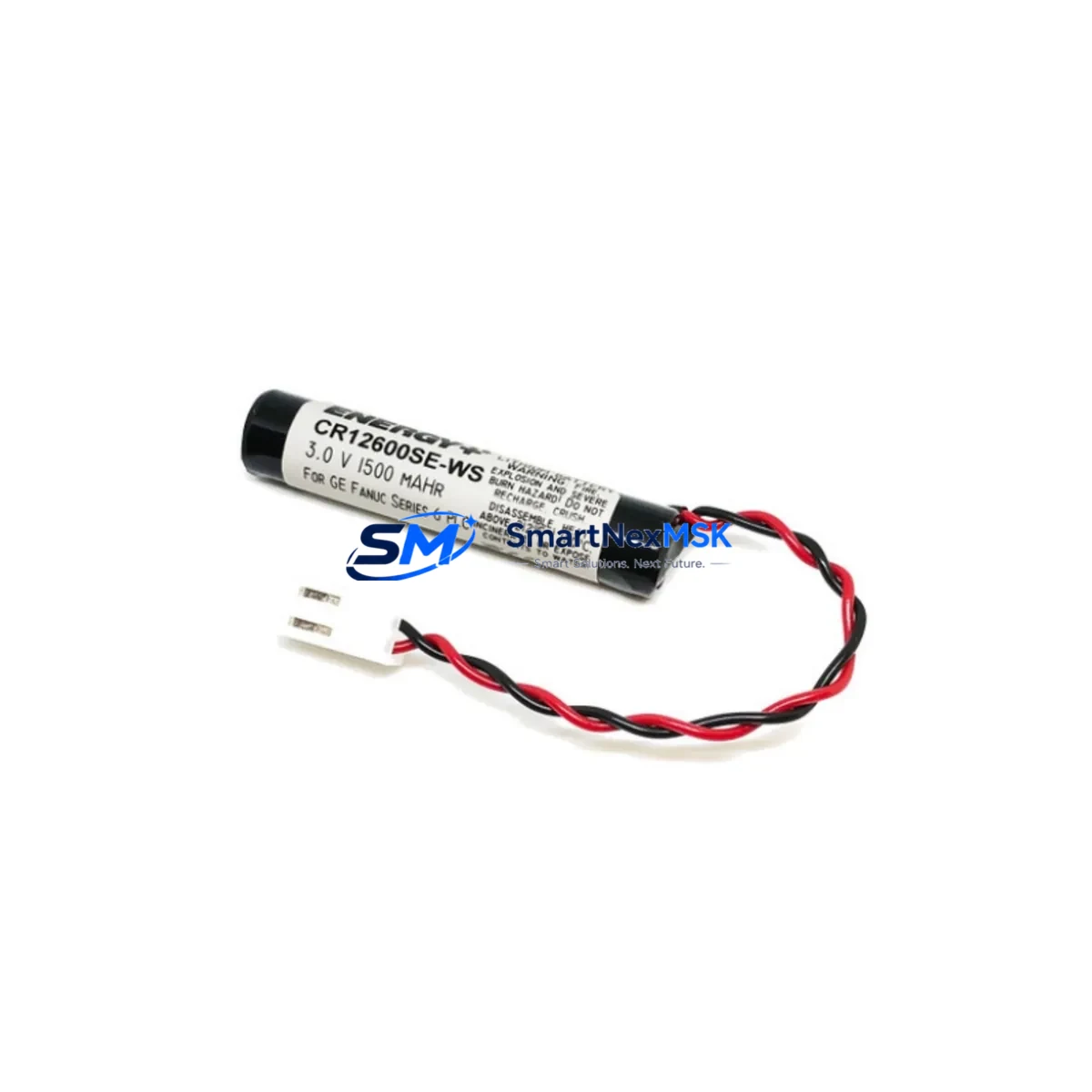
GE IC697ACC701 Maintenance-Ready Spare for Series 90-70 Automation
The GE Fanuc IC697ACC701 is a 3V lithium RAM backup battery designed to maintain volatile memory retention in GE Series 90-70 PLC CPU modules during power interruptions, planned shutdowns, and emergency outages. For maintenance engineers managing aging 90-70 control systems, this battery is a critical consumable — its failure results in complete loss of ladder logic, configuration data, and I/O mapping stored in battery-backed RAM. Proactive replacement on a scheduled cycle is the single most cost-effective measure to prevent unplanned downtime in legacy GE Fanuc automation environments.
At SMARTNEXMSK, every IC697ACC701 unit is sourced from verified supply channels, individually inspected prior to dispatch, and shipped with full documentation. We maintain long-term stock to support both emergency replacement orders and planned maintenance programs. All units carry a 12-month warranty covering manufacturing defects and premature capacity loss.
Spare Maintenance Table
| Part Number | IC697ACC701 |
| Brand / Manufacturer | GE Fanuc (GE Automation & Controls) |
| Compatible Series | GE Series 90-70 PLC (IC697 platform) |
| Battery Chemistry | 3V Lithium (CR-type) |
| Primary Function | RAM backup — retains CPU program, I/O configuration, and data tables during power loss |
| Compatible CPU Modules | IC697CPU731, IC697CPU771, IC697CPU781, IC697CPU782, IC697CPU788, IC697CPU789 (and related 90-70 CPU variants) |
| Installation | Tool-free hot-swap on supported CPUs; refer to GFK-0356 installation guide |
| Recommended Replacement Interval | Every 3–5 years under normal operating conditions, or immediately upon LOW BATTERY fault indication |
| Operating Temperature | 0°C to 60°C (storage: –20°C to 70°C) |
| Application Environment | Industrial control panels, DCS cabinets, machine tool controllers, process automation racks |
| Maintenance Recommendation | Replace during planned shutdown windows; verify CPU memory integrity post-swap using Logicmaster 90 or Proficy Machine Edition |
| Warranty | 12 Months — covers manufacturing defects and premature capacity failure |
| Origin | China (CN) |
| Availability | In stock — tested and ready to ship |
Maintenance Planning for Continuous Operation
Replacing the IC697ACC701 battery is rarely an isolated task. A disciplined maintenance engineer treats a battery swap as a trigger for a broader control cabinet inspection. When the LOW BATTERY diagnostic appears on a Series 90-70 CPU — or when a scheduled replacement is due — the following associated components should be evaluated concurrently to maximize the value of the maintenance window and reduce the risk of a secondary fault.
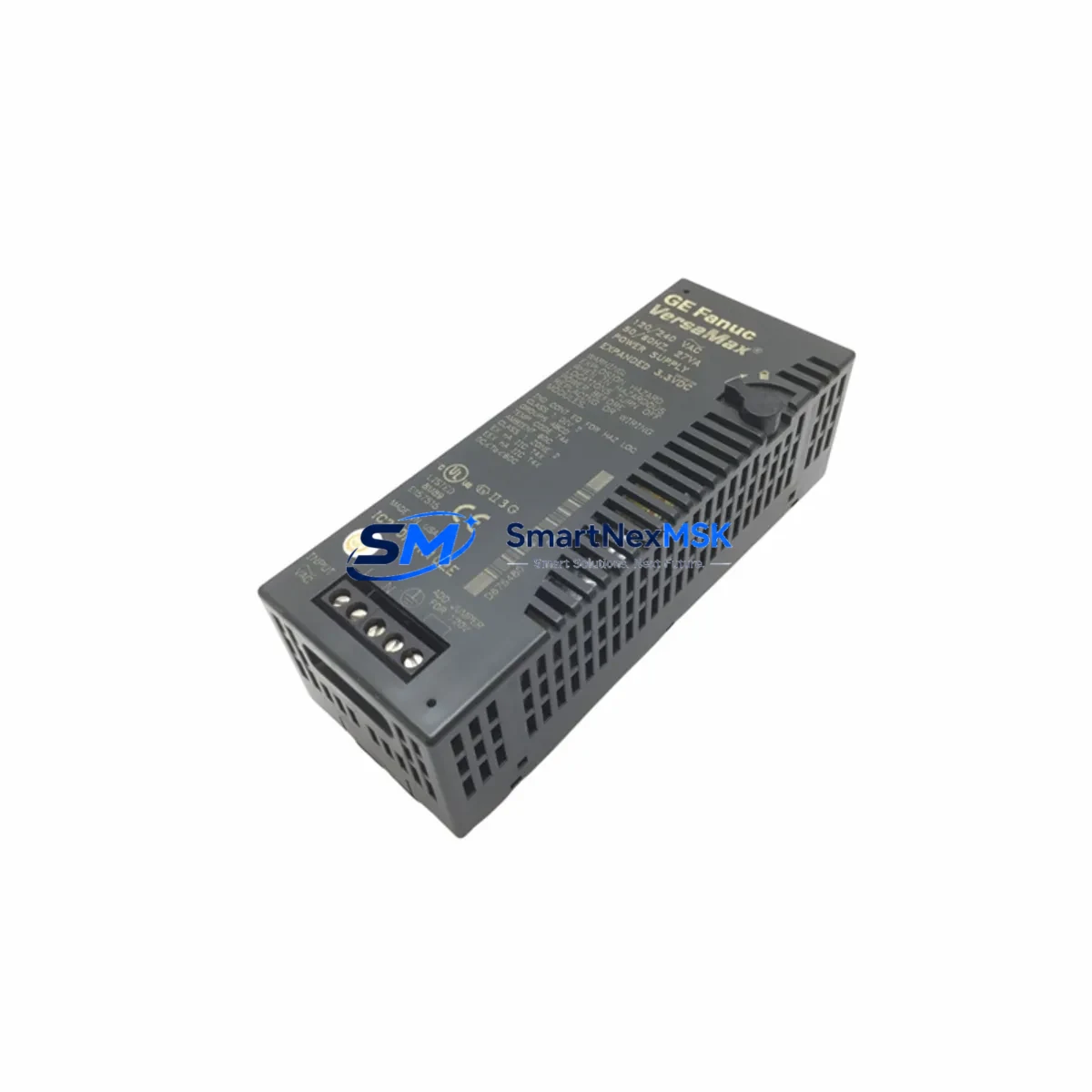
Begin with the IC697PWR710 or IC697PWR711 power supply module. A degraded power supply with marginal output voltage accelerates battery drain and can cause intermittent CPU resets that mimic battery failure. Measure DC rail voltages under load before concluding the battery is the sole fault source. Similarly, inspect the IC697BEM711 or IC697BEM713 bus expansion modules if the rack uses remote I/O — loose backplane connectors in these modules generate communication faults that are often misdiagnosed as CPU memory corruption.
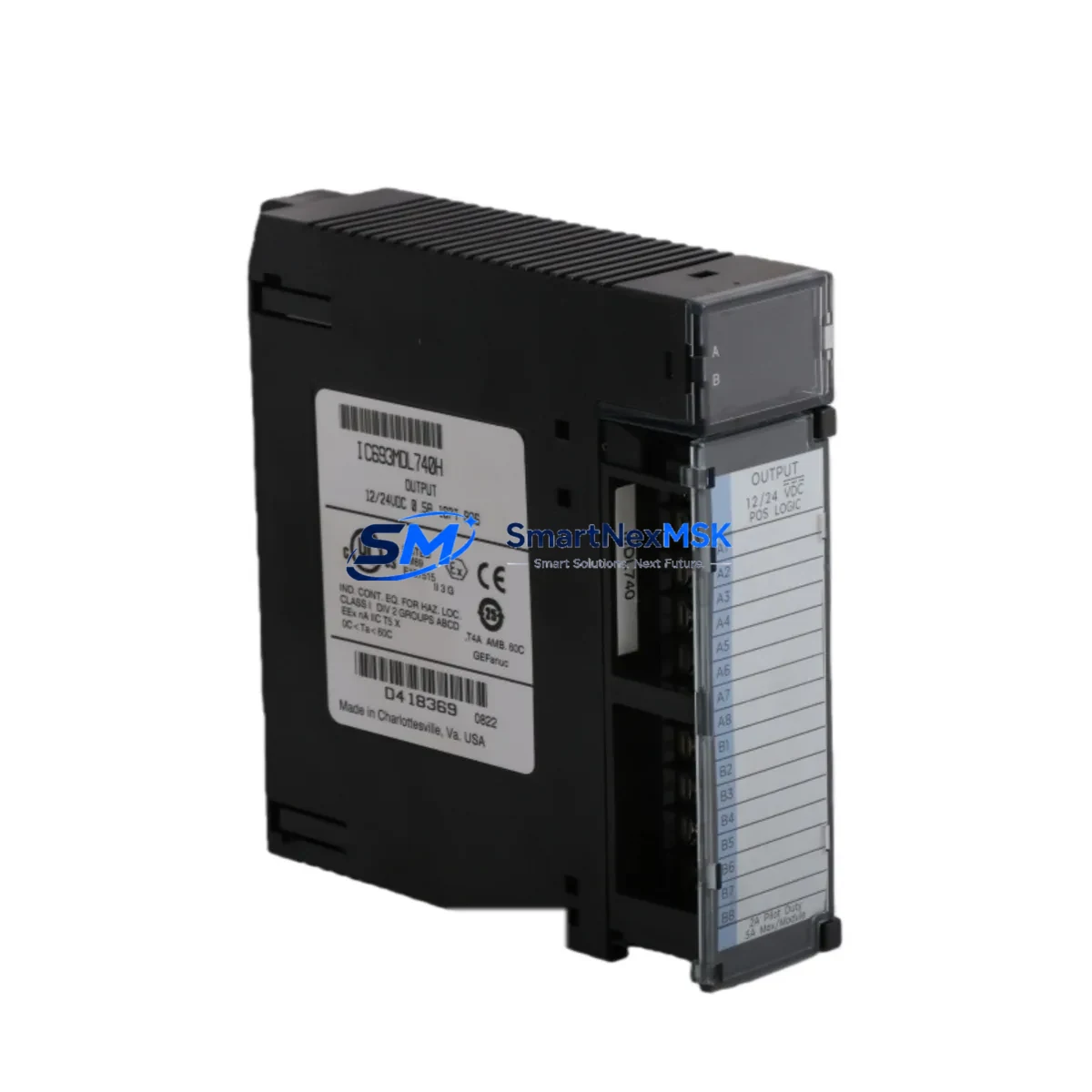
Check all IC697MDL340 or IC697MDL341 discrete output modules for contact wear and thermal discoloration, particularly in high-cycle applications. Alongside these, inspect the IC697ALG320 analog input modules for drift — analog signal integrity degrades over time in high-vibration or high-temperature environments and should be verified with a calibrated signal source during any planned outage. If the system includes IC697CMM711 or IC697CMM742 communications modules for Ethernet or serial connectivity, confirm firmware versions and check for loose RJ45 or DB9 connectors that may have loosened during previous maintenance cycles.
For systems with IC697MDL653 relay output modules, inspect coil resistance and contact continuity — relay modules in 90-70 racks are often overlooked during battery-focused maintenance visits but are a common source of intermittent output faults. Terminal blocks and wiring ferrules throughout the cabinet should be torque-checked, as thermal cycling causes terminal loosening that can produce ground faults or signal noise affecting CPU diagnostics. Finally, if the system interfaces with a Cimplicity HMI or a legacy IC697CMX935 coprocessor, verify that communication parameters are intact after the CPU battery swap, as some configurations require re-initialization following a cold restart.
Maintaining a documented spare parts list that includes the IC697ACC701 alongside these associated modules ensures that your team can respond to any fault in the 90-70 system without waiting on procurement lead times.
Site Replacement Workflow
Step 1 — Pre-replacement backup: Before removing the IC697ACC701, use Logicmaster 90-70 or Proficy Machine Edition to upload and save the current CPU program, I/O configuration, and data block contents to an offline backup file. This step is mandatory — if the battery has already failed, the CPU memory may already be corrupted, and the backup will confirm whether a full program reload is required.
Step 2 — Identify the correct battery: Confirm the installed CPU model number on the module faceplate. Cross-reference with GE Fanuc documentation (GFK-0356 or GFK-0867) to verify IC697ACC701 compatibility. Some early 90-70 CPU revisions use a different battery format — do not substitute without confirmation.
Step 3 — Hot-swap or cold-swap: Where the CPU supports hot-swap battery replacement (check the module revision label), replace the IC697ACC701 with the system powered and the CPU in RUN or STOP mode. For CPUs that require power removal, coordinate with operations to schedule a controlled shutdown. Cold-swap procedures require a full program reload from backup after the new battery is installed.
Step 4 — Post-installation verification: After installing the new IC697ACC701, confirm that the LOW BATTERY fault clears from the CPU diagnostic display. Perform a memory integrity check using the programming software. Verify all I/O points are correctly mapped and that the program executes without fault. Document the replacement date and battery lot number in the maintenance log.
Step 5 — Update the spare parts inventory: Replenish the IC697ACC701 stock immediately after use. For facilities operating multiple Series 90-70 racks, maintain a minimum of two spare batteries per site to cover emergency replacements between procurement cycles. SMARTNEXMSK supports standing order arrangements for high-volume maintenance programs.
Spare Parts Support FAQ
Q1: What is the expected service life of the IC697ACC701, and how should I plan replacement intervals?
Under normal industrial operating conditions (ambient temperature 20–40°C, continuous power applied to the CPU), the IC697ACC701 typically provides 3–5 years of reliable RAM backup. In high-temperature environments or systems with frequent power cycling, the effective life may be shorter. We recommend establishing a fixed replacement schedule of every 36 months regardless of fault indication, combined with quarterly monitoring of the CPU LOW BATTERY diagnostic flag. This proactive approach eliminates the risk of unplanned memory loss during production.
Q2: Can the IC697ACC701 be used as a direct replacement for batteries in all Series 90-70 CPU modules?
The IC697ACC701 is compatible with the majority of GE Series 90-70 CPU modules on the IC697 platform, including the IC697CPU731, IC697CPU771, IC697CPU781, and IC697CPU788 families. However, compatibility should always be verified against the specific CPU model and revision using GE Fanuc documentation (GFK-0356). SMARTNEXMSK technical support can assist with compatibility confirmation prior to order placement.
Q3: How does SMARTNEXMSK verify the condition of IC697ACC701 units before shipment?
Every IC697ACC701 unit in our inventory is inspected for physical integrity, voltage output, and storage condition compliance before dispatch. Units are stored in climate-controlled conditions to prevent premature capacity degradation. Each shipment includes a test record and is covered by our 12-month warranty. Units that do not meet our outgoing quality standards are quarantined and not offered for sale.
Q4: What should I do if the CPU still shows a LOW BATTERY fault after installing a new IC697ACC701?
If the LOW BATTERY fault persists after a confirmed IC697ACC701 installation, the most likely causes are: (1) the CPU requires a full power cycle to clear the diagnostic latch — perform a controlled shutdown and restart; (2) the battery contact spring in the CPU module is worn or corroded and is not making reliable contact — inspect and clean the battery compartment; or (3) the CPU module itself has a hardware fault unrelated to the battery. In this case, contact SMARTNEXMSK for CPU module sourcing support. Our team maintains stock of common 90-70 CPU modules for rapid replacement.
© 2026 SMARTNEXMSK. All rights reserved.
Original Source: https://smartnexmsk.com
Contact: [email protected] | +86 18259474341