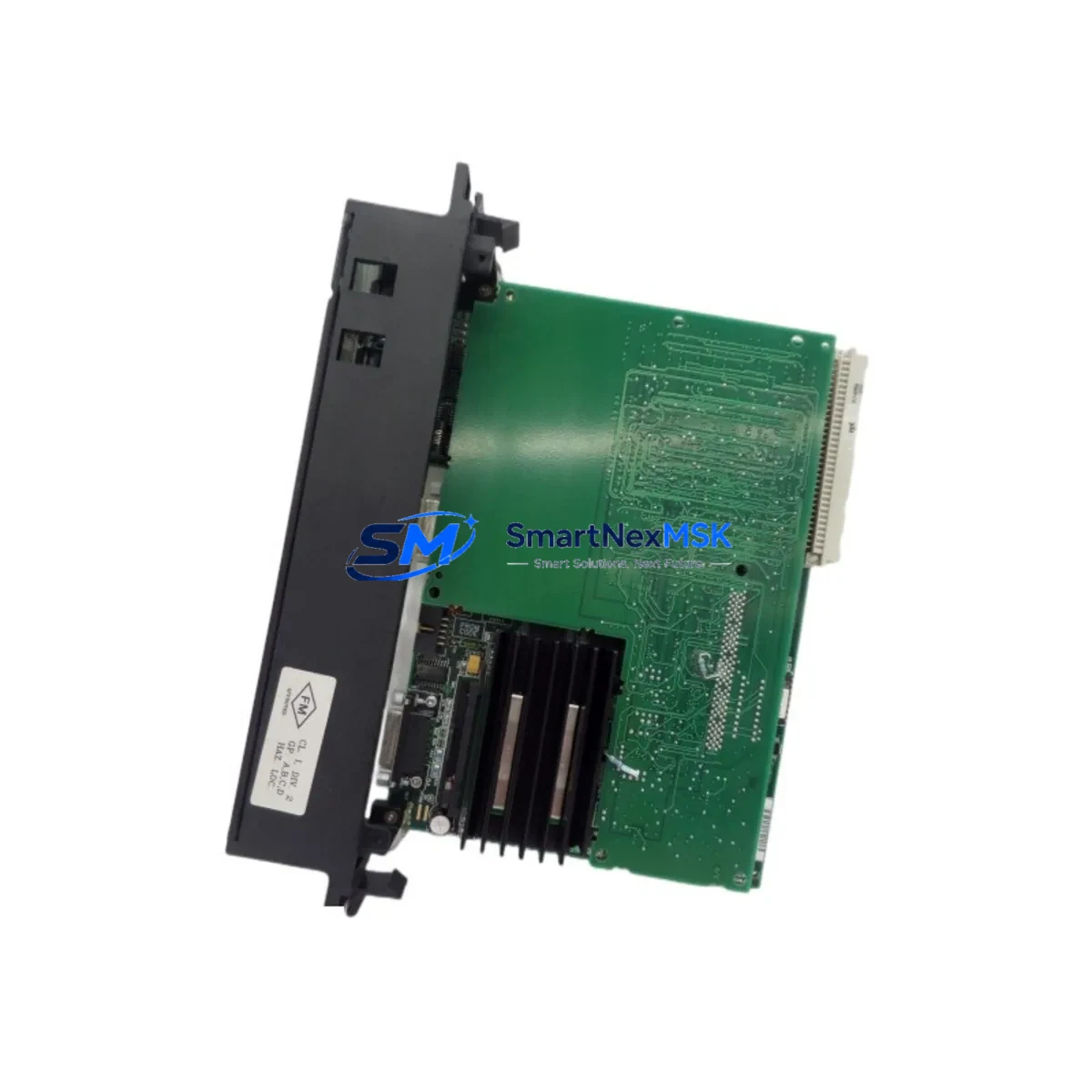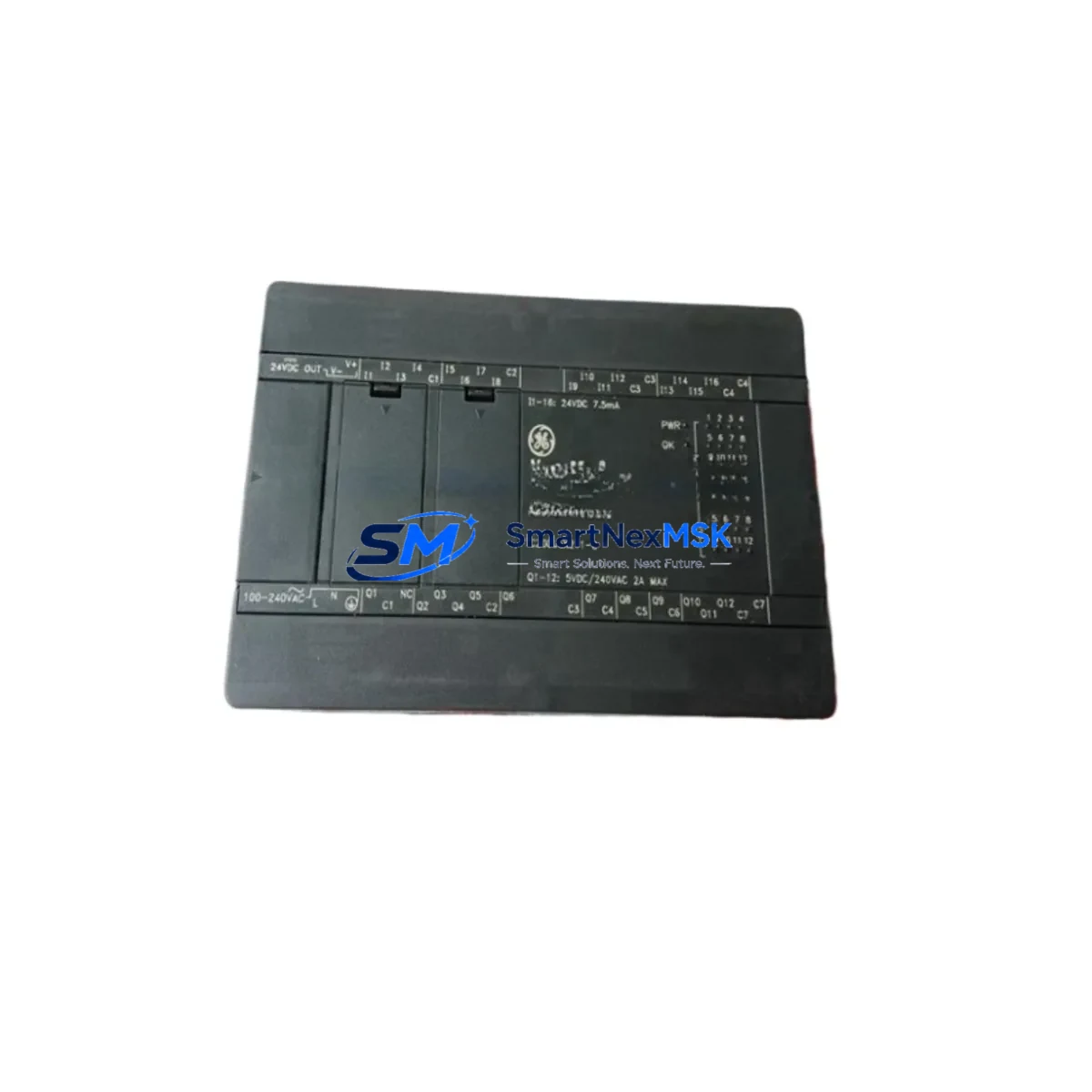
GE IC200UEX211-C Retrofit-Ready I/O Expansion for VersaMax Micro Control Systems
The GE IC200UEX211-C is a 28-point relay output I/O expansion module engineered for the GE VersaMax Micro programmable controller platform. As legacy VersaMax Micro systems approach end-of-life and original spare parts become increasingly scarce, the IC200UEX211-C remains one of the most sought-after retrofit-compatible expansion modules for engineers managing aging discrete control architectures. Whether you are replacing a failed unit on an active production line, upgrading a control cabinet to extend service life, or migrating I/O capacity ahead of a phased DCS modernization, this module delivers the electrical compatibility and mechanical fit required for a low-risk, minimum-downtime swap.
Designed to expand the I/O capacity of the VersaMax Micro CPU base unit — including the IC200UDR002, IC200UDR005, and IC200UAL005 — the IC200UEX211-C connects directly to the right-hand expansion port of the base controller without requiring an additional backplane or rack. This direct-attach architecture eliminates the need for remote I/O cabling in small-footprint panel installations, making it particularly valuable in retrofit scenarios where cabinet space is constrained and rewiring costs must be minimized.
Each module provides 16 discrete inputs and 12 relay outputs, supporting both AC and DC field devices across a wide voltage range. The relay contact outputs are rated for resistive and inductive loads, making the IC200UEX211-C suitable for direct control of solenoid valves, motor starters, pilot lights, and alarm relays — all common in legacy process and discrete manufacturing environments. Terminal block wiring is compatible with the original GE factory specification, so existing field wiring can be reconnected without modification in most retrofit scenarios.
Upgrade Compatibility Table
| Parameter | IC200UEX211-C Specification | Retrofit Notes |
|---|---|---|
| Module Type | 28-Point Relay I/O Expansion | Direct replacement for same-SKU failed units |
| Discrete Inputs | 16 points, 24 VDC nominal | Verify field voltage before reconnecting |
| Relay Outputs | 12 points, Form A relay contacts | Check load current ratings against existing wiring |
| Expansion Interface | Direct-attach to VersaMax Micro base | No backplane or rack required; right-side port only |
| Compatible Base Units | IC200UDR002, IC200UDR005, IC200UAL005 | Confirm base unit firmware revision before installation |
| Communication Protocol | Internal expansion bus (proprietary) | No protocol migration required for same-series swap |
| Programming Software | Proficy Machine Edition (ME) | Existing ladder logic programs are fully compatible |
| HMI Compatibility | Compatible with QuickPanel and third-party HMI via serial/Ethernet | HMI I/O address mapping unchanged for direct replacement |
| Installation | DIN rail or panel mount | Verify DIN rail clearance in existing cabinet layout |
| Warranty | 12-Month Warranty | Covered from date of shipment; includes functional test certificate |
Retrofit Planning for Existing Automation Systems
Successful integration of the IC200UEX211-C into an existing VersaMax Micro system begins with a thorough pre-retrofit audit. Engineers should first document the current I/O address assignments in the Proficy Machine Edition project file, confirming that the expansion module’s slot position and I/O reference addresses match the replacement unit. In most cases, a direct same-SKU swap requires no program modification — the CPU automatically recognizes the module at power-up and resumes normal scan operation.
Power budget verification is a critical step that is frequently overlooked. The VersaMax Micro base unit supplies 5 VDC backplane power to the expansion module. Before installing the IC200UEX211-C, calculate the total current draw of all attached expansion modules — including any IC200UEX011 analog expansion units or additional IC200UEX211 relay expansion modules in the chain — and confirm the base unit’s internal power supply can support the combined load. Exceeding the rated expansion bus current will cause intermittent faults or prevent the CPU from entering RUN mode.
Terminal block wiring should be documented with photographs before disconnection. The IC200UEX211-C uses a removable terminal block design, which simplifies field replacement: the terminal block from the failed module can often be transferred directly to the replacement unit, preserving all field wiring connections and eliminating re-termination errors. Verify terminal torque specifications per the GE installation manual before energizing.
For systems that also incorporate a GE IC200PWR002 external power supply or a IC200CHS022 expansion chassis in adjacent control cabinet sections, confirm that the 24 VDC field power distribution is correctly isolated from the backplane logic supply. Cross-contamination of field and logic power is a common source of nuisance trips during retrofit commissioning.
If the retrofit is part of a broader migration from VersaMax Micro to a higher-capacity platform such as the GE VersaMax Nano or a PACSystems RX3i rack-based system, the IC200UEX211-C can serve as an interim I/O bridge during phased cutover. In this scenario, the existing field wiring remains connected to the VersaMax Micro expansion module while the new controller platform is commissioned in parallel, allowing engineers to validate I/O mapping and HMI screen updates before the final switchover. Communication links — whether SNP serial, Ethernet Global Data (EGD), or Modbus RTU via an IC200USB001 programming cable — should be tested and verified before the legacy system is taken offline.
For cabinet upgrades that include new IC200MDL740 discrete output modules or IC200ALG320 analog input modules alongside the IC200UEX211-C, ensure that the Proficy ME hardware configuration reflects all module additions before downloading to the CPU. An incomplete hardware configuration is the most common cause of I/O fault codes during post-retrofit startup.
Downtime Control During System Migration
Minimizing production downtime during a VersaMax Micro expansion module replacement requires a structured pre-outage preparation protocol. Before scheduling the maintenance window, obtain a verified backup of the current Proficy Machine Edition project — including all variable tables, ladder logic rungs, and communication configuration blocks. Store the backup on an isolated engineering workstation and verify the backup file integrity by performing a compare against the live CPU program using the IC200USB001 USB programming cable or the Ethernet port on the base unit.
During the outage window, follow a defined sequence: de-energize field power first, then remove backplane power, then disconnect the expansion module. This sequence protects relay contacts from arcing under load and prevents transient voltages from propagating into the CPU’s internal bus. After installing the IC200UEX211-C replacement, restore power in reverse order and allow the CPU to complete its self-diagnostic cycle before switching to RUN mode.
If the system controls a continuous process where even brief interruptions are costly, consider pre-staging the replacement module with the terminal block pre-wired and verified on a bench test fixture before the outage begins. A bench-verified module reduces in-cabinet installation time to under 15 minutes in most VersaMax Micro configurations. Post-installation, perform a forced I/O test on all 28 points before releasing the system to production — this confirms both input signal integrity and relay contact continuity without requiring a full production cycle.
For systems with QuickPanel or third-party HMI displays connected via serial or Ethernet, verify that all HMI I/O tags referencing the expansion module’s input and output addresses are reading correctly before signing off on the retrofit. HMI screen validation is the final checkpoint before returning the line to automatic operation, and it provides documented evidence of successful commissioning for maintenance records and quality audits.
Retrofit Support FAQ
Q1: Is the IC200UEX211-C a direct drop-in replacement for a failed unit of the same SKU?
Yes. The IC200UEX211-C is a direct same-SKU replacement. No program changes, I/O address remapping, or hardware configuration updates are required when replacing a failed IC200UEX211-C with a new unit of identical part number. The VersaMax Micro CPU will recognize the module automatically at power-up. All units are functionally tested prior to shipment and include a test certificate.
Q2: What wiring changes are needed when installing the replacement module?
In most cases, no wiring changes are required. The IC200UEX211-C uses a removable terminal block that can be transferred from the failed module to the replacement unit, preserving all existing field connections. If the terminal block is damaged, re-terminate using the original wiring documentation and verify each point with a continuity check before energizing. Confirm terminal torque to GE specification (typically 0.5–0.6 Nm) to prevent loose connections under vibration.
Q3: Can this module be used in a migration from VersaMax Micro to PACSystems RX3i?
Yes, as an interim solution during phased migration. The IC200UEX211-C can remain in service on the existing VersaMax Micro base while the PACSystems RX3i platform is commissioned in parallel. Once the new system is validated and field I/O is remapped to the RX3i’s IC694MDL754 or equivalent discrete output modules, the VersaMax Micro system can be decommissioned in a controlled cutover. This approach eliminates the need for a single extended outage and allows incremental validation of each I/O group.
Q4: What does the 12-month warranty cover, and what is the shipping lead time?
All IC200UEX211-C units supplied by SMARTNEXMSK carry a 12-month warranty from the date of shipment, covering manufacturing defects and functional failures under normal operating conditions. Each unit undergoes pre-shipment functional testing with a test report included in the package. In-stock units typically ship within 1–3 business days. For urgent retrofit requirements, expedited shipping options are available — contact our sales team to confirm current inventory status and lead time.
© 2026 SMARTNEXMSK. All rights reserved.
Original Source: https://smartnexmsk.com
Contact: [email protected] | +86 18259474341