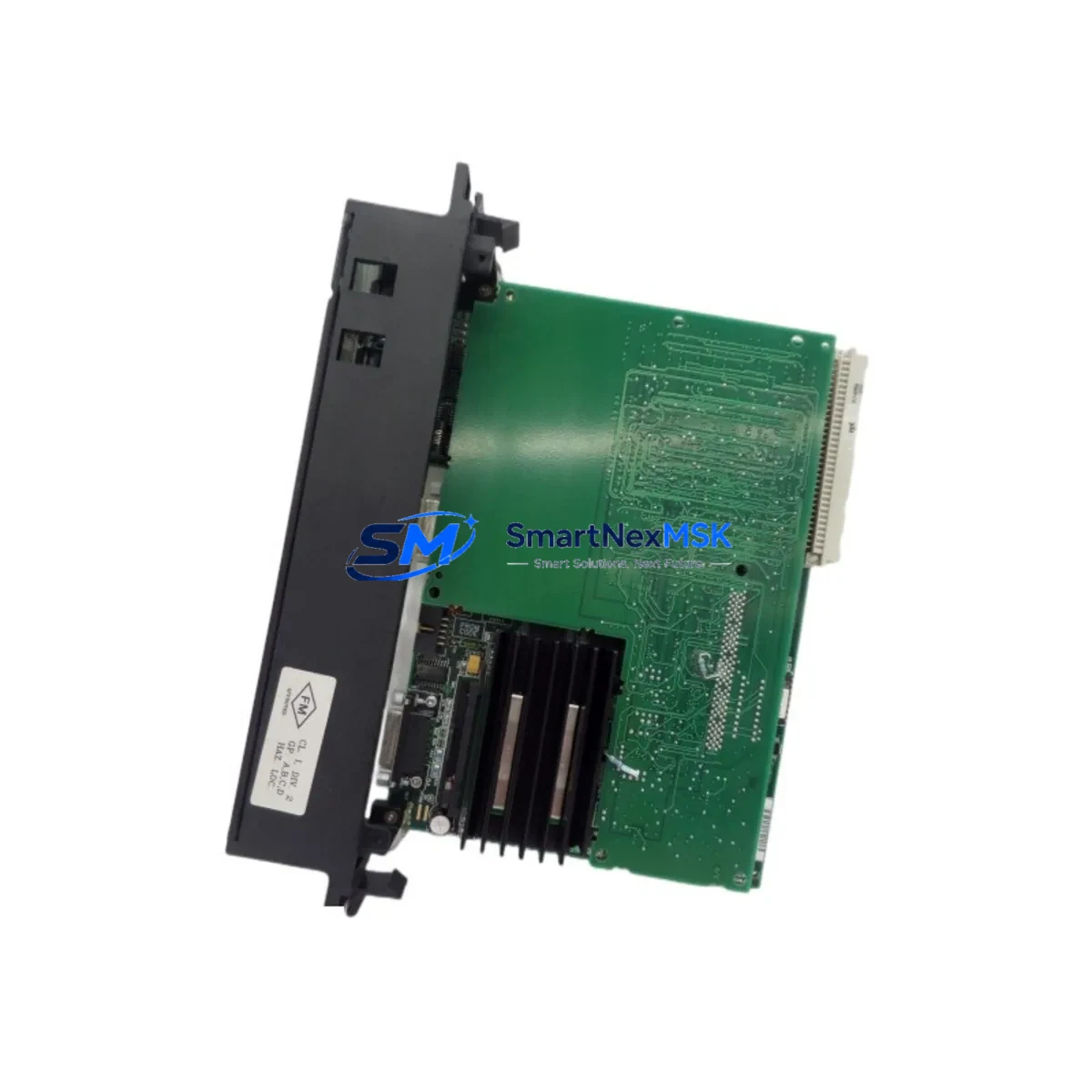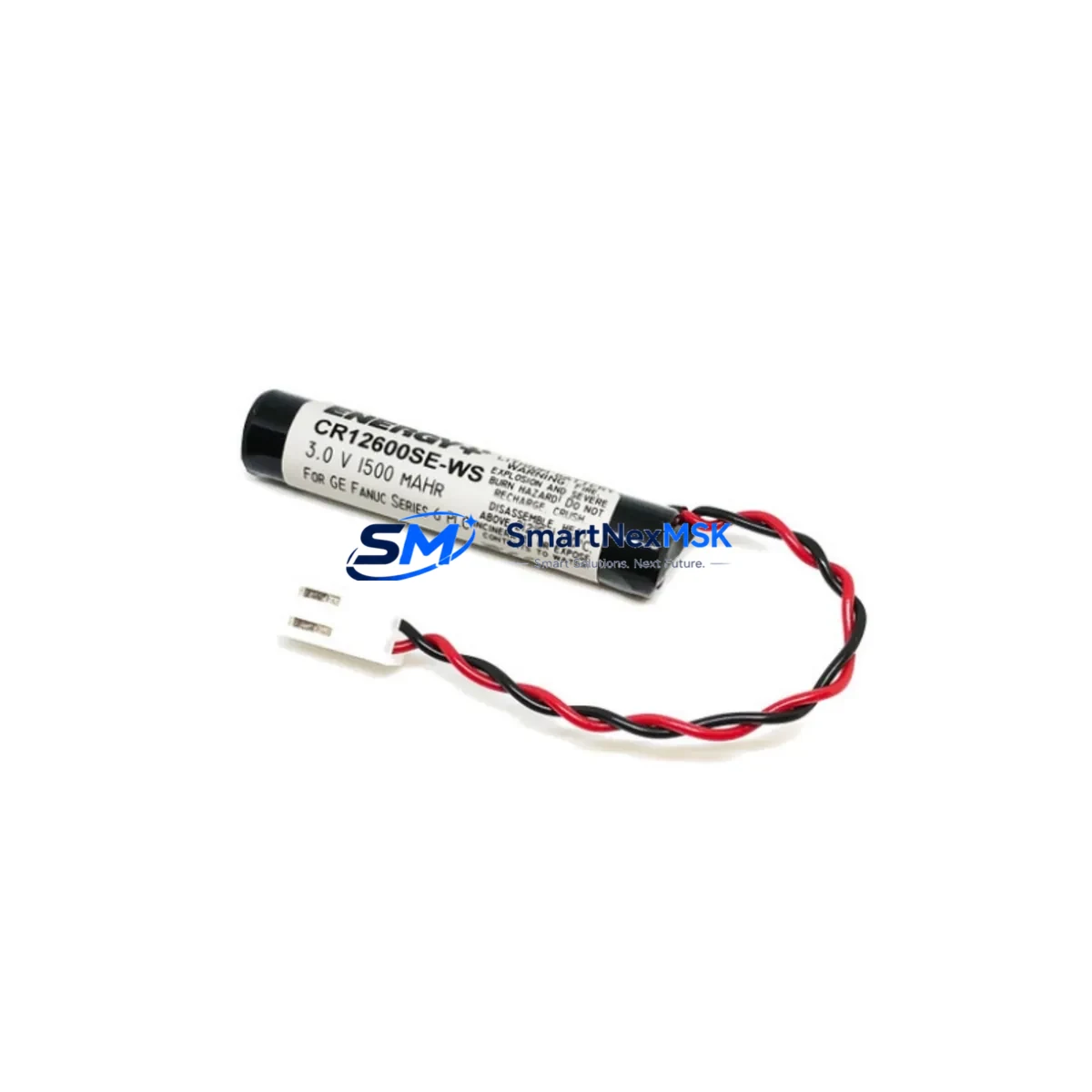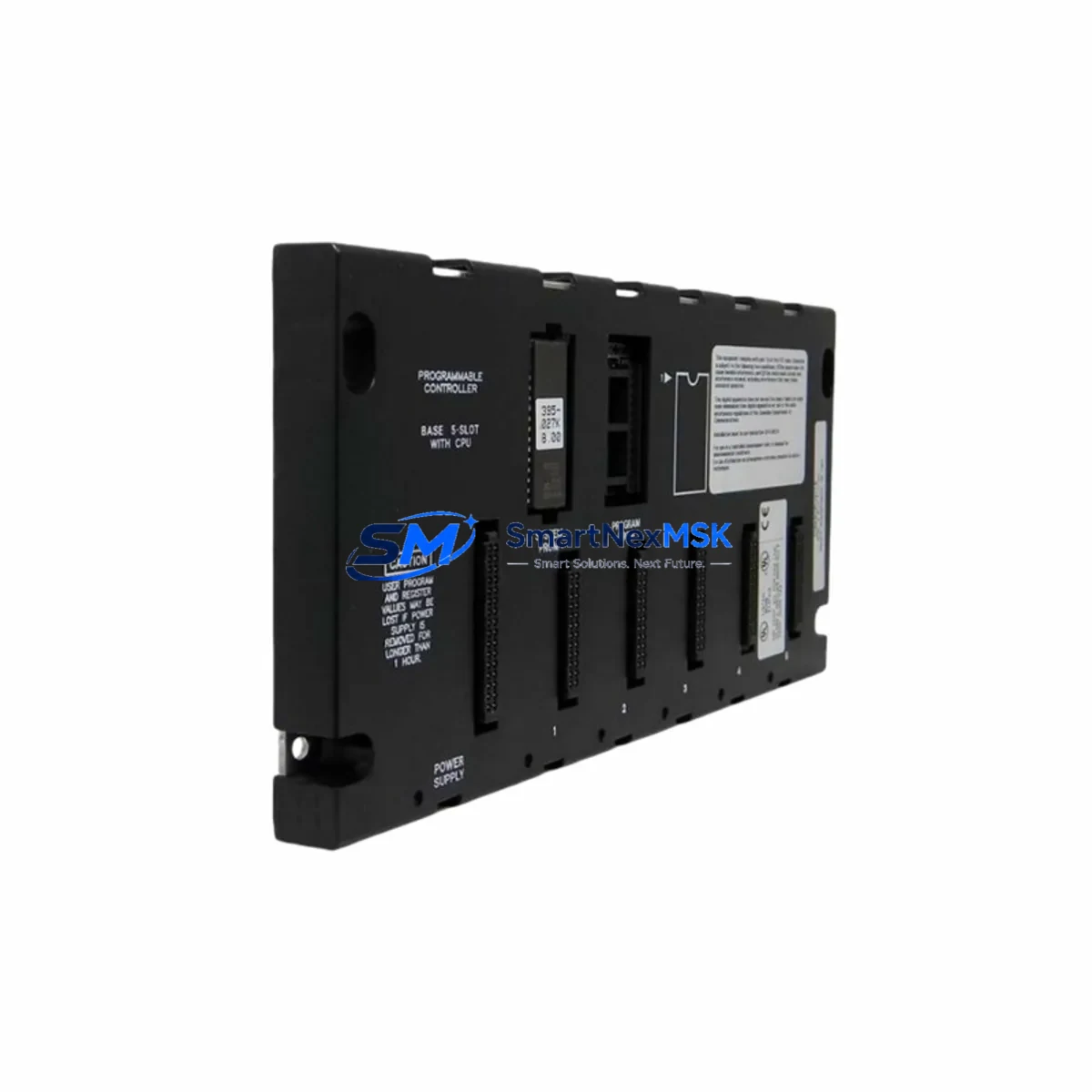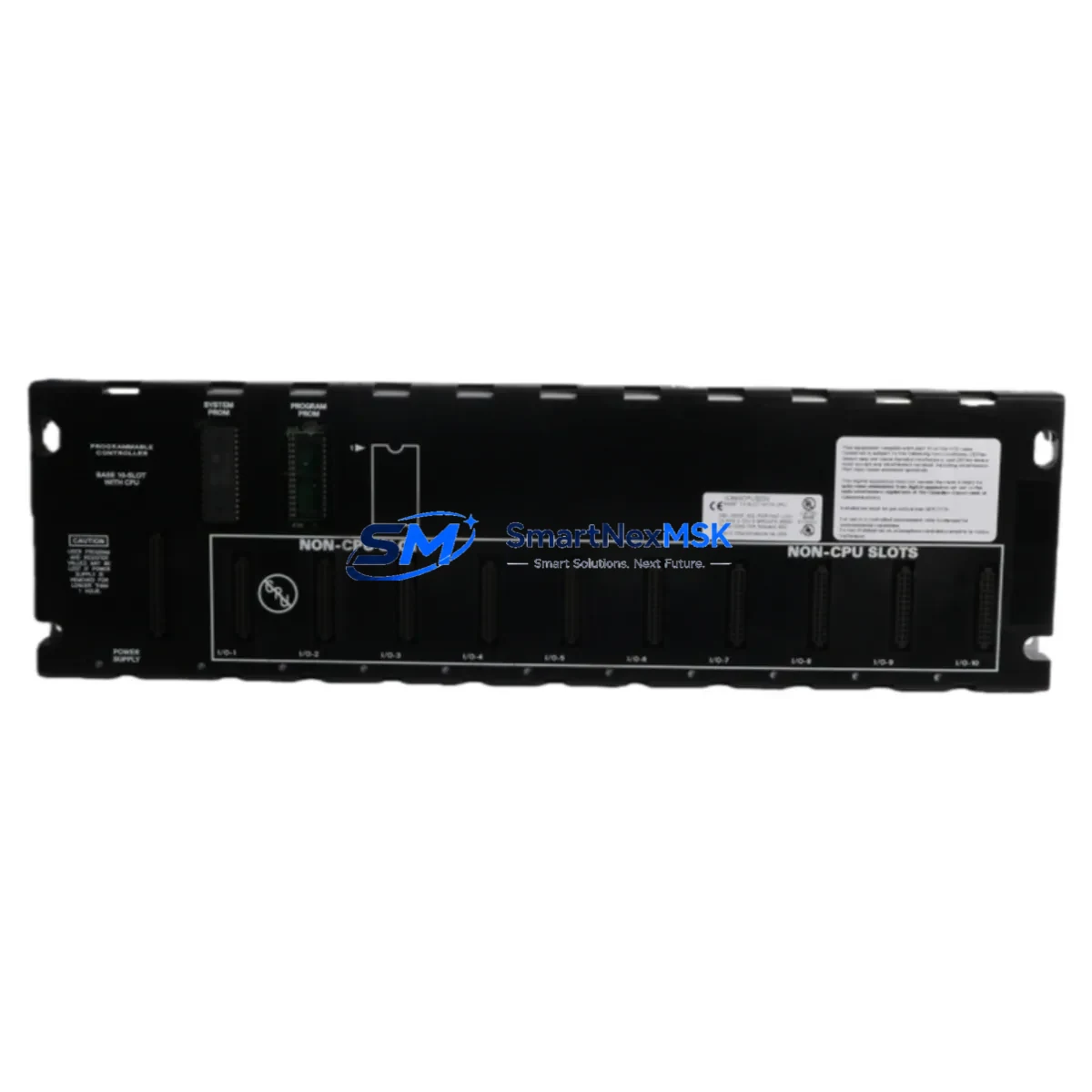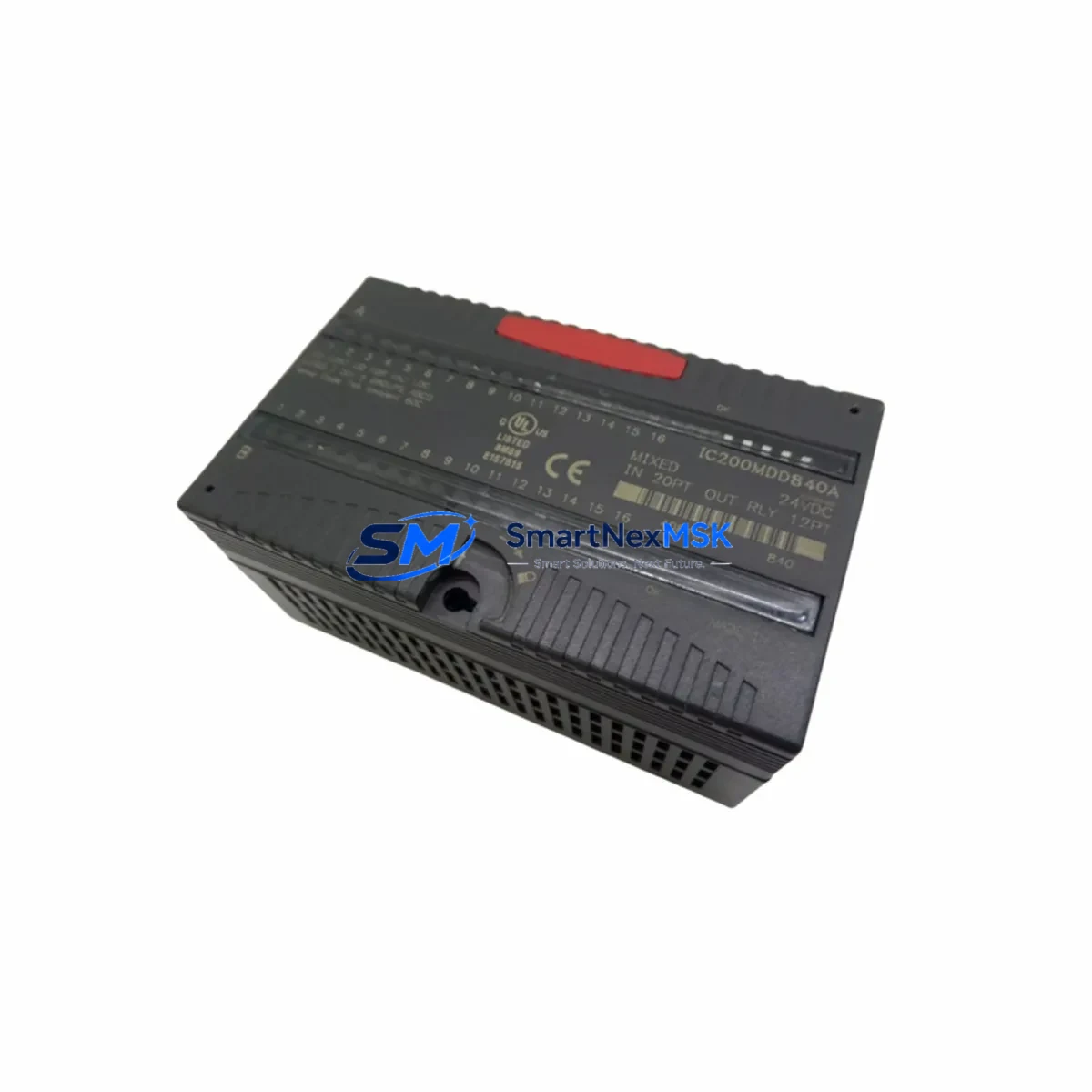
GE IC220MDD850A Retrofit-Ready Mixed DC I/O for VersaMax Micro Control Systems
The GE IC220MDD850A is a mixed DC I/O expansion module engineered for the VersaMax Micro series of programmable logic controllers. Designed to deliver 8 digital inputs and 6 digital outputs at 24VDC, this module serves as a direct retrofit solution for aging automation infrastructure where the original IC220MDD850A or functionally equivalent predecessors have reached end-of-life or are no longer available through standard distribution channels. Whether you are managing a legacy food processing line, a water treatment facility, or a discrete manufacturing cell, the IC220MDD850A provides a reliable, specification-matched upgrade path that minimizes engineering rework and preserves existing control logic.
Industrial facilities operating VersaMax Micro CPUs — including the IC200UDR005, IC200UDR020, and IC200UAL006 — frequently encounter the challenge of sourcing compatible I/O expansion hardware as original equipment ages beyond its rated service life. The IC220MDD850A addresses this directly: it connects to the VersaMax Micro base unit via the dedicated expansion port, maintaining full compatibility with the existing backplane architecture without requiring rack or chassis replacement. Engineers can retain their existing GE Proficy Machine Edition ladder logic programs, function block diagrams, and structured text routines with no modification to the program structure, provided the I/O addressing and module slot assignments are verified prior to commissioning.
Before installing the IC220MDD850A as a replacement for a failed or discontinued module, field engineers should confirm the following: the 24VDC supply capacity at the control cabinet power rail must support the combined load of the CPU base and all expansion modules; terminal wiring from the existing field devices must be mapped against the IC220MDD850A terminal block pinout to confirm signal polarity and wire gauge compatibility; the module’s position in the expansion chain must be assigned the correct I/O address offset within the CPU configuration; and any HMI screens — whether running on a QuickPanel View, a third-party SCADA, or a Proficy iFIX node — must be validated to confirm that the I/O variable references remain intact after the module swap.
Upgrade Compatibility Table
| Parameter | IC220MDD850A Specification | Retrofit Notes |
|---|---|---|
| Digital Inputs | 8 × 24VDC Sink/Source | Verify field wiring polarity before reconnection |
| Digital Outputs | 6 × 24VDC Source, 0.5A per point | Confirm load current does not exceed per-point rating |
| Expansion Interface | VersaMax Micro Expansion Port | Direct plug-in; no adapter required for Micro series |
| Power Consumption | Supplied by CPU base 24VDC bus | Verify total expansion current budget on power supply |
| Communication Compatibility | Local I/O bus (non-networked) | No protocol migration required; transparent to CPU |
| Program Compatibility | Full GE Proficy Machine Edition | Retain existing ladder/FBD logic; verify I/O addresses |
| Installation | DIN rail or panel mount via base | Confirm cabinet clearance for expansion chain length |
| Commissioning | Online configuration via PME | Force I/O points during pre-live testing |
| Warranty | 12-Month Warranty | Covered from date of shipment; includes DOA replacement |
Retrofit Planning for Existing Automation Systems
A successful retrofit of the IC220MDD850A into an existing VersaMax Micro control system requires a structured pre-installation audit. Begin by documenting the current expansion chain: identify each module connected to the CPU base, record the I/O address assignments, and photograph the terminal wiring before any disconnection. In many legacy installations, the IC220MDD850A sits alongside an IC220MDL750 discrete input module, an IC220MDL940 relay output module, or an IC220ALG320 analog input module — all of which remain in service and must not be disturbed during the swap.
Power budget verification is critical. The VersaMax Micro CPU base provides a finite 24VDC expansion bus current. Adding or replacing an I/O module changes the total draw, and an undersized IC220PWR001 or IC220PWR002 power supply will cause intermittent faults or CPU resets under load. Calculate the combined current consumption of all expansion modules before proceeding.
For systems that include a GE IC200PNS001 Profibus slave adapter or an IC200ETM001 Ethernet interface module, the IC220MDD850A replacement does not affect the network communication layer — these modules operate independently on the CPU’s communication ports and are unaffected by local I/O expansion changes. Similarly, if the control system includes a GE QuickPanel+ HMI or a legacy QuickPanel View connected via RS-232 or Ethernet, the HMI project does not require modification as long as the I/O variable tag names and addresses are preserved in the CPU program.
In multi-drop serial communication architectures where the VersaMax Micro CPU communicates upstream to a Series 90-30 or PACSystems RX3i controller via SNP or SRTP protocol, the IC220MDD850A replacement is transparent to the network master — no changes to the master’s I/O scan list or data table mapping are required. This makes the IC220MDD850A an ideal drop-in solution for distributed control architectures where minimizing network reconfiguration is a priority.
Before the replacement module is installed, it is strongly recommended to perform an offline backup of the CPU program using GE Proficy Machine Edition, store the .mep project file in a version-controlled repository, and print a hard copy of the I/O configuration table for on-site reference during commissioning. If the facility operates under IEC 62443 or ISO 13849 functional safety requirements, the change management procedure must be followed and documented before the module is energized in the live system.
Downtime Control During System Migration
Minimizing unplanned downtime during an IC220MDD850A module replacement requires a disciplined hot-swap preparation protocol. Although the VersaMax Micro expansion bus does not support live module insertion, the replacement procedure can be completed within a planned maintenance window of 30 to 60 minutes when the following steps are executed in sequence.
First, place the CPU in STOP mode via the Proficy Machine Edition online connection or the physical RUN/STOP switch on the CPU faceplate. This halts all output scanning and prevents unintended actuator movement during the module exchange. Second, de-energize the 24VDC field power supply feeding the output load circuits — do not rely solely on the CPU STOP state to protect field devices. Third, disconnect the terminal block from the failed module, label each wire with its terminal number, and remove the module from the expansion port. Fourth, seat the IC220MDD850A firmly into the expansion port, reconnect the terminal block, and restore 24VDC field power. Fifth, place the CPU back in RUN mode and monitor the I/O status LEDs on the new module to confirm all inputs and outputs are scanning correctly.
For facilities that cannot tolerate even a brief control interruption, a parallel commissioning approach is recommended: install and configure the replacement IC220MDD850A on a bench test rig using the same CPU program and I/O configuration, verify all 14 I/O points under simulated load conditions, and only then schedule the live swap. This approach eliminates the risk of discovering a wiring or addressing error during the production outage window, and it allows the maintenance team to confirm the 12-month warranty unit is fully functional before it enters service.
After the module is returned to service, document the replacement in the facility’s maintenance management system, update the as-built wiring diagram, and retain the original failed module for failure analysis if required by your quality management procedure.
Retrofit Support FAQ
Q: Is the IC220MDD850A a direct drop-in replacement for the original GE VersaMax Micro expansion module?
A: Yes. The IC220MDD850A is specification-matched to the original GE factory module and connects directly to the VersaMax Micro expansion port without adapters or wiring modifications, provided the terminal block pinout is verified against the existing field wiring before installation.
Q: Do I need to modify my Proficy Machine Edition program after replacing the module?
A: In most cases, no. If the replacement module occupies the same slot position in the expansion chain and the I/O address assignments are unchanged, the existing ladder logic, FBD, or structured text program will continue to execute without modification. Always perform an online comparison between the stored program and the CPU memory after the swap to confirm integrity.
Q: What pre-shipment testing is performed on the IC220MDD850A?
A: Each unit undergoes functional I/O point verification, insulation resistance testing, and power-on self-test prior to shipment. Units are shipped with a test report and are covered by a 12-month warranty from the date of shipment, including dead-on-arrival replacement at no additional cost.
Q: Can the IC220MDD850A be used in a system that also includes analog I/O modules such as the IC220ALG320?
A: Yes. The IC220MDD850A coexists with analog expansion modules in the same VersaMax Micro expansion chain. Ensure the total expansion bus current budget is not exceeded and that each module’s I/O address block is correctly assigned in the CPU hardware configuration within Proficy Machine Edition.
© 2026 SMARTNEXMSK. All rights reserved.
Original Source: https://smartnexmsk.com
Contact: [email protected] | +86 18259474341