
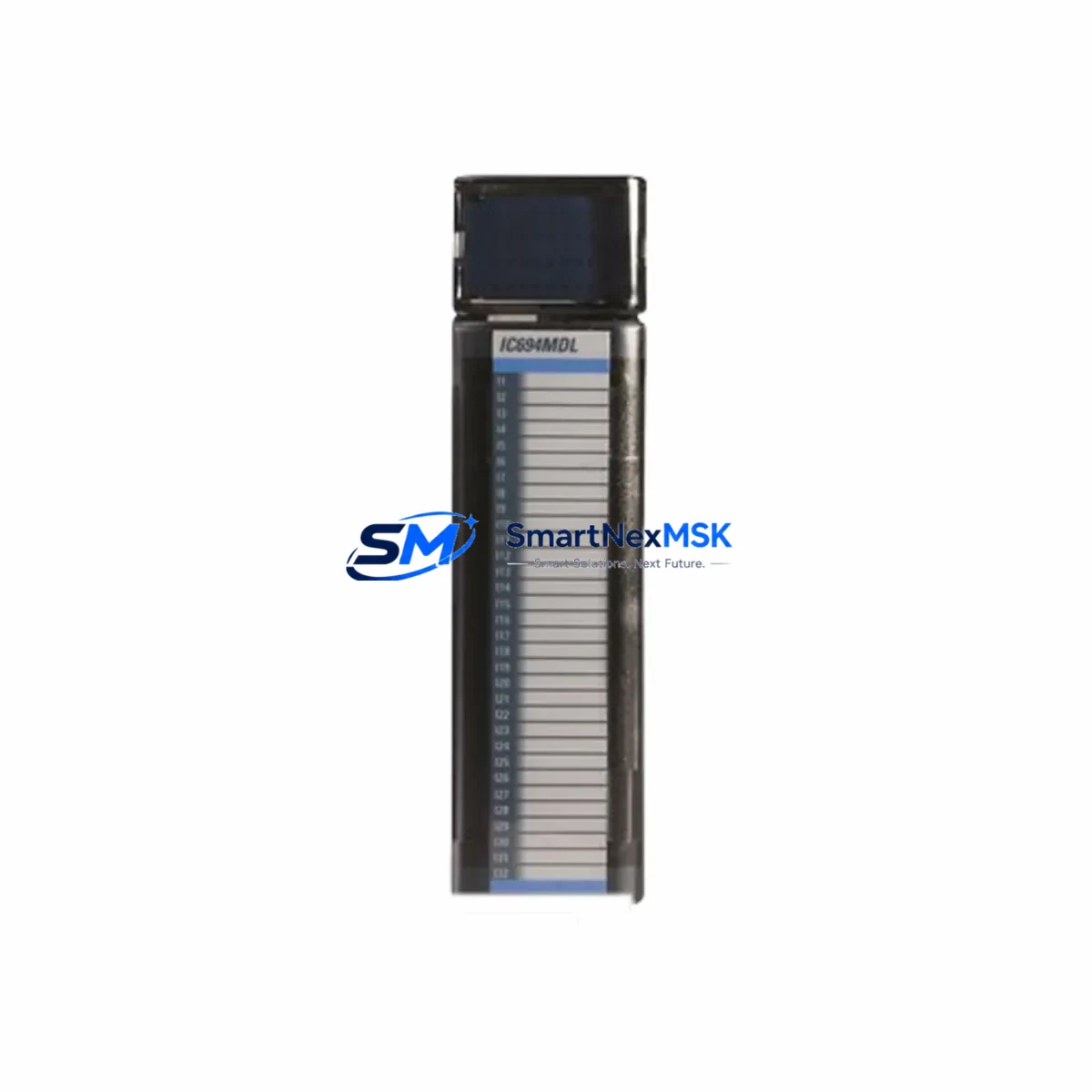
GE IC694MDL740 Retrofit-Ready Analog Output for Series 90-30 Control Systems
The GE IC694MDL740 is a 16-channel analog voltage output module engineered for the GE Series 90-30 PLC platform. As legacy automation systems reach end-of-life, the IC694MDL740 remains one of the most sought-after retrofit components for engineers tasked with modernizing aging control cabinets without a full system overhaul. Whether you are replacing a failed module, sourcing discontinued spare parts, or executing a phased upgrade of a production line, the IC694MDL740 delivers verified drop-in compatibility with the Series 90-30 rack architecture and I/O bus.
Each unit shipped by SMARTNEXMSK undergoes pre-shipment functional testing, covering channel-by-channel output verification, backplane communication integrity, and power rail stability. A 12-month warranty is included with every order, providing assurance for both emergency replacements and planned retrofit projects.
Upgrade Compatibility Table
| Parameter | IC694MDL740 Specification | Retrofit Notes |
|---|---|---|
| Output Channels | 16 channels, ±10 V / 0–10 V analog voltage | Verify field wiring terminal polarity before swap |
| Backplane Interface | Series 90-30 I/O bus (IC693 / IC694 rack compatible) | Compatible with IC693CHS391, IC693CHS392, IC694CHS392 racks |
| Power Consumption | 5 VDC from backplane; verify PSU headroom | Check IC693PWR321 / IC693PWR330 / IC694PWR330 capacity before installation |
| Module Address | Slot-based addressing via CPU configuration | Re-map %AQ addresses in Proficy Machine Edition if slot changes |
| Communication Protocol | Local I/O bus; no standalone Ethernet/Modbus port | Upstream CPU (IC693CPU374 / IC694CPU315) handles Ethernet or SNP comms |
| Replacement Candidates | IC693MDL740, IC693MDL741 (legacy variants) | Confirm firmware revision of host CPU for full compatibility |
| HMI Compatibility | Works with CIMPLICITY, iFIX, and third-party OPC-DA/UA servers | Update analog tag scaling in HMI after channel reassignment |
| Commissioning Check | Force output test via Proficy ME online monitoring | Verify 4–20 mA / voltage loop at field device before going live |
| Warranty | 12-Month Warranty — covers functional defects under normal operating conditions | |
Retrofit Planning for Existing Automation Systems
A successful IC694MDL740 retrofit begins well before the module arrives on site. Engineers should start by auditing the existing Series 90-30 rack configuration, identifying the host CPU — commonly an IC693CPU374 or IC694CPU315 — and confirming the rack model, whether an IC693CHS391 five-slot or IC694CHS392 ten-slot chassis. The power supply unit, typically an IC693PWR321 or IC694PWR330, must be evaluated for available 5 VDC and 24 VDC capacity, as adding or replacing an analog output module can shift the power budget, particularly in densely populated racks that also house IC694MDL654 discrete input modules or IC694ALG220 analog input modules.
Terminal wiring is a critical step. The IC694MDL740 uses a 40-pin field wiring connector. Before disconnecting the old module, photograph or document all terminal assignments, especially in applications where the analog outputs drive proportional control valves, variable frequency drives, or positioners. Mislabeled or undocumented wiring is one of the most common causes of extended downtime during analog module replacement.
Once the module is seated in the rack, the Proficy Machine Edition programming environment is used to update the hardware configuration. If the IC694MDL740 is replacing a module in the same slot, the %AQ address mapping typically remains unchanged. However, if the slot position differs from the original, all analog output references in the ladder logic or function block program must be remapped accordingly. This is also the appropriate time to review any IC694CMM321 communications module settings if the control system uses a DeviceNet or Genius bus for distributed I/O, ensuring that the new module’s data is correctly reflected across the network.
For systems that include an IC693MDL940 relay output module or IC694MDL754 discrete output module in the same cabinet, verify that the shared 24 VDC field power supply is not overloaded after the analog module swap. In multi-rack configurations connected via IC693BEM331 bus expansion modules, confirm that the remote rack’s I/O scan time is within acceptable limits after the configuration update.
Finally, update any HMI screens in CIMPLICITY or iFIX that reference the analog output channels. Tag scaling, engineering unit conversion, and alarm limits tied to the output channels should be reviewed and validated against the new module’s output range before returning the system to automatic control.
Downtime Control During System Migration
Minimizing production downtime is the primary concern for any analog module replacement in an active manufacturing environment. The recommended approach is to perform the IC694MDL740 swap during a scheduled maintenance window, with the CPU placed in Stop mode and all field outputs confirmed de-energized before the module is removed from the rack.
Before powering down, use Proficy Machine Edition to upload and save the current program from the IC693CPU374 or IC694CPU315 to a backup file. This preserves the complete logic, hardware configuration, and data table values, including any retentive %R registers or %AI analog input scaling constants that may not be stored in the module itself. Store the backup on a local engineering workstation and, if possible, on a network share or USB drive as a secondary copy.
With the backup secured, the physical swap of the IC694MDL740 takes less than five minutes — the module slides out of the rack slot and the replacement seats in its place with the field wiring connector reattached. After power-up, the CPU will perform a rack scan and recognize the new module. If the hardware configuration in the program matches the physical slot assignment, the CPU will transition to Run mode without requiring a program download. If a configuration mismatch is detected, a targeted hardware configuration download — not a full program download — is sufficient to resolve it, preserving all retentive data and minimizing the risk of unintended logic changes.
For critical processes where even a brief Stop mode is unacceptable, consider a hot-standby architecture using a redundant CPU pair, which allows the standby unit to take control while the primary rack undergoes maintenance. While this requires additional hardware investment, it effectively reduces the analog module replacement window to near zero for the controlled process.
Retrofit Support FAQ
Q1: Is the IC694MDL740 a direct drop-in replacement for the IC693MDL740?
Yes. The IC694MDL740 is backward compatible with IC693-series racks and CPUs. The module occupies the same slot footprint, uses the same 40-pin field wiring connector, and is recognized by the same hardware configuration entry in Proficy Machine Edition. No logic changes are required if the slot position is unchanged.
Q2: What commissioning steps are required after installation?
After seating the module and powering up the rack, verify that the CPU recognizes the IC694MDL740 in the hardware configuration. Use the online monitoring function in Proficy Machine Edition to force each of the 16 output channels and confirm the corresponding voltage at the field terminal. Check that downstream devices — such as VFDs or control valves — respond correctly to the forced output values before returning the system to automatic mode.
Q3: How do I verify wiring compatibility before the replacement?
Document all 40 terminal connections on the existing module before removal, cross-referencing against the IC694MDL740 wiring diagram. Pay particular attention to the shield and common terminals, as incorrect grounding can introduce noise on analog output signals. If the original module used a different terminal block style, confirm that the replacement connector is compatible or source the correct field wiring connector as part of the retrofit kit.
Q4: What does the 12-month warranty cover?
The 12-month warranty covers functional defects in the IC694MDL740 under normal operating conditions, including channel output failures, backplane communication errors, and power regulation faults attributable to the module itself. It does not cover damage resulting from incorrect installation, overvoltage conditions, or physical mishandling. Warranty claims are processed through SMARTNEXMSK with a standard RMA procedure; replacement or repair is completed within the agreed service window.
© 2026 SMARTNEXMSK. All rights reserved.
Original Source: https://smartnexmsk.com
Contact: [email protected] | +86 18259474341