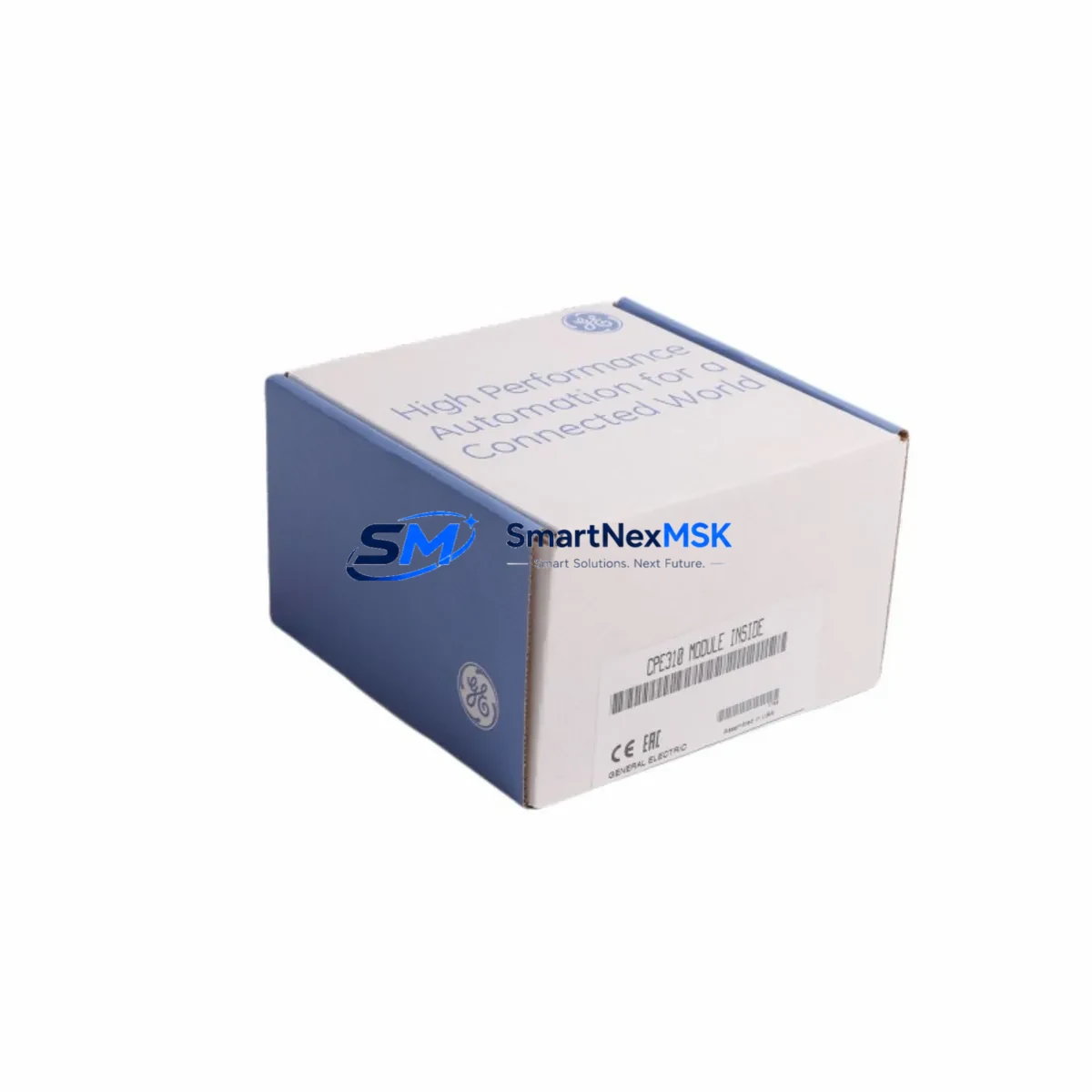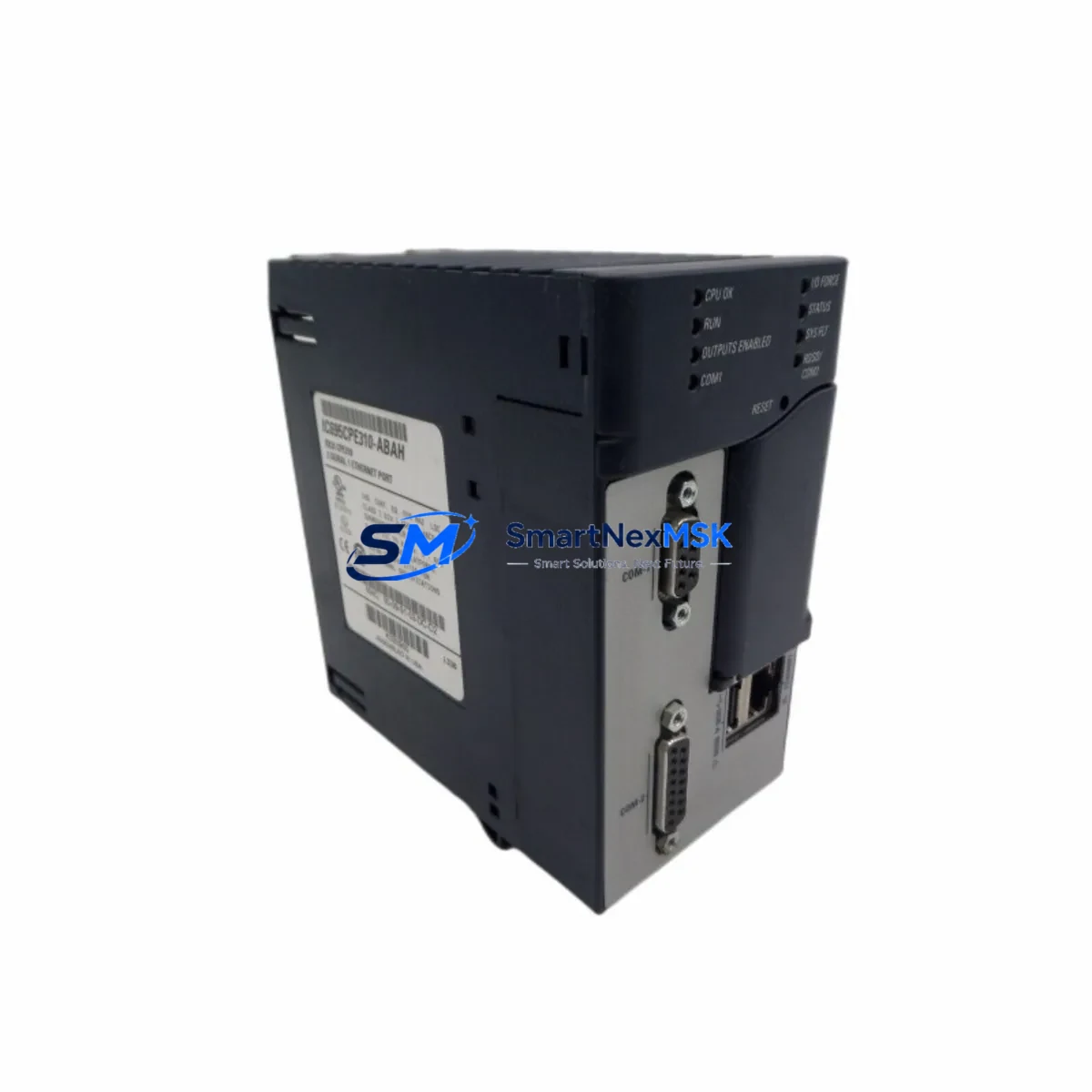
GE IC695CPE310-ABAH Spare for PACSystems RX3i Automation
The GE IC695CPE310-ABAH is an original Ethernet CPU module for the PACSystems RX3i platform — one of the most widely deployed programmable logic controller architectures in process automation, discrete manufacturing, and critical infrastructure. For maintenance engineers managing aging control systems, securing a verified original IC695CPE310-ABAH spare is a direct investment in uptime assurance and downtime risk reduction. This unit ships tested, inspected, and backed by a 12-month warranty, making it a reliable choice for both emergency replacement and planned spare parts inventory.
Whether you are executing a scheduled shutdown inspection, responding to an unplanned CPU fault, or building a strategic spare parts buffer for a multi-cabinet RX3i installation, the IC695CPE310-ABAH delivers the processing capacity, dual Ethernet port connectivity, and firmware compatibility required to restore system operation with minimal reconfiguration. Its integrated Ethernet interface supports SRTP, Modbus TCP, and EGD protocols, enabling seamless reintegration into existing network topologies without additional communication modules in most standard configurations.
Spare Maintenance Table
| Parameter | Specification |
|---|---|
| Part Number / SKU | IC695CPE310-ABAH |
| Brand / Manufacturer | GE (Emerson Automation Solutions) |
| Series / Platform | PACSystems RX3i |
| Module Type | Ethernet CPU Module |
| Processor | 1.1 GHz Intel Celeron M |
| Program Memory | 64 MB (user program) |
| Ethernet Ports | 2 × RJ-45 (10/100 Mbps) |
| Supported Protocols | SRTP, Modbus TCP, EGD, OPC |
| Backplane Compatibility | IC695CHS007, IC695CHS012, IC695CHS016 |
| Power Supply Compatibility | IC695PSA040, IC695PSD040, IC695PSA140 |
| Operating Temperature | 0 °C to 60 °C |
| Relative Humidity | 5% to 95% non-condensing |
| Mounting | RX3i Universal Backplane — Slot 0 |
| Origin | USA (Original GE / Emerson) |
| Condition | Original Spare — Tested & Inspected |
| Warranty | 12 Months |
| Shipping | Worldwide — ESD-safe packaging |
Maintenance Planning for Continuous Operation
When replacing the IC695CPE310-ABAH in a live RX3i rack, a disciplined maintenance workflow extends well beyond the CPU module itself. Experienced maintenance engineers treat a CPU replacement event as a full-cabinet audit opportunity. Begin by verifying the condition and firmware revision of the IC695PSD040 or IC695PSA040 power supply module — a marginal power supply is a common root cause of intermittent CPU faults and should be replaced proactively if it shows signs of capacitor aging or output ripple.
Next, inspect the IC695ETM001 Ethernet transmitter module if your system uses a separate communications layer, and confirm that all IC694MDL754 or IC694MDL655 digital I/O modules are seated correctly and free of terminal block corrosion. Loose or oxidized connections on IC694TBB032 or IC694TBS032 terminal bases are a frequent source of spurious I/O faults that can be misdiagnosed as CPU failures. While the cabinet is open, check the IC695RMX128 redundancy memory exchange module if your system runs a hot-standby configuration — a degraded RMX module can prevent successful CPU switchover during a fault event.
For systems with remote I/O drops, verify the integrity of the IC695PBM300 PROFIBUS master module or IC695EIS001 EtherNet/IP scanner module, as communication timeouts at the field level are often misattributed to CPU performance issues. Signal isolators and surge protection devices on analog input channels should also be inspected during any CPU maintenance window, particularly in environments with variable-frequency drives or high-inductive loads nearby. Finally, confirm that the IC693ACC300 hand-held programmer or the Proficy Machine Edition software backup of the application program is current before powering down the rack — restoring from an outdated program image is a leading cause of extended downtime during emergency CPU replacements.
Site Replacement Workflow
Step 1 — Pre-Replacement Verification: Confirm the replacement IC695CPE310-ABAH firmware revision matches or is compatible with the existing application program. Use Proficy Machine Edition to export and archive the current program, hardware configuration, and IP settings before any physical work begins.
Step 2 — Safe Power-Down: Follow your site’s lockout/tagout (LOTO) procedure. Remove the IC695PSA040 or IC695PSD040 power supply input before extracting the CPU from Slot 0 of the backplane. Avoid hot-swapping the CPU module unless your system is specifically configured and validated for that operation.
Step 3 — Physical Replacement: Remove the faulty IC695CPE310-ABAH by releasing the module locking tabs. Insert the replacement unit firmly into Slot 0, ensuring the backplane connector is fully engaged. Retain the original module for failure analysis or return.
Step 4 — Configuration Restore: Power up the rack and use Proficy Machine Edition to download the archived hardware configuration and application program to the new CPU. Verify Ethernet IP address assignment and confirm communication with all remote I/O drops and HMI panels before releasing the system to production.
Step 5 — Post-Replacement Validation: Run a full I/O force test on critical outputs, verify PID loop setpoints, and confirm historian or SCADA data continuity. Document the replacement in your CMMS with the new module serial number and warranty start date.
This structured workflow minimizes mean time to repair (MTTR), reduces the risk of configuration errors, and ensures the replaced system meets the same operational baseline as before the fault event.
Spare Parts Support FAQ
Q1: Is the IC695CPE310-ABAH still available as a new original spare?
Yes. We maintain stock of original IC695CPE310-ABAH units sourced through authorized industrial distribution channels. Each unit is individually tested and inspected prior to shipment. For high-volume or long-term supply requirements, contact our sales team to discuss blanket order arrangements and reserved stock programs.
Q2: What is the compatibility scope of the IC695CPE310-ABAH within the PACSystems RX3i family?
The IC695CPE310-ABAH is compatible with all standard RX3i universal backplanes including the IC695CHS007 (7-slot), IC695CHS012 (12-slot), and IC695CHS016 (16-slot). It supports the full range of RX3i I/O modules, communication modules, and motion control modules. Compatibility with specific firmware revisions of existing I/O modules should be verified against the GE PACSystems RX3i CPU Reference Manual (GFK-2222) before deployment.
Q3: What pre-shipment testing is performed on each IC695CPE310-ABAH unit?
Every IC695CPE310-ABAH spare undergoes power-on functional verification, Ethernet port connectivity testing, and firmware revision confirmation before dispatch. Units are packed in ESD-safe anti-static bags with foam cushioning to prevent transit damage. A test report is available upon request for quality-critical applications.
Q4: What does the 12-month warranty cover, and how is a warranty claim processed?
The 12-month warranty covers manufacturing defects and functional failures under normal operating conditions as specified in the GE datasheet. It does not cover damage resulting from incorrect installation, overvoltage events, or environmental conditions outside the rated operating range. To initiate a warranty claim, contact [email protected] with your order reference, a description of the fault symptom, and photographic evidence of the installation. Replacement or repair will be arranged within 5 business days of claim approval.
© 2026 SMARTNEXMSK. All rights reserved.
Original Source: https://smartnexmsk.com
Contact: [email protected] | +86 18259474341