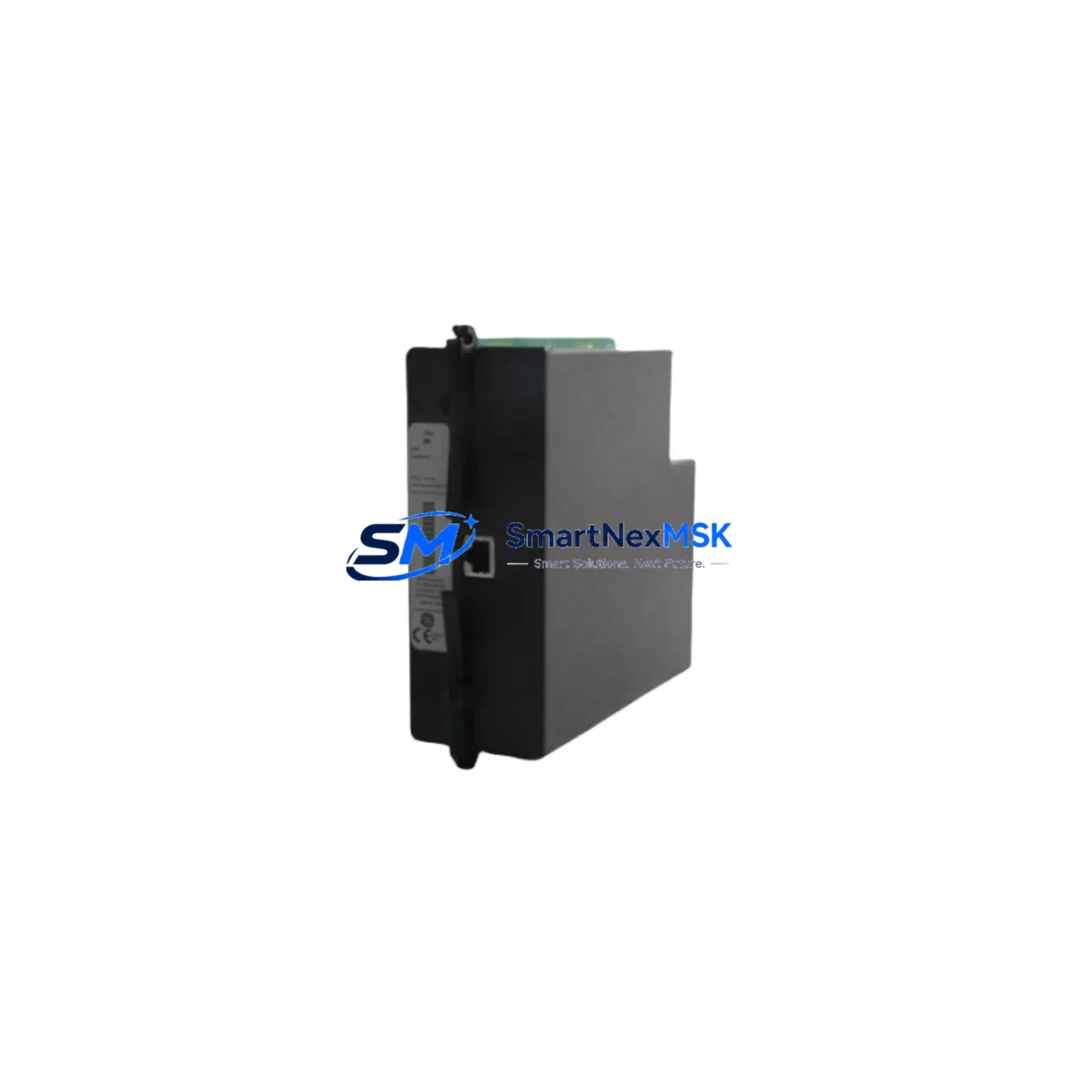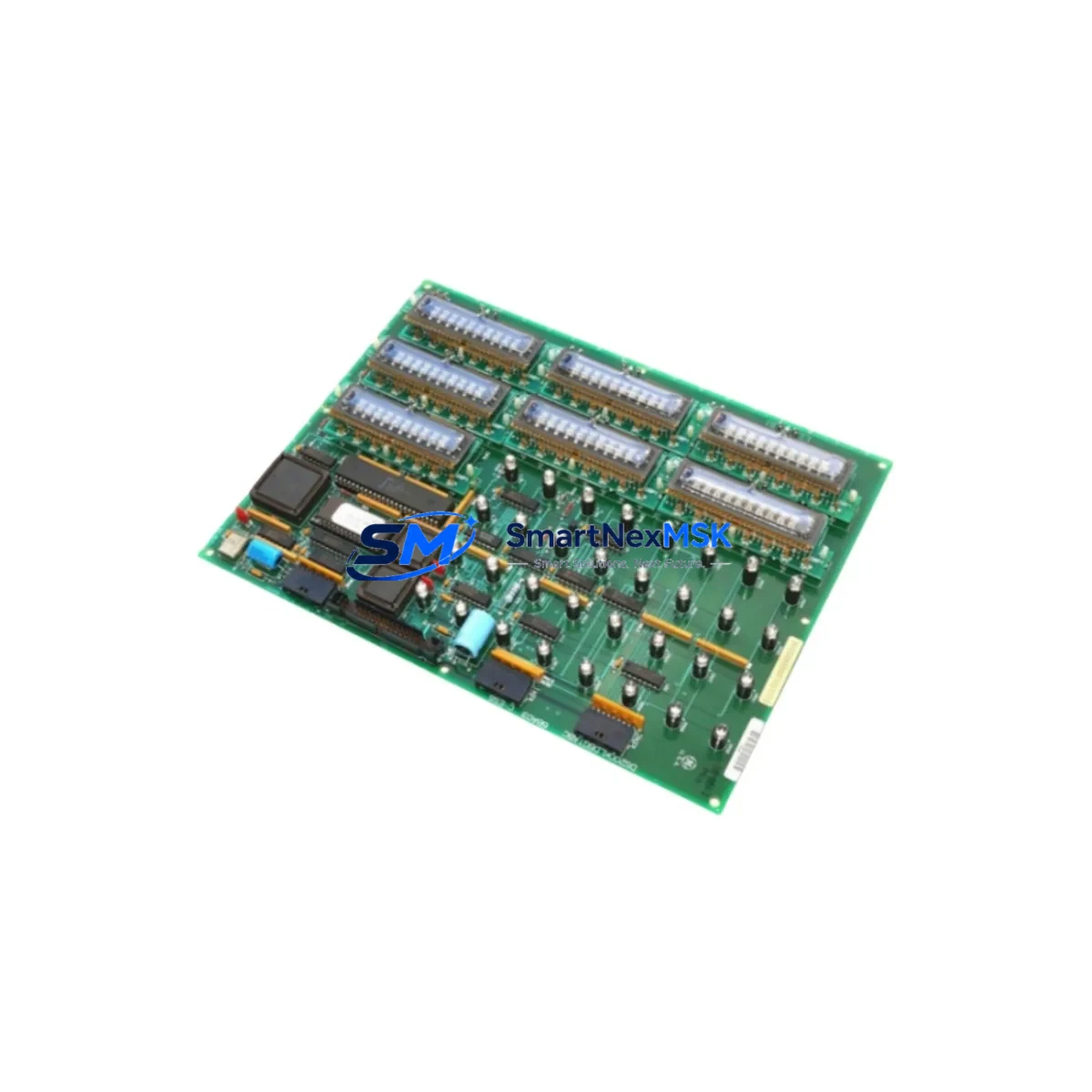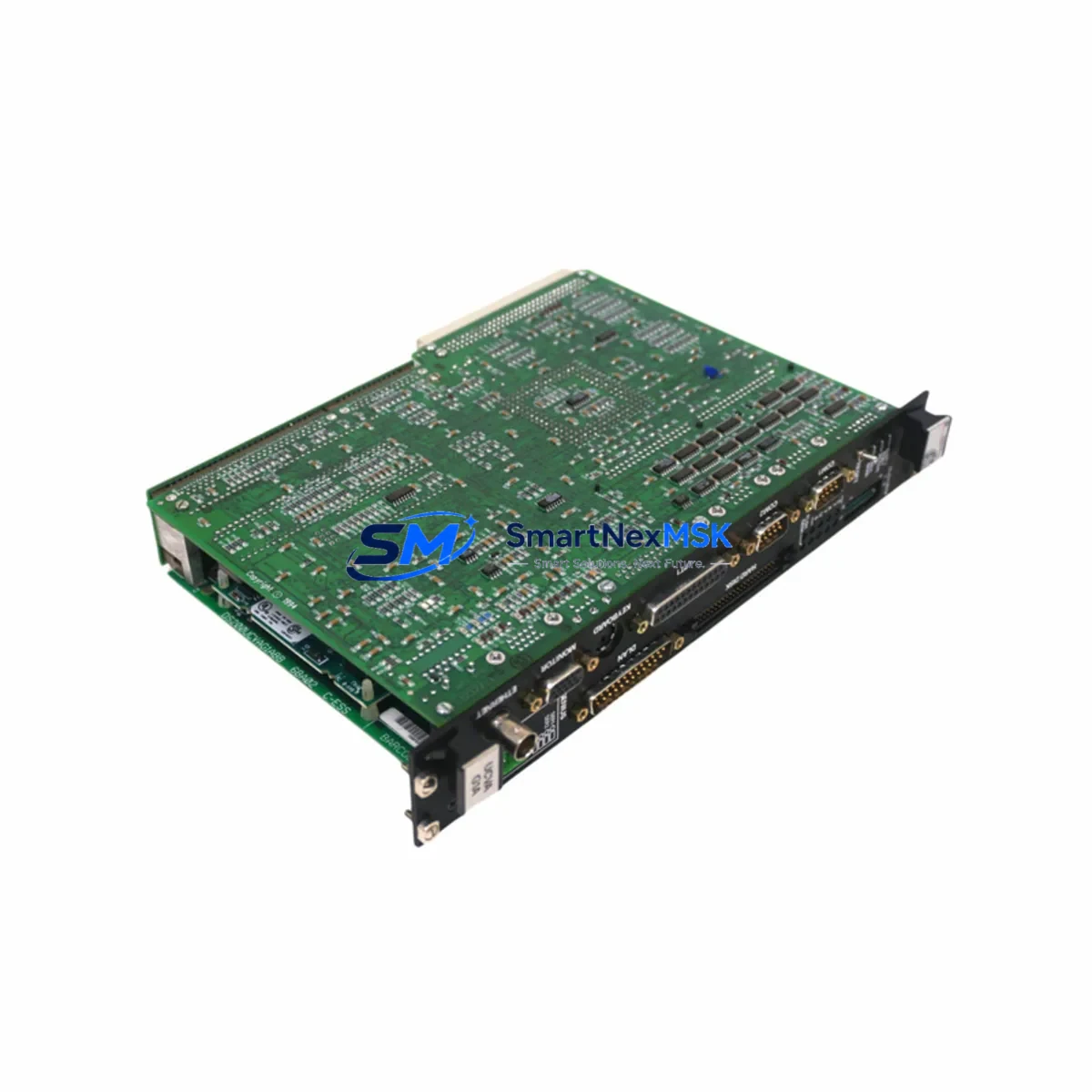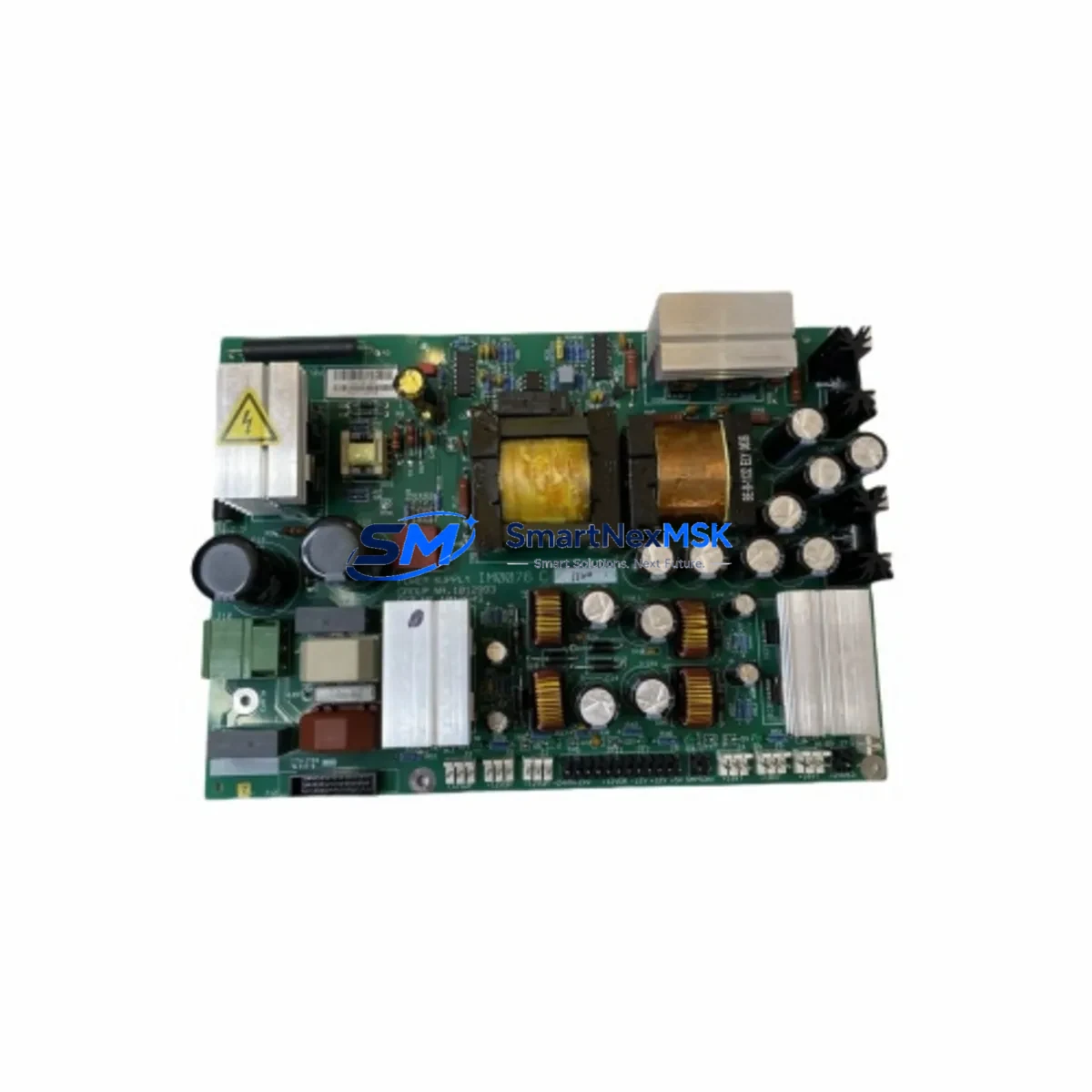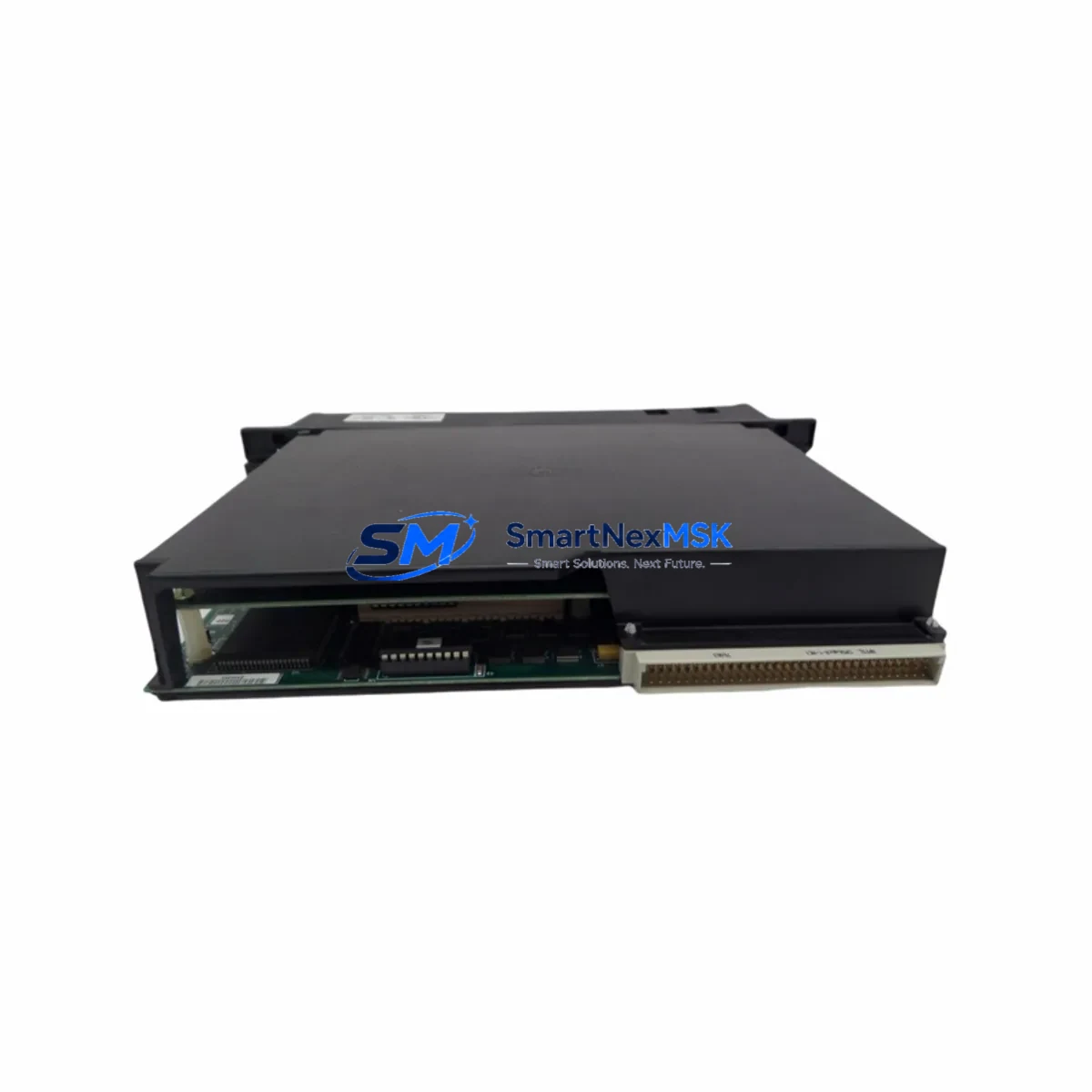
GE IC697CPX782-CB Retrofit-Ready CPU for Series 90-70 Control Systems
The GE IC697CPX782-CB is a high-performance central processing unit engineered for the GE Fanuc Series 90-70 programmable logic controller platform. As legacy Series 90-70 systems approach end-of-life and original spare parts become increasingly scarce, the IC697CPX782-CB has emerged as the preferred retrofit-ready replacement for facilities seeking to extend operational life, modernize control architecture, and eliminate unplanned downtime caused by obsolete hardware failures. Whether you are replacing a failed IC697CPU772, IC697CPU780, or IC697CPU781 in an existing control cabinet, or executing a planned upgrade across multiple production lines, this module delivers the processing power, memory capacity, and communication compatibility required for a smooth, low-risk transition.
Sourced directly from authorized distribution channels and rigorously tested prior to shipment, every IC697CPX782-CB unit supplied by SMARTNEXMSK is backed by a 12-month warranty covering manufacturing defects and functional failures. Our inventory is maintained in Xiamen, China, with same-week dispatch available for in-stock units, supporting urgent retrofit and emergency replacement scenarios across Asia-Pacific, the Middle East, and global industrial markets.
Upgrade Compatibility Table
| Parameter | IC697CPX782-CB | Typical Legacy CPU (e.g. IC697CPU772) |
|---|---|---|
| Platform | GE Fanuc Series 90-70 | GE Fanuc Series 90-70 |
| Rack / Backplane | IC697CHS750 / IC697CHS782 (7- or 9-slot) | Same — direct backplane compatibility |
| CPU Slot Requirement | Slot 1 (mandatory) | Slot 1 (mandatory) |
| Communication Protocols | SNP, SNP-X, Genius Bus, Ethernet (with IC697CMM742) | SNP, SNP-X, Genius Bus |
| Program Memory | Up to 512 KB user logic | 240–512 KB depending on variant |
| I/O Addressing | %I / %Q / %AI / %AQ — fully compatible | Same addressing scheme |
| Programming Software | Proficy Machine Edition (ME) / Logicmaster 90 | Logicmaster 90 / ME |
| Power Supply Compatibility | IC697PWR711 / IC697PWR724 / IC697PWR748 | Same power supply family |
| Installation | DIN rail / panel mount via rack | Same |
| Retrofit Recommendation | Direct drop-in for IC697CPU772 / CPU780 / CPU781 | — |
| Commissioning Focus | Memory card transfer, I/O table verification, SNP address confirmation | — |
| Warranty | 12 Months (SMARTNEXMSK) | OEM warranty expired / unavailable |
Retrofit Planning for Existing Automation Systems
A successful IC697CPX782-CB retrofit begins well before the module arrives on site. Engineers responsible for the upgrade should first audit the existing rack configuration, documenting every module installed in the IC697CHS750 or IC697CHS782 chassis. Common co-installed modules include the IC697MDL340 discrete input module, IC697MDL341 discrete output module, IC697ALG320 analog input module, and IC697ALG440 analog output module — all of which retain full compatibility with the IC697CPX782-CB and require no re-addressing provided the I/O table in the original program is preserved intact.
Communication infrastructure deserves particular attention. If the existing system relies on a Genius Bus network managed through an IC697BEM731 Bus Controller, the IC697CPX782-CB maintains native Genius Bus master capability, eliminating the need for protocol conversion hardware. For facilities that have already begun migrating toward Ethernet-based SCADA or HMI connectivity, the IC697CMM742 Ethernet Interface Module can be added to the same rack, enabling simultaneous SNP and TCP/IP communication without disrupting existing Genius Bus I/O loops.
Power budget verification is a critical pre-installation step. The IC697PWR711 5 VDC / 24 VDC power supply supports up to 40 W on the 5 V bus; engineers should calculate the aggregate current draw of all installed I/O and communication modules before finalizing the rack layout. If the existing power supply is marginal, upgrading to the IC697PWR748 high-capacity supply during the same maintenance window eliminates a future failure point and avoids a second planned outage.
Terminal wiring on field I/O modules does not require modification when replacing the CPU only. However, if the retrofit scope includes replacing aging IC697MDL653 relay output modules or IC697MDL671 AC input modules, technicians should photograph and document all terminal connections before removal, as field wiring labels on legacy installations are frequently worn or absent. Backplane connector condition should also be inspected; corroded or bent pins on the IC697CHS750 rack are a common cause of intermittent faults that are incorrectly attributed to the CPU module itself.
For sites running Logicmaster 90 programming software on legacy workstations, program backup via the IC693CBL316 serial programming cable to a modern laptop running Proficy Machine Edition is strongly recommended before any hardware swap. The .prg file exported from Logicmaster 90 can be imported into Machine Edition, verified for syntax compatibility, and stored as a baseline archive. This step protects against program loss in the event of a memory card failure during the swap procedure.
Downtime Control During System Migration
Minimizing production interruption is the primary concern for any Series 90-70 CPU replacement. The IC697CPX782-CB supports a structured hot-swap preparation process that, when executed correctly, reduces planned downtime to under two hours for a single-rack system. The recommended sequence is as follows:
First, with the existing CPU still operational, perform a full program backup to the IC697MEM717 or IC697MEM719 memory card installed in the CPU’s PCMCIA slot. Verify the backup by reading the card contents back through Proficy Machine Edition and confirming that the program checksum matches the online version. This backup serves as the primary restore source for the IC697CPX782-CB and eliminates the need to re-download the program from an engineering workstation during the cutover window.
Second, document the current I/O fault table and any active alarms displayed on connected HMI panels — typically iFIX or Cimplicity SCADA screens linked via the IC697CMM742 Ethernet module or direct SNP serial connection. Operators should be briefed on expected alarm behavior during the CPU swap interval, and any interlock logic that could trigger downstream equipment shutdowns should be placed in manual mode by qualified personnel before power is removed from the rack.
Third, after installing the IC697CPX782-CB in Slot 1 and restoring power, insert the memory card and initiate a program load from card. The CPU will perform an automatic I/O table scan; verify that all expected modules appear in the configuration table before transitioning to RUN mode. SNP communication addresses should be confirmed against the HMI project configuration to ensure that SCADA data tags resume updating correctly. Genius Bus I/O response times should be monitored for the first 30 minutes of operation to confirm stable network performance before releasing the system to production.
Throughout the migration, maintaining a parallel paper-based or offline record of all module addresses, communication parameters, and interlock states ensures that the control system can be restored to a known-good configuration even if unexpected complications arise. SMARTNEXMSK’s technical support team is available to assist with pre-shipment configuration verification and post-installation commissioning guidance for all IC697CPX782-CB deployments.
Retrofit Support FAQ
Q1: Is the IC697CPX782-CB a direct drop-in replacement for the IC697CPU772 and IC697CPU781?
Yes. The IC697CPX782-CB occupies the same Slot 1 position in any Series 90-70 rack, uses the same backplane connector, and is fully compatible with existing I/O modules, power supplies, and communication modules. No rack modifications or wiring changes are required for a CPU-only swap. Program restoration is performed via memory card or serial download using Proficy Machine Edition or Logicmaster 90.
Q2: What commissioning steps are required after installation?
After seating the module and restoring power, technicians should: (1) load the program from the PCMCIA memory card or engineering workstation; (2) verify the I/O configuration table matches the physical rack layout; (3) confirm SNP or Genius Bus communication addresses; (4) check HMI data tag connectivity; and (5) perform a controlled RUN mode transition with all field devices in a safe state. SMARTNEXMSK provides a commissioning checklist upon request.
Q3: How is terminal wiring and field I/O compatibility handled during the swap?
The IC697CPX782-CB does not alter field wiring in any way — all terminal connections on I/O modules remain undisturbed during a CPU replacement. Analog modules such as the IC697ALG320 and IC697ALG440 retain their calibration data stored in the program, and discrete I/O modules including the IC697MDL340 and IC697MDL341 resume normal operation immediately upon program load. If field wiring documentation is incomplete, SMARTNEXMSK recommends a full terminal audit before the maintenance window begins.
Q4: What does the 12-month warranty cover, and what pre-shipment testing is performed?
Every IC697CPX782-CB unit undergoes functional power-on testing and communication port verification before dispatch. The 12-month warranty covers all manufacturing defects and functional failures under normal operating conditions. Units that fail within the warranty period are replaced or repaired at no charge, with priority dispatch to minimize customer downtime. Warranty claims are processed through [email protected] with a typical response time of one business day.
© 2026 SMARTNEXMSK. All rights reserved.
Original Source: https://smartnexmsk.com
Contact: [email protected] | +86 18259474341