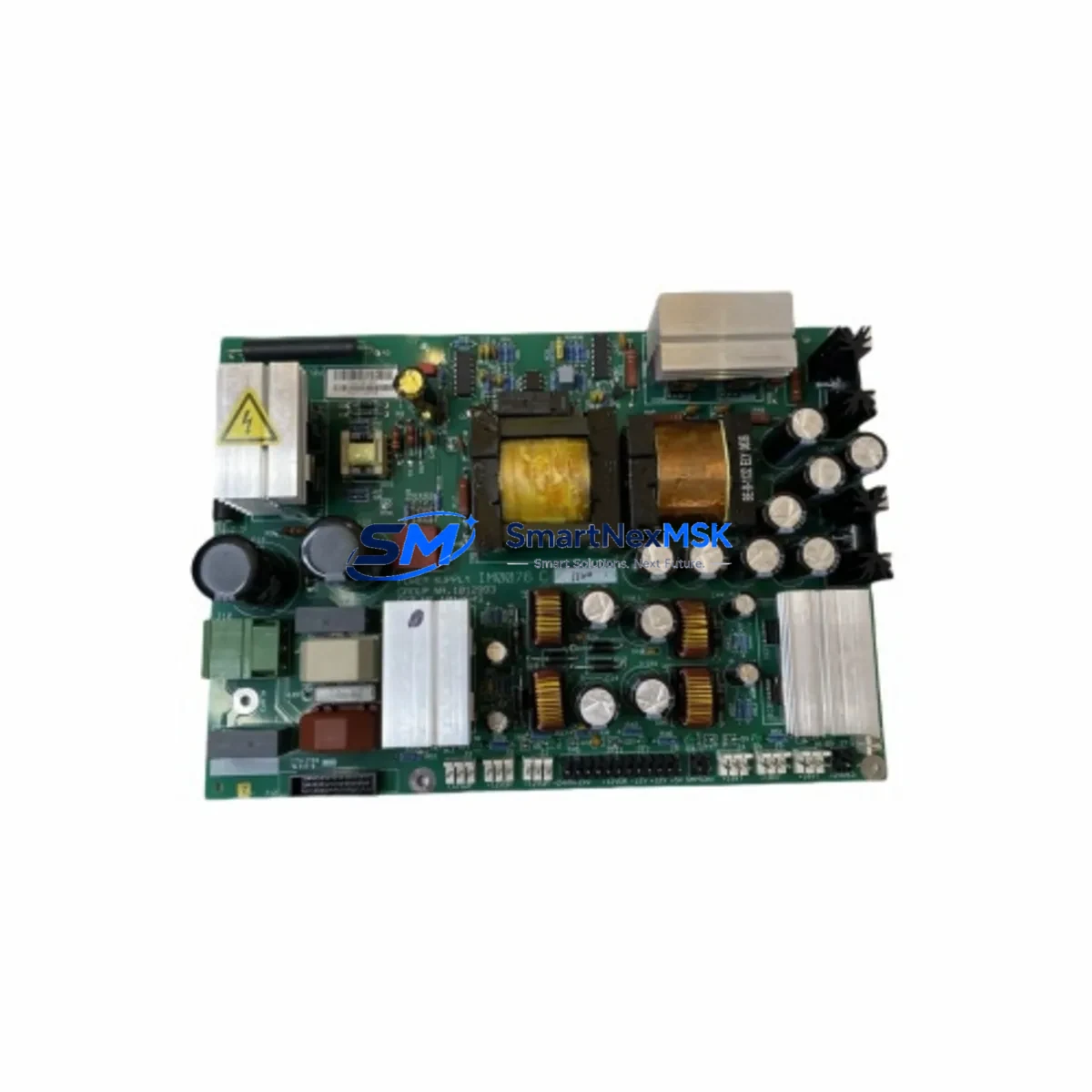
GE IM0120C Maintenance-Ready Spare for Series Automation: Spare Parts Replacement & Downtime Risk Control
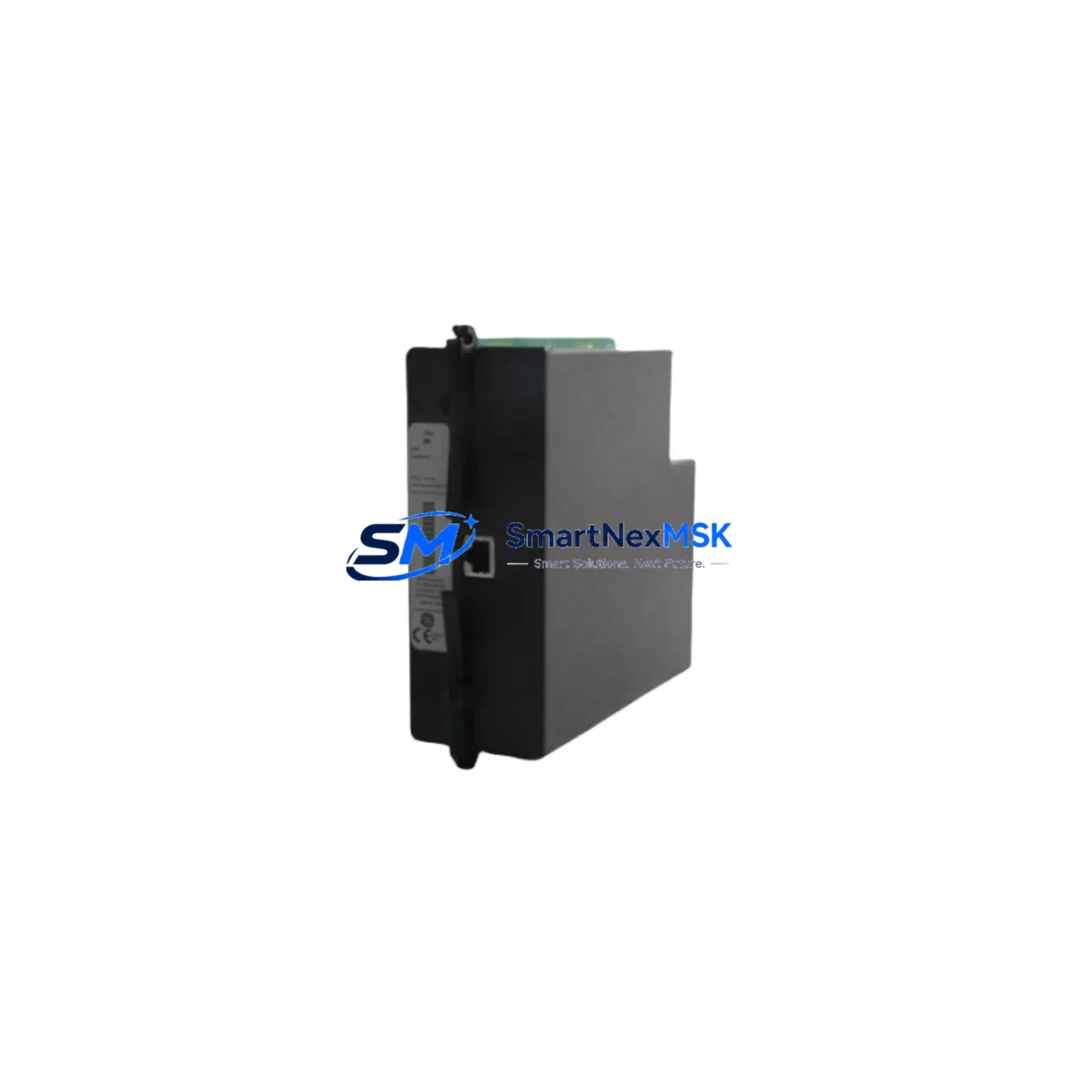
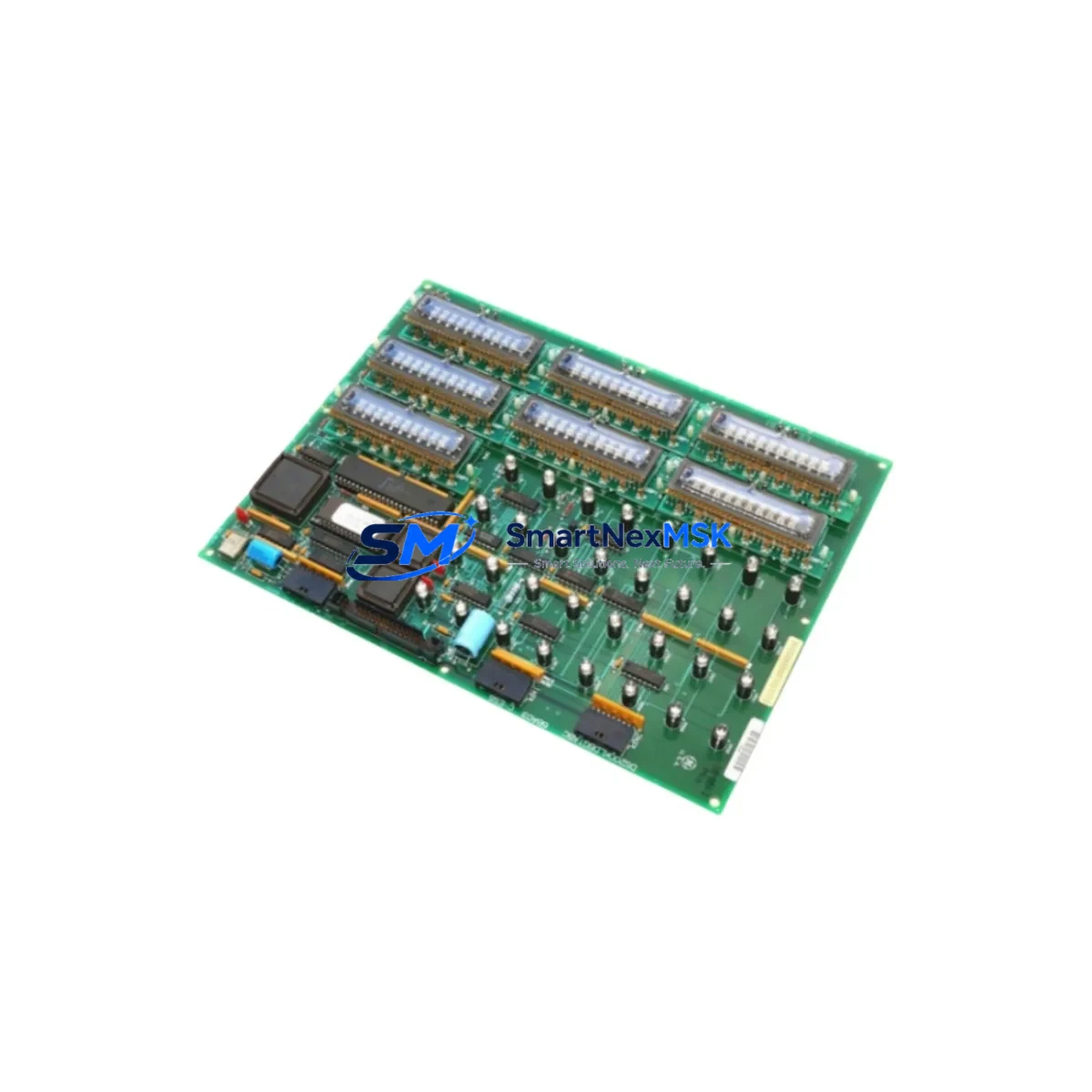
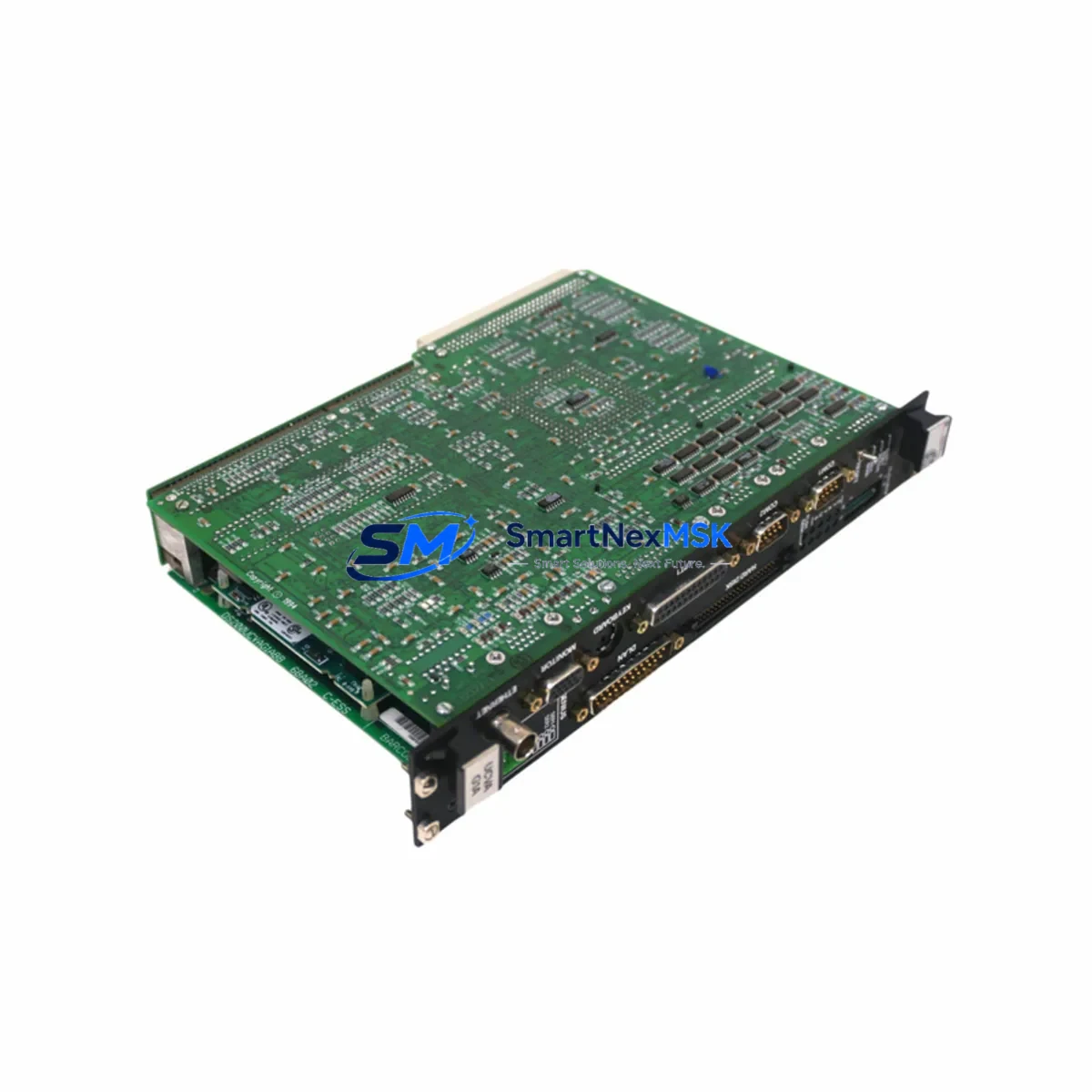
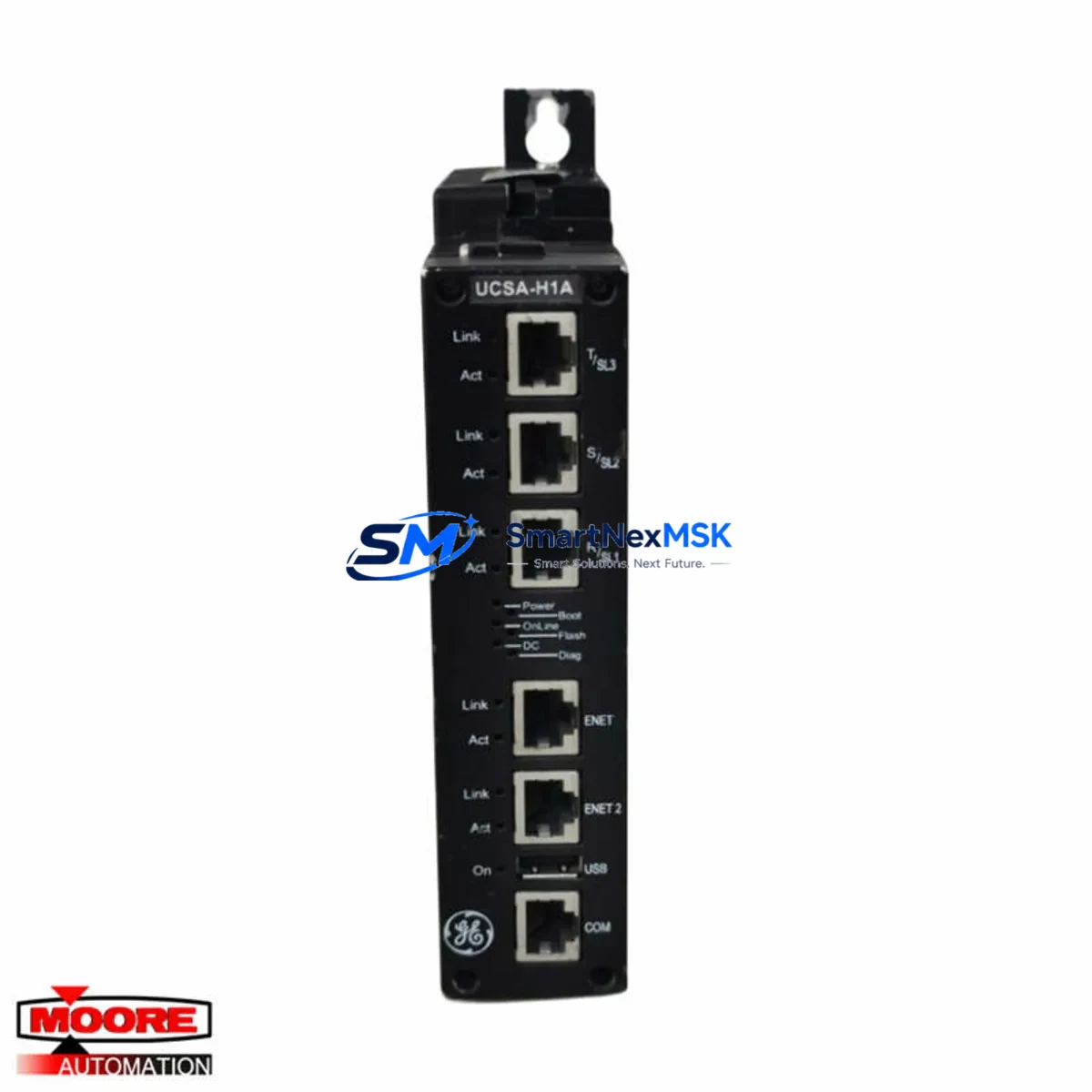
The GE IM0120C is an original-specification control module designed for GE’s industrial automation platforms, widely deployed in process control, discrete manufacturing, and utility infrastructure environments. As a maintenance-ready spare, the IM0120C is stocked, tested, and shipped to support rapid field replacement — minimizing unplanned downtime and protecting the continuity of critical automation systems.
For maintenance engineers managing aging GE Series 90 or PACSystems-era control cabinets, having a verified IM0120C spare on the shelf is a fundamental risk-mitigation strategy. When this module fails or degrades, the downstream impact on I/O scanning, program execution, and communications can halt an entire production line. Sourcing a tested replacement from a reliable supplier with a documented 12-month warranty eliminates the uncertainty of grey-market procurement and accelerates return-to-service timelines.
Procurement engineers should note that the IM0120C is compatible with GE’s established rack-based architecture. Before finalizing a replacement order, confirm the target rack slot assignment, backplane bus version, and firmware revision requirements for your specific system configuration. Our team provides pre-shipment compatibility verification upon request.
Spare Maintenance Table
| Parameter | Specification / Detail |
|---|---|
| Part Number / SKU | IM0120C |
| Brand | GE (General Electric Automation) |
| Series Compatibility | GE Series 90, PACSystems (verify rack and firmware revision) |
| Module Type | PLC Control / Interface Module |
| Origin | United States |
| Installation | Rack-mount, backplane bus interface |
| Operating Temperature | 0°C to 60°C (typical industrial range; verify datasheet) |
| Application Environment | Industrial automation, process control, discrete manufacturing, utilities |
| Maintenance Recommendation | Inspect backplane connectors, verify firmware version, test I/O scan cycle post-installation |
| Warranty | 12 Months — covers manufacturing defects; includes pre-shipment functional test |
| Availability | In stock — ready to ship |
| Lead Time | Same-day or next-business-day dispatch (subject to stock confirmation) |
Maintenance Planning for Continuous Operation
When replacing the GE IM0120C in a live control cabinet, a disciplined maintenance workflow requires more than a module swap. Experienced maintenance engineers treat this replacement as an opportunity to inspect the surrounding electrical environment and reduce the risk of repeat failures.
Begin with the power supply module feeding the rack — a degraded or undersized power supply is a common root cause of control module failures. Verify output voltage stability under load before inserting the new IM0120C. Next, inspect the backplane and rack assembly for corrosion, bent connector pins, or thermal stress damage. A compromised backplane can cause intermittent faults even with a new module installed.
Review the I/O modules in adjacent slots — particularly any digital input/output modules or analog signal modules that share the same rack. Check for blown fuses on I/O field wiring terminals and verify that terminal blocks and wiring harnesses are secure and free of insulation damage. Loose field wiring is a frequent source of nuisance faults that are misattributed to the control module itself.
If the system uses communications modules — such as Ethernet, Profibus, or serial interface cards — confirm that network addresses, baud rates, and protocol settings are correctly configured after the module replacement. A communications module that loses its configuration during a power cycle can cause the replacement IM0120C to appear faulty during commissioning.
For systems with relay output modules or signal isolators in the same control loop, verify contact integrity and isolation resistance. Relay contacts degrade over time and can introduce voltage spikes that stress control modules. Similarly, inspect any surge protection devices or fuse holders on the field wiring side — these are consumable components that should be part of every planned maintenance cycle.
If the installation includes an HMI panel communicating with the GE controller, verify that the HMI driver version is compatible with the replacement module’s firmware. An HMI communication timeout during the transition can trigger false alarms in the SCADA system. Finally, document the replacement in the site maintenance log and update the spare parts inventory to reflect the consumed IM0120C unit — and initiate a reorder to maintain minimum stock levels.
Site Replacement Workflow
The IM0120C is designed as a direct replacement for the original GE module in compatible rack positions. Follow this field-proven workflow to minimize downtime and ensure system stability:
1. Pre-Replacement Verification: Confirm the replacement IM0120C SKU matches the installed module’s part number and hardware revision. Cross-reference the system’s BOM or as-built drawings. If the original module is a legacy variant, our technical team can assist with cross-reference validation before shipment.
2. Safe Isolation: Follow site lockout/tagout (LOTO) procedures. De-energize the rack and allow capacitors to discharge before removing the faulty module. Avoid hot-swap unless the system architecture explicitly supports it.
3. Physical Installation: Seat the IM0120C firmly into the rack slot, ensuring the backplane connector is fully engaged. Secure the module retaining latch or screws per the GE installation manual.
4. Configuration Restore: If the module stores configuration locally, restore the program and parameter set from the engineering workstation or backup memory card. Verify that the CPU recognizes the new module and that no hardware fault codes are active.
5. Functional Test: Perform a controlled power-up sequence. Monitor I/O scan cycle times, check communications status, and verify that all field devices are responding correctly before returning the system to production.
This workflow supports legacy system life extension — allowing facilities to continue operating GE-based automation infrastructure without costly full-system upgrades, while maintaining safety and reliability standards.
Spare Parts Support FAQ
Q1: Is the IM0120C covered by a warranty, and what does it include?
Yes. Every IM0120C unit ships with a 12-month warranty covering manufacturing defects and functional failures under normal operating conditions. Each unit undergoes a pre-shipment functional test. If a defect is identified within the warranty period, we provide a replacement or full refund — no lengthy RMA process.
Q2: How do I confirm compatibility before ordering?
Provide your system’s rack model, CPU type, and existing module part number. Our technical team will verify compatibility against GE’s published hardware compatibility matrices and advise on any firmware or hardware revision considerations before the order is confirmed.
Q3: What is the recommended spare parts stocking strategy for the IM0120C?
For critical production lines, we recommend maintaining a minimum of one IM0120C spare per installed system, with a second unit for facilities operating multiple GE-based control cabinets. Given the module’s role in I/O scanning and program execution, a zero-spare posture creates unacceptable downtime risk. Long-term supply agreements are available for facilities requiring guaranteed stock allocation.
Q4: Can the IM0120C replace older or discontinued GE module variants?
In many cases, yes — subject to hardware revision and firmware compatibility verification. The IM0120C is a current-production or new-old-stock unit that can serve as a functional replacement for earlier GE Series 90 interface modules. Contact our team with the legacy part number for a formal cross-reference assessment before ordering.
© 2026 SMARTNEXMSK. All rights reserved.
Original Source: https://smartnexmsk.com
Contact: [email protected] | +86 18259474341