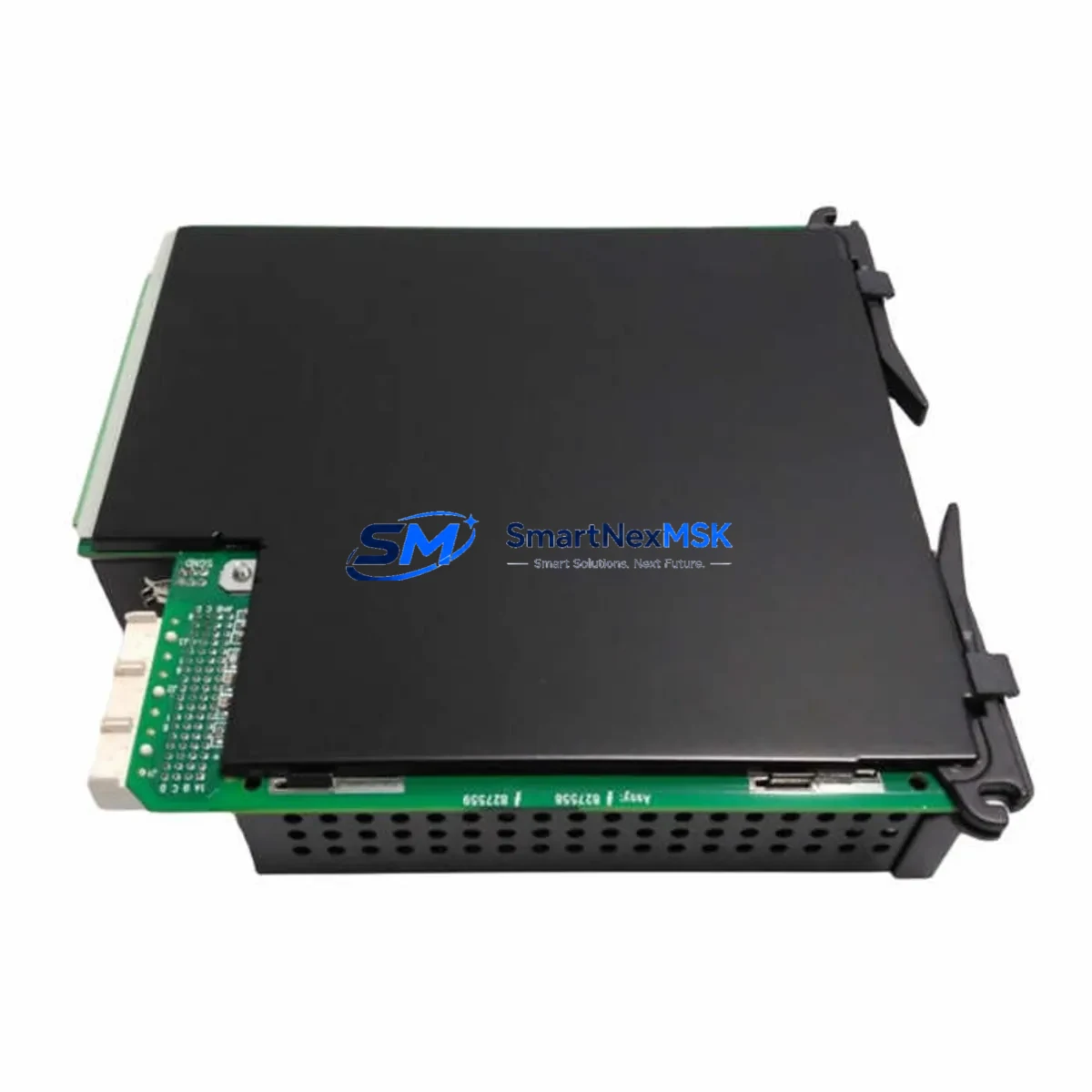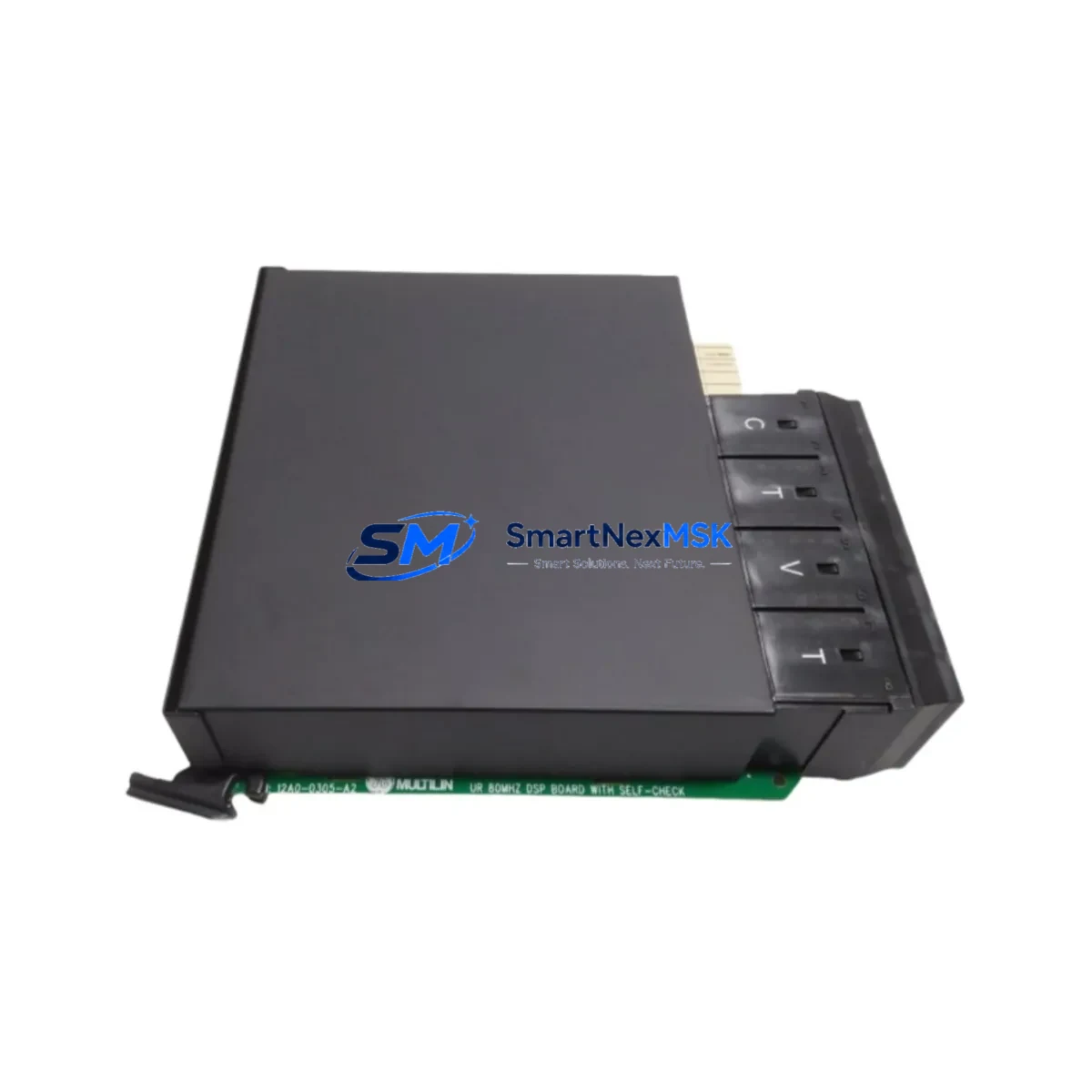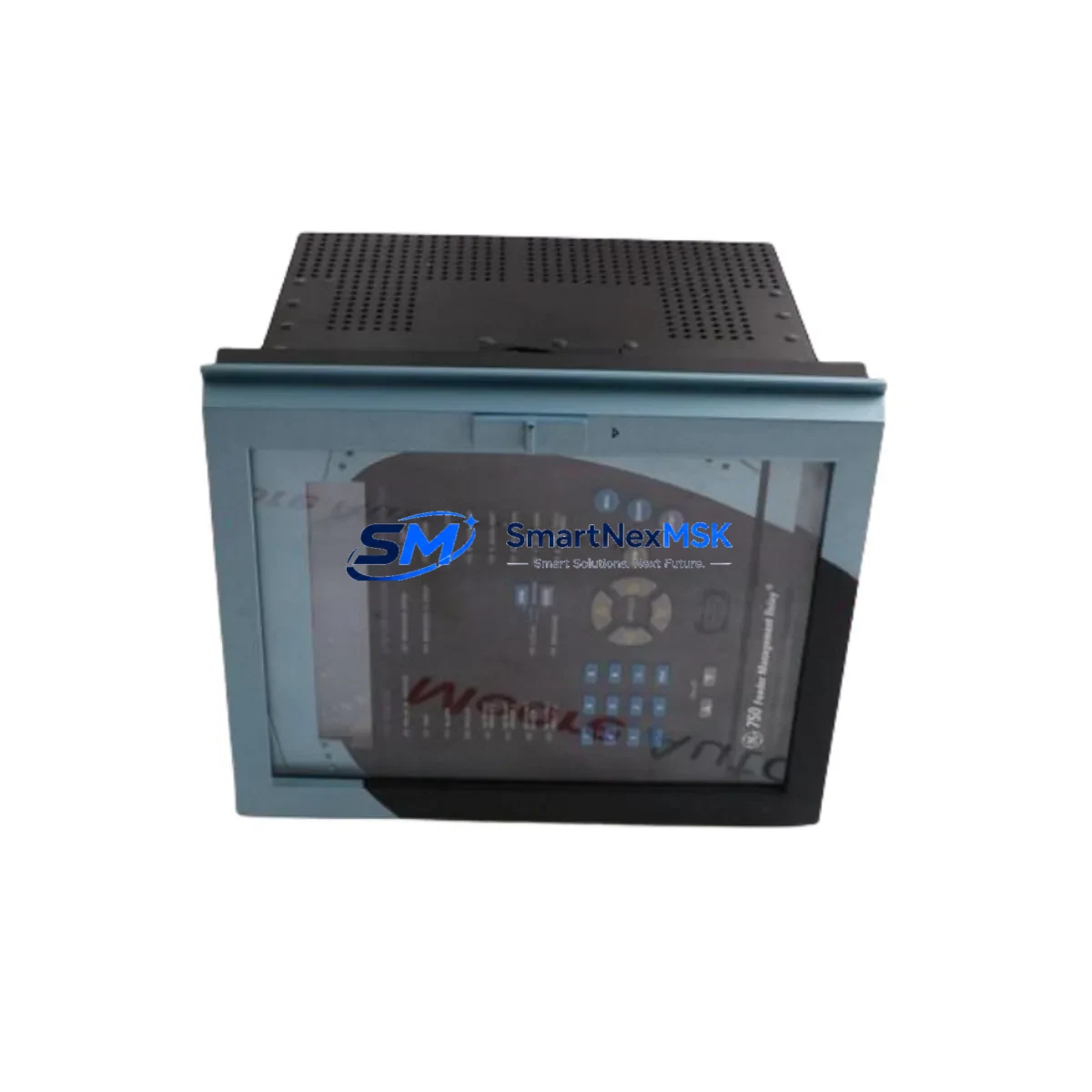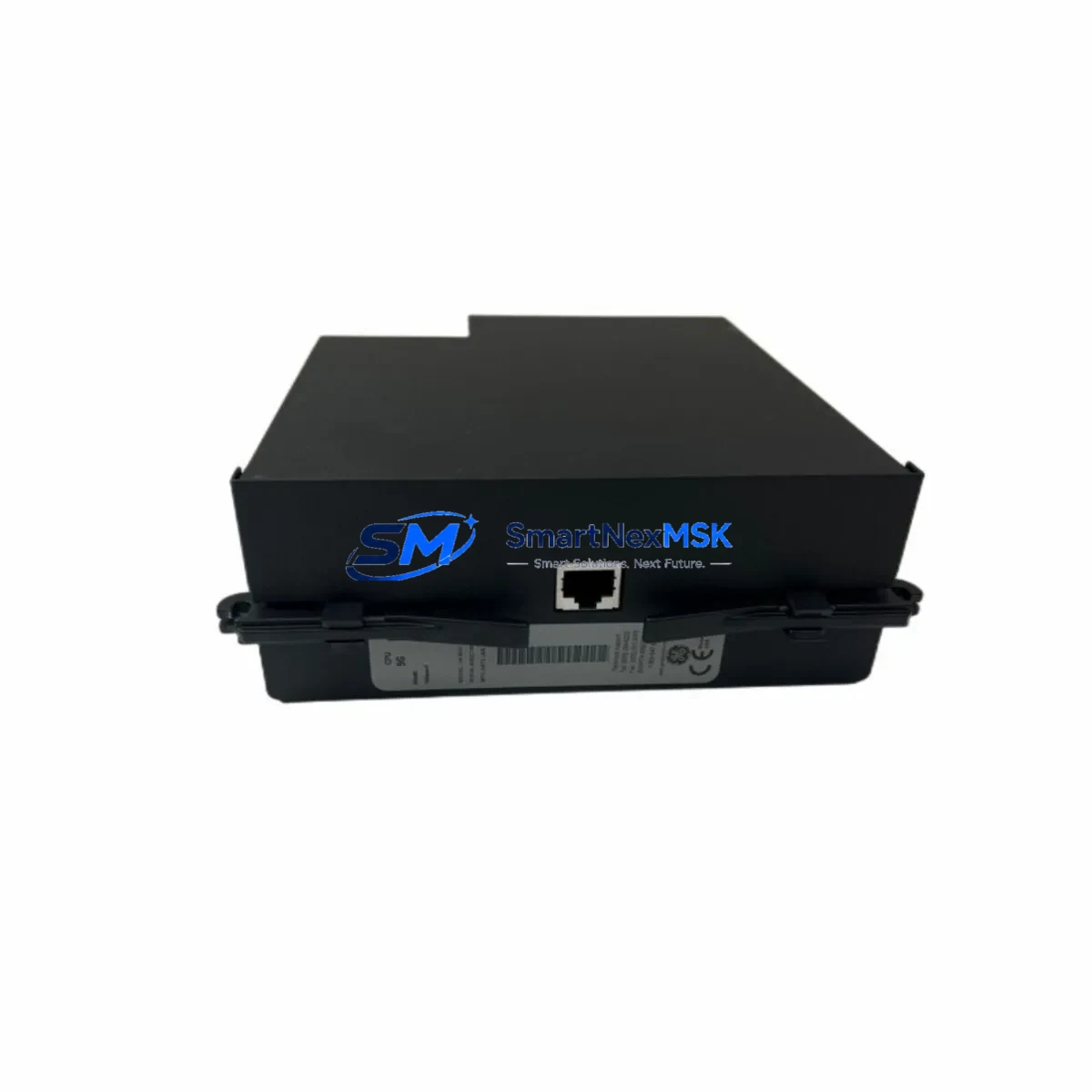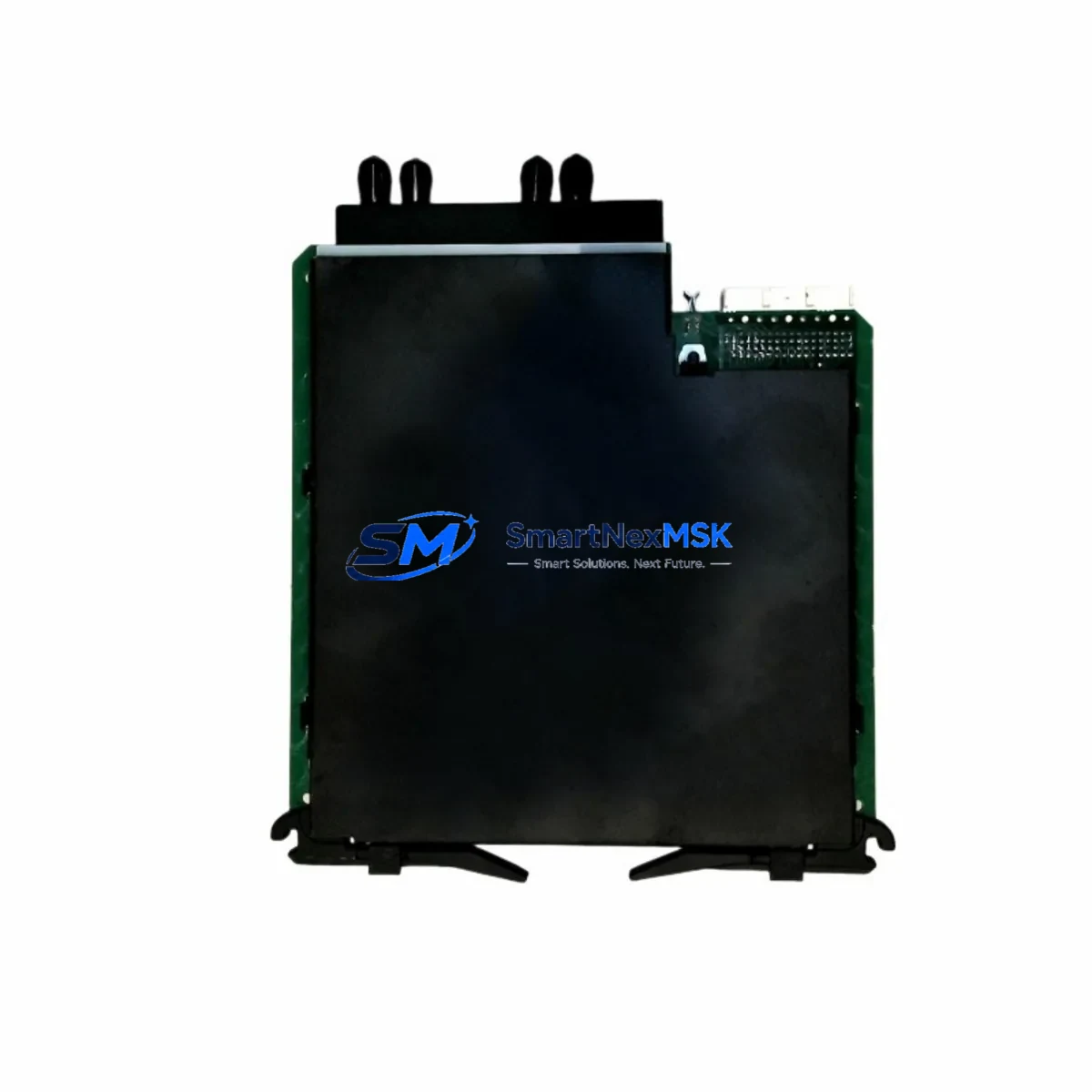
GE UR7IH Maintenance-Ready Spare for UR Series Automation
The GE UR7IH is an original IEC 61850 communication module designed for the GE UR Series protection relay platform — one of the most widely deployed digital protection and control systems in transmission substations, generation facilities, and industrial power networks. When a communication module fails or degrades, the relay loses its ability to exchange GOOSE messages, sampled values, and MMS data with the station bus, creating a critical gap in protection coordination and SCADA visibility. Stocking a verified UR7IH spare is the single most effective way to eliminate extended downtime caused by communication faults in UR-based protection schemes.
The UR7IH supports multi-protocol operation including IEC 61850 Edition 1 and Edition 2, DNP3, and Modbus, making it compatible across mixed-protocol substation environments. Its dual-port fiber optic interface connects directly to the station LAN or process bus, and the module slots into the UR chassis backplane without requiring firmware reconfiguration when replacing a like-for-like unit. For maintenance engineers managing aging UR relay fleets — including the C60, C30, T60, L90, D60, and F60 platforms — the UR7IH is a direct-fit replacement that restores full communication capability within a single maintenance window.
Every unit shipped by SMARTNEXMSK undergoes pre-shipment functional verification, is packaged in anti-static ESD-safe materials, and is covered by a 12-month replacement warranty. Long-term supply continuity is maintained through established sourcing channels, ensuring availability even for discontinued or end-of-life UR module variants.
Spare Maintenance Table
| Part Number / SKU | UR7IH |
| Brand | GE Grid Solutions |
| Series | UR Series (Universal Relay) |
| Module Type | IEC 61850 Communication Module |
| Supported Protocols | IEC 61850 Ed.1 / Ed.2, DNP3, Modbus RTU/TCP |
| Interface | Dual-port fiber optic (ST connector) |
| Chassis Compatibility | GE UR Series: C60, C30, T60, L90, D60, F60, B30, B90 |
| Slot Type | UR backplane communication slot (hot-swap capable) |
| Operating Temperature | -20°C to +60°C |
| Power Supply | Supplied via UR chassis backplane (no external power required) |
| Origin | USA |
| Condition | Original spare — new or fully tested refurbished |
| Pre-Shipment Test | Functional verification completed |
| Warranty | 12 months from date of shipment |
| Packaging | ESD-safe anti-static bag, foam-lined carton |
| Lead Time | In-stock: ships within 2 business days |
| Application | Transmission substation, generation protection, industrial power |
Maintenance Planning for Continuous Operation
When scheduling a planned replacement of the UR7IH communication module, a thorough inspection of the surrounding control cabinet and relay panel is essential to prevent repeat failures and ensure the restored system operates reliably through the next maintenance cycle.
Begin with the UR chassis power supply module — typically a UR6H or UR6L DC/AC input power card. A degraded power supply delivering marginal voltage to the backplane is a common root cause of intermittent communication module faults. Measure backplane rail voltages before inserting the replacement UR7IH. Next, inspect the UR CPU module (such as the UR9H or UR9L processor card): firmware version compatibility between the CPU and the new communication module must be confirmed prior to commissioning, as mismatched firmware can prevent IEC 61850 stack initialization.
Check all fiber optic patch cables connecting the UR7IH to the station LAN switch. ST-connector fiber cables are prone to contamination and micro-fractures in high-vibration environments; clean and inspect both ends with an optical fiber scope before reconnecting. If the substation uses a managed Ethernet switch (such as a Hirschmann or Moxa unit) for the station bus, verify VLAN configuration and port settings to ensure the replacement module is recognized on the network without manual reconfiguration.
For relay panels that include binary input/output modules (such as the UR8H I/O card), verify that GOOSE input mappings and output contact assignments remain intact after the module swap. In schemes where the UR relay interfaces with a RTU or SCADA gateway via DNP3, confirm that the DNP3 data link address and application layer timeout settings are preserved in the relay settings file. If the panel includes signal isolators or transient protection modules on the communication wiring, inspect these for signs of surge damage that may have contributed to the original module failure.
Finally, review the panel terminal blocks and grounding connections for the relay chassis. Poor chassis grounding is a leading cause of communication interference and module damage in substation environments. A complete maintenance kit for a UR relay communication restoration should include: replacement fiber patch cables, a spare UR power supply module, a USB-to-serial settings cable for EnerVista UR Setup, and a copy of the relay’s current settings file backed up before any hardware change.
Site Replacement Workflow
Step 1 — Pre-work verification: Download and archive the current relay settings using GE EnerVista UR Setup software before removing any hardware. Confirm the replacement UR7IH firmware revision matches or is compatible with the installed CPU module firmware.
Step 2 — Safe isolation: Follow the site’s protection relay isolation procedure. Place the relay in test mode or disable trip outputs as required by the site switching schedule. Do not remove the communication module while the relay is in service without authorization.
Step 3 — Module removal and inspection: Remove the faulty UR7IH by releasing the front-panel locking screws and sliding the card from the chassis slot. Inspect the backplane connector for bent pins or corrosion. Clean the slot with compressed air if contamination is present.
Step 4 — Replacement installation: Insert the new UR7IH into the same chassis slot. The module is keyed to prevent incorrect insertion. Tighten front-panel screws to the specified torque. Reconnect fiber optic cables, ensuring ST connectors are fully seated and locked.
Step 5 — Commissioning and test: Power up the relay and observe the UR7IH status LEDs. Use EnerVista UR Setup to confirm IEC 61850 communication is established, GOOSE subscriptions are active, and the module appears on the station LAN. Perform a functional test of all mapped GOOSE inputs and outputs before returning the relay to service.
Step 6 — Documentation: Record the replacement in the site maintenance log, including the new module serial number, firmware version, and test results. Update the spare parts inventory to reflect the consumed unit and initiate a replenishment order to maintain minimum stock levels.
Spare Parts Support FAQ
Q1: Is the UR7IH compatible with all UR Series relay models?
The UR7IH is designed for the GE UR Series universal relay platform and is compatible with chassis models including the C60, C30, T60, L90, D60, F60, B30, and B90. Compatibility depends on the chassis slot assignment and the installed CPU firmware version. We recommend confirming the relay model and firmware revision before ordering. Our technical team can assist with compatibility verification based on your relay nameplate data.
Q2: What does the 12-month warranty cover?
The 12-month warranty covers manufacturing defects and functional failures under normal operating conditions from the date of shipment. Each unit is functionally tested before dispatch. In the event of a warranty claim, we provide a replacement unit or full refund after fault confirmation. The warranty does not cover damage caused by incorrect installation, overvoltage events, or physical mishandling on site.
Q3: How quickly can the UR7IH be shipped for emergency downtime recovery?
In-stock units are dispatched within 2 business days. For urgent downtime recovery situations, please contact our sales team directly to confirm current stock status and arrange expedited shipping. We support DHL Express, FedEx International Priority, and air freight for time-critical orders.
Q4: Can you supply multiple UR7IH units for a fleet-wide spare parts program?
Yes. We support bulk orders for utilities, EPCs, and maintenance contractors managing large UR relay fleets. Volume pricing is available for orders of 3 or more units. We can also assist with building a recommended spare parts list covering power supply modules, CPU cards, I/O modules, and communication modules across your installed UR relay base to support a comprehensive lifecycle maintenance strategy.
© 2026 SMARTNEXMSK. All rights reserved.
Original Source: https://smartnexmsk.com
Contact: [email protected] | +86 18259474341