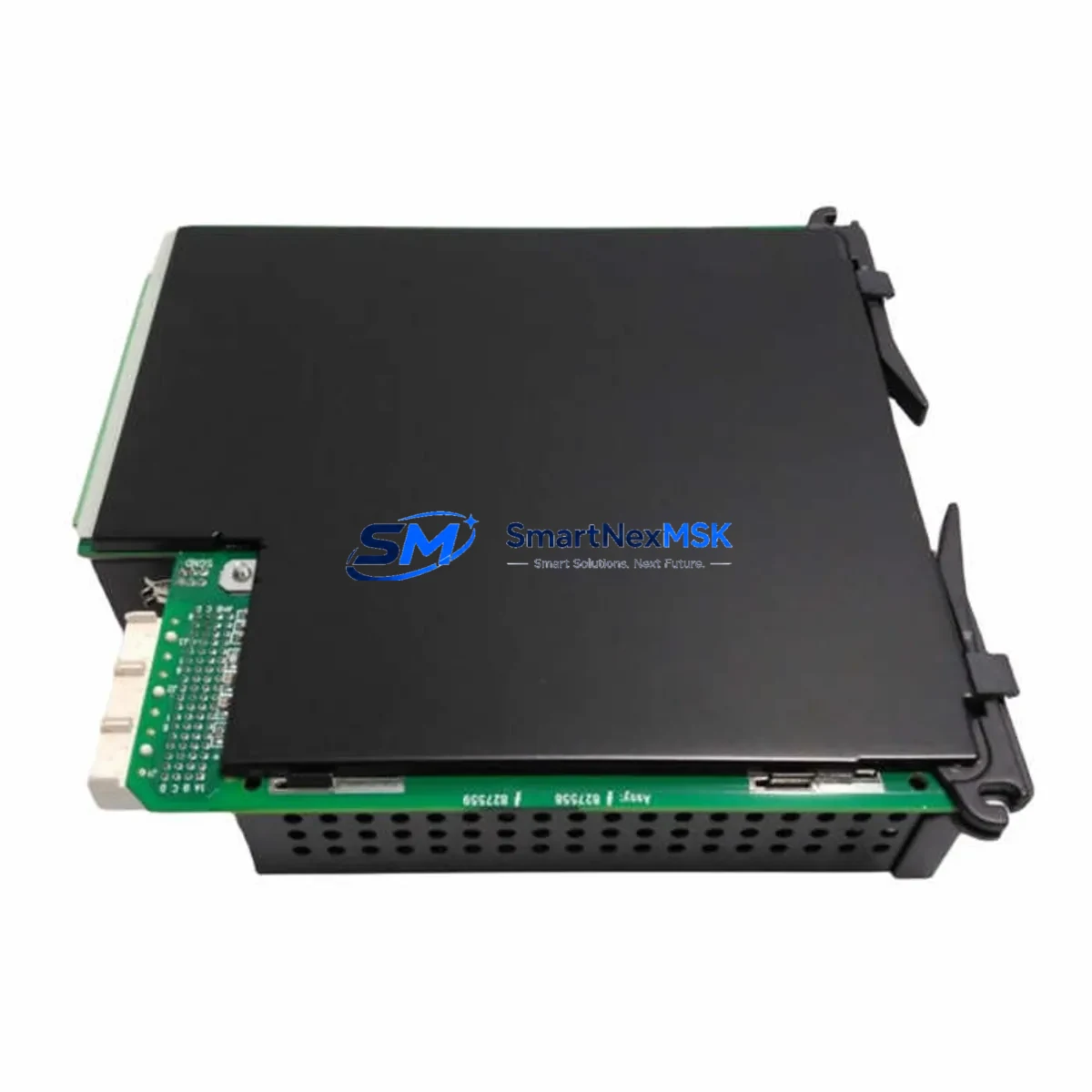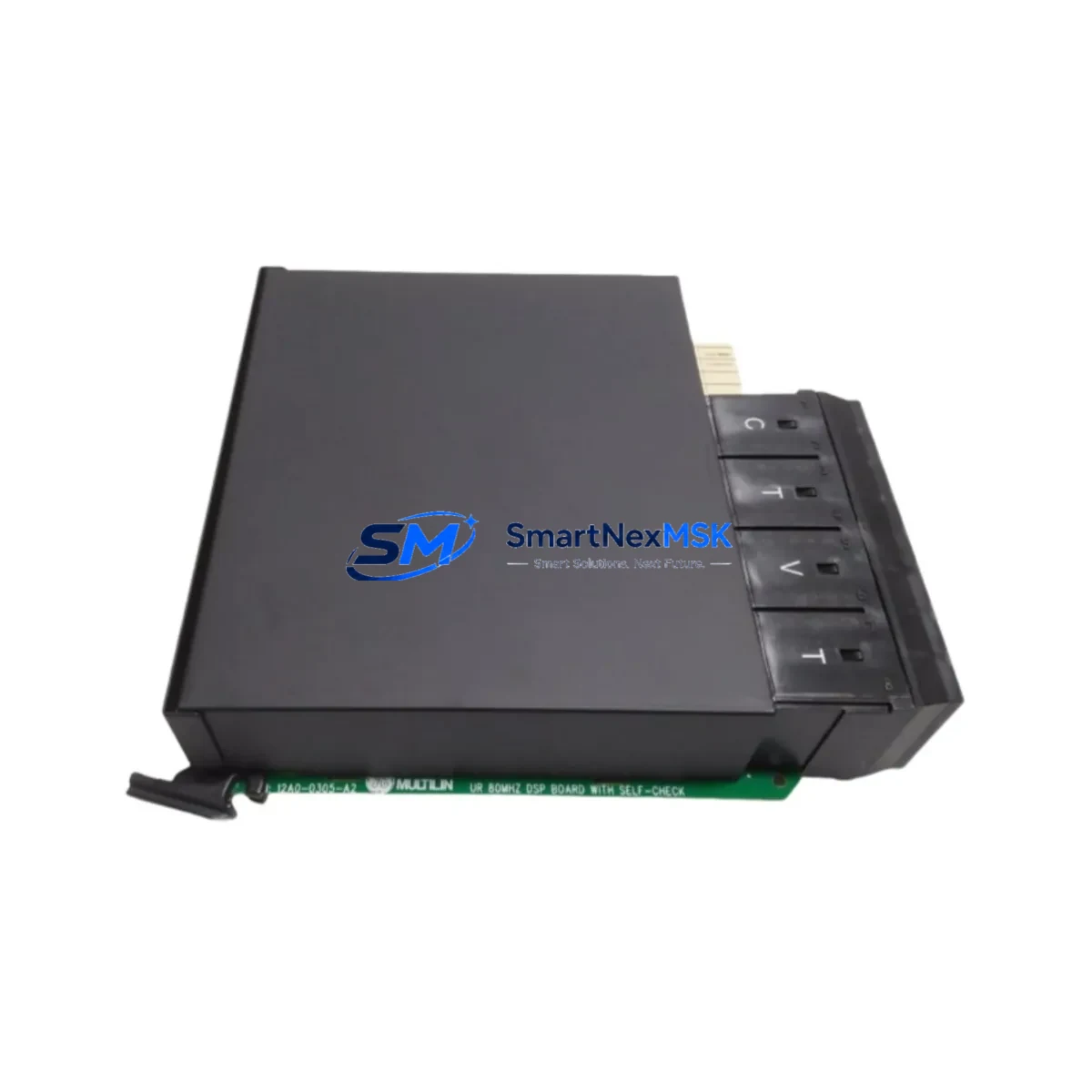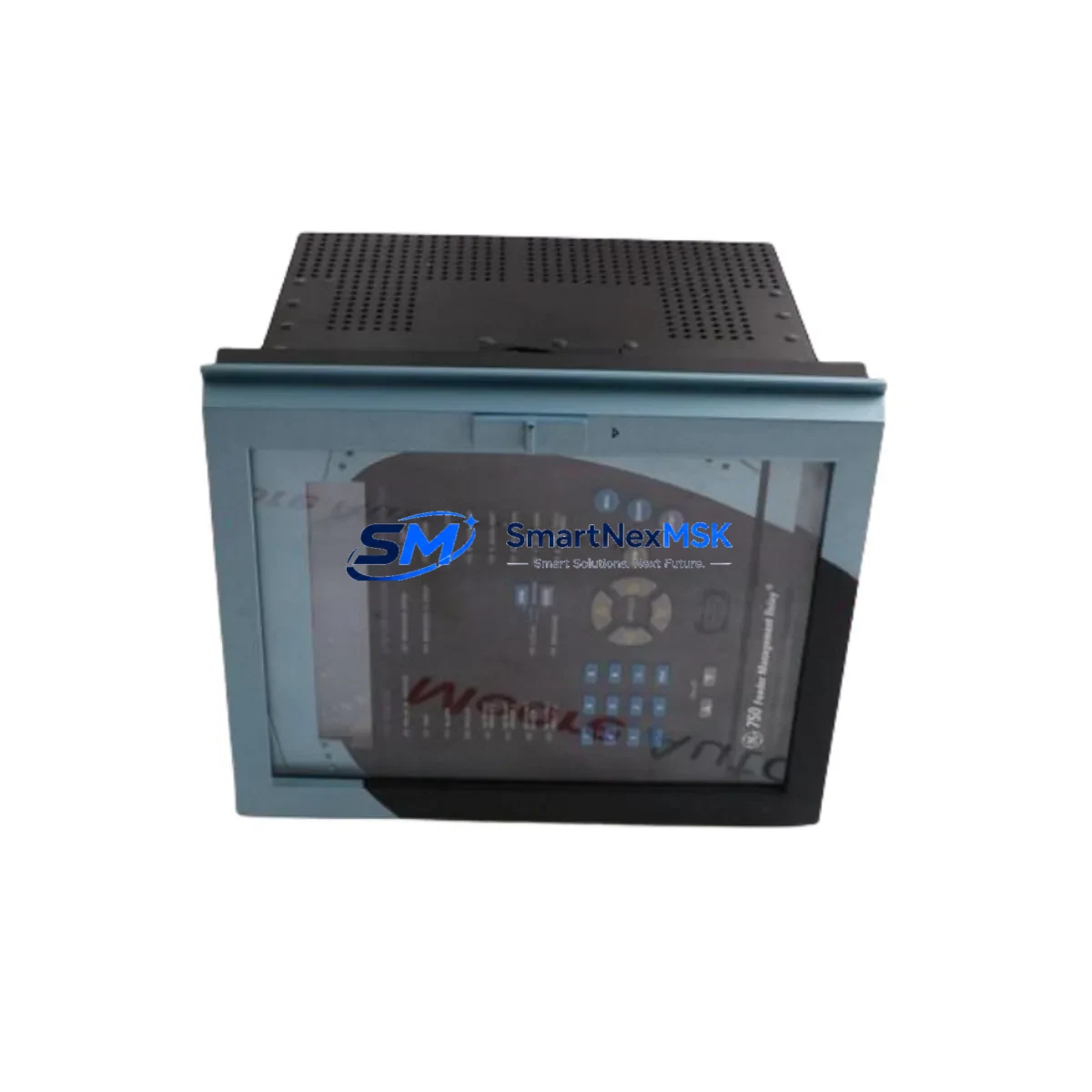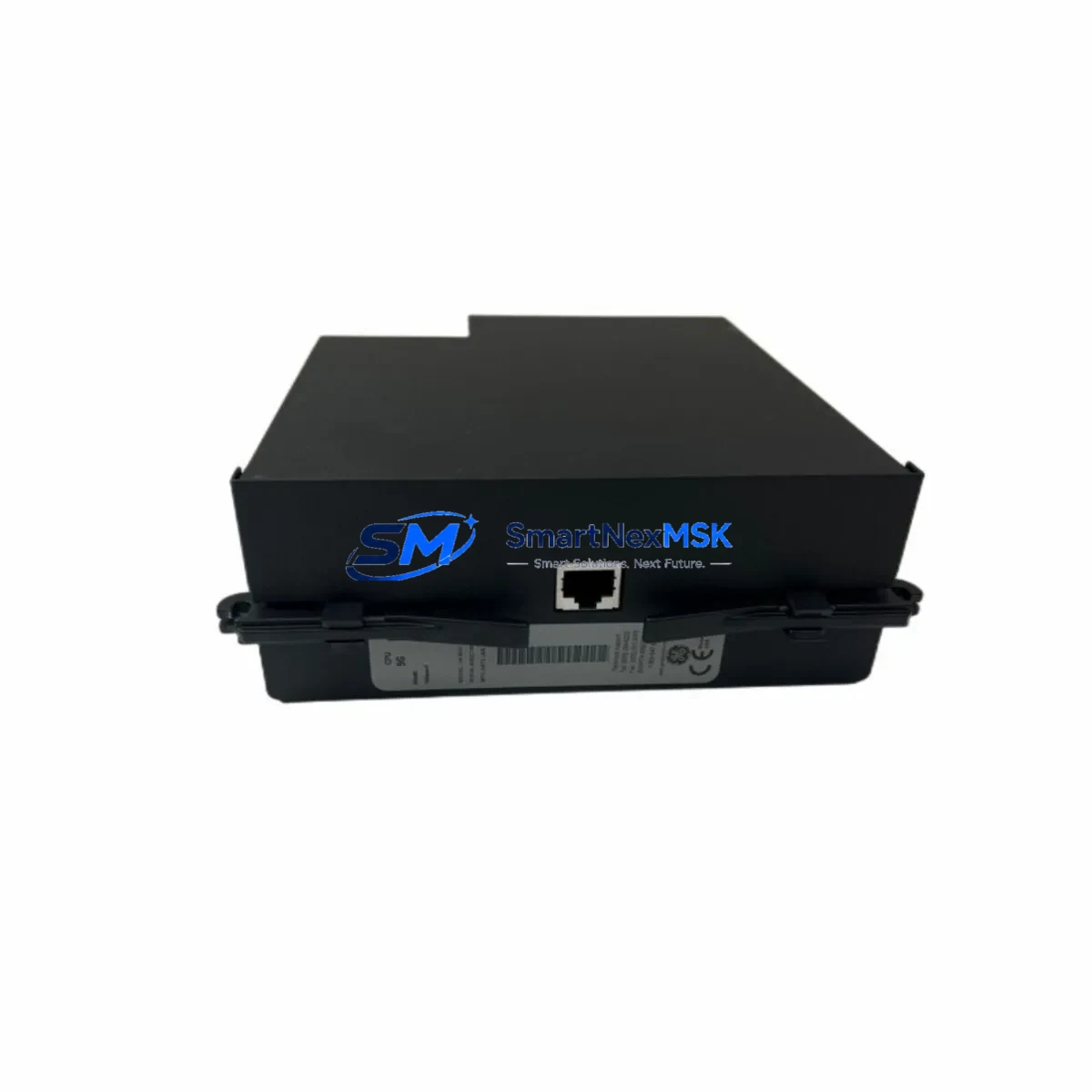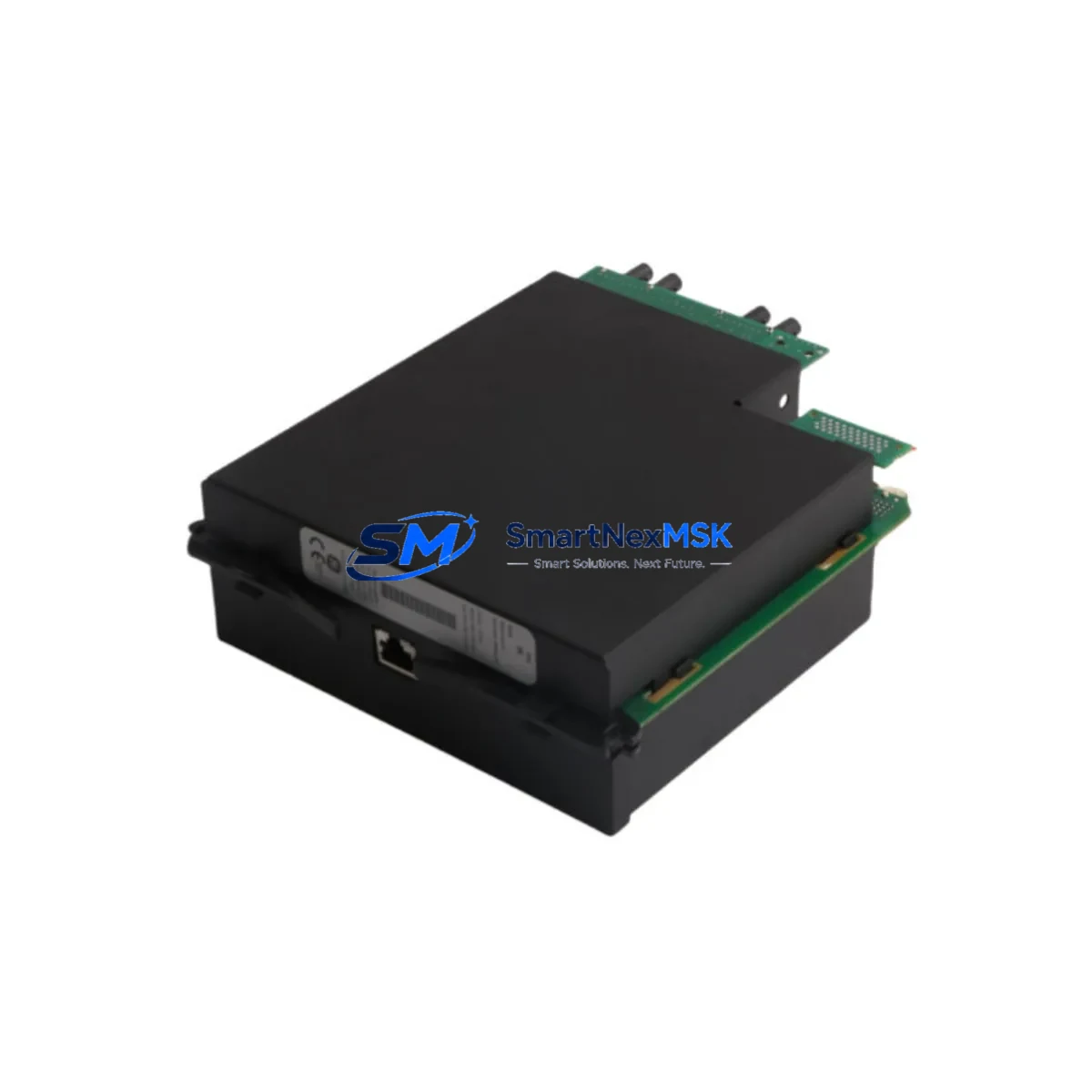
GE UR9KH Maintenance-Ready Spare for Multilin UR Automation
Unplanned protection relay failures are among the most disruptive events in substation and industrial power management. The GE UR9KH is the original CPU module for the GE Multilin UR Series protection relay platform — a mission-critical component responsible for executing protection logic, managing I/O coordination, and maintaining real-time communication across the relay chassis. When this module fails or degrades, the entire protection function of the associated feeder, transformer, or motor circuit is compromised. Stocking a verified UR9KH spare is not optional for facilities running UR-based protection schemes — it is a fundamental element of any credible maintenance strategy.
Our UR9KH units are sourced as original GE Grid Solutions components, individually inspected, function-tested prior to shipment, and backed by a 12-month warranty. Each unit is packaged to ESD-safe standards and ships with full traceability documentation. Whether you are managing a planned outage window, responding to an emergency trip, or building out your critical spare inventory, this module is ready for immediate deployment.
Spare Maintenance Table
| Parameter | Specification / Detail |
|---|---|
| Part Number | UR9KH / UR 9KH |
| Brand | GE Grid Solutions (GE Multilin) |
| Series | Multilin UR Series Universal Relay |
| Module Type | CPU / Processor Module |
| Form Factor | UR Chassis Plug-In Module |
| Operating Voltage | Per UR Series chassis specification (24–250 V DC / AC) |
| Communication Interfaces | Ethernet, RS-485, IRIG-B (chassis-dependent) |
| Protection Functions | Executes relay logic per UR firmware configuration |
| Compatibility | GE Multilin UR Series: T35, T60, L90, D60, C60, F60, B30, B90, and related UR platform relays |
| Installation | Direct plug-in replacement; firmware version matching required |
| Operating Temperature | -20°C to +60°C |
| Origin | USA (GE Grid Solutions) |
| Condition | Original, unused or recertified — confirmed prior to shipment |
| Pre-Shipment Testing | Function-tested and verified |
| Warranty | 12 Months |
| Maintenance Recommendation | Replace CPU module during major relay overhaul or upon firmware/hardware fault indication |
Maintenance Planning for Continuous Operation
The UR9KH CPU module sits at the center of the Multilin UR relay’s operational architecture. When planning a replacement or conducting a scheduled relay overhaul, maintenance engineers should treat this as a system-level intervention — not a simple board swap. A thorough inspection of the surrounding components is essential to ensure the relay returns to full protective function after the CPU module is replaced.
Begin with the UR power supply module (such as the 9G or 9H series power cards), which provides regulated DC to the CPU and I/O boards. A marginal power supply can cause intermittent CPU resets or communication dropouts that mimic CPU failure — always verify supply rail voltages before condemning the processor. Next, inspect the UR digital I/O modules seated in adjacent chassis slots. These modules interface directly with the CPU over the internal backplane bus; a faulty I/O card can corrupt CPU diagnostics and generate false fault codes.
The UR communications module — whether an Ethernet card, fiber interface, or RS-485 adapter — should be checked for firmware compatibility with the replacement CPU. Mismatched firmware versions between the CPU and communications card are a common source of post-replacement communication failures. If the relay is integrated into a SCADA or DCS network via DNP3, IEC 61850, or Modbus, verify that the new CPU’s firmware supports the same protocol stack and point mapping as the original.
For relays installed in outdoor switchgear or harsh industrial environments, inspect the UR chassis backplane for corrosion, connector wear, or mechanical damage. The backplane carries all inter-module communication and power distribution — a degraded backplane will cause recurring failures regardless of how many CPU modules are replaced. Also review the UR analog input module (current and voltage measurement cards) for calibration drift, particularly in relays that have been in service for more than ten years.
From a spare parts inventory perspective, facilities running multiple UR-based protection relays should maintain at minimum one UR9KH CPU module alongside a matched UR power supply card, one set of UR digital I/O modules, and a spare UR communications card configured for the site’s protocol. This four-component kit covers the majority of field-replaceable failure modes and enables same-day restoration of relay protection in most scenarios. Additionally, consider stocking UR chassis fuses, UR terminal block assemblies, and fiber patch cables for the communications ports — these low-cost consumables are frequently overlooked until they cause an extended outage.
For facilities managing aging UR relay fleets approaching end-of-support, the UR9KH CPU module is also a key enabler of life extension programs. Replacing degraded CPU modules in otherwise functional relay chassis is significantly more cost-effective than full relay replacement and allows continued use of existing protection settings, wiring, and panel infrastructure.
Site Replacement Workflow
Before removing the existing CPU module, record the relay’s current firmware version, active settings file, and event log. Use GE’s EnerVista UR Setup software to export the complete relay configuration — this file will be required to restore protection settings after the new CPU is installed. If the relay is part of a protection scheme with inter-relay communications (such as a line differential or busbar protection application), coordinate the replacement with the control room to ensure backup protection is active during the outage window.
Power down the relay chassis following the site’s lockout/tagout procedure. Remove the UR9KH module by releasing the front-panel ejector levers and sliding the card out of the chassis slot. Inspect the backplane connector on the removed module for bent pins or contamination. Install the replacement UR9KH, ensuring full seating and latch engagement. Restore power and allow the relay to complete its self-test sequence before reconnecting to the protection scheme.
After power-up, use EnerVista UR Setup to load the previously exported settings file and verify that all protection elements, I/O assignments, and communication parameters are correctly restored. Perform a secondary injection test if site procedures require functional verification before returning the relay to service. Document the replacement in the site’s maintenance management system, including the new module’s serial number and the date of installation.
This workflow minimizes downtime, maintains system compatibility, and ensures the relay returns to service with the same protection performance as the original configuration — with the added assurance of a fresh 12-month warranty on the replacement CPU module.
Spare Parts Support FAQ
Q1: How do I confirm the UR9KH is compatible with my specific Multilin UR relay model?
The UR9KH CPU module is designed for the GE Multilin UR Series platform, which includes the T35, T60, L90, D60, C60, F60, B30, and B90 relay families, among others. Compatibility depends on the chassis generation and firmware version. Please provide your relay’s model number and current firmware version when ordering, and our technical team will confirm compatibility before shipment.
Q2: What is included in the 12-month warranty, and what does the pre-shipment testing cover?
Every UR9KH unit undergoes functional testing prior to shipment to verify processor operation, communication interface integrity, and backplane connector condition. The 12-month warranty covers hardware defects and functional failures under normal operating conditions. It does not cover damage resulting from incorrect installation, overvoltage events, or physical mishandling. Warranty claims are supported with direct technical assistance and expedited replacement.
Q3: Can I stock this module as a long-term spare for a relay fleet that is no longer in active production?
Yes. The UR9KH is one of the most commonly stocked spare modules for aging Multilin UR relay fleets. We maintain ongoing inventory and can support long-term supply agreements for facilities managing large relay populations. Modules are stored in ESD-safe, climate-controlled conditions and can be held against future demand with agreed lead times.
Q4: What information should I provide to ensure I receive the correct module configuration?
Please provide the full relay model number (e.g., T60-NNA-FDFD-F8L-H6T-M8R-P6R), the current firmware version displayed on the relay’s front panel or via EnerVista, and the chassis order code if available. This allows us to match the CPU module to your relay’s hardware revision and firmware baseline, reducing the risk of post-installation compatibility issues.
© 2026 SMARTNEXMSK. All rights reserved.
Original Source: https://smartnexmsk.com
Contact: [email protected] | +86 18259474341