
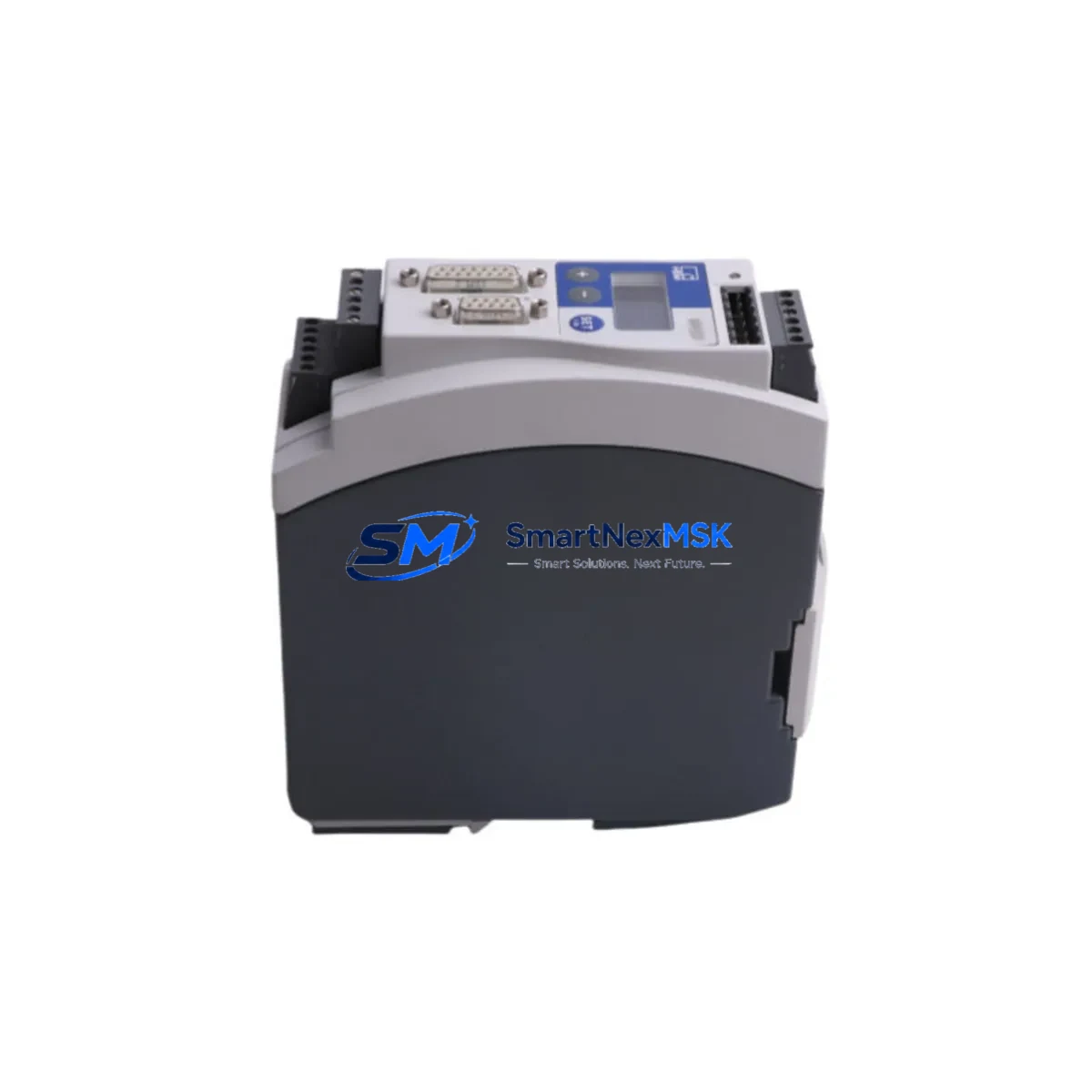
HBM MP60DP PME-MP60DP Maintenance-Ready Spare for PME Automation
The HBM MP60DP (PME-MP60DP) is an original PROFIBUS DP interface module engineered for the HBM PME Series measurement and automation platform. In industrial environments where continuous uptime is non-negotiable, having a verified, tested spare of the MP60DP on hand is a cornerstone of any sound maintenance strategy. Whether you are managing a high-cycle production line, a process control cabinet, or a legacy measurement system that must remain operational for years to come, this module delivers the communication reliability and compatibility your engineers depend on.
Sourced directly from authorized supply chains, every MP60DP unit we ship undergoes functional verification prior to dispatch. We support maintenance engineers and procurement teams with long-term availability, transparent lead times, and a 12-month warranty covering manufacturing defects and functional failures under normal operating conditions.
Spare Maintenance Table
| Parameter | Specification |
|---|---|
| Part Number | MP60DP / PME-MP60DP |
| Brand | HBM (Hottinger Baldwin Messtechnik) |
| Series | PME (Precision Measurement Electronics) |
| Module Type | PROFIBUS DP Interface Module |
| Communication Protocol | PROFIBUS DP (EN 50170) |
| Host System Compatibility | HBM PME Series mainframe / backplane |
| Country of Origin | Germany (DE) |
| Typical Application | Force, torque, and strain measurement integration into PROFIBUS DP networks; PLC/DCS data acquisition |
| Installation | Plug-in module, PME backplane slot |
| Operating Environment | Industrial control cabinet, measurement rack |
| Maintenance Recommendation | Inspect connector pins and backplane contacts at each planned shutdown; verify PROFIBUS address configuration after replacement |
| Warranty | 12 Months — covers manufacturing defects and functional failures under normal use |
| Pre-shipment Testing | Yes — functional verification performed before dispatch |
| Weight | Approx. 900 g (packaged) |
Maintenance Planning for Continuous Operation
When the MP60DP is flagged during a routine control cabinet inspection or a PROFIBUS network fault trace, the replacement scope rarely ends at the interface module alone. Experienced maintenance engineers know that a communication fault on the PROFIBUS DP segment can originate from — or propagate to — adjacent components in the same measurement rack or control loop.
During a planned replacement of the HBM MP60DP, your maintenance checklist should also cover the HBM PME mainframe backplane, which provides the physical slot and power rail for the module. Inspect the backplane connector for oxidation or mechanical damage. Simultaneously, verify the PME power supply module (typically a dedicated DC supply card within the PME rack) is delivering stable voltage within specification — an under-voltage condition is a common root cause of intermittent PROFIBUS communication errors that are misdiagnosed as module failure.
On the PROFIBUS DP network side, check the PROFIBUS DP termination resistors at both ends of the segment and confirm the bus cable shielding is intact. A degraded cable or missing termination will cause the replacement MP60DP to exhibit the same fault symptoms as the original, leading to unnecessary repeat replacements. If the PME system feeds data to a Siemens S7-300/S7-400 PLC or a DCS I/O gateway via PROFIBUS, verify the master station’s GSD file and station address configuration match the replacement module’s settings before going live.
For sites running extended measurement campaigns, it is also prudent to inspect the HBM amplifier cards (such as the MGCplus ML10B or ML30B amplifier modules if co-located in the same rack) and the associated signal conditioning modules. Transducer excitation faults or overloaded signal inputs can stress the interface module over time. Check terminal block connections on the transducer wiring side for loose crimps or corrosion, particularly in high-vibration or high-humidity environments.
Where the PME system interfaces with an HMI panel or SCADA workstation via OPC or PROFIBUS DP, confirm the HMI communication driver is re-established after module swap and that historical data logging resumes without gaps. Finally, document the replacement in your CMMS with the new module’s serial number, installation date, and PROFIBUS address to support future fault tracing and warranty claims.
Site Replacement Workflow
Step 1 — Isolate and de-energize: Follow your site LOTO procedure. De-energize the PME rack and confirm zero voltage on the backplane power rail before removing the MP60DP.
Step 2 — Record configuration: Before extraction, photograph or note the PROFIBUS DP station address set on the module’s DIP switches or rotary encoders. This address must be replicated exactly on the replacement unit to avoid network conflicts.
Step 3 — Extract and inspect: Remove the MP60DP from its backplane slot. Inspect the slot connector on the backplane for bent pins or contamination. Clean with appropriate contact cleaner if required.
Step 4 — Configure replacement: Set the PROFIBUS DP station address on the new MP60DP to match the recorded value. Verify GSD file compatibility with your PROFIBUS master if the firmware revision differs from the original.
Step 5 — Install and energize: Seat the replacement module firmly into the backplane slot. Re-energize the rack and observe the module’s status LEDs. A solid green bus status LED confirms successful PROFIBUS DP communication establishment.
Step 6 — Functional verification: From the PROFIBUS master (PLC or DCS), confirm the MP60DP appears online and that measurement data is being received correctly. Run a short acquisition cycle and compare values against known reference data to validate signal integrity.
Step 7 — Documentation: Log the replacement in your maintenance management system. Retain the original module for failure analysis if required under your quality management process.
This workflow minimizes downtime to under two hours for a prepared maintenance team and ensures the system returns to full operational status with verified compatibility — no firmware surprises, no address conflicts, no repeat callouts.
Spare Parts Support FAQ
Q1: Is this MP60DP a new original part or a refurbished unit?
We supply new original HBM MP60DP modules sourced from authorized distribution channels. Each unit is sealed in original or equivalent ESD-safe packaging and has not been previously installed or repaired. A certificate of conformity is available upon request.
Q2: What is covered under the 12-month warranty?
The 12-month warranty covers manufacturing defects and functional failures arising under normal operating conditions as specified by HBM. It does not cover damage resulting from incorrect installation, overvoltage events, physical impact, or use outside the module’s rated environmental parameters. Warranty claims are processed with return of the defective unit and provision of a fault description.
Q3: How do I verify compatibility before installation?
Confirm your PME mainframe firmware version supports the MP60DP revision you are installing. Check the PROFIBUS DP GSD file version against your master station’s configuration. If your system was originally commissioned with an earlier MP60DP revision, contact our technical team with your mainframe serial number and we will confirm compatibility before shipment.
Q4: What is your typical lead time and can you support emergency orders?
Standard orders ship within 3–7 business days after payment confirmation. For emergency downtime recovery, we offer expedited processing with same-day or next-day dispatch subject to stock availability. Contact our sales team directly at [email protected] or +86 18259474341 to confirm stock status and arrange priority shipment.
© 2026 SMARTNEXMSK. All rights reserved.
Original Source: https://smartnexmsk.com
Contact: [email protected] | +86 18259474341