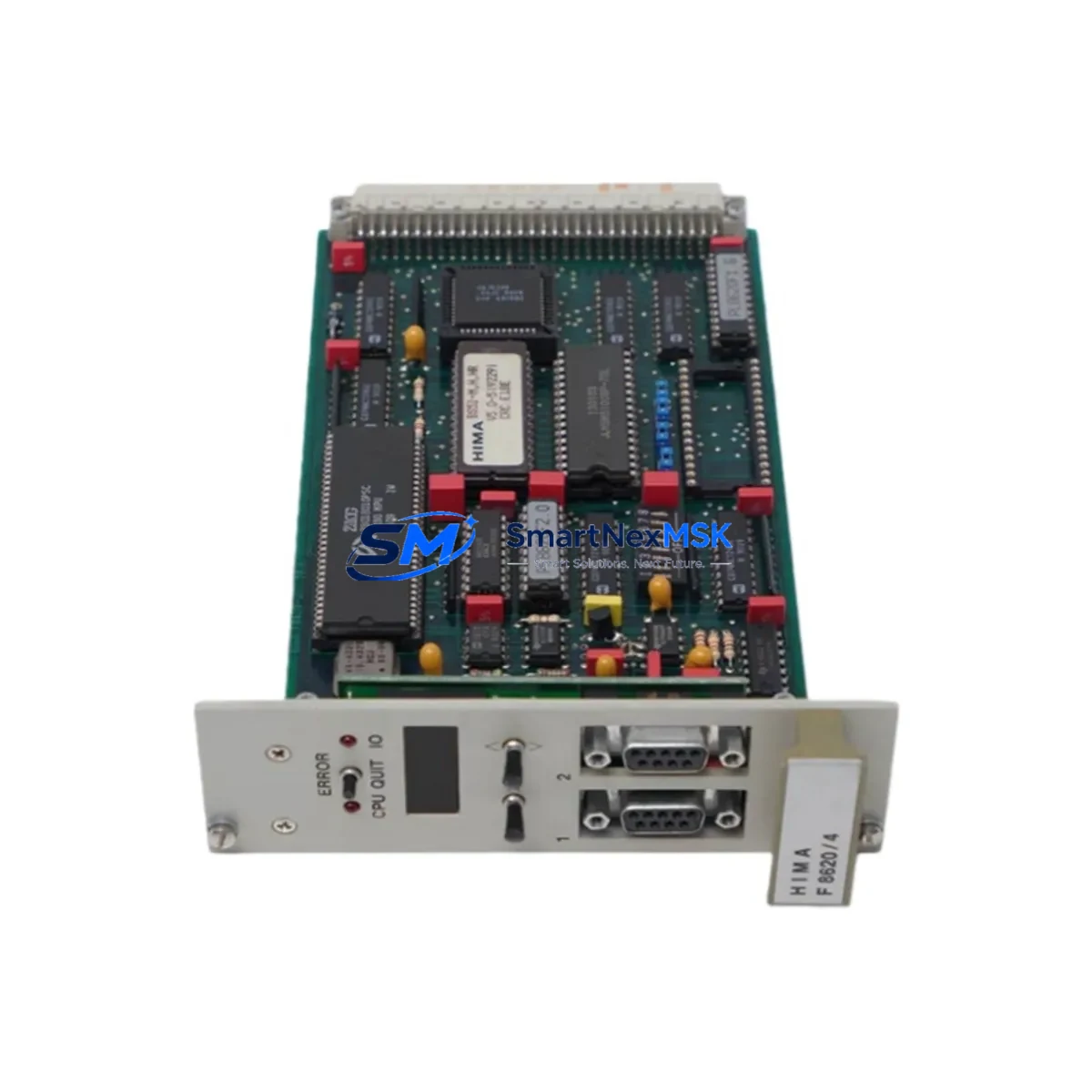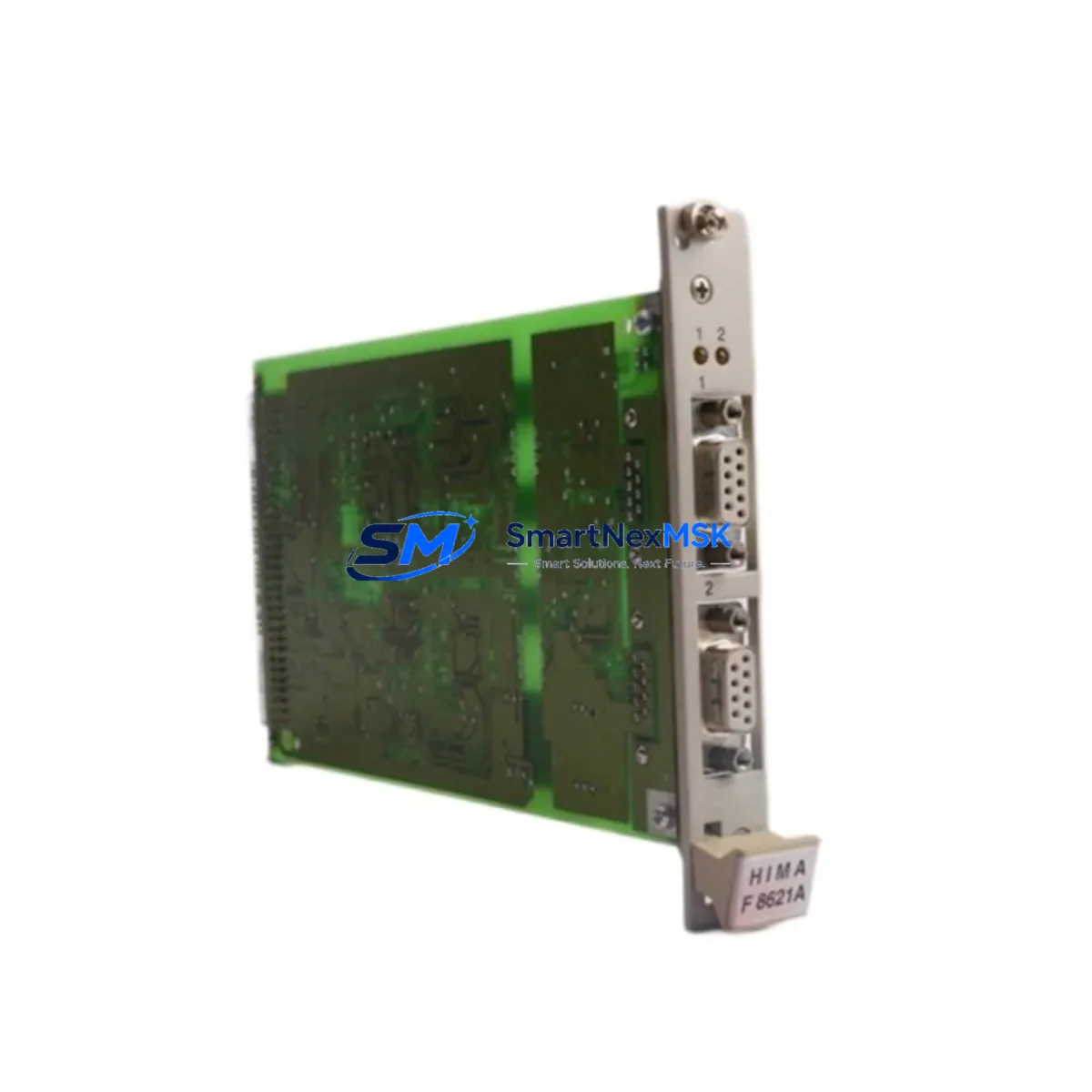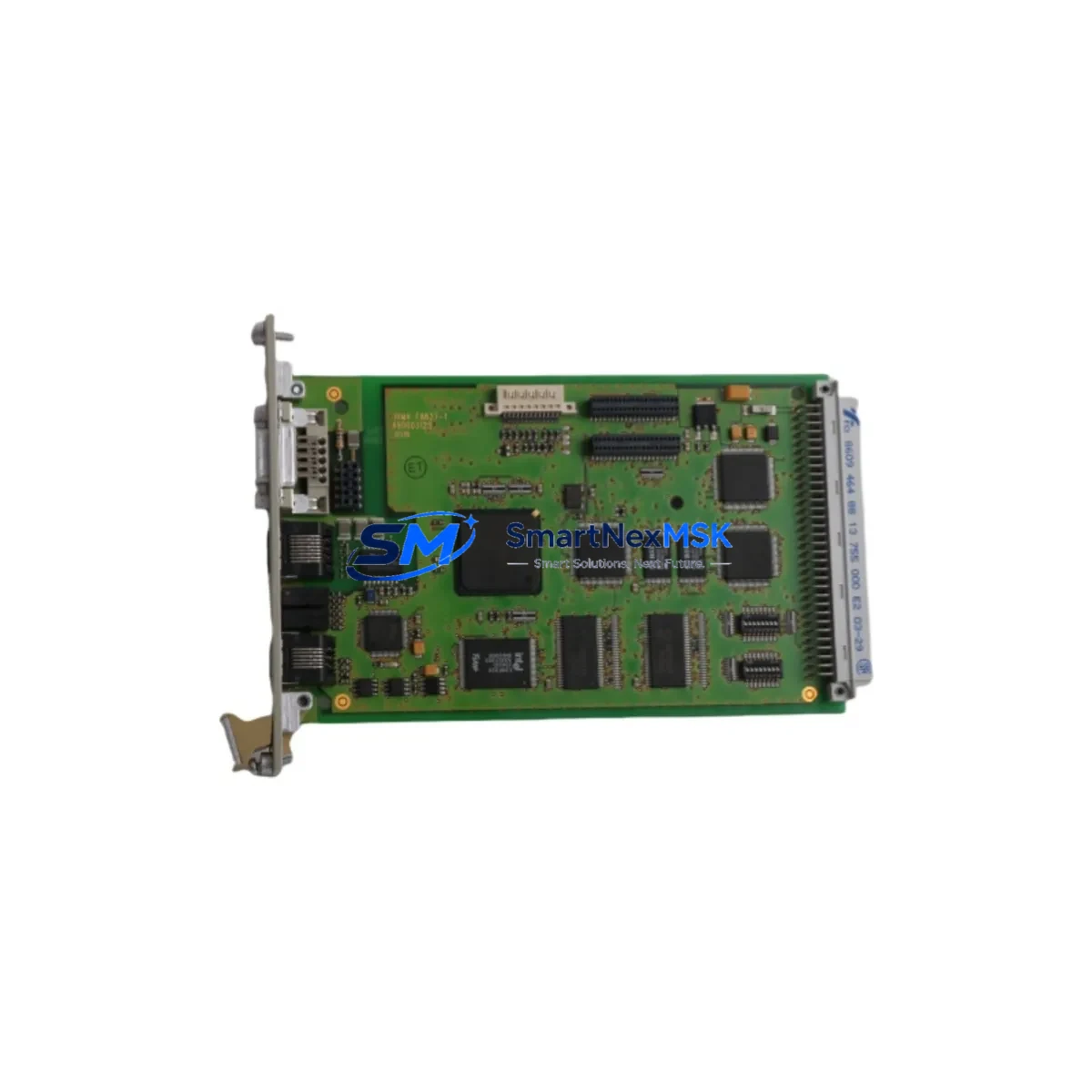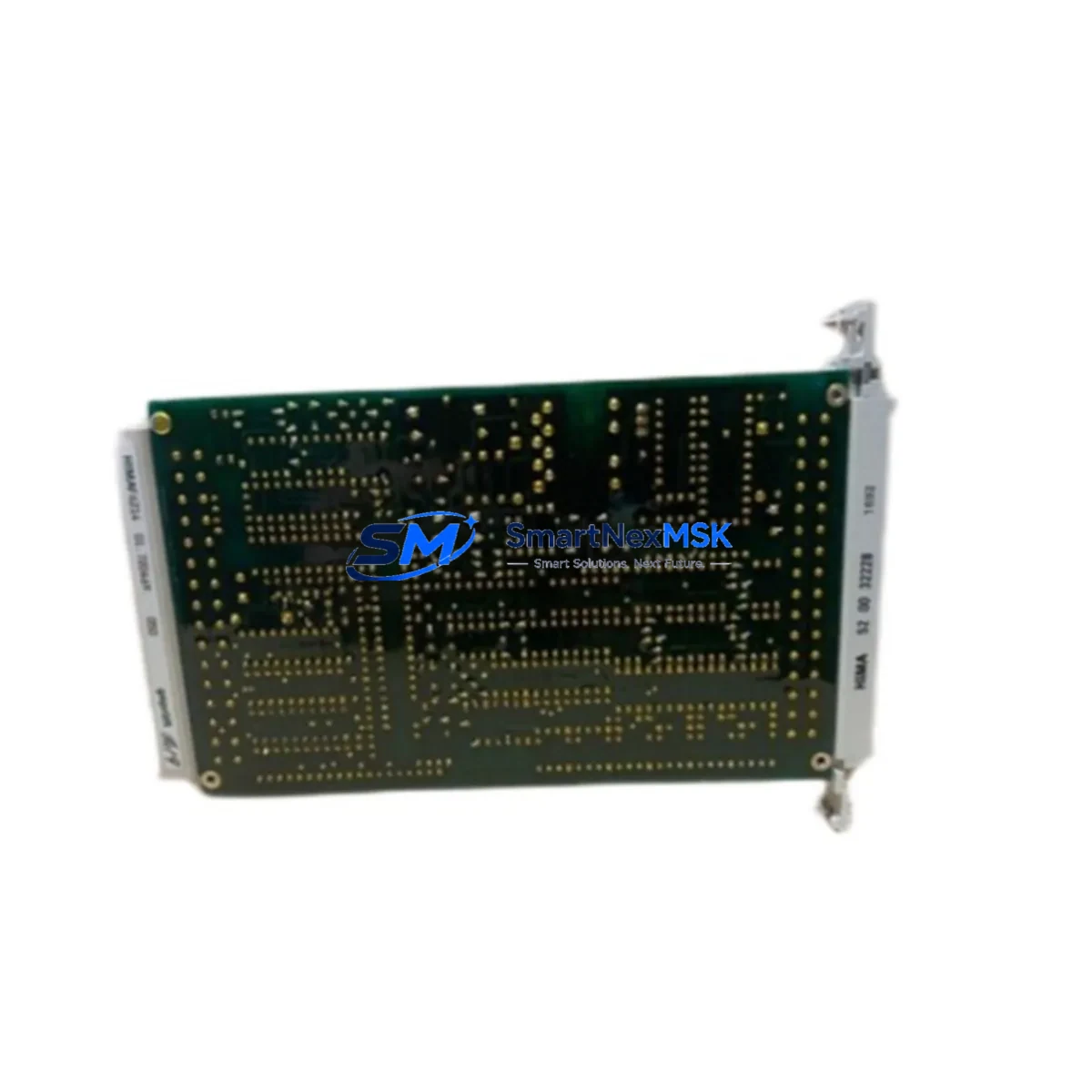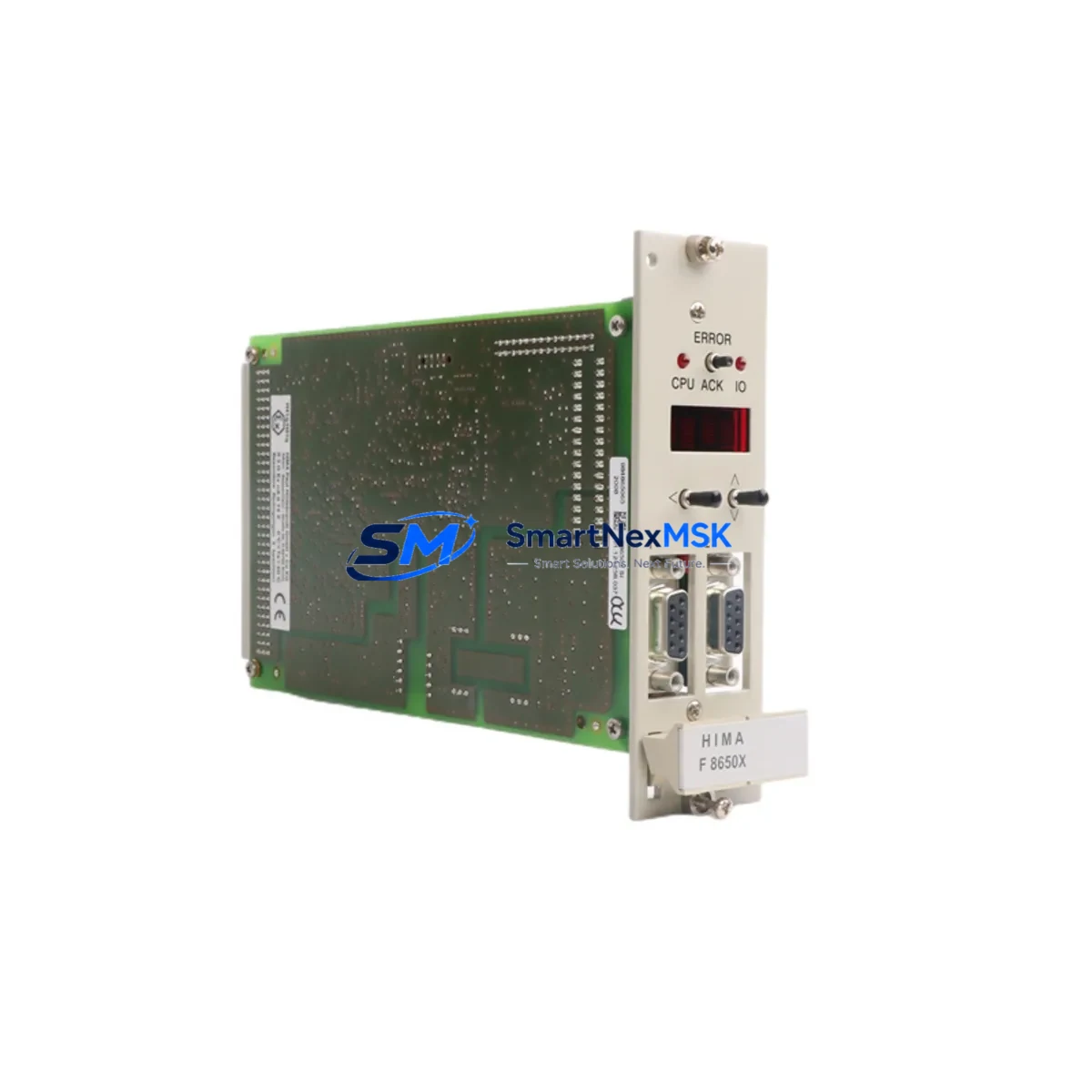
HIMA F8621/A Maintenance-Ready Spare for HIMatrix Automation
The HIMA F8621/A is an original CPU module designed for the HIMatrix safety PLC platform — one of HIMA’s most widely deployed distributed safety controllers in process automation, oil & gas, chemical, and power generation facilities. When this module fails or reaches end-of-service life, the entire safety loop it governs is at risk of unplanned shutdown. Sourcing a verified, tested replacement unit is the fastest path to restoring SIL-rated control integrity and minimizing production downtime.
This listing provides a maintenance-ready, original HIMA F8621/A CPU module — inspected, function-tested, and shipped with a 12-month warranty. Each unit is verified against HIMA’s published electrical and firmware specifications before dispatch, ensuring drop-in compatibility with existing HIMatrix rack assemblies without requiring system reconfiguration.
Spare Maintenance Table
| Parameter | Specification |
|---|---|
| Part Number / SKU | F8621/A |
| Brand | HIMA |
| Series | HIMatrix Safety PLC |
| Module Type | CPU / Central Processing Unit Module |
| Product Type | Safety PLC CPU Module |
| Origin | Germany (Original HIMA) |
| Supply Voltage | 24 V DC (nominal, via backplane) |
| Safety Integrity Level | SIL 3 capable (IEC 61508) |
| Communication Interfaces | Ethernet (SAFEETHERNET), RS-232/RS-485 (model-dependent) |
| Compatible Rack / Backplane | HIMatrix F-Series backplane assemblies |
| Operating Temperature | 0 °C to +60 °C |
| Relative Humidity | 5% – 95% non-condensing |
| Mounting | DIN rail / rack-mount via HIMatrix backplane slot |
| Weight | Approx. 320 g |
| Condition | Original, function-tested |
| Warranty | 12 Months |
| Compatibility Verification | Confirmed against HIMatrix F-Series system documentation |
| Maintenance Recommendation | Replace CPU module when diagnostic LEDs indicate persistent fault; inspect backplane connectors and power rails before installation |
Maintenance Planning for Continuous Operation
A CPU module failure in a HIMatrix safety system rarely occurs in isolation. Maintenance engineers responding to an F8621/A fault should treat the event as a trigger for a broader cabinet inspection. Before installing the replacement CPU, verify the integrity of the HIMatrix backplane and its slot connectors — oxidized or damaged backplane contacts are a common root cause of intermittent CPU faults that are misdiagnosed as module failures.
Check the 24 V DC power supply module feeding the HIMatrix rack. HIMA recommends redundant power feeds; if only a single supply is present, this is an opportunity to add a second unit and eliminate a single point of failure. Inspect the F8650 or F8652 I/O modules installed in adjacent slots — these digital and analog I/O cards share the backplane bus with the CPU and can exhibit communication errors if the bus voltage is marginal.
For systems using SAFEETHERNET communication, inspect the Ethernet switch ports and cables connecting the HIMatrix node to the safety network. A degraded network link can cause the CPU to log spurious communication faults that accelerate wear on the module’s network interface. If the system includes F3 DIO 20/8 01 or similar distributed I/O nodes, verify their firmware versions are compatible with the replacement CPU’s firmware revision.
Relay output modules such as the F8627 relay output card should be tested for contact resistance after any CPU replacement, as safety relay coils may have been energized in fault state during the outage period. Similarly, inspect terminal blocks and field wiring on the I/O marshalling panel — loose terminations are a frequent secondary fault discovered during CPU replacement work.
If the HIMatrix system interfaces with a HIMA HIMAX or HIQuad controller via SAFEETHERNET, confirm that the peer controller’s communication configuration still recognizes the replacement CPU’s node address. For systems with signal isolators on analog inputs (e.g., 4–20 mA loop isolators feeding the F8628 analog input module), verify isolator output levels are within calibrated range before returning the system to service.
Facilities maintaining aging HIMatrix installations should consider stocking the F8621/A CPU module alongside complementary spares — including power supply modules, I/O cards, and communication modules — to support a complete cabinet restoration without waiting for additional procurement cycles. A well-structured spare parts inventory reduces mean time to repair (MTTR) and supports the long-term extension of legacy safety system service life.
Site Replacement Workflow
Step 1 — Pre-replacement verification: Obtain the current HIMatrix project file and confirm the F8621/A firmware version in use. Download the project backup from SILworX engineering software before any hardware change.
Step 2 — Safe state confirmation: Place the safety system in a safe state per site procedures. Isolate the HIMatrix rack from field power where required by the site’s management of change (MOC) process.
Step 3 — Module extraction: Remove the faulty F8621/A by releasing the front-panel locking mechanism. Note the slot position and any jumper or DIP switch settings on the outgoing module.
Step 4 — Replacement installation: Insert the replacement F8621/A into the same backplane slot. Confirm the module seats fully and the locking mechanism engages. Restore power and observe diagnostic LEDs — a solid green RUN LED indicates successful initialization.
Step 5 — Project download and validation: Using SILworX, download the validated project file to the replacement CPU. Perform a full I/O force test to confirm all field signals are correctly read and driven. Document the replacement in the site maintenance log.
This workflow supports direct substitution of older F8621 (without /A suffix) units where firmware and backplane compatibility has been confirmed, enabling legacy system life extension without full controller replacement.
Spare Parts Support FAQ
Q1: Is this F8621/A a new or refurbished unit?
All units supplied are original HIMA F8621/A modules. Condition (new surplus or professionally refurbished) is confirmed at the time of order. Every unit undergoes functional testing prior to shipment and is covered by a 12-month warranty regardless of condition grade.
Q2: How do I verify compatibility with my existing HIMatrix system before ordering?
Provide your HIMatrix system order number, current CPU firmware version (visible in SILworX), and backplane model. Our technical team will confirm compatibility before shipment. In most cases, the F8621/A is directly interchangeable across HIMatrix F-Series rack configurations without hardware modification.
Q3: What is included in the 12-month warranty and what does the pre-shipment test cover?
The warranty covers functional failure under normal operating conditions for 12 months from the date of shipment. Pre-shipment testing includes power-on initialization, CPU self-diagnostic pass, backplane communication verification, and Ethernet port link test. A test report is available upon request.
Q4: Can you support long-term or blanket spare parts orders for ongoing maintenance programs?
Yes. We support scheduled spare parts programs for facilities maintaining multiple HIMatrix nodes or planning multi-year maintenance contracts. Contact us to discuss inventory reservation, lead time commitments, and volume pricing for F8621/A and associated HIMatrix spare modules.
© 2026 SMARTNEXMSK. All rights reserved.
Original Source: https://smartnexmsk.com
Contact: [email protected] | +86 18259474341