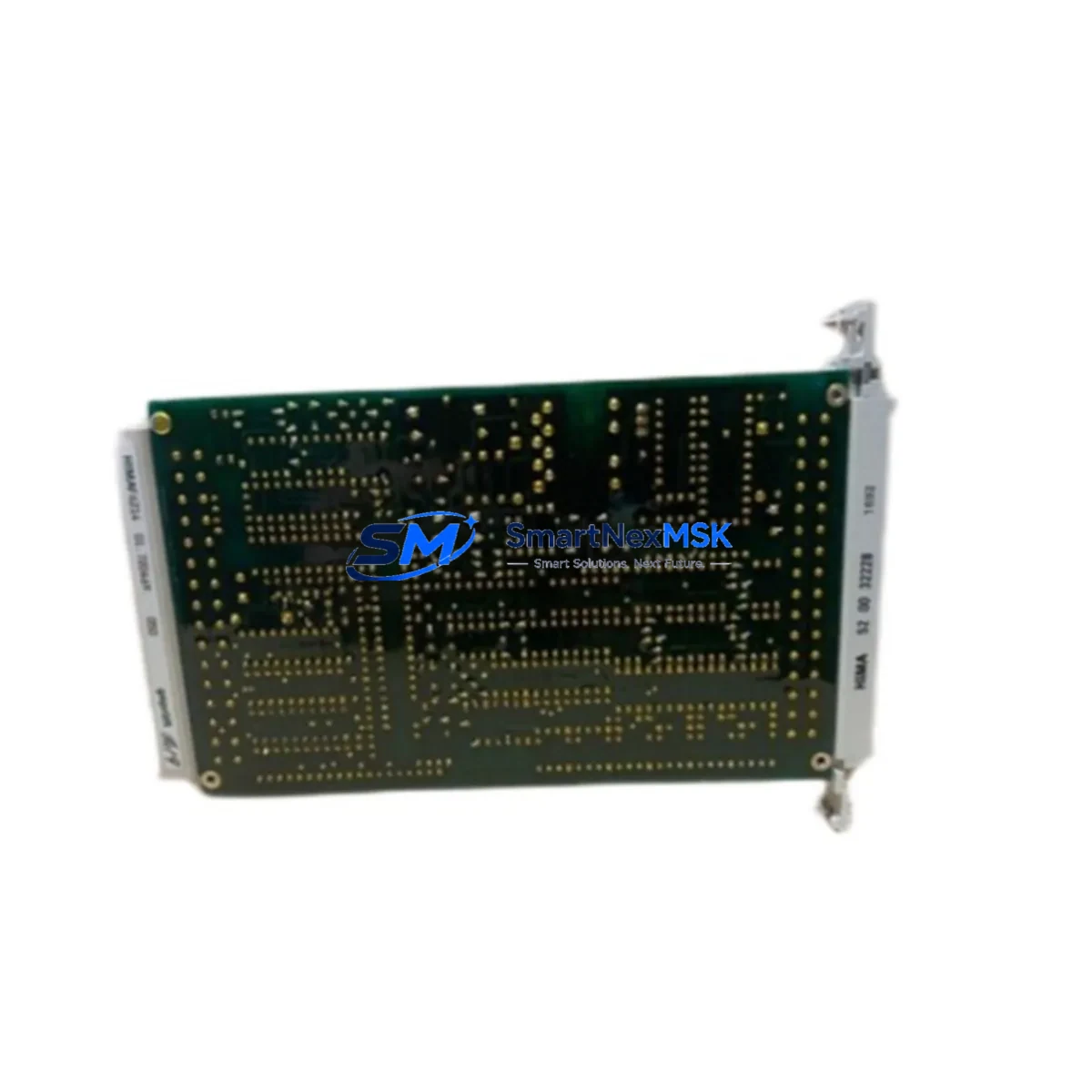
HIMA F6214 Retrofit-Ready Safety Analog Input Module for HIMatrix Control Systems
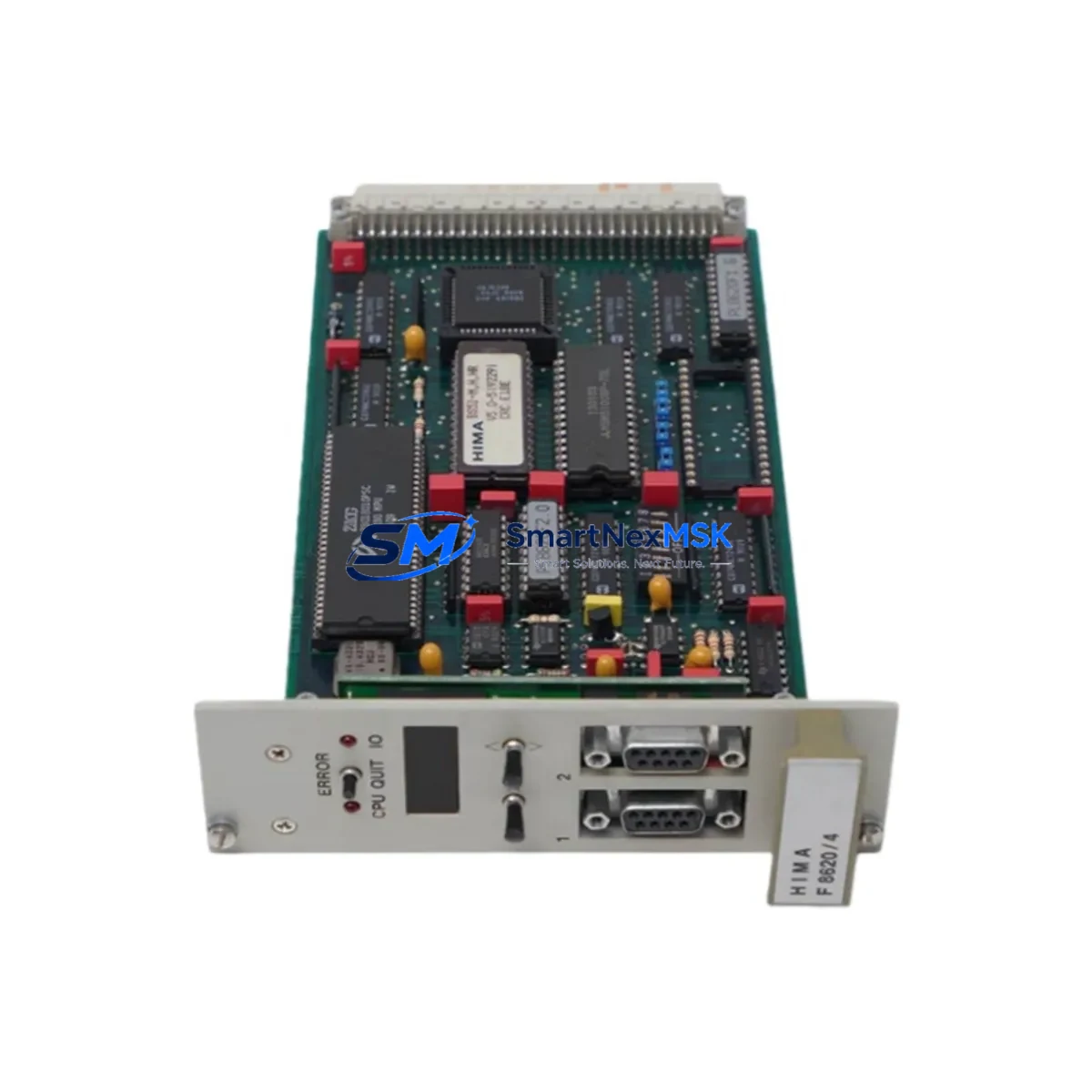
The HIMA F6214 is a SIL2/SIL3-certified safety analog input module engineered for seamless integration into HIMatrix safety controllers. Designed with legacy-system compatibility at its core, the F6214 is the preferred retrofit solution for engineers modernizing aging process safety instrumented systems (SIS) without full platform replacement. Whether you are replacing a discontinued F6214 unit in a running plant, expanding I/O capacity in an existing HIMatrix rack, or migrating from an older HIMA HIMAX or H41q controller platform, this module delivers the signal conditioning, diagnostic coverage, and functional safety performance required by IEC 61508 and IEC 61511.
Each F6214 ships fully tested against HIMA factory acceptance criteria, with configuration-ready firmware and a 12-month warranty covering both hardware defects and functional safety performance. Our inventory is sourced from authorized distribution channels and verified against HIMA’s published hardware revision history, ensuring you receive a module that is compatible with your existing HIMatrix CPU, backplane, and safety application program.
Upgrade Compatibility Table
| Parameter | HIMA F6214 Specification | Retrofit Notes |
|---|---|---|
| Module Type | Safety Analog Input (4–20 mA / 0–10 V) | Direct replacement for F6214 in HIMatrix racks |
| Safety Integrity Level | SIL2 / SIL3 (IEC 61508) | Maintains existing SIL classification; no re-validation required for like-for-like swap |
| Backplane Interface | HIMatrix internal bus (proprietary) | Compatible with HIMatrix F30, F35, F60 and F3 DIO series racks |
| Terminal Wiring | Screw-type field terminals, 0.5–2.5 mm² | Existing field wiring reusable; verify terminal torque spec per HIMA installation manual |
| Module Address | Configured via SILworX engineering tool | Address assignment preserved from original project; no re-addressing required for slot-identical swap |
| Communication Protocol | HIMA SafeEthernet / PROFIBUS DP (via CPU) | No protocol migration needed; F6214 communicates through HIMatrix CPU layer |
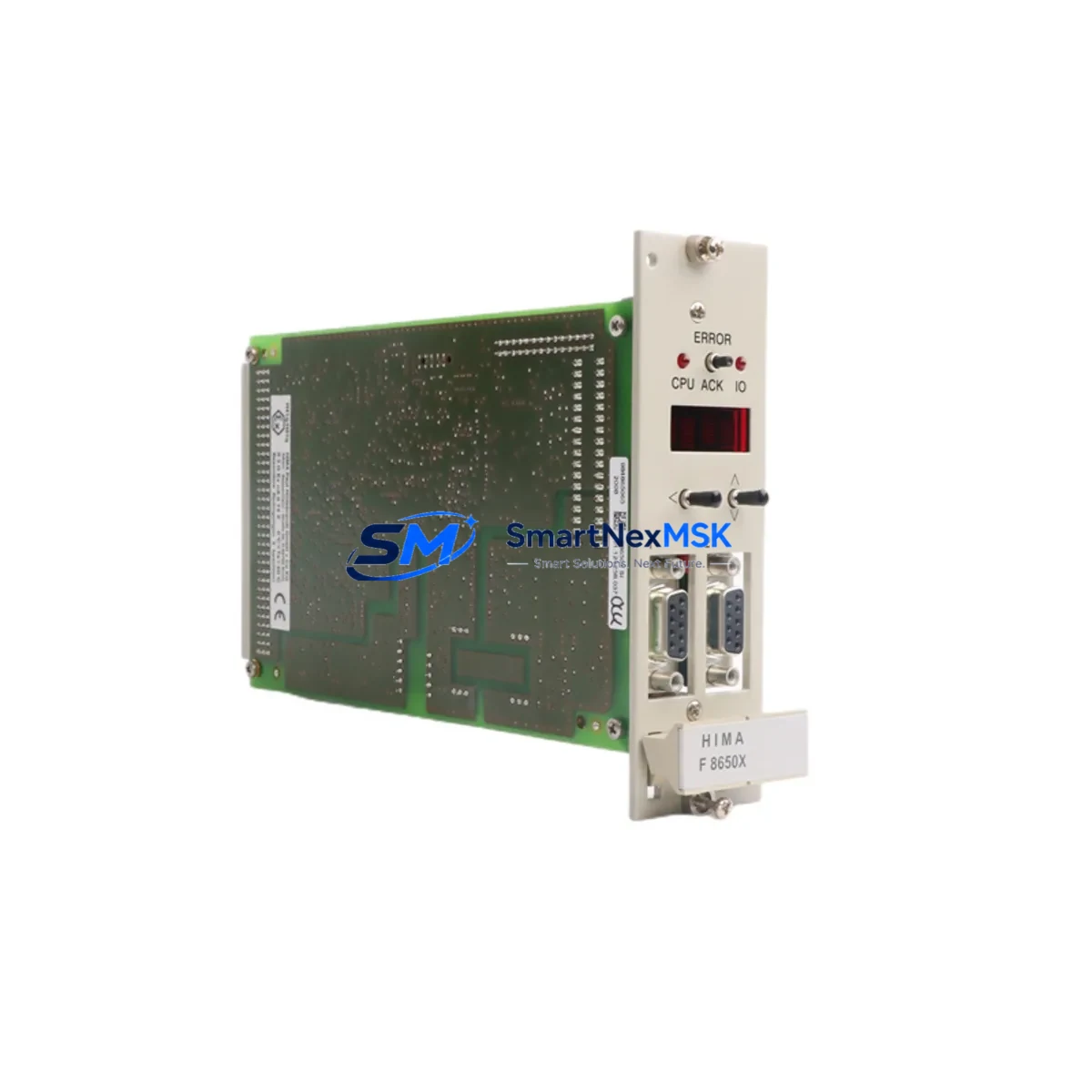
| Power Consumption | ≤ 3.5 W (24 VDC backplane supply) | Verify HIMatrix power supply module (e.g., F8652E or F8652X) capacity before adding modules |
| HMI Compatibility | Tag-transparent via SILworX OPC-UA or PROFIBUS | Existing HMI faceplates and alarm tags remain valid after module swap |
| Diagnostic Coverage | DC ≥ 99% (per IEC 61508-2) | Retains full diagnostic loop monitoring; no changes to safety function logic required |
| Warranty | 12-Month Warranty — covers hardware defects and functional safety performance from date of shipment | |
Retrofit Planning for Existing Automation Systems
A successful F6214 retrofit begins well before the maintenance window opens. Start by auditing your HIMatrix rack configuration using SILworX to export the current hardware layout, including the CPU module type (such as the F3 DIO 20/8 01 or F35 controller), the number of occupied slots, and the power budget consumed by existing I/O modules. The F6214 draws its 24 VDC supply from the backplane, so confirming that your installed HIMA F8652E or F8652X power supply module has sufficient headroom is a mandatory pre-retrofit step — particularly in dense racks where multiple analog and digital I/O modules share a single supply rail.
Terminal wiring is typically the most time-sensitive task during a live-system swap. The F6214 uses a removable screw-terminal connector that can be pre-wired on the bench and plugged into the replacement module without disturbing field cables. This approach — sometimes called a “terminal block pre-wire” — is strongly recommended when replacing modules in operating process units where loop isolation is not possible. Cross-reference your as-built loop drawings against the F6214 channel assignment table before the outage to confirm that 4–20 mA transmitter loops, HART device addresses, and any shared common returns are correctly mapped.
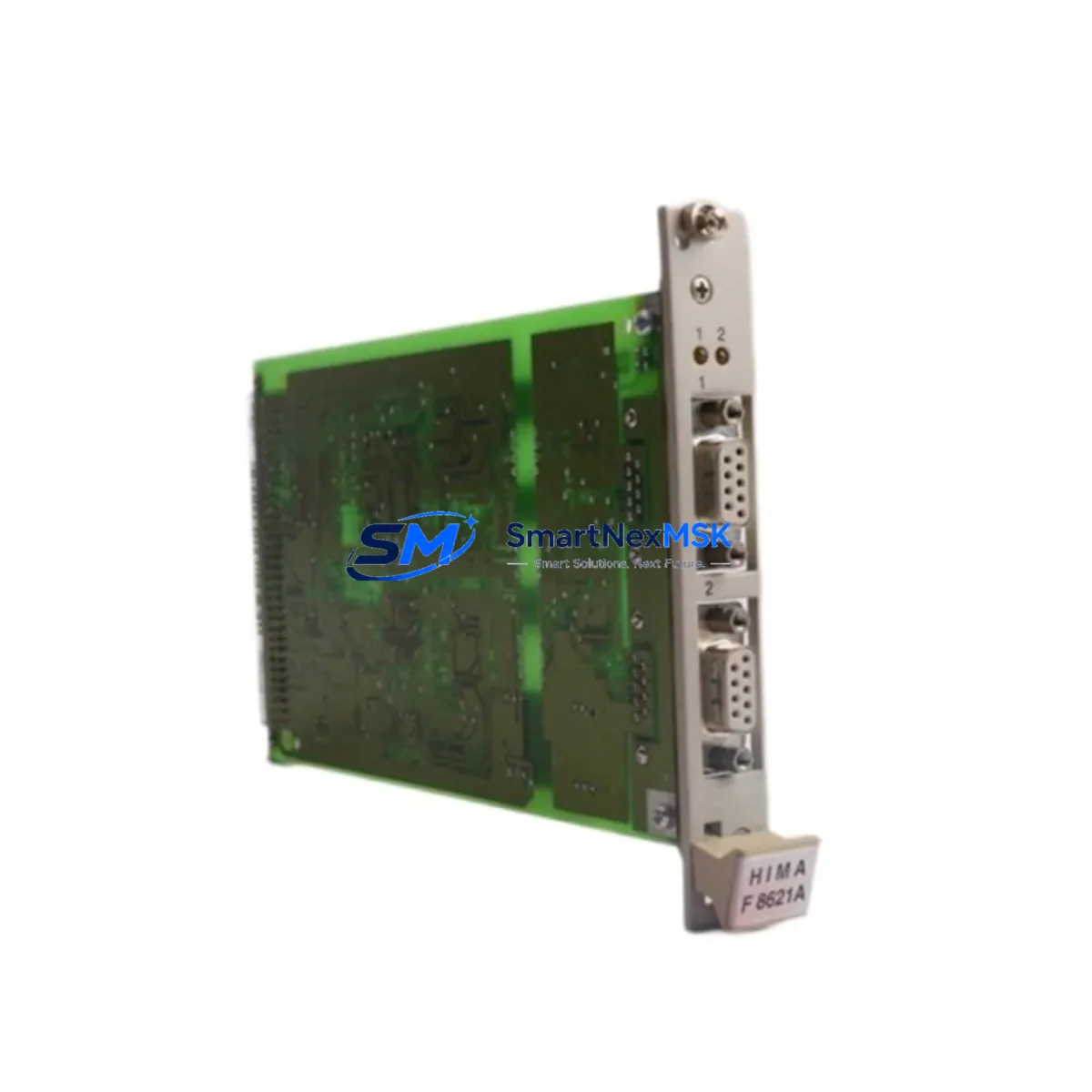
If your retrofit involves migrating from an older HIMA HIMAX H41q or H51q controller platform to a HIMatrix architecture, the F6214 becomes part of a broader I/O migration that also requires attention to the HIMA F3 DIO 20/8 01 digital I/O module for discrete signals, the F6217 analog output module for control valve positioners, and the F8621A communication module for PROFIBUS DP integration with third-party DCS systems such as Emerson DeltaV or Honeywell Experion. In these cross-platform migrations, the SILworX project must be rebuilt from scratch, and all safety function cause-and-effect matrices must be re-verified against the new hardware configuration before the system is returned to service.
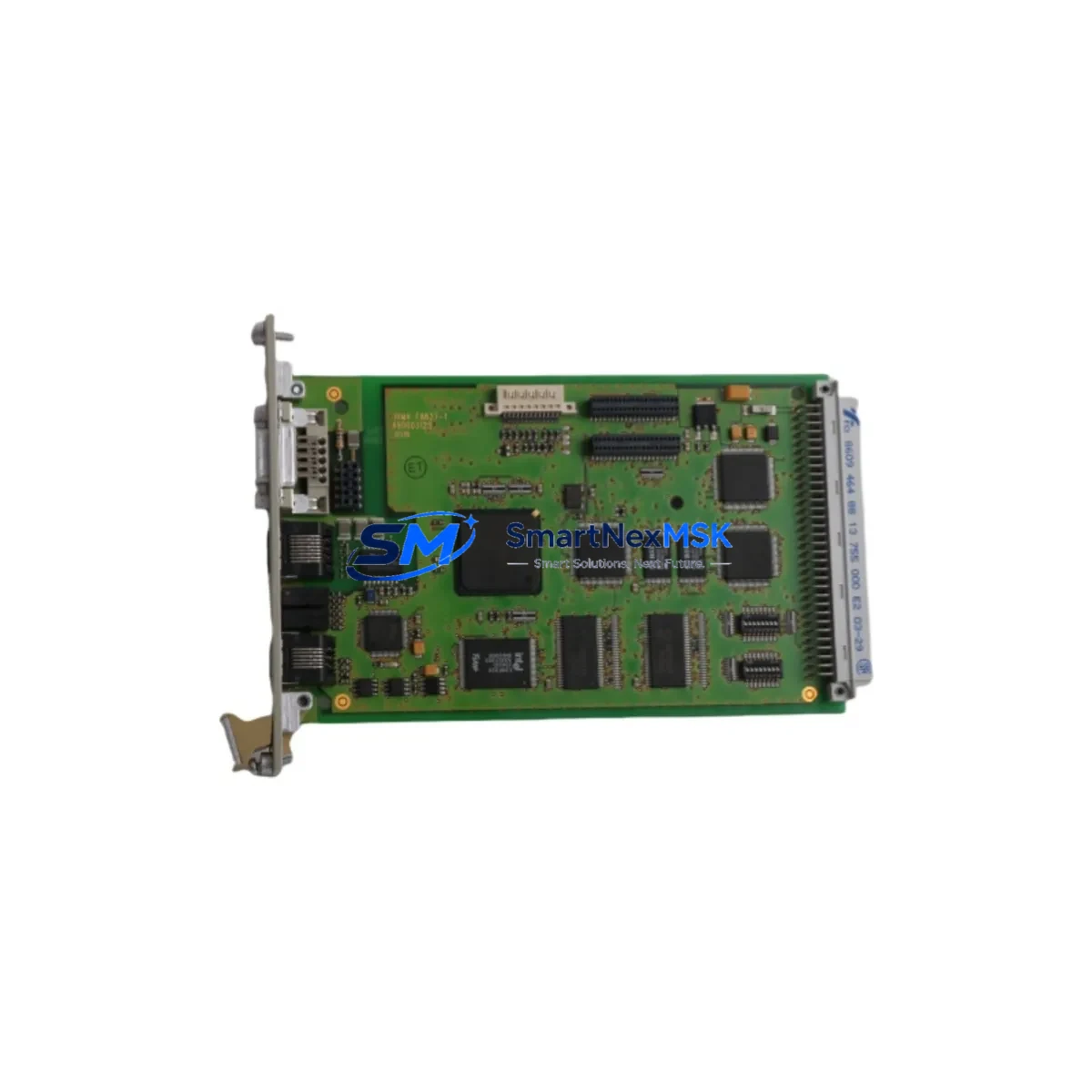
For installations that include HIMA HIMax racks alongside HIMatrix nodes, pay particular attention to the SafeEthernet peer-to-peer communication links between controllers. The F6214 analog inputs may feed safety functions whose outputs are transmitted over SafeEthernet to a remote HIMax node — in this case, the communication link configuration in SILworX must be validated as part of the retrofit acceptance test. Similarly, if your plant uses a HIMA F8627X PROFINET module for integration with a Siemens S7 or TIA Portal-based supervisory system, confirm that the analog input tags exported from the F6214 are correctly mapped in the PROFINET device description file.
Spare parts planning should also account for associated consumables: HIMA F8652A fuse modules, terminal labeling strips, and backplane bus connectors are frequently overlooked during module-level procurement but are essential for a complete, code-compliant installation. Our team can advise on compatible accessories based on your rack model and slot configuration.
Downtime Control During System Migration
Minimizing unplanned downtime during an F6214 swap requires a structured change management approach. Begin by placing the affected safety function in bypass mode through your Safety Instrumented System Management of Change (MOC) procedure, ensuring that the bypass is logged, time-limited, and approved by the process safety authority. The HIMatrix CPU will continue executing all non-bypassed safety functions during the module replacement, so process control continuity is maintained for the remainder of the safety application.
Before removing the original F6214, use SILworX to force the module offline and confirm that the CPU has registered the module as “not present” without generating a safety-critical fault. This step protects the integrity of the safety application program — the ladder logic, function block diagram, or cause-and-effect matrix stored in the CPU flash memory is not affected by a hot-swap of a properly decommissioned I/O module. Once the replacement F6214 is seated and the terminal connector is re-engaged, the CPU will automatically detect the new module, verify its hardware revision against the project configuration, and resume normal diagnostic cycling within one safety execution cycle (typically 10–100 ms depending on your configured task period).
Post-installation, perform a loop check on each analog input channel using a calibrated 4–20 mA loop calibrator to confirm signal integrity from field transmitter to SILworX process variable display. Document the as-found and as-left readings for each channel in your maintenance management system. If your plant uses a HIMA SILworX online test function, execute the proof test sequence for the affected safety functions before releasing the bypass and returning the system to normal operation. This sequence typically takes 15–45 minutes per safety function and can be performed with the process running, further reducing the impact on production continuity.
Retrofit Support FAQ
Q1: Is the HIMA F6214 a direct drop-in replacement without SILworX project changes?
For a like-for-like slot replacement (same rack position, same module type), no SILworX project modification is required. The CPU identifies the module by its hardware type code and slot address. However, if the replacement module carries a different hardware revision than the original, SILworX may prompt a hardware configuration update — this is a non-safety change that can be accepted and downloaded without a full safety validation cycle, provided your site MOC procedure permits minor hardware revision updates.
Q2: Can the F6214 be used in a mixed HIMatrix / HIMax installation?
Yes. The F6214 is a HIMatrix-series module installed in HIMatrix racks. In a mixed architecture where HIMatrix nodes communicate with HIMax controllers via SafeEthernet, the F6214 analog inputs are processed locally by the HIMatrix CPU and the results are transmitted as safety-rated process values over the peer-to-peer link. No additional hardware is required at the HIMax end to receive these values.
Q3: What wiring changes are needed when replacing a failed F6214 in a live plant?
The F6214 uses a removable terminal connector. In most cases, the original connector — with all field wiring attached — can be transferred directly to the replacement module without disconnecting individual wires. Verify that the terminal connector locking tab is fully engaged after insertion and that the module LED diagnostic indicators confirm healthy channel status before releasing the safety function bypass.
Q4: What does the 12-month warranty cover, and how is a warranty claim processed?
The 12-month warranty covers manufacturing defects, premature component failure, and any deviation from HIMA’s published functional safety performance specifications. Warranty claims are initiated by contacting our sales team with the module serial number, date of installation, and a description of the observed fault. We will arrange advance replacement shipment to minimize your downtime, with the defective unit returned for failure analysis. Warranty does not cover damage resulting from incorrect installation, overvoltage, or operation outside the module’s specified environmental range.
© 2026 SMARTNEXMSK. All rights reserved.
Original Source: https://smartnexmsk.com
Contact: [email protected] | +86 18259474341