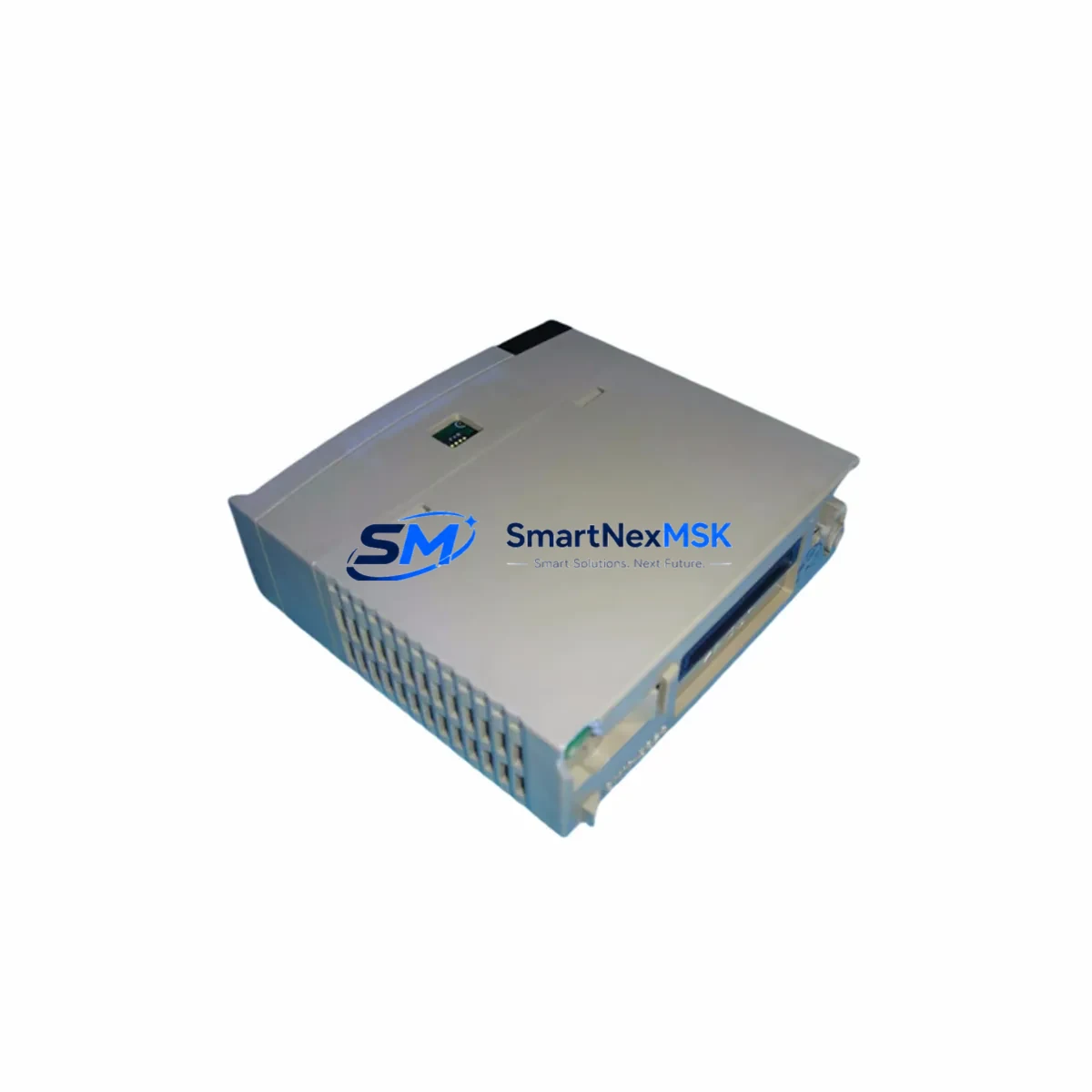
HITACHI EH-RMP Maintenance-Ready Spare for EH Series Automation
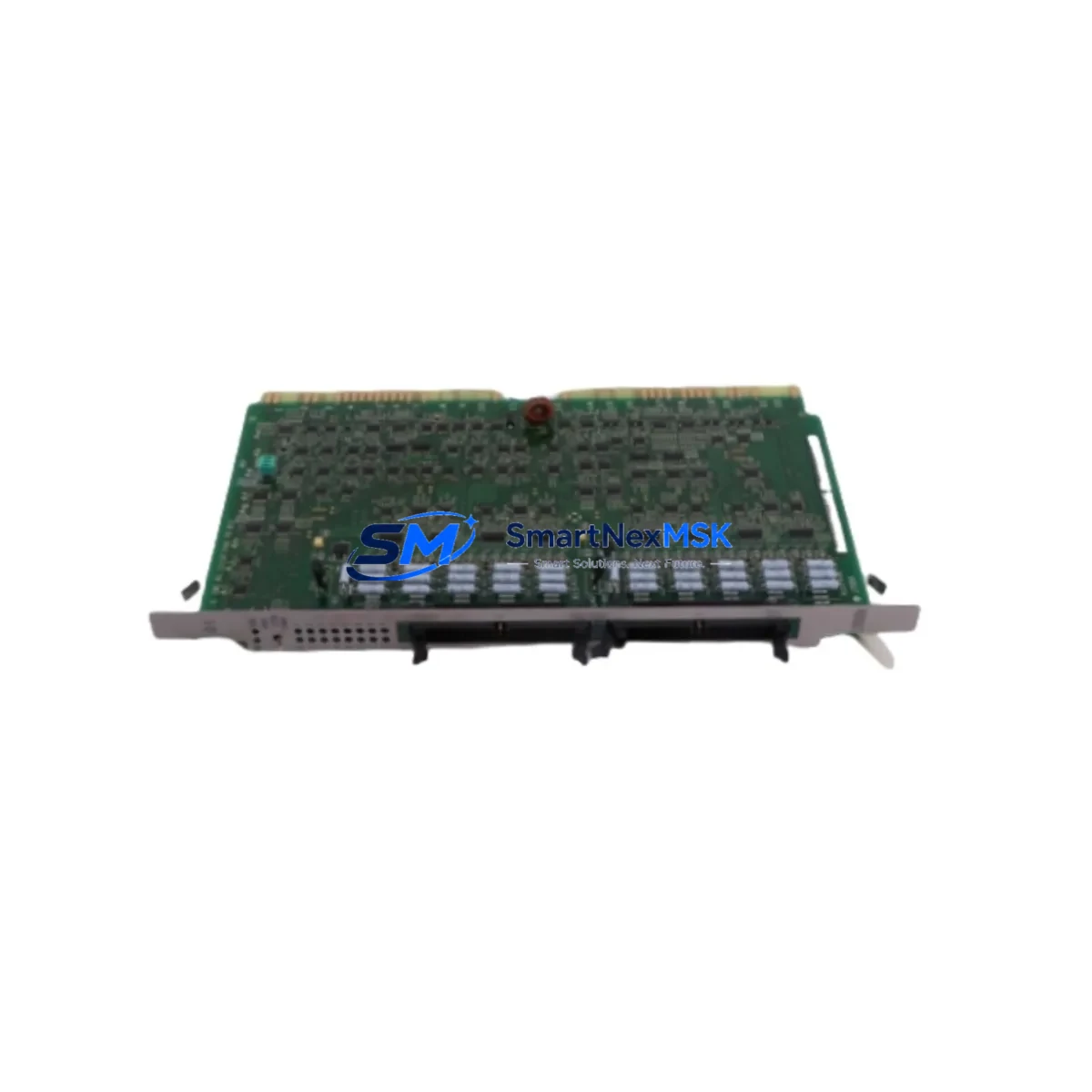
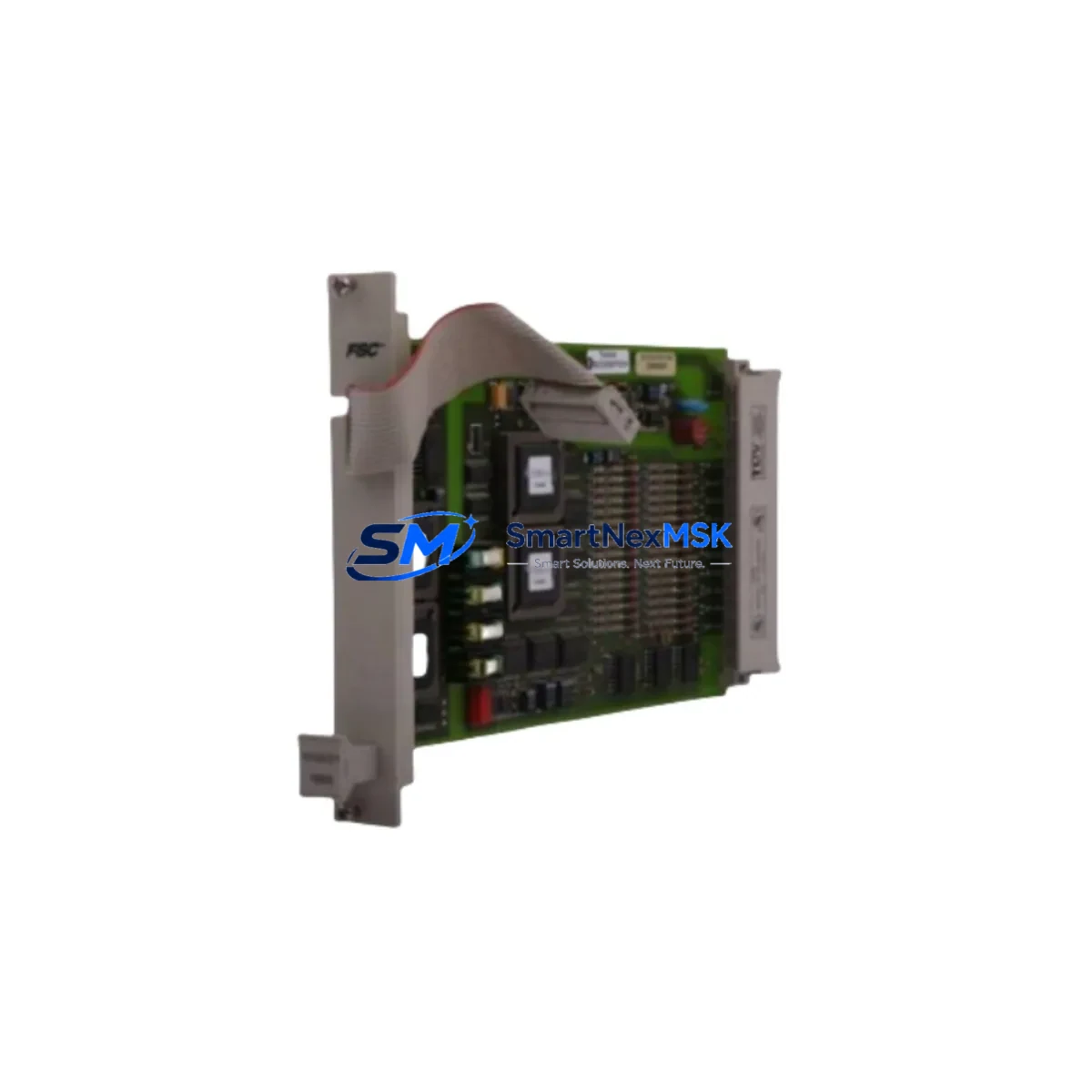
The HITACHI EH-RMP is a dedicated communications module engineered for the HITACHI EH Series programmable logic controller platform. In industrial facilities where EH Series PLCs govern conveyor lines, packaging machinery, press controls, or utility distribution panels, an unplanned failure of the EH-RMP communications module can immediately halt data exchange between the CPU and downstream field devices — triggering a full production stoppage. Sourcing a verified, original-specification EH-RMP spare in advance is the single most effective measure a maintenance team can take to compress mean-time-to-repair (MTTR) and protect uptime commitments.
This listing supplies the EH-RMP as a maintenance-ready spare: inspected, function-tested prior to shipment, and backed by a 12-month warranty covering manufacturing defects. Each unit is dispatched with full traceability documentation to support your incoming inspection and asset-management records.
Spare Maintenance Table
| Parameter | Specification / Detail |
|---|---|
| Part Number / SKU | EH-RMP |
| Brand | HITACHI |
| Series | EH Series PLC |
| Module Function | Remote I/O Communications Module |
| Compatible CPU Units | HITACHI EH Series CPU modules (EH-CPU, EH-CPU516, EH-CPU548 and equivalents) |
| Communication Protocol | HITACHI H Series / EH Series proprietary remote I/O bus |
| Mounting | EH Series base unit / expansion rack |
| Power Supply Requirement | Supplied via backplane from EH Series power supply module (e.g. EH-PS) |
| Operating Temperature | 0 °C to 55 °C |
| Storage Temperature | -20 °C to 75 °C |
| Relative Humidity | 5 % to 95 % RH (non-condensing) |
| Country of Origin | Japan |
| Unit Weight | Approx. 1,140 g (module with connector) |
| Pre-shipment Test | Function-tested; communication link verified |
| Warranty | 12 Months — manufacturing defects covered from date of shipment |
| Delivery | Express international shipping; tracking provided |
Maintenance Planning for Continuous Operation
When a maintenance or reliability engineer schedules replacement of the EH-RMP, the scope of the inspection should extend beyond the module itself. The EH-RMP sits at the centre of the remote I/O communication chain, and adjacent components are subject to the same thermal cycling, vibration, and electrical stress that degrades the communications module over time.
Begin with the EH Series power supply module (EH-PS): a marginal power supply that delivers correct voltage under light load may drop out of regulation when the EH-RMP and its connected I/O modules draw full current during a scan cycle. Measure output voltage under load before reinstalling the new EH-RMP. Next, inspect the EH Series CPU module — firmware version compatibility between the CPU and the replacement EH-RMP should be confirmed in the HITACHI EH Series hardware manual before powering up.
Check all EH Series digital input (EH-XD) and digital output (EH-YT / EH-YR) modules seated in the same expansion rack. Loose module connectors or oxidised backplane contacts can cause intermittent communication faults that are incorrectly attributed to the communications module. While the rack is de-energised, reseat each I/O module and inspect the backplane bus connector for corrosion or mechanical damage.
Examine the remote I/O link cables connecting the EH-RMP to remote expansion racks. Shielded twisted-pair cables with correct termination resistors are critical for noise immunity in environments with variable-frequency drives or large motor starters nearby. Replace any cable showing jacket damage, crushed conductors, or corroded connectors. Verify that termination resistors at both ends of the remote I/O bus are correctly installed and within specification.
If the control cabinet houses relay output modules or solid-state relay (SSR) driver cards interfaced to the EH Series I/O, inspect coil suppression diodes and contact wear. A relay that is beginning to weld or fail to release can generate voltage spikes that stress the communications module’s transceiver circuitry. Similarly, review any signal isolators or signal conditioners on analogue input channels — degraded isolation can allow ground loops that corrupt serial communication frames.
For systems that include an EH Series analogue I/O module (EH-AX or EH-AY), recalibrate the module after the EH-RMP replacement to confirm that process variable readings are within tolerance. Finally, if an HMI or operator panel communicates with the EH Series CPU via a serial or Ethernet link, verify that the HMI communication parameters (baud rate, station address, protocol) remain correctly configured after the CPU restarts following the module swap.
Maintaining a minimum stock of one EH-RMP spare per production line, alongside a spare EH-PS power supply module and a set of I/O module fuses, is a practical baseline for facilities operating EH Series systems beyond the standard product lifecycle.
Site Replacement Workflow
Step 1 — Preparation: Download and review the HITACHI EH Series hardware manual section covering the EH-RMP. Confirm the firmware version of the installed CPU module and verify compatibility with the replacement EH-RMP. Prepare a backup of the PLC program from the CPU before beginning any hardware work.
Step 2 — Safe isolation: Follow your site’s lockout/tagout (LOTO) procedure. De-energise the control cabinet and allow capacitors in the EH-PS power supply to discharge (minimum 30 seconds after power-off before touching backplane components).
Step 3 — Module removal: Note the slot position of the existing EH-RMP. Disconnect the remote I/O link cable connector. Release the module locking lever and slide the EH-RMP out of the backplane slot. Inspect the backplane connector pins for damage or contamination before inserting the replacement unit.
Step 4 — Installation: Insert the replacement EH-RMP into the same slot. Ensure the module is fully seated and the locking lever is engaged. Reconnect the remote I/O link cable. Verify that termination resistors are correctly installed on the remote I/O bus.
Step 5 — Power-up and verification: Re-energise the cabinet. Observe the EH-RMP status LEDs — the RUN and COMM indicators should illuminate within the normal startup sequence. From the HMI or programming terminal, confirm that all remote I/O points are communicating correctly and that no communication error flags are active in the CPU diagnostic registers.
Step 6 — Documentation: Record the replacement date, new module serial number, and post-replacement test results in the equipment maintenance log. Update your spare parts inventory to reflect the consumed unit and initiate a replenishment order to restore your on-hand stock level.
Spare Parts Support FAQ
Q1: Is this EH-RMP an original HITACHI component or an aftermarket substitute?
This is an original HITACHI EH-RMP sourced through established industrial supply channels. Each unit is inspected and function-tested before shipment. A 12-month warranty covering manufacturing defects is included with every order.
Q2: How do I confirm compatibility between the EH-RMP and my existing EH Series CPU?
Compatibility is determined by the CPU model and firmware version. Provide your CPU part number (e.g. EH-CPU516 or EH-CPU548) and we will confirm compatibility before shipment. In most cases, the EH-RMP is compatible across the EH Series CPU range without firmware modification.
Q3: What pre-shipment testing is performed on the EH-RMP?
Each EH-RMP undergoes a communication link verification test on a live EH Series test rack before dispatch. Power consumption, LED status indication, and remote I/O data exchange are all verified. Test records are available on request for incoming inspection purposes.
Q4: Can you support long-term or scheduled spare parts supply for EH Series systems?
Yes. We support planned maintenance programmes with scheduled delivery agreements, multi-unit pricing, and priority allocation for customers managing EH Series systems beyond the standard product lifecycle. Contact our technical sales team to discuss a supply arrangement tailored to your maintenance schedule and inventory strategy.
© 2026 SMARTNEXMSK. All rights reserved.
Original Source: https://smartnexmsk.com
Contact: [email protected] | +86 18259474341