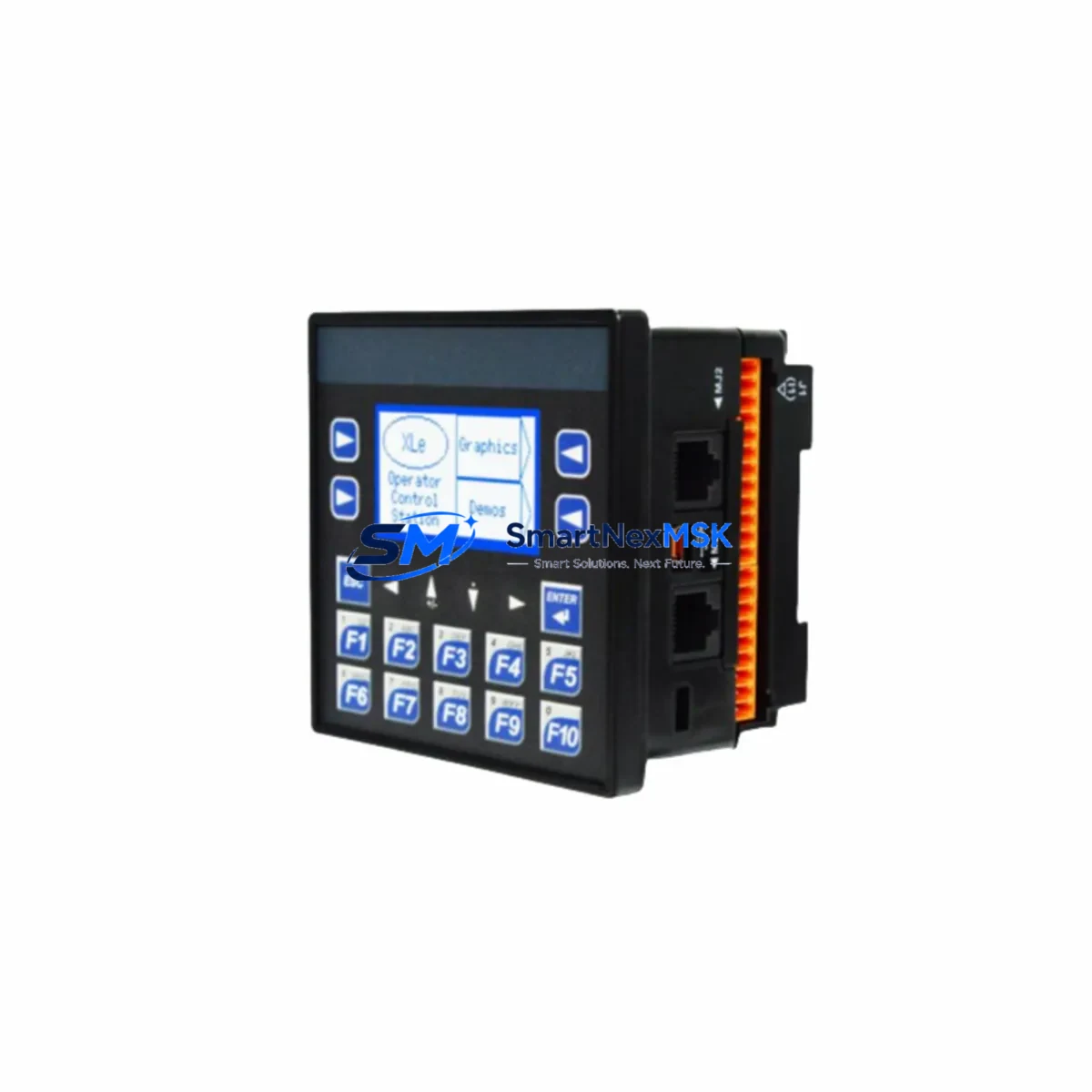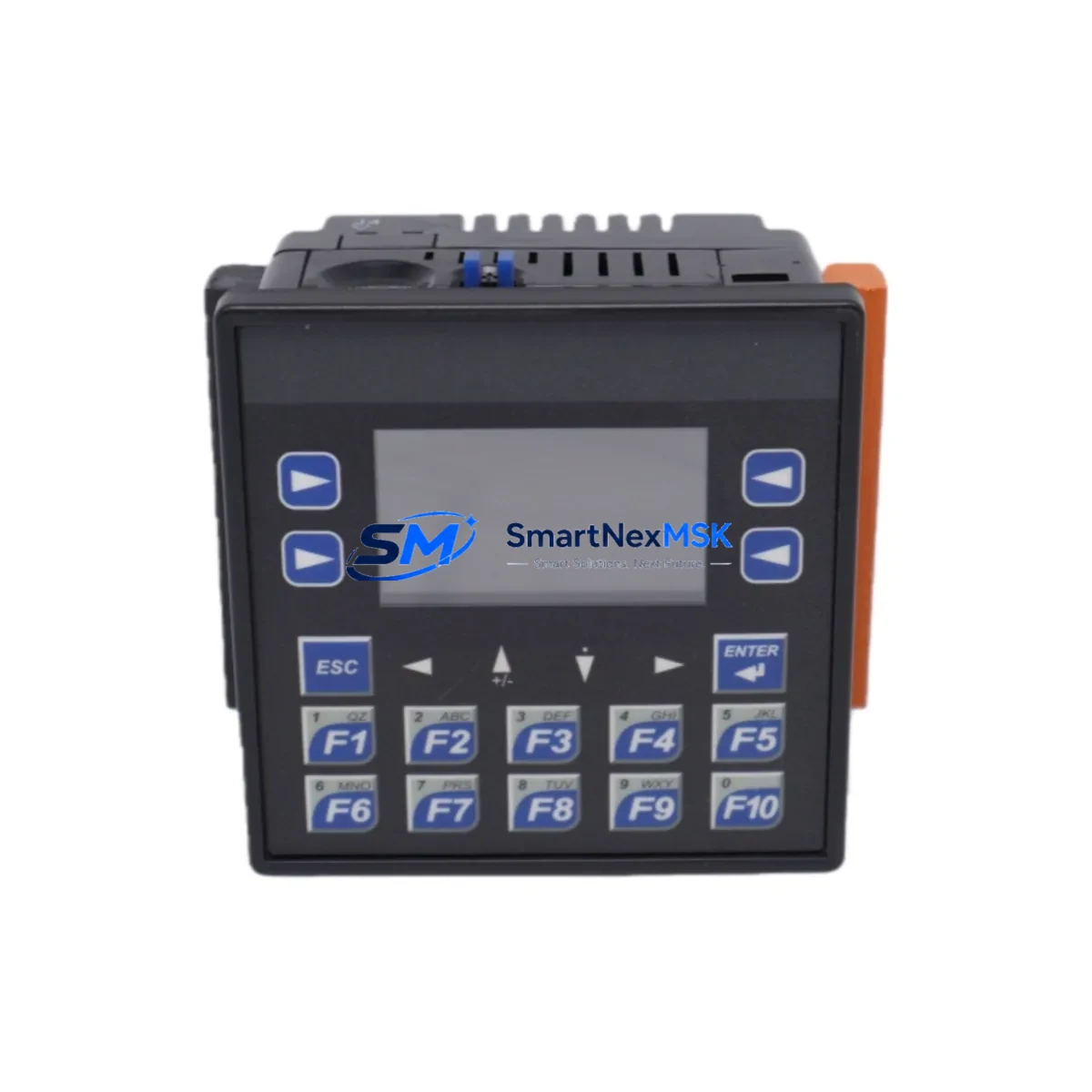
Horner APG HE-XE105UD Retrofit-Ready OCS for XL Series Control Systems
The Horner APG HE-XE105UD is a compact, all-in-one Operator Control Station (OCS) designed as a direct retrofit and upgrade solution for legacy Horner XL Series control systems. Combining an integrated HMI touchscreen with a full-featured PLC engine, the HE-XE105UD enables industrial facilities to modernize aging control panels without redesigning the entire automation architecture. Whether you are replacing a discontinued HE-XE100 or migrating from an earlier XL4 or XL6 platform, this unit delivers a smooth, low-risk upgrade path with minimal downtime.
The HE-XE105UD supports the same Cscape programming environment used across the Horner XL product family, meaning existing ladder logic, function block diagrams, and HMI screen layouts can be imported and adapted with minimal rework. Engineers familiar with the HE-XE100, HE-XE105, or HE-XL4 will find the hardware interface and software workflow immediately recognizable, reducing commissioning time on the plant floor.
Upgrade Compatibility Table
| Parameter | HE-XE105UD | Legacy HE-XE100 / XL4 |
|---|---|---|
| Display | 3.5″ Color Touchscreen | 3.5″ Color Touchscreen |
| CPU | Enhanced ARM Cortex | Earlier ARM Core |
| I/O Onboard | Digital + Analog I/O | Digital I/O only (model-dependent) |
| Communications | CAN, RS-232, RS-485, USB | CAN, RS-232, RS-485 |
| Programming | Cscape (latest) | Cscape (compatible) |
| Mounting | Panel cutout (same footprint) | Panel cutout (same footprint) |
| Power Supply | 10–30 VDC | 10–30 VDC |
| Retrofit Recommendation | Direct drop-in replacement | — |
| Commissioning Focus | I/O address mapping, HMI screen import | — |
| Warranty | 12 Months | End of Life / No Support |
Retrofit Planning for Existing Automation Systems
A successful retrofit begins well before the unit arrives on site. When replacing a legacy HE-XE100 or HE-XL4 OCS, the first step is to audit the existing control cabinet for power supply capacity. The HE-XE105UD operates on 10–30 VDC; verify that the existing 24 VDC power supply module — often a Phoenix Contact or Weidmuller DIN-rail unit — can sustain the inrush current during boot. If the cabinet also houses a Horner HE-XEC expansion I/O module or a HE-XEE Ethernet communication module, confirm that the total current draw remains within the power budget.
Terminal wiring on the HE-XE105UD follows the same screw-terminal layout as the HE-XE100 series, so existing field wiring for digital inputs, digital outputs, and analog signals can typically be reconnected without modification. However, engineers should cross-reference the terminal assignment sheet against the original panel drawings, particularly for any HE-XEC remote I/O nodes connected via the CAN network. CAN node addresses must be re-verified in Cscape after the swap to ensure the new controller correctly enumerates all downstream devices.
For systems that include a Horner HE-XEE Ethernet module or a HE-XCPD programming cable for legacy serial programming, the HE-XE105UD’s built-in USB port simplifies firmware updates and program downloads, eliminating the need for a dedicated serial programming adapter. If the existing system communicates with a SCADA host via Modbus RTU over RS-485, the HE-XE105UD natively supports this protocol, and the existing RS-485 communication cable and termination resistors can remain in place.
Where the legacy system includes a separate HMI panel — such as an older Horner HE-XP or a third-party operator panel — the integrated touchscreen of the HE-XE105UD can consolidate both functions into a single unit, freeing panel space and reducing wiring complexity. HMI screens built in Cscape for the HE-XE100 can be imported directly into the HE-XE105UD project file, with minor adjustments for any new tag addresses introduced by the upgraded I/O configuration.
For facilities running a mixed fleet of Horner XL Series controllers — including HE-XL4, HE-XL6, and HE-XE105 units — the HE-XE105UD fits seamlessly into the existing maintenance and spare-parts strategy. A single Cscape installation supports programming across all these models, and a common spare unit policy reduces the number of distinct SKUs held in the maintenance storeroom.
Downtime Control During System Migration
Minimizing production downtime is the primary concern in any OCS retrofit. The recommended approach is to prepare and test the replacement HE-XE105UD offline before the scheduled maintenance window. Load the adapted Cscape project onto the new unit, verify all I/O forcing functions, and confirm that HMI screens display correctly on the bench. Where possible, simulate the CAN network using a HE-XCPD programming cable and a laptop running Cscape to validate communication with any connected HE-XEC expansion modules before the unit enters the cabinet.
During the cutover, label all field wiring before disconnection and photograph the original terminal layout. Power down the cabinet, remove the legacy OCS, install the HE-XE105UD into the same panel cutout, and reconnect terminals in sequence. Restore power and confirm that all I/O points respond correctly before releasing the system to production. The entire swap — from power-down to first production cycle — can typically be completed within a two-to-four hour planned maintenance window when preparation is thorough.
Retain the original program backup and the legacy HE-XE100 unit as a fallback for at least the first 30 days of operation. This ensures that if any unexpected compatibility issue arises with a specific field device or communication link, the original configuration can be restored quickly while the issue is investigated.
Retrofit Support FAQ
Q: Is the HE-XE105UD a direct drop-in replacement for the HE-XE100?
A: Yes. The HE-XE105UD shares the same panel cutout dimensions and 10–30 VDC power input as the HE-XE100. Existing terminal wiring is compatible. The Cscape project from the legacy unit can be imported and adapted with minimal changes to I/O addressing.
Q: Will my existing CAN network and RS-485 Modbus devices work without reconfiguration?
A: In most cases, yes. The HE-XE105UD supports the same CAN and RS-485 protocols as the HE-XE100. Node addresses and baud rate settings should be verified in Cscape after installation, but physical wiring and termination typically require no changes.
Q: What commissioning steps are required after installation?
A: After mounting and wiring, download the adapted Cscape project via USB, verify all I/O point assignments, confirm CAN node enumeration, test HMI screen navigation, and perform a full I/O force test before returning the system to automatic mode. Allow at least one full production cycle under supervision before signing off.
Q: What warranty coverage is included?
A: Every HE-XE105UD supplied by SMARTNEXMSK carries a 12-month warranty covering manufacturing defects and functional failures under normal operating conditions. Each unit undergoes pre-shipment functional testing. Warranty claims are supported directly by our technical team.
© 2026 SMARTNEXMSK. All rights reserved.
Original Source: https://smartnexmsk.com
Contact: [email protected] | +86 18259474341