
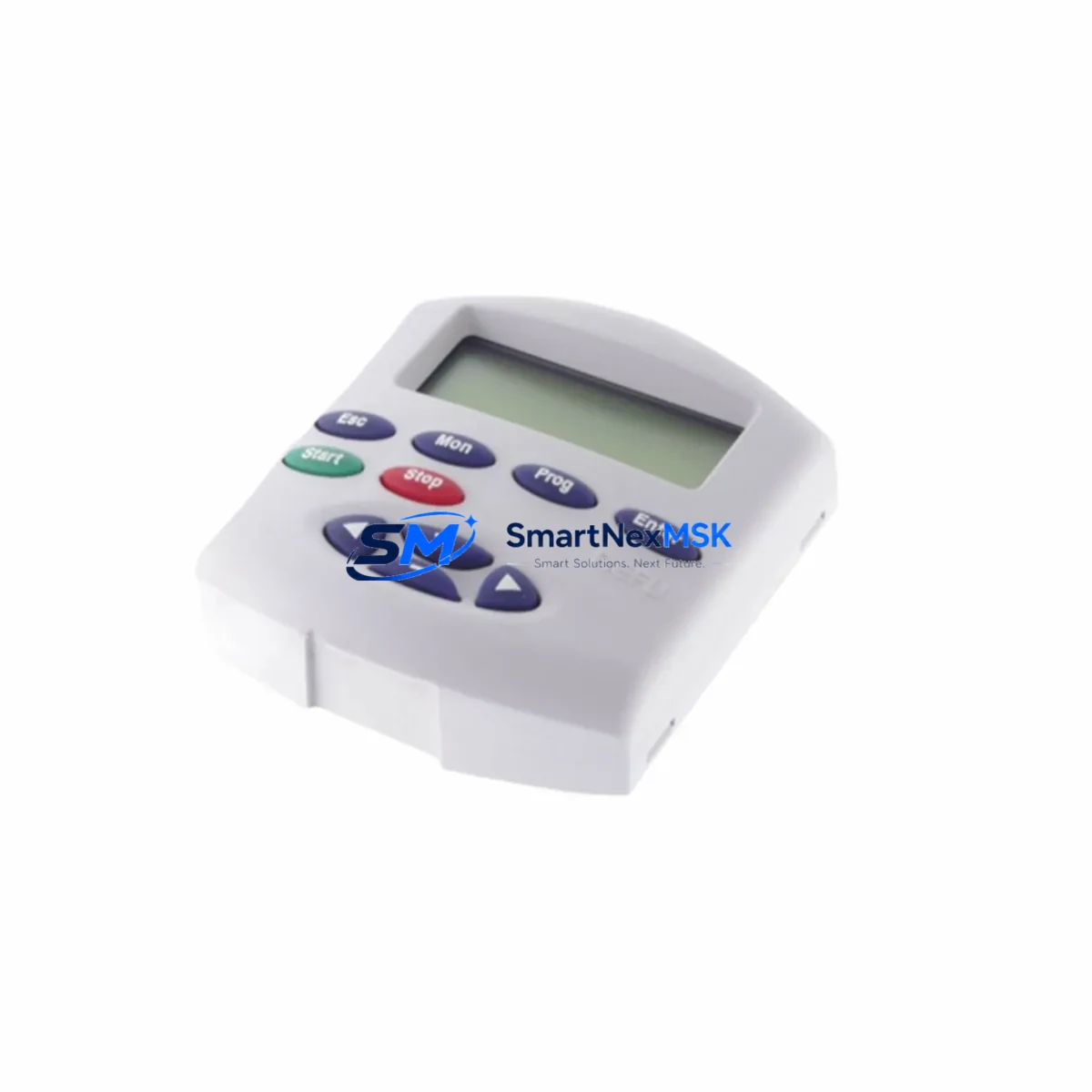
INDRAMAT REFU RZB 01.2-UN Retrofit-Ready HMI Keypad for REFU Series Control Systems
The INDRAMAT REFU RZB 01.2-UN is a retrofit-ready operator panel and HMI keypad designed for seamless integration into legacy REFU Series AC drive systems manufactured by INDRAMAT (now Bosch Rexroth). As production lines age and original components reach end-of-life, the RZB 01.2-UN provides a reliable, specification-matched replacement that preserves existing wiring layouts, parameter structures, and communication interfaces — minimizing engineering rework and unplanned downtime during system modernization.
This unit is sourced from verified industrial supply channels, pre-tested against REFU Series compatibility benchmarks, and shipped with a 12-month warranty. It is suitable for direct replacement of worn, damaged, or discontinued REFU keypad panels in both single-drive and multi-drive cabinet configurations.
Upgrade Compatibility Table
| Parameter | Details |
|---|---|
| Compatible Drive Series | REFU Series AC Drives (INDRAMAT / Bosch Rexroth) |
| Replaces | REFU RZB 01.2-UN and equivalent discontinued REFU HMI panels |
| Interface / Connector | Standard REFU front-panel bus connector; matches original terminal pinout |
| Communication Compatibility | Compatible with REFU Series internal serial communication protocol |
| Installation Requirement | Direct panel-mount replacement; no backplane modification required |
| Parameter Access | Full parameter read/write access to drive configuration registers |
| Commissioning | No firmware re-flash required; parameter upload/download supported |
| Retrofit Recommendation | Suitable for 1:1 swap in existing REFU drive cabinets |
| Origin | Germany (DE) |
| Warranty | 12 Months from date of shipment |
Retrofit Planning for Existing Automation Systems
When planning a retrofit around the REFU RZB 01.2-UN, engineers must account for the full scope of the drive cabinet ecosystem. In a typical REFU Series installation, the keypad panel interfaces directly with the drive’s control board via a dedicated front-panel bus. Before replacement, verify that the existing REFU Series AC drive main unit firmware version is compatible with the RZB 01.2-UN’s parameter map — mismatched firmware revisions can cause parameter display errors or incomplete drive status reporting.
Power supply integrity is a critical pre-check. The control voltage rail feeding the REFU drive — typically sourced from a 24 VDC SITOP or equivalent DIN-rail power supply module — must be within specification before the new keypad is connected. Voltage sag or ripple on the 24 V bus can cause intermittent communication faults between the HMI panel and the drive’s internal processor, leading to false fault codes that complicate commissioning.
Terminal wiring at the drive’s control terminal strip should be documented and photographed before any panel removal. In multi-drive cabinets where several REFU drives share a common REFU Series backplane or bus coupler, the address DIP switches on each drive must be confirmed prior to panel swap to avoid address conflicts on the internal communication bus. If the installation includes a PROFIBUS-DP communication module or a DeviceNet adapter card mounted to the drive, these modules remain in place during keypad replacement and do not require reconfiguration.
For systems that include a Bosch Rexroth IndraControl or equivalent PLC controller coordinating multiple REFU drives, the PLC program logic referencing drive status words and control words should be reviewed to confirm that the new keypad does not alter the drive’s default parameter set on power-up. In some legacy installations, the keypad stores a local parameter backup; if the original keypad held a customized parameter set, that data should be extracted using a REFU Series PC parameterization cable and software tool before the old panel is removed.
I/O expansion modules connected to the drive’s I/O terminal block — such as analog input cards for speed reference signals or digital output modules for fault relay outputs — are unaffected by the keypad replacement. However, if the retrofit is part of a broader system upgrade that includes replacing the drive’s REFU Series encoder feedback module or upgrading to a higher-resolution feedback card, the keypad replacement should be completed and verified first before introducing additional variables into the commissioning sequence.
In cabinet configurations where an HMI touch panel (e.g., Bosch Rexroth IndraControl VCP or equivalent operator terminal) is used for primary operator interaction, the REFU RZB 01.2-UN serves as the local drive-level interface for fault acknowledgment, parameter adjustment, and drive-level diagnostics — independent of the supervisory HMI. Both devices can coexist without conflict. Ensure that the RS-232 or RS-485 programming cable used for initial commissioning is disconnected before returning the drive to automatic mode.
Downtime Control During System Migration
Minimizing production downtime during a REFU Series keypad replacement requires a structured pre-swap checklist. Before the maintenance window begins, upload the complete drive parameter set to a laptop using the REFU parameterization software and store a backup copy. Document all fault history codes currently displayed on the existing keypad — these may indicate underlying drive issues that should be addressed during the same maintenance window rather than discovered after restart.
Physical swap time for the RZB 01.2-UN is typically under 15 minutes for a trained technician familiar with REFU Series drive cabinets. The panel clips into the drive front bezel and connects via the internal bus connector — no soldering or custom wiring is required. After installation, power the drive in local mode first, confirm that the keypad displays the correct drive model and firmware version on the status screen, then restore the parameter backup before switching to remote or automatic control mode.
To protect original program logic in the coordinating PLC, place the PLC in manual or maintenance mode before initiating the drive power cycle. This prevents the PLC from issuing run commands to the drive during the keypad swap and avoids unintended motor starts. Once the new keypad is confirmed operational and all drive parameters are verified, return the PLC to automatic mode and conduct a supervised test run at reduced speed before resuming full production throughput. This staged restart approach keeps total controlled downtime to under 60 minutes in most retrofit scenarios.
Retrofit Support FAQ
Q1: Is the REFU RZB 01.2-UN a direct 1:1 replacement for the original INDRAMAT REFU keypad panel?
Yes. The RZB 01.2-UN is designed as a direct form-fit-function replacement for the original REFU Series HMI keypad. It uses the same front-panel bus connector, matches the original mounting dimensions, and supports the full REFU parameter register set without requiring drive firmware modification.
Q2: Will my existing drive parameters be preserved after swapping the keypad?
Drive parameters are stored in the drive’s internal non-volatile memory, not in the keypad panel itself. Replacing the keypad does not erase or alter stored parameters. As a best practice, we recommend performing a parameter backup before any hardware change to ensure a recovery point is available.
Q3: What wiring changes are required during installation?
No external wiring changes are required. The RZB 01.2-UN connects exclusively via the internal front-panel bus connector. All control terminal wiring at the drive’s I/O terminal strip remains undisturbed during the keypad replacement procedure.
Q4: What does the 12-month warranty cover?
The 12-month warranty covers manufacturing defects and functional failures under normal operating conditions from the date of shipment. Units that fail within the warranty period will be repaired or replaced at no charge. Pre-shipment functional testing is performed on all units before dispatch to verify keypad display, button response, and bus communication integrity.
© 2026 SMARTNEXMSK. All rights reserved.
Original Source: https://smartnexmsk.com
Contact: [email protected] | +86 18259474341