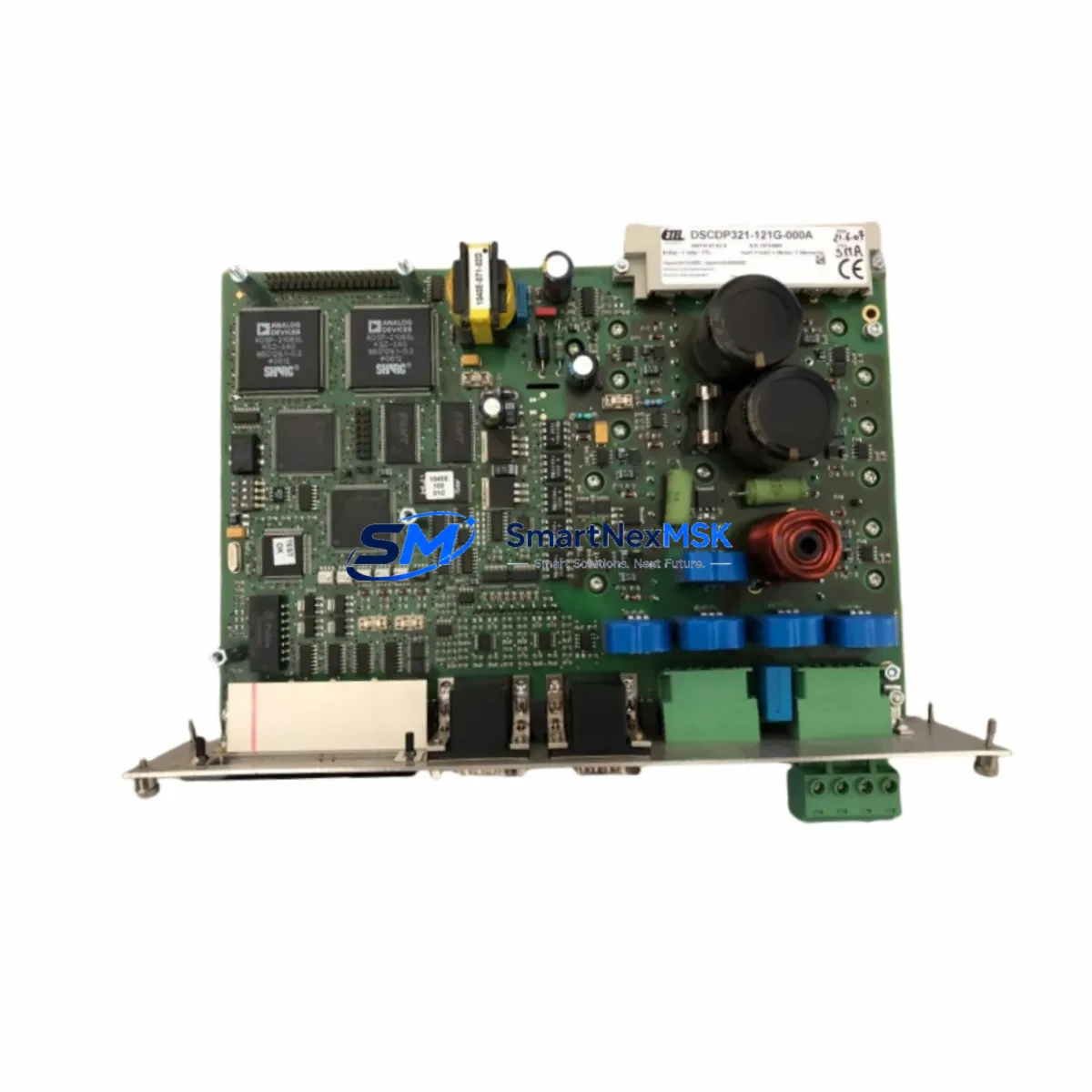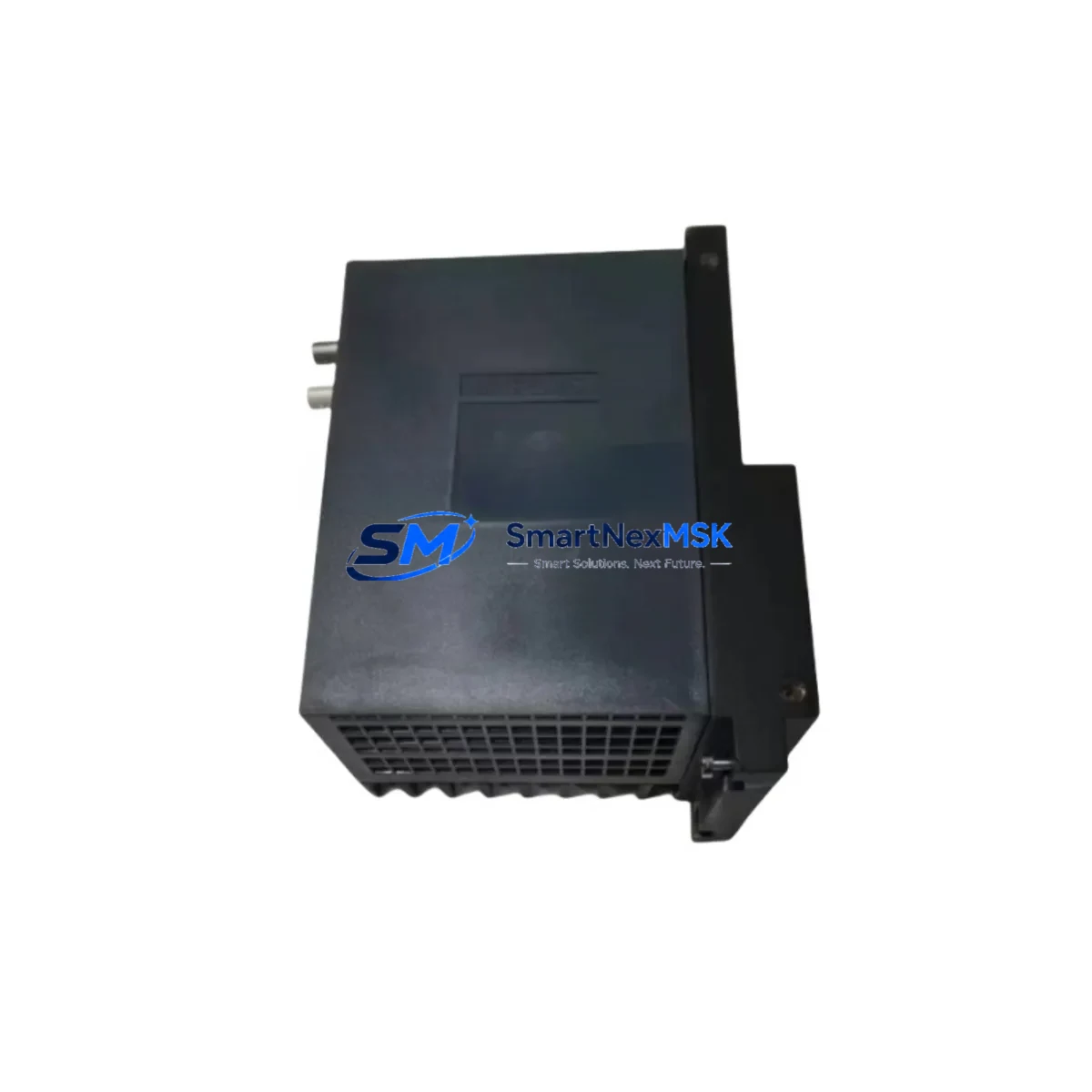
Ingeteam IC3101-EA Retrofit-Ready Control Module for IC3101 Series: Compatible Modernization & Smooth Legacy System Upgrade
The Ingeteam IC3101-EA is a retrofit-ready control module engineered for seamless integration into existing IC3101 Series automation architectures. As industrial facilities face the growing challenge of maintaining aging distributed control systems, the IC3101-EA provides a verified drop-in upgrade path that preserves original program logic, terminal wiring layouts, and backplane communication interfaces — minimizing engineering rework and unplanned downtime during system migration.
Whether you are replacing a discontinued IC3101 Series module, expanding I/O capacity in an existing control cabinet, or migrating from legacy fieldbus protocols to modern communication standards, the IC3101-EA is designed to meet the demands of real-world industrial retrofit projects. It is fully compatible with the IC3101 Series rack and backplane architecture, supports standard DIN rail mounting, and maintains electrical compatibility with the original terminal block wiring configurations used across the IC3101 platform.
Upgrade Compatibility Table
| Parameter | IC3101-EA (This Module) | Legacy IC3101 Series Reference |
|---|---|---|
| Backplane Interface | IC3101 Series standard backplane connector | Compatible — no backplane modification required |
| Terminal Wiring | Standard screw-terminal block, same pinout | Direct re-use of existing field wiring |
| Communication Protocol | Supports PROFIBUS, Modbus RTU / TCP (series-dependent) | Verify active protocol with existing PLC configuration |
| Module Address Setting | DIP switch / software-configurable | Match original module address before power-on |
| Power Supply Requirement | 24 VDC nominal (verify rail capacity) | Confirm IC3101 Series power module (e.g., IC3101-PS) headroom |
| Mounting | DIN rail / rack slot — IC3101 Series chassis | Direct slot replacement, no chassis modification |
| Program Compatibility | Retains original ladder/function block logic | No reprogramming required for like-for-like replacement |
| HMI Screen Compatibility | Tag addresses preserved | Existing HMI screens remain valid after swap |
| Commissioning Requirement | Address verification + I/O force test recommended | Standard IC3101 Series commissioning procedure applies |
| Warranty | 12-Month Warranty — covers manufacturing defects and functional failure under normal operating conditions | |
Retrofit Planning for Existing Automation Systems
A successful IC3101-EA retrofit begins well before the module arrives on-site. Engineers should start by auditing the existing IC3101 Series rack configuration, documenting each occupied slot and confirming the power budget available from the installed IC3101-PS power supply module. In many aging control cabinets, the original power rail is already operating near capacity — particularly when additional I/O expansion modules such as the IC3101-DI digital input module or IC3101-DO digital output module have been added over the years. Verifying that the 24 VDC supply can support the IC3101-EA without exceeding the rated current draw of the backplane is a critical pre-installation step.
Terminal wiring documentation is equally important. The IC3101-EA uses the same screw-terminal block layout as the original IC3101 Series modules, which means existing field cables can typically be reconnected without re-labeling or re-routing. However, engineers should photograph or scan the original wiring before removal, particularly in installations where as-built drawings have not been maintained. This is especially relevant in control cabinets that also house IC3101-AI analog input modules or IC3101-AO analog output modules, where signal polarity and shielding practices must be preserved to avoid measurement drift after the upgrade.
For systems using PROFIBUS DP as the primary fieldbus, the IC3101-EA must be assigned the same station address as the module it replaces. This address is typically set via DIP switch on the module face before installation. In Modbus RTU environments, the slave ID must be confirmed against the master PLC configuration — often an Ingeteam INGECON or IC3000 Series controller — to ensure the new module responds correctly on the RS-485 communication link. Where the existing installation uses a PROFIBUS repeater or DP/PA coupler, the segment termination and bus topology should be verified before the replacement module is powered on.
I/O expansion planning should also account for any IC3101-EM expansion modules connected via the local backplane. The IC3101-EA maintains full compatibility with the IC3101 Series backplane bus, so existing expansion modules do not need to be reconfigured. However, if the retrofit is being performed as part of a broader system upgrade that includes adding new I/O points, engineers should confirm that the total module count does not exceed the maximum supported by the IC3101 Series rack — typically 8 to 16 slots depending on the chassis variant.
HMI integration is another area that requires attention during retrofit planning. In installations where an Ingeteam PSCADA or third-party SCADA system communicates with the IC3101 Series via OPC or Modbus TCP, the tag database should be reviewed to confirm that the IC3101-EA presents the same data structure as the original module. In most like-for-like replacement scenarios, no HMI screen modifications are required. However, if the retrofit involves a firmware version change or a transition from an older IC3101 variant to the EA revision, a full tag validation against the existing HMI project is recommended before returning the system to automatic operation.
Programming cable access is required if the module address or communication parameters need to be adjusted during commissioning. The IC3101 Series uses a standard RS-232 or USB programming cable compatible with the Ingeteam configuration software. Engineers should confirm that the programming tool version supports the IC3101-EA firmware revision before beginning the commissioning sequence.
Downtime Control During System Migration
Minimizing production downtime is the primary concern in any live system retrofit. For IC3101-EA replacements, the recommended approach is to pre-configure the module off-line before the scheduled maintenance window. This includes setting the module address, verifying communication parameters, and performing a bench-level power-on test to confirm the module is functional before it enters the control cabinet.
During the actual swap, the sequence should follow a structured procedure: isolate the affected I/O zone, document the current process state, remove the failed or discontinued module, install the IC3101-EA in the same rack slot, reconnect field wiring using the pre-documented terminal layout, and restore power in a controlled sequence. The entire physical swap can typically be completed in under 30 minutes for a single module replacement, provided that pre-commissioning has been completed and all documentation is available on-site.
After power restoration, the first priority is to verify that the IC3101-EA is recognized by the host controller — whether that is an Ingeteam IC3000 Series PLC or a third-party master — and that all I/O points are reporting correctly. A forced I/O test on each channel, conducted with the process in a safe state, is the most reliable method to confirm wiring integrity before returning the system to automatic control. If the installation includes an HMI, operators should verify that all relevant screens are displaying live data and that no communication fault alarms are active before releasing the system to production.
For multi-module retrofit projects where several IC3101 Series modules are being replaced in a single maintenance window, a phased approach — replacing and verifying one module at a time before proceeding to the next — significantly reduces the risk of compounding faults and makes troubleshooting more straightforward if an issue is encountered.
Retrofit Support FAQ
Q: Is the IC3101-EA a direct drop-in replacement for all IC3101 Series variants?
A: The IC3101-EA is designed as a compatible replacement for the IC3101 Series control module family. For specific variant-to-variant compatibility (e.g., IC3101-EB, IC3101-EC), engineers should verify the backplane connector type, terminal block pinout, and firmware revision against the original module’s datasheet. In most cases, the EA revision is backward-compatible with the standard IC3101 rack and wiring infrastructure.
Q: What commissioning steps are required after installing the IC3101-EA?
A: After physical installation, the recommended commissioning sequence includes: (1) verify module address matches the original configuration, (2) confirm communication link status on the host controller, (3) perform a channel-by-channel I/O force test with the process isolated, (4) validate HMI tag data against live process values, and (5) release to automatic control after all channels pass verification. A commissioning record should be completed and retained for maintenance documentation.
Q: Can the IC3101-EA be used in systems that have already been partially upgraded to newer Ingeteam platforms?
A: Yes. The IC3101-EA is compatible with mixed-generation IC3101 Series racks and can coexist with newer expansion modules on the same backplane, provided the total power budget and slot count limits are respected. In hybrid installations where some racks have been upgraded to IC3000 Series hardware, the IC3101-EA continues to operate on its native backplane without requiring changes to the upgraded sections of the system.
Q: What does the 12-month warranty cover, and how is it processed?
A: The 12-month warranty covers manufacturing defects and functional failures under normal operating conditions, including backplane communication faults, I/O channel failures, and power regulation issues attributable to the module itself. Warranty claims are processed by contacting our sales team with the module serial number, purchase date, and a description of the fault. All modules are tested prior to shipment to confirm functionality before leaving our facility.
© 2026 SMARTNEXMSK. All rights reserved.
Original Source: https://smartnexmsk.com
Contact: [email protected] | +86 18259474341