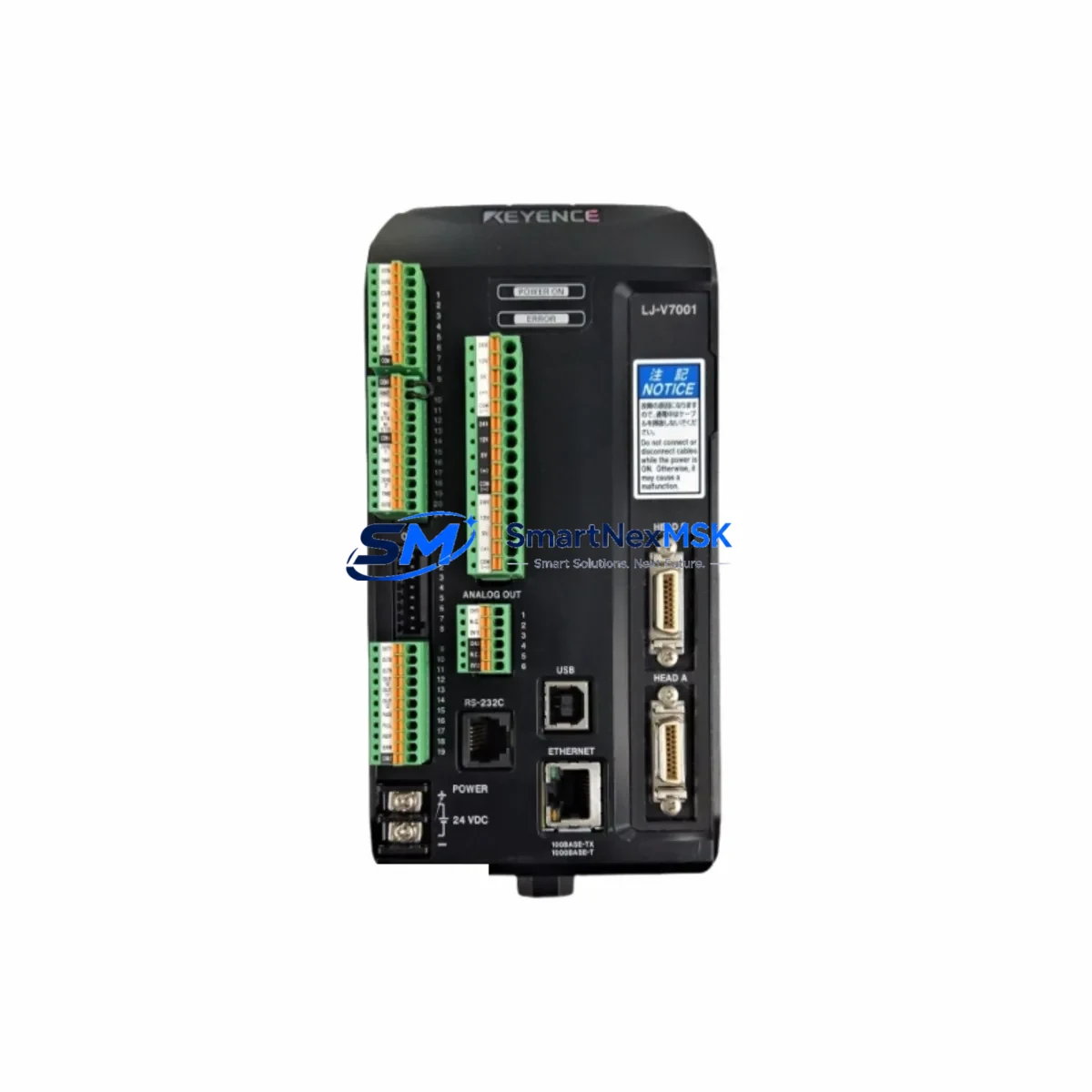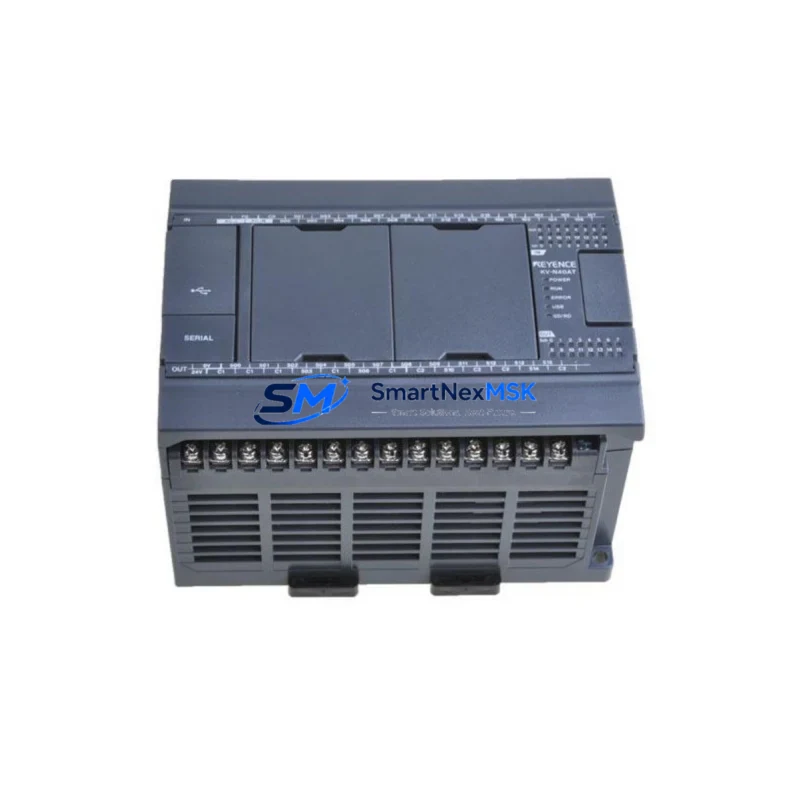
KEYENCE KV-N3AM Maintenance-Ready Spare for KV-N Series Automation
Unplanned downtime in industrial automation environments carries significant operational and financial risk. The KEYENCE KV-N3AM CPU module — paired with expansion units KV-N8EXT and KV-N24DT — forms the control core of many KV-N Series PLC installations across manufacturing, assembly, packaging, and process automation lines. Maintaining a verified, tested spare of this module on-site is one of the most effective strategies a maintenance engineer can implement to reduce mean time to repair (MTTR) and protect production continuity.
This listing covers the original KEYENCE KV-N3AM CPU module along with compatible KV-N8EXT (8-point I/O expansion) and KV-N24DT (24-point I/O expansion) modules, all sourced as genuine industrial spare parts. Each unit undergoes pre-shipment functional testing and is dispatched with full documentation support. A 12-month warranty is included on every unit shipped.
Whether you are managing a planned shutdown, responding to an emergency fault, or building out your facility’s critical spare inventory, this module set provides the confidence of original-specification hardware with the reliability your KV-N Series system demands.
Spare Maintenance Table
| Parameter | Specification |
|---|---|
| Brand | KEYENCE |
| Model / SKU | KV-N3AM / KV-N8EXT / KV-N24DT |
| Series | KV-N Series |
| Module Type | CPU Module + I/O Expansion Modules |
| CPU Program Capacity | 3,000 steps (KV-N3AM) |
| I/O Points (KV-N8EXT) | 8 points (4 IN / 4 OUT) |
| I/O Points (KV-N24DT) | 24 points (14 IN / 10 OUT transistor) |
| Power Supply Voltage | 24 VDC |
| Communication Port | USB (programming), RS-232C optional |
| Compatible Software | KV STUDIO |
| Operating Temperature | 0°C to 55°C |
| Storage Temperature | -20°C to 75°C |
| Humidity | 10% to 95% RH (non-condensing) |
| Origin | Japan |
| Compatibility | KV-N Series expansion bus; backward-compatible with select KV-700 peripherals |
| Installation | DIN rail mount, snap-fit expansion connector |
| Warranty | 12 Months from date of shipment |
| Pre-Shipment Test | Functional power-on and I/O verification |
| Condition | Original spare (new or refurbished-to-spec, clearly stated per order) |
Maintenance Planning for Continuous Operation
When a KV-N3AM CPU module fails or shows erratic behavior — such as scan cycle overruns, communication dropouts, or I/O mapping errors — the fault rarely exists in isolation. A thorough maintenance response requires inspecting the entire control cabinet ecosystem to prevent repeat failures and ensure a clean restart.
Begin with the 24 VDC power supply unit feeding the KV-N Series base unit. Voltage sag or ripple under load is a common root cause of CPU resets and memory corruption. Verify output voltage under full I/O load before reinstalling the replacement KV-N3AM. If the cabinet uses a KV-U3 or KV-U5 power supply module, check its capacitor health and output stability.
Inspect all KV-N8EXT and KV-N24DT expansion modules connected to the base unit. A failed expansion connector or damaged ribbon bus can cause the CPU to fault on startup. Reseat each module and verify the expansion chain is recognized correctly in KV STUDIO diagnostics. If any expansion module shows a hardware error LED, treat it as a concurrent replacement candidate.
Review the input wiring terminals and terminal blocks on the I/O expansion modules. Loose or corroded terminals on 24 VDC digital inputs are a frequent source of intermittent faults that are misdiagnosed as CPU failures. Torque all terminal screws to specification and inspect for discoloration indicating thermal stress.
Check any KV-EP21V Ethernet communication module or KV-L21V serial communication module installed in the same base unit. Communication module firmware mismatches after a CPU swap can prevent the PLC from going online. Confirm firmware compatibility in KV STUDIO before commissioning the replacement CPU.
If the system interfaces with a KEYENCE HMI panel (VT series or GT series), verify the HMI communication settings match the replacement CPU’s station number and baud rate. A CPU swap without updating HMI parameters is a common cause of post-maintenance communication failures.
For systems using signal isolators or analog signal conditioners on the I/O bus, confirm that the analog input scaling in the CPU program matches the isolator output range. This is especially important when replacing a CPU that may have had custom scaling parameters stored in non-volatile memory.
Finally, inspect the fuse holders and circuit protection devices on the 24 VDC distribution rail. A blown fuse protecting the PLC power input is often the first indicator of a surge event that may have damaged the original CPU. Replace any suspect fuses and consider adding surge protection if not already present.
Building a structured spare parts kit around the KV-N3AM — including at minimum one KV-N8EXT, one KV-N24DT, a spare power supply, and a set of terminal blocks — is the recommended approach for facilities operating KV-N Series systems in critical production roles.
Site Replacement Workflow
Step 1 — Backup: Before removing the faulty KV-N3AM, use KV STUDIO to upload and save the current program, I/O comments, and communication settings to a local PC. Store the backup file with the date and machine ID.
Step 2 — Power Down: Isolate the control cabinet from mains power. Verify 24 VDC bus is de-energized using a calibrated multimeter before touching any module.
Step 3 — Module Removal: Disconnect the USB programming cable and any RS-232C communication cables. Release the DIN rail locking tab and slide the KV-N3AM free from the expansion bus connector. Note the orientation of all wiring before disconnecting.
Step 4 — Replacement Installation: Seat the replacement KV-N3AM onto the DIN rail and engage the expansion bus connector firmly. Reconnect all wiring in the original configuration. Verify terminal torque.
Step 5 — Program Restore: Power up the cabinet and connect KV STUDIO. Download the saved program to the replacement CPU. Verify I/O mapping, communication parameters, and HMI link settings before switching to RUN mode.
Step 6 — Functional Test: Cycle all digital inputs and verify correct output response. Check expansion module status LEDs — all should show green. Confirm Ethernet or serial communication is re-established with upstream SCADA or HMI systems.
This workflow minimizes downtime to under 60 minutes for a prepared maintenance team and eliminates the risk of configuration errors that can extend outages unnecessarily. Compatibility with the existing KV-N Series expansion bus means no hardware modifications are required when replacing like-for-like.
Spare Parts Support FAQ
Q1: Is the KV-N3AM replacement compatible with my existing KV-N8EXT and KV-N24DT expansion modules?
Yes. The KV-N3AM uses the standard KV-N Series expansion bus connector. A replacement CPU will recognize all KV-N8EXT and KV-N24DT modules without hardware modification, provided the program is restored correctly via KV STUDIO.
Q2: What does the 12-month warranty cover?
The 12-month warranty covers hardware defects and functional failures under normal operating conditions from the date of shipment. Each unit is tested prior to dispatch. Warranty claims are supported with replacement or repair, subject to inspection of the returned unit.
Q3: How should I verify the module before installing it in a live system?
Power the replacement KV-N3AM on a bench test rig with a known-good 24 VDC supply. Connect KV STUDIO via USB and confirm the CPU is recognized and responds to online monitoring. Download a minimal test program and verify I/O response before installing in the production cabinet.
Q4: Can you support long-term supply for KV-N Series spare parts?
Yes. We maintain ongoing stock of KV-N Series components including CPU modules, I/O expansion units, communication modules, and accessories. Long-term supply agreements are available for facilities managing aging KV-N Series installations. Contact us to discuss your spare parts inventory requirements.
© 2026 SMARTNEXMSK. All rights reserved.
Original Source: https://smartnexmsk.com
Contact: [email protected] | +86 18259474341