
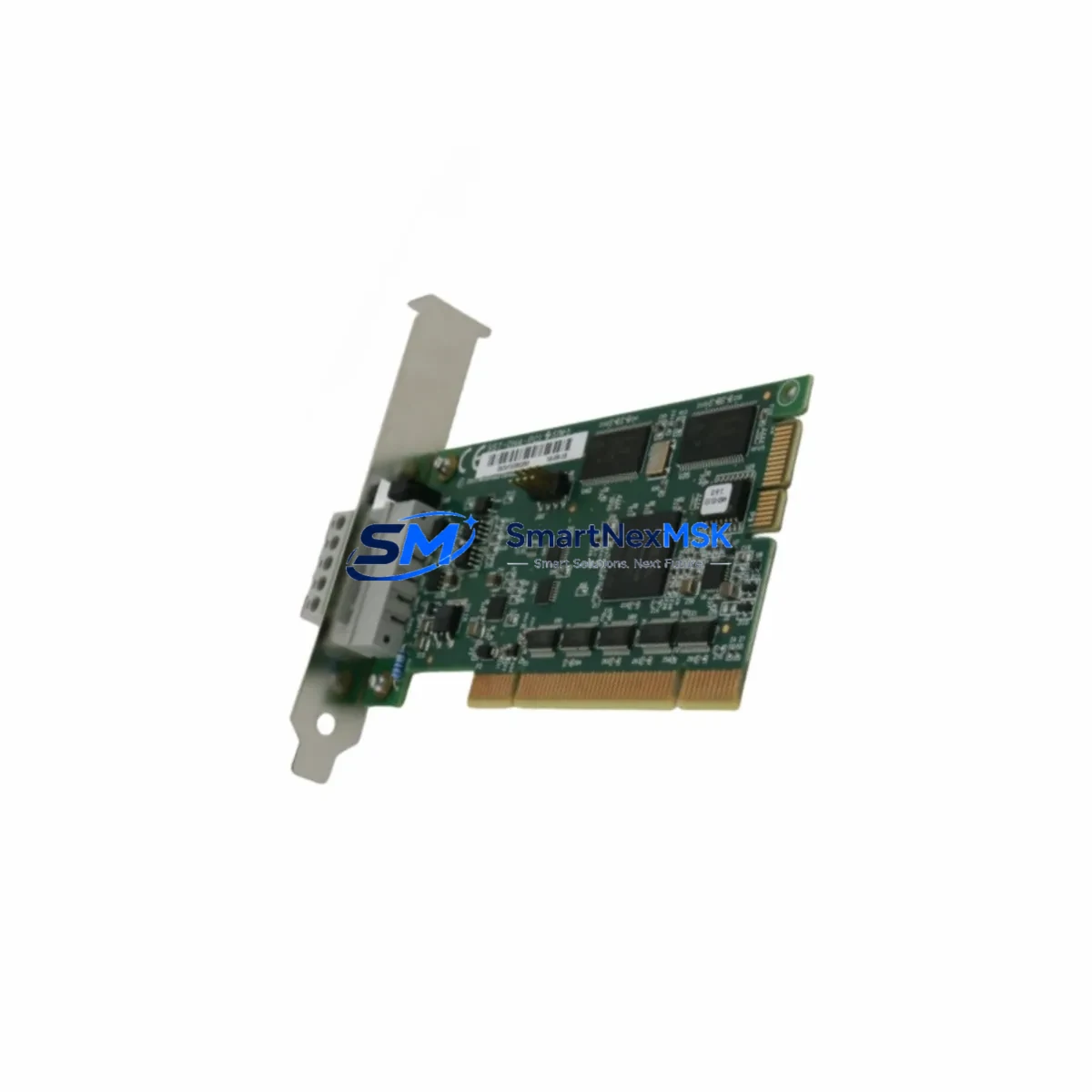
KEYSTONE PZN+125/1IS 0303545 Retrofit-Ready IS Interface Module for PZN Series Control Systems
The KEYSTONE ELECTRONICS PZN+125/1IS (Part No. 0303545) is a retrofit-ready intrinsically safe interface module engineered for seamless integration into existing PZN Series control architectures. Whether you are replacing an end-of-life unit, upgrading a legacy control cabinet, or migrating from an obsolete safety barrier platform, this module delivers verified compatibility, reliable signal isolation, and the electrical characteristics required for Zone 0/1 hazardous area applications. With in-stock availability, pre-shipment functional testing, and a 12-month warranty, the PZN+125/1IS 0303545 is the preferred choice for maintenance engineers and system integrators managing brownfield automation upgrades.
Upgrade Compatibility Table
| Parameter | Details |
|---|---|
| SKU / Part Number | PZN+125/1IS / 0303545 |
| Brand | KEYSTONE ELECTRONICS |
| Series | PZN Series |
| Module Function | Intrinsically Safe Interface / Signal Isolator |
| Installation Type | DIN Rail Mount (35 mm) |
| Supply Voltage | 24 V DC (loop-powered / externally powered — confirm per wiring diagram) |
| Communication Compatibility | Analog 4–20 mA, NAMUR sensor input, discrete I/O |
| Hazardous Area Classification | Zone 0 / Zone 1 / Division 1 (ATEX / IECEx — verify certification label) |
| Terminal Wiring | Screw-type terminals; verify pitch and wire gauge against existing cabinet layout |
| Backplane / Rack Interface | Standalone DIN rail; no proprietary backplane required |
| Direct Replacement For | PZN+125/1IS legacy variants; confirm 0303545 revision level |
| Retrofit Recommendation | Verify field wiring polarity, barrier ground continuity, and associated apparatus certification before energizing |
| Commissioning Notes | Loop calibration, HART pass-through check (if applicable), and SIL verification recommended post-installation |
| Warranty | 12 Months from date of shipment |
Retrofit Planning for Existing Automation Systems
Successful integration of the PZN+125/1IS 0303545 into a brownfield control system begins well before the module arrives on site. Engineers responsible for the retrofit should start by auditing the existing control cabinet layout, documenting the current terminal block assignments, and confirming that the 24 V DC supply rail has sufficient capacity to support the replacement module alongside other active components such as PHOENIX CONTACT MINI MCR or PEPPERL+FUCHS KFD series barriers already installed in the same enclosure.
When the legacy IS interface is removed, inspect the field cable insulation and verify that the intrinsic safety earth bonding conductor is intact and correctly terminated. The PZN+125/1IS uses screw-type terminals; cross-reference the terminal pitch with the existing wiring harness to determine whether ferrule crimping or re-termination is required. If the original installation used a TURCK IM series or STAHL 9001 series barrier in the same slot position, confirm that the terminal numbering convention matches before transferring field wires.
For systems where the PZN+125/1IS feeds a 4–20 mA analog input card — such as a SIEMENS SIMATIC S7-300 SM 331 or an ABB AC500 analog I/O module — verify that the input impedance of the receiving card is within the drive capability of the new module. If the control system uses a PROFIBUS DP or HART multiplexer for asset management, confirm that the HART signal pass-through characteristic of the PZN+125/1IS is compatible with the host HART modem or handheld communicator (e.g., Emerson 475 Field Communicator) used during calibration.
Where the retrofit involves migrating from a relay-output barrier to the analog output of the PZN+125/1IS, the PLC program logic — whether running on a SIEMENS S7-400, a Rockwell Automation ControlLogix, or a Schneider Electric Modicon M340 — must be updated to reflect the change from discrete to continuous signal processing. Coordinate with the control system programmer to update the I/O address mapping, scaling parameters, and any associated HMI faceplates on the SCADA or DCS operator station before the cutover window opens.
Rack and backplane considerations are minimal for this DIN rail-mounted module, but if the control cabinet houses a modular safety system such as a PILZ PNOZmulti or a HIMA HIMatrix, ensure that the IS interface does not introduce ground loops that could affect the safety system’s diagnostic coverage. A pre-installation insulation resistance test on the field cable is recommended.
Downtime Control During System Migration
Minimizing production downtime during an IS interface replacement requires a structured cutover plan. Begin by scheduling the replacement during a planned maintenance window and preparing a complete set of spare terminals, ferrules, and a calibrated loop calibrator. Before de-energizing the existing PZN+125/1IS, capture a screenshot or printout of the current process value on the DCS or SCADA historian to establish a baseline for post-commissioning verification.
Use a temporary bypass loop — where process safety permits — to maintain signal continuity to the PLC analog input during the physical swap. Once the replacement module is wired and the field loop is re-energized, perform a live loop check by injecting a known 4 mA and 20 mA signal at the field terminals and confirming that the PLC or DCS reads 0% and 100% respectively. This step protects the original program logic from requiring modification and ensures that HMI displays, alarm setpoints, and historian tags remain valid without reconfiguration.
Document the as-found and as-left terminal assignments, module serial number, and calibration results in the plant maintenance management system (CMMS). This record supports future audits, SIL assessments, and warranty claims within the 12-month coverage period. Where the replaced module is part of a SIL-rated safety instrumented function, notify the functional safety engineer and update the safety case documentation accordingly before returning the loop to automatic control.
Retrofit Support FAQ
Q1: Is the PZN+125/1IS 0303545 a direct drop-in replacement for the original PZN+125/1IS installed in my control cabinet?
In most cases, yes. The 0303545 part number identifies the current production revision of the PZN+125/1IS. Before installation, compare the terminal diagram on the module label with the original wiring documentation to confirm that no revision-level changes affect the field wiring or power supply connections. If the original module carried a different suffix or revision code, contact our technical team with the nameplate details for confirmation.
Q2: What commissioning steps are required after installing the replacement module?
After physical installation and terminal re-connection, perform a loop integrity check, verify the 4–20 mA output range at the PLC analog input, and — if HART communication is used — confirm that the HART modem or handheld communicator can establish communication with the field device through the new module. For SIL-rated loops, a proof test in accordance with the safety manual is required before returning the function to service.
Q3: Can I use the PZN+125/1IS 0303545 in a Zone 0 hazardous area application?
The PZN+125/1IS is designed for intrinsically safe applications in hazardous areas. Verify the ATEX/IECEx certification markings on the module label against the area classification and gas group of your installation. Ensure that the associated apparatus (field sensor or actuator) is certified for the same protection concept and that the entity parameters (Ui, Ii, Pi, Ci, Li) are compatible with the module’s output parameters.
Q4: What does the 12-month warranty cover, and how is the module tested before shipment?
Every PZN+125/1IS 0303545 unit is functionally tested prior to shipment to verify signal isolation, output accuracy, and terminal integrity. The 12-month warranty covers manufacturing defects and component failures under normal operating conditions. It does not cover damage resulting from incorrect wiring, overvoltage, or installation in environments outside the module’s rated specifications. Warranty claims are processed through our sales team with proof of purchase and a fault description.
© 2026 SMARTNEXMSK. All rights reserved.
Original Source: https://smartnexmsk.com
Contact: [email protected] | +86 18259474341