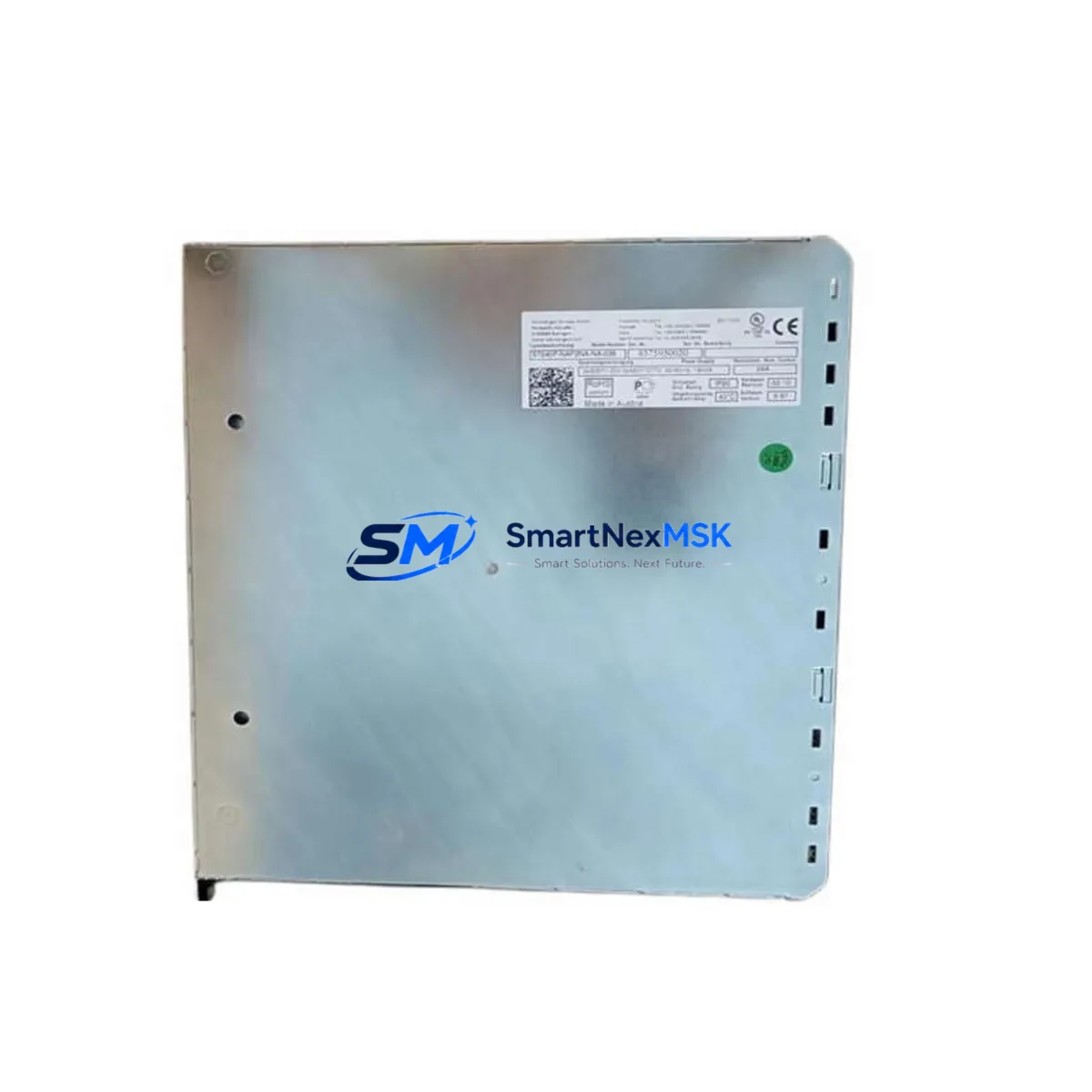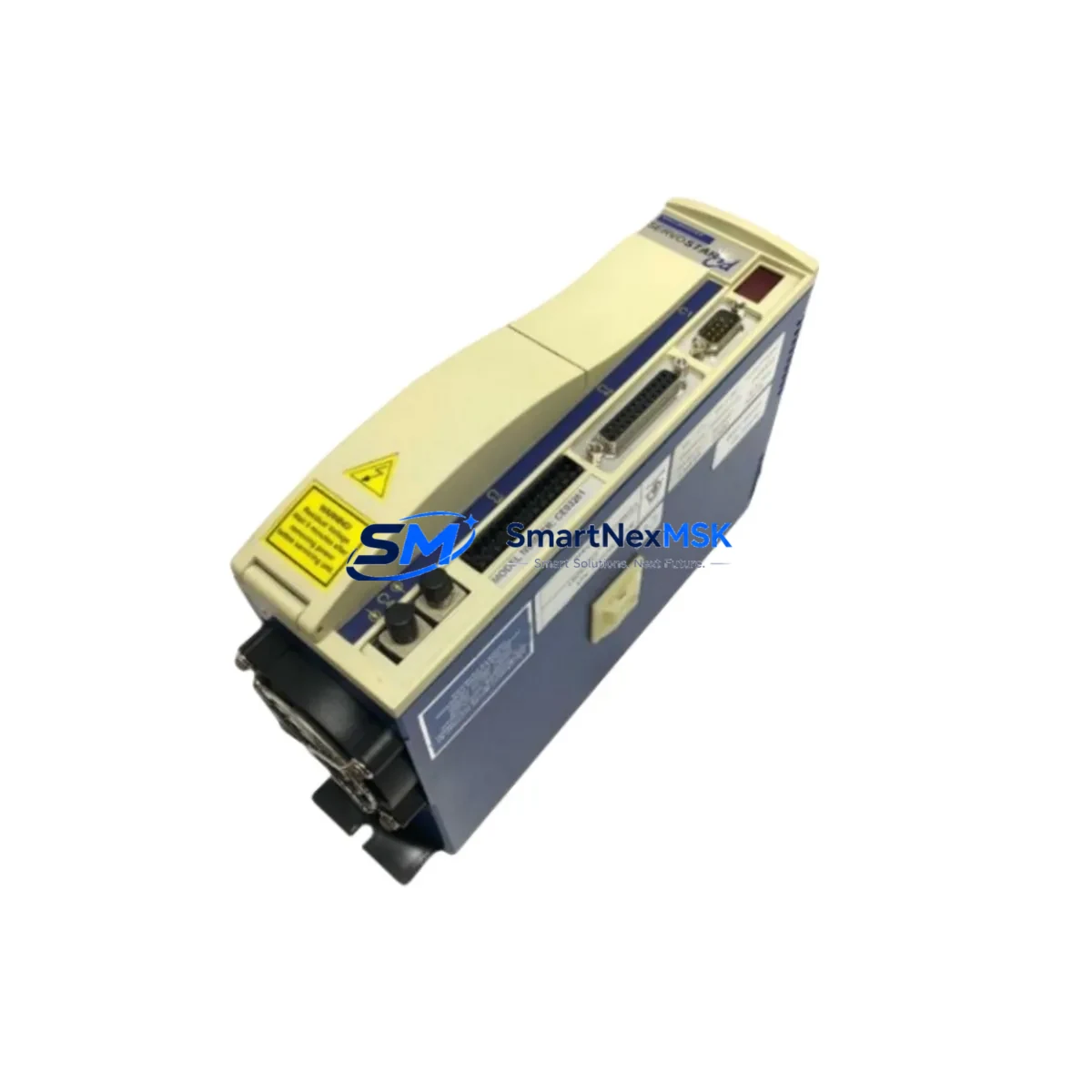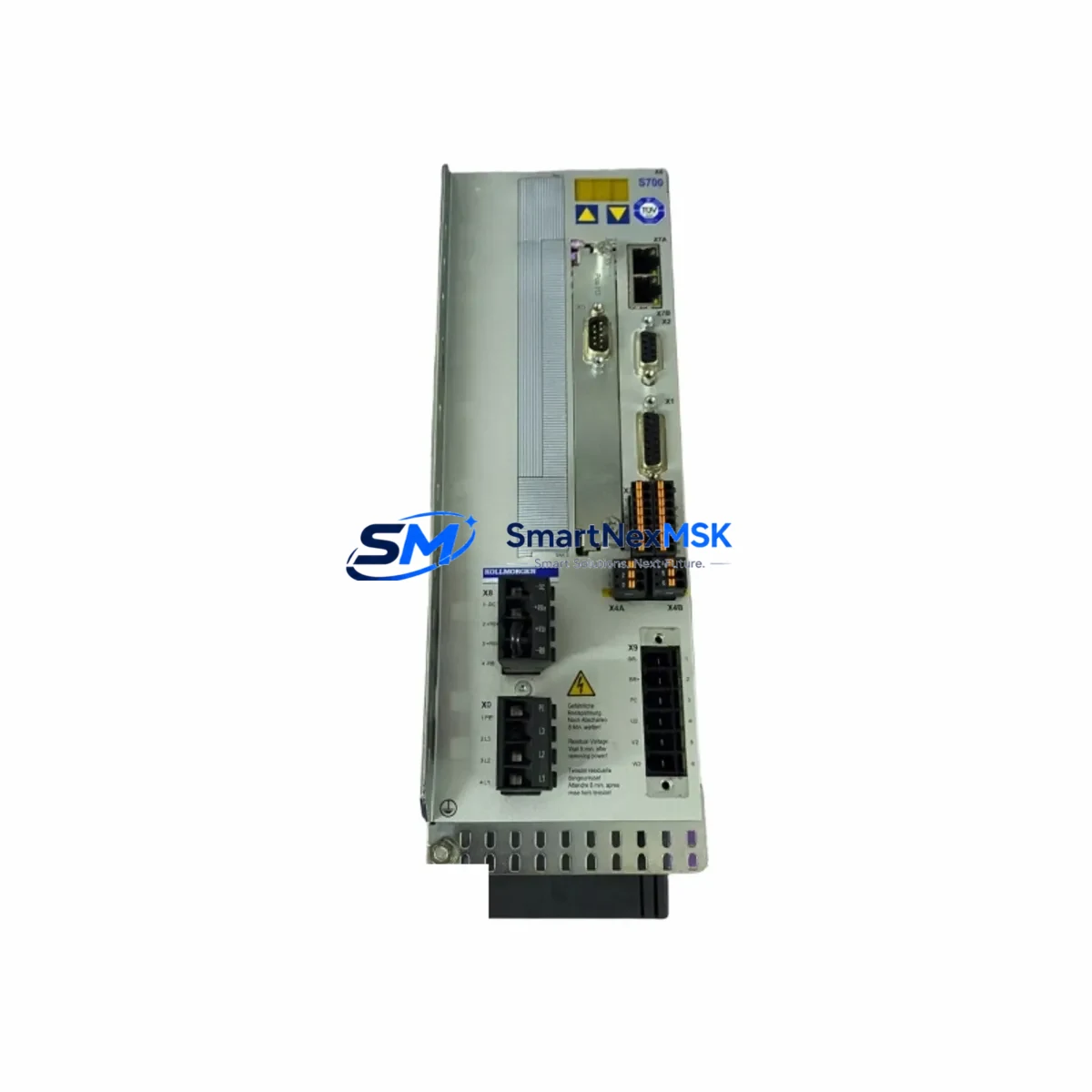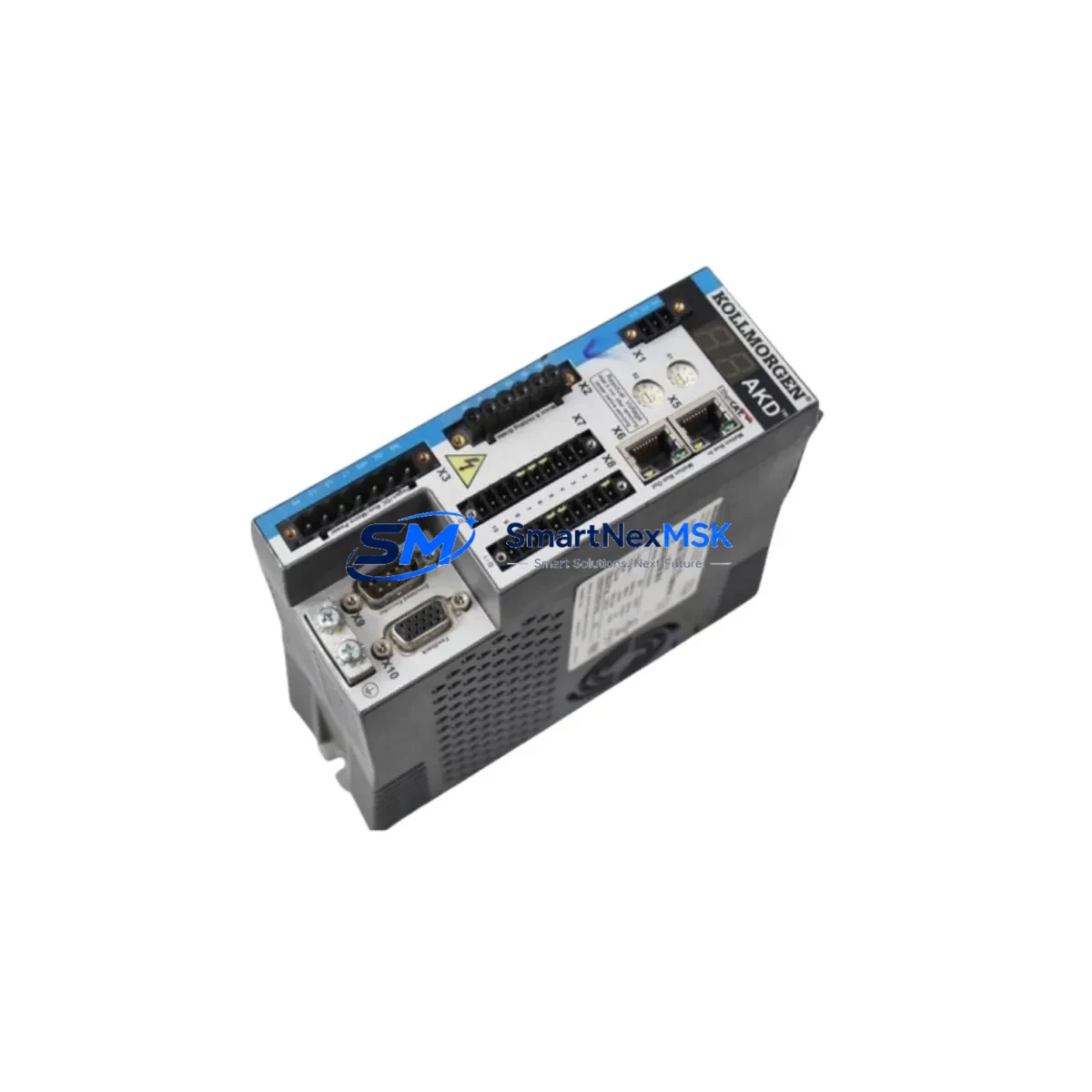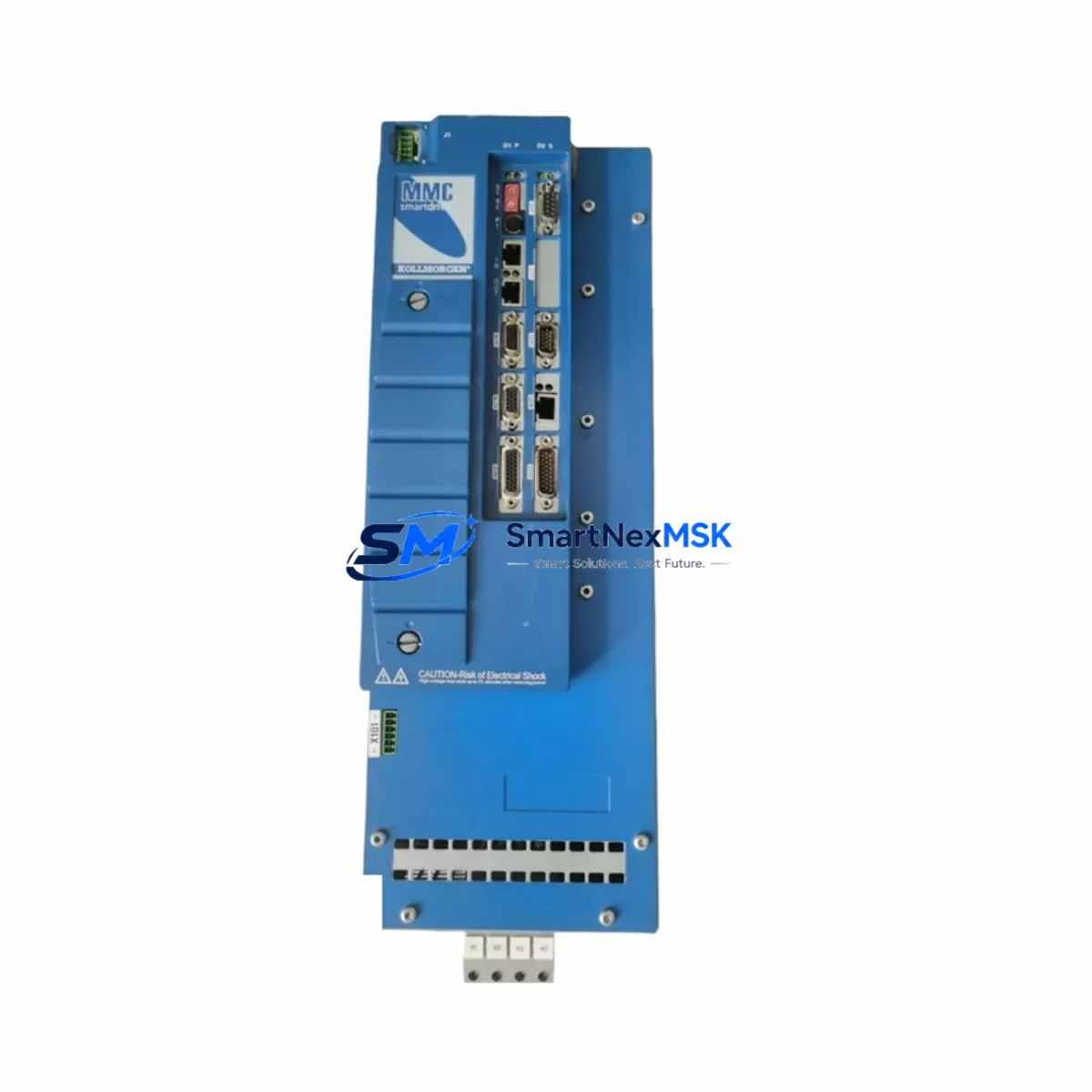
KOLLMORGEN MMC-SD-12.0-460-D Retrofit-Ready Servo Amplifier for MMC Smart Drive Control Systems
The KOLLMORGEN MMC-SD-12.0-460-D is a high-performance servo amplifier engineered for seamless integration into legacy MMC Smart Drive control architectures. As industrial facilities face increasing pressure to modernize aging motion control infrastructure without full system overhauls, this unit delivers a proven, wiring-compatible upgrade path that minimizes engineering risk and commissioning time. Whether you are replacing a failed drive in a production line, upgrading a multi-axis servo system, or migrating from an obsolete MMC platform, the MMC-SD-12.0-460-D provides the electrical and mechanical compatibility required for a smooth, low-downtime retrofit.
Rated at 12A continuous output current and designed for 460V three-phase input, this amplifier is dimensionally and functionally compatible with the original MMC Smart Drive slot assignments. It supports KOLLMORGEN’s standard feedback interface, making it directly interchangeable with earlier MMC-SD variants in the same rack without requiring motor re-cabling or encoder rewiring in most standard configurations.
Upgrade Compatibility Table
| Parameter | MMC-SD-12.0-460-D (This Unit) | Notes / Retrofit Guidance |
|---|---|---|
| Output Current | 12A continuous | Verify motor nameplate current does not exceed drive rating |
| Input Voltage | 460V AC, 3-phase | Confirm bus voltage matches existing MMC power supply module |
| Backplane Interface | MMC Smart Drive standard backplane connector | Direct slot replacement; no backplane adapter required |
| Feedback Interface | Resolver / Encoder (KOLLMORGEN standard) | Verify feedback type matches installed motor; re-parameterize if switching encoder type |
| Communication Protocol | MMC proprietary motion bus | Compatible with existing MMC controller and HMI without protocol conversion |
| Mounting / Form Factor | Standard MMC Smart Drive module | Fits existing control cabinet cutout and DIN rail or rack mount |
| Replacement Compatibility | MMC-SD-12.0-460-D and equivalent MMC-SD variants | Cross-reference original part number before ordering |
| Commissioning Requirement | Parameter upload from backup or re-tuning via MMC WorkBench | Retain original parameter file; verify axis tuning after swap |
| Warranty | 12-Month Warranty — covers manufacturing defects; includes pre-shipment functional test | |
Retrofit Planning for Existing Automation Systems
A successful retrofit of the MMC-SD-12.0-460-D begins well before the physical swap. Engineers should start by auditing the existing MMC Smart Drive rack to confirm the MMC power supply module capacity — particularly when replacing multiple axes simultaneously, as total bus current draw must remain within the supply’s rated output. In multi-axis cabinets, it is common to find a mix of MMC-SD-06.0-460-D and MMC-SD-12.0-460-D amplifiers sharing a single DC bus, so power budget verification is a mandatory first step.
Terminal wiring on the MMC-SD-12.0-460-D follows the standard KOLLMORGEN MMC Smart Drive pinout. Motor power leads (U, V, W) and the protective earth connection should be verified against the original wiring diagram. The resolver or encoder feedback cable — typically a shielded, twisted-pair assembly connecting to the MMC feedback interface board — should be inspected for insulation integrity before reconnection. If the existing cable shows signs of wear, replacement with a KOLLMORGEN-compatible feedback cable is recommended to prevent intermittent faults post-commissioning.
For systems using the MMC controller module as the motion coordinator, the axis address assignment stored in the MMC-SD-12.0-460-D must match the original configuration. This is typically set via rotary switches on the drive faceplate or through the MMC WorkBench software. Mismatched axis addressing is one of the most common causes of post-swap communication faults between the drive and the MMC HMI panel or SCADA interface.
In facilities where the MMC Smart Drive system interfaces with a broader plant network — for example, via an MMC Ethernet communication module or a legacy serial gateway — the communication link should be validated after the drive swap. Network topology changes, IP address conflicts, or baud rate mismatches can cause the replaced axis to appear offline even when the drive itself is functioning correctly. A structured commissioning checklist covering the motion bus, I/O mapping, and HMI tag bindings will prevent these issues from extending downtime.
I/O expansion in the same cabinet often involves MMC I/O modules for digital and analog signals. When retrofitting the servo amplifier, confirm that any drive-level I/O — such as drive enable, fault reset, or speed reference signals — is correctly mapped in the controller program. If the original program was written for an earlier firmware version of the MMC-SD series, a firmware compatibility check is advisable before going live. KOLLMORGEN’s MMC WorkBench programming environment supports parameter migration between compatible firmware versions, reducing the risk of logic errors after the swap.
For facilities managing a broader modernization project, the MMC-SD-12.0-460-D is frequently deployed alongside KOLLMORGEN AKD servo drives in hybrid architectures where newer axes are added to an existing MMC backbone. In these mixed environments, the MMC-AKD gateway module or an EtherCAT bridge may be required to maintain unified motion coordination. Planning for these integration points early avoids costly rework during final commissioning.
Downtime Control During System Migration
Minimizing production downtime during a servo amplifier replacement requires a structured, pre-planned approach. Before any power is removed from the control cabinet, the original axis parameters should be exported from the MMC controller using MMC WorkBench and saved to a secure backup location. This parameter file — containing PID tuning values, axis scaling, software limits, and I/O assignments — is the single most important asset for a fast recovery if commissioning issues arise after the swap.
The physical replacement of the MMC-SD-12.0-460-D is a slot-in procedure: power down the cabinet following the site’s lockout/tagout procedure, remove the failed drive module from the backplane, seat the replacement unit, and restore power. In most cases, the entire mechanical swap takes under 30 minutes. The majority of retrofit time is spent on parameter restoration, axis tuning verification, and functional testing of the motion sequence.
To protect original program logic, do not modify the controller program during the drive swap unless a firmware incompatibility is confirmed. The MMC controller will retain its ladder logic, motion profiles, and HMI bindings independently of the drive module. After the replacement drive is powered and communicating on the motion bus, run the axis through its full travel range at reduced speed before resuming production speed. Verify that all limit switches, home sensors, and safety interlocks respond correctly before releasing the axis to automatic mode.
For critical production lines where even a brief unplanned stop is unacceptable, maintaining a spare MMC-SD-12.0-460-D in the facility’s spare parts inventory is the most effective downtime mitigation strategy. Each unit shipped by SMARTNEXMSK undergoes a pre-shipment functional test and is covered by a 12-month warranty, ensuring that your spare stock is ready to deploy when needed.
Retrofit Support FAQ
Q1: Is the MMC-SD-12.0-460-D a direct drop-in replacement for my existing MMC Smart Drive amplifier?
In most cases, yes. The MMC-SD-12.0-460-D uses the standard MMC Smart Drive backplane connector and follows the same terminal wiring layout as earlier MMC-SD variants of the same current rating. However, you should verify the feedback type (resolver vs. encoder), axis address settings, and firmware version compatibility before installation. If your existing system uses a non-standard feedback configuration, contact our technical team for pre-sale compatibility confirmation.
Q2: What commissioning steps are required after installing the replacement drive?
After seating the new drive and restoring power, upload the saved parameter file via MMC WorkBench to restore axis tuning and I/O assignments. Verify the axis address matches the original configuration. Run the axis at reduced speed through its full travel range and confirm all limit switches and safety interlocks are active. Check the communication link between the drive and the MMC controller module, and validate HMI tag bindings before returning the axis to automatic production mode.
Q3: How do I verify wiring compatibility before the swap?
Compare the terminal layout of the MMC-SD-12.0-460-D against your existing wiring diagram. Motor power terminals (U, V, W, PE), feedback cable connector, and control I/O pinout should match the original drive. Inspect the feedback cable for damage and verify shield continuity. If the original wiring diagram is unavailable, our team can provide the standard MMC Smart Drive terminal reference to assist your pre-installation verification.
Q4: What does the 12-month warranty cover, and is pre-shipment testing included?
Every MMC-SD-12.0-460-D supplied by SMARTNEXMSK is functionally tested prior to shipment to confirm basic drive operation. The 12-month warranty covers manufacturing defects and component failures under normal operating conditions. It does not cover damage resulting from incorrect installation, overvoltage events, or operation outside the drive’s rated specifications. Warranty claims are processed promptly — contact [email protected] with your order reference and a description of the fault.
© 2026 SMARTNEXMSK. All rights reserved.
Original Source: https://smartnexmsk.com
Contact: [email protected] | +86 18259474341