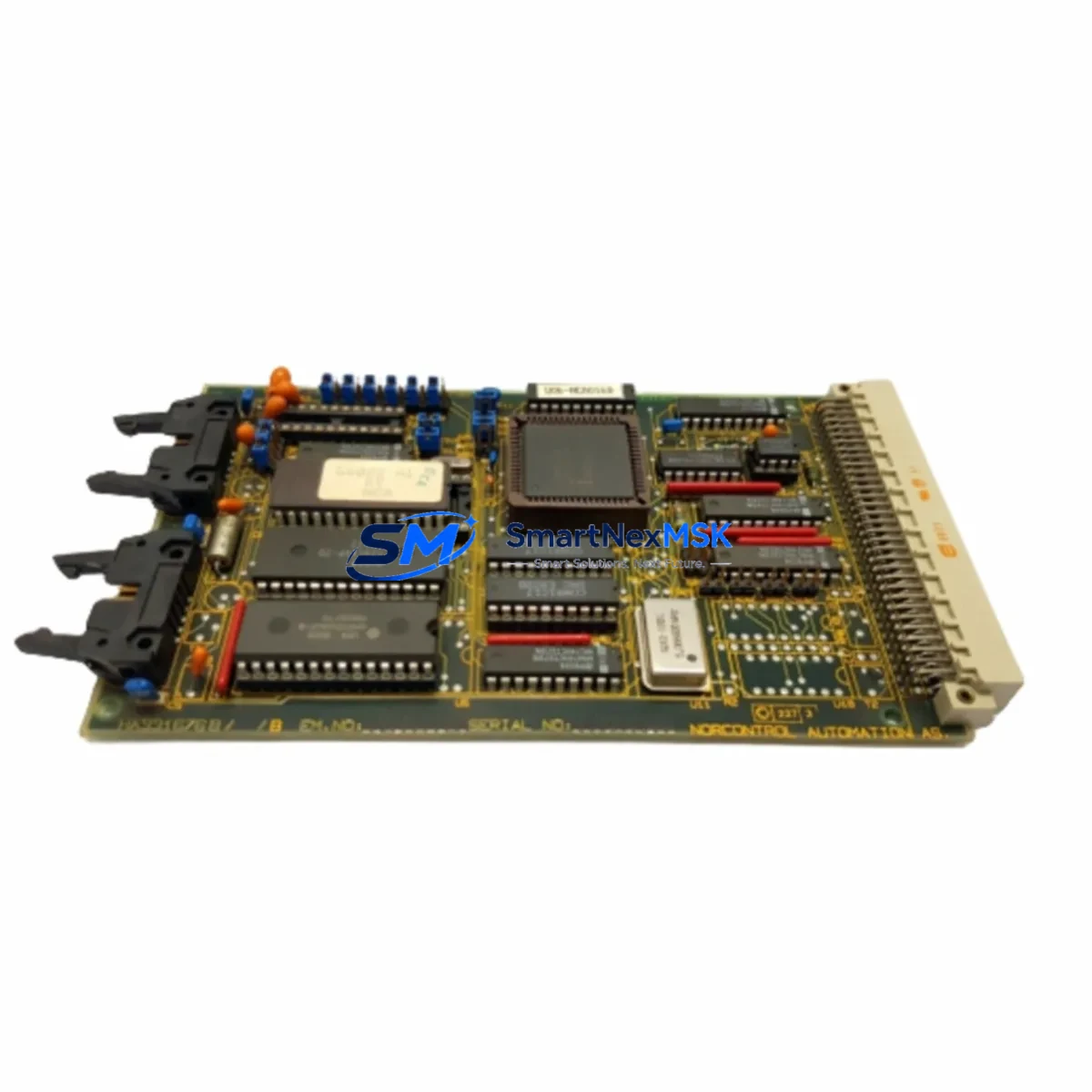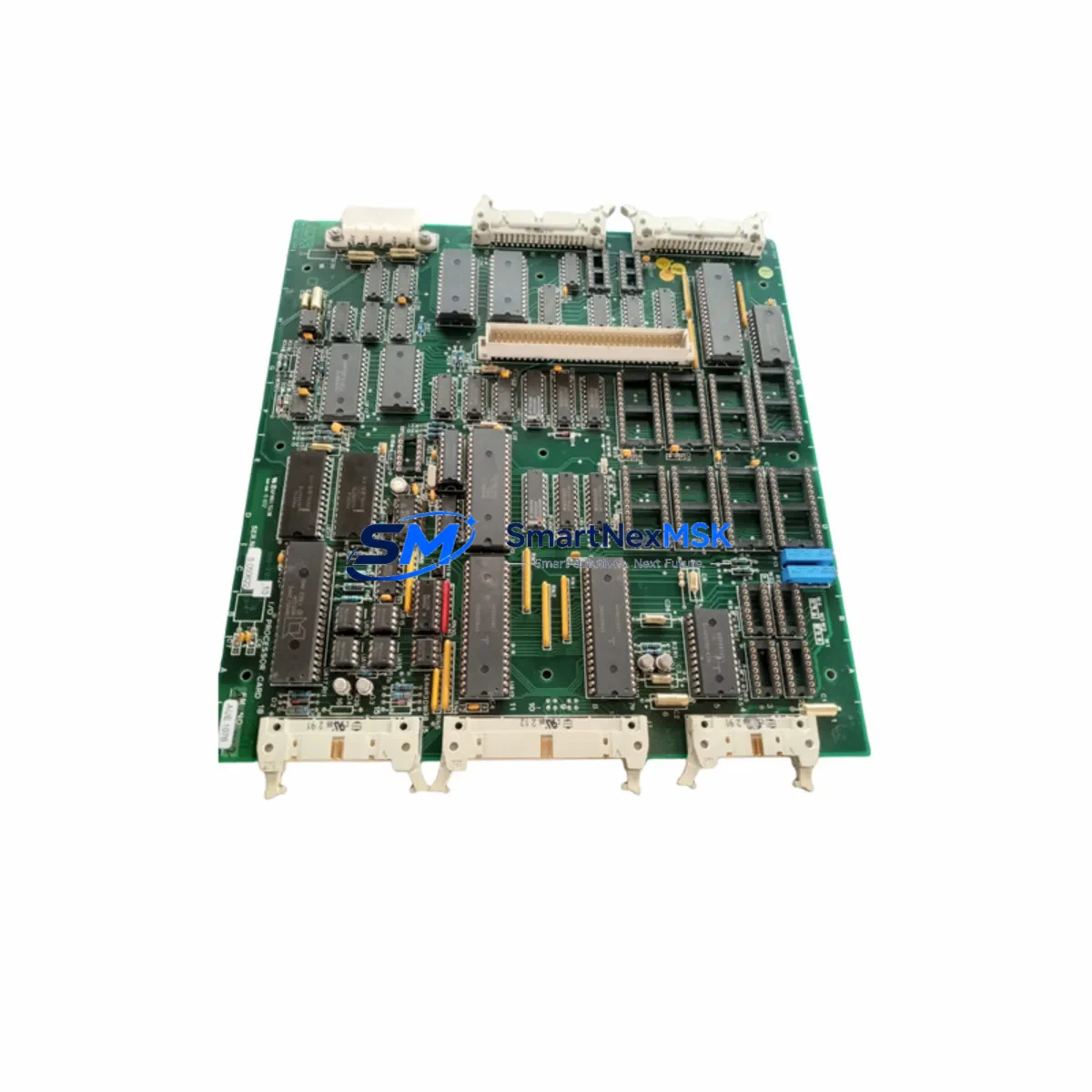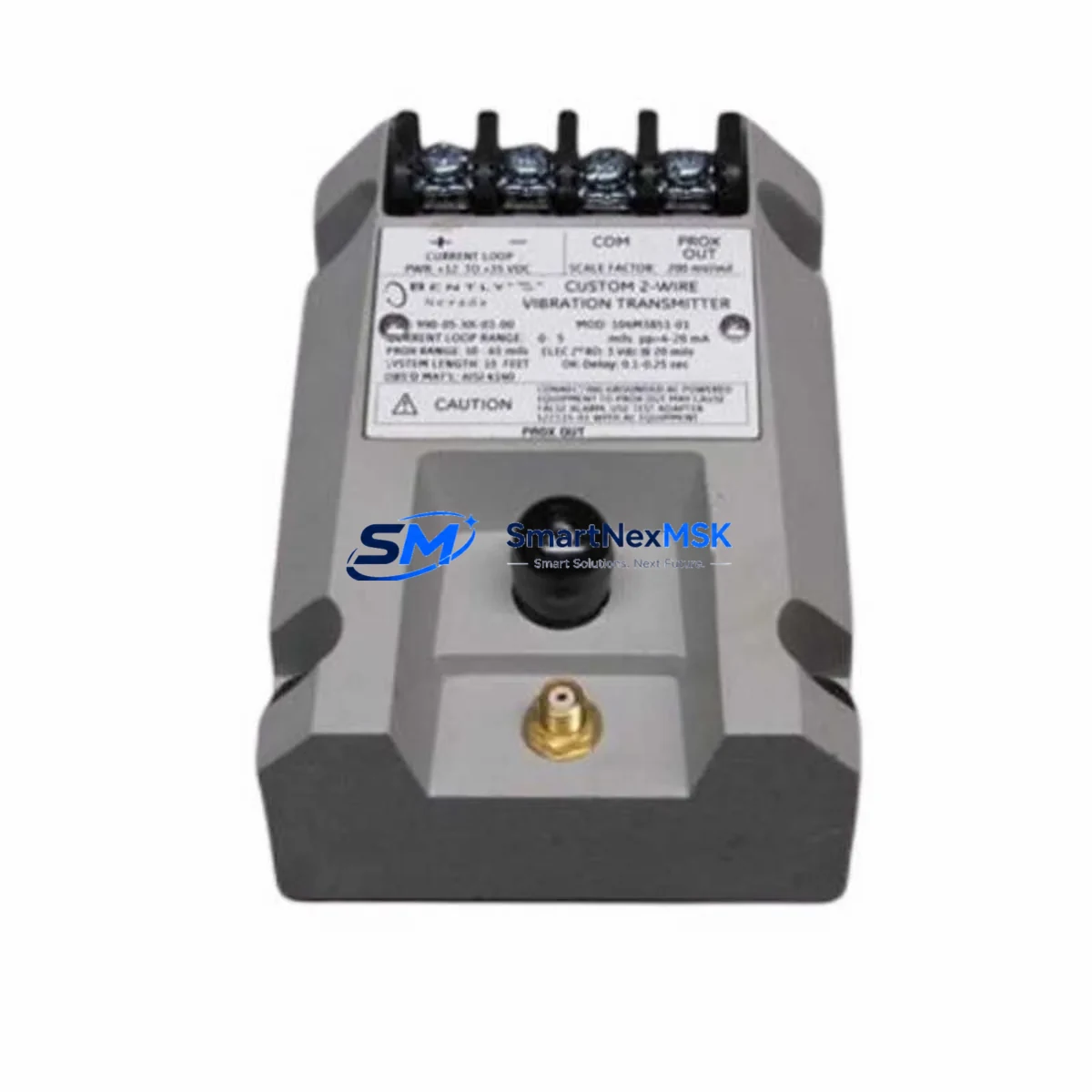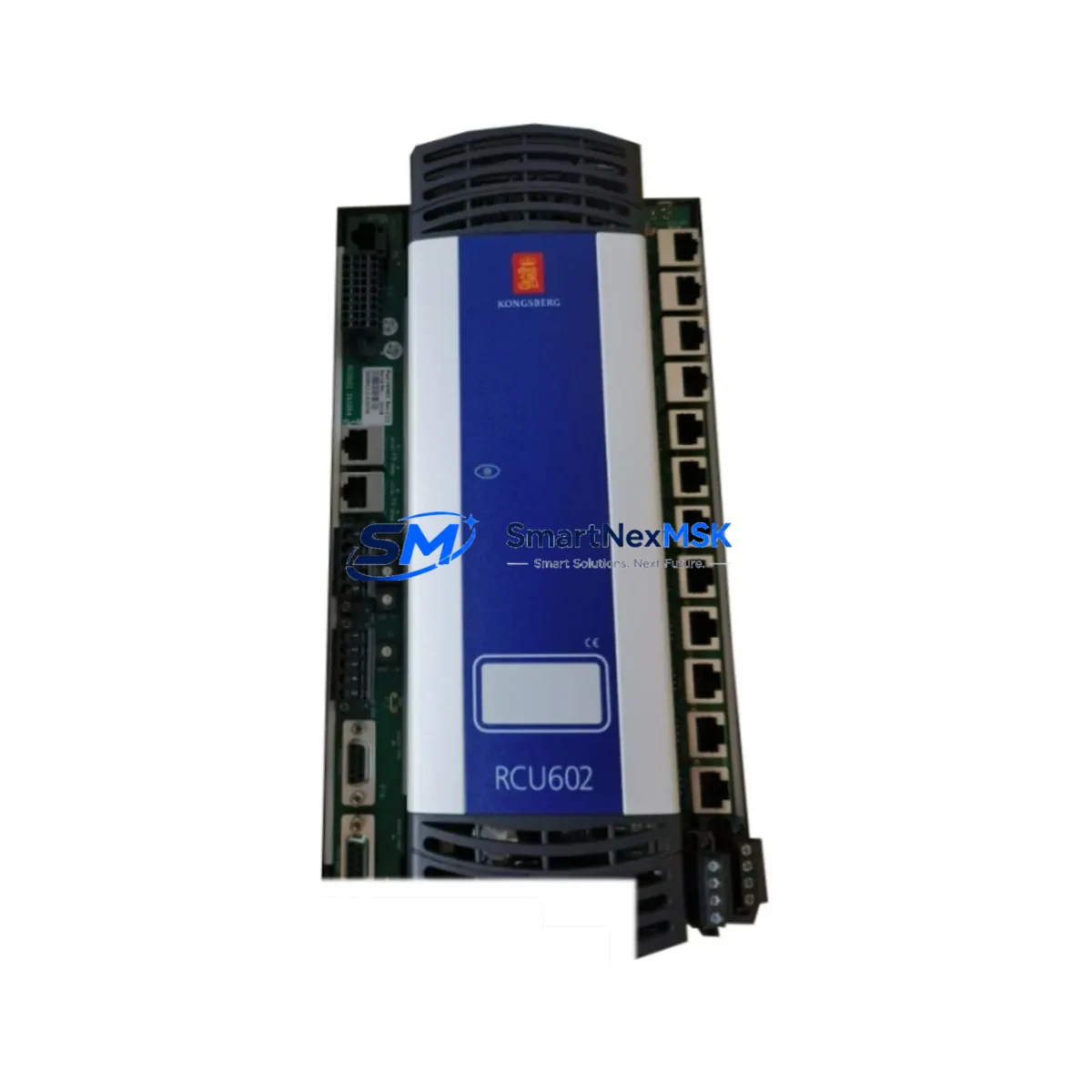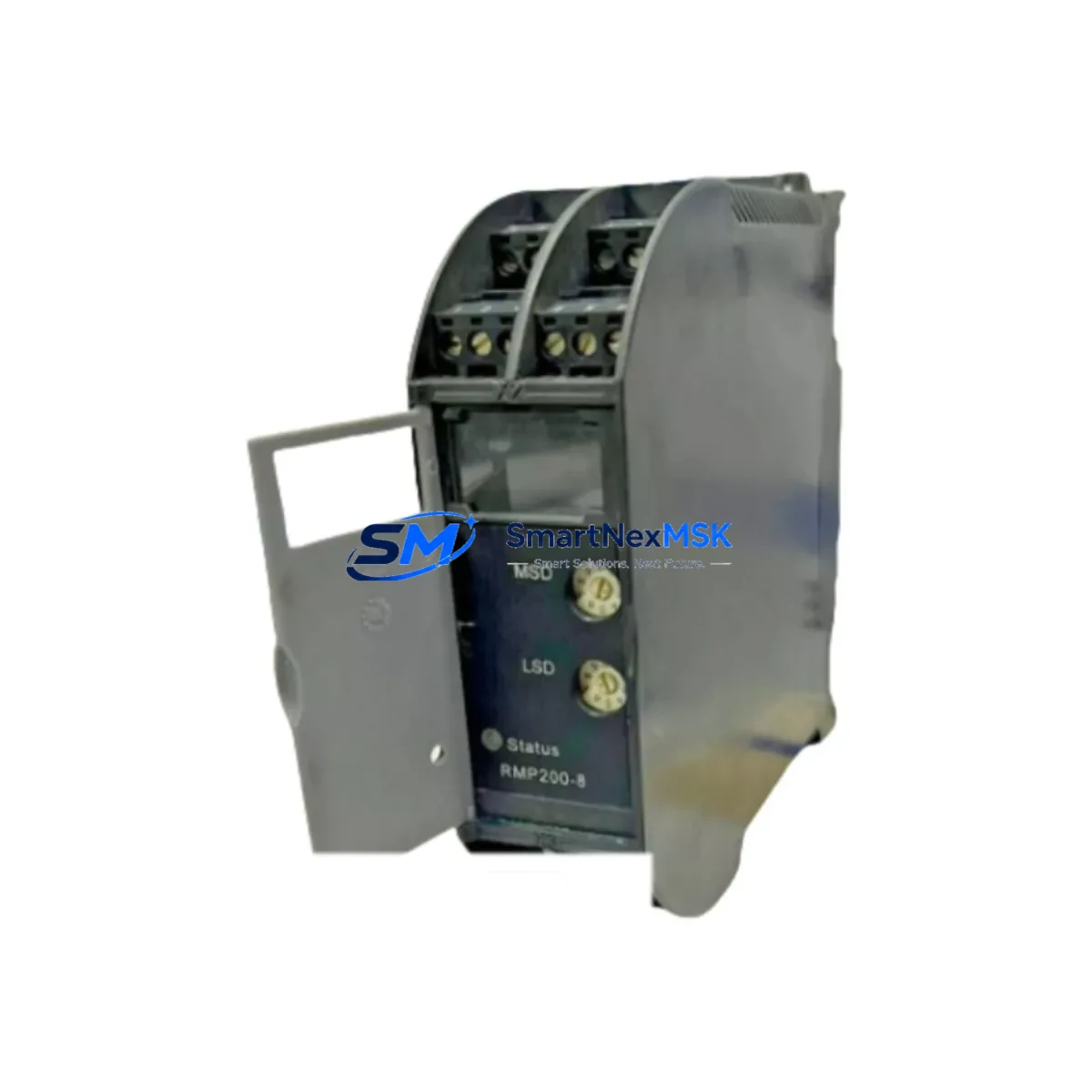
KONGSBERG RMP200-8 Retrofit-Ready I/O Module for RMP200 Control Systems
The KONGSBERG RMP200-8 is an 8-channel multi-purpose I/O module engineered for seamless integration into legacy RMP200 Series control architectures. As industrial facilities face increasing pressure to modernize aging distributed control systems (DCS) and programmable logic controllers (PLC) without full platform replacement, the RMP200-8 delivers a proven, cost-effective retrofit path. Whether you are replacing a failed unit on an active production line, upgrading a discontinued spare, or executing a phased control cabinet modernization, the RMP200-8 is verified for drop-in compatibility within the RMP200 backplane ecosystem.
SMARTNEXMSK maintains ready stock of the RMP200-8 with pre-shipment functional testing, full documentation support, and a 12-month warranty covering hardware defects under normal industrial operating conditions. Our technical team supports customers through wiring adaptation, address configuration, and commissioning verification to minimize unplanned downtime during system transitions.
Upgrade Compatibility Table
| Parameter | Detail |
|---|---|
| Module SKU | RMP200-8 |
| Brand / Manufacturer | KONGSBERG |
| Series Compatibility | RMP200 Series Control Systems |
| Channel Count | 8-Channel Multi-Purpose I/O |
| Backplane Interface | RMP200 Series Rack / Backplane (direct slot insertion) |
| Installation Type | Drop-in replacement; no rack modification required |
| Communication Compatibility | Compatible with RMP200 Series communication bus; verify firmware revision with system CPU module |
| Replacement Recommendation | Direct replacement for failed or end-of-life RMP200-8 units; verify I/O address mapping before hot-swap |
| Commissioning Notes | Confirm module address DIP/rotary switch settings match original; validate signal wiring at terminal block; perform loop check before returning to AUTO mode |
| Origin | Norway (NO) |
| Warranty | 12 Months — Hardware defects under normal industrial operating conditions |
| Pre-Shipment Testing | Functional test performed on every unit prior to dispatch |
Retrofit Planning for Existing Automation Systems
Successful integration of the RMP200-8 into an existing control system requires a structured pre-retrofit assessment. Engineers should begin by auditing the current rack configuration: confirm available slot positions within the RMP200 Series rack or backplane, verify that the system power supply module — typically a dedicated 24 VDC or 120/240 VAC power supply unit within the control cabinet — can support the additional current draw of the replacement I/O module without exceeding rated capacity.
Terminal block wiring is a critical checkpoint. The RMP200-8 uses a standard screw-terminal field wiring interface; technicians should cross-reference the original I/O wiring schedule against the replacement module’s channel assignments to confirm signal polarity, shielding continuity, and grounding integrity. In systems where the original RMP200-8 was paired with a dedicated analog input module or digital output module on adjacent rack slots, those neighboring modules should be inspected for wear or firmware currency before the retrofit is finalized.
For facilities running KONGSBERG’s legacy DCS or hybrid PLC-DCS architectures, the RMP200-8 typically operates alongside a system CPU or controller module that manages scan cycle timing and I/O polling. Before replacement, export and archive the current controller program logic — including all function block diagrams, ladder logic rungs, and tag database entries — to a secure engineering workstation. This protects against accidental program loss during module swap and provides a rollback baseline if commissioning reveals unexpected behavior.
Communication link integrity is equally important. In systems where the RMP200-8 participates in a fieldbus or proprietary communication network — such as a KONGSBERG serial data highway or a Modbus RTU segment — verify that the replacement module’s node address and baud rate settings match the original configuration. If the retrofit is part of a broader protocol migration (for example, transitioning from a legacy proprietary bus to Modbus TCP/IP or PROFIBUS DP), a communication gateway module may be required to bridge the old and new network segments during the transition period.
HMI screen validation is often overlooked during I/O module replacements. After the RMP200-8 is installed and the controller program is reloaded, operators should walk through all HMI faceplates associated with the affected I/O channels to confirm that tag bindings, alarm setpoints, and engineering unit scaling are displaying correctly. Any discrepancy between the HMI display and the physical field signal should be resolved before the system is returned to automatic control mode.
For larger retrofit projects involving multiple I/O modules, a phased replacement strategy — replacing one module per maintenance window rather than all modules simultaneously — significantly reduces commissioning risk and allows the control team to validate each stage before proceeding. This approach is particularly effective when the retrofit also involves upgrading adjacent components such as a rack termination assembly, a remote I/O adapter, or a system communication processor.
Downtime Control During System Migration
Minimizing unplanned downtime is the primary operational concern during any I/O module replacement in a live production environment. The RMP200-8 retrofit process is designed to support a controlled, documented changeover that protects existing program logic and maintains field control continuity throughout the transition.
Before initiating the physical swap, place the affected control loop or I/O group in manual mode at the operator station. This prevents the controller from issuing automatic output commands to field devices — such as control valves, motor starters, or solenoids — while the module is physically absent from the rack. Document the current process variable readings and output states for all channels on the module being replaced; this snapshot serves as the commissioning baseline after the new RMP200-8 is installed.
The module extraction and insertion procedure should follow the manufacturer’s recommended sequence: de-energize the field wiring terminal block if the design permits, extract the failed module, insert the replacement RMP200-8 into the same rack slot, and reconnect field wiring in the documented order. After power-up, the controller will perform an automatic I/O configuration check; confirm that the module is recognized without fault codes before proceeding to the loop check phase.
Loop checks should be performed channel by channel, with a field technician at the instrument or actuator confirming signal response while the control room engineer monitors the HMI and controller diagnostic display. Once all channels are verified, the control loop can be returned to automatic mode. Total changeover time for a single RMP200-8 replacement in a well-prepared environment typically ranges from 30 minutes to 2 hours, depending on the number of I/O channels, field wiring complexity, and the need for program reload.
For customers requiring zero-unplanned-downtime changeovers, SMARTNEXMSK can provide advance unit staging — shipping a pre-tested RMP200-8 to site before the scheduled maintenance window so that the replacement unit is on hand and verified before the original module is removed. All units ship with a pre-shipment functional test report and are covered by a 12-month warranty from the date of dispatch.
Retrofit Support FAQ
Q1: Is the RMP200-8 a direct drop-in replacement for the original KONGSBERG RMP200-8 unit?
Yes. The RMP200-8 is designed for direct slot-for-slot replacement within the RMP200 Series rack. No rack modification or backplane adapter is required. Verify that the module address switches are set to match the original unit’s configuration before powering up the system.
Q2: What wiring checks are required before installing the replacement module?
Inspect all field wiring at the terminal block for insulation integrity, correct polarity, and secure termination. Cross-reference the original I/O wiring schedule to confirm channel-to-field-device assignments. Check shielding continuity and grounding connections, particularly for analog signal channels where noise immunity is critical.
Q3: How do I verify communication compatibility between the RMP200-8 and my existing system CPU?
Confirm that the firmware revision of the replacement RMP200-8 is compatible with the system CPU or controller module currently installed in your rack. SMARTNEXMSK’s technical team can assist with firmware revision verification prior to shipment. If your system is undergoing a communication protocol migration, contact us to discuss gateway module options for bridging legacy and modern network segments.
Q4: What does the 12-month warranty cover, and what is the return process?
The 12-month warranty covers hardware defects arising under normal industrial operating conditions from the date of dispatch. It does not cover damage resulting from incorrect installation, overvoltage, or environmental conditions outside the module’s rated specifications. To initiate a warranty claim, contact SMARTNEXMSK at [email protected] with your order reference, a description of the fault, and photographic documentation of the module and installation. Replacement or repair will be arranged within the warranty period at no additional cost.
© 2026 SMARTNEXMSK. All rights reserved.
Original Source: https://smartnexmsk.com
Contact: [email protected] | +86 18259474341