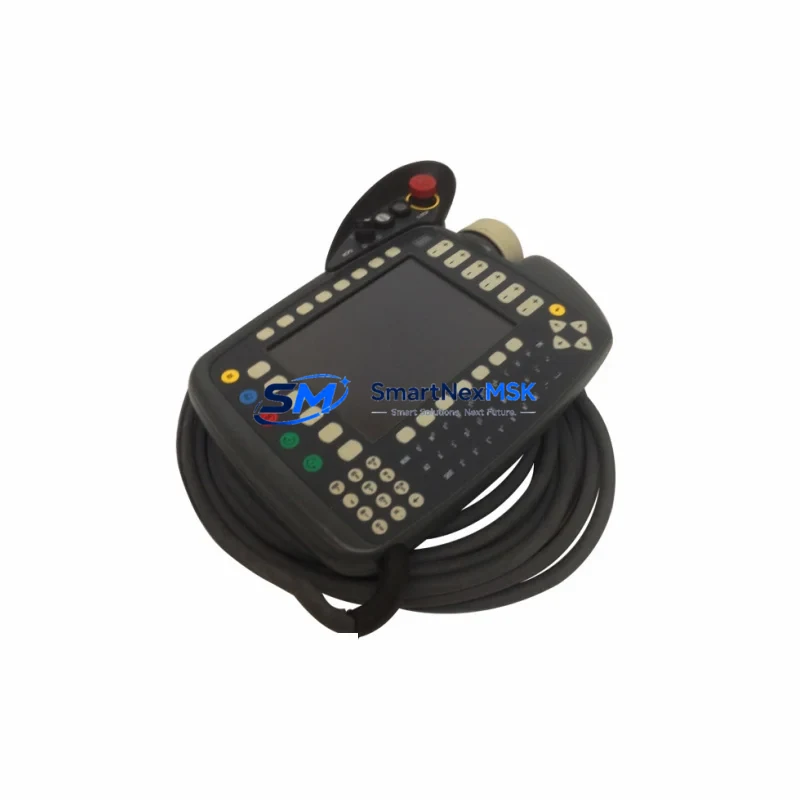
KUKA 00-130-547 Maintenance-Ready Spare for KCP2 Automation
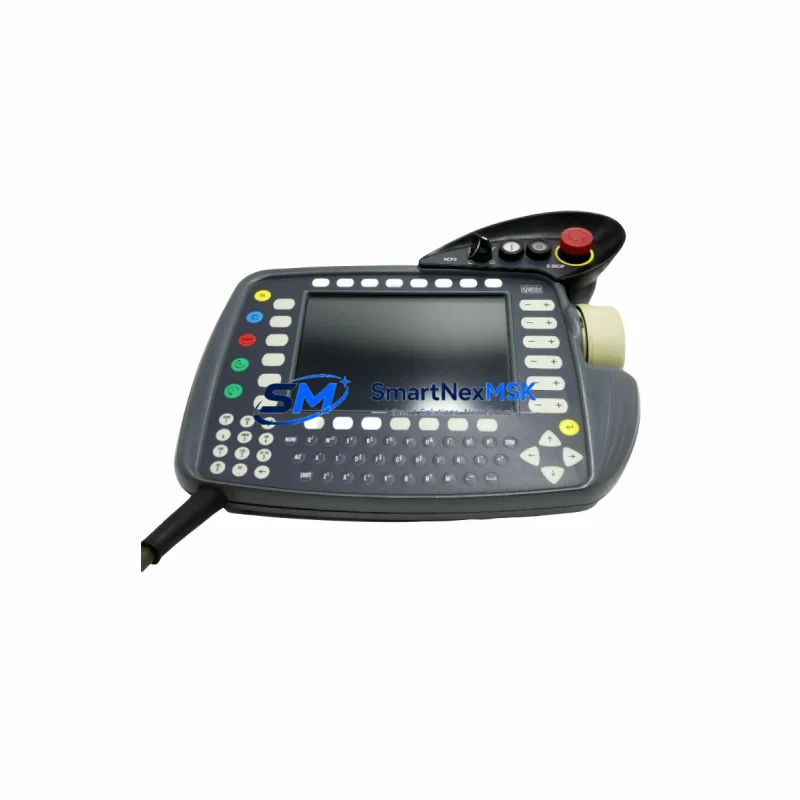
The KUKA 00-130-547 is an original KCP2 Teach Pendant designed for KUKA robot control systems operating in continuous industrial production environments. For maintenance engineers managing KUKA KR C2 or KR C3 controller cabinets, this teach pendant is a mission-critical interface component — responsible for robot programming, manual jogging, fault acknowledgment, and safety override operations. Unplanned failure of the teach pendant results in immediate production stoppage, making fast-access spare inventory a non-negotiable element of any serious maintenance strategy.
At SMARTNEXMSK, every 00-130-547 unit is sourced as an original KUKA spare, inspected prior to dispatch, and shipped with a 12-month warranty. Our stock is maintained specifically to support emergency replacement scenarios, planned maintenance shutdowns, and long-term lifecycle extension of aging KUKA robot cells.
Spare Maintenance Table
| Parameter | Specification |
|---|---|
| SKU / Part Number | 00-130-547 |
| Brand | KUKA |
| Series / Model | KCP2 (KUKA Control Panel 2) |
| Compatible Controllers | KUKA KR C2, KR C2 ed05, KR C3 |
| Product Type | Teach Pendant / Operator Panel |
| Display | Color LCD with touchscreen interface |
| Communication Interface | Proprietary KUKA KCP bus (RJ45 connector to controller) |
| Safety Features | Enabling device (3-position), Emergency Stop button |
| Operating Mode Selector | T1, T2, AUT, AUT EXT |
| Weight | Approx. 420 g |
| Origin | Germany |
| Application Environment | Industrial robot cells, automotive, metal fabrication, logistics |
| Maintenance Recommendation | Inspect cable strain relief and RJ45 connector annually; replace enabling device switch if response is inconsistent |
| Warranty | 12 Months |
| Condition | Original spare, pre-shipment tested |
Maintenance Planning for Continuous Operation
When a KCP2 teach pendant (00-130-547) is flagged for replacement during a scheduled inspection or after an unplanned fault, experienced maintenance engineers know that the pendant itself is rarely the only component requiring attention. A thorough cabinet inspection and system audit should accompany any teach pendant swap to prevent repeat downtime.
Begin by inspecting the KCP2 connection cable — the spiral cable assembly that runs from the pendant to the KR C2 controller cabinet. Cable fatigue at the strain relief points is a leading cause of intermittent communication faults that are often misdiagnosed as pendant failure. If the cable shows cracking, kinking, or connector wear, replace it alongside the 00-130-547 unit.
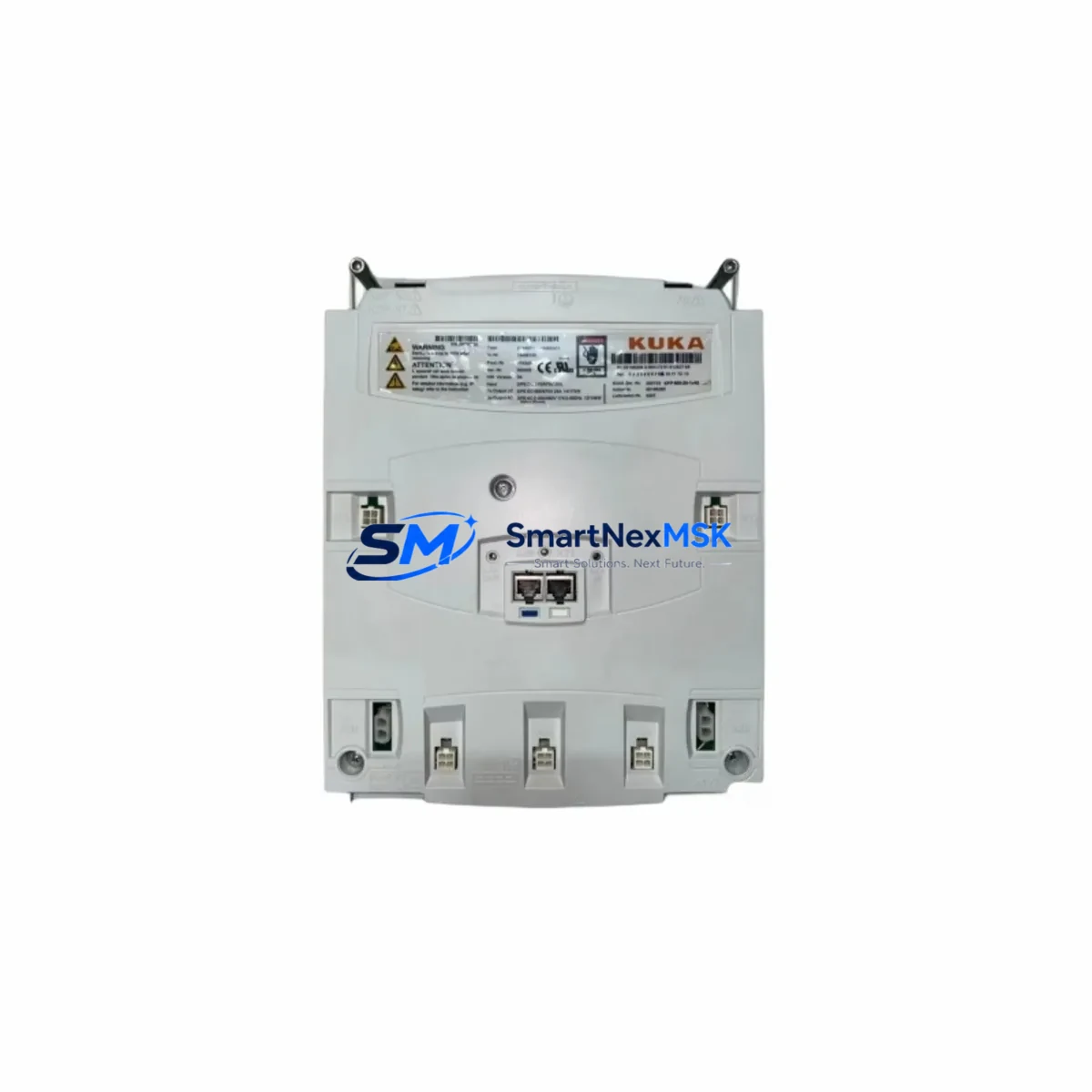
Inside the controller cabinet, verify the condition of the KR C2 power supply module and the KPS 600 servo power supply. Voltage instability at the cabinet level can cause erratic pendant behavior, touchscreen dropouts, and false enabling device errors. A stable 24 VDC logic supply is essential for reliable KCP2 operation.
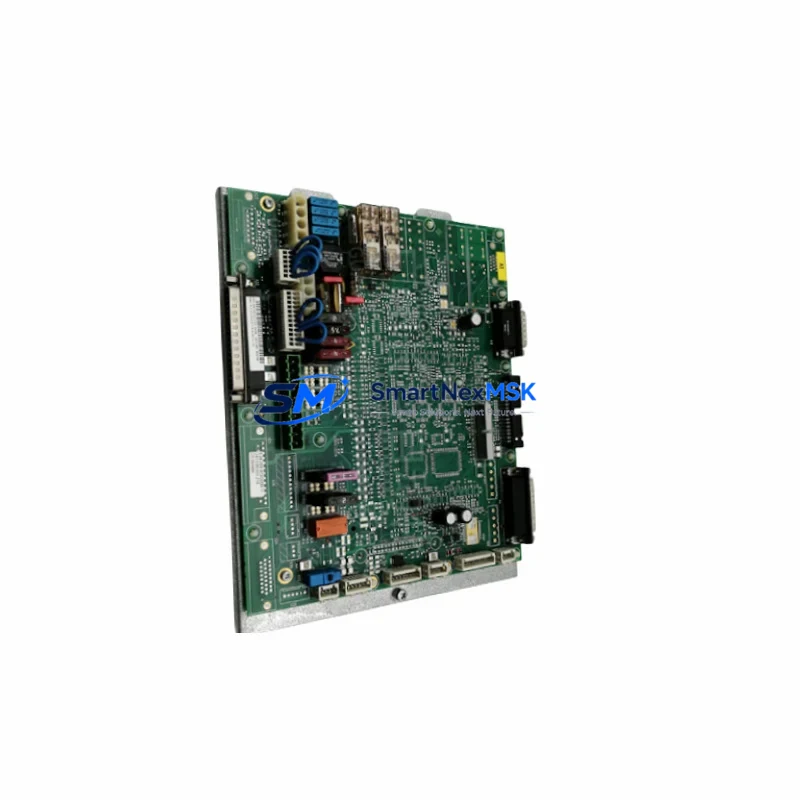
Check the KR C2 safety interface board (ESC board) and its associated relay outputs. The enabling device signal from the teach pendant routes through this board, and degraded relay contacts can cause safety chain faults that appear as pendant malfunctions. Similarly, inspect the emergency stop relay module and verify that all E-stop loop wiring is intact and correctly terminated at the terminal blocks.
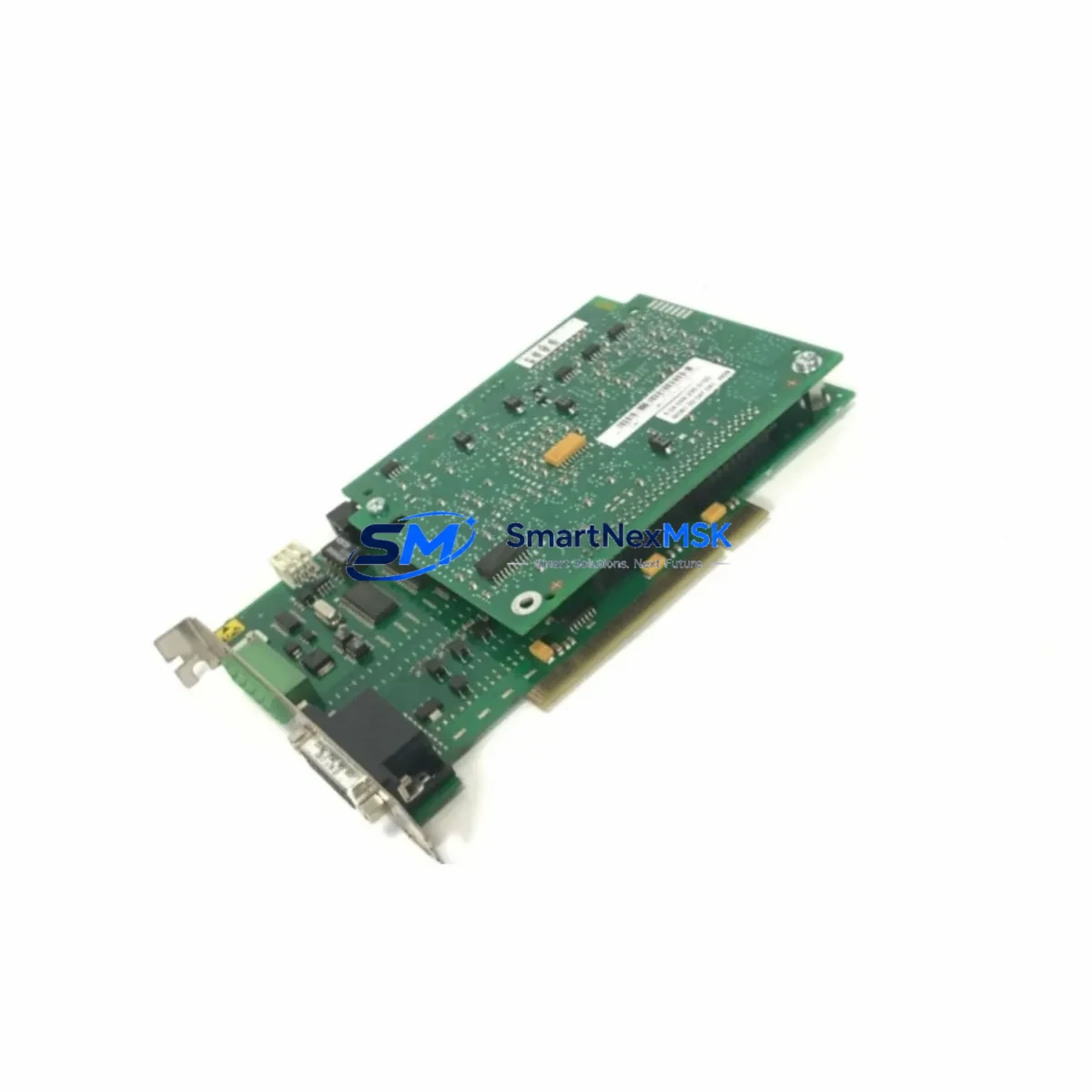
For cells running coordinated multi-robot or external axis configurations, also audit the KUKA DeviceNet or PROFIBUS communication module installed in the controller. Pendant replacement is an ideal opportunity to verify fieldbus node addresses, termination resistors, and cable shielding — issues that accumulate silently and surface as intermittent faults after maintenance windows.
If the robot cell interfaces with a KUKA KR C2 I/O board or external signal isolation modules for analog sensor inputs, confirm that all I/O mappings remain valid after the pendant swap, particularly if the replacement unit carries a different firmware revision. In older KR C2 installations, firmware mismatches between the KCP2 pendant and the controller software version (KSS) can cause initialization errors — always confirm KSS compatibility before commissioning the replacement unit.
Maintenance teams managing large robot fleets should maintain at least one 00-130-547 unit as a hot-spare in the control room. Given the lead times associated with OEM procurement channels, having a pre-tested pendant on the shelf reduces mean time to repair (MTTR) from days to minutes. SMARTNEXMSK supports bulk spare procurement with consistent stock availability and long-term supply agreements for fleet operators.
Site Replacement Workflow
Step 1 — Pre-replacement verification: Confirm the replacement unit SKU (00-130-547) matches the installed pendant. Check the KSS software version on the controller (accessible via the pendant’s system menu before failure, or via the KR C2 service interface). Note the current operating mode and any active program states.
Step 2 — Safe isolation: Set the controller to T1 mode and engage the main disconnect. Follow your site LOTO (Lockout/Tagout) procedure. Do not disconnect the KCP2 cable under power — the hot-plug capability of the KCP2 interface is controller-revision dependent and should not be assumed.
Step 3 — Cable and connector inspection: Before connecting the new pendant, inspect the RJ45 port on the controller cabinet for bent pins or corrosion. Clean with contact cleaner if necessary. Route the new pendant cable to avoid pinch points and secure the strain relief at both ends.
Step 4 — Power-on and initialization: Restore power and observe the KCP2 boot sequence. The pendant should display the KUKA startup screen and synchronize with the KSS within 60–90 seconds. If a firmware mismatch is detected, the controller will display a version error — consult the KSS release notes for the appropriate KCP2 firmware package.
Step 5 — Functional test: Verify all operating modes (T1, T2, AUT, AUT EXT), confirm the enabling device operates correctly in all three positions, test the E-stop function, and jog each robot axis through its full range in T1 mode before returning the cell to automatic operation.
This workflow minimizes downtime, ensures system compatibility, and provides a documented audit trail for maintenance records — a requirement in ISO 9001-certified manufacturing environments.
Spare Parts Support FAQ
Q1: What is the expected service life of the KUKA 00-130-547 KCP2 teach pendant, and when should I plan for replacement?
The KCP2 teach pendant is designed for continuous industrial use, but mechanical wear on the enabling device switch, touchscreen surface, and cable connector typically becomes noticeable after 5–8 years of daily operation. In high-cycle environments (multiple shifts, frequent manual jogging), proactive replacement at the 5-year mark is recommended. Maintaining one spare unit per robot cell or per controller type in your spare parts inventory eliminates unplanned procurement delays.
Q2: How do I verify compatibility between the 00-130-547 and my specific KR C2 controller revision?
Compatibility is determined by the KSS (KUKA System Software) version installed on your controller. The KCP2 pendant (00-130-547) is compatible with KSS 5.x running on KR C2 and KR C2 ed05 controllers. For KR C3 or KR C4 systems, verify the KSS version before ordering. SMARTNEXMSK’s technical team can assist with compatibility confirmation based on your controller serial number and KSS version string.
Q3: What pre-shipment testing does SMARTNEXMSK perform on the 00-130-547 before dispatch?
Each unit undergoes visual inspection for physical damage, connector integrity check, enabling device switch function test, and power-on verification where applicable. Units are packed in anti-static protective packaging with individual labeling. A 12-month warranty covers functional defects from the date of receipt, with direct technical support available via [email protected].
Q4: Can the 00-130-547 be used as a direct drop-in replacement for older KCP or KCP2 variants without reconfiguration?
The 00-130-547 is a direct replacement for other KCP2-series pendants on compatible KR C2 and KR C3 controllers. No reconfiguration is required in most cases — the controller recognizes the pendant automatically during boot. However, if your site uses customized KSS startup screens, operator-specific access levels, or language packages, these settings are stored on the controller, not the pendant, and will be retained after replacement. Always perform a full functional test per your site commissioning checklist before returning the robot to production.
© 2026 SMARTNEXMSK. All rights reserved.
Original Source: https://smartnexmsk.com
Contact: [email protected] | +86 18259474341