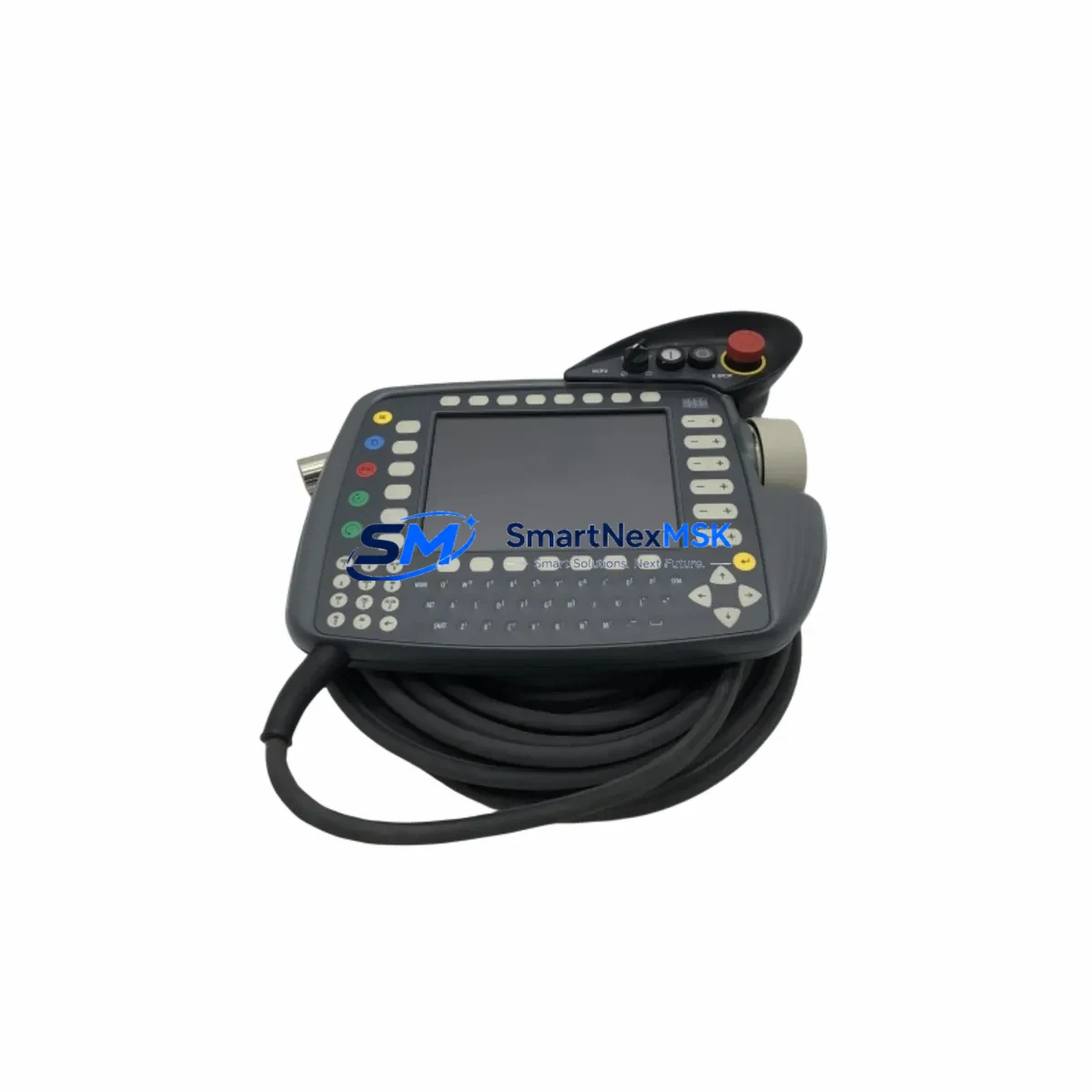
KUKA 00-168-334 Maintenance-Ready Spare for KRC4 Automation
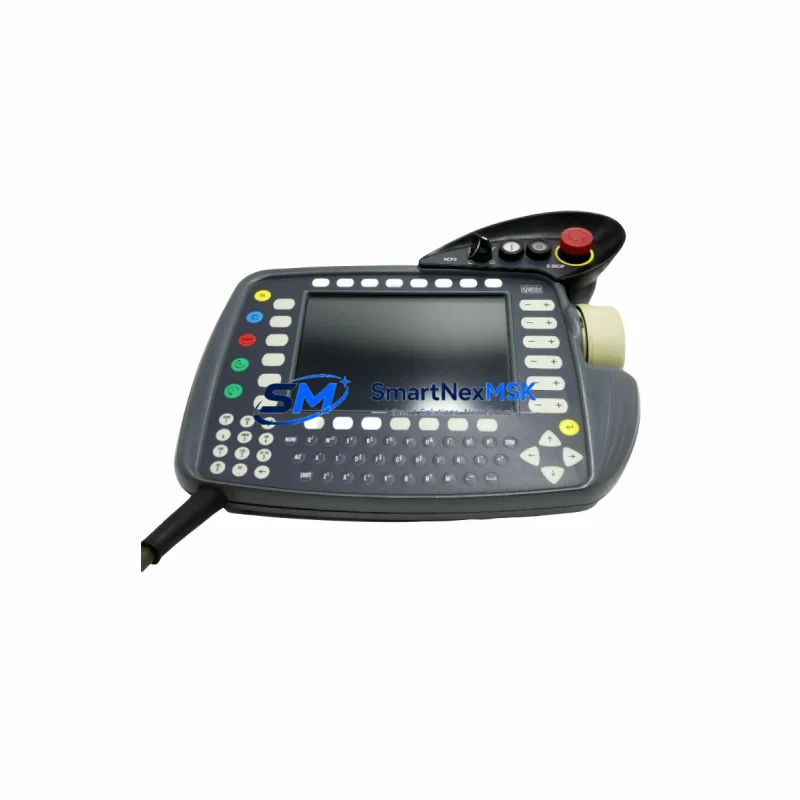
The KUKA 00-168-334 SmartPAD is the original operator interface and teach pendant designed for KUKA KRC4 robot controllers. In industrial automation environments — from automotive body-in-white lines to general-purpose robotic cells — the SmartPAD is the primary human-machine interface through which maintenance engineers perform jogging, program selection, override adjustment, and fault acknowledgment. When this unit fails or degrades, the entire robot cell is effectively offline. Sourcing a verified, tested replacement unit is the fastest path to restoring production uptime.
This listing provides a maintenance-ready, original KUKA 00-168-334 SmartPAD unit, fully tested before shipment and backed by a 12-month warranty. Each unit is inspected for display integrity, cable connector condition, enabling switch function, and emergency stop button response prior to dispatch. Compatibility is confirmed for the KRC4 controller family, including KRC4 standard, KRC4 compact, and KRC4 smallsize variants.
Spare Maintenance Table
| Parameter | Specification |
|---|---|
| Part Number | 00-168-334 |
| Description | KUKA SmartPAD Teach Pendant |
| Compatible Controller | KRC4, KRC4 Compact, KRC4 Smallsize |
| Interface | Touchscreen HMI with KUKA smartHMI software |
| Connection | Proprietary KRC4 SmartPAD cable (X19 connector) |
| Display | 8.4″ color touchscreen |
| Safety Features | 3-position enabling switch, emergency stop button |
| Origin | Germany |
| Condition | Original spare, tested before shipment |
| Application | Industrial robot programming, jogging, fault recovery |
| Environment | Industrial automation, automotive, manufacturing |
| Warranty | 12 months from date of shipment |
Maintenance Planning for Continuous Operation
When a KUKA 00-168-334 SmartPAD requires replacement, experienced maintenance engineers treat the event as a trigger for a broader KRC4 cabinet inspection. The SmartPAD communicates with the KRC4 controller via the X19 SmartPAD cable — this cable assembly (KUKA part reference 00-130-293 or equivalent) should be inspected for jacket abrasion, connector pin corrosion, and strain relief integrity at both ends. A degraded cable is a common root cause of intermittent SmartPAD disconnection faults and should be replaced proactively alongside the pendant.
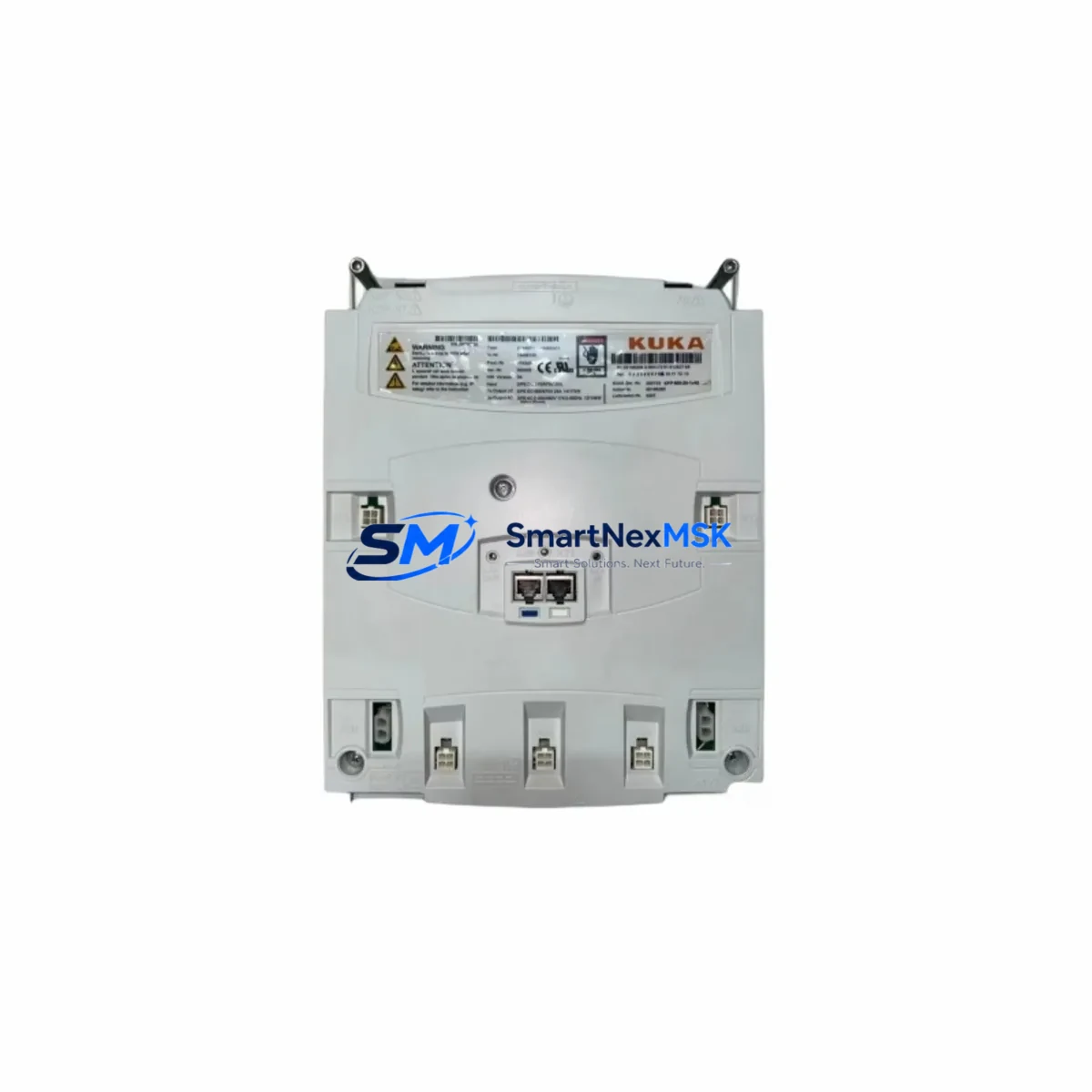
Inside the KRC4 cabinet, the KPS600 power supply module provides regulated DC power to the controller bus and peripheral devices. If the SmartPAD failure coincided with voltage fluctuations or cabinet power events, the KPS600 should be checked for fault codes and output voltage stability. Similarly, the KSP600 servo power module and associated DC link capacitors should be visually inspected for swelling or leakage, as power quality issues can propagate to HMI communication faults.
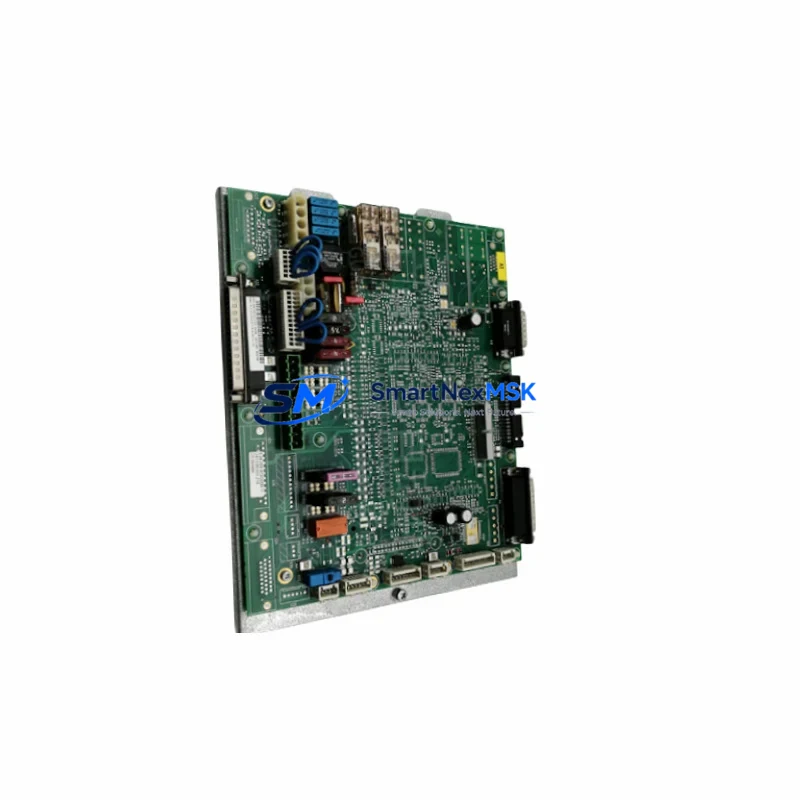
The KRC4 controller’s internal PC (KPC) runs the KUKA System Software (KSS) and smartHMI runtime. After installing a replacement SmartPAD, verify that the KSS version on the controller is compatible with the pendant firmware. In some cases, a software update or WorkVisual project redeployment may be required. Procurement engineers should note that the KRC4 controller board (CCU — Cabinet Control Unit) and the RDC (Resolver Digital Converter) board are additional long-lead spare items worth stocking for aging KRC4 installations.
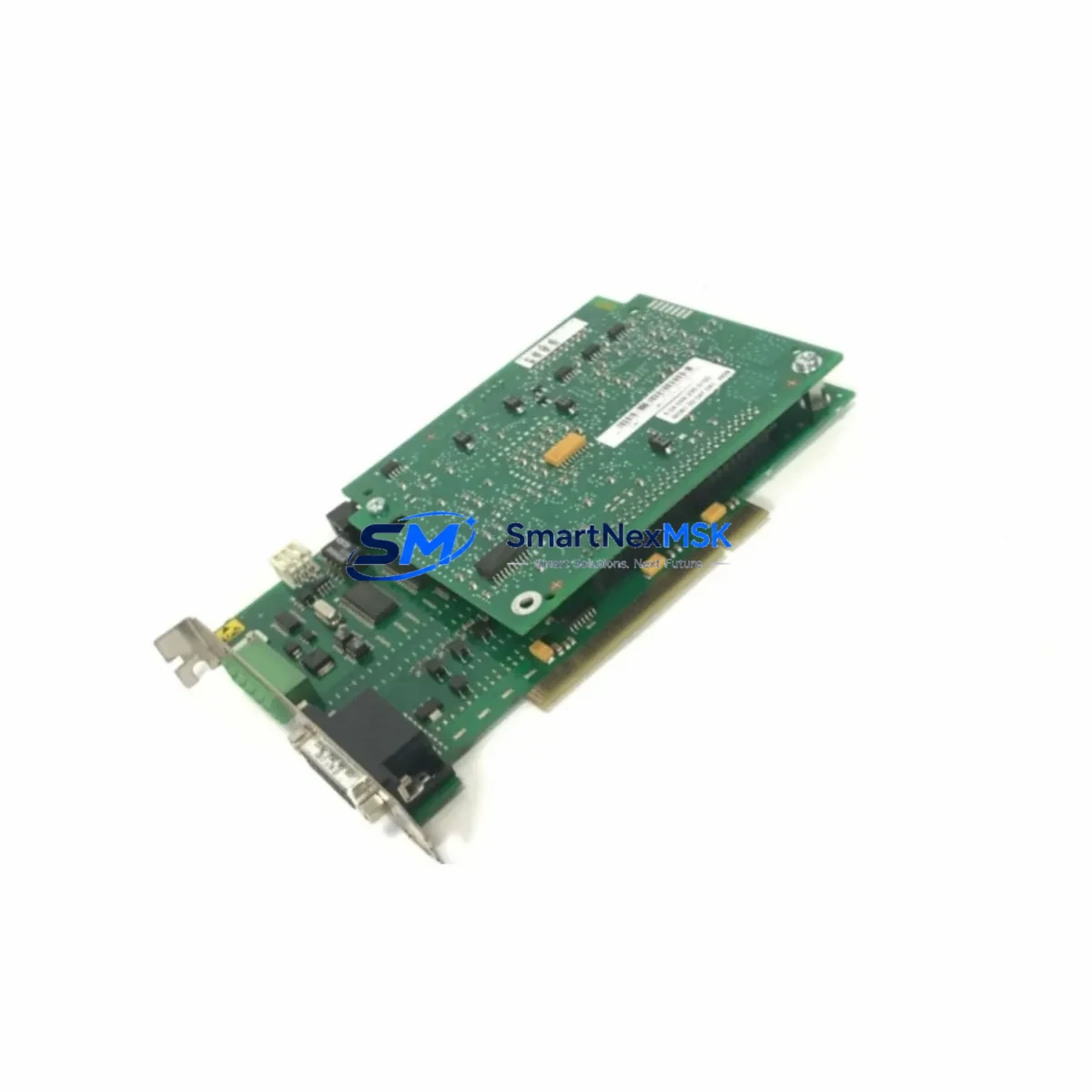
For facilities running multiple KUKA robots, the KR C4 fieldbus interface cards — whether PROFINET, EtherNet/IP, or DeviceNet — should be confirmed as operational after any controller maintenance event, since communication module reseating during cabinet work can introduce intermittent fieldbus faults. Likewise, the SafeOperation or SafeRangeMonitoring option boards, if installed, require functional verification after SmartPAD replacement to confirm that safety-rated inputs and outputs remain correctly mapped.
Maintenance planners should also review the condition of the KRC4 cabinet’s 24 VDC I/O terminal blocks and the associated wiring to external safety relays, door interlocks, and light curtain interfaces. These components experience mechanical stress from vibration and thermal cycling and are a common source of intermittent faults that can be misdiagnosed as SmartPAD or controller failures. Stocking a set of Phoenix Contact or Weidmüller-compatible terminal blocks alongside the SmartPAD spare ensures a complete corrective maintenance kit.
Site Replacement Workflow
Step 1 — Safe State: Place the robot in T1 mode using the existing SmartPAD (if still partially functional) or via the KRC4 controller’s external operator panel. Engage the main isolator and apply lockout/tagout per site safety procedures.
Step 2 — Cable Disconnection: Disconnect the SmartPAD cable at the X19 cabinet connector. Inspect the connector housing and locking ring for damage before connecting the replacement unit.
Step 3 — Pendant Connection: Connect the replacement KUKA 00-168-334 SmartPAD to the X19 port. Ensure the locking ring is fully engaged. Restore power to the KRC4 cabinet.
Step 4 — Boot Verification: Confirm that the smartHMI interface loads correctly on the replacement pendant. Verify that the robot type, software version, and WorkVisual project are displayed correctly on the startup screen.
Step 5 — Safety Function Test: Test the emergency stop button and the 3-position enabling switch in T1 mode before returning the robot to automatic operation. Confirm that all safety-rated stop categories respond correctly.
Step 6 — Operational Handover: Run a slow-speed test program in T1 to confirm full axis movement and I/O response. Return the robot to AUTO mode and resume production. Document the replacement in the maintenance log with the new unit’s serial number and shipment date for warranty tracking.
This workflow is applicable to all KRC4 variants and minimizes downtime to under two hours for a prepared maintenance team with the spare unit on hand.
Spare Parts Support FAQ
Q1: Is the KUKA 00-168-334 compatible with all KRC4 controller variants?
The 00-168-334 SmartPAD is designed for the KRC4 platform and is compatible with KRC4 standard, KRC4 compact, and KRC4 smallsize controllers running KUKA System Software (KSS) 8.x. Compatibility with KRC5 controllers requires a different SmartPAD model. If you are unsure of your controller generation, please provide the controller serial number or KSS version for confirmation before ordering.
Q2: What pre-shipment testing is performed on each unit?
Every KUKA 00-168-334 unit is tested for display function, touchscreen response, enabling switch operation (all three positions), emergency stop button continuity, and cable connector integrity before dispatch. A test report is available upon request. Units that do not pass all functional checks are not shipped.
Q3: What does the 12-month warranty cover?
The 12-month warranty covers manufacturing defects and functional failures under normal industrial operating conditions from the date of shipment. It does not cover physical damage caused by improper installation, cable over-tension, or exposure to fluids. Warranty claims are processed with return shipment and replacement dispatch within agreed lead times.
Q4: Can I stock this unit as a long-term spare for an aging KRC4 installation?
Yes. The KUKA 00-168-334 is a recommended long-term spare for any facility operating KRC4 robots, particularly where the robots are approaching or have exceeded 10 years of service. We maintain ongoing stock and can support blanket purchase orders or scheduled delivery agreements for facilities managing large robot fleets. Contact our team to discuss inventory reservation and extended supply arrangements.
© 2026 SMARTNEXMSK. All rights reserved.
Original Source: https://smartnexmsk.com
Contact: [email protected] | +86 18259474341