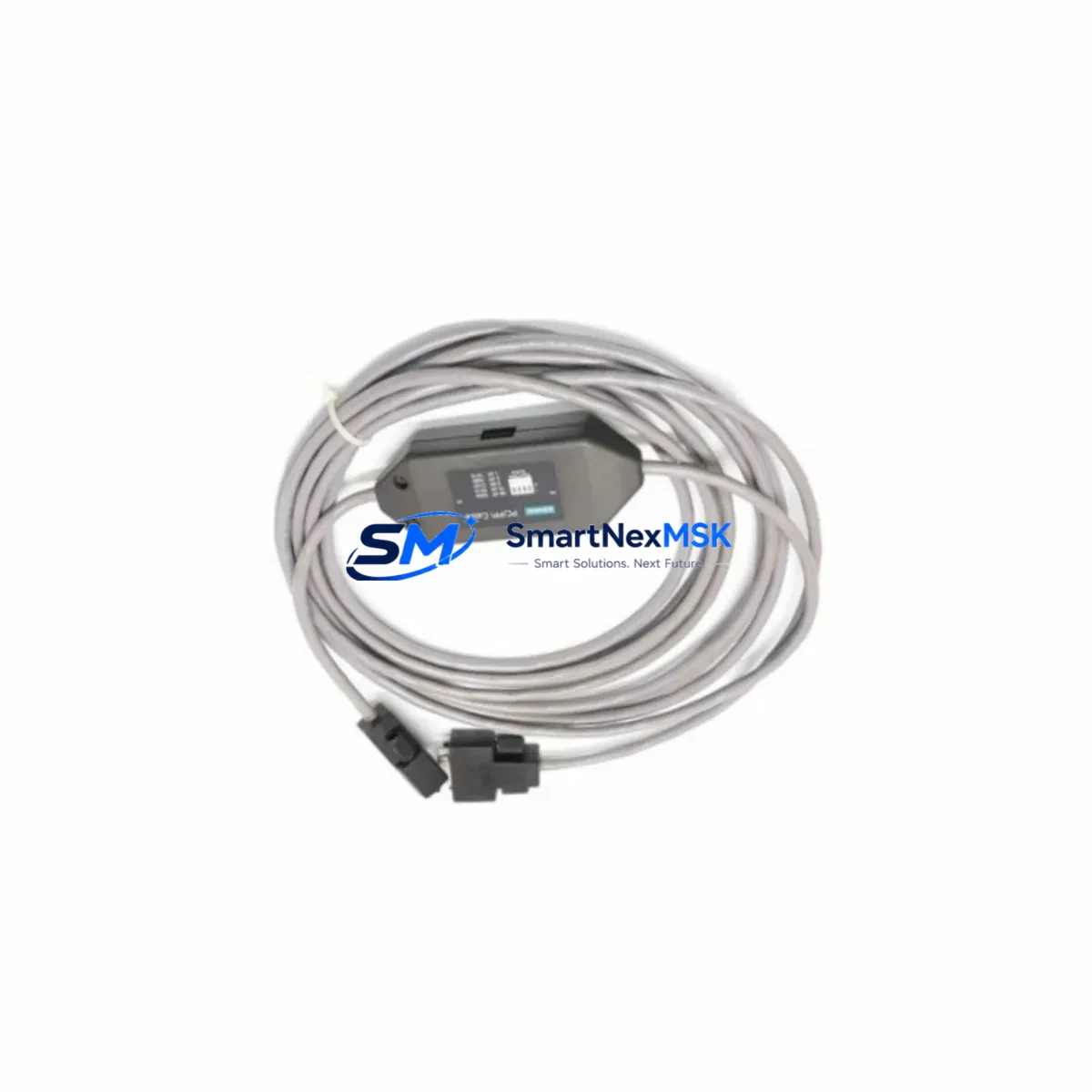
KUKA 00-200-588 Maintenance-Ready Spare for KR C4 Automation
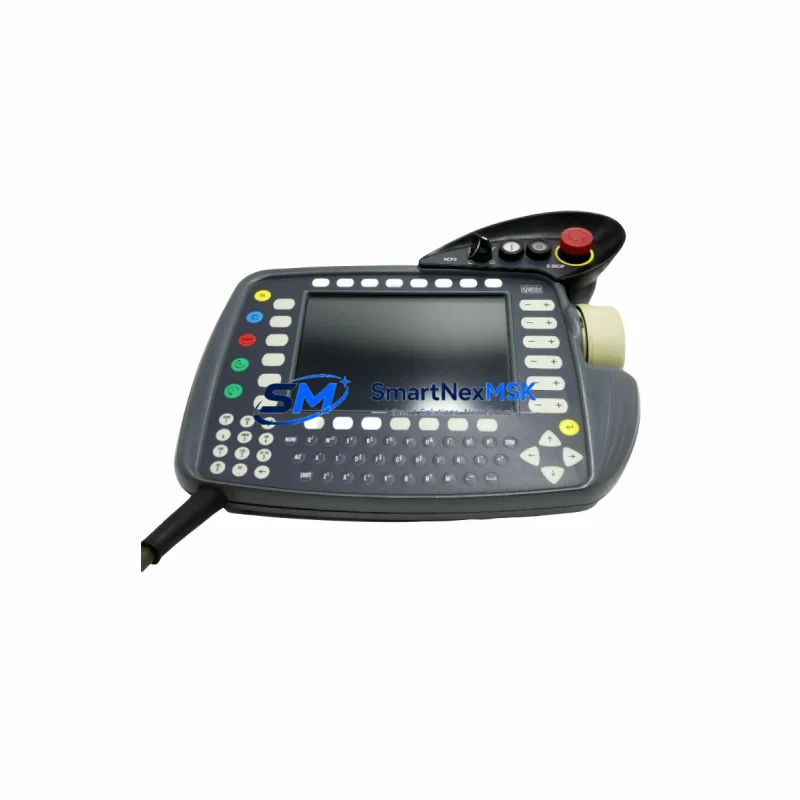
The KUKA 00-200-588 smartPAD teach pendant is a critical operator interface component in KUKA KR C4 robot controller systems. When this unit fails or degrades, the entire robot cell is effectively offline — operators lose the ability to jog axes, execute programs, or perform safety-critical E-stop functions. Sourcing a verified, original-spec replacement quickly is the single most effective action a maintenance team can take to restore production continuity.
This listing supplies the KUKA 00-200-588 as a maintenance-ready spare: inspected, function-tested, and shipped with a 12-month warranty covering electrical and mechanical defects. Whether you are building a planned spare parts buffer, responding to an unplanned failure, or extending the service life of an aging KR C4 cell, this unit is stocked for immediate dispatch.
Spare Maintenance Table
| Parameter | Specification / Detail |
|---|---|
| Part Number / SKU | 00-200-588 |
| Description | KUKA smartPAD Teach Pendant |
| Compatible Controller | KUKA KR C4, KR C4 compact, KR C4 smallsize |
| Interface | KUKA X11 / KLI Ethernet connection to KR C4 cabinet |
| Display | 8.4-inch colour touchscreen, 800 × 600 px |
| Safety Functions | Enabling device (3-position), E-stop button, safety-rated per EN ISO 10218-1 |
| Operating Voltage | 24 V DC (supplied via pendant cable from KR C4) |
| Weight | Approx. 1.1 kg (pendant only) |
| Origin | Germany |
| Condition | Original spare — inspected and function-tested |
| Application Environment | Industrial robot cells, automotive, general manufacturing, palletising |
| Compatibility Verification | Match controller serial number and KSS software version before installation |
| Maintenance Recommendation | Inspect cable strain relief and connector pins at each planned shutdown; replace enabling device if tactile response degrades |
| Warranty | 12 months — covers electrical and mechanical defects under normal operating conditions |
Maintenance Planning for Continuous Operation
A teach pendant failure rarely occurs in isolation. When a KUKA 00-200-588 is removed from service, a thorough maintenance engineer will use the opportunity to audit the surrounding system before returning the cell to production. The KR C4 cabinet houses several interdependent components whose condition directly affects pendant reliability and overall uptime.
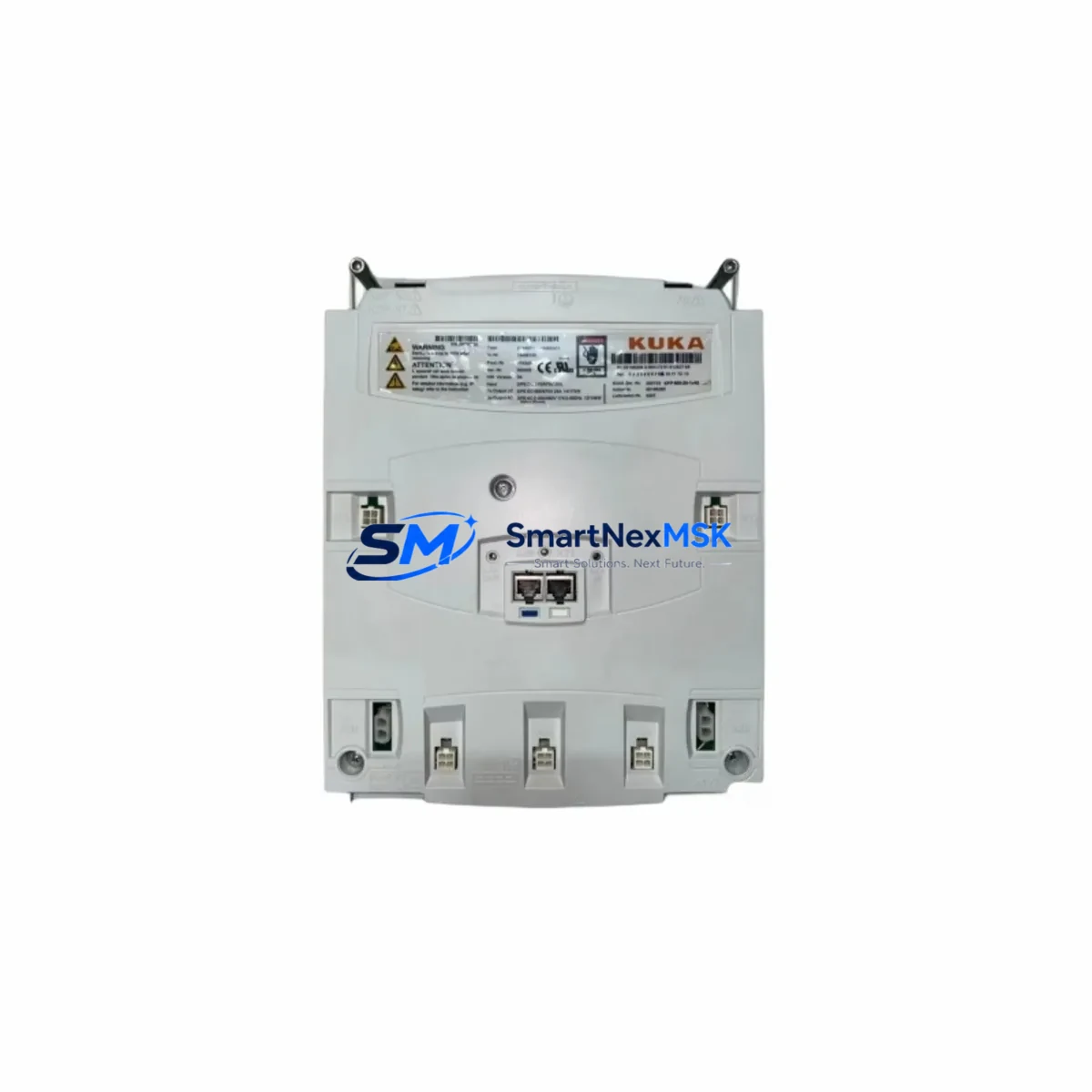
Begin with the KR C4 power supply unit (PSU) — an under-voltage or ripple condition on the 24 V DC bus is a common root cause of pendant communication faults and touchscreen instability. Verify output voltage at the X11 connector with a calibrated meter. Next, inspect the smartPAD cable assembly (KUKA part 00-168-334 or equivalent): check for jacket abrasion at the cabinet entry gland and at the pendant strain relief, as repeated flexing in high-cycle cells causes intermittent CAN/Ethernet faults that mimic pendant hardware failure.
While the cabinet is open, check the KR C4 main computer (KPC) fan filters and confirm the KUKA KLI / KSB Ethernet switch ports are free of corrosion. A degraded network switch can cause pendant timeout errors that are misdiagnosed as pendant hardware faults. If the cell uses KUKA.SafeOperation or external safety PLCs, verify that the safety interface wiring to the X11 and XG connectors is intact and that the safety relay module within the cabinet is within its rated service interval.
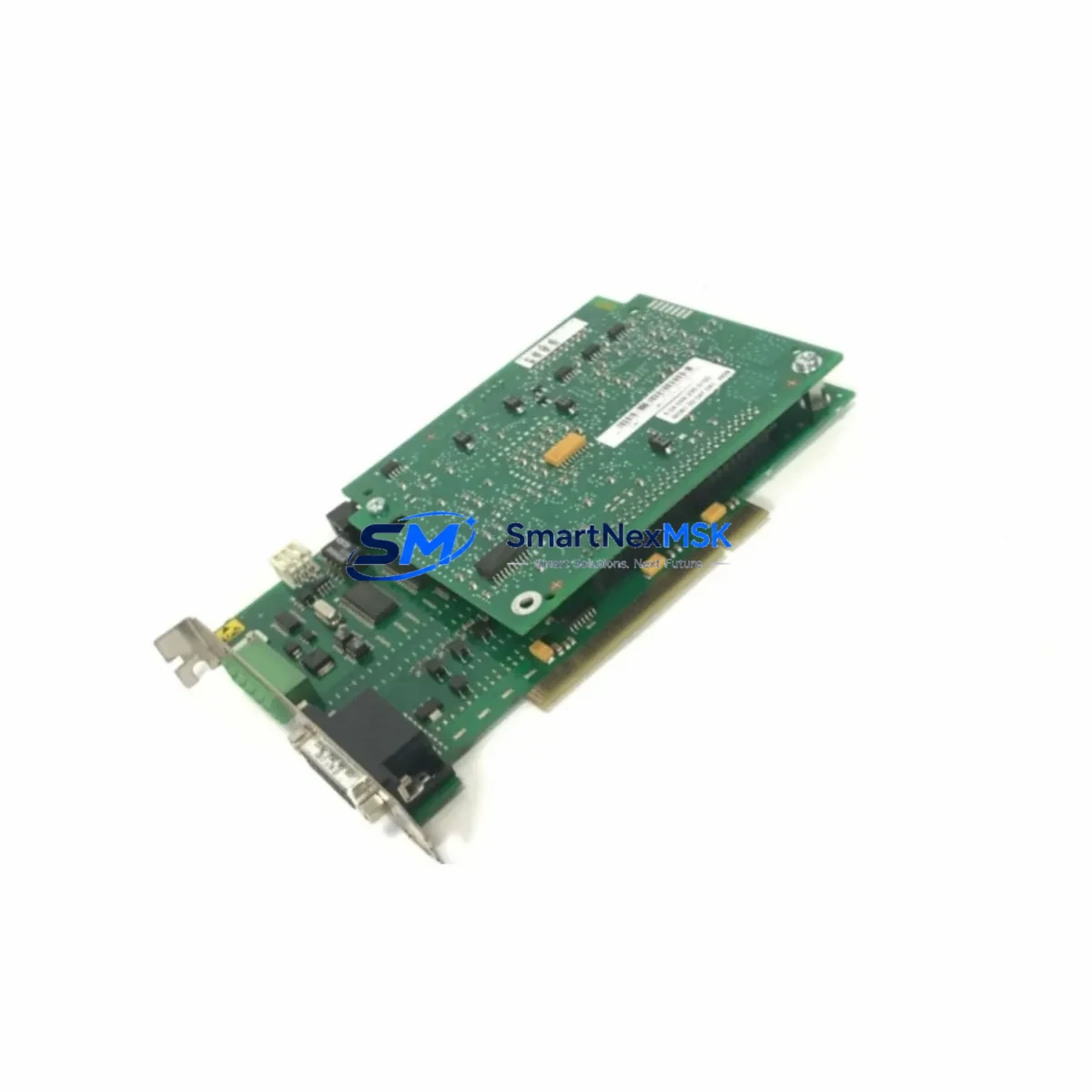
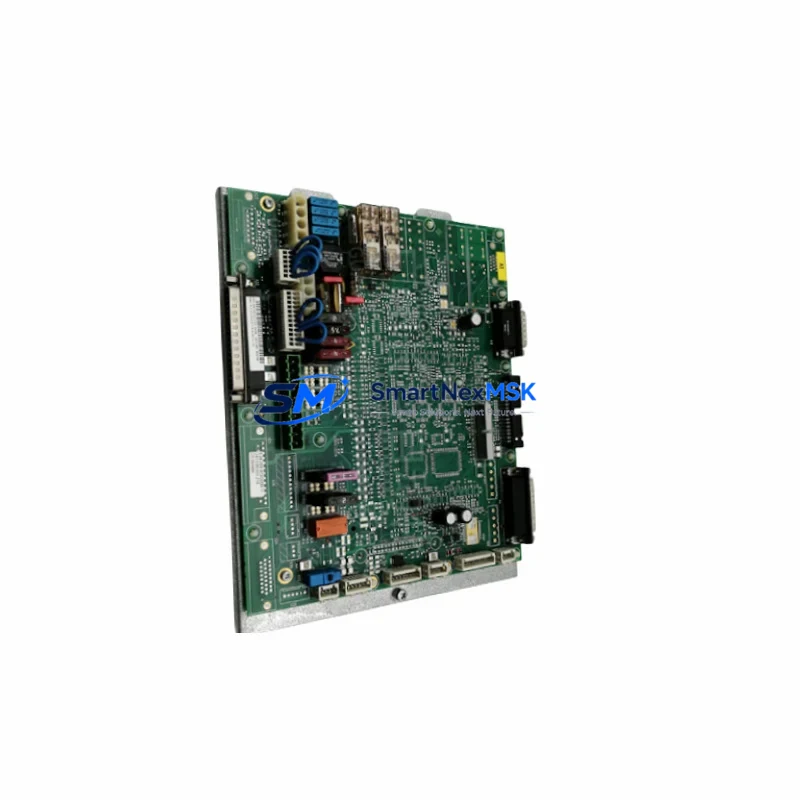
For cells integrated into a broader automation line, also inspect the PROFINET or DeviceNet communication module seated in the KR C4 — a loose seating or corroded backplane contact can cause sporadic faults that appear pendant-related. If the robot is part of a welding or dispensing application, check the process interface board and any signal isolators on the I/O terminal strip for drift or contact wear. Finally, confirm that the UPS module (if fitted) is holding charge and that the battery backup for the KPC is within its replacement interval — a low-battery condition can corrupt KSS configuration data and cause unexpected pendant behaviour after a power event.
Stocking one spare 00-200-588 pendant alongside a spare PSU, a spare smartPAD cable, and a spare KPC battery as a KR C4 critical spares kit is a proven strategy for reducing mean time to repair (MTTR) in high-availability robot cells.
Site Replacement Workflow
Step 1 — Isolate and document. Place the robot in T1 mode, engage the E-stop, and lock out the KR C4 cabinet. Photograph the existing pendant cable routing and connector orientation before disconnection.
Step 2 — Disconnect the existing pendant. Release the X11 locking collar and carefully withdraw the cable. Inspect the cabinet-side X11 socket for bent pins or moisture ingress before proceeding.
Step 3 — Connect the replacement 00-200-588. Seat the X11 connector fully and engage the locking collar. Route the cable to match the original path, securing at all existing cable management points to prevent strain on the connector.
Step 4 — Power-on and verify. Restore cabinet power and observe the KSS boot sequence on the new pendant. Confirm the KSS software version displayed matches the controller’s licensed version. If a version mismatch is detected, do not proceed to production — contact your KUKA system integrator to align software versions.
Step 5 — Safety function test. In T1 mode, verify the enabling device operates correctly in all three positions (released / mid-position / fully pressed). Test the E-stop function and confirm the safety circuit resets correctly via the KR C4 safety interface.
Step 6 — Return to service. Switch to AUT or EXT mode as appropriate, run a dry-cycle of the robot program, and confirm all axes respond correctly. Log the replacement in the maintenance record with the date, technician name, and new pendant serial number.
This workflow applies equally to planned preventive replacements and emergency corrective actions. Using an original-spec 00-200-588 eliminates compatibility risk and ensures the safety-rated enabling device meets the EN ISO 10218-1 requirements of the original installation.
Spare Parts Support FAQ
Q1: Is the 00-200-588 compatible with all KR C4 variants?
The 00-200-588 smartPAD is compatible with the standard KR C4, KR C4 compact, and KR C4 smallsize controllers running KSS 8.x. It is not compatible with the older KR C2 or KR C3 controllers, which use a different pendant interface. Always confirm your controller model and KSS version before ordering.
Q2: What testing is performed before shipment?
Each unit undergoes a power-on functional test covering touchscreen response, enabling device operation, E-stop circuit continuity, and X11 connector integrity. Units that do not pass all checks are not dispatched. A test report is available on request.
Q3: What does the 12-month warranty cover?
The warranty covers electrical and mechanical defects arising under normal operating conditions for 12 months from the date of shipment. It does not cover damage caused by incorrect installation, cable over-flexing beyond the rated bend radius, liquid ingress, or use outside the specified operating environment. Warranty claims are processed within 5 business days of receipt of the returned unit.
Q4: Can I stock this unit as a long-term spare without immediate installation?
Yes. Store the pendant in its original packaging in a dry environment between 0 °C and 40 °C, away from direct sunlight and strong electromagnetic fields. The lithium coin cell inside the KPC (not the pendant itself) has a finite shelf life — if the robot has been in storage, replace the KPC battery before returning the system to service. For long-term spare parts programmes covering multiple KR C4 cells, volume pricing and reserved stock arrangements are available — contact us directly to discuss your requirements.
© 2026 SMARTNEXMSK. All rights reserved.
Original Source: https://smartnexmsk.com
Contact: [email protected] | +86 18259474341