KUKA 00-207-218 Maintenance-Ready Spare for KR C4 Automation
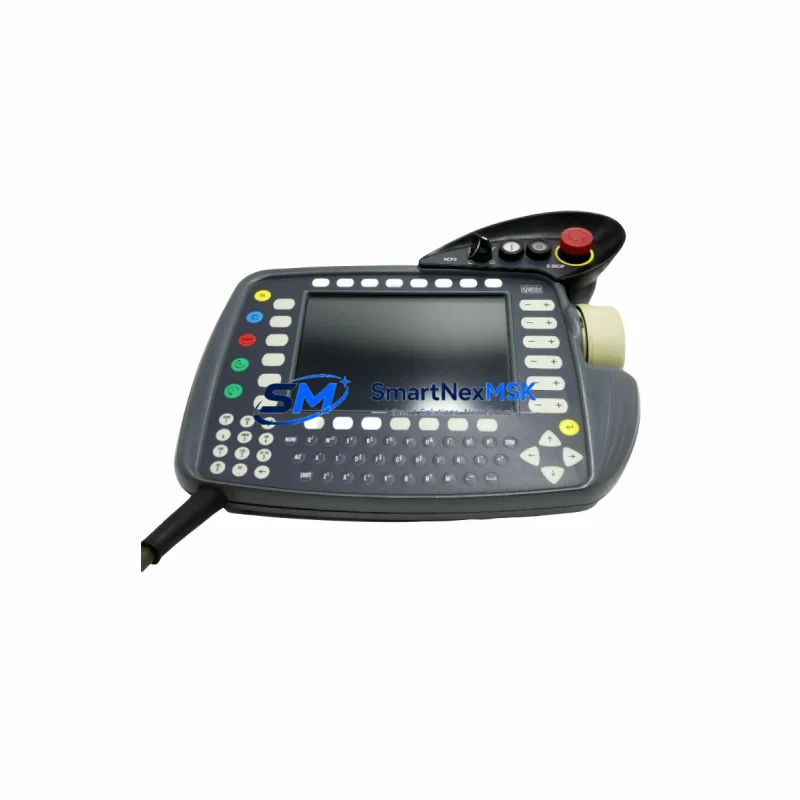
The KUKA 00-207-218 KCP2 smartPAD is the original teach pendant designed for KUKA KR C4 and GA12 robot controllers. For maintenance engineers managing robotic workcells, conveyor automation, or multi-axis handling systems, this unit represents a critical interface component — the primary operator terminal for programming, jogging, and fault diagnostics. Unplanned failure of the smartPAD results in immediate production stoppage. Holding a verified spare in your maintenance inventory is the most effective strategy to minimize mean time to repair (MTTR) and protect uptime commitments.
At SMARTNEXMSK, every 00-207-218 unit is sourced from authorized supply chains, individually inspected, and dispatch-tested before shipment. Our 12-month warranty covers all hardware defects, and our technical team supports compatibility verification for your specific KR C4 cabinet revision.
Spare Maintenance Table
| Part Number | 00-207-218 |
| Description | KCP2 smartPAD Teach Pendant |
| Brand | KUKA Robotics |
| Series Compatibility | KR C4, GA12 Robot Controllers |
| Interface | Proprietary KCP2 connector (X11 port on KR C4 cabinet) |
| Display | Color touchscreen with emergency stop, enabling switch, and status LEDs |
| Cable Length | 10 m (standard); extension cables available separately |
| Operating Voltage | 24 VDC (supplied via controller cabinet) |
| IP Rating | IP54 (dust and splash resistant) |
| Weight | Approx. 1,040 g |
| Origin | Germany |
| Application Environment | Automotive, general manufacturing, palletizing, welding, material handling |
| Installation | Hot-swap capable; plug-and-play replacement on powered-down KR C4 cabinet |
| Maintenance Recommendation | Inspect cable jacket, connector pins, and enabling switch annually; replace if physical damage or intermittent faults detected |
| Warranty | 12 Months — covers all hardware defects from date of shipment |
Maintenance Planning for Continuous Operation
When a KCP2 smartPAD (00-207-218) is flagged for replacement during a scheduled inspection or after a fault event, experienced maintenance engineers treat this as a trigger to audit the broader KR C4 control cabinet. The smartPAD communicates with the controller via the X11 interface; if the pendant has suffered a drop, cable strain, or connector wear, the X11 port on the KR C4 cabinet board should be inspected simultaneously to rule out pin damage or intermittent contact faults.
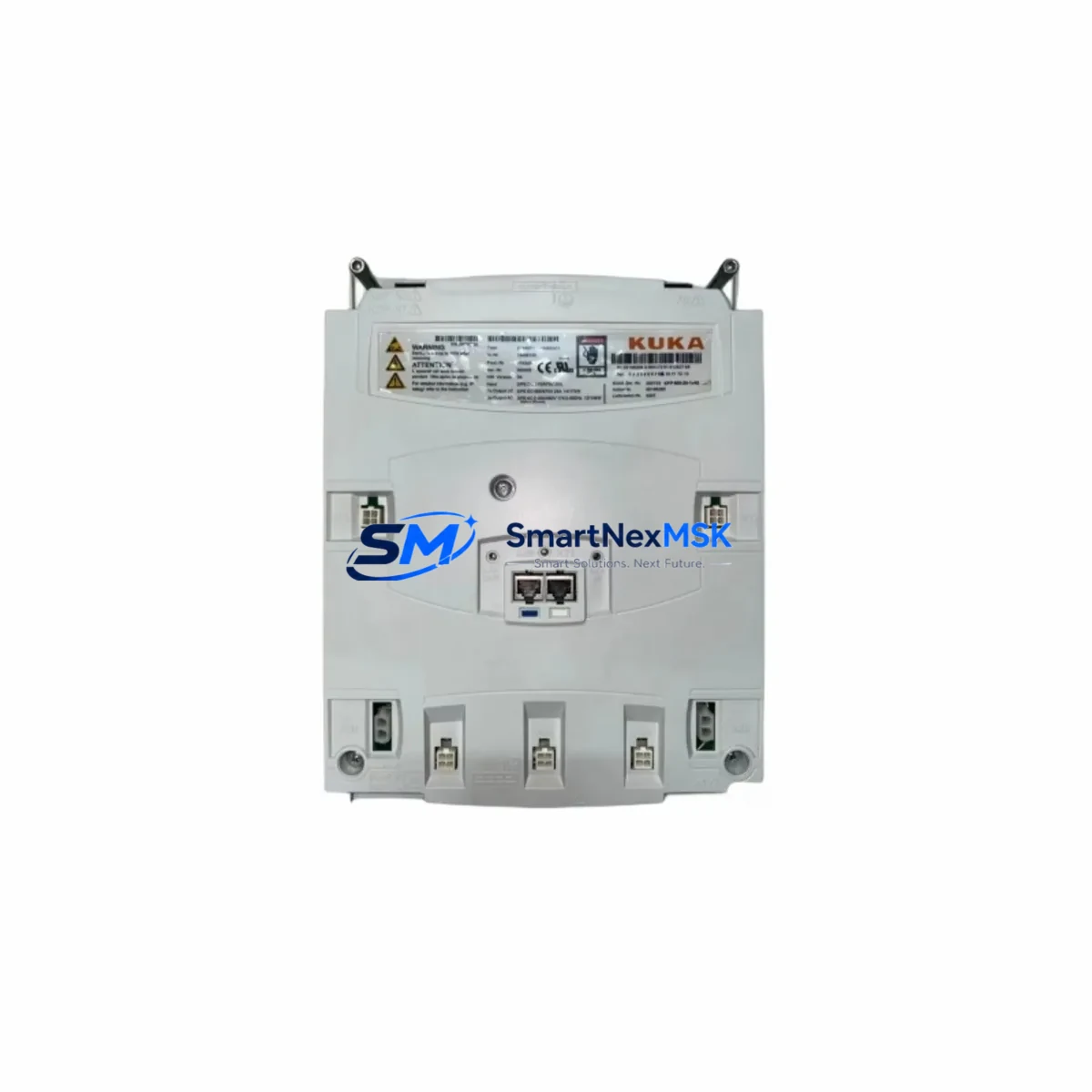
The KR C4 cabinet power supply unit (PSU) — typically the KUKA KPS-600 or equivalent — should be checked for output voltage stability at 24 VDC, as undervoltage conditions can cause false pendant communication errors that mimic hardware failure. Alongside the PSU, the cabinet’s internal 24 VDC distribution terminal blocks and fuse holders should be verified for continuity and thermal discoloration.
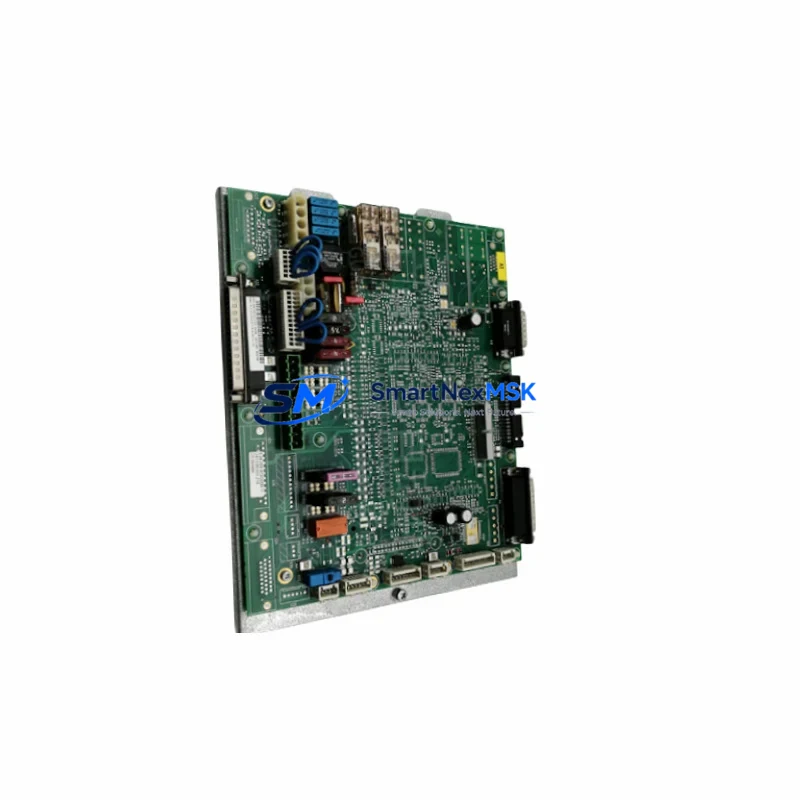
For cells running coordinated multi-robot or external axis configurations, the KUKA KRC4 safety interface board (X11/X13 safety circuit) and the associated safety relay modules govern the enabling switch signal from the smartPAD. These components should be tested as part of any pendant replacement workflow to confirm the safety chain is intact before returning the cell to automatic mode.
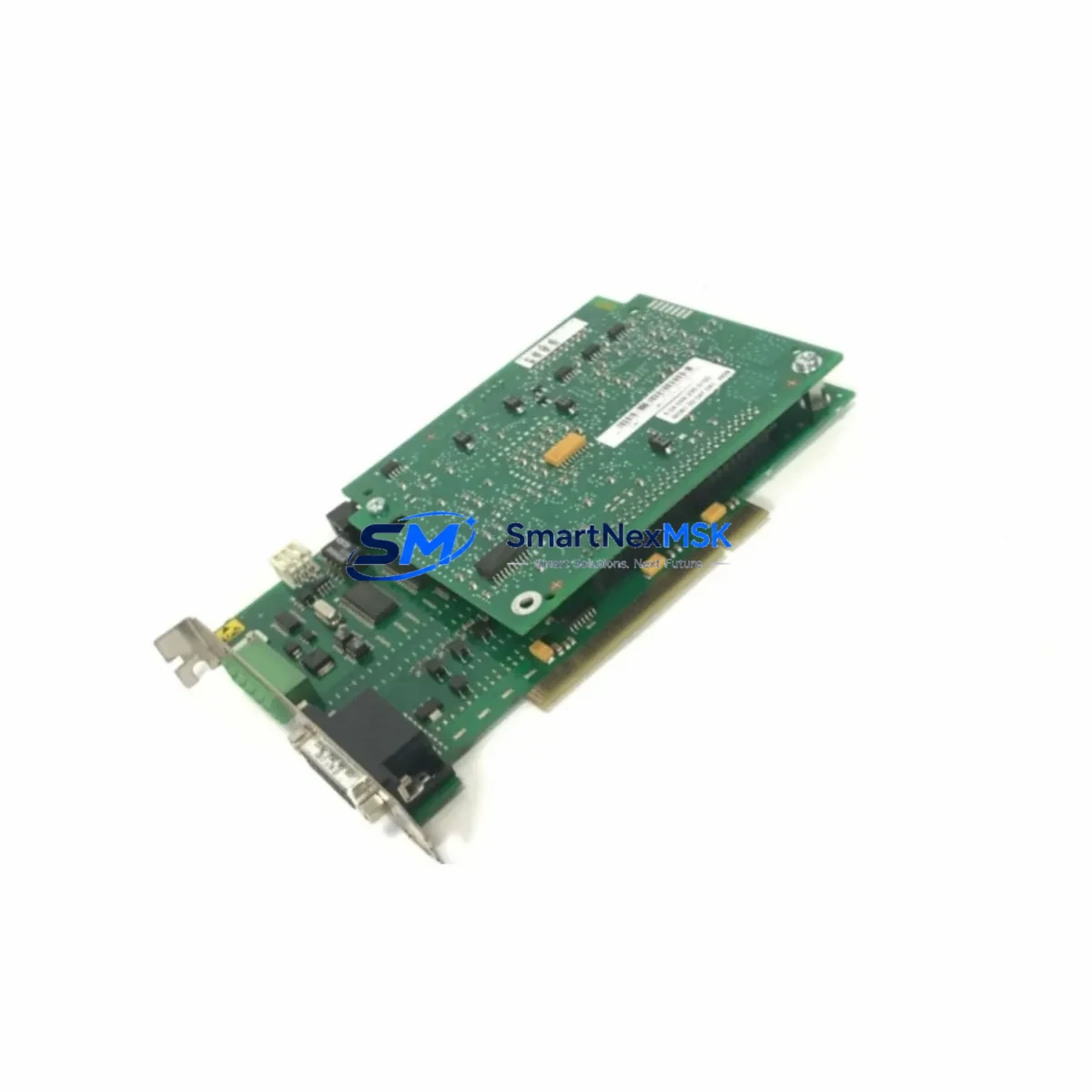
If the robot cell integrates a KUKA KR C4 fieldbus communication module — such as a PROFINET, EtherNet/IP, or DeviceNet interface card — verify that the module’s status LEDs indicate normal communication after the pendant swap, as a controller restart during replacement can occasionally reset fieldbus node addresses. Similarly, if the cell uses a KUKA SmartPAD Pro or a legacy KCP2 pendant interchangeably, confirm firmware version compatibility with the installed KSS (KUKA System Software) version to avoid operator interface mismatches.
For older KR C4 installations approaching end-of-support, maintenance planners should also review the status of the controller’s CompactFlash or SSD system drive, the UPS battery backup module, and the cabinet cooling fan assemblies. These components share the same service interval as the teach pendant and are frequently overlooked until a secondary failure compounds the original fault. Proactive stocking of the 00-207-218 alongside these ancillary components significantly reduces the risk of extended downtime during unplanned maintenance windows.
Site Replacement Workflow
Step 1 — Fault Isolation: Confirm the fault is isolated to the smartPAD by checking KR C4 error logs (KUKA.Log) for pendant communication faults (e.g., KSS 00500, KSS 00501). Disconnect and reconnect the pendant at X11 to rule out connector seating issues before ordering a replacement.
Step 2 — Safety Lockout: Place the robot in T1 (manual reduced speed) mode, engage the external E-stop, and follow your site LOTO procedure before opening the cabinet or disconnecting the pendant cable.
Step 3 — Replacement: Disconnect the existing 00-207-218 at the X11 port. Connect the replacement unit. Power on the KR C4 cabinet and confirm the smartPAD boots to the KUKA startup screen without error. Verify the enabling switch, E-stop, and all function keys respond correctly in T1 mode before releasing to automatic operation.
Step 4 — Compatibility Verification: Confirm the replacement pendant’s hardware revision is compatible with the installed KSS version. KUKA KSS 8.2 and above support all current KCP2 smartPAD hardware revisions. If running an earlier KSS version, contact SMARTNEXMSK for revision-specific availability.
Step 5 — Documentation: Record the replacement in your maintenance log with the date, serial number of the removed unit, and the serial number of the installed 00-207-218. Update your spare parts inventory accordingly.
This workflow typically achieves full cell recovery within 30–60 minutes from fault identification to resumed automatic production, provided the replacement unit is on-site. This is the core value proposition of maintaining a pre-stocked 00-207-218 in your spare parts cabinet.
Spare Parts Support FAQ
Q1: Is the KUKA 00-207-218 compatible with all KR C4 variants, including the KR C4 compact and KR C4 NA?
A: The 00-207-218 KCP2 smartPAD is compatible with the standard KR C4, KR C4 compact, KR C4 NA, and GA12 controller variants. All share the same X11 pendant interface. If you are operating a KR C5 or KR C4 with a non-standard cabinet configuration, please contact our technical team to confirm compatibility before ordering.
Q2: What pre-shipment testing does SMARTNEXMSK perform on the 00-207-218?
A: Each unit undergoes a functional power-on test, touchscreen calibration check, enabling switch actuation test, and E-stop circuit continuity verification before dispatch. Units that do not pass all checks are quarantined and not shipped. A test report is available upon request.
Q3: How should I manage spare parts inventory for the KCP2 smartPAD in a multi-robot facility?
A: Industry best practice for facilities operating 5 or more KR C4 robots is to maintain a minimum of one 00-207-218 spare per 5–8 robots, stored in a climate-controlled cabinet away from vibration sources. For facilities with 24/7 production schedules or long lead-time procurement environments, a 1:3 ratio is recommended. SMARTNEXMSK offers volume pricing and consignment stock arrangements for qualified accounts.
Q4: What does the 12-month warranty cover, and what is the claims process?
A: The 12-month warranty covers all hardware defects in materials and workmanship from the date of shipment. It does not cover physical damage from drops, cable abuse, or unauthorized repair attempts. To initiate a warranty claim, contact [email protected] with your order number, a description of the fault, and photos of the unit. SMARTNEXMSK will arrange return shipping and provide a replacement or repair within 10 business days of receiving the defective unit.
© 2026 SMARTNEXMSK. All rights reserved.
Original Source: https://smartnexmsk.com
Contact: [email protected] | +86 18259474341