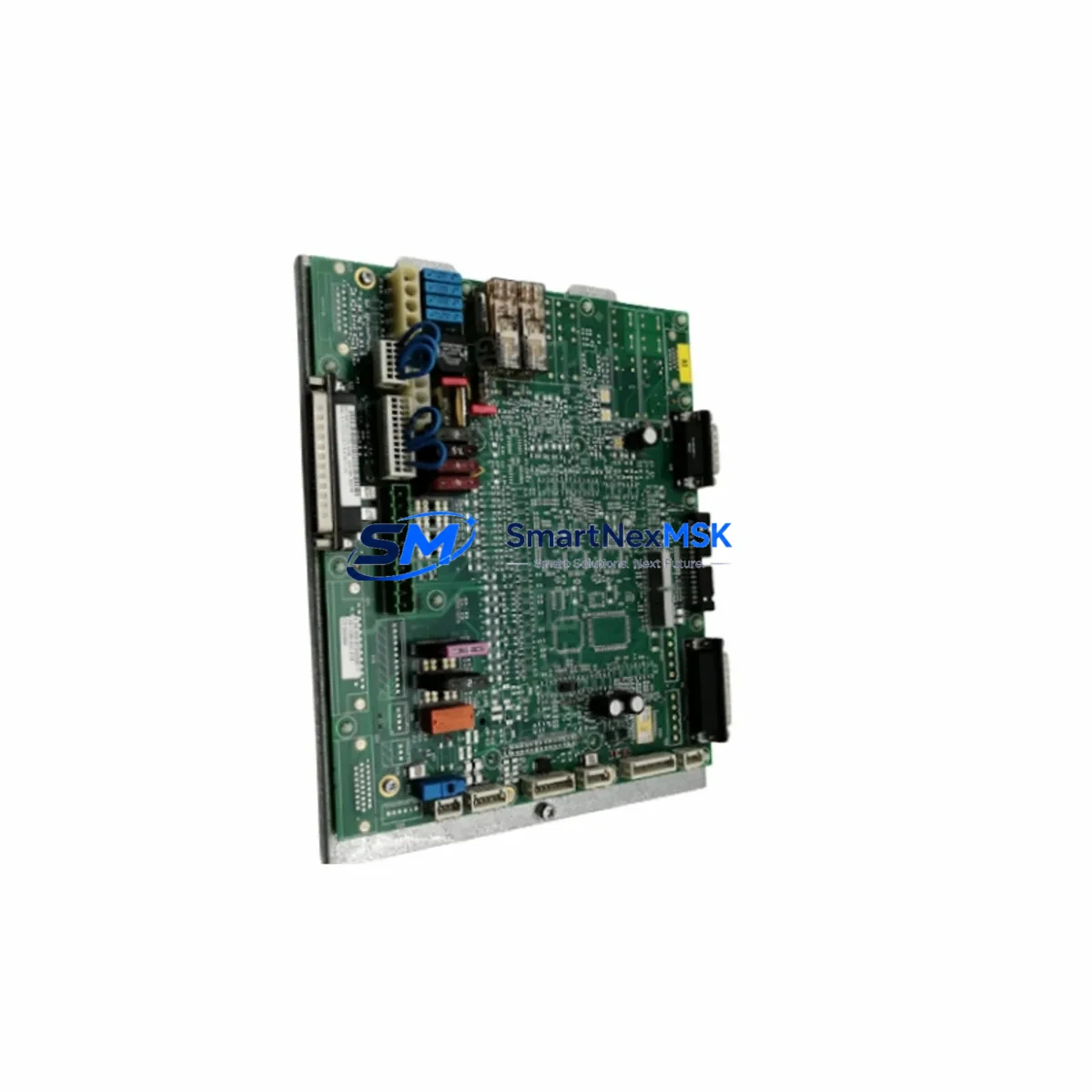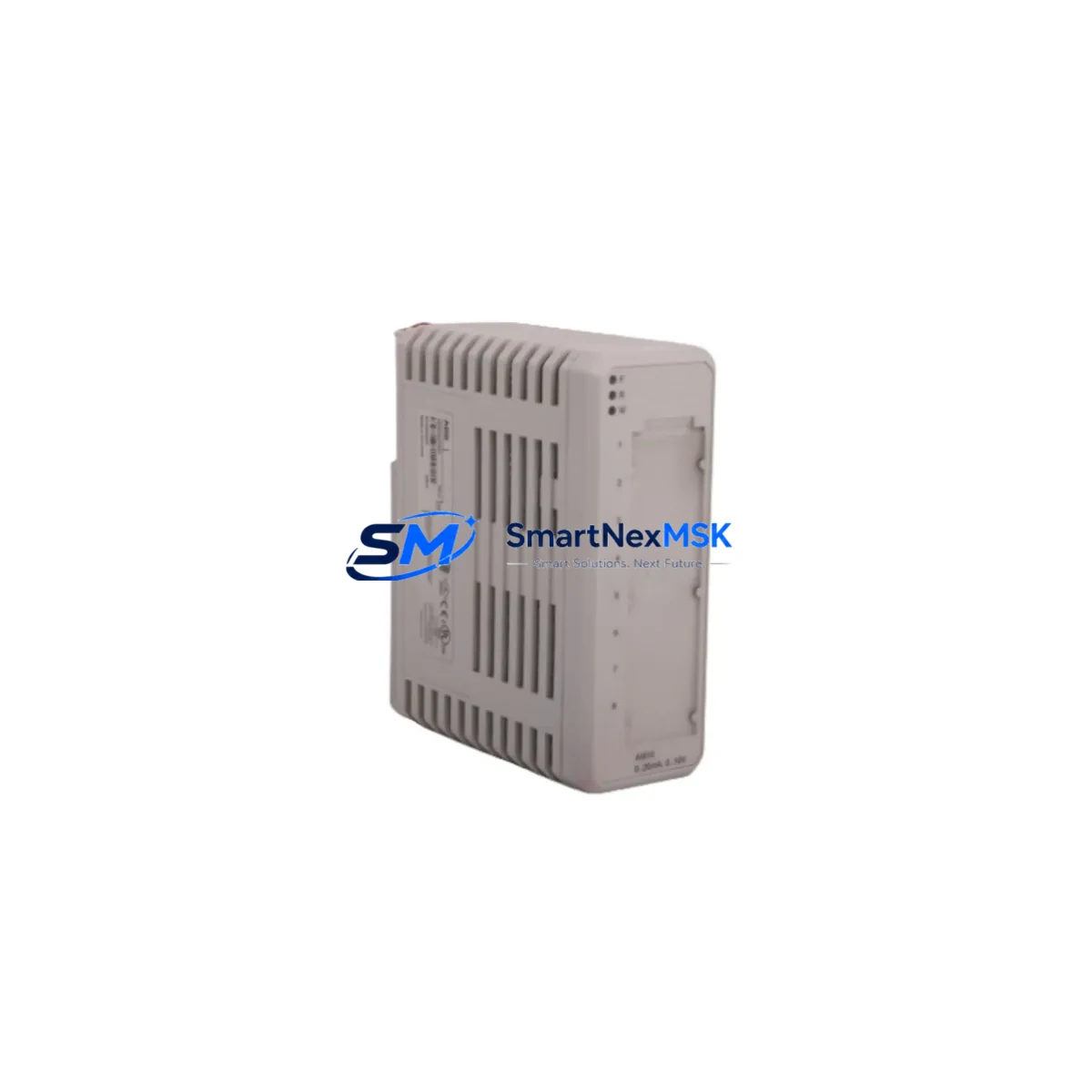
KUKA 00-284-170 KPC4 Retrofit-Ready Controller Board for KR C2/C3 Control Systems
The KUKA 00-284-170 KPC4 is a proven retrofit solution for aging KR C2 and KR C3 robot controller cabinets that require a reliable, drop-in compatible replacement for the original KPC4 controller board. As KUKA’s installed base of KR C2 systems continues to age across automotive, metal fabrication, and general manufacturing facilities, sourcing a verified replacement for the 00-284-170 KPC4 has become a critical priority for maintenance engineers and system integrators managing legacy robot fleets.
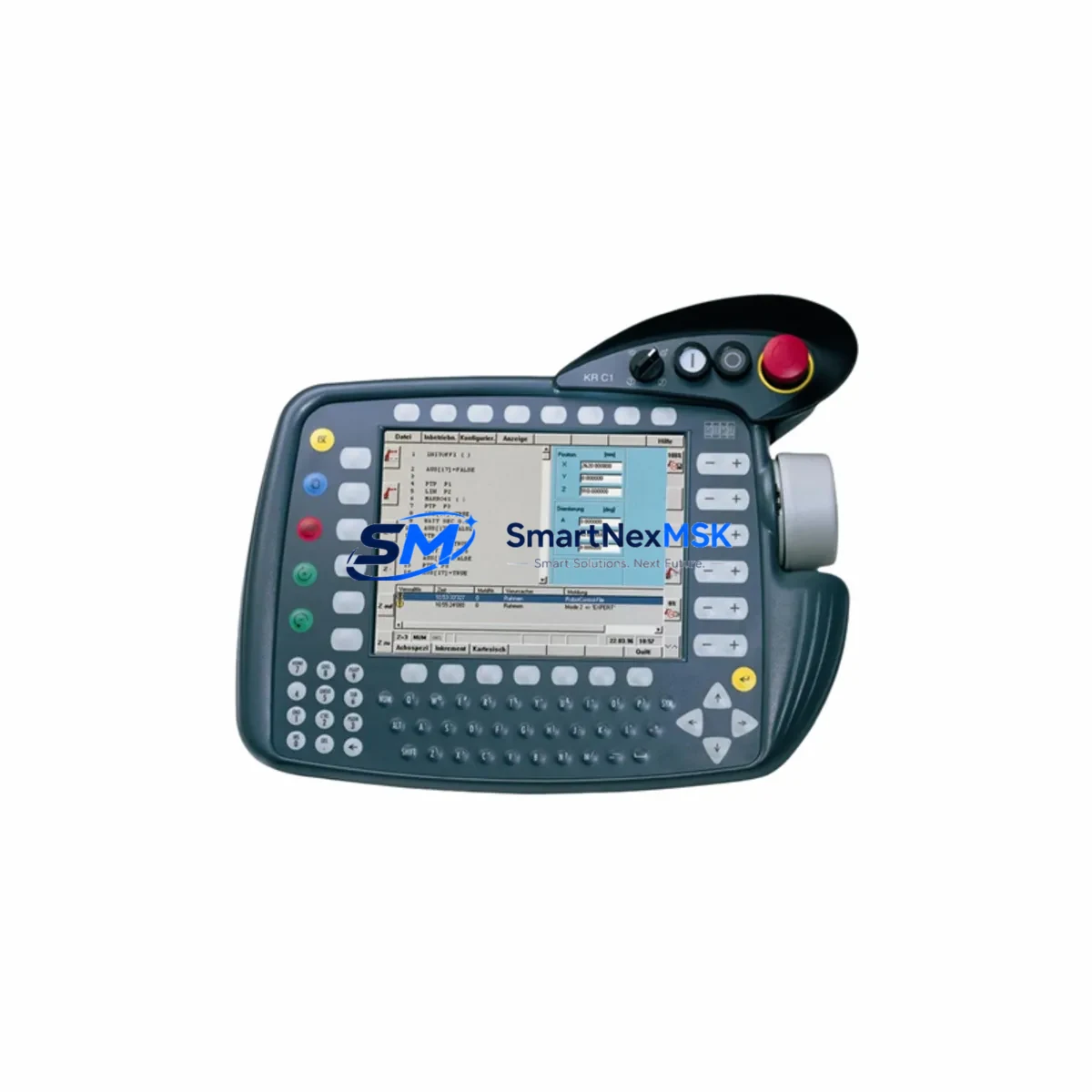
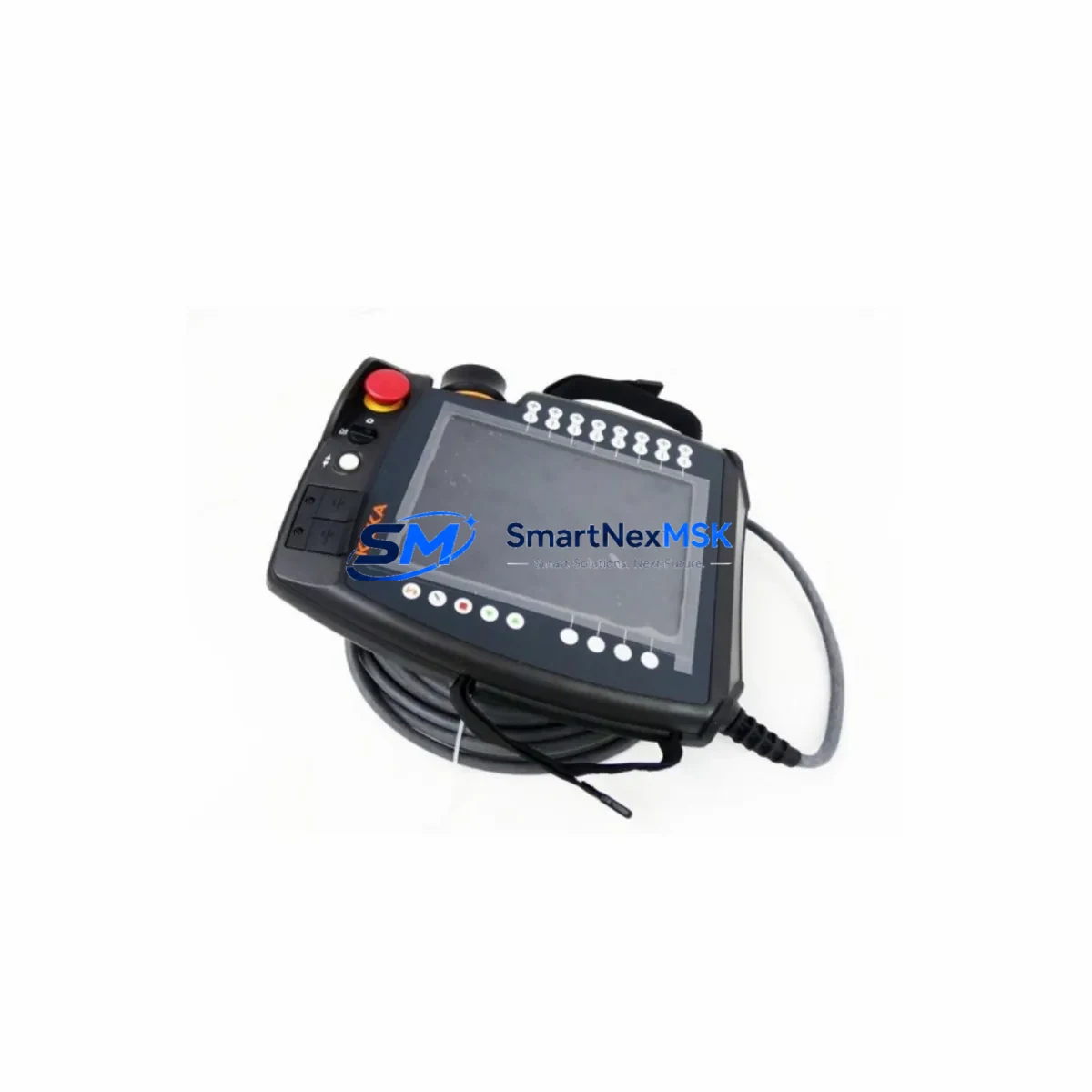
This board serves as the central processing unit within the KR C2 and KR C3 controller cabinet, managing real-time communication between the robot’s drive system, the KCP teach pendant, and the higher-level PLC or SCADA network. When the original 00-284-170 KPC4 fails — typically presenting as a C1 or C2 safety fault, loss of communication with the KCP2 teach pendant, or an inability to boot the VxWorks-based operating environment — a verified replacement board is the fastest path to restoring production uptime.
Before installing the replacement 00-284-170 KPC4, engineers should confirm the following: the cabinet’s 24 VDC power supply (typically a KUKA KPS-27 or equivalent) is within specification; the CompactFlash card containing the robot’s system software and program archive is backed up and readable; the KUKA MFC3 motion control card and DSE-IBS or DSE-RDW resolver interface boards are seated correctly in the backplane; and the KCP2 teach pendant cable and X11 safety interface connector are undamaged. Skipping these checks before board swap is the most common cause of extended commissioning time.
Upgrade Compatibility Table
| Parameter | Details |
|---|---|
| Compatible Controller | KUKA KR C2, KR C2 edition2005, KR C3 |
| Replaces OEM Part | KUKA 00-284-170 (KPC4) |
| Board Form Factor | ATX-compatible, backplane-mounted |
| Communication Interface | INTERBUS-S, DeviceNet, PROFIBUS-DP (via optional DSE-IBS / MFC3) |
| OS Environment | VxWorks (KUKA System Software KSS 5.x) |
| Teach Pendant Compatibility | KCP2 (X19 connector) |
| Safety Interface | X11 (dual-channel E-stop, safety gate, operator enable) |
| Installation Requirement | CompactFlash backup required before swap; re-mastering may be needed |
| Commissioning Note | Verify MFC3 and DSE-RDW seating; re-reference robot axes post-install |
| Warranty | 12 Months — covers manufacturing defects and functional failure |
Retrofit Planning for Existing Automation Systems
A successful KR C2 retrofit begins well before the replacement 00-284-170 KPC4 arrives on site. The first step is a full backup of the robot’s CompactFlash card, which stores the KSS operating system, all motion programs, tool and base coordinate data, and I/O configuration. This backup should be verified on a separate PC using KUKA’s WorkVisual or the legacy KUKA.OfficeLite environment before the cabinet is powered down.
Inside the KR C2 cabinet, the 00-284-170 KPC4 interfaces directly with the KUKA MFC3 motion control card via the internal backplane. The MFC3 manages the six-axis servo amplifier communication and must be inspected for capacitor aging and connector corrosion before the new KPC4 is installed. Similarly, the DSE-IBS resolver interface board — responsible for encoder signal processing from each robot axis — should be tested independently. If the DSE-IBS is marginal, replacing it alongside the KPC4 eliminates a second unplanned outage within weeks of the first repair.
The KPS-27 power supply module within the cabinet provides the 24 VDC logic rail that powers the KPC4 board. A failing KPS-27 is a frequent co-failure with KPC4 board damage, particularly in environments with unstable mains voltage. Verifying the KPS-27 output under load before commissioning the new board prevents repeat failures. The cabinet’s internal fan assembly and air filter should also be cleaned or replaced at this stage to prevent thermal stress on the new board.
For facilities running multiple KR C2 or KR C3 robots on a PROFIBUS-DP network, the replacement KPC4 must be assigned the correct PROFIBUS node address to match the original configuration. This address is stored in the KSS software and restored from the CompactFlash backup, but should be verified against the network topology diagram before the robot is returned to automatic mode. Where the control network has been upgraded to PROFINET or EtherNet/IP, a KUKA PROFINET interface module or third-party gateway may be required to bridge the legacy PROFIBUS-DP interface on the KPC4 to the new network infrastructure.
Facilities planning a broader modernization — moving from KR C2 to KR C4 or KR C5 architecture — should note that the 00-284-170 KPC4 replacement is an ideal interim measure that extends the operational life of existing cabinets by 3–7 years while a phased migration plan is developed. During this window, the existing KCP2 teach pendant, X11 safety wiring, and field-bus I/O modules can remain in service, reducing the scope and cost of the eventual full controller upgrade.
Downtime Control During System Migration
Minimizing unplanned downtime during a KPC4 board replacement requires a structured swap procedure. Begin by documenting the current robot status: record all active fault codes, note the last known mastering values for each axis, and photograph the X11 safety interface wiring before disconnection. This documentation is the fastest recovery path if commissioning issues arise after the board swap.
Power down the KR C2 cabinet using the main disconnect, then wait a minimum of five minutes for the internal DC bus capacitors in the servo amplifier section to discharge. Remove the failed 00-284-170 KPC4 by releasing the backplane retention screws and disconnecting the CompactFlash card, the KCP2 pendant cable at X19, and the internal ribbon connectors. Install the replacement board in reverse order, ensuring the CompactFlash card from the backup is seated before power-up.
On first boot, the KSS software will perform a hardware recognition sequence. If the system reports a mismatch between the stored machine configuration and the detected hardware — common when the replacement board has a different firmware revision — use the KSS startup menu to force a cold start and re-import the machine data from the CompactFlash backup. After successful boot, verify communication with the KCP2 teach pendant, confirm all six axes respond to jog commands in T1 mode, and run a mastering check using the KUKA Electronic Mastering Device (EMD) before returning the robot to automatic production mode.
For facilities where even a four-hour maintenance window is operationally significant, maintaining a pre-configured spare 00-284-170 KPC4 with a cloned CompactFlash card reduces the effective swap time to under 90 minutes. SMARTNEXMSK maintains in-stock inventory of the 00-284-170 KPC4 with same-day dispatch capability, supporting urgent replacement requirements with a 12-month warranty on every unit shipped.
Retrofit Support FAQ
Q: Is the KUKA 00-284-170 KPC4 a direct drop-in replacement for the original board in my KR C2 cabinet?
A: Yes. The replacement 00-284-170 KPC4 is dimensionally and electrically compatible with the original KPC4 board position in the KR C2 and KR C3 controller cabinet. No cabinet modifications are required. The existing CompactFlash card, KCP2 pendant cable, and X11 safety wiring connect directly to the replacement board. A mastering check is recommended after installation.
Q: Do I need to re-program the robot after replacing the KPC4 board?
A: No re-programming is required if the original CompactFlash card is intact and used with the replacement board. All motion programs, I/O configurations, tool data, and base coordinates are stored on the CompactFlash card, not on the KPC4 board itself. If the CompactFlash card was also damaged, SMARTNEXMSK can advise on KSS software restoration procedures.
Q: What commissioning steps are required after installing the replacement 00-284-170 KPC4?
A: After installation, power up the cabinet and verify KSS boots correctly from the CompactFlash card. Confirm KCP2 teach pendant communication, check all axis drive ready signals on the MFC3, and perform a mastering verification using the EMD tool. Run the robot in T1 mode through its full working envelope before switching to automatic mode. Total commissioning time is typically 2–4 hours for an experienced technician.
Q: What does the 12-month warranty cover?
A: The 12-month warranty covers all manufacturing defects and functional failures under normal operating conditions. It includes free replacement or repair of the 00-284-170 KPC4 board if it fails to perform its specified functions within the warranty period. The warranty does not cover damage caused by incorrect installation, overvoltage events, or physical impact. All units are function-tested prior to dispatch.
© 2026 SMARTNEXMSK. All rights reserved.
Original Source: https://smartnexmsk.com
Contact: [email protected] | +86 18259474341