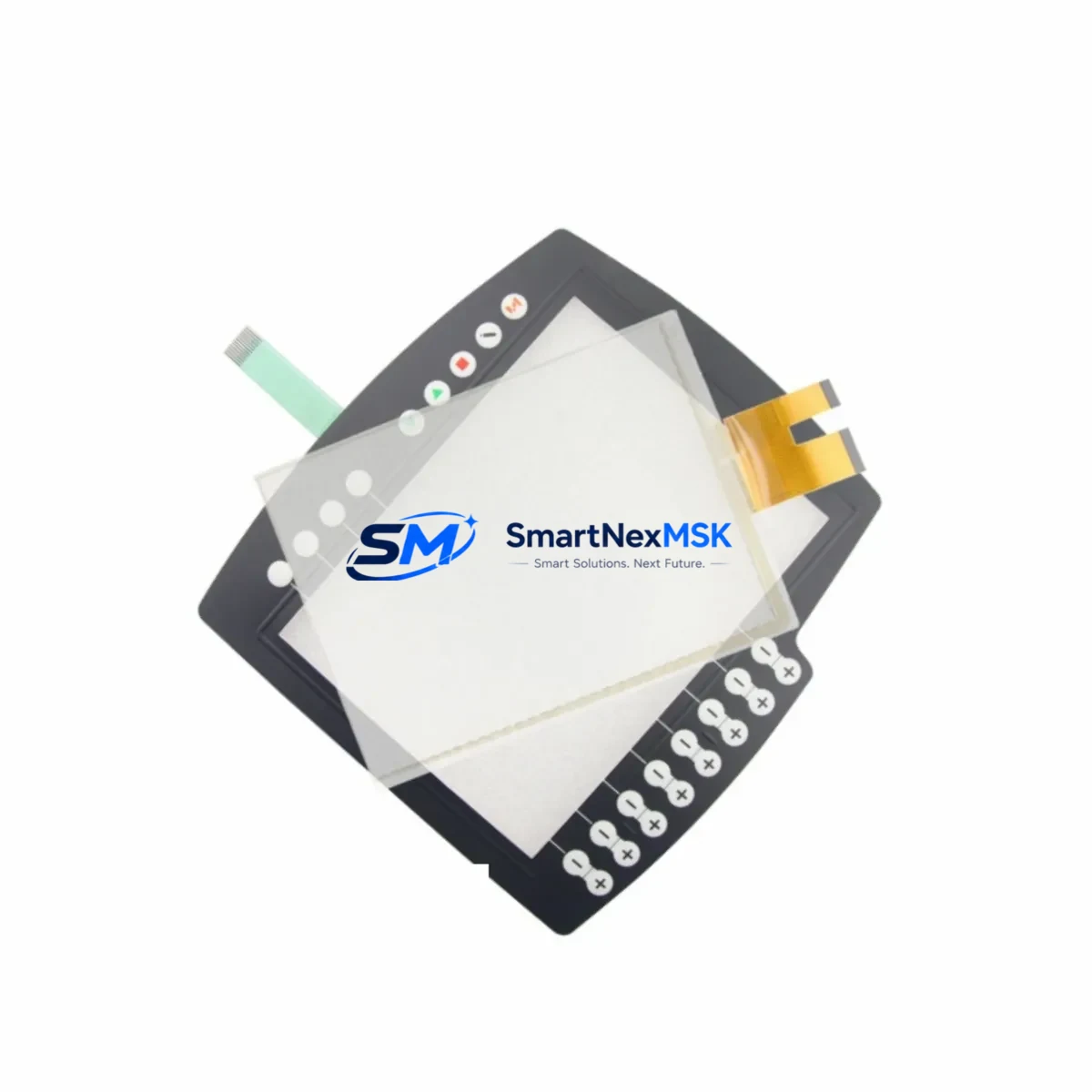
KUKA 00-291-556 Retrofit-Ready Teach Pendant for KRC5 Control Systems
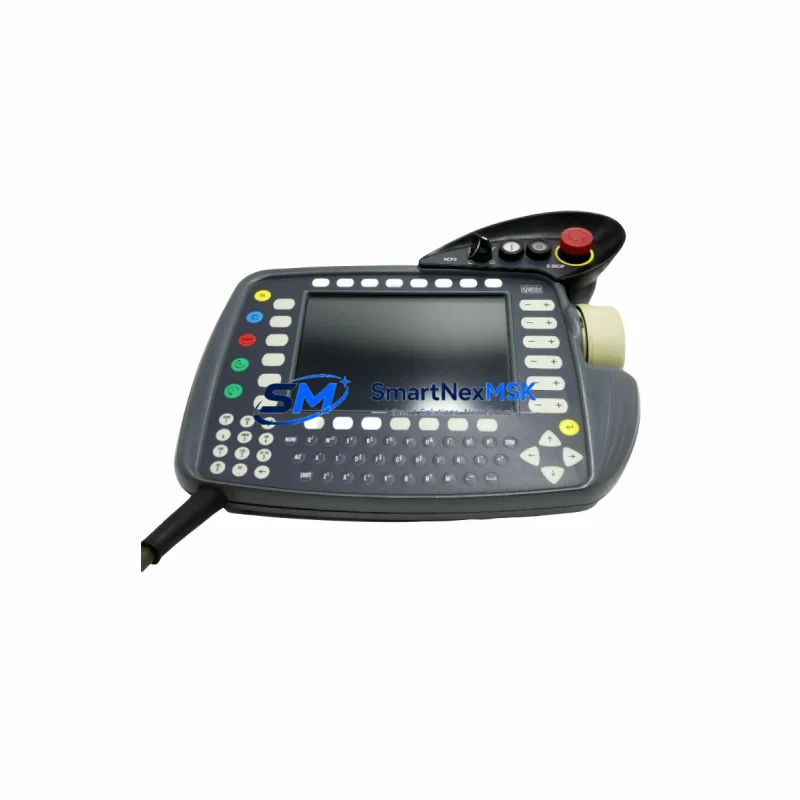
The KUKA 00-291-556 is the factory-designated smartPAD teach pendant for the KRC5 robot controller, engineered to deliver a seamless operator interface upgrade for facilities transitioning away from legacy KRC4-based automation cells. Whether you are replacing a failed unit, modernizing an aging production line, or executing a planned controller migration, the 00-291-556 provides the compatibility, ergonomics, and communication architecture required for uninterrupted robot operation.
This pendant connects to the KRC5 controller via the dedicated X19 smartPAD interface port, supporting the high-speed Ethernet-based communication protocol that underpins KUKA’s fifth-generation controller platform. The 8.4-inch color touchscreen, integrated enabling device, emergency stop, and mode selector switch are fully compatible with KUKA WorkVisual 6.x and KUKA System Software (KSS) 8.7 and above, ensuring that existing robot programs, safety configurations, and HMI screen layouts can be retained without reprogramming.
Upgrade Compatibility Table
| Parameter | Details |
|---|---|
| Part Number | 00-291-556 (also referenced as C500-291-556) |
| Compatible Controller | KUKA KRC5, KRC5 micro, KRC5 compact |
| Replaces / Upgrades From | KUKA KRC4 smartPAD (00-168-334), KRC4 compact smartPAD |
| Interface / Connection | X19 smartPAD port (Ethernet-based, KRC5 native) |
| Display | 8.4″ color touchscreen, 800×600 resolution |
| Communication Protocol | KRC5 Ethernet smartPAD protocol (not compatible with KRC4 X19 directly) |
| Software Compatibility | KSS 8.7+, WorkVisual 6.x, KUKA.SafeOperation, KUKA.RoboTeam |
| Installation Requirement | KRC5 controller with X19 port; adapter cable required for KRC4-to-KRC5 migration |
| Retrofit Recommendation | Pair with KRC5 controller upgrade; retain existing robot arm and base wiring |
| Commissioning Notes | Verify safety zone configuration, axis mastering, and tool/base data after swap |
| Weight | 420 g |
| Origin | Germany |
| Warranty | 12-Month Warranty — covers manufacturing defects and functional failure under normal use |
Retrofit Planning for Existing Automation Systems
Integrating the KUKA 00-291-556 into an existing production environment requires a structured approach, particularly when the host cell was originally built around a KRC4 controller. The most common retrofit scenario involves replacing the KRC4 cabinet with a KRC5 compact controller while retaining the existing robot arm, end-of-arm tooling, and field wiring. In this configuration, the 00-291-556 smartPAD connects directly to the new KRC5 via the X19 port, and the operator immediately gains access to the updated KSS interface without retraining on a new hardware platform.
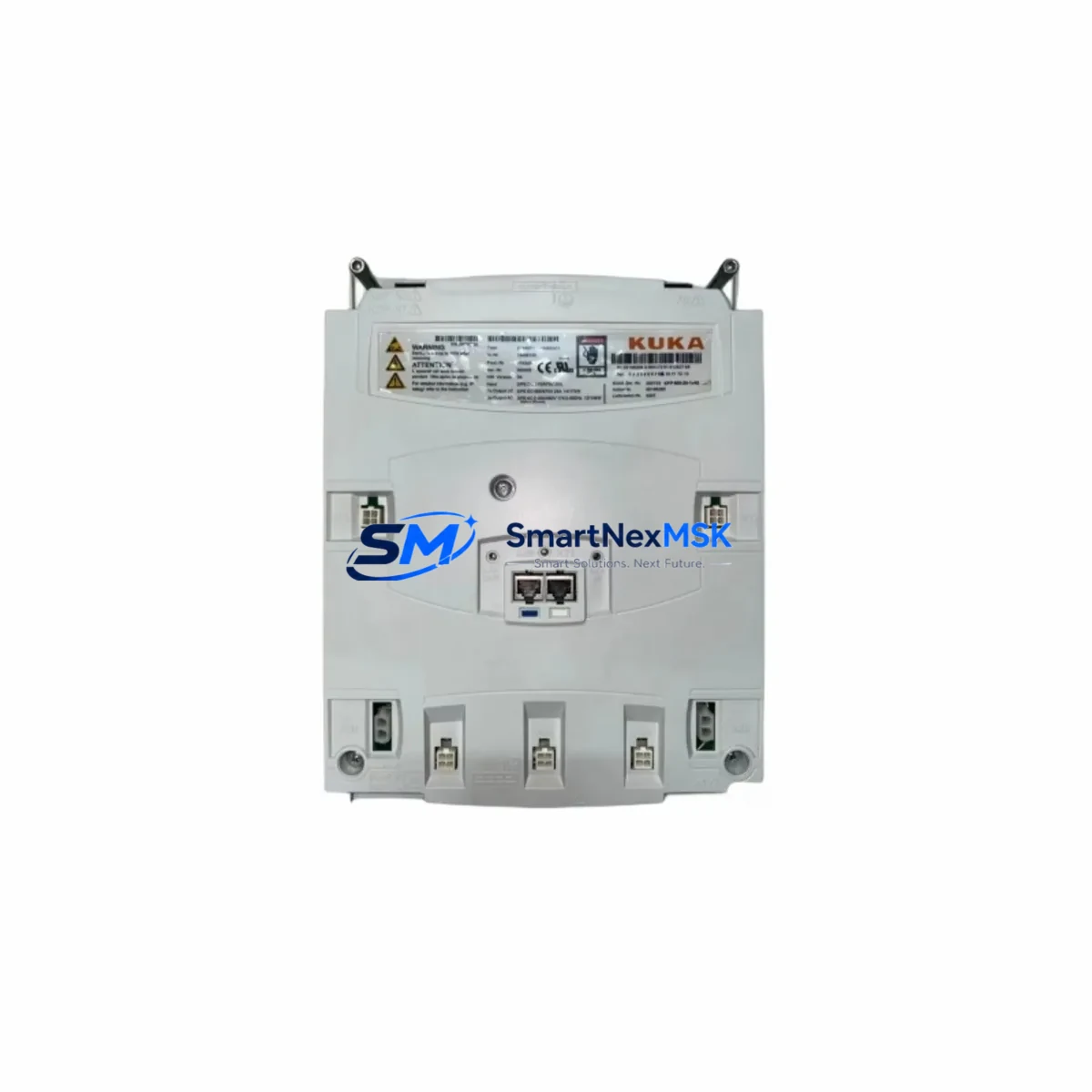
Before installation, engineers should audit the control cabinet for power supply compatibility. The KRC5 controller operates on a 400 V AC three-phase supply, and the internal KUKA KPS-600 power supply module must be verified for correct voltage and phase sequencing. If the existing cabinet uses a legacy KPS-27 or KPS-600/20 unit from a KRC4 installation, these are not forward-compatible and must be replaced as part of the upgrade bill of materials.
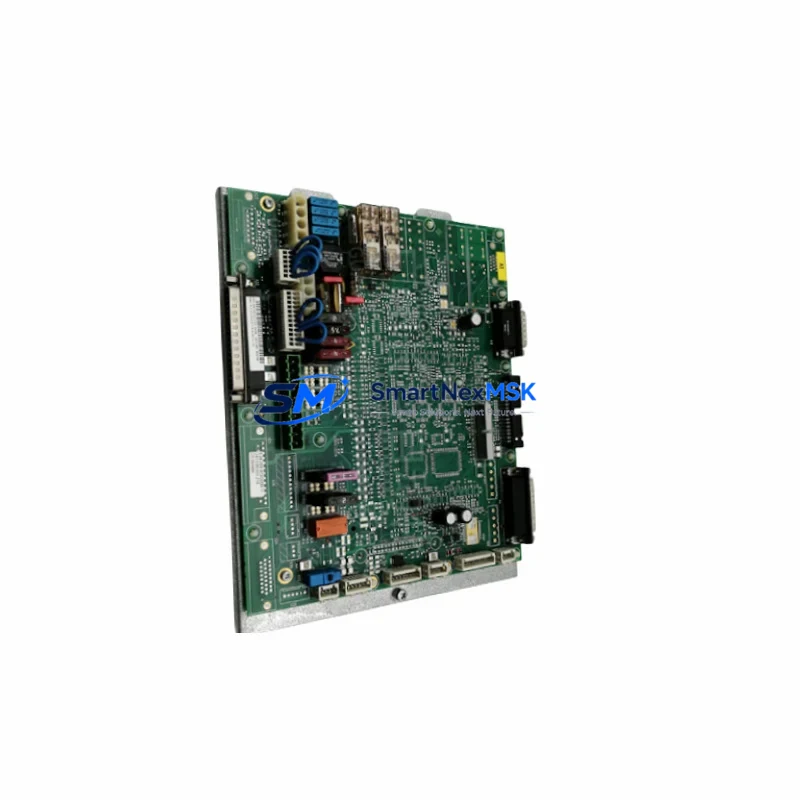
Terminal wiring for safety circuits — including the external emergency stop loop, operator safety gate, and customer-side enabling signals — must be re-mapped to the KRC5’s X11 safety interface connector. Unlike the KRC4’s X11 pinout, the KRC5 X11 uses a revised terminal assignment, so existing safety relay wiring diagrams must be updated before energizing the new controller. The KUKA KRC5 electrical planning manual provides the definitive pinout reference for this step.
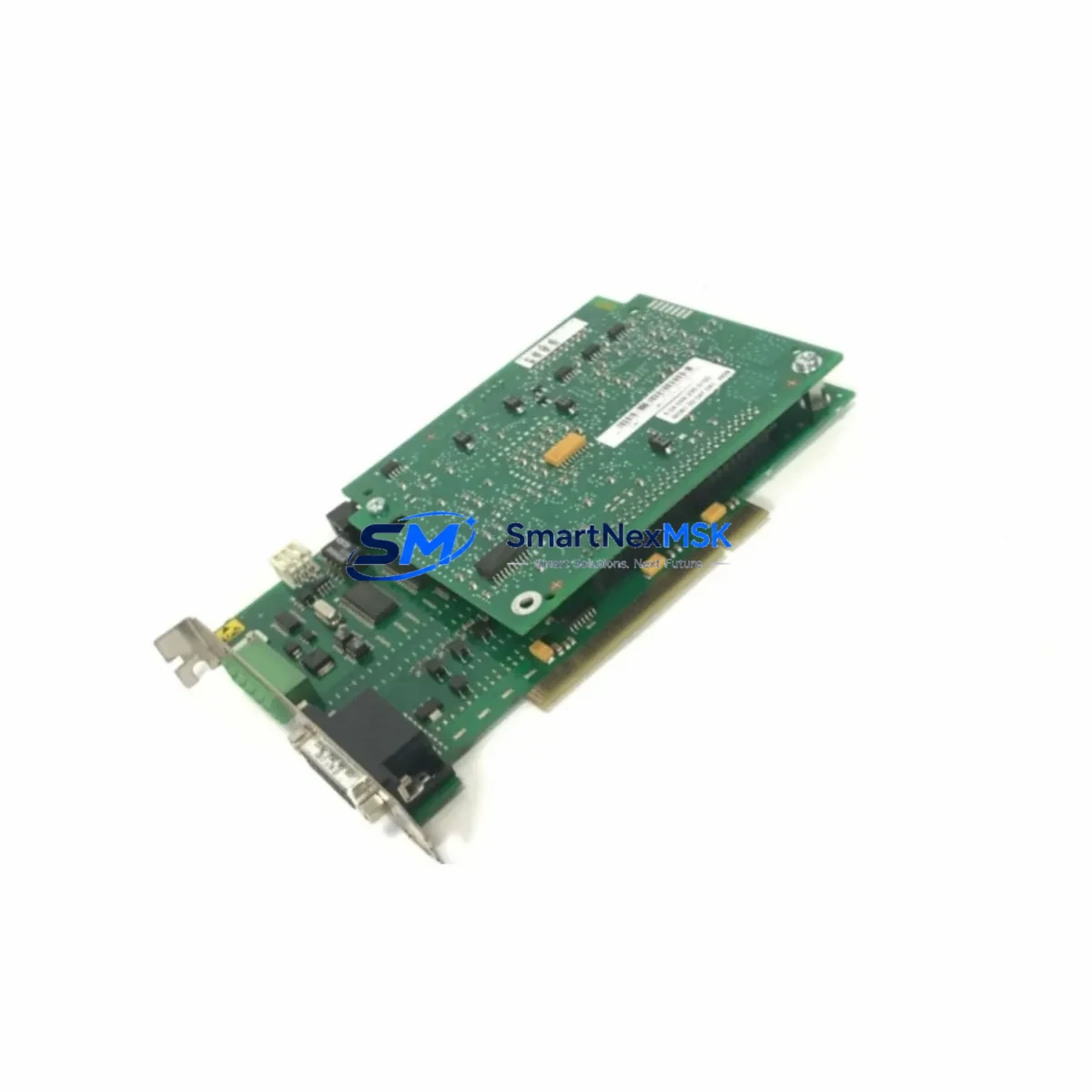
For cells that include a KUKA KR C4 fieldbus coupler or a PROFINET IO controller card, the migration to KRC5 requires reinstalling the equivalent KUKA PROFINET Master/Slave option package under WorkVisual 6.x and re-mapping all I/O signals to the new device topology. If the cell communicates with a Siemens S7-1500 PLC or similar upstream controller via PROFINET, the GSD file for the KRC5 must be imported into the PLC engineering tool and the I/O address table updated to reflect any changes in module slot assignments.
Facilities running KUKA.PLC mxAutomation for PLC-driven robot motion should verify that the mxAutomation version installed on the KRC5 is compatible with the existing PLC function block library. In many cases, upgrading from KRC4 to KRC5 also requires updating the mxAutomation FB library on the Siemens or Beckhoff PLC side to maintain motion command compatibility.
If the production cell includes a KUKA smartHMI panel PC or a third-party HMI running a custom visualization built on KUKA’s OPC UA server, the OPC UA namespace and node IDs should be validated post-migration, as KSS 8.7 introduces updated address space structures. Cells using a KUKA KR C4 vision interface or an integrated KUKA.VisionTech camera system should also confirm driver compatibility with the KRC5 platform before go-live.
For multi-robot cells coordinated via KUKA.RoboTeam, the team master/slave configuration must be re-established in WorkVisual after the controller swap, and all inter-robot synchronization points should be tested in T1 mode before returning to automatic operation. A KUKA programming cable (KLI Ethernet) and a laptop running WorkVisual 6.x are required for project deployment and final commissioning.
Downtime Control During System Migration
Minimizing production downtime during a KRC4-to-KRC5 migration begins with thorough pre-migration preparation. Before the maintenance window opens, the existing KRC4 robot project should be archived from WorkVisual and backed up to a USB drive or network share. All axis mastering values, tool data, base data, safety configuration parameters, and I/O signal tables should be documented in a commissioning record that the field engineer can reference during the KRC5 setup.
The physical swap of the controller cabinet — or the internal module replacement in a compact cell — can typically be completed within a four-to-eight-hour window when all replacement components, including the KUKA 00-291-556 smartPAD, the KRC5 controller, and any required interface cables, are staged and verified before the line stops. Pre-loading the robot project onto the KRC5 via WorkVisual offline mode, before the controller is physically installed, eliminates one of the most time-consuming steps in the commissioning sequence.
After power-up, the field engineer should perform axis mastering using the KUKA EMT (Electronic Mastering Tool) or the reference notch method, verify all safety functions in accordance with the site’s functional safety test protocol, and run the robot program in T1 (manual reduced speed) mode through at least one complete production cycle before releasing the cell to automatic operation. This structured approach consistently achieves same-shift restart for straightforward single-robot cell upgrades.
Retrofit Support FAQ
Q1: Is the KUKA 00-291-556 a direct drop-in replacement for the KRC4 smartPAD (00-168-334)?
No — the 00-291-556 is designed exclusively for the KRC5 controller platform. The KRC4 smartPAD uses a different X19 connector protocol and is not electrically or software-compatible with the KRC5. If you are replacing a failed KRC4 smartPAD on an existing KRC4 controller, you need the KRC4-specific part number. The 00-291-556 is the correct choice when the KRC4 controller itself is being replaced with a KRC5 as part of a planned upgrade.
Q2: What pre-shipment testing is performed on the 00-291-556?
Each unit undergoes functional power-on verification, touchscreen calibration check, enabling device and emergency stop circuit continuity testing, and communication interface validation before dispatch. Units are shipped in anti-static protective packaging with a test record. All units supplied by SMARTNEXMSK are covered by a 12-month warranty against manufacturing defects and functional failure under normal operating conditions.
Q3: Can the existing KRC4 robot program be loaded onto the KRC5 without modification?
In most cases, KRL (KUKA Robot Language) programs written for KRC4 are forward-compatible with KRC5/KSS 8.7. However, programs that reference hardware-specific I/O addresses, fieldbus device names, or safety configuration parameters will require review and adjustment in WorkVisual before deployment. SMARTNEXMSK recommends a pre-migration program audit to identify any KRC4-specific dependencies before the maintenance window.
Q4: What is the lead time and warranty coverage for the 00-291-556?
In-stock units ship within 1–3 business days from our Xiamen warehouse. International express delivery (DHL / FedEx) typically reaches most destinations within 3–7 business days. All units are covered by a 12-month warranty from the date of shipment. Warranty claims are handled directly by SMARTNEXMSK — contact our technical team at [email protected] or +86 18259474341 for support.
© 2026 SMARTNEXMSK. All rights reserved.
Original Source: https://smartnexmsk.com
Contact: [email protected] | +86 18259474341