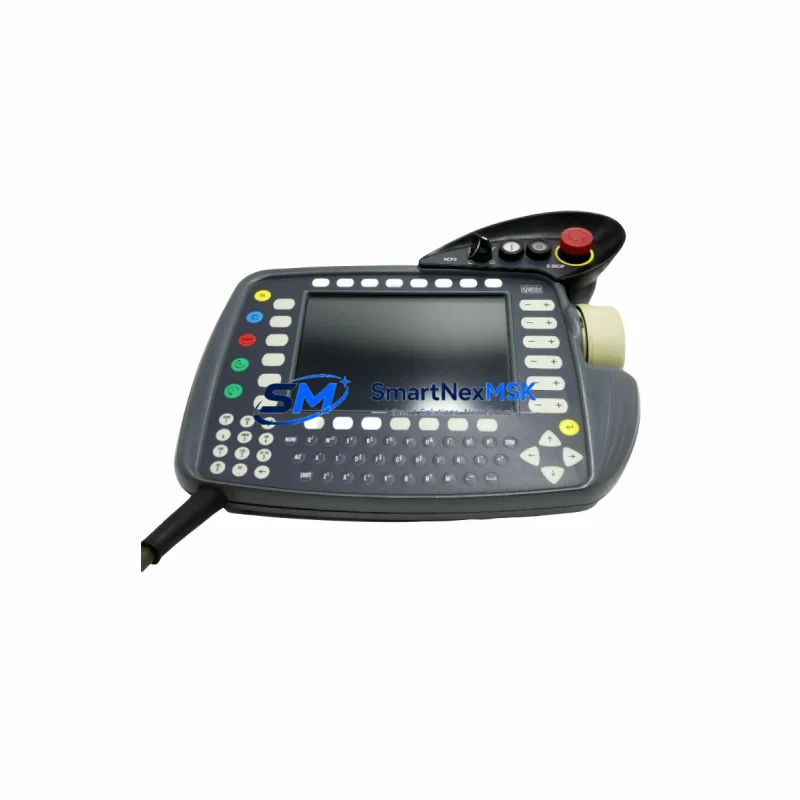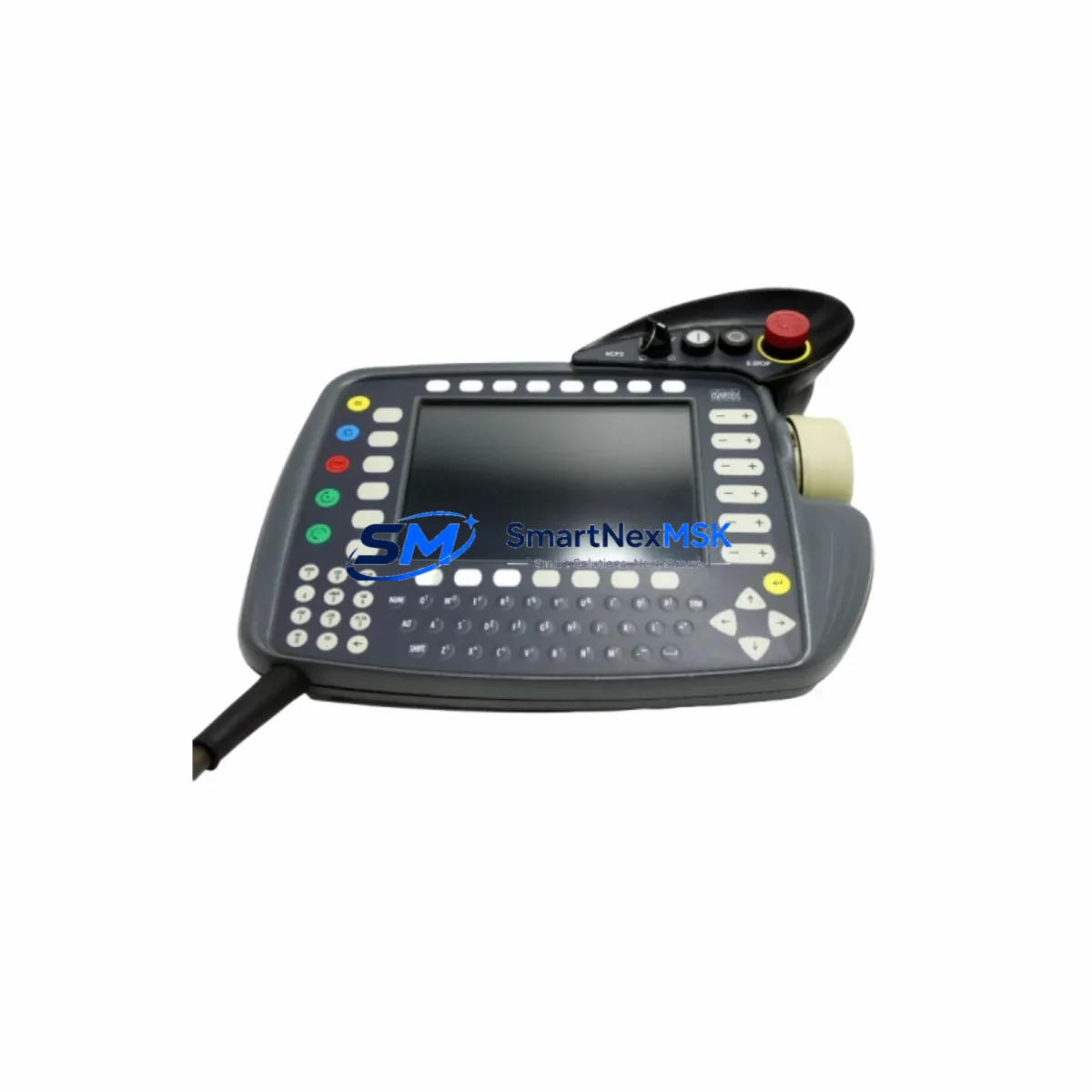
KUKA 00-320-104 Retrofit-Ready Teach Pendant for KRC5 Control Systems
The KUKA 00-320-104 SmartPAD is the standard operator interface for KUKA KRC5 robot controllers, designed for seamless integration into both new installations and legacy system modernization projects. Whether you are replacing a failed unit on an active production line, upgrading from an older KRC4-era pendant, or commissioning a refurbished robot cell, the 00-320-104 delivers the full SmartPAD feature set with minimal reconfiguration overhead. This unit ships pre-tested, fully functional, and backed by a 12-month warranty.
For procurement engineers and maintenance teams managing aging KUKA fleets, sourcing a verified replacement for the SmartPAD is often the critical path item in a robot recovery or line restart. The 00-320-104 is compatible with the KRC5 compact and KRC5 micro controller variants, and interfaces directly with the standard X11 safety connector and the KLI Ethernet port on the controller cabinet. Before installation, technicians should confirm the controller’s KUKA System Software (KSS) version — typically KSS 8.6 or later for full SmartPAD feature parity — and verify that the teach pendant cable assembly, part reference 00-291-556, is undamaged and correctly routed through the cable management bracket on the cabinet door.
Upgrade Compatibility Table
| Parameter | Details |
|---|---|
| SKU / Part Number | 00-320-104 (cable ref: 00-291-556) |
| Compatible Controller | KUKA KRC5, KRC5 compact, KRC5 micro |
| Interface Connector | X11 safety plug + KLI Ethernet (RJ45) |
| Software Requirement | KSS 8.6 or later recommended |
| Replaces / Upgrades From | KRC4 SmartPAD (00-168-334) — requires KRC5 controller |
| Communication Protocol | EtherNet/IP, PROFINET (via KRC5 option packages) |
| Installation Type | Drop-in replacement; no hardware modification required |
| Commissioning Note | Re-import robot program archive; verify safety configuration |
| Pre-shipment Testing | Full functional test performed before dispatch |
| Warranty | 12 months from date of shipment |
Retrofit Planning for Existing Automation Systems
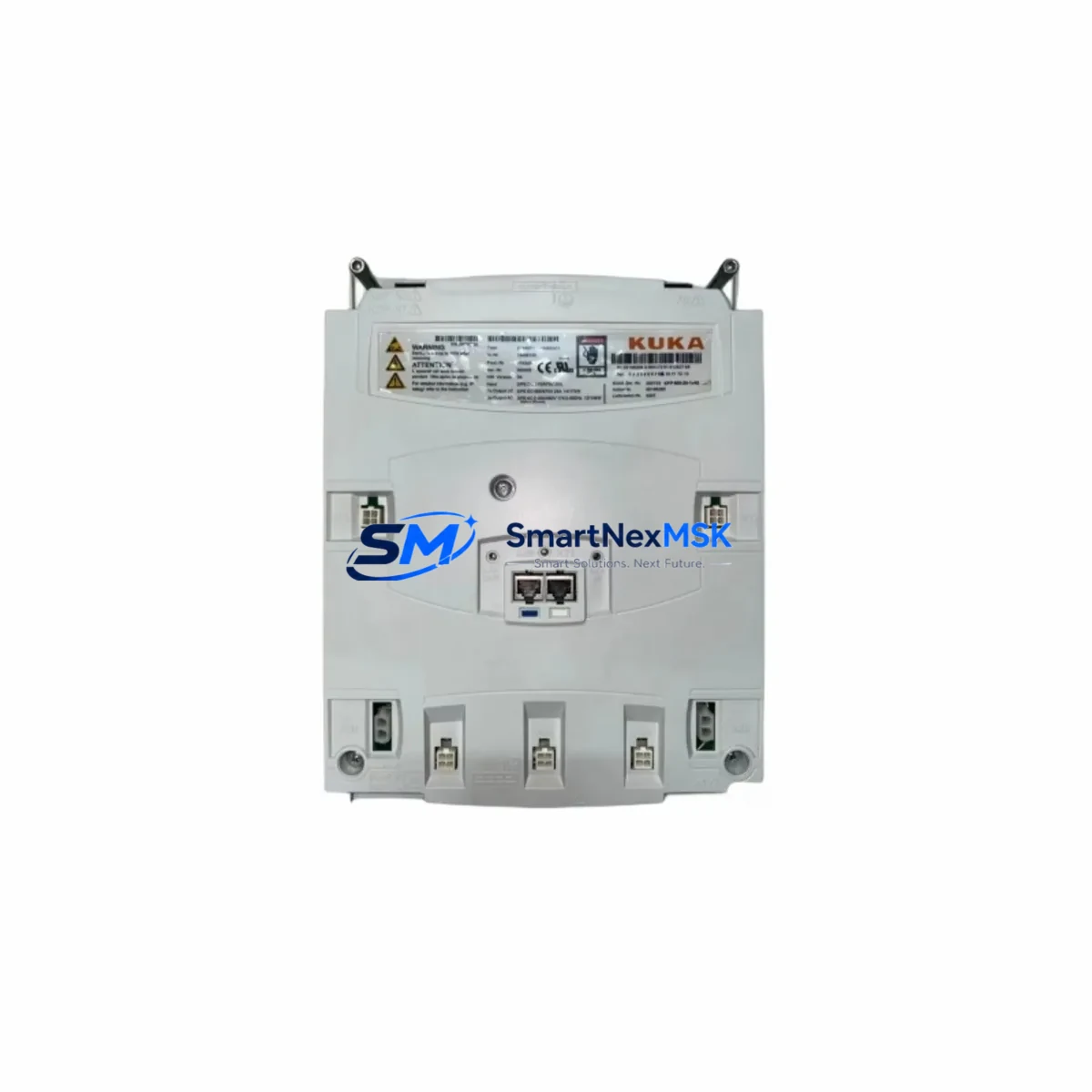
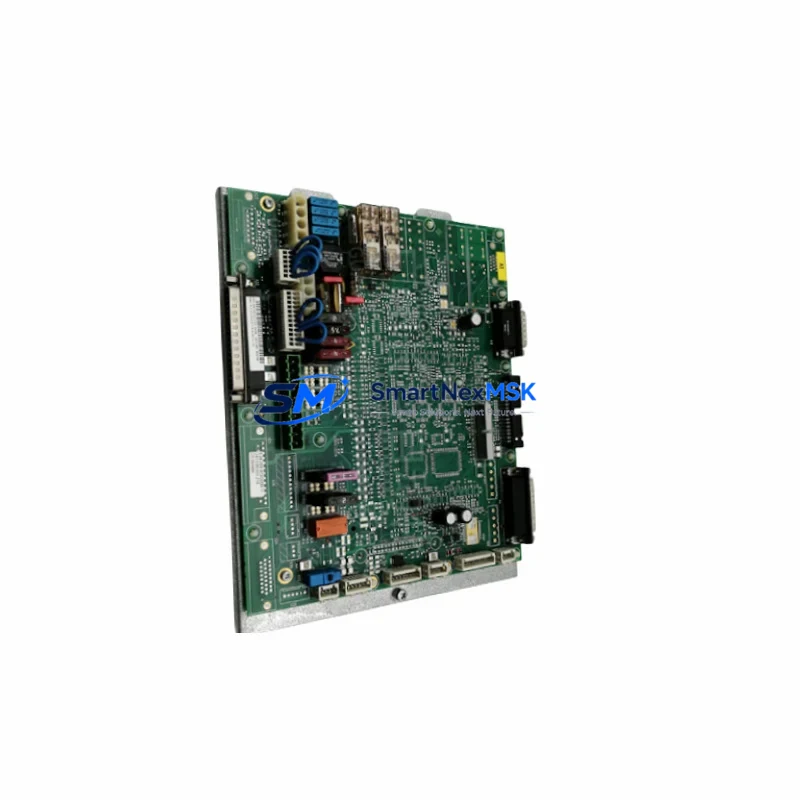
A SmartPAD replacement is rarely an isolated task — it typically occurs within a broader robot cell retrofit or control cabinet upgrade. When planning the swap, maintenance engineers should audit the full KRC5 cabinet assembly before ordering. The KRC5 controller power supply unit should be load-tested to confirm it can sustain the SmartPAD’s draw alongside any active fieldbus communication cards. The KUKA KLI network switch inside the cabinet should be checked for firmware compatibility with the replacement pendant’s communication stack.
If the retrofit involves migrating from a KRC4 platform, the process is more involved. The KUKA KRC4 SmartPAD (00-168-334) uses a different connector pinout and is not directly interchangeable with the KRC5 variant — the controller itself must be upgraded or replaced. In mixed-generation robot cells, teams often run a KUKA KR C4 compact controller alongside a KRC5 unit during a phased migration, allowing production to continue on legacy arms while new robots are commissioned. During this period, having a spare 00-320-104 SmartPAD on the shelf eliminates the risk of a single-point-of-failure halting the entire cell.
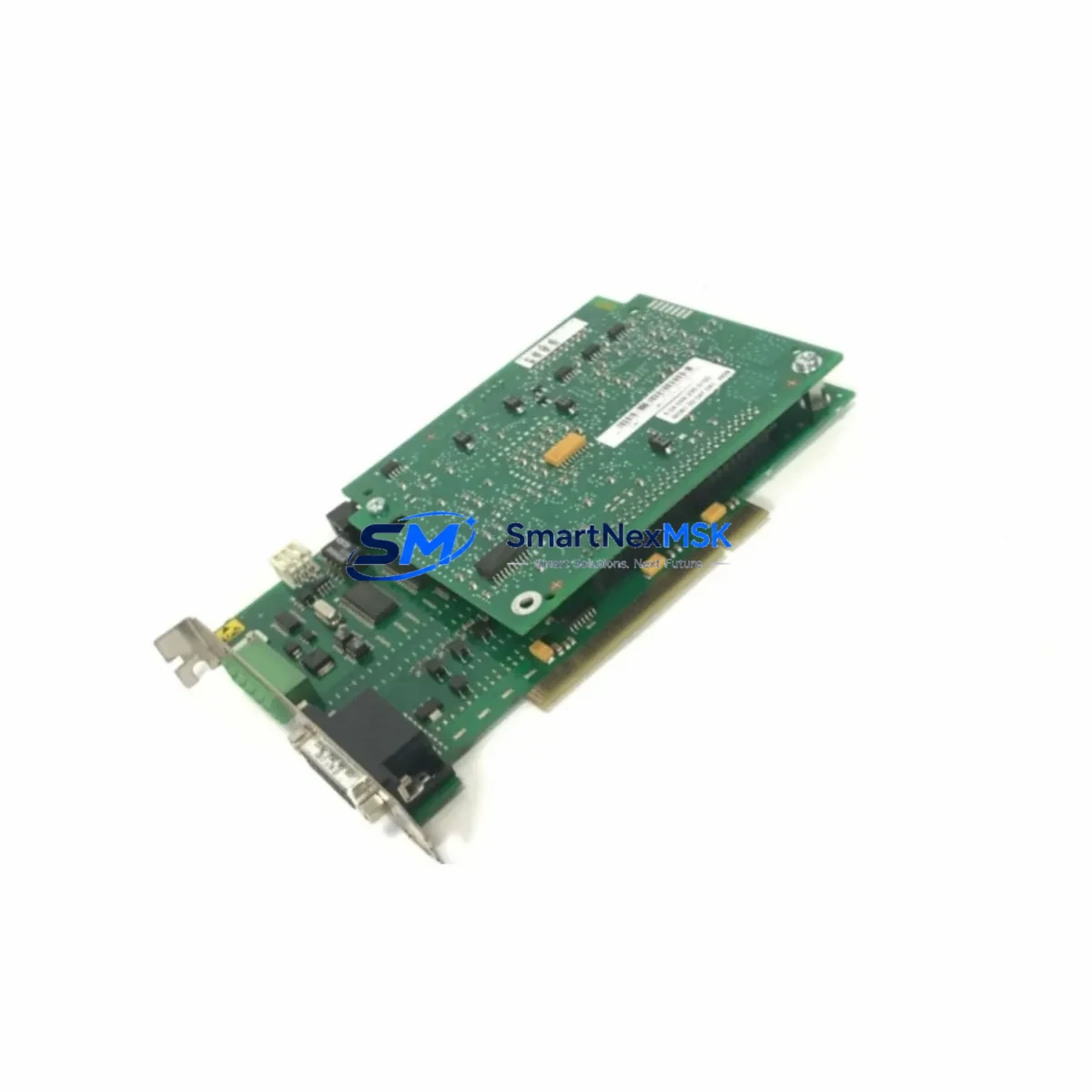
For I/O-intensive applications, the retrofit plan should also account for the KUKA KRC5 I/O module configuration. Digital and analog I/O assignments stored in the original robot program must be verified against the new cabinet’s I/O mapping before the first test run. If the cell uses a PROFINET DeviceNet gateway or a KUKA EtherNet/IP communication module for PLC integration, the network node address and device name must be re-confirmed after the pendant swap, as some KSS versions reset communication parameters during a cold start following hardware replacement.
HMI integration is another checkpoint. If the robot cell is supervised by a KUKA.HMI panel or a third-party SCADA system via OPC-UA, the operator screen layouts and alarm mappings should be exported before the swap and re-validated after commissioning. Teams using a KUKA programming cable (KLI direct connect) for offline program transfer should also verify that the laptop-side WorkVisual project file matches the KSS version on the replacement controller before uploading.
Downtime Control During System Migration
Minimizing unplanned downtime is the primary concern when replacing a SmartPAD on a live production line. The recommended approach is to prepare the replacement unit offline before the maintenance window begins. Using KUKA WorkVisual, export the full project archive from the existing controller — this captures the robot program, safety configuration, I/O mapping, fieldbus topology, and network parameters in a single file. Store this archive on a secure network share and on a local USB drive as a backup.
During the physical swap, power down the KRC5 controller via the main disconnect, not the emergency stop, to ensure a clean shutdown log. Disconnect the pendant cable at the X11 connector and at the cable strain relief bracket. Install the 00-320-104 and route the 00-291-556 cable assembly through the original cable management path. On first power-up, the KSS will detect the new pendant and may prompt for a safety configuration confirmation — accept only after verifying the safety zone parameters match the original setup. Reload the WorkVisual project archive and perform a controlled test run in T1 mode before returning the cell to automatic operation.
For cells where even a brief interruption is costly, consider keeping a pre-configured spare 00-320-104 with the WorkVisual archive pre-loaded on an attached USB. This reduces the active swap window to under 30 minutes in most standard KRC5 cabinet configurations, preserving production continuity and protecting the original program logic throughout the migration.
Retrofit Support FAQ
Q: Is the KUKA 00-320-104 a direct drop-in replacement for all KRC5 variants?
A: Yes. The 00-320-104 SmartPAD is compatible with the KRC5, KRC5 compact, and KRC5 micro controller families. It connects via the standard X11 safety plug and KLI Ethernet port. No hardware modification is required. Confirm your KSS version is 8.6 or later for full feature compatibility.
Q: What commissioning steps are required after installing the replacement pendant?
A: After physical installation, power up the controller and confirm the SmartPAD is recognized in the KSS system menu. Reload your WorkVisual project archive to restore program logic, I/O mapping, and safety configuration. Run a full safety acceptance test in T1 mode before switching to automatic operation. Verify all fieldbus communication links — PROFINET, EtherNet/IP, or DeviceNet — are active and correctly addressed.
Q: Can I use this pendant if I am migrating from a KRC4 system?
A: The 00-320-104 is designed exclusively for KRC5 controllers. If you are migrating from a KRC4 platform, the controller cabinet must be upgraded to KRC5 before this pendant can be used. The KRC4 SmartPAD (00-168-334) uses a different connector and is not cross-compatible. Contact our team to discuss a full KRC4-to-KRC5 migration parts list.
Q: What does the 12-month warranty cover, and how is the unit tested before shipment?
A: Every 00-320-104 unit undergoes a full functional test prior to dispatch, including display verification, button response, emergency stop circuit continuity, and communication link validation. The 12-month warranty covers manufacturing defects and functional failures under normal operating conditions. Units are shipped in protective packaging with an inspection record. For warranty claims, contact [email protected] with your order reference and a description of the fault.
© 2026 SMARTNEXMSK. All rights reserved.
Original Source: https://smartnexmsk.com
Contact: [email protected] | +86 18259474341