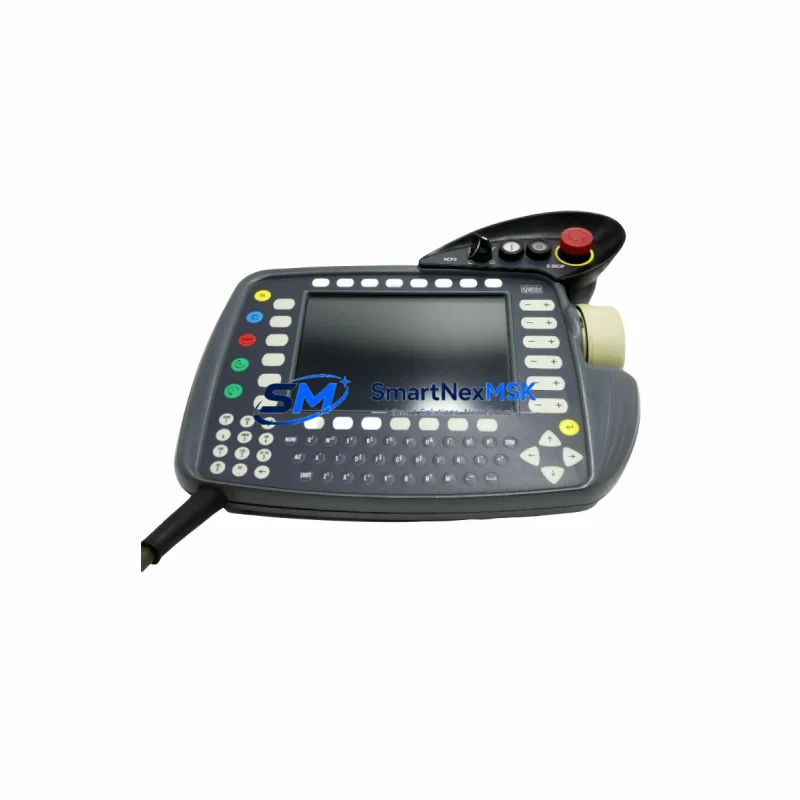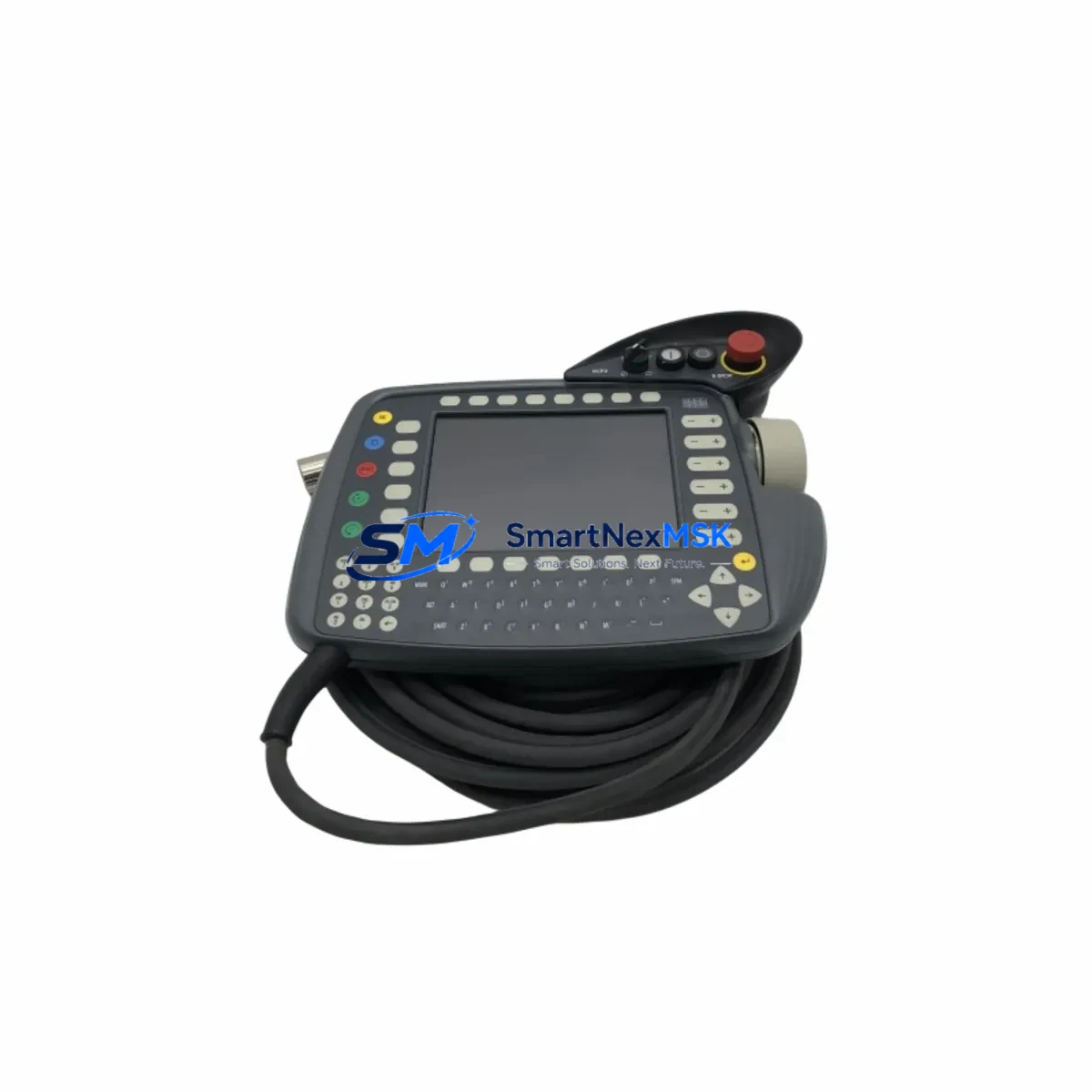
KUKA KRC2-00-130-547 Retrofit-Ready Teach Pendant for KRC2 Control Systems
The KUKA KRC2-00-130-547 is a retrofit-ready teach pendant engineered for seamless integration into KUKA KRC2 series robot control systems. Whether you are replacing a failed unit on an aging production line, upgrading a control cabinet, or restoring a decommissioned cell to full operational status, this teach pendant delivers verified compatibility with the KRC2 controller platform — minimizing engineering risk and reducing unplanned downtime.
Industrial automation systems built around the KUKA KRC2 controller remain widely deployed across automotive, metal fabrication, and general manufacturing environments. As original components reach end-of-life or become difficult to source through OEM channels, the KRC2-00-130-547 provides a reliable, specification-matched alternative that preserves existing program logic, HMI screen layouts, and communication link integrity without requiring controller-level reprogramming.
This unit is fully tested prior to shipment, backed by a 12-month warranty, and available from verified in-stock inventory. Lead times are confirmed at order placement.
Upgrade Compatibility Table
| Parameter | Details |
|---|---|
| Compatible Controller | KUKA KRC2 Series |
| Interface / Connector | KRC2 standard teach pendant port (X11 / X19 depending on cabinet revision) |
| Communication Protocol | KUKA proprietary serial / CAN bus (KRC2 native) |
| Mounting Requirement | Standard KRC2 cabinet pendant hook; no bracket modification required |
| Replacement Compatibility | Direct replacement for KRC2-00-130-547 and functionally equivalent legacy variants |
| HMI Screen Compatibility | Retains existing KRL program display, override slider, and status indicators |
| Commissioning Requirement | No controller-side software change required for like-for-like swap |
| Installation Requirement | Power-off cabinet before disconnecting pendant; re-enable E-stop chain after reconnection |
| Warranty | 12 months from date of shipment |
| Pre-Shipment Test | Full functional test completed; test report available on request |
Retrofit Planning for Existing Automation Systems
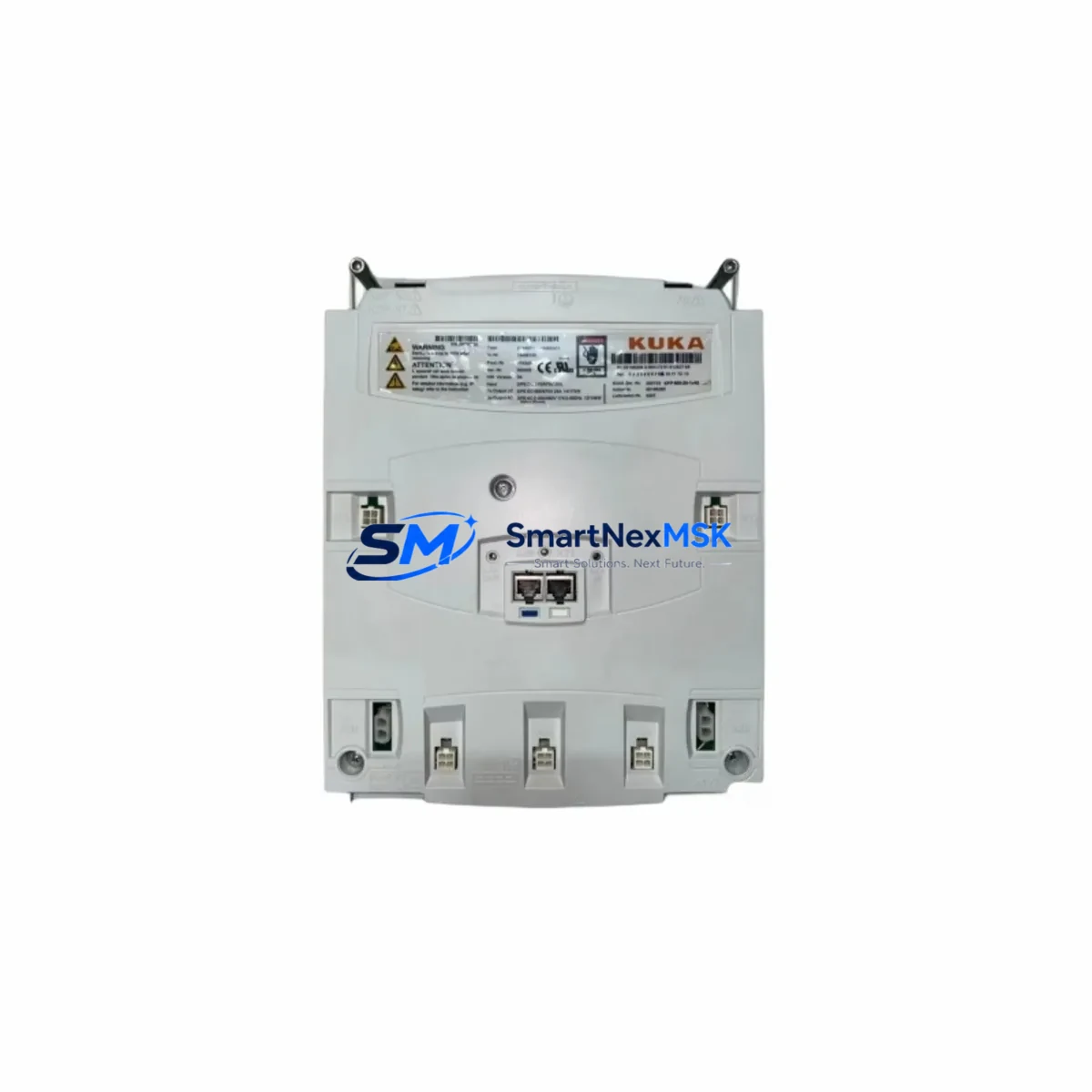
A successful retrofit of the KRC2-00-130-547 begins well before the replacement unit arrives on site. Engineers should audit the existing KRC2 controller cabinet to confirm the power supply module — typically a KUKA KPS-600 or equivalent — is delivering stable 27 VDC to the pendant circuit. Voltage irregularities at the pendant supply rail are a common root cause of teach pendant failure and must be resolved before installing a replacement unit.
The pendant cable and X11 connector should be inspected for pin corrosion, insulation damage, and continuity. In older KRC2 installations, the cable assembly itself — not the pendant — is frequently the source of communication faults. Replacing the pendant without addressing a degraded cable will result in repeated failures.
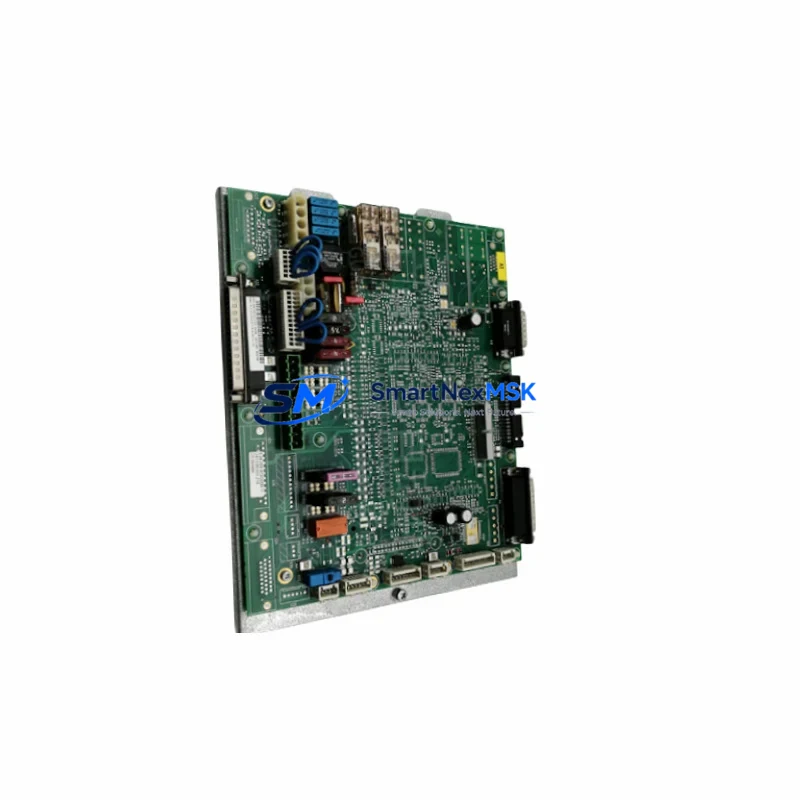
For cells that also incorporate a KUKA KRC2 safety interface board or an external safety PLC, the E-stop chain and enabling device circuit must be verified after pendant installation. The KRC2 controller monitors the enabling switch state continuously; an improperly seated connector at the pendant port will trigger a safety stop that can be misdiagnosed as a controller fault.
In multi-robot cells where a single KRC2 controller manages coordinated motion with a secondary axis or positioner, the teach pendant address assignment stored in the controller configuration file must match the hardware. If the cell previously used a pendant with a different firmware revision, a KRL software compatibility check is recommended before resuming production.
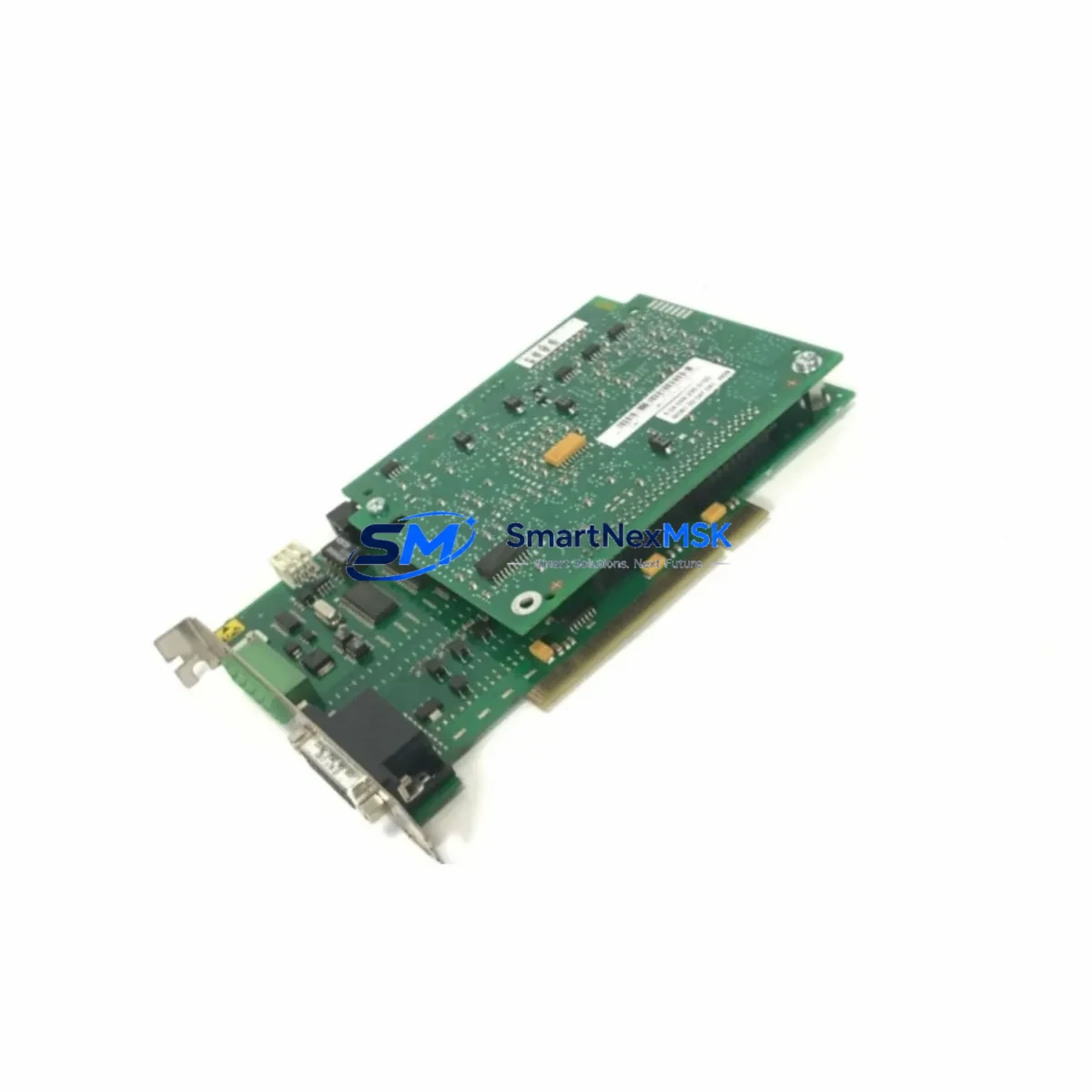
Facilities upgrading from older KRC1 or early KRC2 revisions to a current KRC2 platform should also plan for I/O mapping verification. The KUKA KM 40 I/O module and associated DeviceNet or Profibus DP communication cards may require address reassignment if the cabinet backplane has been reconfigured. Similarly, any KUKA RDC (Resolver Digital Converter) boards installed in the controller should be confirmed compatible with the pendant firmware version.
For cells that use a KUKA SmartPAD or KCP2 as the primary interface on a newer controller but retain a KRC2 satellite cell, the KRC2-00-130-547 pendant remains the correct interface device. Do not attempt to cross-connect pendant types between controller generations — the communication protocols are not interchangeable.
Programming cables such as the KUKA PC cable (X7 interface) should be available on site during commissioning to allow direct controller access if pendant communication needs to be re-established at the software level. Having a laptop with KUKA WorkVisual or the appropriate KSS version installed reduces recovery time significantly in the event of a configuration mismatch.
Downtime Control During System Migration
Minimizing production downtime during a teach pendant replacement on a KRC2 system requires a structured pre-swap procedure. Before powering down the controller, archive the complete KRL program set, system configuration files, and machine data to an external storage device via the KRC2 USB interface or network share. This backup protects against data loss in the event that the controller requires a cold restart during the swap procedure.
The physical replacement of the KRC2-00-130-547 pendant is a hot-swap-capable operation only when the controller is in a defined safe state with drives disabled. Do not disconnect the pendant while the controller is in AUTO mode with drives enabled — doing so will trigger an immediate safety stop and may generate a fault log entry that requires manual acknowledgment before the cell can resume.
After reconnecting the replacement pendant, perform a controlled power cycle of the KRC2 cabinet. Confirm that the pendant display initializes correctly, that the KSS operating system version displayed matches the expected revision, and that the E-stop and enabling device functions respond correctly before releasing the cell to production. A brief jog test in T1 mode at reduced override (10–25%) is recommended to verify axis response and program display integrity before returning to full AUTO operation.
For facilities with strict OEE targets, pre-staging the replacement KRC2-00-130-547 unit and completing the pre-swap audit during a scheduled maintenance window — rather than during an unplanned failure event — is the most effective strategy for controlling mean time to repair (MTTR).
Retrofit Support FAQ
Q: Is the KRC2-00-130-547 a direct drop-in replacement for my existing teach pendant?
A: Yes, for KRC2 series controllers using the standard pendant interface. The unit uses the same connector, communication protocol, and mounting configuration as the original. No controller-side software modification is required for a like-for-like replacement. If your cabinet has been modified or uses a non-standard cable assembly, please contact us with your cabinet revision details before ordering.
Q: What commissioning steps are required after installation?
A: Power down the KRC2 cabinet, disconnect the existing pendant at the X11/X19 port, connect the replacement unit, and perform a controlled power-up. Verify pendant display initialization, confirm E-stop and enabling device function, and conduct a T1 jog test before returning to AUTO mode. No KRL reprogramming is required for a standard swap.
Q: Has this unit been tested before shipment?
A: Yes. Every KRC2-00-130-547 unit undergoes a full functional test prior to shipment. A test report is available on request. The unit is covered by a 12-month warranty from the date of shipment, covering manufacturing defects and functional failures under normal operating conditions.
Q: Can this pendant be used with a KRC2 controller that has been upgraded with a newer KSS software version?
A: The KRC2-00-130-547 is compatible with the standard KSS software versions deployed on KRC2 hardware. If your controller has been upgraded to a KSS version outside the standard KRC2 support range, please provide your KSS version number so we can confirm compatibility before shipment.
© 2026 SMARTNEXMSK. All rights reserved.
Original Source: https://smartnexmsk.com
Contact: [email protected] | +86 18259474341