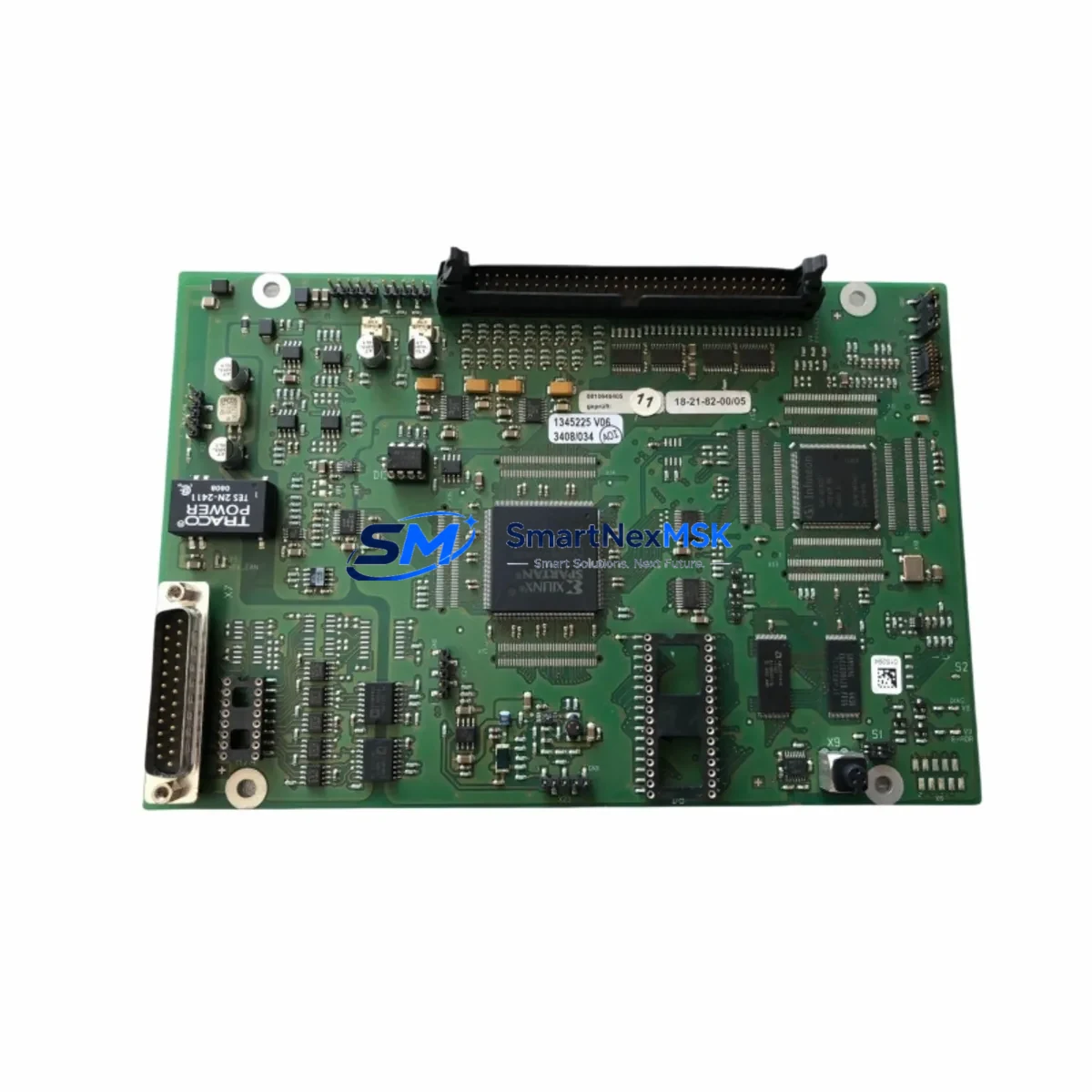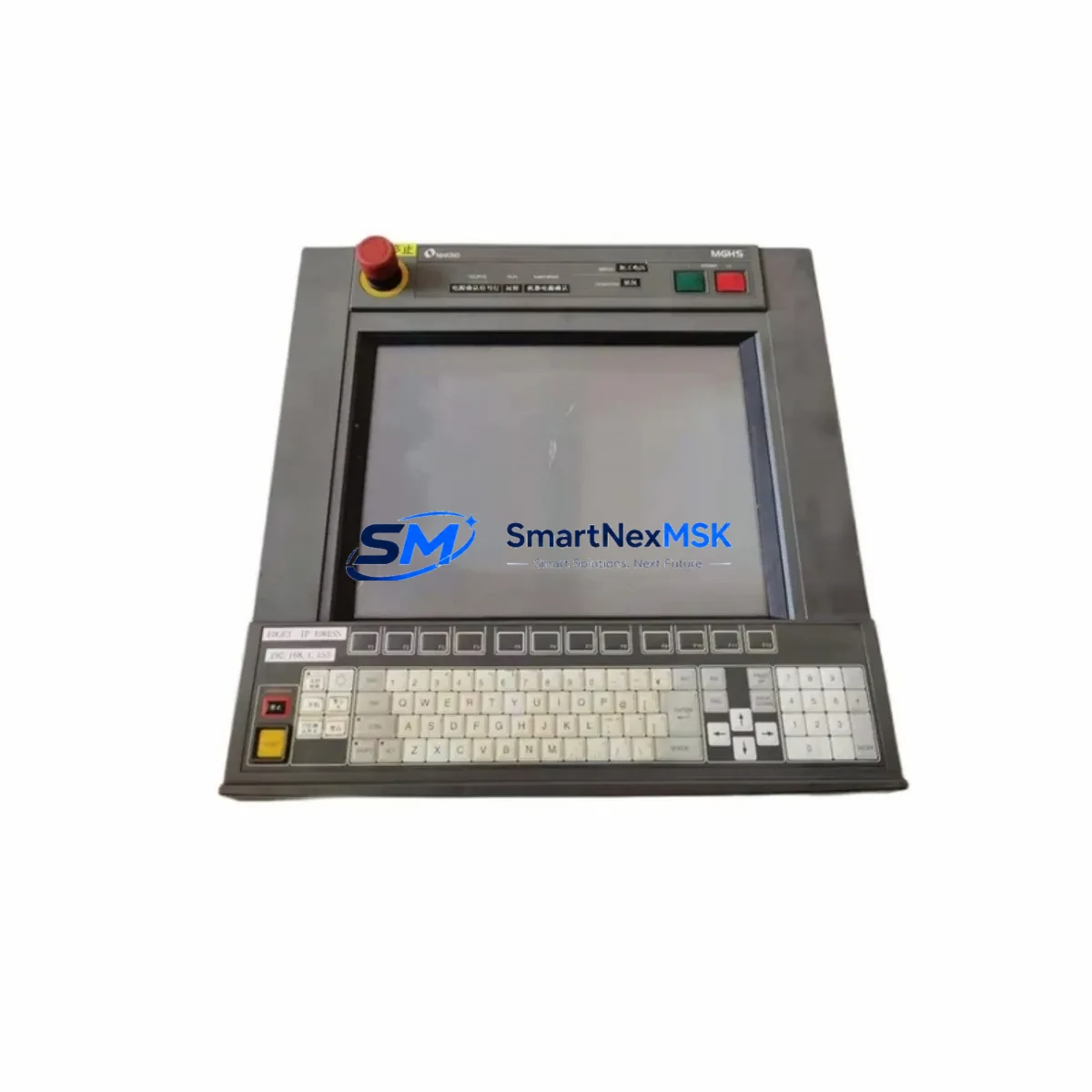
MAKINO UP-MF13-A Retrofit-Ready Control Panel: Seamless Compatibility for UP Series Wire EDM Modernization
The MAKINO UP-MF13-A is a retrofit-ready Wire EDM control panel engineered for direct compatibility with MAKINO UP Series electrical discharge machining systems. As legacy UP Series machines approach end-of-support cycles, sourcing a verified replacement control panel becomes critical to maintaining production continuity. The UP-MF13-A addresses this challenge by offering a drop-in upgrade path that preserves existing machine geometry, axis configurations, and cutting programs while delivering improved control reliability.
Whether you are replacing a failed panel on an aging MAKINO U32, U53, or U64 platform, or proactively upgrading a control cabinet ahead of a planned maintenance window, the UP-MF13-A provides the interface compatibility and signal integrity required for uninterrupted Wire EDM operations. Each unit is pre-tested against MAKINO UP Series electrical specifications before shipment, and is backed by a 12-month warranty covering component defects and functional failures.
Upgrade Compatibility Table
| Parameter | Details |
|---|---|
| SKU | UP-MF13-A |
| Compatible Series | MAKINO UP Series (U32, U53, U64, UP3, UP5) |
| Panel Interface | Direct backplane connector — no adapter required for standard UP Series racks |
| Communication Compatibility | RS-232C, RS-422; compatible with MAKINO proprietary CNC bus |
| Power Supply Requirement | 24 VDC control voltage; verify existing PSU capacity before installation |
| Installation Type | Panel-mount, front-access; matches original UP Series cabinet cutout dimensions |
| Replacement Recommendation | Direct replacement for original UP-MF13-A; verify firmware revision with machine serial number |
| Commissioning Notes | Re-map axis parameters; verify E-stop chain continuity; re-confirm wire tension calibration |
| Warranty | 12 Months — covers component defects and functional failures |
Retrofit Planning for Existing Automation Systems
A successful UP-MF13-A retrofit begins well before the panel arrives on-site. Engineers should audit the existing control cabinet to confirm that the MAKINO UP Series power supply module — typically a 24 VDC regulated unit — can sustain the inrush current demand of the replacement panel without voltage sag. If the original PSU shows signs of capacitor aging or output ripple, replacing it concurrently with the MAKINO UP-PS24 or equivalent power supply module eliminates a common root cause of post-retrofit instability.
Terminal block wiring should be documented photographically before disconnection. The UP-MF13-A uses the same terminal layout as the original panel, but wire labeling on older machines may have faded or been re-routed during previous field repairs. Cross-reference the wiring against the MAKINO UP Series electrical schematic, paying particular attention to the servo drive enable signals, the wire-break detection circuit, and the dielectric fluid control relay outputs.
Backplane interface integrity is equally important. Inspect the rack connector on the UP Series main chassis for bent pins or oxidation before seating the UP-MF13-A. If the machine uses a MAKINO UP Series I/O expansion module for auxiliary functions such as automatic wire threading or fluid level monitoring, verify that the module address DIP switches are set correctly to avoid address conflicts after the panel swap.
For machines that communicate with a shop-floor DNC system or a FANUC-compatible CNC network, the RS-232C or RS-422 communication link must be re-established and tested after installation. Confirm baud rate, parity, and stop-bit settings match the host system configuration. If the facility is migrating from a legacy DNC protocol to Ethernet-based communication, a MAKINO UP Series communication adapter or a third-party protocol converter may be required to bridge the interface gap.
HMI screen layouts stored in the original panel’s non-volatile memory are not automatically transferred to the replacement unit. Before decommissioning the old panel, export any custom HMI pages, alarm message tables, and operator guidance screens. These files can typically be re-imported via the UP-MF13-A’s front USB port or RS-232C service interface during commissioning. If the original panel is non-functional and data recovery is not possible, MAKINO’s standard HMI template for the UP Series provides a baseline that can be customized to match the original operator workflow.
Programming cable compatibility should also be confirmed. The MAKINO UP Series programming cable used for parameter backup and firmware updates connects to a dedicated service port on the control panel. Ensure the cable pinout matches the UP-MF13-A service connector before attempting any firmware operations. Using an incorrect cable can corrupt the panel’s boot sector and require a full factory restore.
Downtime Control During System Migration
Minimizing unplanned downtime during a Wire EDM control panel replacement requires a structured pre-swap checklist. Begin by backing up all active cutting programs from the machine’s internal memory to an external storage device. For UP Series machines, this typically involves navigating to the program management menu and exporting files via the RS-232C interface or USB port, depending on the machine’s firmware revision.
Next, document the current axis parameter table — including wire tension setpoints, flushing pressure values, and servo gain settings — as these are stored in the panel’s non-volatile RAM and will not be present on the replacement unit. Having these values recorded allows the commissioning engineer to restore the machine to its pre-swap cutting performance without extended trial-and-error tuning.
During the physical swap, maintain control cabinet cleanliness to prevent contamination of the new panel’s connector interface. Power down the machine at the main isolator, discharge any residual capacitor voltage in the servo drive section, and follow MAKINO’s recommended ESD precautions when handling the UP-MF13-A. The panel swap itself typically takes 30 to 60 minutes for a trained technician; the majority of commissioning time is spent on parameter restoration, communication link verification, and a supervised test cut to confirm dimensional accuracy.
After the test cut, compare the output against a pre-swap reference part to verify that the axis calibration and wire offset compensation values have been correctly restored. This step is essential for maintaining part quality continuity and avoiding scrap on the first production run after the retrofit.
Retrofit Support FAQ
Q1: Is the UP-MF13-A a direct drop-in replacement for the original MAKINO UP Series control panel?
A: Yes. The UP-MF13-A is designed as a direct replacement for the original panel used in MAKINO UP Series Wire EDM machines, including the U32, U53, and U64 platforms. The backplane connector, mounting dimensions, and terminal layout are compatible with the standard UP Series cabinet. Verify the firmware revision against your machine’s serial number to confirm full compatibility before installation.
Q2: What commissioning steps are required after installing the UP-MF13-A?
A: After physical installation, restore the axis parameter table from your pre-swap backup, re-establish the DNC or RS-232C communication link, re-import any custom HMI pages, and perform a supervised test cut. Verify E-stop chain continuity and confirm that all I/O expansion modules are responding correctly before returning the machine to production.
Q3: Can the UP-MF13-A be used with machines that have been upgraded to Ethernet-based communication?
A: The UP-MF13-A natively supports RS-232C and RS-422 communication interfaces. For machines that have been upgraded to Ethernet-based DNC or network communication, a compatible protocol converter or communication adapter is required. Contact our technical team to confirm the appropriate interface solution for your specific network configuration.
Q4: What does the 12-month warranty cover?
A: The 12-month warranty covers component defects and functional failures under normal operating conditions. Each UP-MF13-A unit undergoes pre-shipment functional testing against MAKINO UP Series electrical specifications. Warranty claims are supported by our technical team; contact [email protected] with your order reference and a description of the fault for rapid resolution.
© 2026 SMARTNEXMSK. All rights reserved.
Original Source: https://smartnexmsk.com
Contact: [email protected] | +86 18259474341