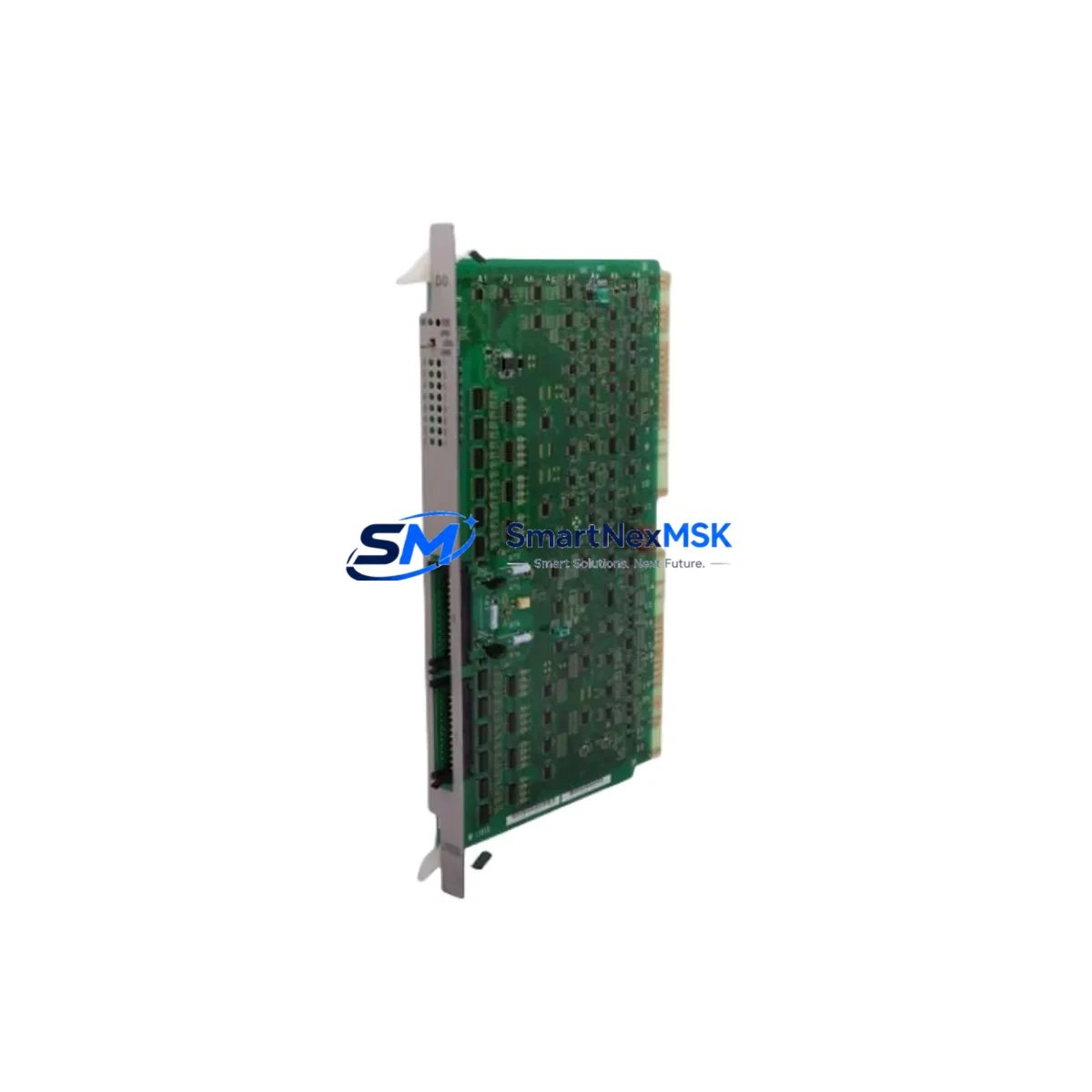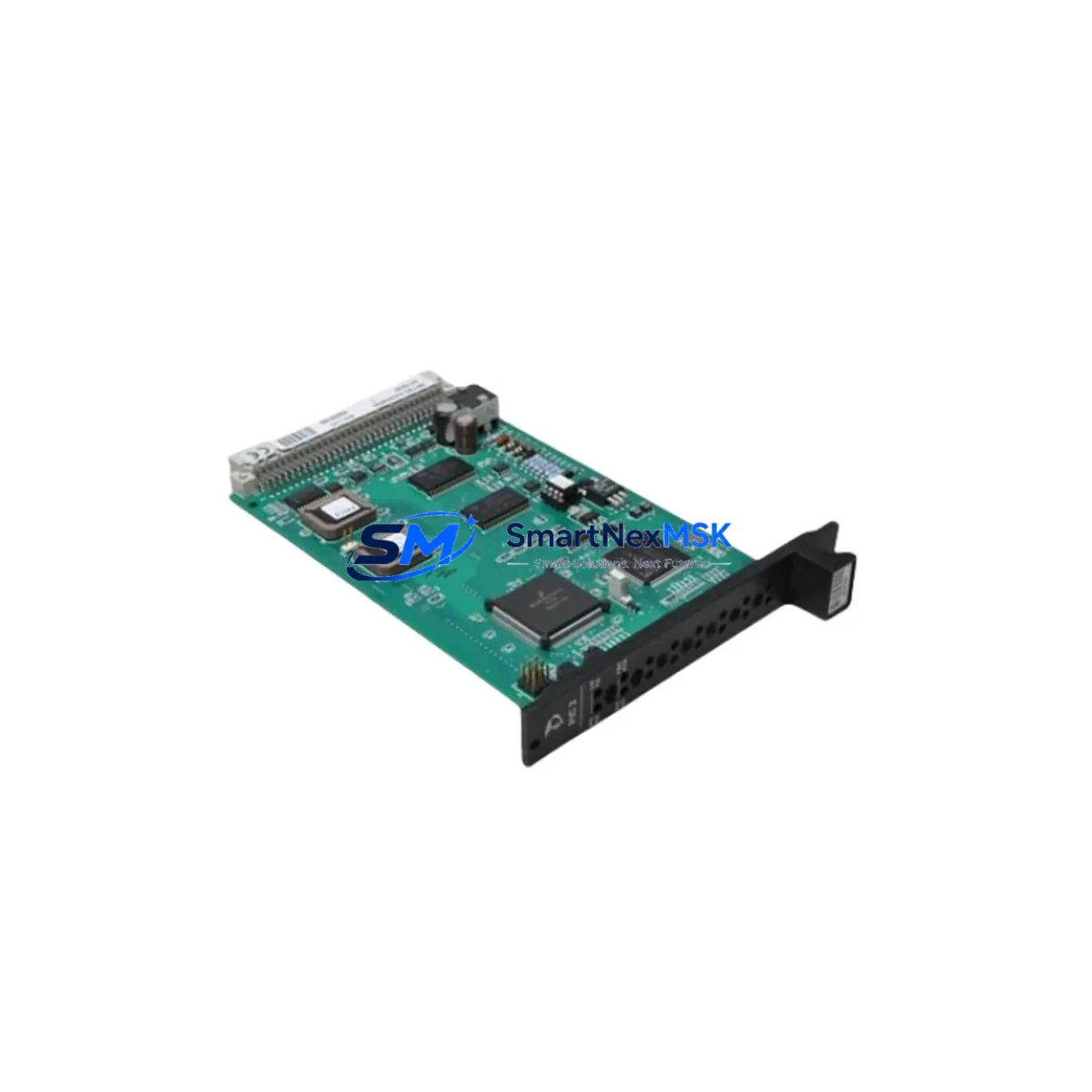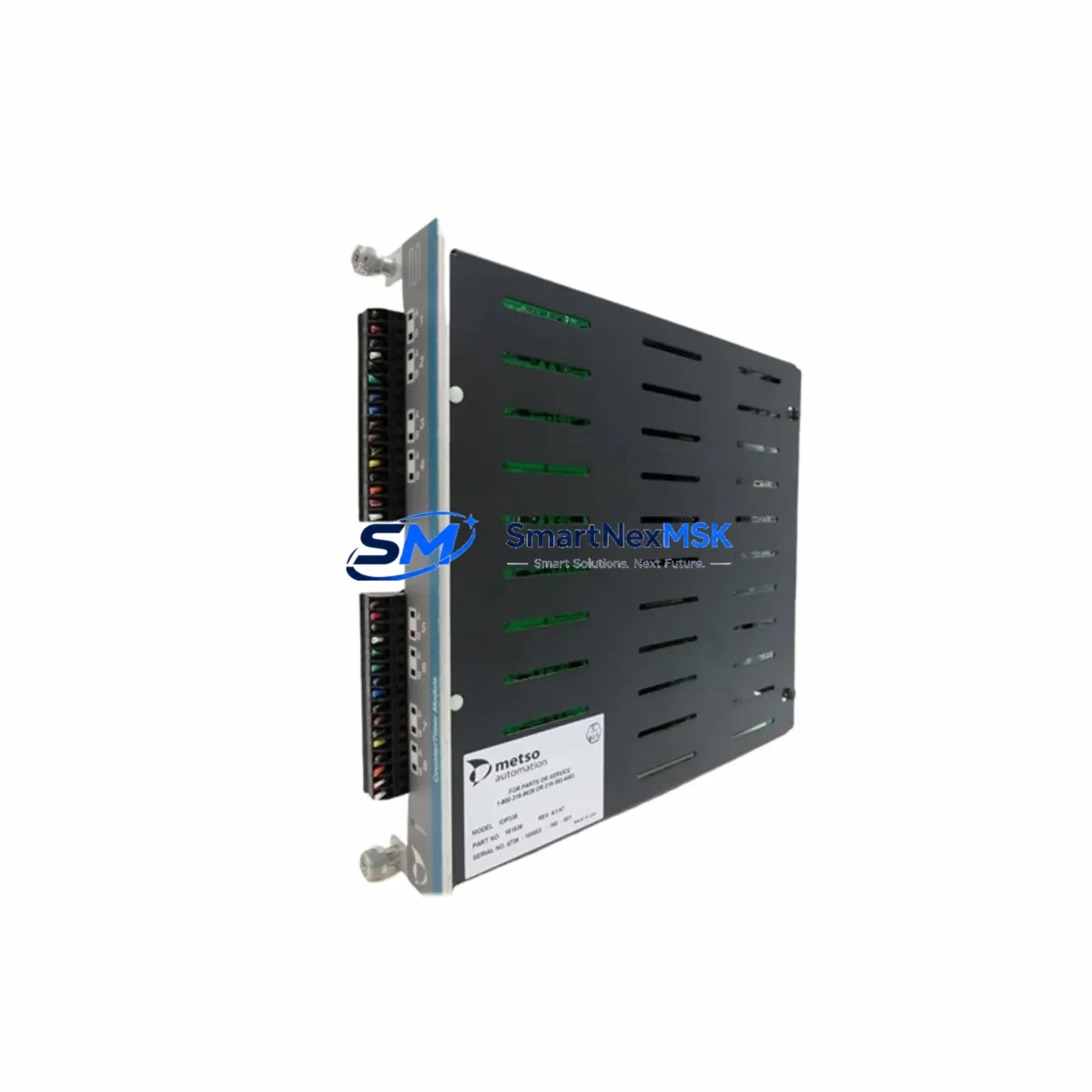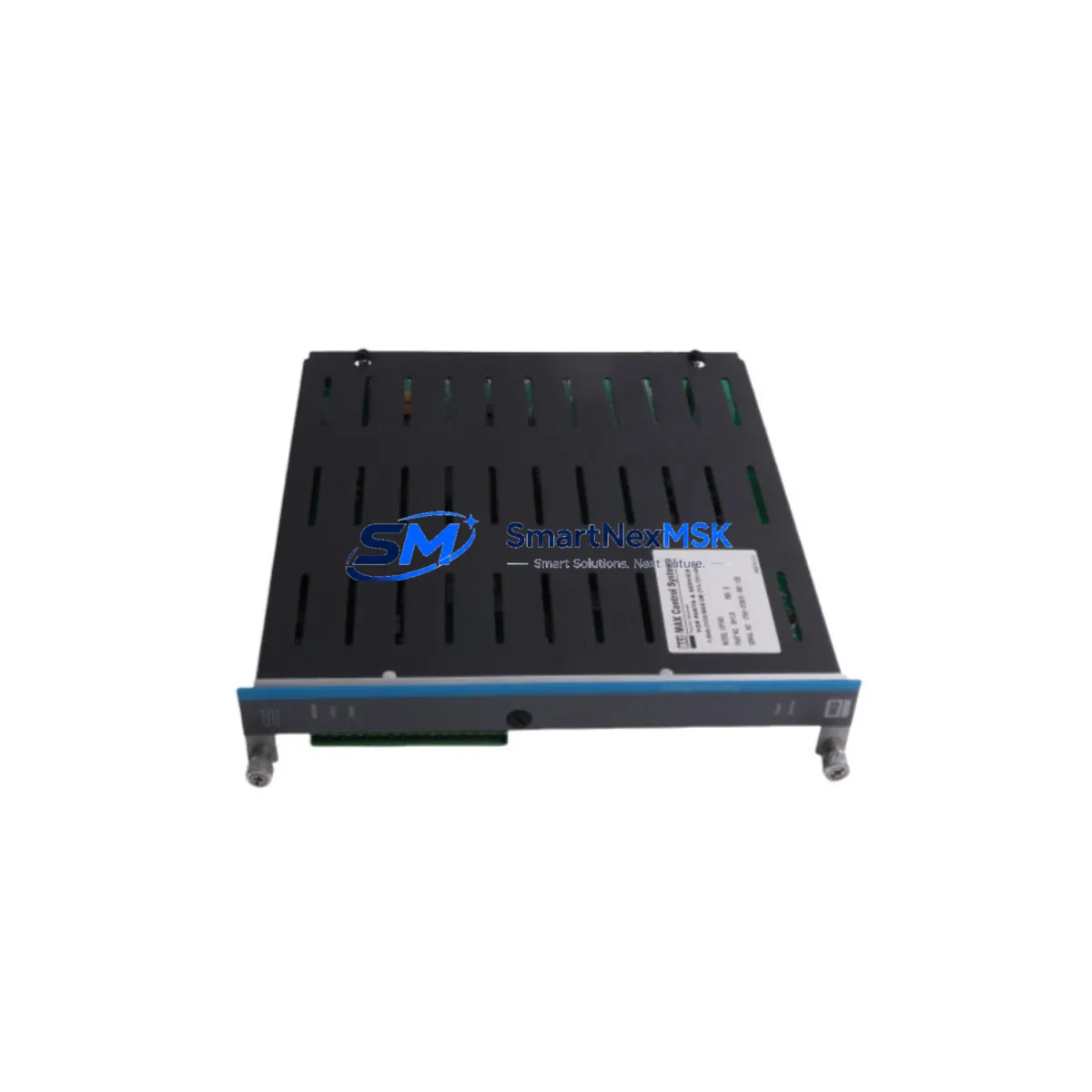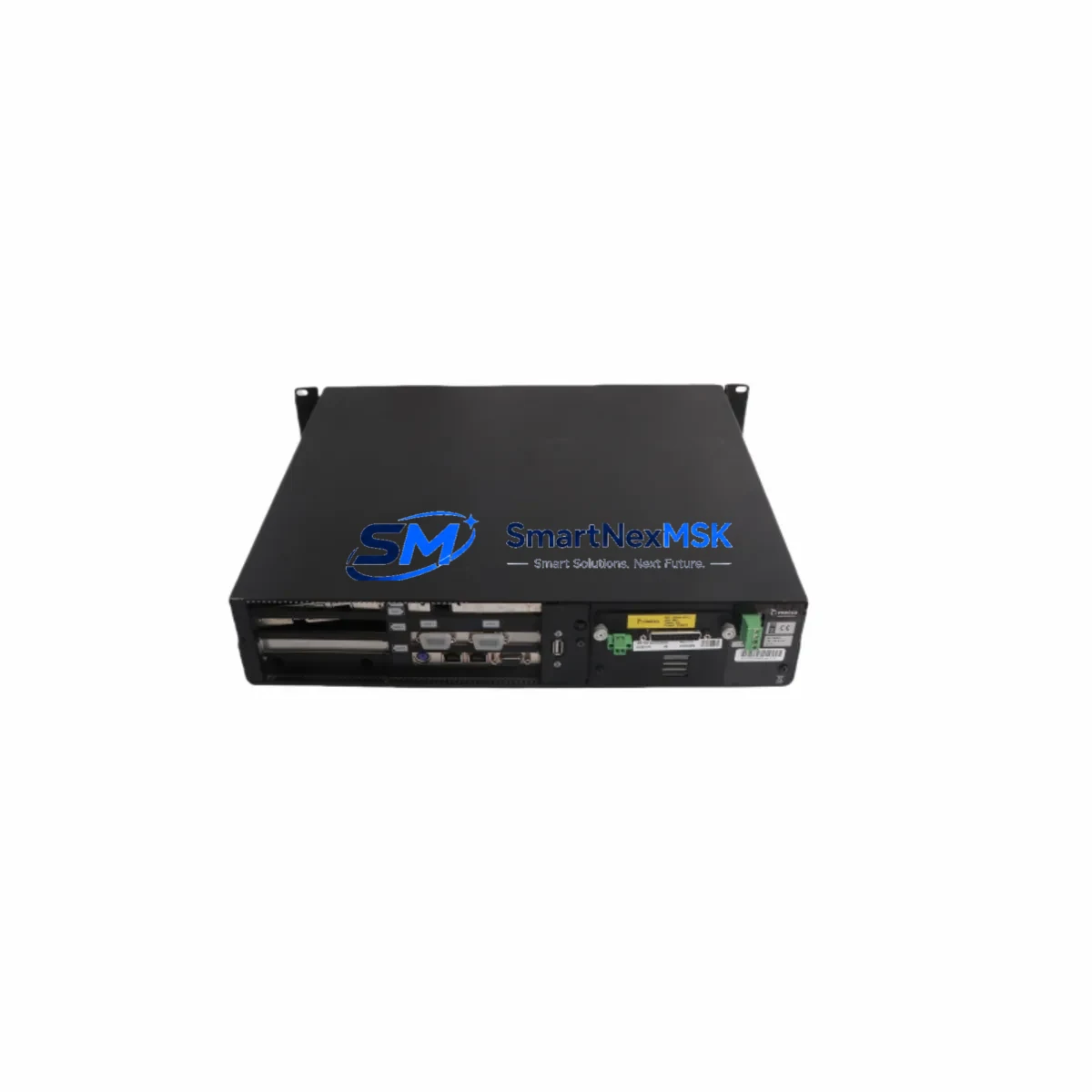
Metso AP31 D200175 Retrofit-Ready DCS Module for DNA Control Systems
The Metso AP31 D200175 is a DCS Personality Module engineered for the Metso DNA Series distributed control system platform. As legacy DNA installations age and original AP31 units reach end-of-life, sourcing a verified retrofit-ready replacement becomes critical to maintaining continuous process control without forcing a full system overhaul. This module is stocked, tested, and ready for direct integration into existing DNA racks, making it the preferred choice for maintenance engineers managing aging pulp, paper, power, and process automation infrastructure.
The AP31 D200175 functions as a personality module within the DNA controller architecture, defining the I/O mapping, signal conditioning, and communication behavior of the associated controller node. When an AP31 fails or becomes unavailable through standard channels, the downstream impact is immediate: the associated control loop goes offline, process variables become unmonitored, and operators lose visibility into critical field signals. Having a pre-tested AP31 D200175 in your spare parts inventory eliminates this risk entirely.
For retrofit and upgrade projects, the AP31 D200175 is compatible with the DNA AC800M controller family and integrates with the standard DNA rack and backplane infrastructure. Engineers migrating from older DNA controller generations should verify backplane slot assignments, module addressing, and firmware revision compatibility before installation. In most cases, the AP31 D200175 can be installed without changes to the existing DNA Engineering Tool project, provided the module address and I/O configuration match the original unit.
Upgrade Compatibility Table
| Parameter | Specification / Recommendation |
|---|---|
| SKU / MPN | AP31 D200175 |
| Brand / Series | Metso / DNA Series DCS |
| Module Type | DCS Personality Module |
| Backplane Interface | DNA standard rack backplane — verify slot type before installation |
| Controller Compatibility | DNA AC800M family; confirm firmware revision alignment |
| Communication Protocol | Metso DNA internal bus; confirm protocol version with DNA Engineering Tool |
| Power Supply Requirement | 24 VDC via rack backplane — verify rack PSU capacity before hot-swap |
| I/O Configuration | Defined by personality module type — verify channel mapping in DNA project |
| Installation Method | Direct rack insertion; module address must match original configuration |
| Retrofit Recommendation | Backup DNA project before replacement; compare module revision history |
| Commissioning Note | Use DNA Engineering Tool to verify module recognition and I/O scan after insertion |
| Warranty | 12-Month Warranty — tested and verified before shipment |
Retrofit Planning for Existing Automation Systems
A successful AP31 D200175 retrofit begins well before the module arrives on site. Maintenance and procurement engineers should treat the replacement as a mini-project, not a simple swap. Start by pulling the current DNA Engineering Tool project backup and confirming the exact module address, slot position, and personality type assigned to the failing AP31. This prevents configuration mismatches that can cause the DNA controller to reject the new module or fail to scan I/O correctly.
During the planning phase, inspect the surrounding DNA rack infrastructure. The rack backplane, power supply module, and adjacent I/O modules should all be evaluated for wear, loose connectors, or thermal damage. A failing AP31 is sometimes a symptom of a broader power quality issue — check the 24 VDC rail from the rack power supply module and verify that voltage is stable under load. If the rack PSU is original equipment from the same installation era as the AP31, consider stocking a replacement PSU alongside the AP31 D200175.
Communication continuity is another key concern. The AP31 interfaces with the DNA controller bus, and any disruption to the bus during module replacement can affect adjacent controller nodes. Coordinate with the control room to identify which loops will go offline during the swap, and ensure that the DCS operator station — typically running DNA Operate or a compatible HMI — is configured to handle the temporary loss of those signals without triggering spurious alarms or interlock trips.
For sites running mixed DNA generations, also verify that the field termination assemblies and marshalling panels connected to the AP31’s I/O channels are compatible with the replacement module’s signal ranges. Signal isolators and barriers in the field wiring loop may need to be rechecked if the original AP31 had custom calibration offsets stored in the DNA project. Terminal blocks and field wiring connectors should be inspected and re-torqued during the replacement window to prevent intermittent signal faults after commissioning.
Finally, update your spare parts register to include a second AP31 D200175 as a cold standby. For critical process loops — flow control, pressure regulation, or safety-instrumented functions — a warm standby strategy using a pre-configured spare module stored in the control room is strongly recommended.
Downtime Control During System Migration
Minimizing downtime during an AP31 D200175 replacement requires a structured approach. Begin by exporting and archiving the current DNA Engineering Tool project, including all module configurations, tag assignments, and alarm setpoints. This archive serves as your rollback baseline if the replacement module behaves unexpectedly.
Before removing the failed AP31, document the physical wiring connections at the field termination assembly. Photograph or sketch the terminal layout, and label any field cables that are not already permanently marked. This step is especially important in older installations where as-built documentation may not reflect field modifications made over the years.
During the swap, keep the DNA controller in a controlled state — either in manual mode or with the affected loops placed in hold. This prevents the controller from issuing erratic output signals to field actuators while the module is absent from the rack. Once the AP31 D200175 is seated and the rack backplane connection is confirmed, bring the DNA Engineering Tool online and perform a module scan to verify that the new module is recognized at the correct address.
After the module scan confirms recognition, perform a channel-by-channel I/O check against the original tag list. Verify that analog input signals from field transmitters are reading within expected ranges, and that digital output channels are responding correctly to manual commands from the DCS operator station. Only after this verification is complete should the loops be returned to automatic control. Document the replacement in the site maintenance log, including the module serial number, installation date, and any deviations from the original configuration.
Retrofit Support FAQ
Q: Is the Metso AP31 D200175 a direct drop-in replacement for the original AP31 unit in my DNA rack?
A: In most cases, yes — provided the module address, slot position, and DNA project configuration match the original unit. We recommend comparing the revision number of the replacement module against the original before installation. Our technical team can assist with compatibility verification prior to shipment.
Q: What commissioning steps are required after installing the AP31 D200175?
A: After physical installation, use the DNA Engineering Tool to perform a module scan and confirm recognition at the correct rack address. Conduct a full I/O channel check against the original tag list, verify communication link status on the DNA controller bus, and confirm that all associated HMI displays are updating correctly before returning loops to automatic.
Q: How is the AP31 D200175 tested before shipment?
A: Every unit undergoes functional verification on a compatible DNA test rack prior to dispatch. Power-up behavior, backplane communication, and I/O channel integrity are confirmed. A test report is available upon request. All units ship with a 12-month warranty covering manufacturing defects and functional failures under normal operating conditions.
Q: Can you supply multiple AP31 D200175 units for a planned maintenance stock program?
A: Yes. We maintain inventory specifically to support spare parts programs for legacy DNA installations. Volume orders, scheduled delivery, and long-term supply agreements are available. Contact our team to discuss your site’s spare parts strategy and lead time requirements.
© 2026 SMARTNEXMSK. All rights reserved.
Original Source: https://smartnexmsk.com
Contact: [email protected] | +86 18259474341