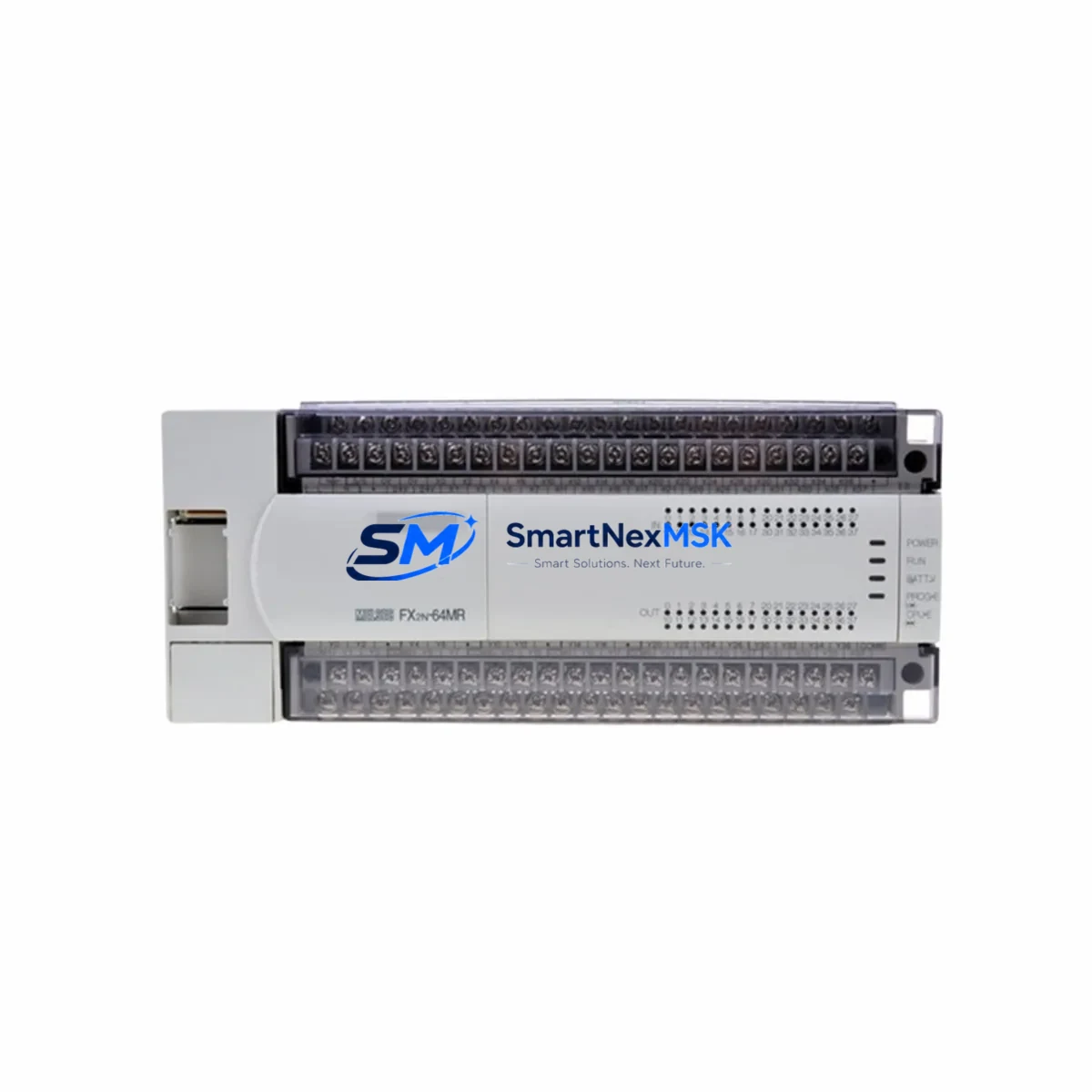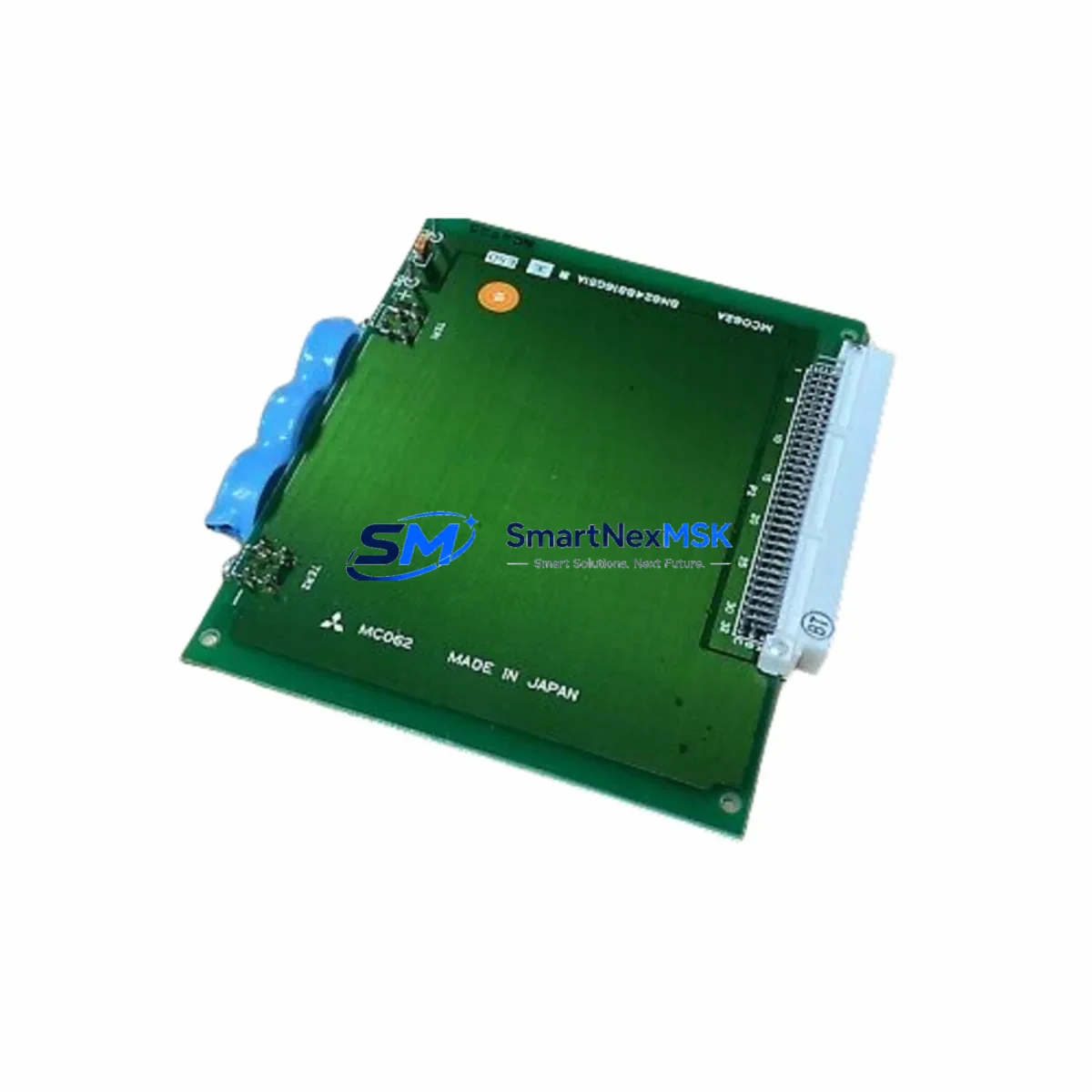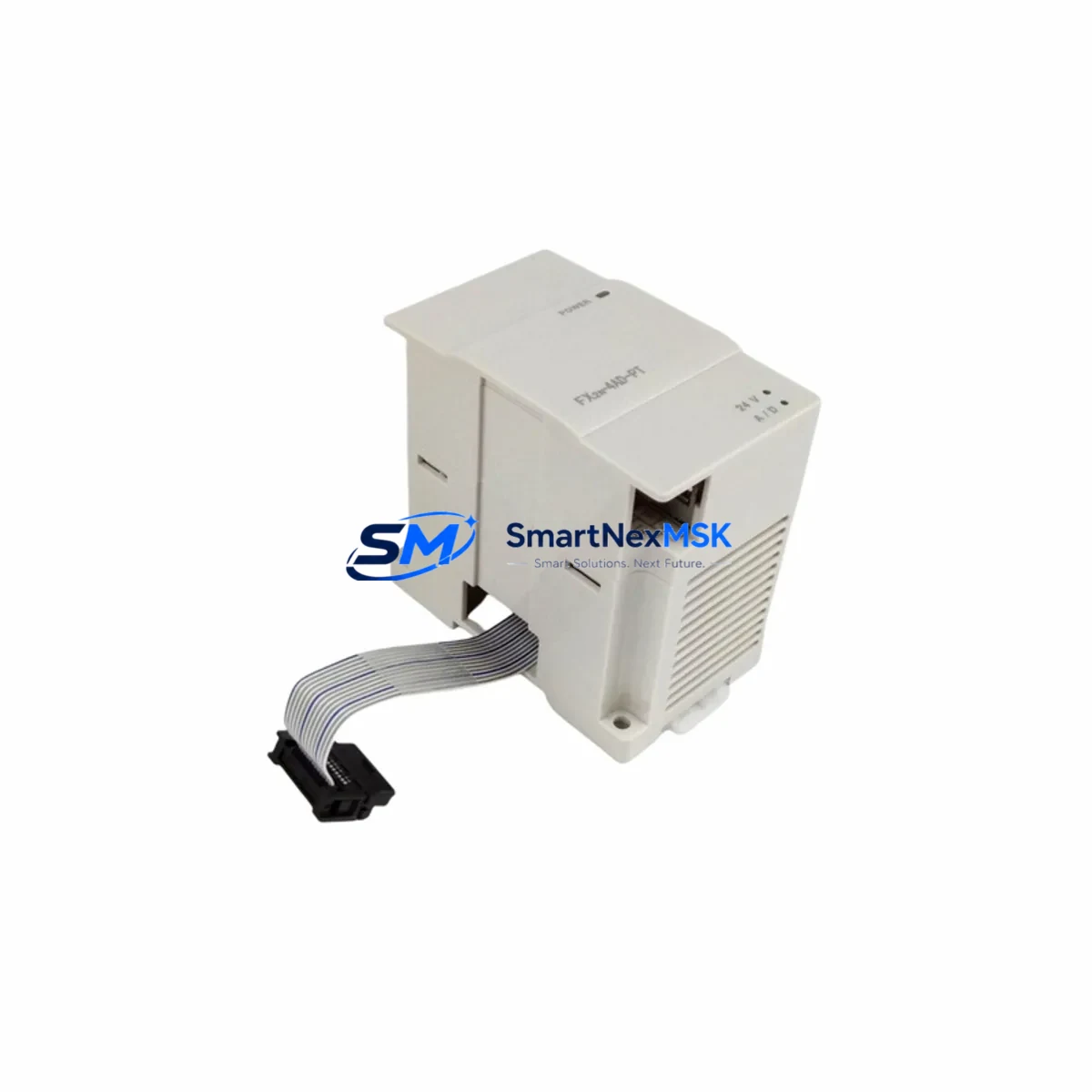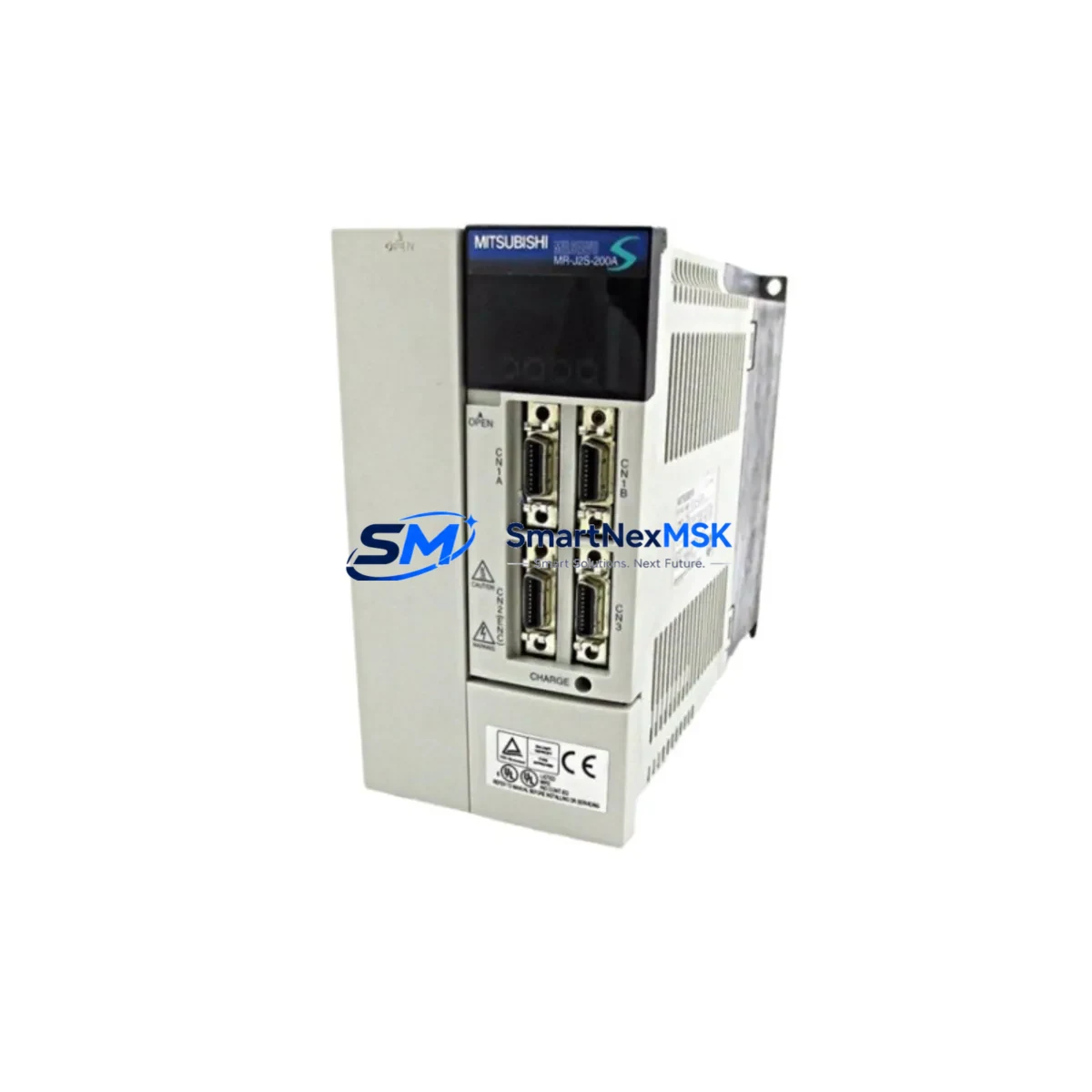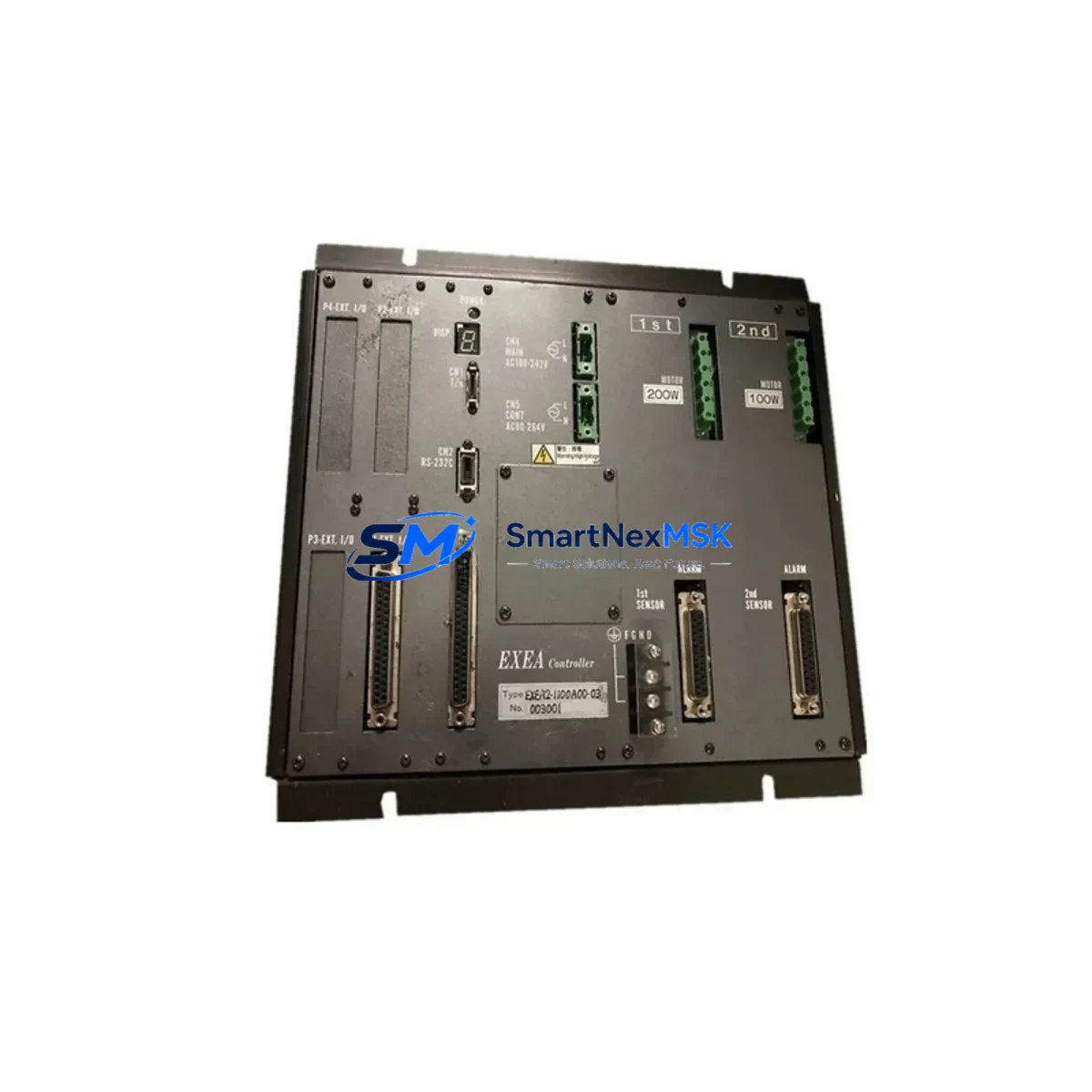
Mitsubishi EXEA2-1100A00-03 Maintenance-Ready Spare iQ-R Automation
The Mitsubishi Electric EXEA2-1100A00-03 is a genuine MELSEC iQ-R series PLC CPU module engineered for high-reliability industrial automation environments. As a maintenance-ready spare, this unit is sourced, inspected, and dispatched to support rapid downtime recovery across manufacturing, process control, and infrastructure applications. Whether you are managing a planned overhaul, responding to an unscheduled fault, or building a strategic spare parts inventory, the EXEA2-1100A00-03 delivers the compatibility, performance, and traceability that maintenance and procurement engineers demand.
Industrial facilities running MELSEC iQ-R platforms understand the operational risk of CPU module failure. The iQ-R architecture integrates tightly with the R-series backplane, power supply modules, and I/O infrastructure — meaning a CPU fault can cascade into full-line stoppage within minutes. Stocking a verified replacement unit of the EXEA2-1100A00-03 is a proven strategy to reduce mean time to repair (MTTR) and protect production continuity.
Each unit is tested prior to shipment and backed by a 12-month warranty, giving maintenance teams and procurement engineers confidence in both quality and long-term supply availability.
Spare Maintenance Table
| Parameter | Specification |
|---|---|
| Part Number / SKU | EXEA2-1100A00-03 |
| Brand | Mitsubishi Electric |
| Series | MELSEC iQ-R |
| Module Type | PLC CPU Module |
| Origin | Japan |
| Compatibility | iQ-R Series Backplane (R3□B / R5□B / R6□B / R1□ENCPU) |
| Communication Interface | Built-in Ethernet (CC-Link IE Field / SLMP) |
| Programming Standard | IEC 61131-3 / GX Works3 |
| Operating Temperature | 0 °C to 55 °C |
| Power Supply Requirement | Supplied via R-series power module (R61P / R62P / R63P) |
| Installation | DIN rail / panel mount via iQ-R backplane slot |
| Condition | Original, tested before shipment |
| Warranty | 12 Months |
| Maintenance Recommendation | Replace battery (Q6BAT) at scheduled intervals; inspect backplane connectors and power rails before installation |
Maintenance Planning for Continuous Operation
When replacing the EXEA2-1100A00-03 in a live iQ-R control cabinet, a disciplined maintenance workflow extends beyond the CPU module itself. Maintenance engineers should treat the replacement event as an opportunity to inspect and verify the condition of all co-located components in the same electrical circuit and control enclosure.
Begin with the R-series power supply module (such as the R61P or R62P): verify output voltage stability and check for capacitor aging, as a degraded power supply is a common root cause of intermittent CPU faults. Next, inspect the iQ-R backplane (R38B or R612B) for connector wear, corrosion, or mechanical damage — a compromised backplane slot can cause the replacement CPU to exhibit the same fault symptoms as the original unit.
Review all digital and analog I/O modules installed in adjacent slots (RX40C7, RY40NT5P, R60AD4, R60DA4 or equivalent). Confirm that I/O wiring terminals are torqued to specification and that no terminal blocks show signs of heat discoloration or loose conductors. For systems using CC-Link IE Field or MELSECNET/H communication modules, verify fiber or copper link integrity and check module firmware versions for compatibility with the replacement CPU.
If the control system includes signal isolators or relay output modules (such as the RY10R2 or third-party DIN-rail isolators), test isolation resistance and confirm that relay contact ratings remain within specification. Inspect fuse holders and circuit breakers on the 24 VDC control power rail — a blown fuse upstream of the CPU power supply is frequently overlooked during emergency replacements.
For systems with an HMI panel (GOT2000 series or equivalent) connected via RS-232/RS-422 or Ethernet, confirm communication parameters match the replacement CPU’s port configuration. Finally, check the CPU backup battery (Q6BAT) — if the original CPU experienced a low-battery alarm prior to failure, the program and retain data may need to be restored from the engineering workstation via GX Works3 before returning the line to production.
Site Replacement Workflow
Step 1 — Isolation & Lockout: Follow site LOTO procedures. De-energize the control cabinet and confirm zero-energy state before opening the enclosure.
Step 2 — Program Backup: If the original CPU is still partially functional, use GX Works3 to read and save the current program, parameters, and device data to a secure engineering workstation. If the CPU is non-responsive, restore from the most recent verified backup.
Step 3 — Module Removal: Release the backplane locking lever and slide the EXEA2-1100A00-03 out of its slot. Note the slot position — the CPU must be reinstalled in the correct slot (typically slot 0 of the main base unit).
Step 4 — Inspection: Before installing the replacement unit, inspect the backplane connector pins and the power supply output. Clean any contamination with appropriate contact cleaner.
Step 5 — Installation: Seat the replacement EXEA2-1100A00-03 firmly into the backplane slot until the locking lever engages. Install a fresh Q6BAT battery if required.
Step 6 — Program Restore & Verification: Power up the system, write the program and parameters via GX Works3, and perform a full I/O check. Confirm all communication links (Ethernet, CC-Link IE) are re-established before releasing the line.
Step 7 — Documentation: Record the replacement date, unit serial number, and post-replacement test results in the site maintenance log. Update the spare parts inventory to trigger reorder of a replacement stock unit.
Spare Parts Support FAQ
Q1: Is the EXEA2-1100A00-03 a direct drop-in replacement for older iQ-R CPU variants?
A: The EXEA2-1100A00-03 is designed for the MELSEC iQ-R platform and is compatible with standard R-series backplanes. For cross-variant compatibility (e.g., replacing an earlier CPU revision), confirm firmware and GX Works3 project compatibility before installation. Our technical team can assist with compatibility verification prior to shipment.
Q2: What pre-shipment testing is performed on each unit?
A: Every EXEA2-1100A00-03 unit undergoes functional power-on testing and visual inspection before dispatch. Units are packaged in anti-static ESD bags with protective foam to prevent transit damage. A 12-month warranty is included from the date of shipment.
Q3: How should I manage long-term spare parts inventory for iQ-R systems?
A: For critical production lines, we recommend maintaining at least one CPU module spare per line, alongside matched power supply and key I/O module spares. Establishing a consignment or scheduled replenishment agreement ensures that replacement stock is available without tying up excessive capital in warehouse inventory.
Q4: What is the lead time and can you support urgent downtime recovery orders?
A: In-stock units are dispatched within 1 business day. For urgent downtime recovery, contact our sales team directly to confirm availability and arrange priority shipping. We support express international freight for time-critical industrial maintenance scenarios.
© 2026 SMARTNEXMSK. All rights reserved.
Original Source: https://smartnexmsk.com
Contact: [email protected] | +86 18259474341