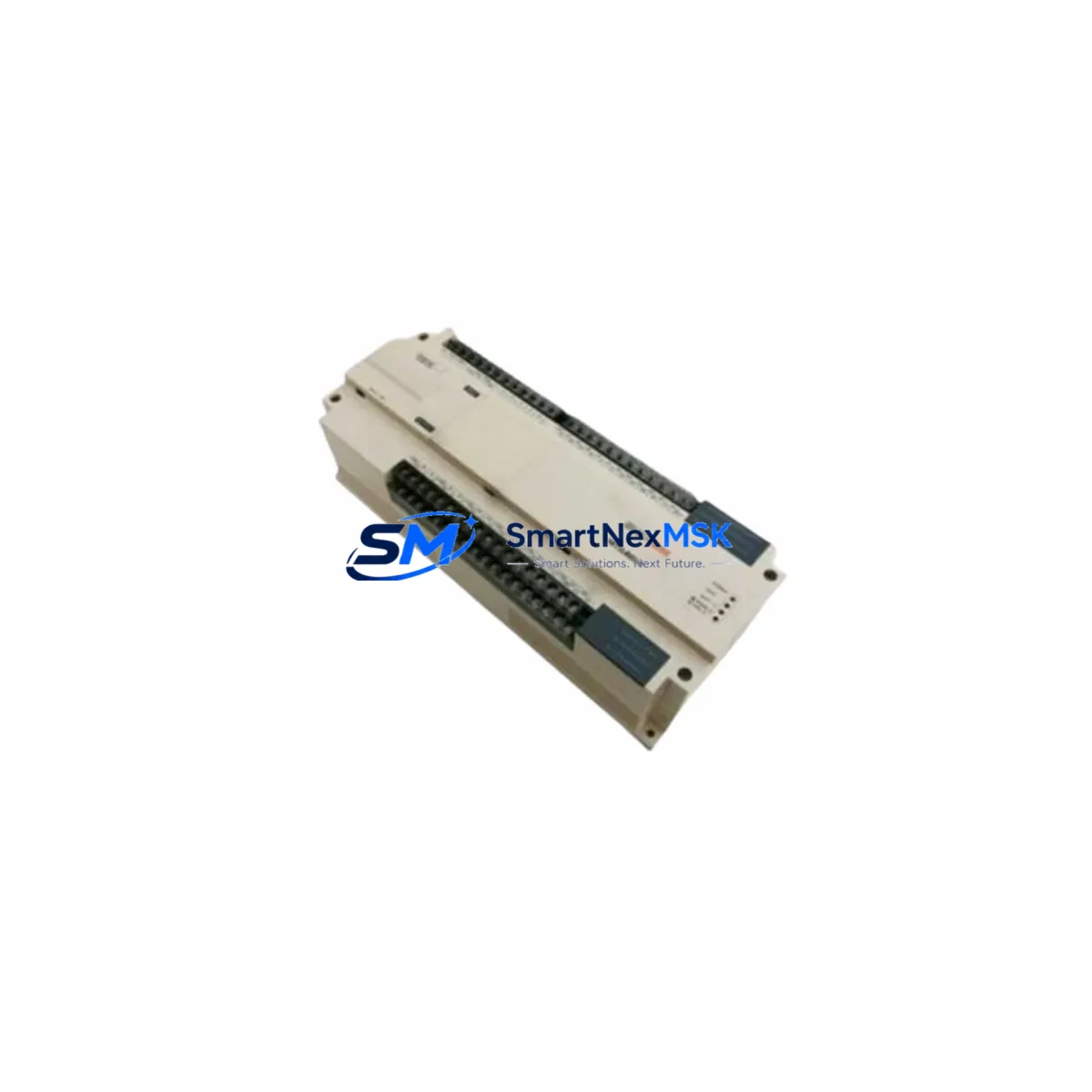
Mitsubishi F1-60MR-001 Retrofit-Ready PLC for MELSEC-F1 Control Systems
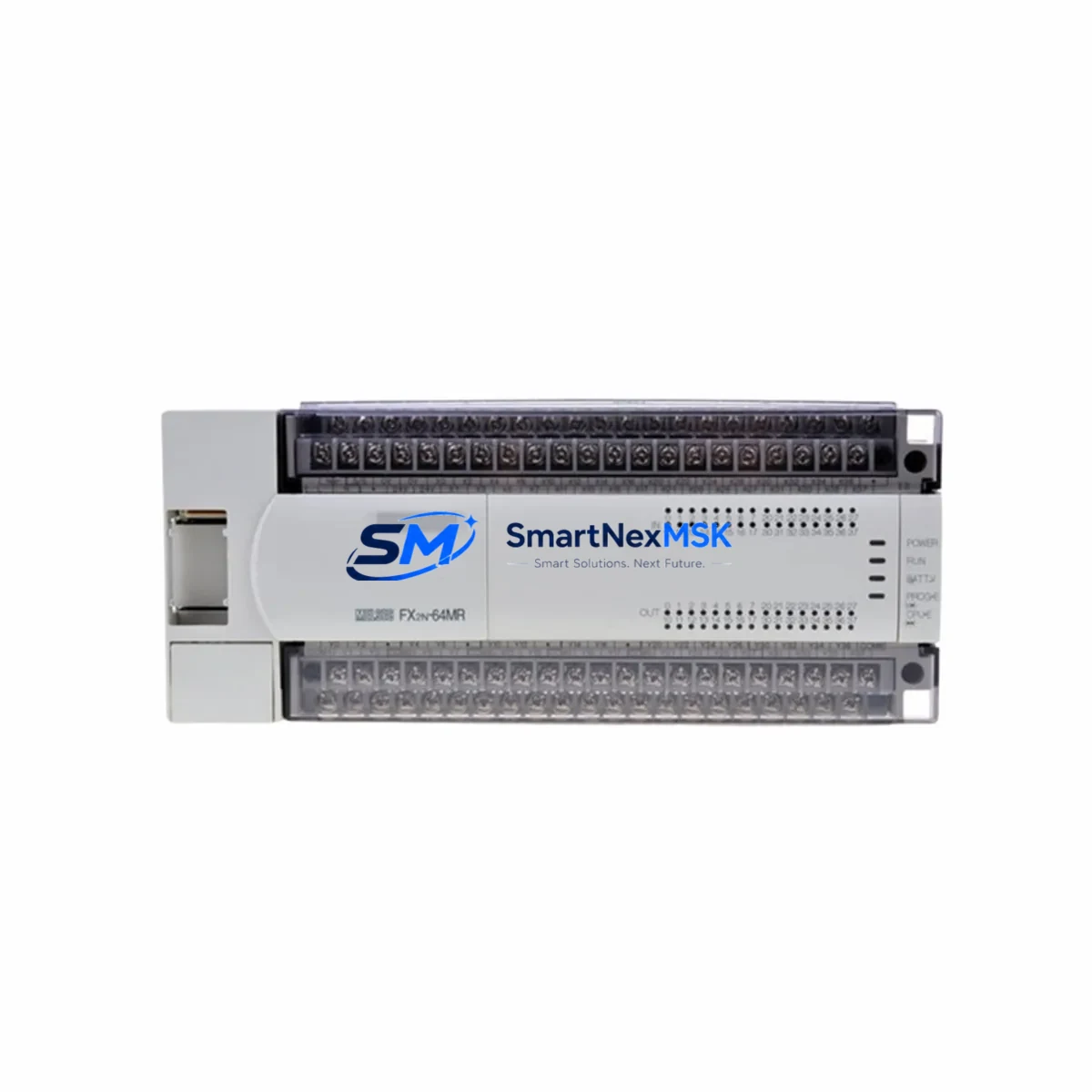
The Mitsubishi Electric F1-60MR-001 is a 60-point relay output programmable logic controller from the MELSEC-F1 series — one of Mitsubishi’s most widely deployed compact PLC platforms in light manufacturing, packaging, material handling, and process control applications. As the MELSEC-F1 series has reached end-of-life status, the F1-60MR-001 has become a critical retrofit and replacement component for engineers tasked with maintaining aging control systems without undertaking a full platform migration.
This unit provides a direct hardware-compatible replacement path for facilities still operating MELSEC-F1-based control cabinets. With 36 DC input points and 24 relay output points, the F1-60MR-001 supports the same I/O addressing scheme used in the original F1 program logic, minimizing the need for software rewrites during a swap-out. The relay output configuration makes it suitable for controlling contactors, solenoid valves, indicator lamps, and motor starters — all common in legacy panel designs.
For sites running mixed-generation control architectures, the F1-60MR-001 can coexist in the same control cabinet alongside newer components such as the FX1N-40MR-001 or FX2N-48MR-001 base units, provided that I/O addressing and communication links are carefully mapped during the retrofit planning phase. Engineers migrating from F1 to FX-series platforms often use the F1-60MR-001 as a transitional unit while phasing in FX-series expansion modules such as the FX2N-8EX input expansion or FX2N-8EYR relay output extension.
Upgrade Compatibility Table
| Parameter | F1-60MR-001 (This Unit) | Retrofit Notes |
|---|---|---|
| I/O Points | 60 (36 IN / 24 OUT) | Matches original F1-60MR wiring layout; no terminal rewiring required in most installations |
| Output Type | Relay (R) | Compatible with AC/DC load circuits; verify coil voltage ratings on existing contactors |
| Power Supply | 100–240 VAC, 50/60 Hz | Confirm panel supply voltage before installation; check breaker rating |
| Programming Port | F1 peripheral port | Requires F1-PCS or compatible programming cable; not compatible with FX USB-SC09 directly |
| Communication | F1 serial (proprietary) | Not natively compatible with CC-Link or MELSEC-NET; protocol converter required for HMI integration |
| Mounting | DIN rail / panel mount | Same footprint as original F1-60MR; existing DIN rail and mounting holes are reusable |
| Replacement Compatibility | Direct drop-in for F1-60MR-001 | Verify program backup before swap; use F1-PCS software to upload existing ladder logic |
| Warranty | 12 Months | Covers manufacturing defects; includes pre-shipment functional test report |
Retrofit Planning for Existing Automation Systems
A successful F1-60MR-001 retrofit begins with a thorough audit of the existing control cabinet. Before removing the original unit, engineers should document all terminal wiring using the existing panel drawings or, where drawings are unavailable, by tracing each wire to its corresponding I/O address in the active program. The F1-60MR-001 uses the same terminal block layout as the original MELSEC-F1 60-point units, which significantly reduces rewiring time during a like-for-like replacement.
Power supply verification is a mandatory first step. The F1-60MR-001 accepts 100–240 VAC input, but the existing panel breaker and transformer must be confirmed to supply adequate current. In older installations, the power supply module — often a Mitsubishi A1S61PN or equivalent — may have degraded capacity and should be tested or replaced as part of the retrofit scope. Similarly, the 24 VDC field supply used for input sensors should be verified against the new unit’s input specifications.
For facilities where the F1 PLC communicates with an operator interface, the HMI connection must be re-evaluated. Many legacy installations use a Mitsubishi F940GOT or F920GOT graphic operator terminal connected via the F1 peripheral port. These HMI units communicate using the F1 protocol and are compatible with the F1-60MR-001 without modification, provided the communication parameters (baud rate, station number) are preserved from the original configuration. If the site is upgrading the HMI to a newer GOT2000 series panel, a protocol gateway or communication converter will be required.
I/O expansion requirements should also be assessed during planning. If the existing system uses F1-40E or F1-20E expansion units connected to the base unit, these must be confirmed compatible with the replacement F1-60MR-001. In cases where additional I/O capacity is needed beyond what the F1 expansion modules provide, engineers may consider a phased migration to an FX3U or FX5U platform with FX3U-32MT/ES or FX5U-32MT/ES base units, retaining the F1-60MR-001 in service until the new platform is fully commissioned.
Programming cable availability is a common bottleneck in F1 retrofits. The F1-60MR-001 requires an F1-PCS programming cable and compatible software to read or write ladder logic. If the original program backup is unavailable, the existing unit must be read before removal. Ensure the programming workstation runs a compatible OS environment for the F1 programming software, as modern Windows versions may require a virtual machine or legacy PC.
Downtime Control During System Migration
Minimizing production downtime during an F1-60MR-001 swap requires a structured pre-outage preparation protocol. The most effective approach is to complete all preparatory work — program backup, terminal documentation, spare parts staging, and test equipment setup — before the planned maintenance window begins. A typical like-for-like F1-60MR-001 replacement can be completed within a two-to-four hour window when preparation is thorough.
Program logic preservation is the highest-priority task. Before powering down the existing unit, use the F1-PCS software to upload and verify the complete ladder program, including all data registers, timer presets, and counter values that define the machine’s operating parameters. Store the backup on at least two separate media. If the program includes motion sequences or recipe data, document these separately as they may not be fully captured in a standard program upload.
During the physical swap, label all terminal wires before disconnection and photograph the terminal block from multiple angles. Reconnect wires to the replacement F1-60MR-001 in sequence, verifying each connection against the documented terminal map. After wiring is complete, perform a cold-start test with outputs disabled to verify input signal integrity before enabling output control. This staged commissioning approach protects both the machine and the control system from unexpected actuator movement during the initial power-on sequence.
For critical production lines where even a brief unplanned outage is unacceptable, consider pre-configuring the replacement F1-60MR-001 with the backed-up program in a bench test environment before the maintenance window. This allows the replacement unit to be verified as fully functional before it enters the cabinet, reducing the risk of extended downtime due to commissioning issues discovered on-site.
Retrofit Support FAQ
Q: Is the F1-60MR-001 a direct replacement for my existing MELSEC-F1 60-point unit?
A: Yes. The F1-60MR-001 is a direct hardware replacement for the original Mitsubishi MELSEC-F1 60-point relay output base unit. The terminal layout, I/O addressing, and mounting dimensions are identical, allowing a like-for-like swap without panel modification in most installations. Confirm your existing unit’s model number ends in -001 to ensure relay output compatibility.
Q: What programming cable and software do I need to load my existing program?
A: The F1-60MR-001 uses the F1 peripheral port and requires an F1-PCS programming cable (or equivalent adapter) along with Mitsubishi’s F1 series programming software. Ensure you have a verified backup of your existing ladder program before removing the original unit. If the original program is unavailable, the existing unit must be read prior to replacement.
Q: Has this unit been tested before shipment?
A: Yes. Every F1-60MR-001 unit undergoes a pre-shipment functional test covering power-on self-diagnostics, I/O point verification, and communication port integrity. A test report is available upon request. All units are covered by a 12-month warranty against manufacturing defects from the date of delivery.
Q: Can I connect this unit to a newer HMI or SCADA system?
A: The F1-60MR-001 communicates via the proprietary F1 serial protocol. Direct connection to modern HMI platforms such as the GOT2000 series or third-party SCADA systems typically requires a protocol converter or communication gateway. Legacy F-series HMI panels (F940GOT, F920GOT) are natively compatible. Consult your HMI vendor’s compatibility documentation before specifying a communication interface for a new installation.
© 2026 SMARTNEXMSK. All rights reserved.
Original Source: https://smartnexmsk.com
Contact: [email protected] | +86 18259474341