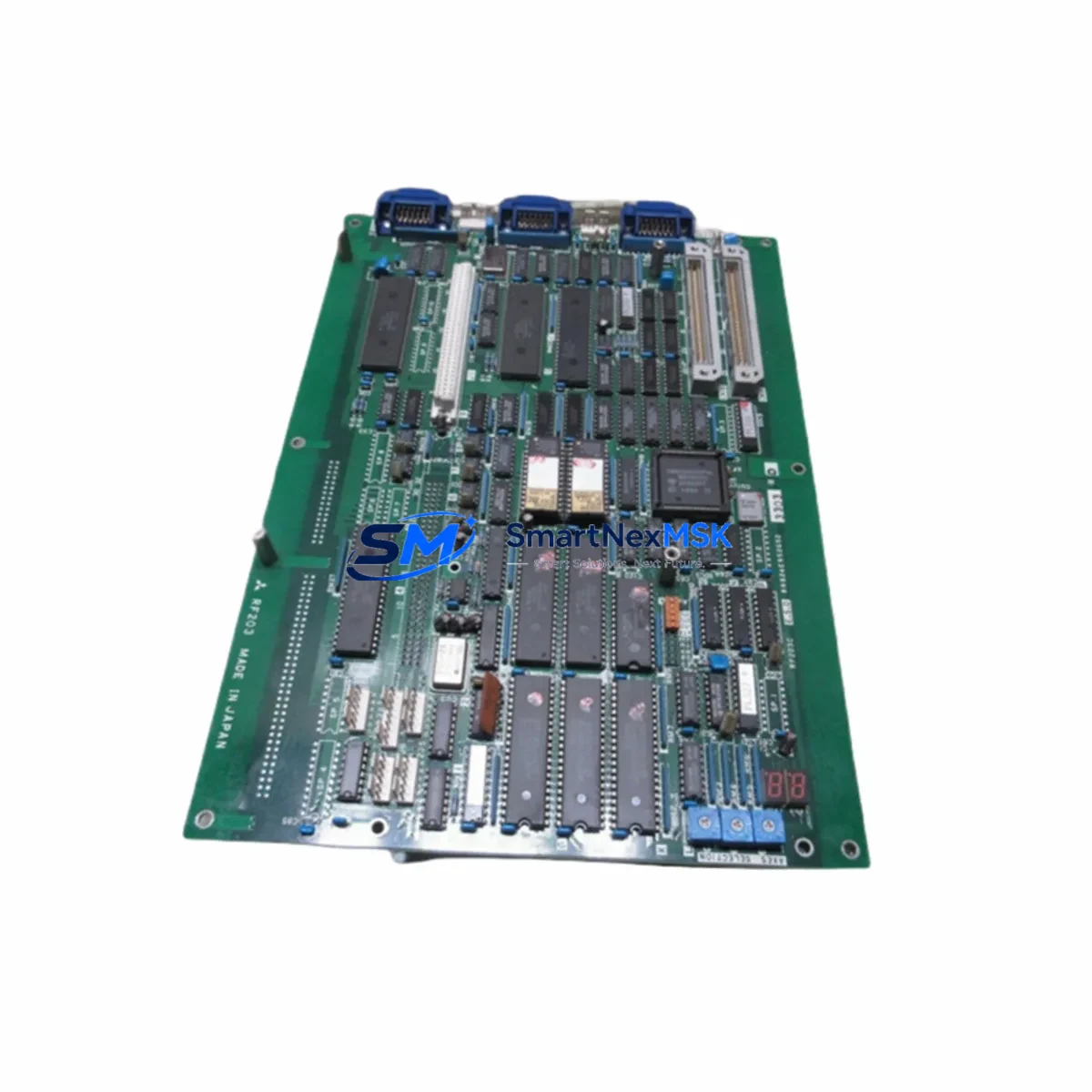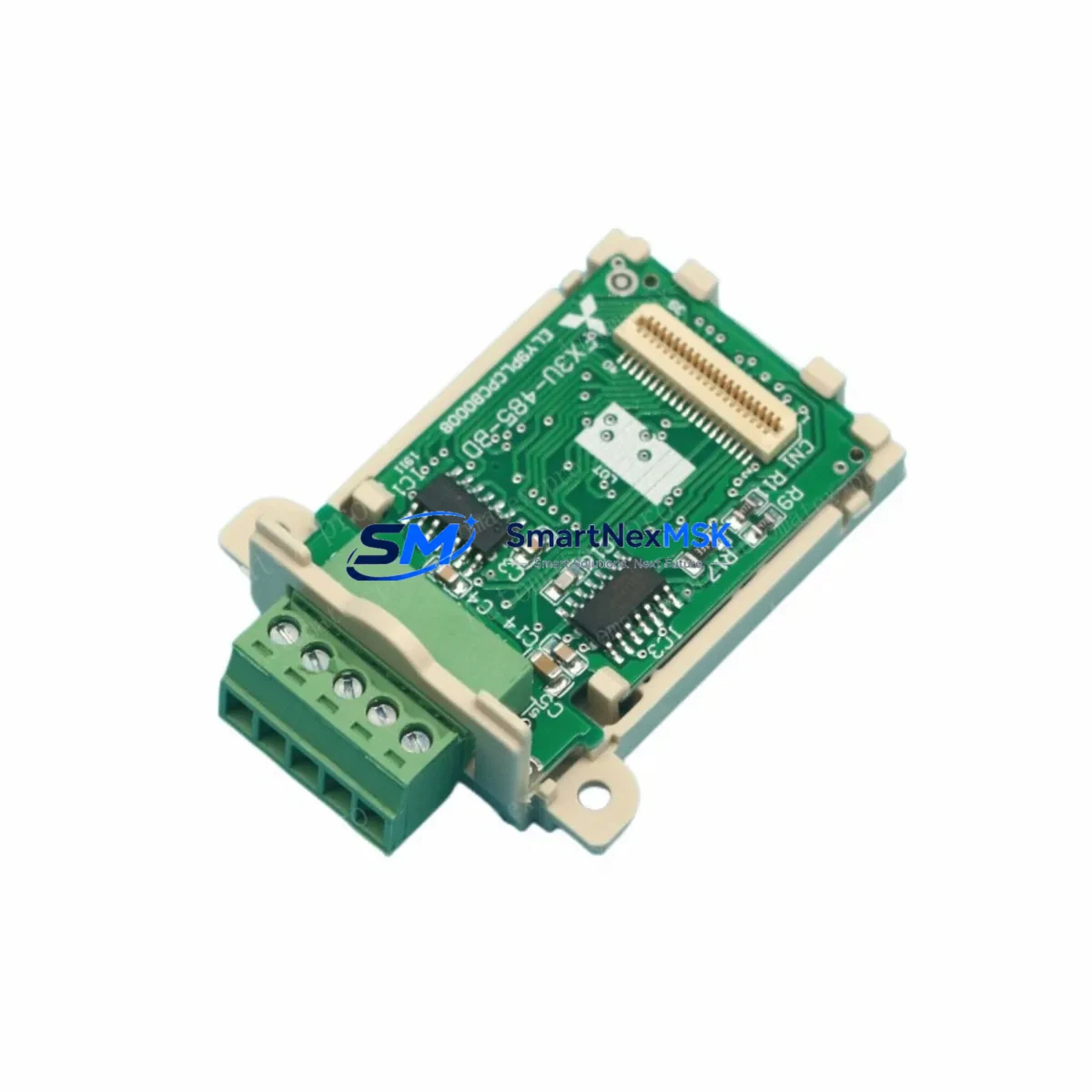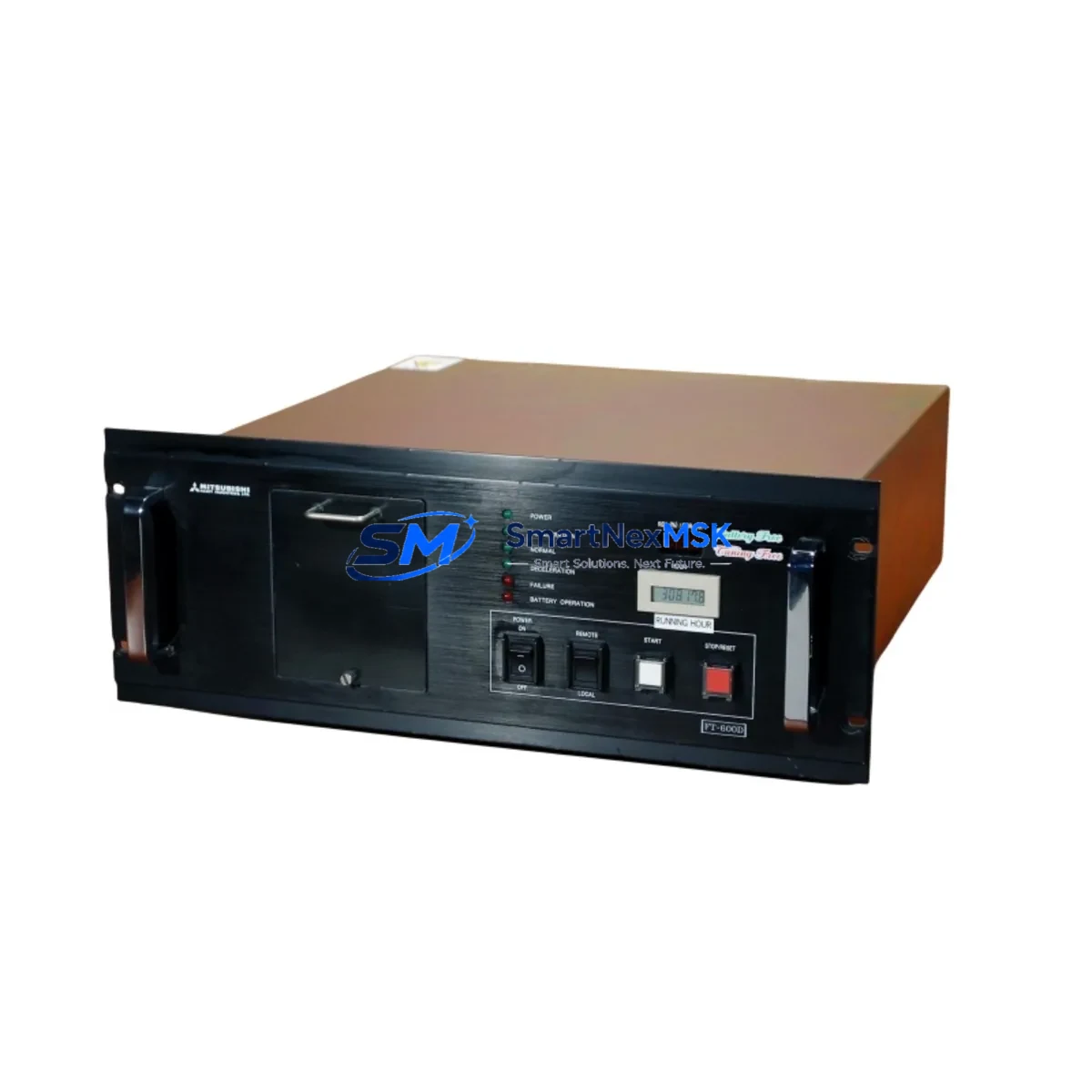
MITSUBISHI FT-600D FTI-600D-T6 Retrofit-Ready Turbomolecular Pump Controller: Compatible Modernization & Legacy System Smooth Upgrade
The MITSUBISHI FT-600D(HVP P.S) / FTI-600D-T6 (part references: USAHEM-02-TE53, 2706-LV2R) is a turbomolecular pump controller originally designed for high-vacuum process systems in semiconductor fabrication, thin-film deposition, and precision analytical instrumentation. As this model has reached end-of-life status in MITSUBISHI’s active product portfolio, procurement teams and maintenance engineers increasingly face the challenge of sourcing a verified retrofit-ready replacement that preserves existing wiring infrastructure, control logic, and vacuum performance parameters without requiring a full system redesign.
SMARTNEXMSK maintains verified stock of the FT-600D(HVP P.S) FTI-600D-T6 USAHEM-02-TE53 2706-LV2R and provides full pre-shipment functional testing, dimensional confirmation, and compatibility documentation to support your retrofit planning. Each unit ships with a 12-month warranty covering manufacturing defects and functional performance under specified operating conditions.
Upgrade Compatibility Table
| Parameter | FT-600D(HVP P.S) / FTI-600D-T6 | Retrofit Notes |
|---|---|---|
| Controller Series | MITSUBISHI FT-600D / FTI-600D | Confirm HVP P.S variant matches existing power supply spec |
| Part References | USAHEM-02-TE53 / 2706-LV2R | Cross-reference both part numbers before ordering |
| Installation Type | Panel-mount / rack-integrated | Verify cabinet cutout dimensions and DIN rail compatibility |
| Communication Interface | RS-232 / RS-485 (model-dependent) | Confirm baud rate, parity, and stop-bit settings match host PLC or SCADA |
| Power Supply Compatibility | HVP (High Voltage Power Supply) integrated | Verify input voltage range and current draw against existing cabinet power budget |
| Terminal Wiring | Screw-terminal block | Map existing wire labels to new terminal layout before disconnecting |
| Replacement Scope | Direct drop-in for FT-600D series | No firmware re-flash required in most configurations; verify with OEM documentation |
| Commissioning Requirement | Parameter re-entry via front panel or serial interface | Back up existing parameters before removal |
| Warranty | 12-Month Warranty — covers functional performance and manufacturing defects under rated operating conditions | |
Retrofit Planning for Existing Automation Systems
Replacing the FT-600D(HVP P.S) FTI-600D-T6 in an active vacuum process line requires careful pre-work to avoid extended downtime and process disruption. Before initiating the swap, engineers should document all existing parameter settings stored in the controller — including pump acceleration ramp profiles, interlock thresholds, and communication node addresses — since these values are typically lost when the unit is powered down for removal.
In systems where the FT-600D interfaces with a MITSUBISHI MELSEC Q-series or iQ-R series PLC, the controller’s RS-485 communication link must be re-established after replacement. Confirm that the new unit’s station address, baud rate (commonly 9600 or 19200 bps), and data format match the existing ladder logic configuration in GX Works2 or GX Works3. If the host controller is a third-party PLC or a SCADA system using Modbus RTU, the same verification applies to the Modbus register map and polling interval.
For installations where the FT-600D is mounted in a control cabinet alongside a MITSUBISHI FR-A800 series inverter drive or a CR800 robot controller, pay close attention to the shared power rail capacity. The HVP power supply section of the FT-600D draws significant current at startup; ensure the cabinet’s 24VDC or 48VDC bus — often shared with I/O modules such as the MITSUBISHI QX40 or QY40P digital I/O cards — has sufficient headroom after accounting for all concurrent loads.
Terminal wiring adaptation is another critical step. The FT-600D uses a labeled screw-terminal block for interlock signals, gate valve control outputs, and analog speed feedback. Before disconnecting the existing unit, photograph or sketch the full wiring layout and cross-reference it against the replacement unit’s terminal diagram. In many retrofit scenarios, engineers also take the opportunity to upgrade adjacent components: replacing aging MITSUBISHI A1SJ71QBR5 backplane modules, refreshing the GOT2000 series HMI display panels connected to the vacuum system, or installing a new MITSUBISHI NZ2GF2B1-16D CC-Link IE Field network I/O module to improve remote diagnostics capability.
If the vacuum system includes a turbo pump backed by a dry scroll or rotary vane roughing pump, verify that the FT-600D’s interlock wiring to the backing pump’s run/fault signals is correctly reproduced on the replacement unit. Misconnected interlock signals are a common cause of post-retrofit pump trips. Similarly, if the system uses a MITSUBISHI MR-J4 series servo amplifier for a load-lock door actuator or substrate transfer mechanism, confirm that the FT-600D’s gate valve output does not conflict with the servo’s enable signal timing.
For sites running older MITSUBISHI A-series or FX-series PLCs that communicate with the FT-600D via a dedicated programming cable or serial adapter, consider whether this retrofit is an opportunity to migrate the host controller to a current-generation platform. The MITSUBISHI iQ-F FX5U or iQ-R R04CPU offers significantly improved processing speed, built-in Ethernet, and native CC-Link IE TSN support, which can simplify future maintenance and reduce the risk of cascading obsolescence across the control system.
Downtime Control During System Migration
Minimizing unplanned downtime during a turbomolecular pump controller replacement is achievable with structured pre-work. The most effective approach is to complete all parameter documentation, wiring photography, and spare-parts staging before the maintenance window begins. This means having the replacement FT-600D(HVP P.S) FTI-600D-T6 unit on-site, tested, and pre-configured to the extent possible before the production line is taken offline.
Where the process allows, perform a controlled pump-down to atmosphere before removing the controller, following the OEM’s recommended shutdown sequence. This protects the turbomolecular pump bearing from shock loads and preserves the pump’s service life. Once the replacement unit is installed and wired, restore communication links first — confirm that the host PLC or SCADA system recognizes the controller at the correct node address before enabling the high-voltage power supply section.
If the original program logic in the host PLC references specific FT-600D status bits or analog feedback values, verify that these data points are correctly mapped in the replacement unit before resuming automatic operation. In most cases, the FT-600D series uses a consistent register structure across production batches, but minor firmware revisions can shift register offsets. Having a copy of the original communication log or a recorded baseline from the previous unit significantly reduces commissioning time.
For critical production environments where even a brief loss of vacuum integrity is unacceptable, consider staging a parallel test setup using a spare pump and the replacement controller to validate the full startup sequence, interlock response, and communication handshake before committing to the live system swap. SMARTNEXMSK’s pre-shipment functional test report provides a baseline for this validation and is included with every unit shipped.
Retrofit Support FAQ
Q1: Is the FT-600D(HVP P.S) FTI-600D-T6 a direct drop-in replacement for the original MITSUBISHI FT-600D installed in my system?
In the majority of installations, yes. The FTI-600D-T6 variant shares the same mechanical envelope, terminal layout, and communication interface as the standard FT-600D series. However, you should confirm the HVP (High Voltage Power Supply) variant designation matches your existing unit’s power supply specification, and verify that the part references USAHEM-02-TE53 and 2706-LV2R correspond to your system’s BOM. If you can provide your existing unit’s nameplate data, SMARTNEXMSK’s technical team can confirm compatibility before shipment.
Q2: What commissioning steps are required after installing the replacement controller?
After physical installation and wiring, re-enter all operating parameters via the front panel keypad or serial interface — including pump speed setpoint, acceleration ramp time, interlock thresholds, and communication settings. Restore the RS-232 or RS-485 link to the host PLC and confirm that the controller’s status register is correctly polled. Perform a controlled pump-down from atmosphere to verify that the speed ramp, interlock sequence, and gate valve control outputs behave as expected before returning the system to automatic operation.
Q3: How do I verify wiring compatibility between the original unit and the replacement?
Before removing the original FT-600D, photograph the full terminal block wiring and record each wire’s label, color, and destination. Cross-reference this against the replacement unit’s terminal diagram, which SMARTNEXMSK provides as part of the shipment documentation. Pay particular attention to interlock input polarity (normally open vs. normally closed), analog output scaling, and the gate valve control relay wiring, as these are the most common sources of post-retrofit commissioning issues.
Q4: What does the 12-month warranty cover, and what is the process for a warranty claim?
The 12-month warranty covers manufacturing defects and functional performance failures under the unit’s rated operating conditions, starting from the date of shipment. It does not cover damage resulting from incorrect installation, overvoltage, or operation outside specified environmental limits. To initiate a warranty claim, contact SMARTNEXMSK at [email protected] with your order reference, a description of the fault, and any available diagnostic data. SMARTNEXMSK will arrange for unit inspection and, where the fault is confirmed as warranty-covered, provide a replacement or repair at no additional cost.
© 2026 SMARTNEXMSK. All rights reserved.
Original Source: https://smartnexmsk.com
Contact: [email protected] | +86 18259474341