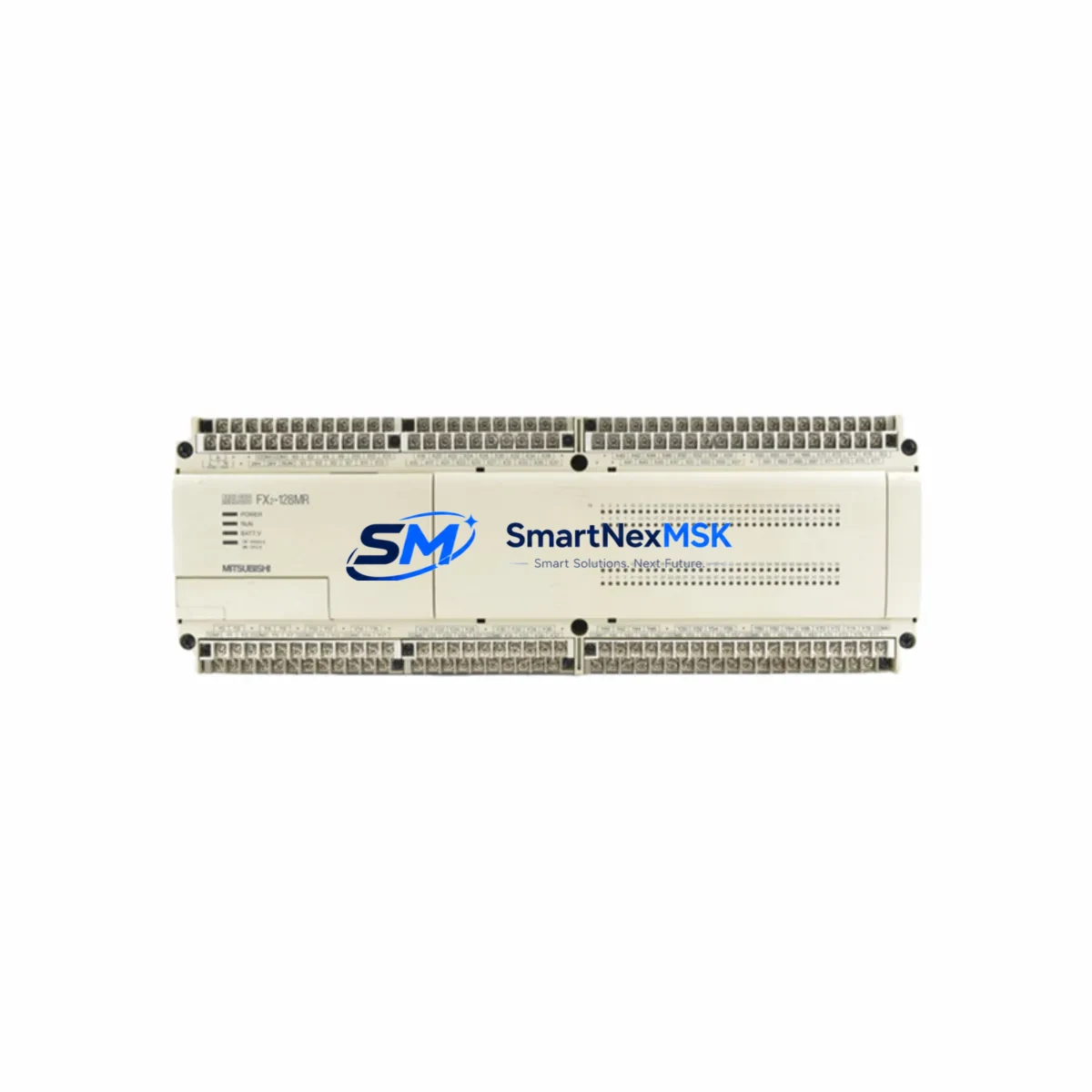
Mitsubishi FX2-128MR Spare for FX2 Automation: Spare Replacement & Industrial Downtime Risk Control
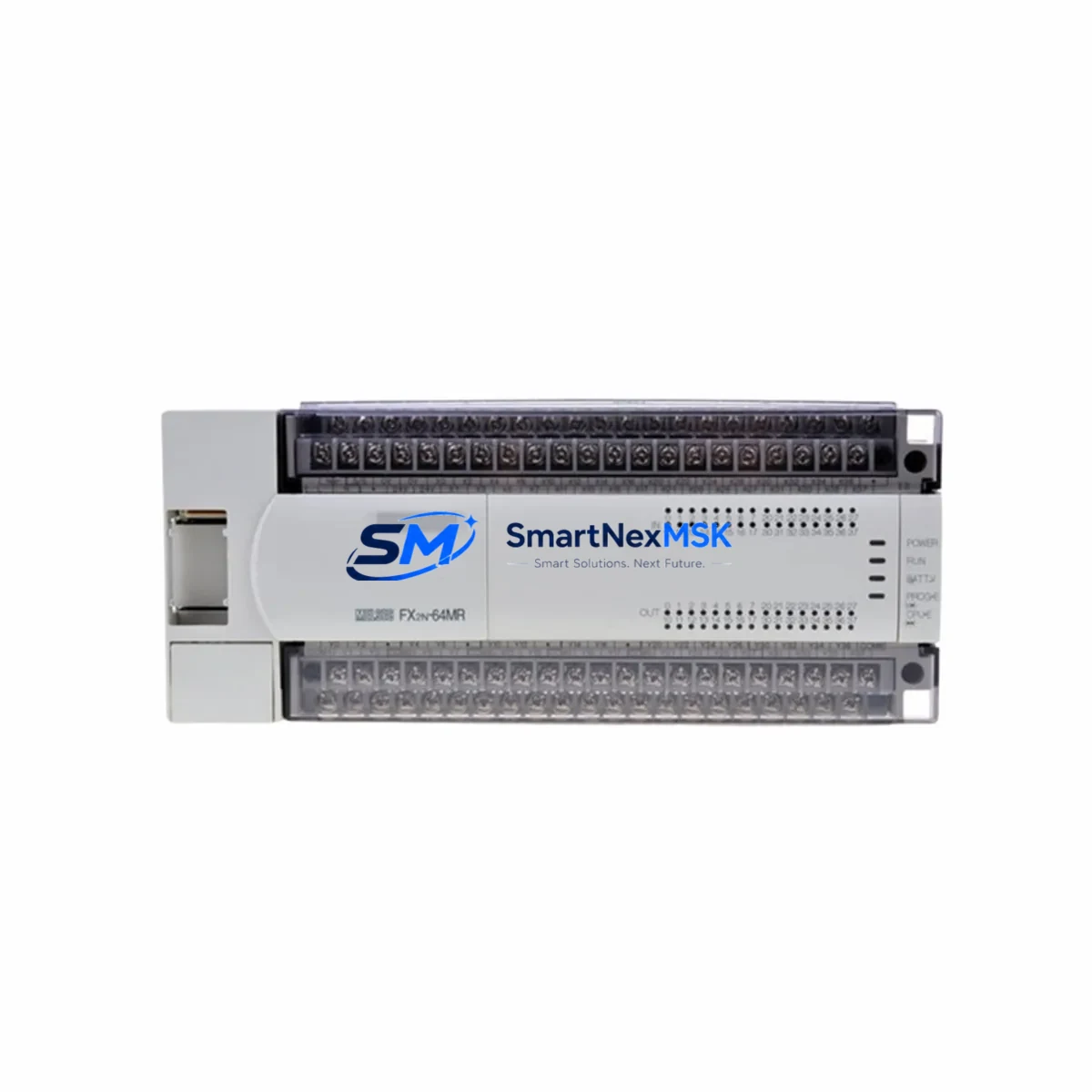
The Mitsubishi FX2-128MR is a 128-point relay output programmable logic controller belonging to Mitsubishi Electric’s MELSEC FX2 Series — one of the most widely deployed compact PLC platforms in Asian and global industrial automation. With 64 DC input points and 64 relay output points, this unit serves as the central control node in discrete manufacturing lines, conveyor systems, packaging machinery, injection molding equipment, and process control panels. As the FX2 Series approaches end-of-life support status, maintaining a verified spare of the FX2-128MR has become a critical element of any plant’s maintenance strategy.
For maintenance engineers managing aging control systems, the FX2-128MR represents a high-risk single point of failure. A failed main CPU unit can halt an entire production line within seconds. Sourcing a tested, original-specification replacement unit — pre-verified for firmware compatibility and relay output integrity — is the fastest path to downtime recovery. Our FX2-128MR units are inspected prior to shipment, include a 12-month warranty, and are dispatched with full documentation to support site acceptance testing.
Spare Maintenance Table
| Parameter | Specification |
|---|---|
| Model | FX2-128MR |
| Brand | Mitsubishi Electric (MELSEC) |
| Series | FX2 / MELSEC-F Series |
| I/O Points | 128 total (64 inputs / 64 relay outputs) |
| Output Type | Relay (MR) |
| Power Supply | 100–240V AC, 50/60Hz |
| Program Memory | 8,000 steps (EEPROM) |
| Communication Port | RS-422 (built-in programming port) |
| Compatible Software | GX Developer, GX Works2 |
| Operating Temperature | 0°C to 55°C |
| Mounting | DIN rail or direct panel mount |
| Origin | Japan |
| Compatibility | Direct replacement for FX2-128MR; compatible with FX2 expansion modules |
| Warranty | 12 Months |
| Condition | Original specification, pre-shipment tested |
Maintenance Planning for Continuous Operation
When replacing the FX2-128MR in a live control cabinet, a disciplined maintenance engineer will not stop at swapping the CPU unit alone. The FX2-128MR operates within an interconnected electrical ecosystem, and adjacent components should be inspected or replaced concurrently to prevent repeat failures and ensure system stability.
Begin with the power supply module. The FX2-128MR draws from the panel’s 24VDC auxiliary rail and the main AC supply. Verify that the power supply unit — often a Mitsubishi FX2-PSU or equivalent DIN-rail SMPS — is delivering stable voltage within tolerance. A degraded power supply is a common root cause of intermittent PLC faults and should be treated as a co-suspect during any CPU replacement event.
Next, inspect the FX2 expansion I/O modules connected via the right-side bus connector. Units such as the FX2-32ER (relay expansion) or FX2-32EX (input expansion) share the same backplane communication and can exhibit address conflicts or communication errors if their ribbon cables or bus connectors are worn. Confirm that all expansion modules power up correctly and that the LED indicators reflect expected I/O states after the new CPU is installed.
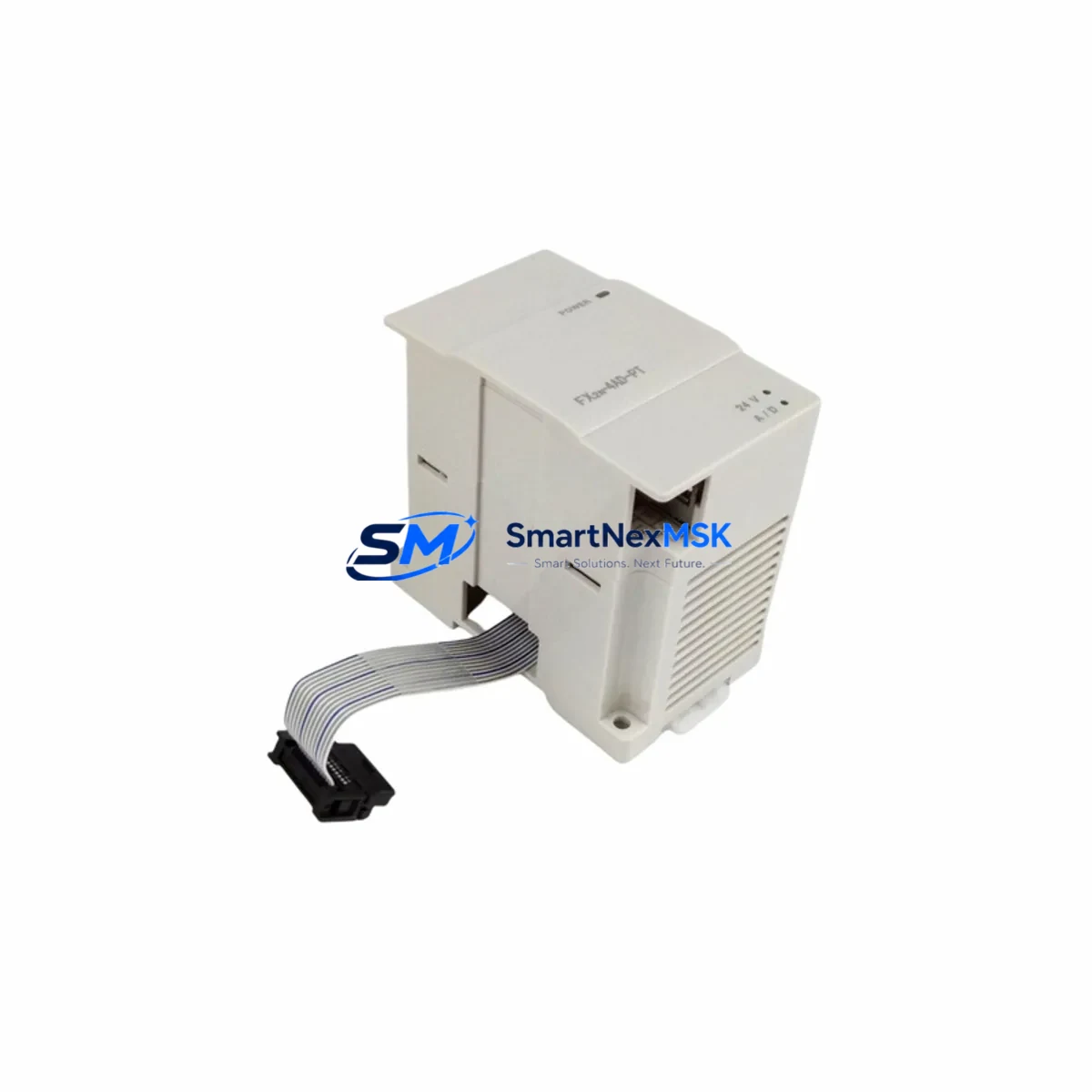
For systems using analog signal processing, check the FX2-4AD (4-channel analog input) or FX2-2DA (2-channel analog output) special function modules. These modules retain calibration data internally, but their wiring terminals and shielding should be inspected for corrosion or loose connections — particularly in high-humidity or high-vibration environments.
Review the RS-422 communication cable connecting the FX2-128MR to the programming device or HMI. Mitsubishi FX-series PLCs use a proprietary RS-422 protocol, and cable degradation or connector wear can prevent successful program upload or online monitoring. If the site uses a GOT series HMI (such as the GT1055 or GT1155) connected to the FX2-128MR, verify the HMI communication parameters match the new CPU’s station settings.
Inspect all terminal blocks and wiring harnesses on the input and output sides. With 64 relay output points, the FX2-128MR drives a significant number of field devices — motors, solenoids, indicator lamps, and contactors. Relay output contacts are subject to mechanical wear and arc erosion over time. Use this replacement event to check contact resistance on high-cycle output channels and replace any suspect intermediate relay modules (such as Omron MY series or Phoenix Contact relay bases) in the output circuit.
For sites with communication network integration, verify that any FX2-232IF (RS-232C interface) or FX2-485ADP (RS-485 adapter) modules are correctly seated and that their communication parameters are documented before the CPU swap. Program data should be backed up from the original unit using GX Developer before removal — if the original CPU is still partially functional, this step is critical to avoid program loss.
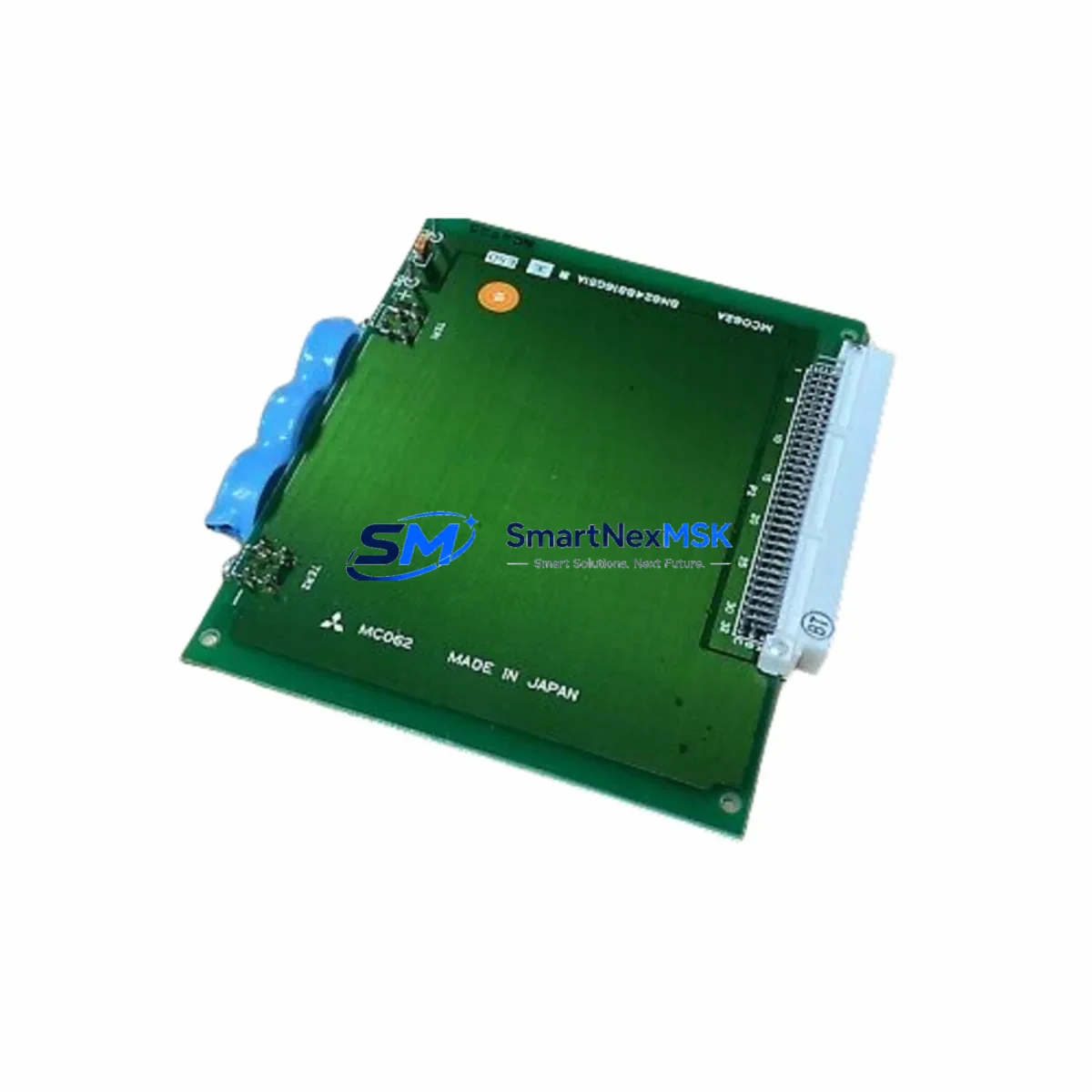
Finally, check the battery backup status. The FX2-128MR uses a lithium battery (typically Mitsubishi FX-BATTERY or equivalent) to retain program memory and data registers during power loss. If the battery low indicator was active prior to failure, replace the battery simultaneously with the CPU unit to prevent data loss on the next power cycle.
Site Replacement Workflow
Step 1 — Pre-Replacement Documentation: Before powering down, use GX Developer or GX Works2 to upload and save the current ladder program, device comments, and parameter settings. Photograph the wiring layout on all I/O terminal blocks. Record the current CPU error codes from the diagnostic LEDs.
Step 2 — Safe Isolation: Isolate the panel from the main AC supply using the appropriate lockout/tagout procedure. Discharge any residual voltage on the output relay circuits. Disconnect the RS-422 programming cable and any expansion bus connectors.
Step 3 — Module Removal: Remove the FX2-128MR by releasing the DIN rail clip and disconnecting all I/O terminal blocks. Label each terminal block connector if not already marked. Remove the battery from the old unit for reference.
Step 4 — New Unit Installation: Mount the replacement FX2-128MR on the DIN rail. Reconnect all terminal blocks in sequence. Install a fresh battery. Reconnect expansion modules and verify bus connector seating.
Step 5 — Program Download and Verification: Connect the programming cable and download the saved program using GX Developer. Verify program checksum. Power up the system and confirm all I/O indicators match expected states. Run a dry-cycle test before returning the line to production.
Step 6 — Documentation Update: Record the replacement date, new unit serial number, and battery installation date in the maintenance log. Update the spare parts inventory to reflect the consumed unit and initiate a reorder to maintain buffer stock.
Spare Parts Support FAQ
Q1: Is this FX2-128MR a direct drop-in replacement for the original Mitsubishi unit?
Yes. The FX2-128MR supplied is original-specification and pin-compatible with all standard FX2-128MR installations. No hardware modification is required. Program compatibility is maintained provided the replacement unit runs the same firmware generation as the original.
Q2: What is included in the 12-month warranty?
The 12-month warranty covers manufacturing defects and functional failures under normal operating conditions. Each unit undergoes pre-shipment functional testing. In the event of a warranty claim, we provide a replacement unit or full refund based on fault assessment. The warranty period begins from the date of shipment.
Q3: How should I verify compatibility before installation?
Confirm the model number on the original unit’s nameplate matches FX2-128MR. Check the power supply voltage rating (100–240V AC) against your panel supply. Verify that your existing expansion modules (FX2-32ER, FX2-4AD, etc.) are connected via the standard FX2 bus — no additional adapters are required for standard FX2 Series expansion.
Q4: Can you support long-term or repeat supply for MRO inventory programs?
Yes. We maintain ongoing stock of FX2 Series components to support plant MRO programs and end-of-life system extension strategies. Volume pricing and reserved allocation are available for customers managing multi-site or multi-unit spare parts programs. Contact our team to discuss supply agreements.
© 2026 SMARTNEXMSK. All rights reserved.
Original Source: https://smartnexmsk.com
Contact: [email protected] | +86 18259474341