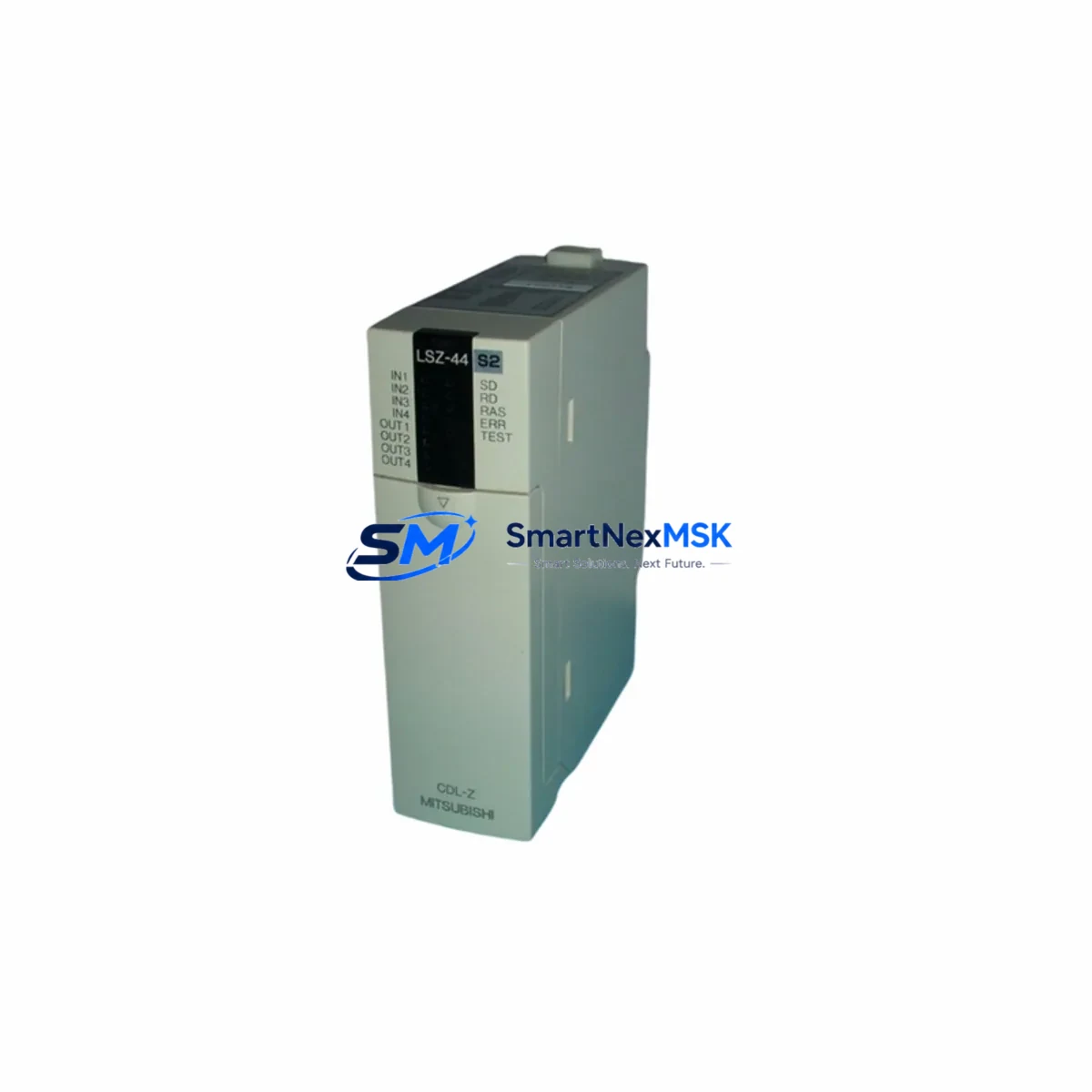
Mitsubishi LSZ-44-S2 Maintenance-Ready Spare MELSEC Automation: Spare Replacement & Industrial Downtime Risk Control
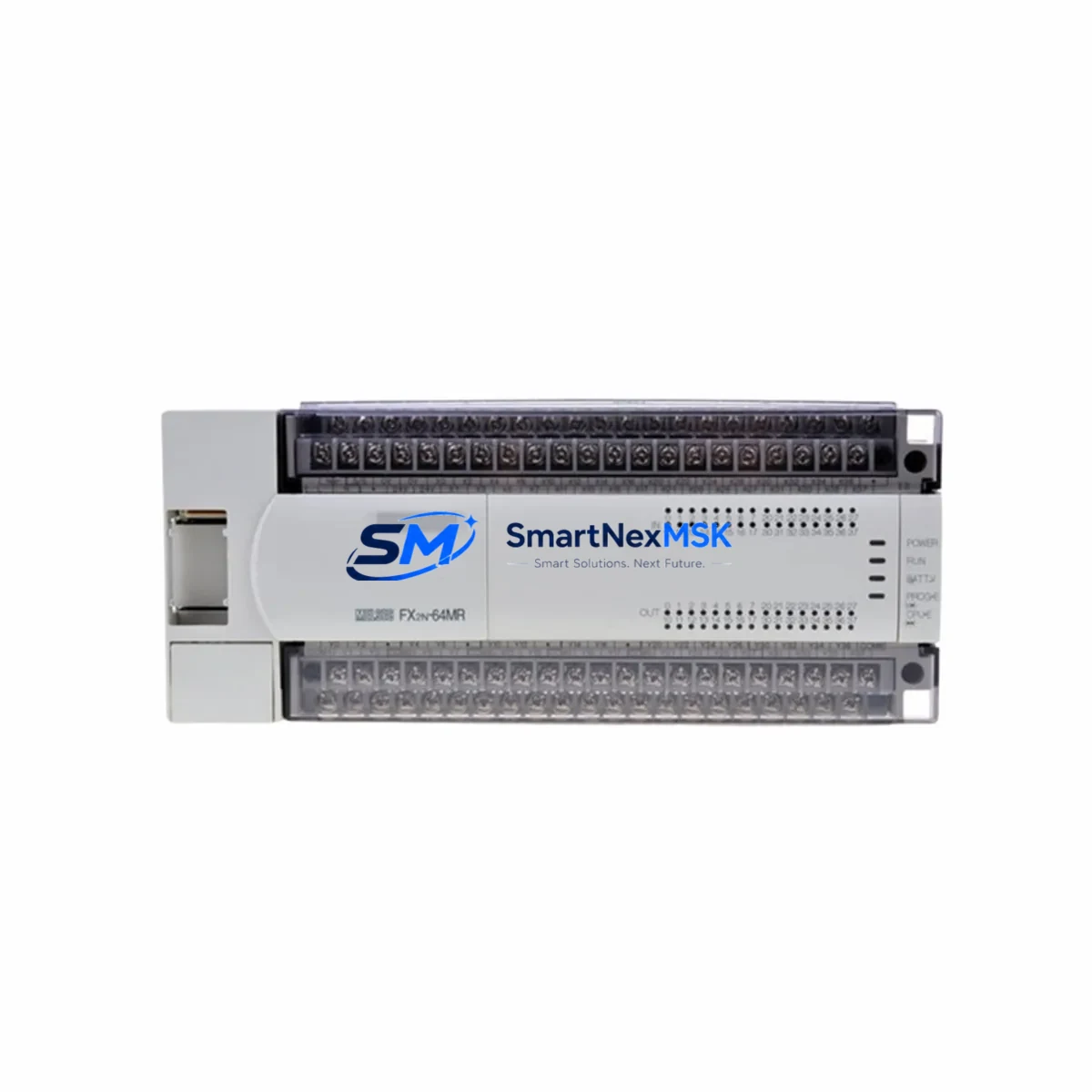
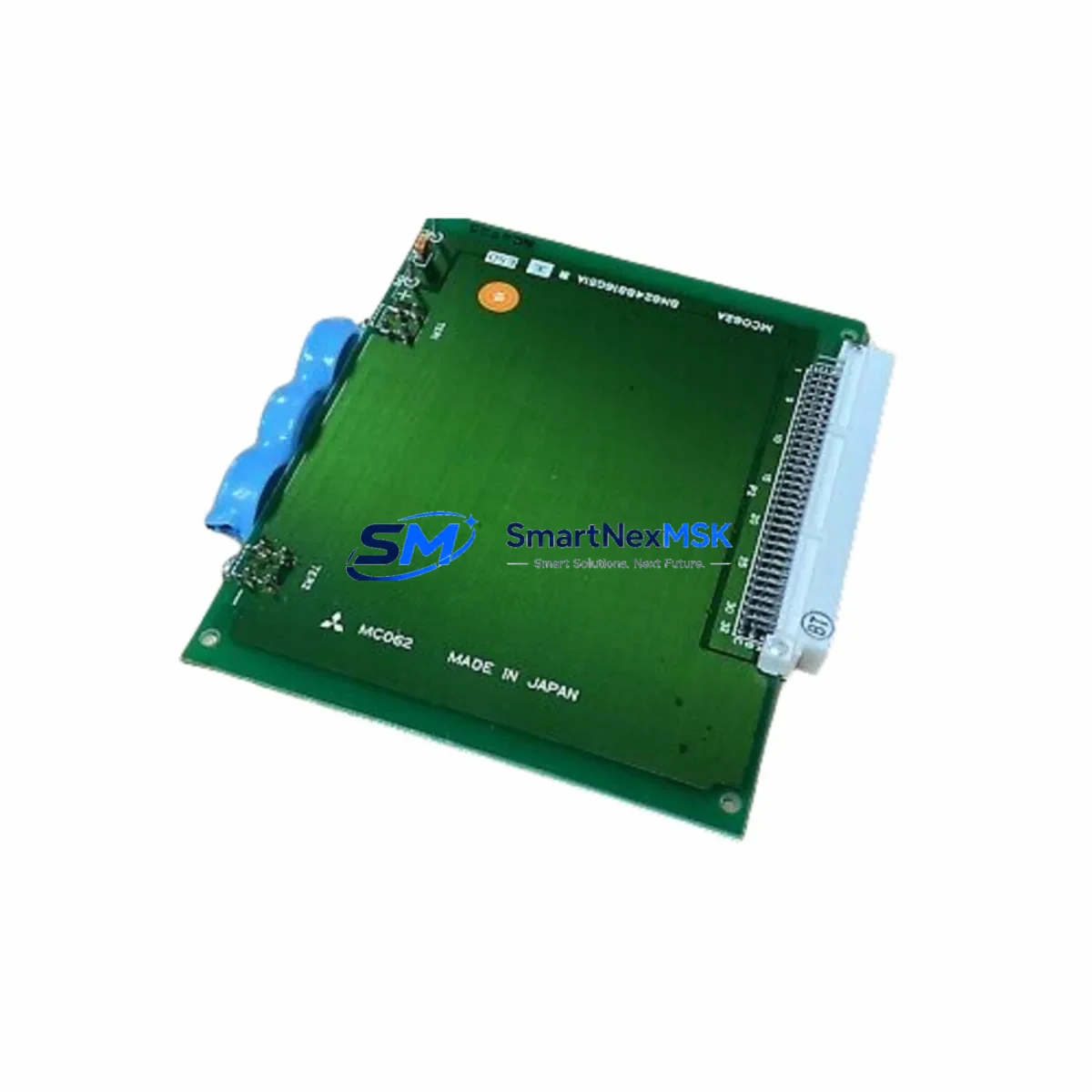
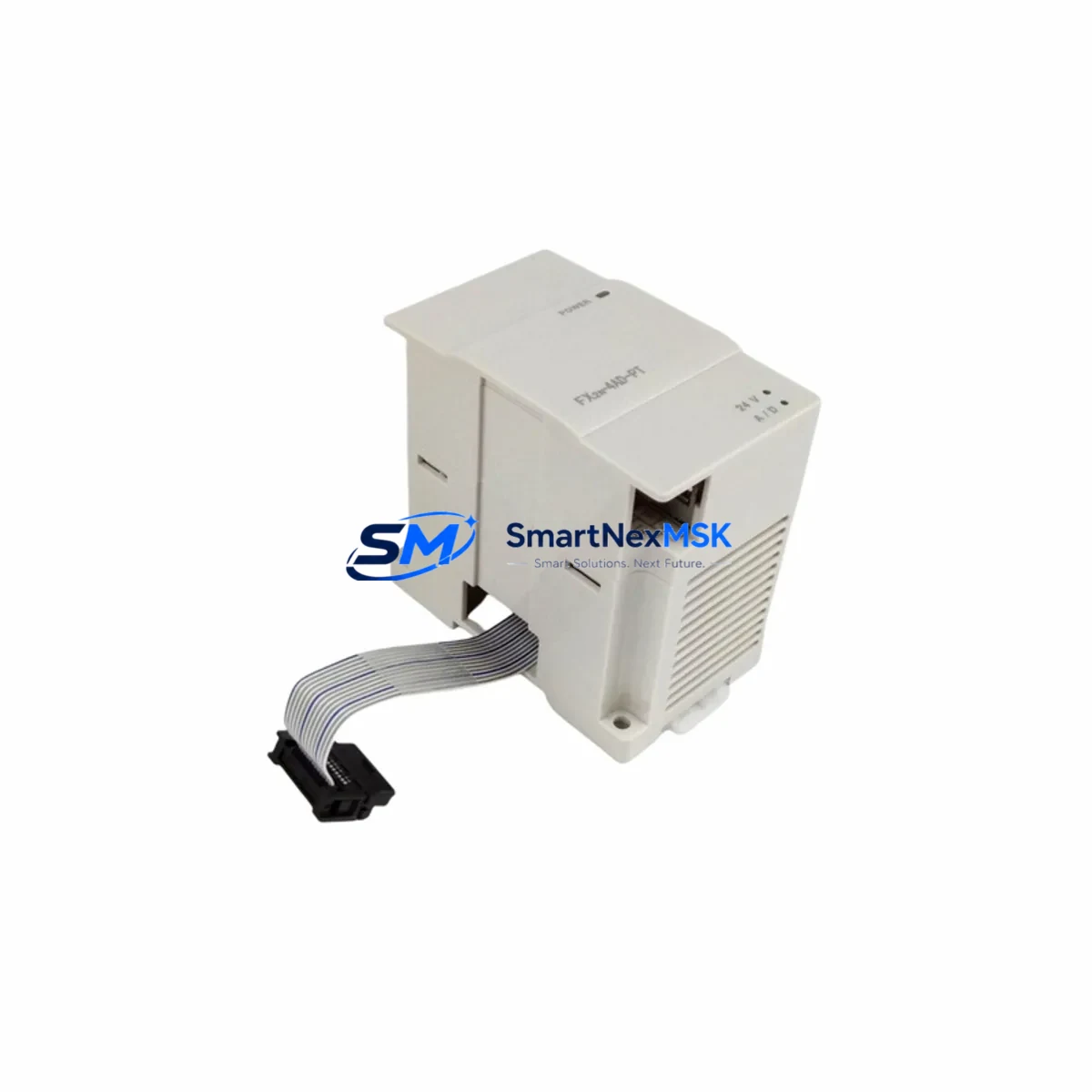
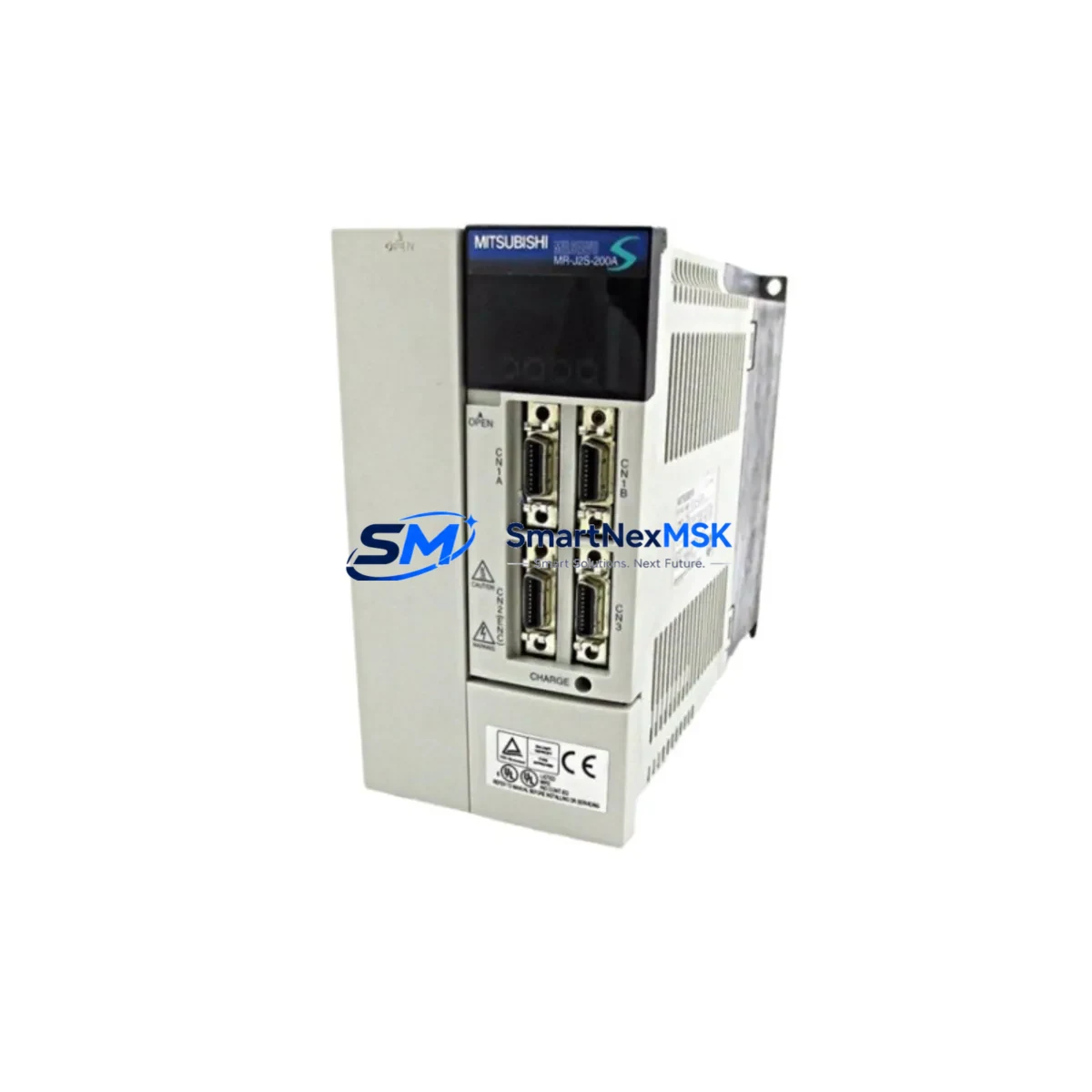
The Mitsubishi Electric LSZ-44-S2 is a compact MELSEC-series PLC module designed for demanding industrial automation environments. As a maintenance-ready original spare, the LSZ-44-S2 is a critical component for facilities that rely on Mitsubishi MELSEC control architectures for continuous process control, machine automation, and production line management. Sourced directly from verified supply channels, this unit is tested prior to dispatch and backed by a 12-month warranty, ensuring your maintenance team can act with confidence during both planned shutdowns and emergency replacements.
For maintenance engineers and procurement specialists managing aging MELSEC systems, having the LSZ-44-S2 in your spare parts inventory is a proactive strategy against unplanned downtime. This module integrates seamlessly into existing MELSEC control cabinets without requiring firmware reconfiguration in most standard installations, making it an efficient drop-in replacement that minimizes mean time to repair (MTTR).
Spare Maintenance Table
| Parameter | Specification / Detail |
|---|---|
| Part Number / SKU | LSZ-44-S2 |
| Brand | Mitsubishi Electric |
| Series | MELSEC |
| Product Type | PLC Module |
| Country of Origin | Japan |
| Module Weight | Approx. 1,350 g |
| Compatibility | MELSEC series control systems; verify backplane slot and bus type before installation |
| Installation | DIN rail / backplane slot mount; follow MELSEC installation torque and grounding specifications |
| Application Environment | Industrial control cabinets, process automation panels, machine tool controllers |
| Operating Temperature | 0°C to 55°C (standard MELSEC operating range; confirm with system documentation) |
| Maintenance Recommendation | Inspect connector pins, bus interface, and power rail contacts during each planned maintenance cycle |
| Pre-shipment Testing | Function-verified before dispatch |
| Warranty | 12 Months from date of shipment |
| Supply Status | In stock — long-term supply available |
Maintenance Planning for Continuous Operation
When scheduling replacement of the LSZ-44-S2 during a planned maintenance window or responding to an unplanned fault, maintenance engineers should treat this as an opportunity to inspect the broader control system. A single module failure rarely occurs in isolation — adjacent components in the same control cabinet or electrical loop are often subject to the same environmental stressors, load cycles, and aging effects.
Begin by verifying the 24VDC power supply module feeding the MELSEC rack. Voltage sag or ripple at the power input is a common root cause of intermittent PLC module faults. If the power supply is original to the installation and has not been replaced within the last five to seven years, consider scheduling it for proactive replacement alongside the LSZ-44-S2. Similarly, inspect the MELSEC backplane for signs of oxidation on the bus connectors — poor backplane contact can cause communication errors that mimic module failure.
Check the I/O expansion modules connected to the same rack. Modules such as MELSEC digital input units and analog output cards share the internal bus and power distribution with the LSZ-44-S2. Any degraded I/O module can introduce noise or load imbalance that accelerates wear on adjacent logic modules. Inspect terminal blocks and wiring harnesses at the I/O interface — loose or corroded terminals are a frequent source of intermittent faults in older installations.
For systems using MELSEC communication modules (CC-Link, PROFIBUS, or Ethernet-based), verify that the network interface is functioning correctly after module replacement. A module swap can sometimes reset communication parameters or trigger address conflicts if the replacement unit has different firmware defaults. Confirm network topology and station addresses before returning the system to production.
If the control cabinet includes relay output modules or intermediate relay banks, inspect coil resistance and contact condition. Relay contacts in high-cycle applications degrade over time and can cause output signal anomalies that are incorrectly attributed to the PLC module itself. Replacing worn relay modules in the same maintenance event prevents repeat call-outs.
For facilities using HMI panels connected to the MELSEC CPU, verify communication link integrity after the LSZ-44-S2 is installed. Screen freeze or data refresh errors on the HMI are often the first visible symptom of a degraded PLC module, and confirming normal HMI operation is a reliable functional acceptance test. Also check signal isolators on analog input channels — these components protect the PLC from field-side voltage transients and should be inspected for drift or insulation breakdown during any major module replacement event.
Finally, review the status of fuse holders and circuit protection devices in the control cabinet. A blown fuse or tripped breaker upstream of the MELSEC rack may have been the initiating event for the module fault. Replacing the LSZ-44-S2 without addressing the upstream protection device will result in repeat failure.
Site Replacement Workflow
Step 1 — Isolation and Safety: De-energize the control cabinet following your site LOTO (Lockout/Tagout) procedure. Confirm zero energy state at the MELSEC rack power input before touching any module.
Step 2 — Documentation: Photograph the existing module position, wiring connections, and any visible parameter labels before removal. Record the slot number and any DIP switch or jumper settings on the outgoing LSZ-44-S2.
Step 3 — Module Removal: Release the module locking tab and slide the LSZ-44-S2 straight out of the backplane slot. Avoid lateral force that could damage the bus connector pins.
Step 4 — Inspection: Inspect the backplane slot for debris, oxidation, or bent connector pins. Clean with dry compressed air if required. Do not use solvents on the backplane connector.
Step 5 — Replacement Installation: Align the new LSZ-44-S2 with the backplane guide rails and slide firmly into position until the locking tab engages. Confirm the module is fully seated — a partially inserted module will cause bus communication errors.
Step 6 — Re-energization and Verification: Restore power to the rack. Observe the module status LEDs during startup. Confirm normal operation via the MELSEC programming tool (GX Works or GX Developer) by checking module diagnostics and I/O status. Verify HMI data refresh and any connected SCADA or DCS integration points.
Step 7 — Documentation Closure: Update your CMMS or maintenance log with the replacement date, new module serial number, and any observations from the inspection. Schedule the next planned inspection interval per your preventive maintenance program.
This workflow is designed to minimize total downtime from fault detection to system restoration, supporting rapid return to production while maintaining system integrity and safety compliance.
Spare Parts Support FAQ
Q1: What is the warranty coverage for the LSZ-44-S2 supplied by SMARTNEXMSK?
All LSZ-44-S2 units are covered by a 12-month warranty from the date of shipment. The warranty covers manufacturing defects and functional failures under normal operating conditions. Each unit is function-tested prior to dispatch to ensure it meets original Mitsubishi Electric performance specifications.
Q2: How do I verify compatibility between the LSZ-44-S2 and my existing MELSEC system before ordering?
Compatibility depends on your specific MELSEC CPU series, backplane type, and bus configuration. We recommend providing your existing system model number and CPU type when placing your inquiry. Our technical team can cross-reference the LSZ-44-S2 against your system documentation to confirm fit before shipment, eliminating the risk of receiving an incompatible part.
Q3: Can the LSZ-44-S2 be used as a direct replacement for older or discontinued MELSEC module variants?
In many cases, yes. The LSZ-44-S2 is designed for backward compatibility within the MELSEC product family, but specific compatibility depends on the original module’s firmware version and hardware revision. For legacy system upgrades or old-system life extension projects, we advise sharing your original module’s nameplate data so we can confirm the replacement path and advise on any parameter migration steps required.
Q4: What is your typical lead time and do you maintain long-term stock of the LSZ-44-S2?
We maintain standing inventory of the LSZ-44-S2 to support both emergency replacement orders and planned procurement cycles. Standard lead time for in-stock units is 3–7 business days for international shipments. For facilities managing multi-site MELSEC installations or long-term maintenance contracts, we offer reserved stock arrangements to guarantee availability over extended supply horizons.
© 2026 SMARTNEXMSK. All rights reserved.
Original Source: https://smartnexmsk.com
Contact: [email protected] | +86 18259474341