
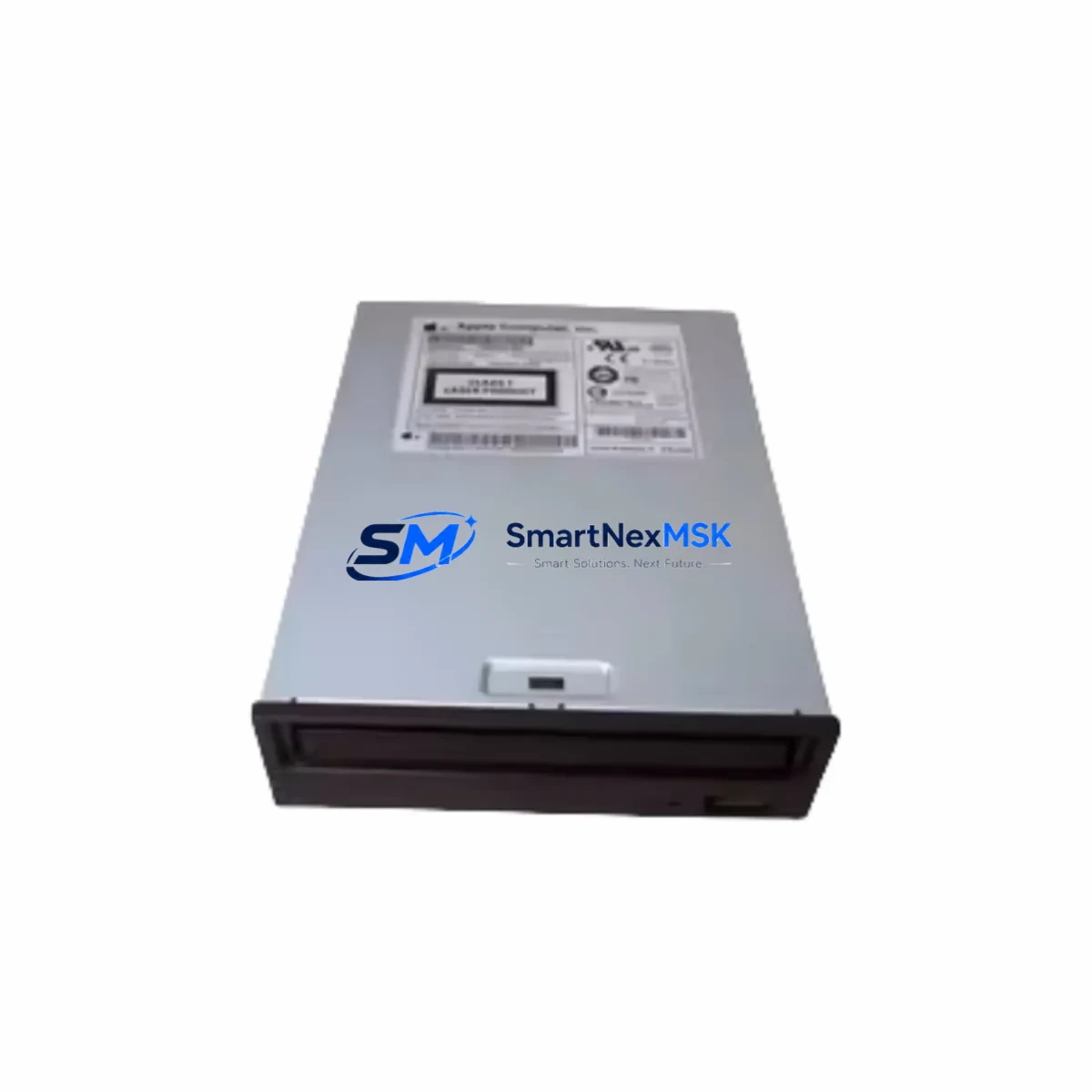
MITSUMI FX48A0W FX48AOW: Retrofit-Ready Photoelectric Sensor for FX Series Control Systems
The MITSUMI FX48A0W (also referenced as FX48AOW) is a precision photoelectric sensor engineered for seamless integration into legacy FX Series automation systems. Whether you are replacing a discontinued unit on an aging production line, upgrading a control cabinet to meet current safety standards, or restoring a system after unexpected sensor failure, the FX48A0W delivers verified electrical compatibility, reliable detection performance, and a straightforward retrofit path that minimizes engineering risk and unplanned downtime.
Industrial facilities running MITSUMI FX Series platforms often face the challenge of sourcing exact-match replacements for sensors that have reached end-of-life. The FX48A0W addresses this directly — it maintains the same output signal characteristics, supply voltage range, and mechanical mounting footprint as the original specification, allowing maintenance engineers to execute a like-for-like swap without modifying existing terminal wiring, PLC input card assignments, or HMI alarm tag mappings. Before installation, engineers should confirm the supply voltage (typically 12–24 V DC), NPN or PNP output polarity, and the sensing distance calibration against the original datasheet to ensure the replacement unit matches the field-tuned parameters of the outgoing sensor.
Upgrade Compatibility Table
| Parameter | FX48A0W / FX48AOW | Retrofit Notes |
|---|---|---|
| Supply Voltage | 12–24 V DC | Verify against existing power rail; no rewiring required for standard FX Series cabinets |
| Output Type | NPN / PNP (confirm variant) | Match output polarity to PLC digital input card (e.g., MELSEC FX3U-16EX or equivalent I/O module) |
| Connector / Terminal | M12 or pigtail (model-dependent) | Retain existing cable assembly where possible; re-terminate only if connector type differs |
| Mounting | Standard bracket mount | Identical footprint to original FX Series sensor bracket — no mechanical modification needed |
| Communication | Discrete I/O (digital signal) | No protocol migration required; signal maps directly to existing PLC input address |
| PLC Compatibility | MELSEC FX Series (FX1N, FX2N, FX3G, FX3U, FX5U) | Compatible with Mitsubishi MELSEC FX family; verify input module address allocation in GX Works |
| HMI Integration | Tag-based (discrete bit) | No HMI screen modification required if original tag address is preserved |
| Warranty | 12-Month Warranty — covers manufacturing defects and verified compatibility failures | |
Retrofit Planning for Existing Automation Systems
A successful retrofit of the FX48A0W into an existing FX Series control system begins with a structured pre-replacement audit. Maintenance teams should document the current sensor’s wiring diagram, terminal block assignments, and the associated PLC input address before any physical work begins. In systems where the FX Series PLC communicates over RS-422 or RS-485 using the MELSEC protocol, the sensor’s discrete output feeds into a local I/O expansion module — such as an FX3U-16EX input expansion block or an FX3U-4AD analog input module — and the address mapping must be preserved exactly to avoid program logic errors after the swap.
For control cabinets that house multiple sensor types alongside a MITSUMI FX Series CPU module, a 24 V DC power supply unit, and a terminal block distribution board, the replacement procedure should follow a zone-isolation approach: de-energize only the sensor circuit, not the entire cabinet, to keep the PLC in RUN mode and maintain production continuity on unaffected lines. Where the cabinet also includes an FX Series communication module (such as an FX3U-232ADP-MB for Modbus RTU or an FX3U-ENET for Ethernet/IP), these links remain active during the sensor swap, eliminating the need for a full system restart.
Engineers working on lines that use a GOT2000 series HMI or an older GOT1000 panel connected to the FX Series CPU should verify that the sensor’s bit address in the HMI project matches the PLC input register. If the original sensor occupied input X005, the replacement FX48A0W must be wired to the same terminal to avoid remapping the HMI alarm screen. In cases where the original terminal block layout has been modified over time, a MELSEC FX programming cable (USB-SC09-FX) and GX Works2 or GX Works3 software should be used to read the live I/O status and confirm the new sensor is triggering the correct input bit before returning the line to production.
For facilities managing a broader I/O expansion — for example, systems using an FX3U-64CCL CC-Link slave module or an FX5-C32EX/D extension module — the FX48A0W integrates without protocol changes, as its output remains a standard discrete signal regardless of the downstream communication architecture. Stock availability for the FX48A0W is maintained to support both emergency breakdown replacements and planned preventive maintenance schedules, with pre-shipment functional testing performed on every unit.
Downtime Control During System Migration
Minimizing unplanned downtime during a sensor replacement on an active FX Series line requires preparation, not improvisation. The recommended approach is to pre-stage the replacement FX48A0W unit alongside a printed copy of the original wiring diagram and the PLC I/O allocation table before the maintenance window opens. Where production scheduling allows, the swap should be performed during a planned micro-shutdown rather than an emergency stop, giving the maintenance team time to verify output signal integrity with a multimeter before reconnecting the terminal block.
To protect the original program logic, a backup of the PLC project should be uploaded from the CPU to a laptop running GX Works prior to any hardware change. This ensures that if the replacement sensor triggers an unexpected input state — for example, due to a sensing distance difference or ambient light interference — the engineer can review the ladder logic offline and adjust the input filter time constant without risking corruption of the live program. Once the FX48A0W is installed and wired, a forced I/O test in GX Works (Monitor mode → Force ON/OFF) confirms that the sensor output is correctly mapped before the line is returned to automatic mode.
For systems where continuous control is critical — such as conveyor lines, packaging machines, or injection molding cells — a hot-swap procedure using a temporary bypass relay can maintain the PLC input signal during the physical sensor exchange, eliminating the need to halt the controlled process entirely. After the replacement is confirmed operational, the bypass is removed and the system reverts to normal sensor-driven control. All replacement units ship with a 12-month warranty and a pre-shipment test report confirming output signal levels, response time, and insulation resistance.
Retrofit Support FAQ
Q1: Is the FX48A0W a direct drop-in replacement for the original FX Series sensor without rewiring?
In most standard FX Series installations, yes. The FX48A0W maintains the same supply voltage range, output signal type, and mounting dimensions as the original specification. Engineers should confirm the NPN/PNP output variant and connector type match the existing wiring before installation. No PLC program changes are required if the input address is preserved.
Q2: What commissioning steps are required after installing the FX48A0W?
After physical installation and terminal reconnection, use GX Works (Monitor mode) to verify the sensor input bit toggles correctly when an object enters the detection zone. Adjust the sensing distance potentiometer if the original calibration point differs from the factory default. Confirm the HMI alarm tag associated with the sensor input is responding correctly before releasing the line to production.
Q3: Can the FX48A0W be used in systems that have been upgraded from FX2N to FX5U?
Yes. The FX48A0W’s discrete output is compatible with both legacy FX2N input modules and current FX5U built-in I/O. When migrating from FX2N to FX5U, verify the input module terminal numbering in the new CPU’s I/O allocation table, as the physical terminal layout may differ between generations. No sensor-side modification is required.
Q4: What does the 12-month warranty cover?
The 12-month warranty covers manufacturing defects, premature component failure under normal operating conditions, and verified compatibility failures where the unit does not perform to the published specification in a correctly wired FX Series application. Each unit undergoes pre-shipment functional testing. Warranty claims are supported by our technical team — contact [email protected] with the order reference and a description of the fault.
© 2026 SMARTNEXMSK. All rights reserved.
Original Source: https://smartnexmsk.com
Contact: [email protected] | +86 18259474341