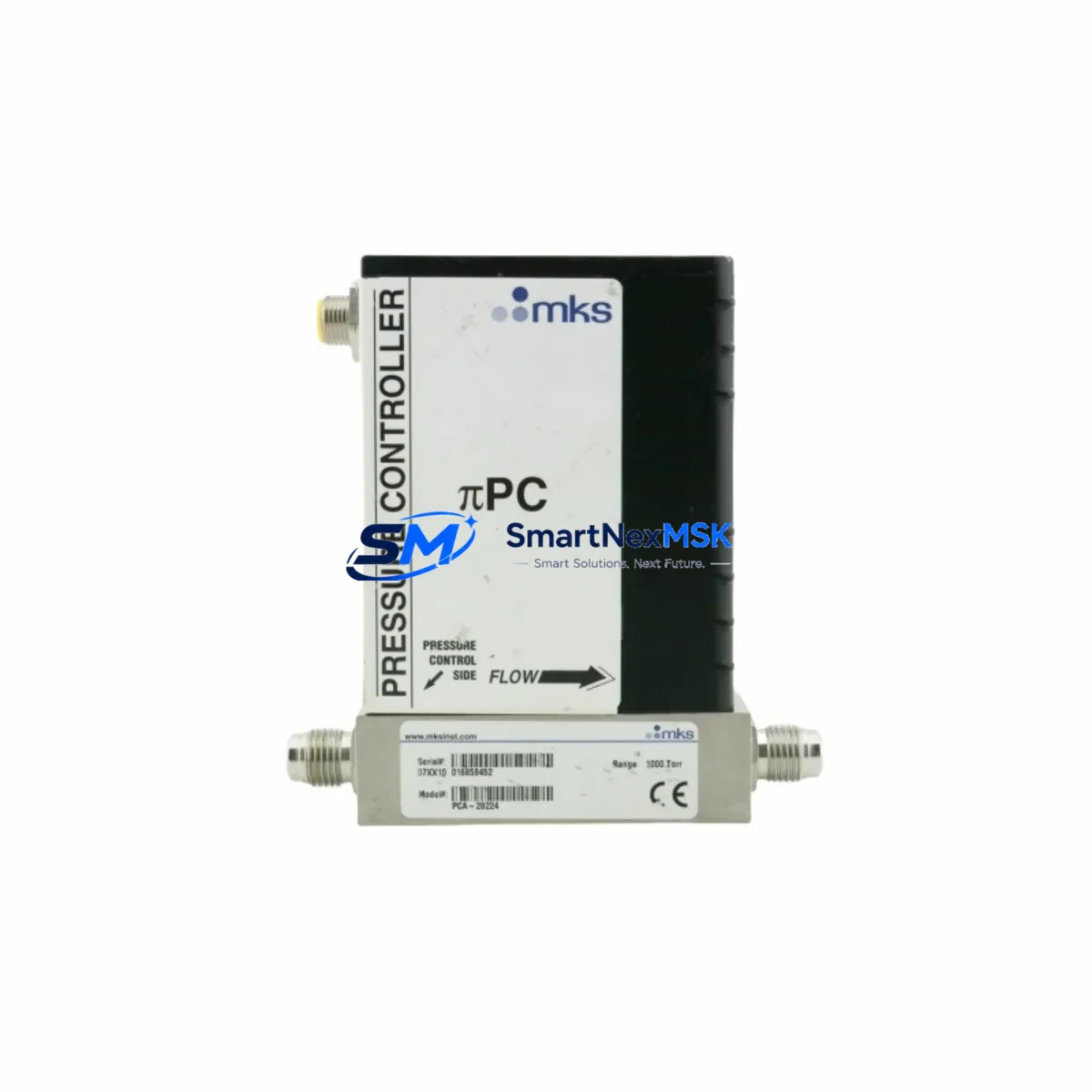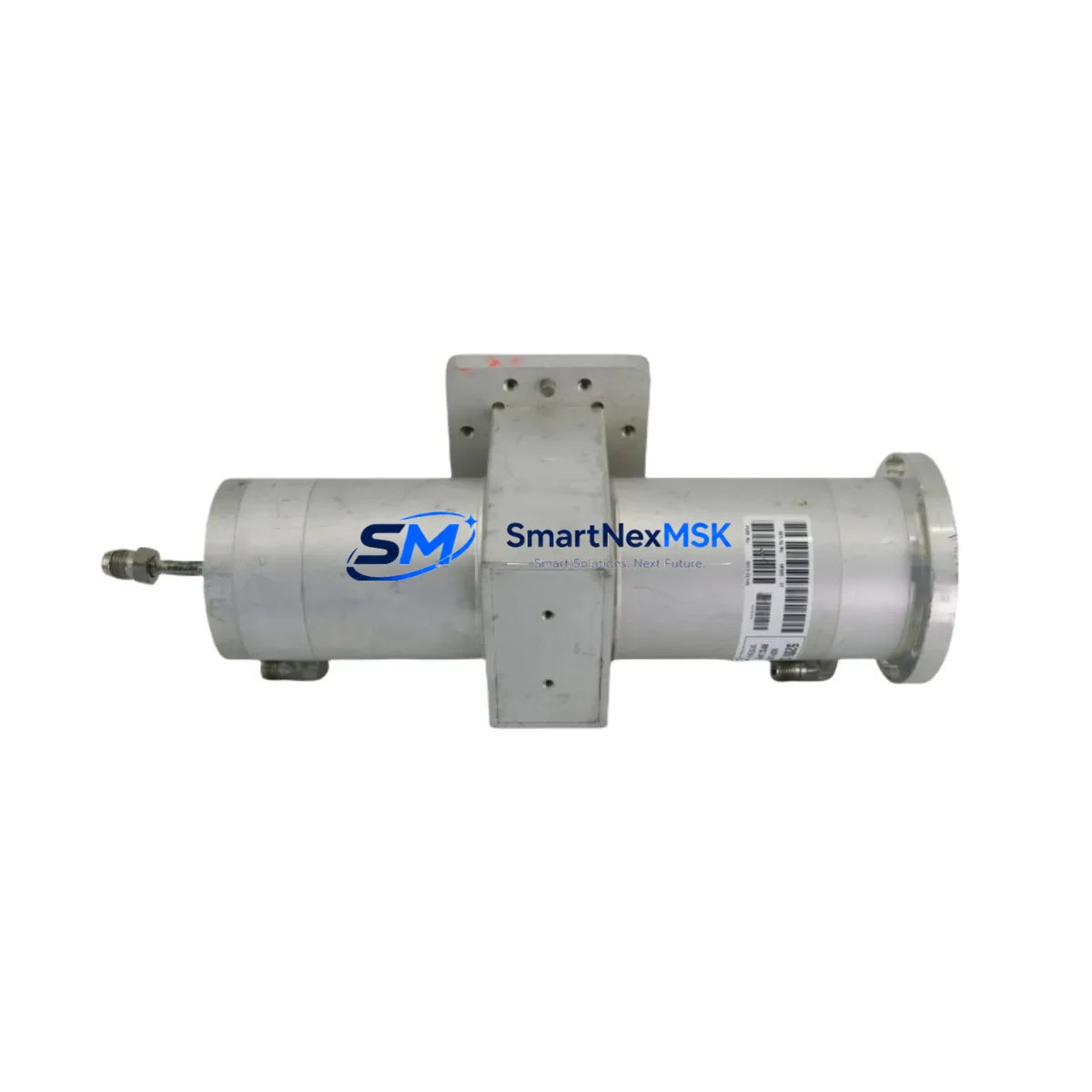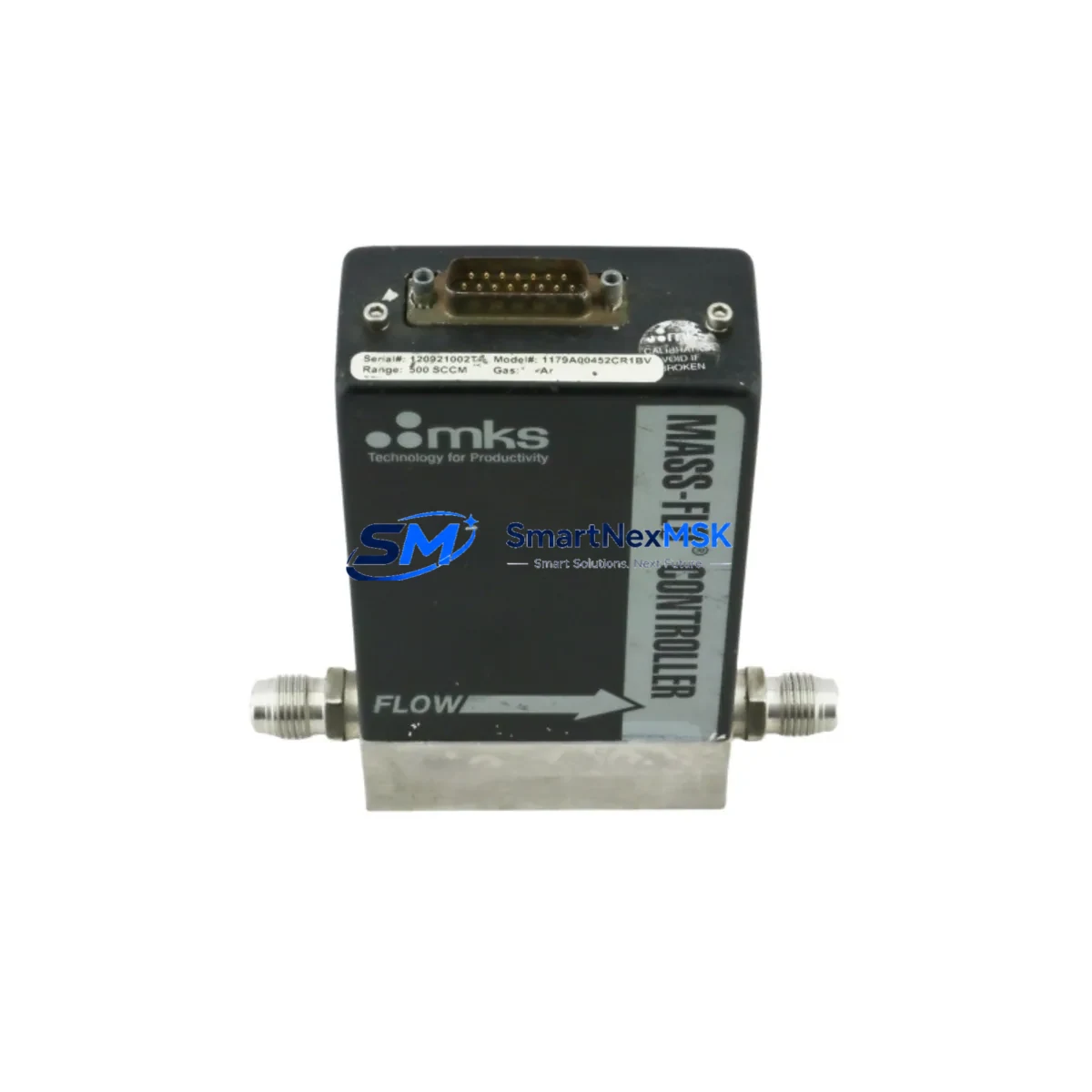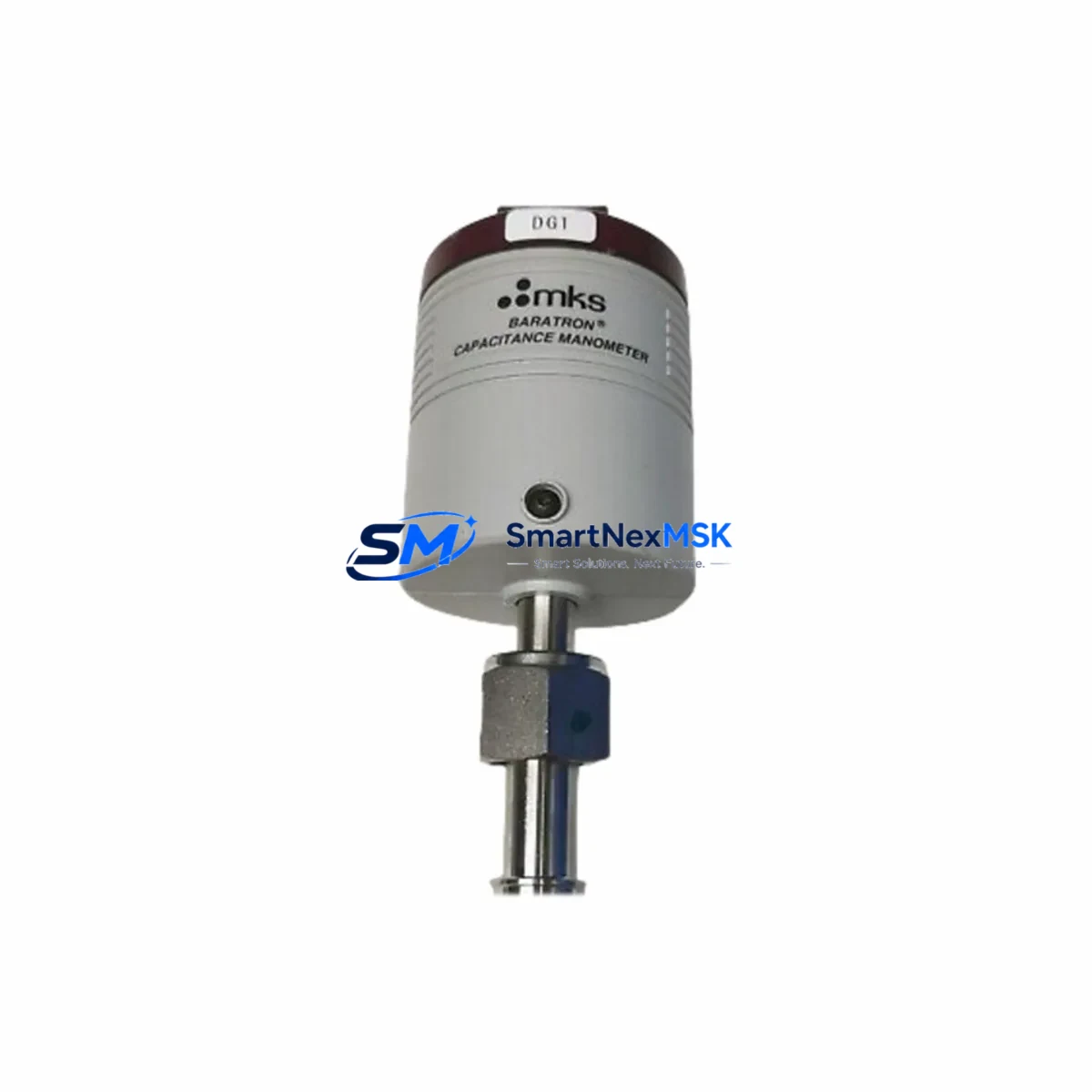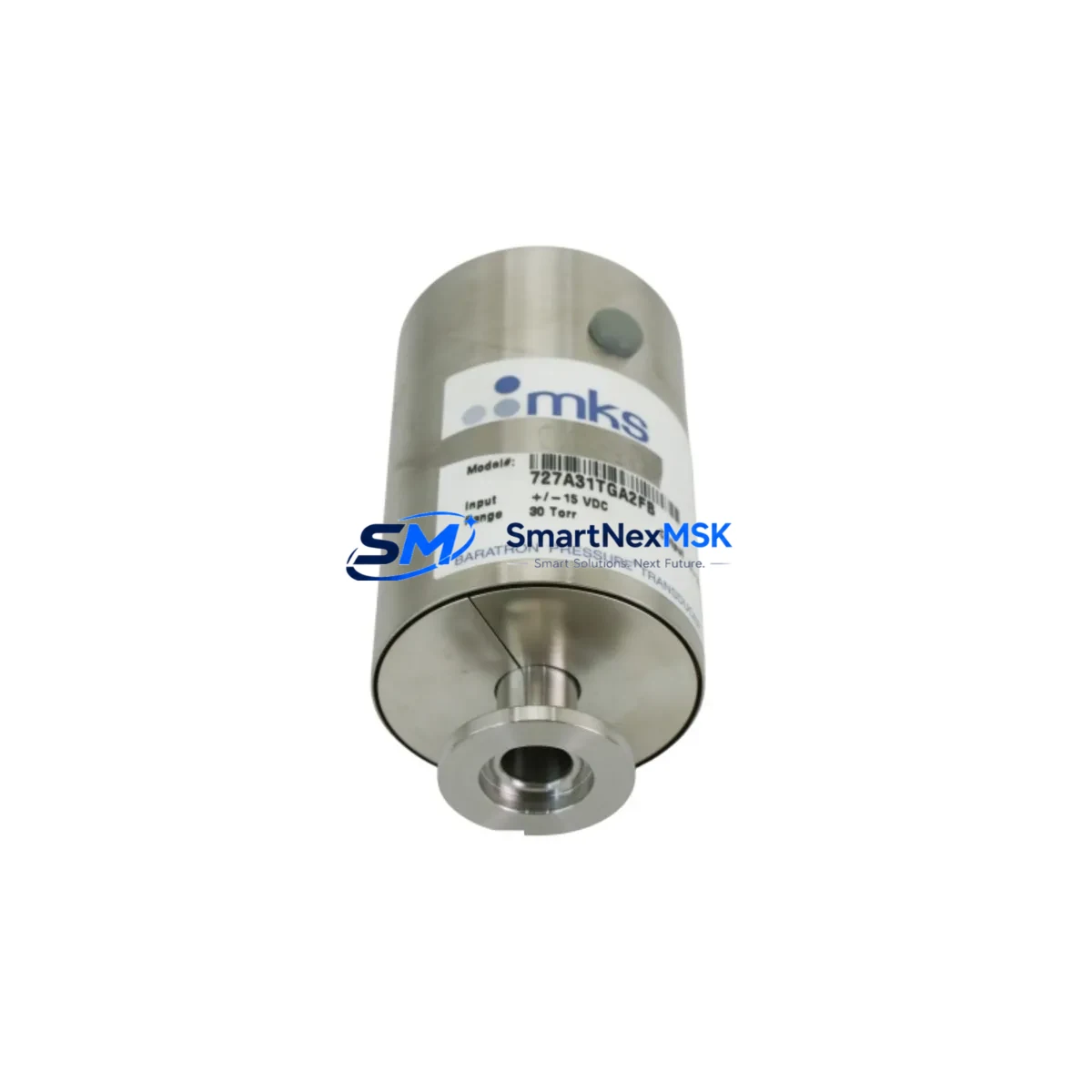
MKS 727A31TGA2FB-EX125D-INGEN2PU0-RTNGEN2PU0 Spare 727A Automation: Precision Spare for Industrial Downtime Control
The MKS Instruments 727A31TGA2FB-EX125D-INGEN2PU0-RTNGEN2PU0 is an original Baratron® capacitance manometer engineered for high-accuracy pressure measurement in demanding industrial automation and semiconductor process environments. As a maintenance-ready spare, this unit supports rapid field replacement within 727A Series vacuum and process control systems, minimizing unplanned downtime and preserving process integrity across CVD, etch, diffusion, and thin-film deposition lines.
For maintenance engineers managing aging process equipment, sourcing a verified original spare for the 727A Series is critical. The 727A31TGA2FB-EX125D-INGEN2PU0-RTNGEN2PU0 ships tested and calibrated, ready for immediate installation. Each unit undergoes pre-shipment functional verification and is backed by a 12-month warranty, giving procurement teams confidence in long-term supply continuity.
Spare Maintenance Table
| Parameter | Specification / Detail |
|---|---|
| Part Number / SKU | 727A31TGA2FB-EX125D-INGEN2PU0-RTNGEN2PU0 |
| Brand | MKS Instruments |
| Series | 727A Baratron® Capacitance Manometer |
| Product Type | Capacitance Manometer (Absolute Pressure) |
| Measurement Range | Inferred: 125 Torr full scale (EX125D designation) |
| Output Signal | Analog (inferred from TGA2FB designation) |
| Process Connection | NW/KF flange (inferred from 727A Series standard) |
| Heated Version | Yes — integrated heater for condensation prevention |
| Compatible Systems | CVD, Etch, Diffusion, Thin-Film, Vacuum Process Lines |
| Origin | United States (MKS Instruments) |
| Installation | Direct drop-in replacement for 727A Series installations |
| Pre-Shipment Test | Functional verification and calibration check performed |
| Warranty | 12 Months from date of shipment |
| Lead Time | In-stock units ship within 3–5 business days |
| Application Environment | Semiconductor fab, industrial vacuum, process automation |
Maintenance Planning for Continuous Operation
When scheduling a planned replacement of the 727A31TGA2FB-EX125D-INGEN2PU0-RTNGEN2PU0, experienced maintenance engineers treat this as an opportunity for a broader control loop inspection. The Baratron capacitance manometer sits at the heart of pressure feedback loops — its replacement should be coordinated with a review of adjacent components to prevent repeat failures and ensure system stability after restart.
Begin with the MKS 670 Signal Conditioner or equivalent readout module: verify that the analog output range and zero calibration are correctly matched to the new sensor. Inspect the MKS Type 248 control valve or downstream throttle valve for seat wear or contamination that may have contributed to abnormal pressure readings triggering the sensor replacement. Check the MKS 1179 or 2179 mass flow controller upstream — a drifting MFC can mask or mimic manometer faults.
Review the process chamber isolation valve (typically a pneumatic gate valve or butterfly valve) for seal integrity; a leaking isolation valve will cause the new manometer to read erratically from day one. Inspect KF/NW vacuum fittings and O-rings at the manometer port — replace any O-rings showing compression set or chemical attack. Verify the heated sensor power supply output voltage and current draw; the 727A Series heater circuit draws a defined wattage and a degraded power supply can cause thermal instability in the new unit.
At the PLC or DCS level, confirm that the analog input card (e.g., a Siemens SM 331 or equivalent 4–20 mA/0–10 V input module) is reading within calibrated range. If the system uses a MKS 651C or 252 pressure controller, re-run the auto-tune sequence after sensor swap to re-establish stable setpoint control. For facilities running older recipe-driven systems, update the HMI pressure display tag and alarm setpoints to reflect the new sensor’s calibration certificate values. Finally, check the vacuum pump inlet filter or trap — contamination migrating from the pump side is a leading cause of premature Baratron diaphragm failure.
Site Replacement Workflow
Step 1 — Isolation & Venting: Isolate the process chamber, vent to atmosphere through the designated vent valve, and confirm pressure equalization before breaking the vacuum flange connection. Never remove the manometer under vacuum.
Step 2 — Electrical Disconnection: Disconnect the sensor cable at the bulkhead connector. Label the cable and note the pin-out orientation. For heated units, confirm the heater power is de-energized at the power supply before disconnection.
Step 3 — Mechanical Removal: Remove the KF clamp and centering O-ring. Inspect the mating flange face for contamination or corrosion. Clean with IPA-compatible wipe if required. Retain the old unit for failure analysis if root cause investigation is planned.
Step 4 — New Unit Installation: Install a fresh KF O-ring (included or sourced separately). Mount the 727A31TGA2FB-EX125D-INGEN2PU0-RTNGEN2PU0, torque the clamp to specification, and reconnect the sensor cable. Restore heater power and allow the sensor to reach thermal equilibrium (typically 30–60 minutes for heated Baratron units) before pumping down.
Step 5 — System Verification: Pump the system to base pressure and verify the manometer reads within expected range. Compare against a reference gauge if available. Confirm the PLC/DCS analog input is reading correctly and that no pressure alarms are triggered at base pressure. Log the replacement in the maintenance management system (CMMS) with the new unit’s serial number and calibration date.
This workflow supports a like-for-like replacement that preserves system compatibility, reduces re-qualification time, and restores production throughput with minimal disruption.
Spare Parts Support FAQ
Q1: Is the 727A31TGA2FB-EX125D-INGEN2PU0-RTNGEN2PU0 a direct drop-in replacement for my existing 727A Series manometer?
Yes. The 727A31TGA2FB-EX125D-INGEN2PU0-RTNGEN2PU0 is an original MKS Instruments Baratron unit designed for direct mechanical and electrical compatibility within the 727A Series. Verify your existing cable connector type and flange size (NW25/NW40) before ordering to confirm fitment. Our technical team can assist with compatibility confirmation prior to shipment.
Q2: What does your pre-shipment testing cover, and how does it support my incoming inspection process?
Every unit undergoes functional power-on verification and output signal check before dispatch. For calibrated units, a calibration certificate is available upon request. This allows your incoming QC team to accept the unit against documented test data, reducing incoming inspection time and accelerating installation scheduling.
Q3: How should I manage 727A Series Baratron spares in my maintenance inventory?
For facilities running multiple process chambers with 727A Series manometers, we recommend maintaining at least one cold spare per pressure range in use. Given the 30–60 minute thermal stabilization requirement for heated units, having a pre-staged spare significantly reduces mean time to repair (MTTR). We support blanket order arrangements and scheduled replenishment to keep your spare parts inventory current without overstocking.
Q4: What is covered under the 12-month warranty, and what is the process for a warranty claim?
The 12-month warranty covers manufacturing defects and functional failures under normal operating conditions from the date of shipment. It does not cover damage resulting from improper installation, chemical contamination beyond rated exposure limits, or physical impact. To initiate a warranty claim, contact our support team with the unit serial number, purchase order reference, and a description of the failure mode. We will arrange return logistics and provide a replacement or repair within an agreed lead time.
© 2026 SMARTNEXMSK. All rights reserved.
Original Source: https://smartnexmsk.com
Contact: [email protected] | +86 18259474341