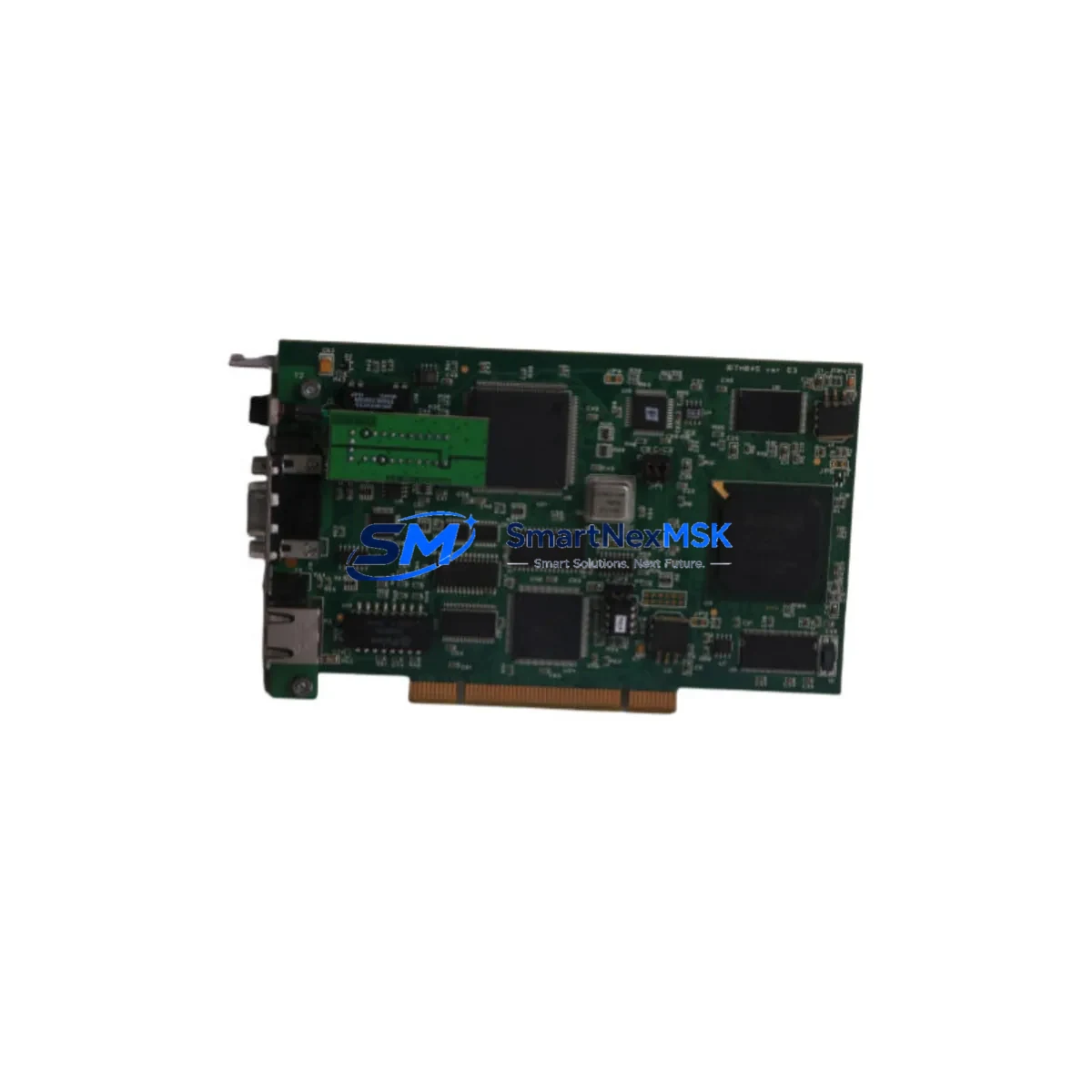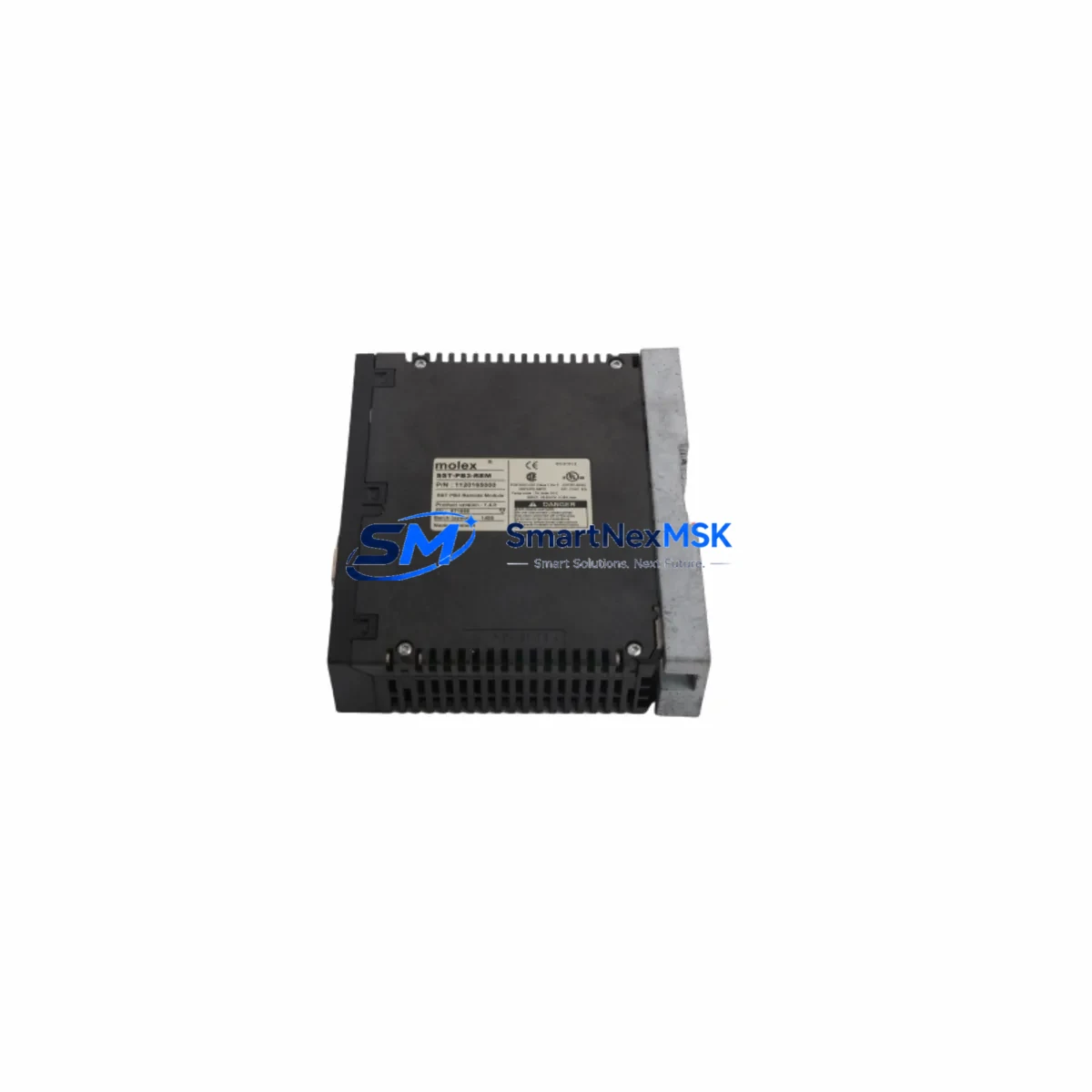
MOLEX SST-PB3-REM Retrofit-Ready Remote I/O for SST-PB3 Control Systems
The MOLEX SST-PB3-REM is a PROFIBUS DP Remote I/O module engineered for seamless integration into existing SST-PB3 Series control architectures. As legacy automation systems reach end-of-life and OEM support for discontinued components becomes increasingly scarce, the SST-PB3-REM stands out as a proven retrofit solution — enabling engineers to modernize aging control cabinets without scrapping validated program logic or rewiring entire I/O subsystems.
Whether you are replacing a failed unit on an active production line, upgrading a legacy PROFIBUS DP network to improve diagnostic visibility, or expanding I/O capacity within an existing rack, the SST-PB3-REM delivers the compatibility, reliability, and supply continuity that industrial buyers demand. Each unit ships from our Xiamen warehouse with a 12-month warranty and undergoes pre-shipment functional testing to verify communication integrity and I/O response before dispatch.
Upgrade Compatibility Table
| Parameter | Details |
|---|---|
| SKU | SST-PB3-REM |
| Brand | MOLEX |
| Series | SST-PB3 |
| Communication Protocol | PROFIBUS DP (EN 50170) |
| Module Type | Remote I/O Module |
| Backplane Interface | SST-PB3 Series rack-compatible slot |
| Installation Requirement | DIN rail or panel-mount rack; SST-PB3 backplane required |
| Replacement Compatibility | Direct drop-in for SST-PB3-REM; compatible with SST-PB3 Series DP master configurations |
| Power Supply Compatibility | 24 VDC bus power via SST-PB3 rack; verify PSU capacity before installation |
| Commissioning Notes | Confirm GSD file version, DP slave address, and I/O mapping before going live |
| Warranty | 12 months from shipment date |
| Pre-Shipment Testing | Functional communication and I/O verification performed on every unit |
| Origin | CN |
Retrofit Planning for Existing Automation Systems
Retrofitting a PROFIBUS DP network built around the SST-PB3 platform requires careful pre-planning across multiple system layers. Before removing the failed or obsolete SST-PB3-REM, engineers should document the existing DP slave address assignment, confirm the GSD file version loaded in the DP master configuration tool, and photograph all terminal wiring on the I/O side to preserve field wiring accuracy during reinstallation.
On the power side, the SST-PB3 rack’s 24 VDC bus must be verified to supply adequate current for the replacement module. If the control cabinet also houses an SST-PB3-CLX communications gateway or an SST-PB3-PFB PROFIBUS interface card, their power draw must be factored into the total PSU budget. Overloaded power supplies are a common root cause of intermittent communication faults that are often misdiagnosed as module failures.
For sites running mixed I/O configurations, the SST-PB3-REM is frequently deployed alongside SST-PB3 Series digital input modules, analog output modules, and terminal base assemblies. When expanding I/O capacity, confirm that the DP master — whether a Siemens S7-300 CPU, an Allen-Bradley ControlLogix with a PROFIBUS scanner card, or a Schneider Electric Quantum PLC — has sufficient DP slave address space and that the GSD file correctly reflects the new module’s I/O byte count.
HMI screens tied to the affected I/O points should be reviewed before cutover. Tag address mappings in SCADA or HMI platforms such as WinCC, FactoryTalk View, or Vijeo Designer must be validated against the new module’s I/O register layout to prevent display errors or false alarms after restart. Communication links between the DP master and upstream DCS or MES layers should also be tested in simulation mode where possible before live commissioning.
For sites using PROFIBUS PA segments bridged through a DP/PA coupler, ensure the segment load and termination resistors are correctly configured after any rack modification. Programming cables such as the SST-PB3 USB diagnostic interface or standard PROFIBUS DP test tools should be on hand during commissioning to monitor live bus traffic and verify slave participation without interrupting production.
Downtime Control During System Migration
Minimizing unplanned downtime during an SST-PB3-REM replacement begins with preparation, not execution. The most effective approach is to pre-configure the replacement module offline — assigning the correct DP slave address and verifying the GSD file match — before the maintenance window opens. This eliminates the most time-consuming commissioning steps from the critical path.
Where the control system architecture permits, place the DP master in a diagnostic or reduced-scan mode that maintains program execution while isolating the affected DP slave. This preserves upstream process continuity and prevents cascading faults from propagating to interlocked equipment. If the PLC program uses conditional logic tied to the remote I/O module’s health status bits, review those rungs before cutover to avoid unintended shutdowns triggered by the brief communication gap during module swap.
After physical installation, bring the DP slave online incrementally — verify communication establishment first, then confirm I/O data exchange, and finally validate field device responses before releasing the process back to automatic control. Keep the original module on-site until the replacement has completed at least one full production cycle without fault. Our 12-month warranty covers the SST-PB3-REM against manufacturing defects, and every unit is pre-tested before shipment to reduce the risk of DOA scenarios that would extend your downtime window.
Retrofit Support FAQ
Q1: Is the SST-PB3-REM a direct drop-in replacement for the original MOLEX SST-PB3-REM module?
Yes. The SST-PB3-REM is designed as a form-fit-function replacement for the original MOLEX SST-PB3-REM. The backplane connector, slot dimensions, and PROFIBUS DP communication profile are compatible with the SST-PB3 Series rack. No hardware modifications to the rack or field wiring are required for a standard replacement. Confirm the DP slave address and GSD file version match your existing master configuration before powering up.
Q2: What commissioning steps are required after installing the SST-PB3-REM?
After physical installation, set the DP slave address using the module’s address switches to match the original configuration. Load or verify the correct GSD file in your DP master configuration tool. Power up the rack and confirm the module achieves data exchange status on the PROFIBUS DP bus. Validate all I/O points against your field wiring documentation and check HMI tag mappings before returning the system to automatic operation.
Q3: Can the SST-PB3-REM be used with DP masters from other manufacturers, such as Siemens or Allen-Bradley?
Yes. The SST-PB3-REM complies with the PROFIBUS DP standard (EN 50170), making it interoperable with any certified DP master, including Siemens S7-300/S7-400 CPUs, Allen-Bradley ControlLogix with 1756-PROFIBUS scanner modules, Schneider Electric Quantum PLCs, and other standard DP master platforms. Use the provided GSD file to configure the module in your master’s hardware configuration tool.
Q4: What does the 12-month warranty cover, and how is pre-shipment testing conducted?
The 12-month warranty covers manufacturing defects in materials and workmanship from the date of shipment. Every SST-PB3-REM unit undergoes pre-shipment functional testing that verifies PROFIBUS DP communication establishment, I/O data exchange integrity, and power consumption within specification. Units that fail testing are quarantined and not shipped. Warranty claims are processed through our sales team at [email protected].
© 2026 SMARTNEXMSK. All rights reserved.
Original Source: https://smartnexmsk.com
Contact: [email protected] | +86 18259474341