
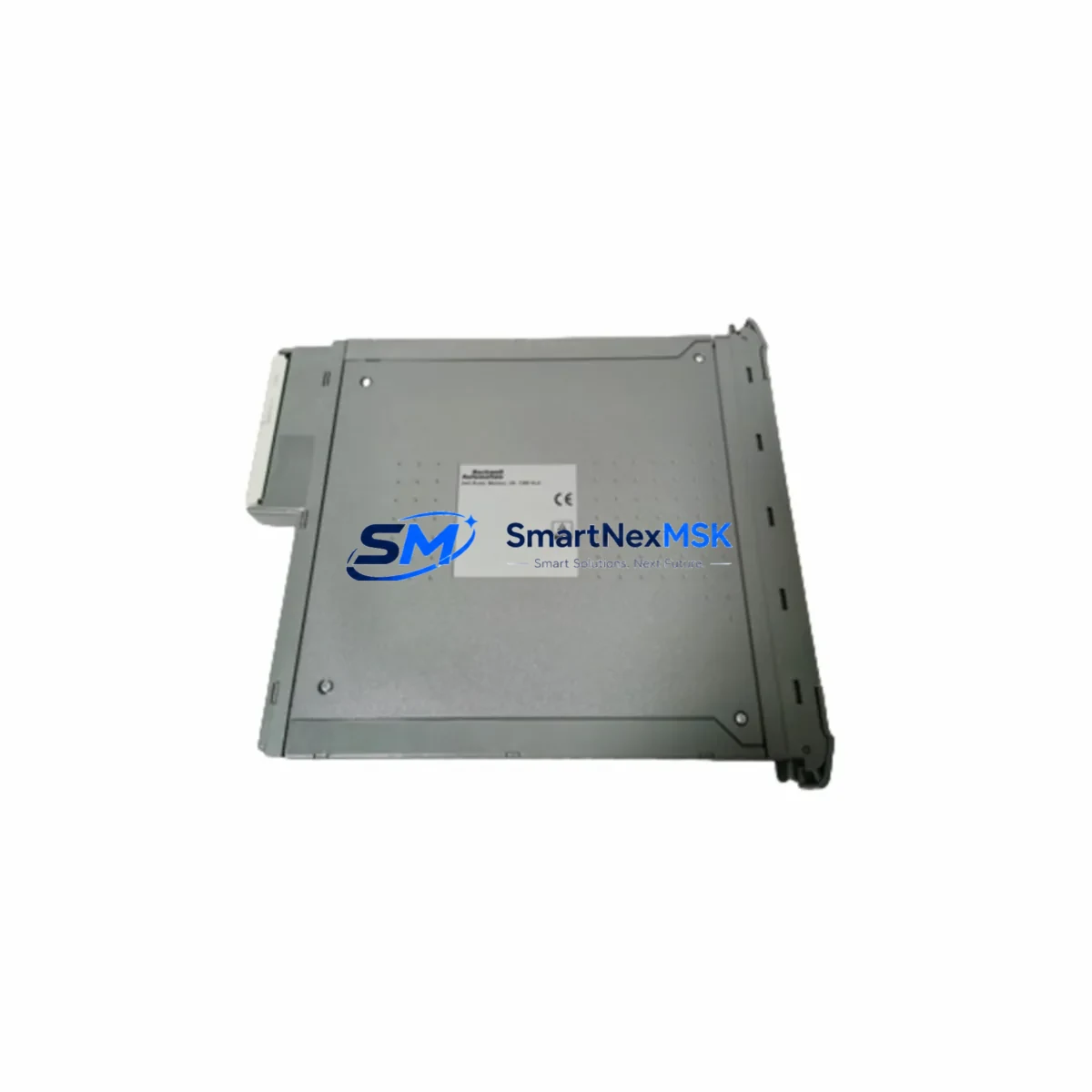
NOKIA 10000417H Retrofit-Ready Digital Output Module for DCS Control Systems
The NOKIA 10000417H is a DCS-series digital output module engineered for seamless integration into legacy distributed control system architectures. As industrial facilities face increasing pressure to modernize aging automation infrastructure without full system overhauls, the 10000417H provides a validated, drop-in retrofit path that preserves existing wiring topology, backplane addressing, and control logic — minimizing engineering risk and unplanned downtime during migration.
Whether you are replacing a failed output card in a running production line, upgrading a discontinued module in a legacy control cabinet, or expanding I/O capacity as part of a phased DCS modernization program, the NOKIA 10000417H delivers the electrical compatibility, signal integrity, and mechanical form factor required for confident field installation. The module is fully tested prior to shipment, backed by a 12-month warranty, and available from verified stock for fast global dispatch.
Upgrade Compatibility Table
| Parameter | Details |
|---|---|
| Module SKU | NOKIA 10000417H |
| Module Type | DCS Digital Output Module |
| Series Compatibility | NOKIA DCS Series Control Systems |
| Installation Type | Backplane / Rack-mount (DCS standard form factor) |
| Communication Compatibility | Compatible with DCS internal bus; verify protocol version with engineering team |
| Wiring Compatibility | Terminal block wiring retained from legacy module; no re-termination required in most installations |
| Replacement Recommendation | Direct replacement for discontinued NOKIA DCS digital output variants; confirm channel count and voltage rating before installation |
| Commissioning Notes | Verify module address assignment in DCS configuration tool; reload I/O map if required; confirm output signal levels with field instruments |
| Warranty | 12 Months — covers manufacturing defects and functional failure under normal operating conditions |
| Pre-shipment Testing | Full functional output test performed on each unit prior to dispatch |
Retrofit Planning for Existing Automation Systems
Successful retrofit of the NOKIA 10000417H into an existing DCS environment requires systematic pre-installation planning. Begin by auditing the power supply module feeding the I/O rack — confirm that the existing DCS power supply unit provides sufficient current headroom to support the 10000417H alongside co-installed modules such as analog input cards, digital input modules, and communication interface modules. Overloaded power rails are a leading cause of intermittent faults during post-retrofit commissioning.
Next, inspect the DCS backplane or I/O rack for slot availability and physical condition. The 10000417H occupies a standard DCS module slot; confirm that the backplane connector pins are clean and undamaged before seating the module. If the rack also houses a DCS communication module — such as a Profibus DP interface card or Modbus RTU gateway — verify that the new output module does not conflict with the existing network node addressing scheme.
Terminal wiring should be documented before removal of the legacy module. In most NOKIA DCS installations, the field wiring connects via a removable terminal block assembly that can be transferred directly to the replacement module, eliminating the need to re-terminate individual conductors. This significantly reduces installation time and the risk of wiring errors. Where a terminal block is not removable, photograph and label each conductor before disconnection.
Module address configuration is critical. Use the DCS engineering workstation and the associated DCS configuration software to confirm the slot address assigned to the output module. If the 10000417H is replacing a module at an existing address, the configuration may be retained without modification. If the slot address has changed — for example, due to rack reconfiguration or a hardware revision — update the I/O map in the controller database and perform a full download to the DCS controller module before enabling outputs.
Where the control system includes an HMI panel or SCADA workstation, verify that the output tag addresses referenced in operator graphics and alarm configurations remain valid after the module swap. In systems where the HMI communicates directly with the I/O layer rather than through the controller, a tag re-mapping exercise may be required. Coordinate with the control system integrator if the HMI configuration is locked or version-controlled.
For installations involving programming cables or portable engineering terminals used for on-site diagnostics, confirm that the cable pinout and communication driver are compatible with the DCS controller revision in use. Some legacy NOKIA DCS systems require a specific RS-232 or USB-to-serial adapter configuration to establish a reliable engineering connection during commissioning.
Downtime Control During System Migration
Minimizing production downtime during a DCS output module replacement requires a structured hot-swap or controlled-shutdown procedure. Where the DCS architecture supports online module replacement — common in redundant or hot-standby configurations — the 10000417H can be installed while the controller remains in RUN mode, provided the output channel is placed in a safe state (de-energized or held at last value) before the physical swap.
For non-redundant systems, coordinate the module replacement with the production schedule to align with a planned maintenance window. Prior to shutdown, export a backup of the controller program, I/O configuration, and HMI tag database. This ensures that if the commissioning of the 10000417H reveals an unexpected configuration issue, the system can be restored to its previous state without data loss.
During the swap, retain the original module in a labeled anti-static bag. Do not dispose of the legacy module until the replacement has been fully commissioned and the system has returned to stable production operation. If the original module is a discontinued part, it may serve as a reference for wiring verification or as a temporary fallback in the event of an unforeseen compatibility issue.
After installation, perform a structured output test: energize each output channel individually and confirm the corresponding field device response — valve actuation, relay closure, motor starter engagement, or indicator lamp illumination — before returning the system to automatic control. Document the commissioning results and update the plant maintenance record to reflect the module serial number, installation date, and test outcomes.
Retrofit Support FAQ
Q1: Is the NOKIA 10000417H a direct drop-in replacement for my existing DCS digital output module?
In most NOKIA DCS installations, the 10000417H is a form-fit-function replacement for the original digital output module at the same rack slot. Confirm the channel count, output voltage rating, and backplane connector type match your existing installation before ordering. Our technical team can assist with cross-reference verification based on your system documentation.
Q2: What wiring changes are required during installation?
In the majority of cases, no re-termination is required. The field wiring connects via the existing terminal block, which transfers directly to the 10000417H. Where individual conductor termination is necessary, refer to the original wiring diagram and confirm conductor labeling before disconnection. All terminal assignments should be verified against the DCS I/O schedule.
Q3: How do I confirm module address compatibility before installation?
Open the DCS engineering workstation and navigate to the I/O configuration for the target rack and slot. Confirm that the module type assigned in the configuration database matches the 10000417H specification. If a configuration update is required, perform the change offline, validate against the existing program logic, and download to the controller during the maintenance window.
Q4: What does the 12-month warranty cover, and how is it claimed?
The 12-month warranty covers manufacturing defects and functional failure under normal operating and environmental conditions. It does not cover damage resulting from incorrect installation, overvoltage, or physical impact. To initiate a warranty claim, contact our sales team with the module serial number, purchase date, and a description of the fault. Replacement or repair will be arranged within the agreed service timeline.
© 2026 SMARTNEXMSK. All rights reserved.
Original Source: https://smartnexmsk.com
Contact: [email protected] | +86 18259474341